Watermark Remover

Remove Watermarks and Date Stamps from Your Own Photos
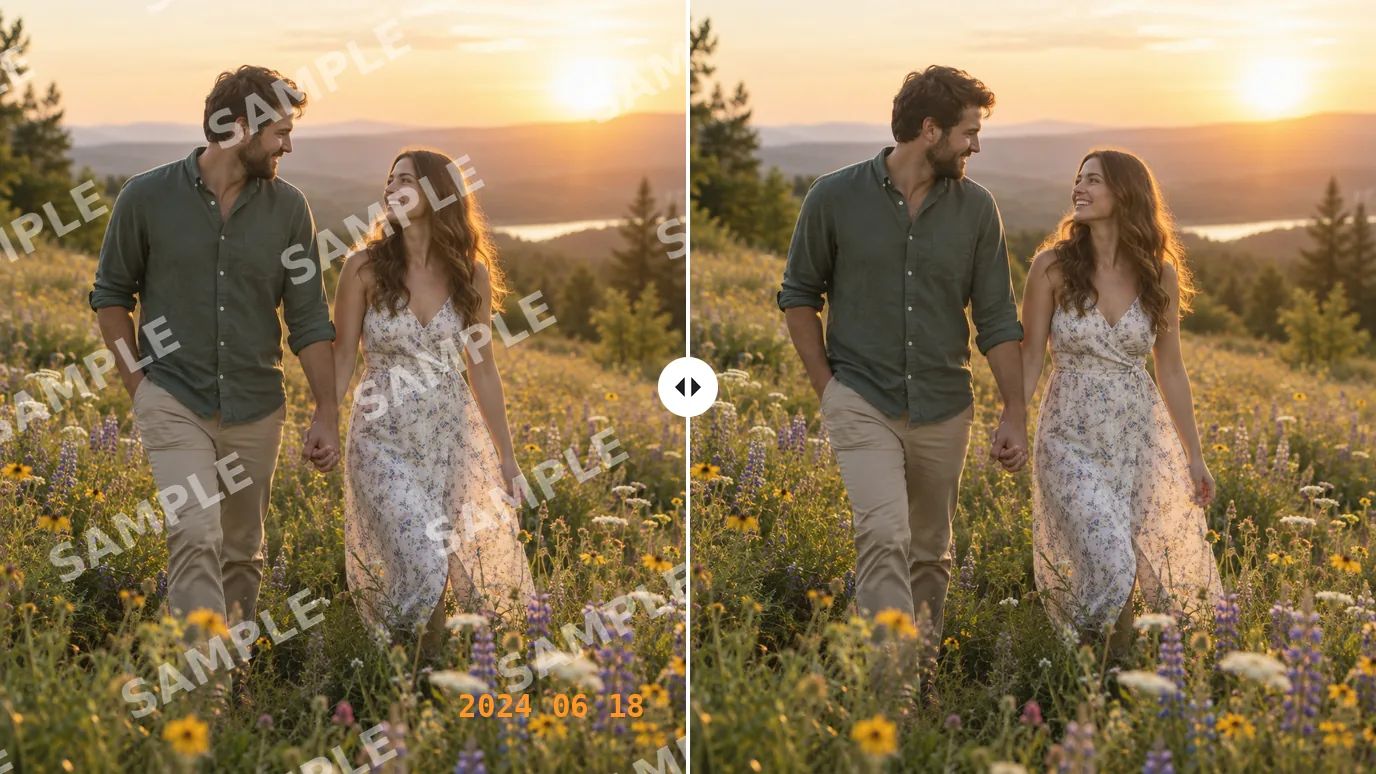
Upload a photo, click Create, and MaxH3's AI watermark remover takes off visible marks such as printed dates, text overlays and your own logo, then fills in the picture underneath. There's nothing to brush, type or adjust. If a faint trace is left, the object remover lets you brush it away by hand.
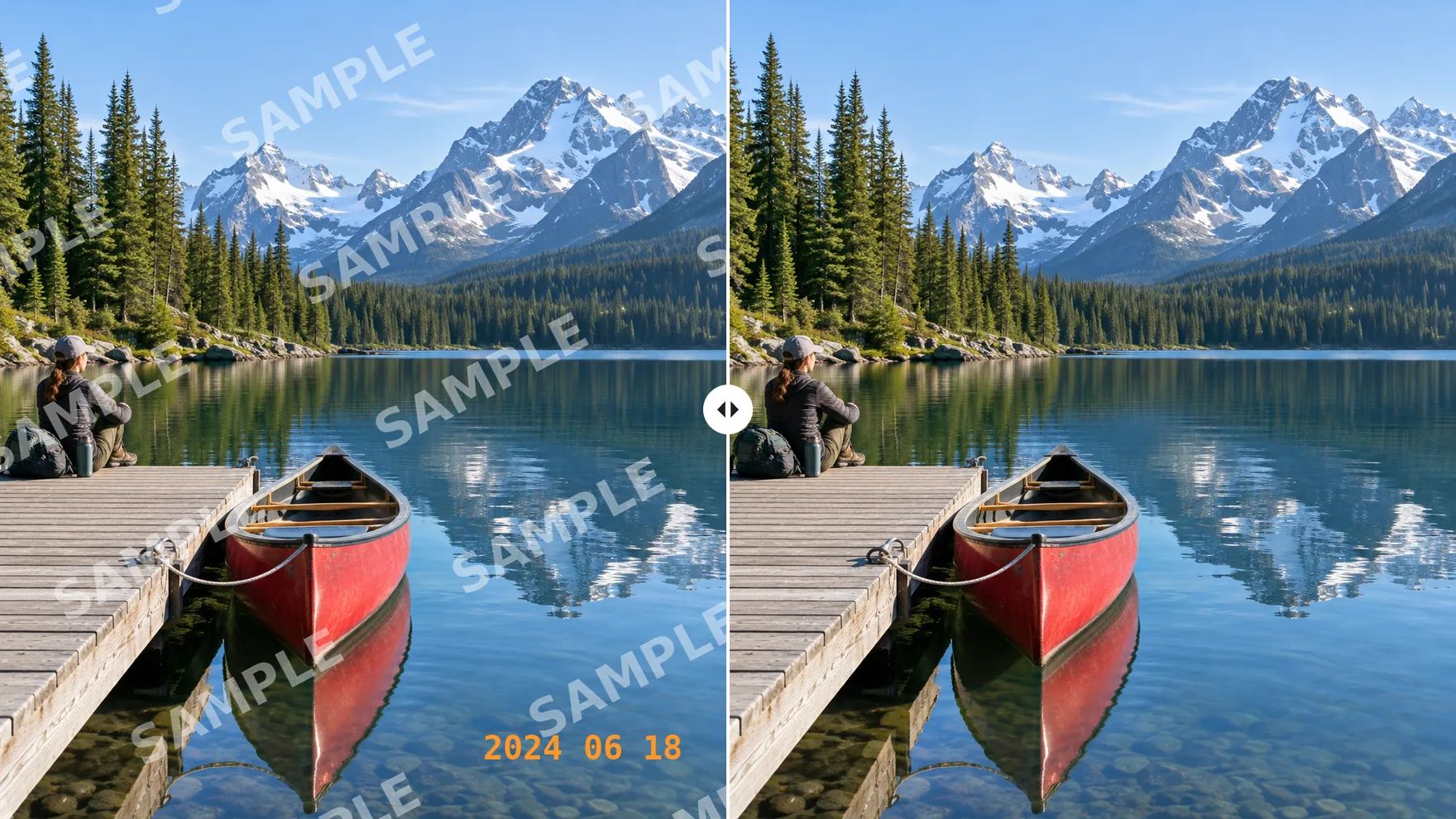
Clean Marks Off the Photos You Own
Printed dates, proof marks, old shop logos and captions: one upload, one click.
Erase Date Stamps from Old Photos
Many film and early digital cameras printed the date in orange in the corner of every frame. Upload the original file or a scan of the print, and the watermark remover takes the stamp out so the moment is what people see.
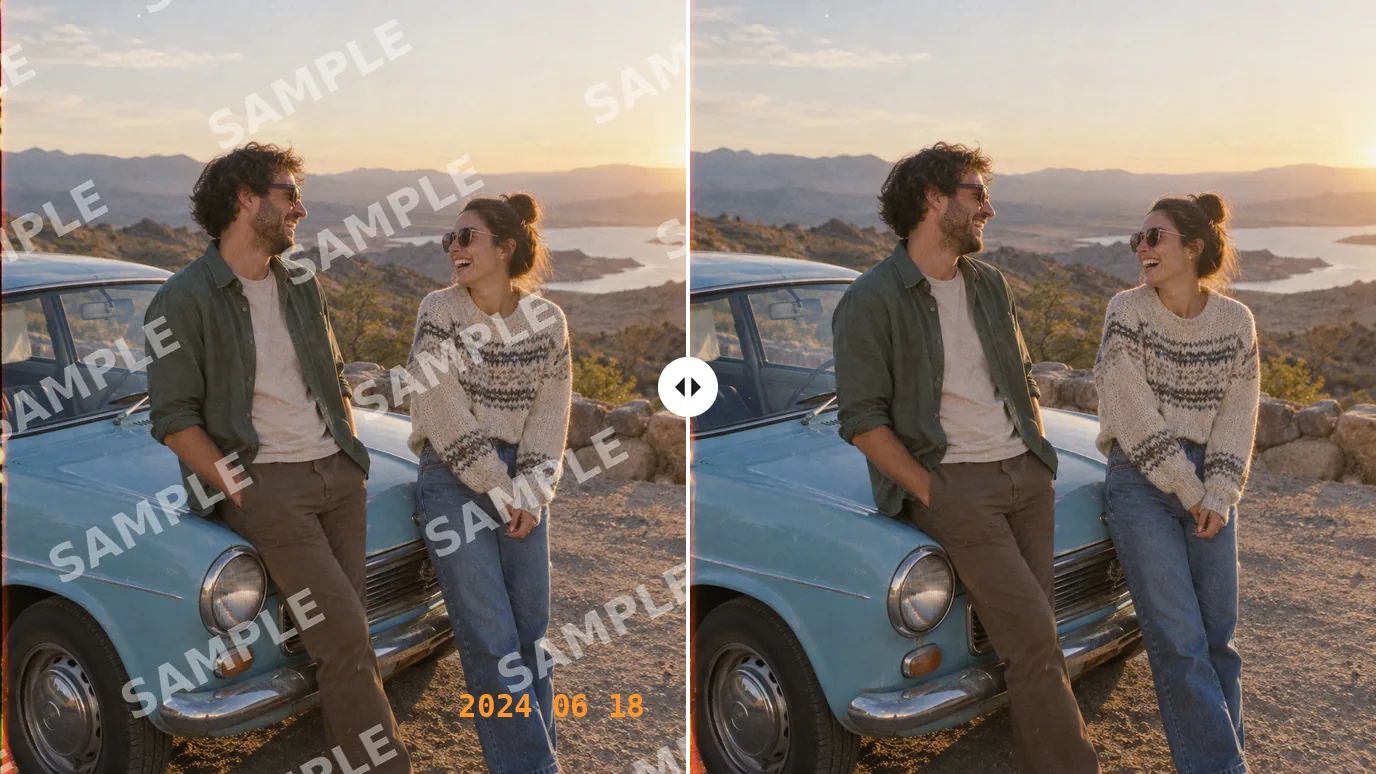
Remove Repeated Marks from Your Own Previews
If you tiled your own mark across proofs or previews to protect them, it isn't sitting in one corner. The tool processes the entire photo in a single run, so there is no need to find and select each copy of your mark.
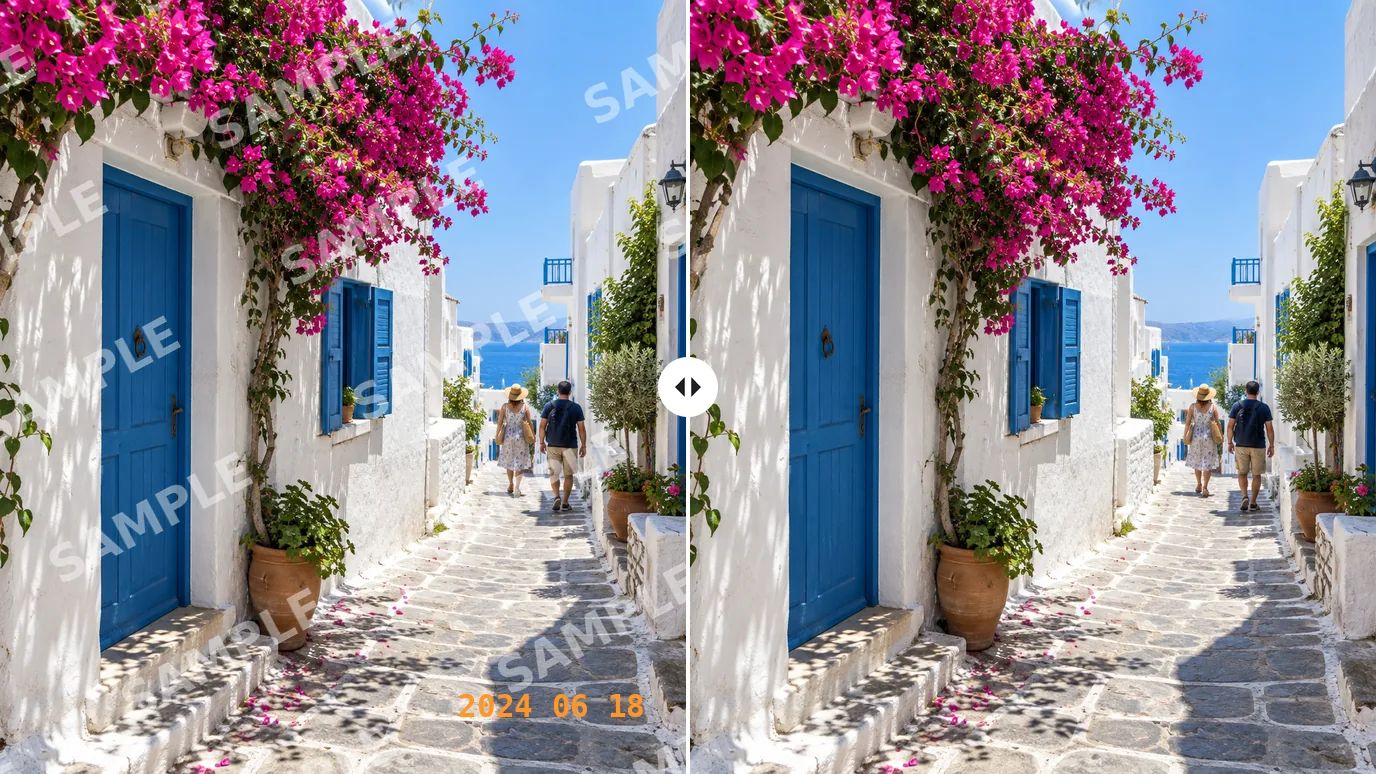
Reuse Your Product Photos Without Old Marks
Moving to a new store or marketplace? Clear your previous shop logo or proof stamp from your own product shots instead of reshooting them, then cut the product out with the background remover if the listing needs a plain backdrop.
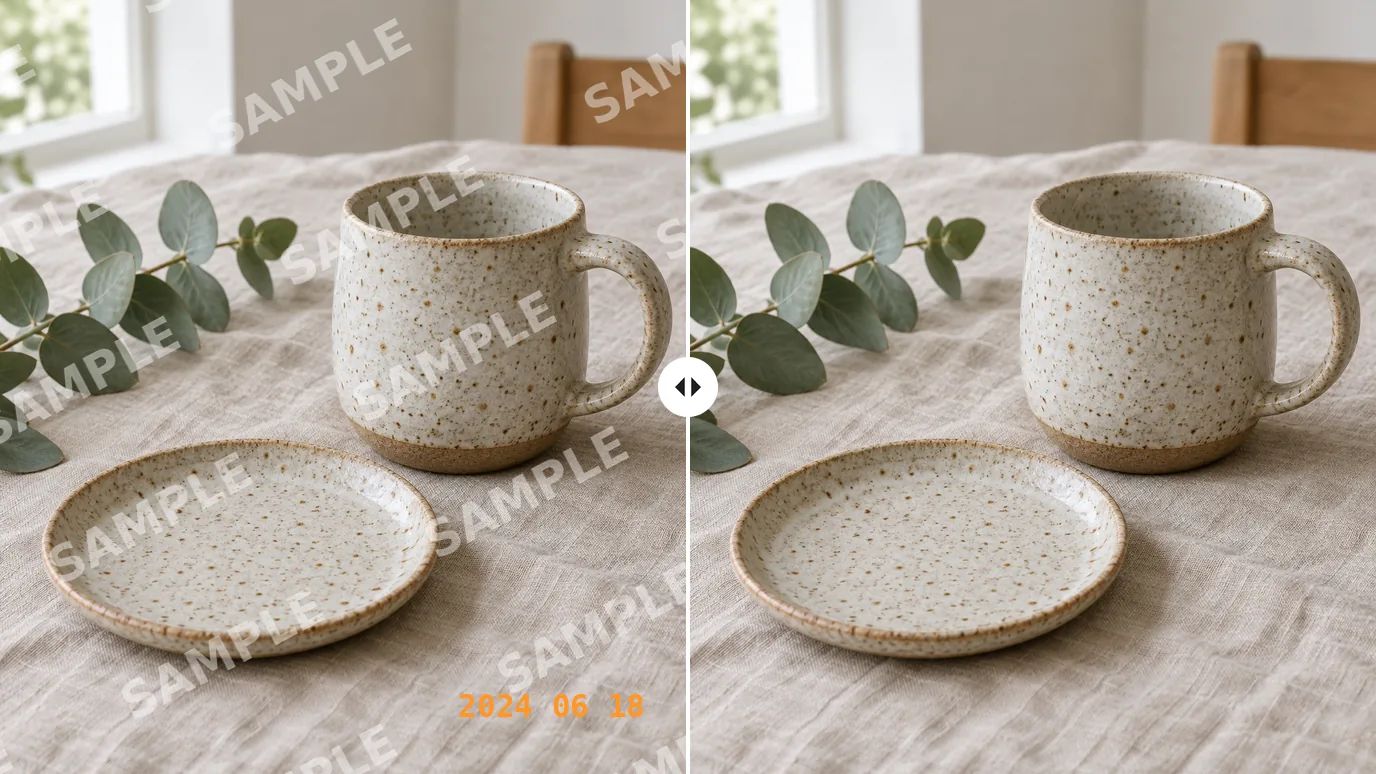
Clear Proof Marks from Your Portfolio
Photographers and designers mark previews before a client signs off. If you've lost the unmarked export of your own work, or want a clean copy of a proof for your portfolio, upload it and get the image back without the stamp.
Who Uses an AI Watermark Remover
People cleaning up images they took, made or hold the rights to.
Family Photo Keepers
Take the printed date off scanned prints before sharing them or making a photo book.
Photographers
Get clean copies of your own proofs and portfolio images.
Online Sellers
Reuse your product photos on a new store without your old logo on them.
Content Creators
Repurpose your own graphics without the captions and handles you added.
How to Remove a Watermark from a Photo
Upload Your Image
Sign in and upload a PNG, JPG or WEBP image up to 15 MB and 4096 pixels on each side.
Click Create
The AI finds the marks on its own and fills in the picture beneath them.
Check and Download
Compare the result with your original and download it. If a faint trace remains, brush over it with the object remover.
Explore More AI Image Tools
Need a different fix? Each of these tools does one job well.
Create images from a text prompt with GPT Image 2.5, Nano Banana, Seedream and more.
Use a photo as the reference and generate it again in a new style, light or setting.
FAQs

Get a Clean Copy of Your Photo
Upload an image you own, click Create, and let the AI clear the marks.