GPT Image 2 AI Image Generator
OpenAI's GPT Image 2 for text to image and photo edits, with formats from 3:1 banners to 1:3 strips, up to 16 references and 4K output.
Explore the Full Range of GPT Image 2
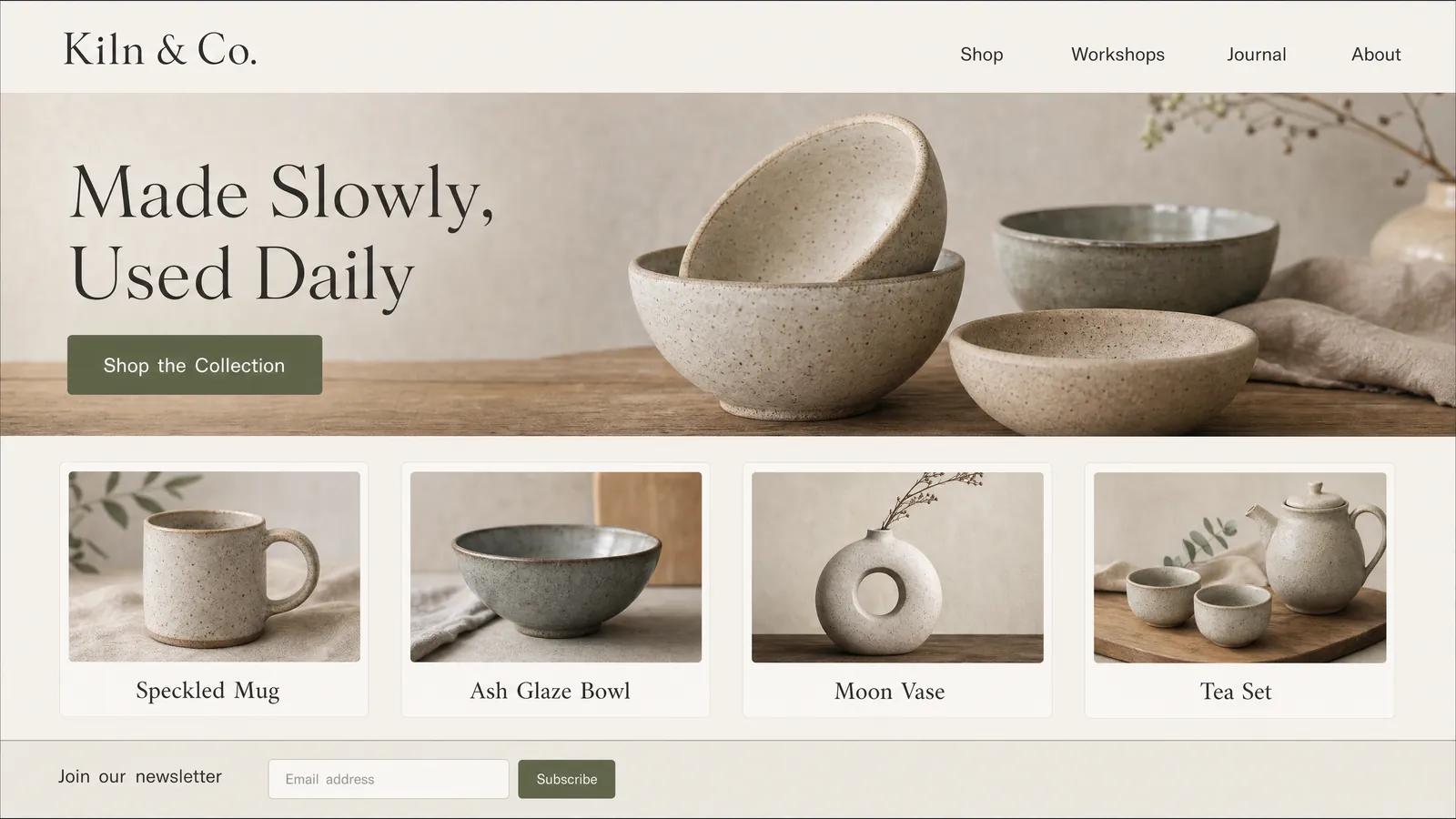
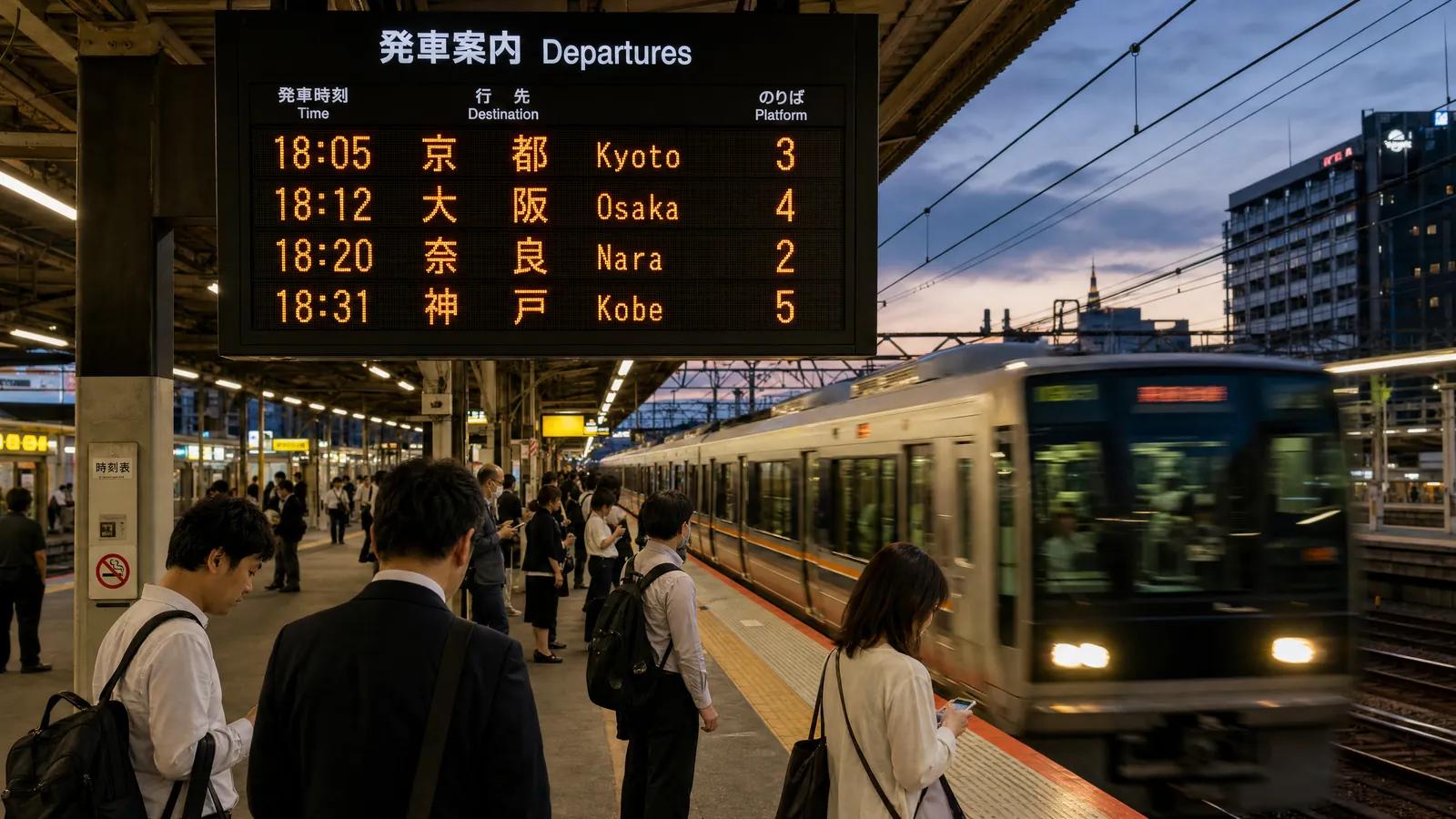
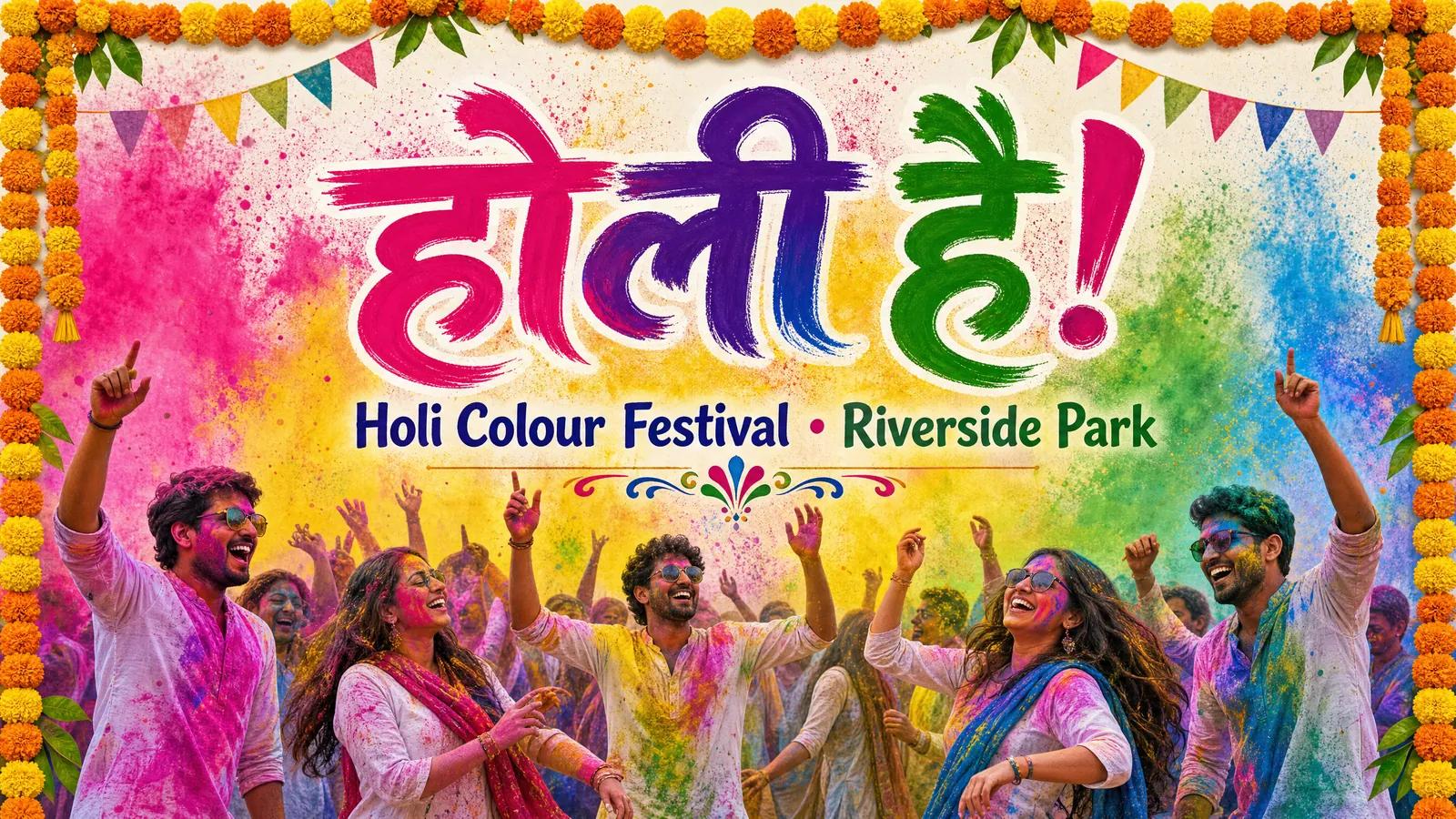
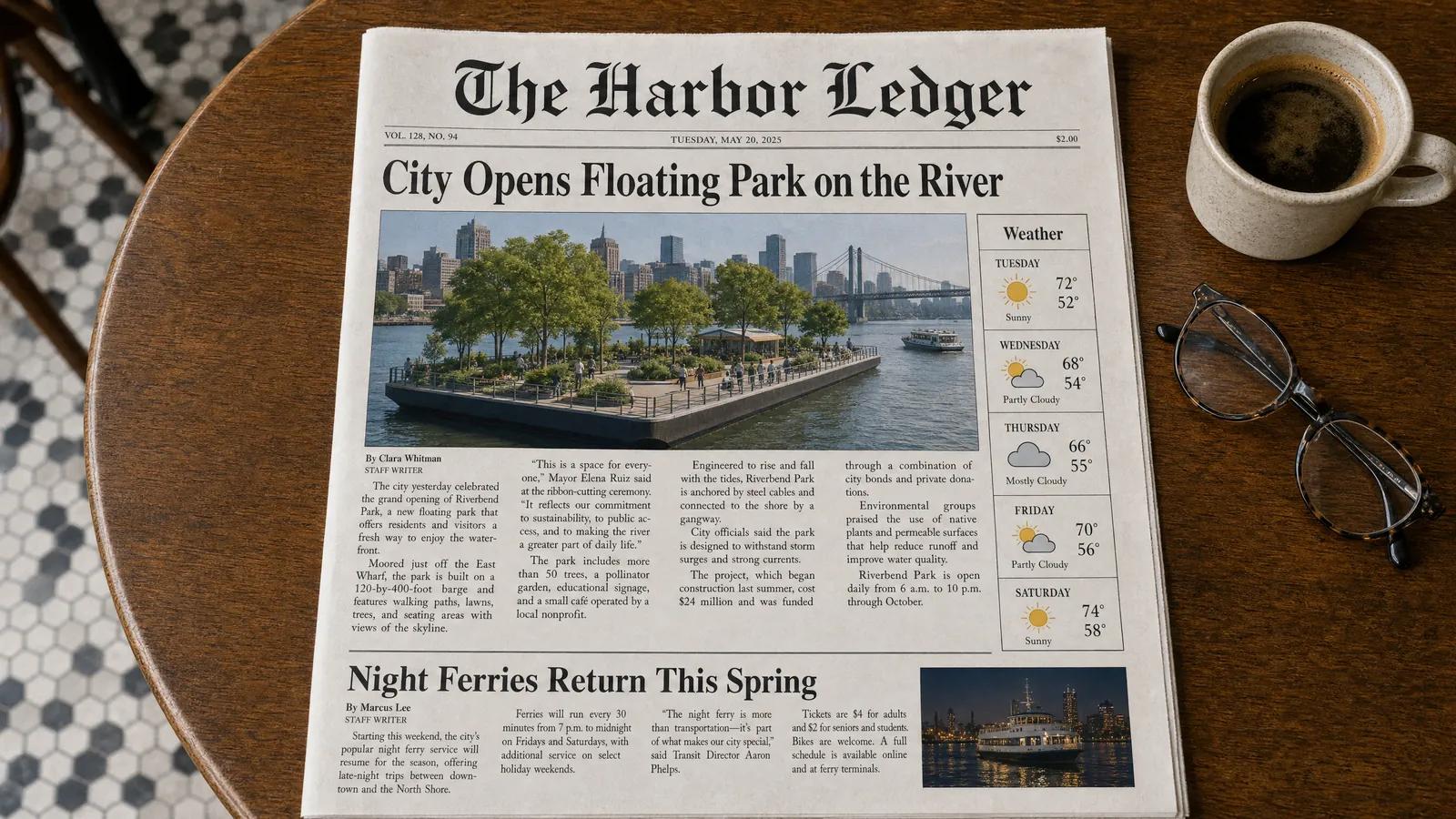
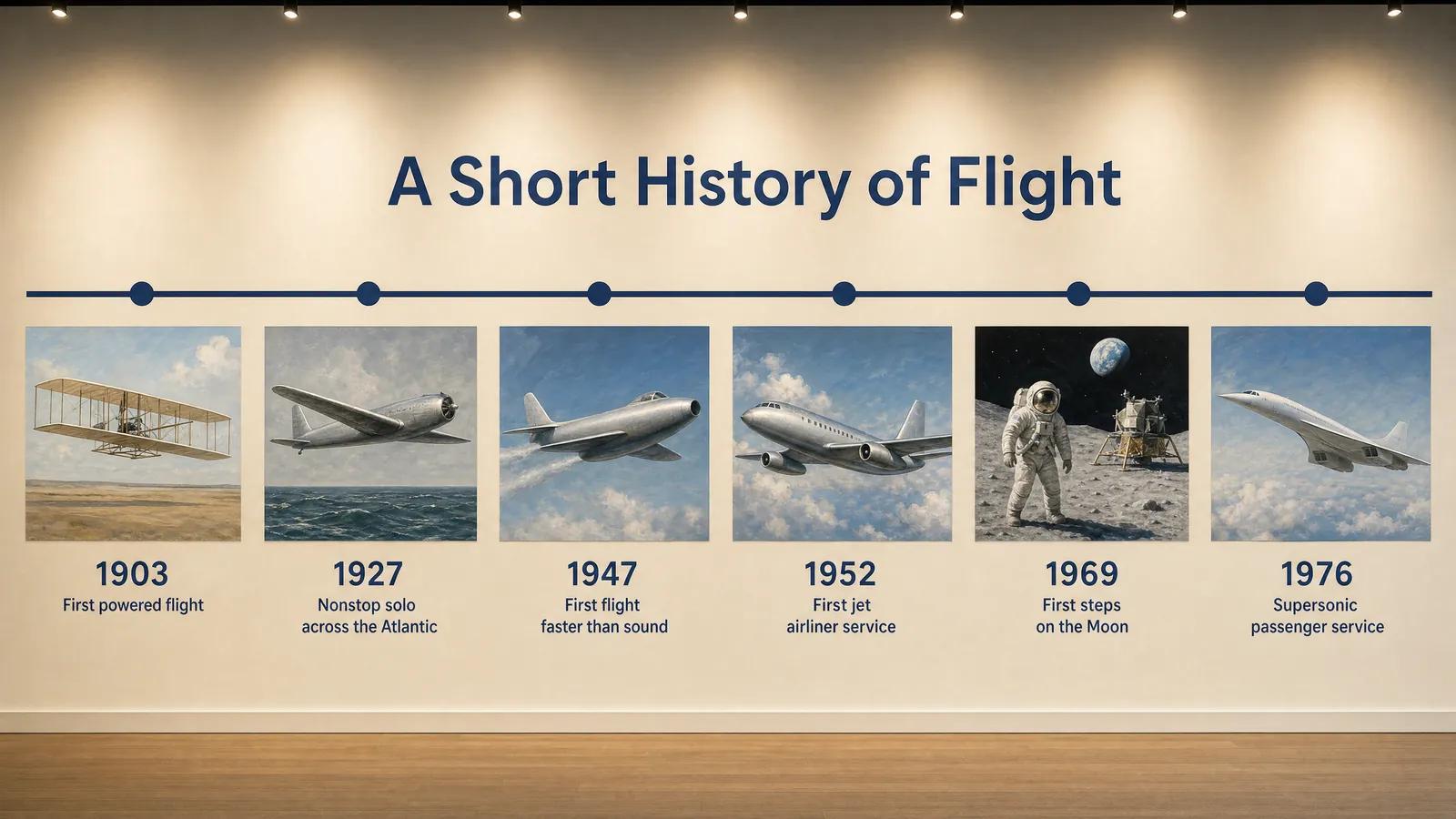
A website mockup, signs and posters in Japanese and Hindi, a newspaper front page, a museum timeline and a candid night photo. Every image here was generated with GPT Image 2 on MaxH3.
Key Features of GPT Image 2
- Small Text and App Screens That Stay Readable: App screens, labels and dense layouts where even the small print reads clearly.
- Lettering in Japanese, Korean, Chinese, Hindi and Bengali: Signs, menus and packaging in five languages beyond English, from one prompt.
- Complex Prompts, Followed Detail by Detail: Several people, their clothes, props and positions, each placed where the prompt asked.
- Extra-Wide Banners at 3:1: 3:1 and 2:1 headers made in their final shape, so nothing gets cropped away.
- Edits in Plain Words, With Up to 16 References: Describe one change, keep everything else, and add up to 16 reference images.
- Tall Frames Down to 1:3: 1:2 and 1:3 frames for step-by-step guides, recipe cards and tall ad slots.
- Print-Ready Detail at Up to 4K: Choose 1K, 2K or 4K; at 4K even the fine print on a small label stays sharp.
- Diagrams That Draw on Real-World Knowledge: Labeled science and how-it-works diagrams, with each part in its proper place.
- Photos With Natural, Unpolished Detail: Candid-looking photos with stray hairs, crumbs and soft blur, not plastic polish.
- From Manga Pages to Pixel Art: One scene drawn as an inked manga panel or as retro pixel art.
Small Text and App Screens That Stay Readable
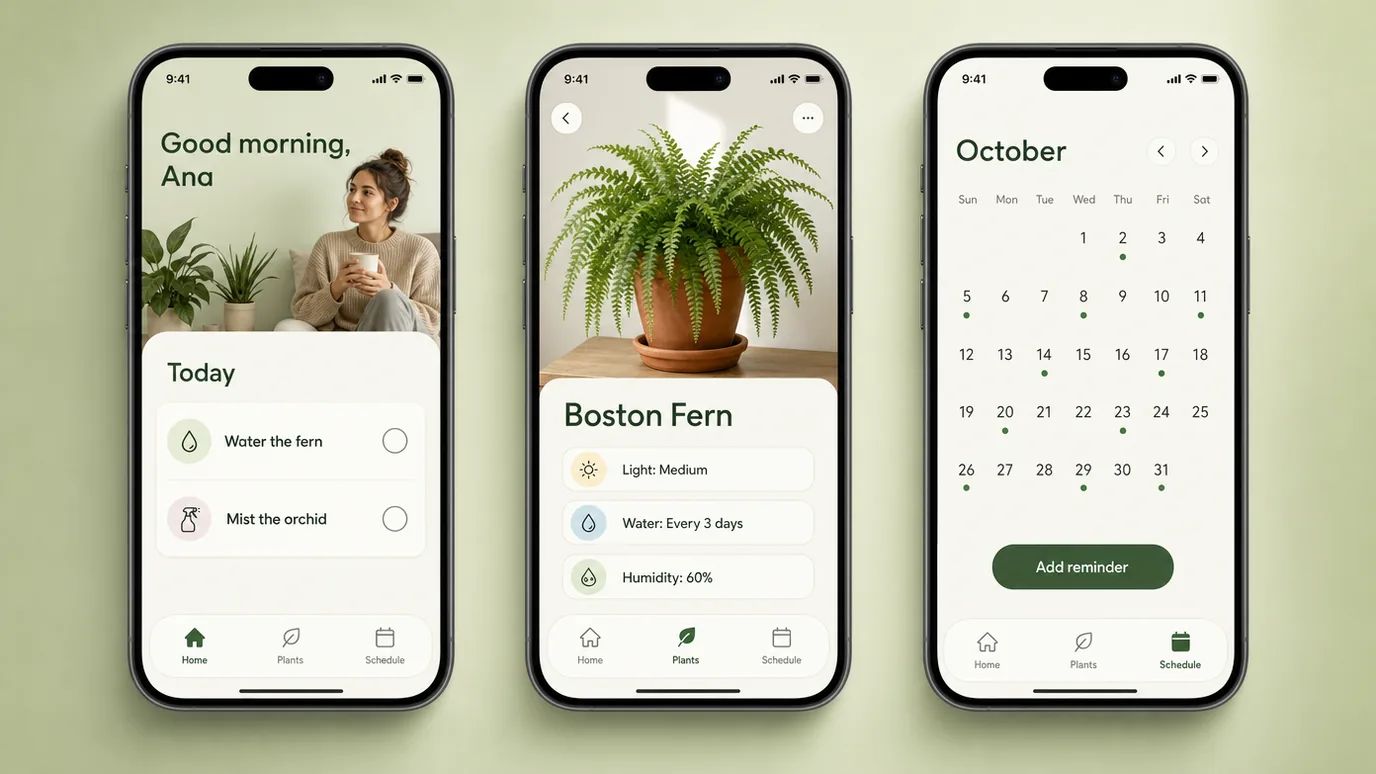
Three phone screens of a plant-care app, with tab names, plant stats and a watering schedule, all readable from a single prompt. OpenAI describes GPT Image 2 as more precise with small text, interface elements and dense layouts. Quote every label, list the screens in order and choose High quality when the type is tiny.
Lettering in Japanese, Korean, Chinese, Hindi and Bengali
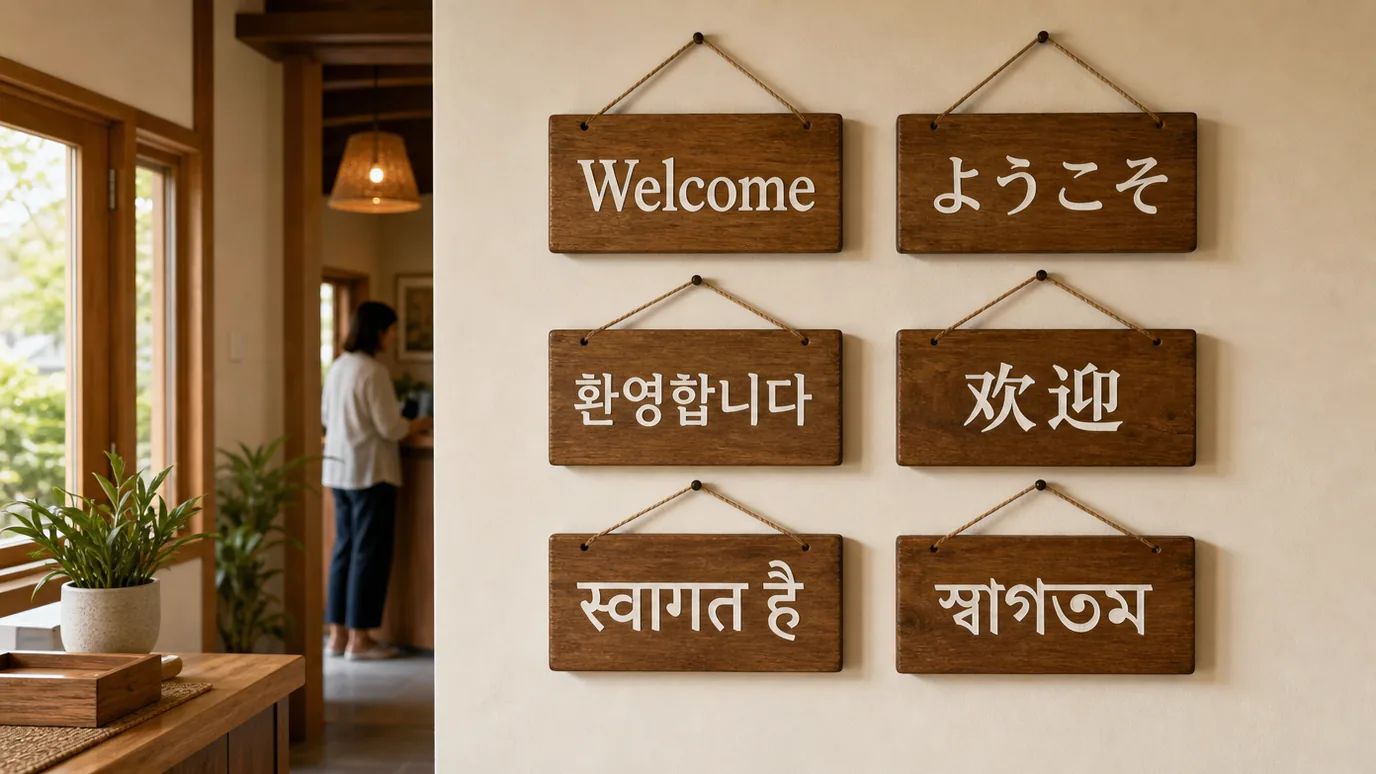
Six matching signs at a guesthouse reception, each saying welcome in a different language: English, Japanese, Korean, Chinese, Hindi and Bengali. OpenAI names all five non-English ones among the languages where GPT Image 2 got stronger. Put the exact wording for each sign in quotes and say which item carries which language, so one design is ready for several markets.
Complex Prompts, Followed Detail by Detail
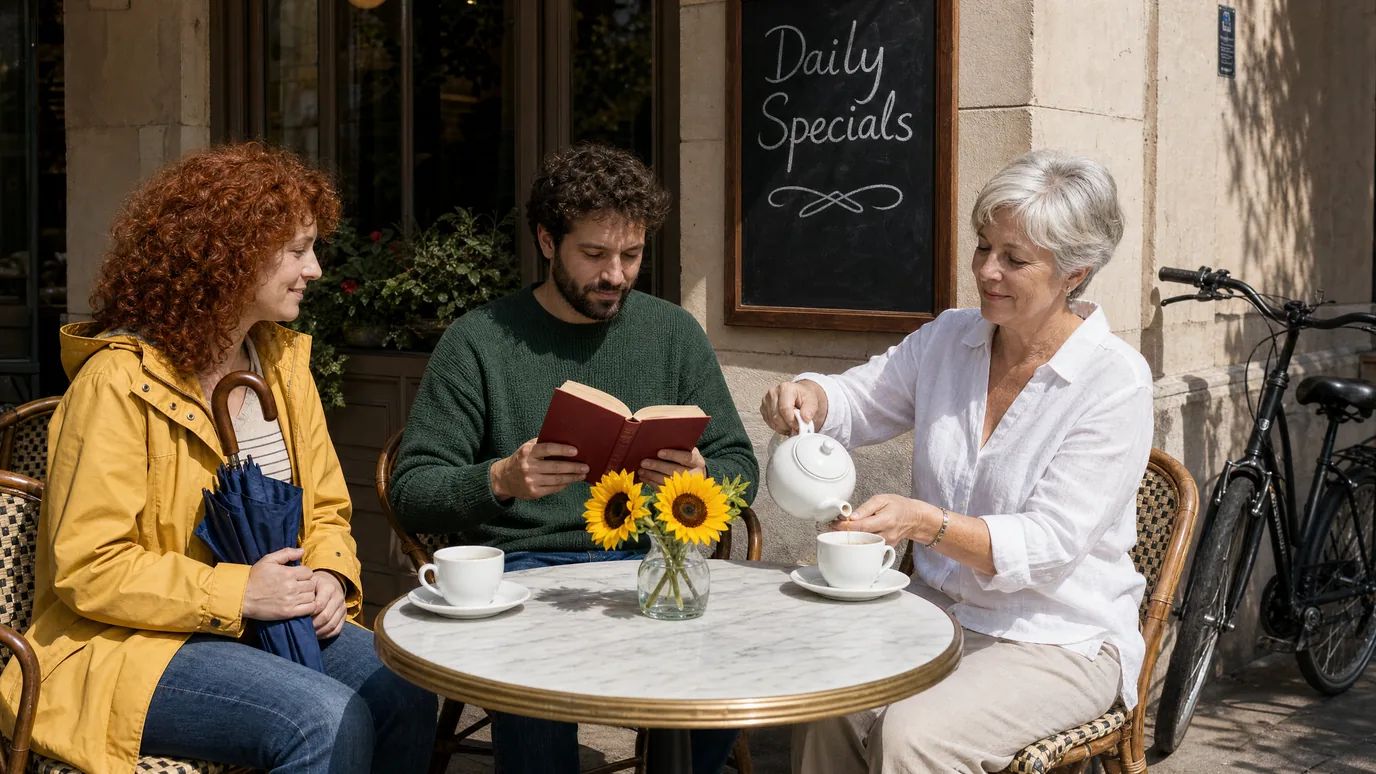
One prompt set three people around a café table: a curly-haired woman in a mustard raincoat holding a blue umbrella, a bearded man in green reading a red book, and a silver-haired woman in white pouring tea. It also asked for two sunflowers in a glass vase, a chalkboard reading "Daily Specials" and a black bike on the far right, and every one of those details landed in place. OpenAI describes GPT Image 2 as more precise and easier to control; give each subject its own sentence and name positions plainly.
Extra-Wide Banners at 3:1
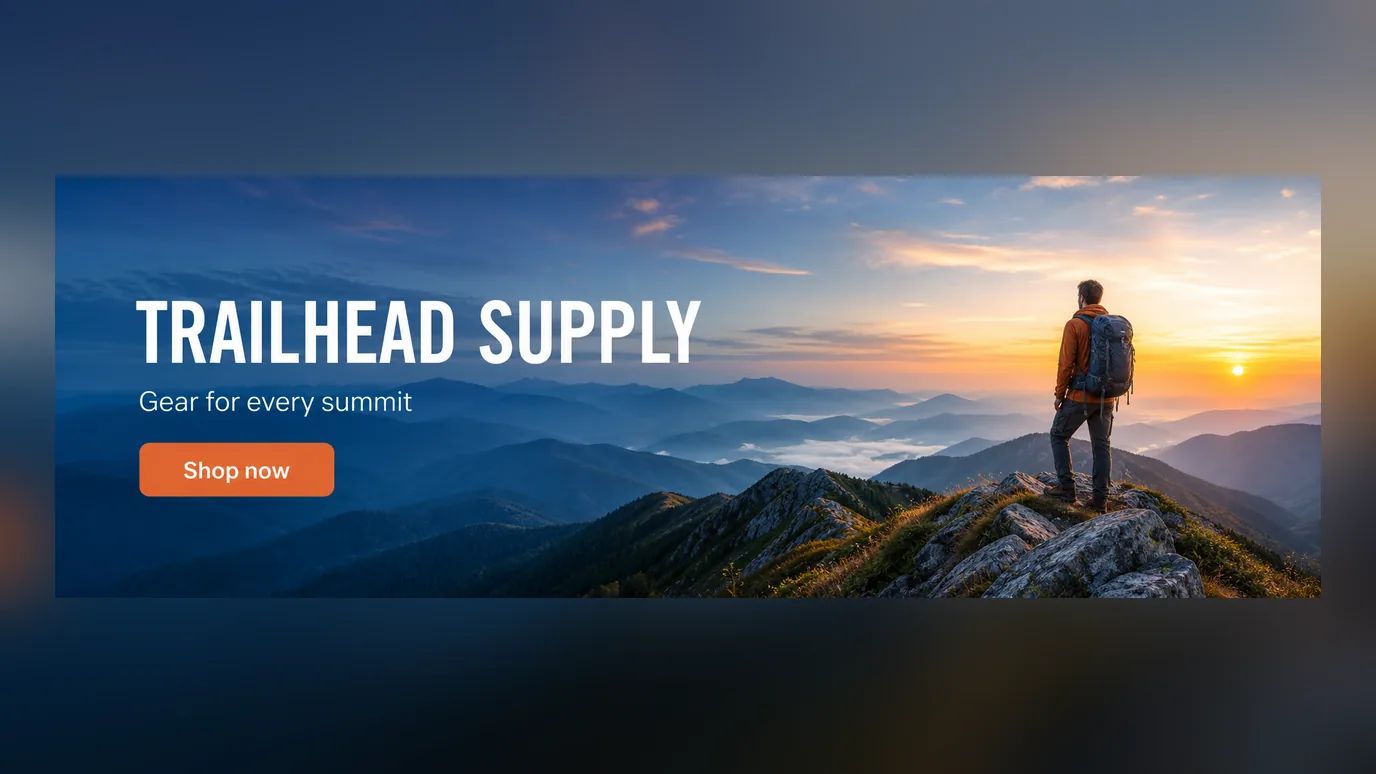
A 3:1 website header with a hiker at sunrise, a headline and a button, generated at that shape in one pass. GPT Image 2 offers 3:1 and 2:1 frames, so a hero image or newsletter header needs no cropping from 16:9. Leave one side calm for the copy and quote the exact words.
Edits in Plain Words, With Up to 16 References
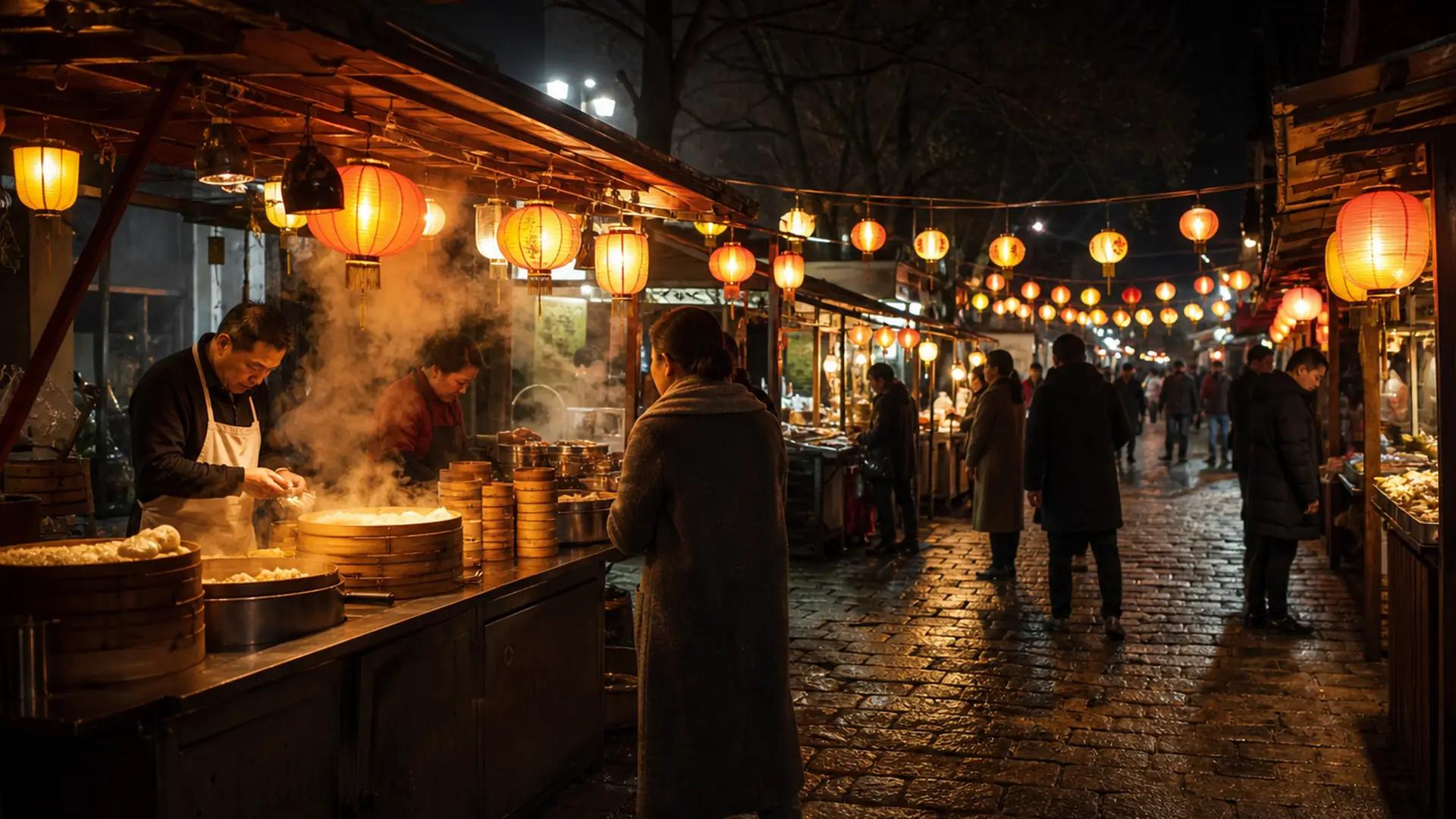
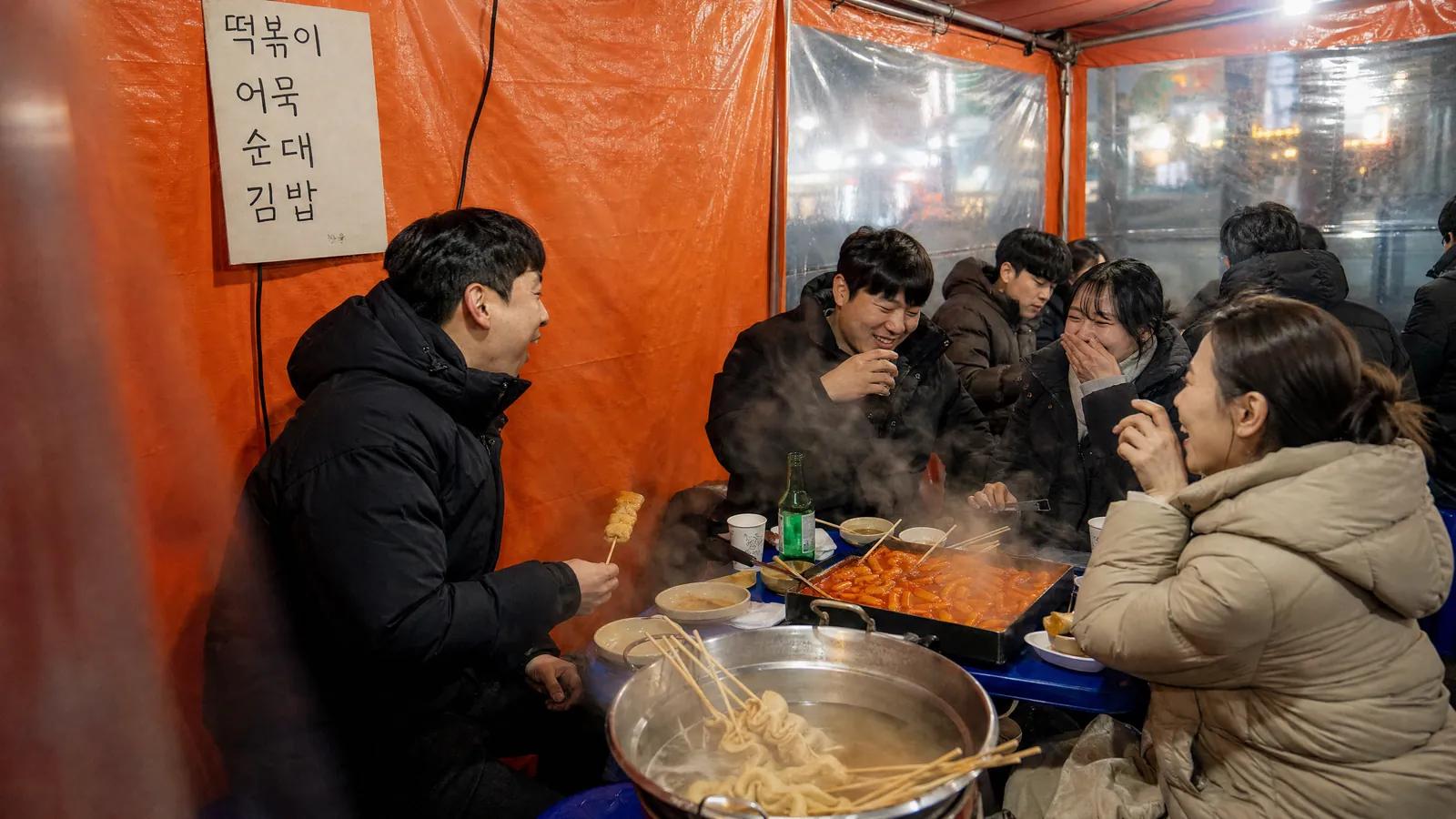
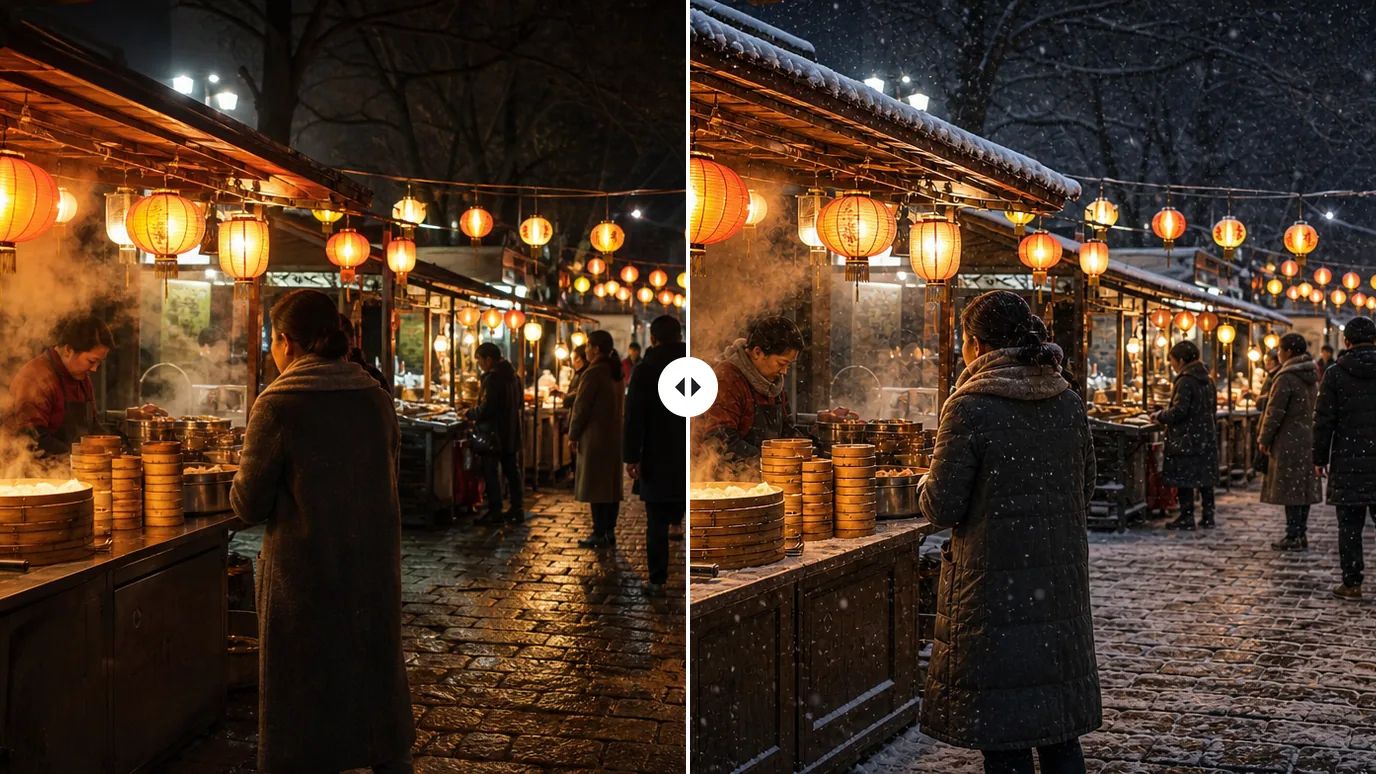
Snow on the stall roofs and winter coats on the shoppers, while the lanterns, the dumpling stall and the camera angle stayed put. Upload a photo, write the change in one sentence and list what must not move. GPT Image 2 accepts up to 16 reference images per request, enough for a full set of products, characters and backdrops.
Tall Frames Down to 1:3
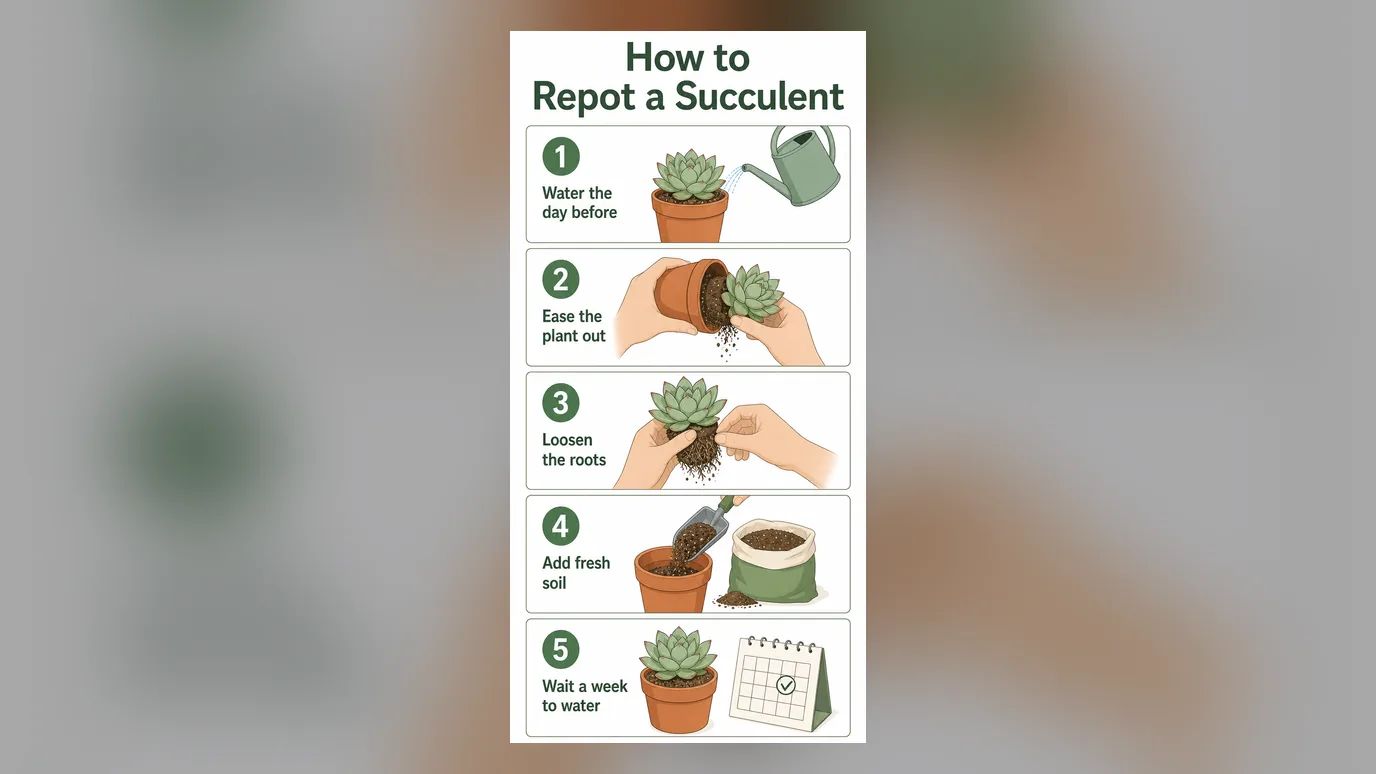
Five numbered steps for repotting a succulent, stacked in one 1:2 image with room for every caption. GPT Image 2 reaches 1:3, the mirror of its 3:1 banners, which suits how-to guides, recipe cards and skyscraper ads. On MaxH3, GPT Image 2.5 has no 1:2 or 1:3 preset, so these shapes are a reason to stay on 2.0.
Print-Ready Detail at Up to 4K
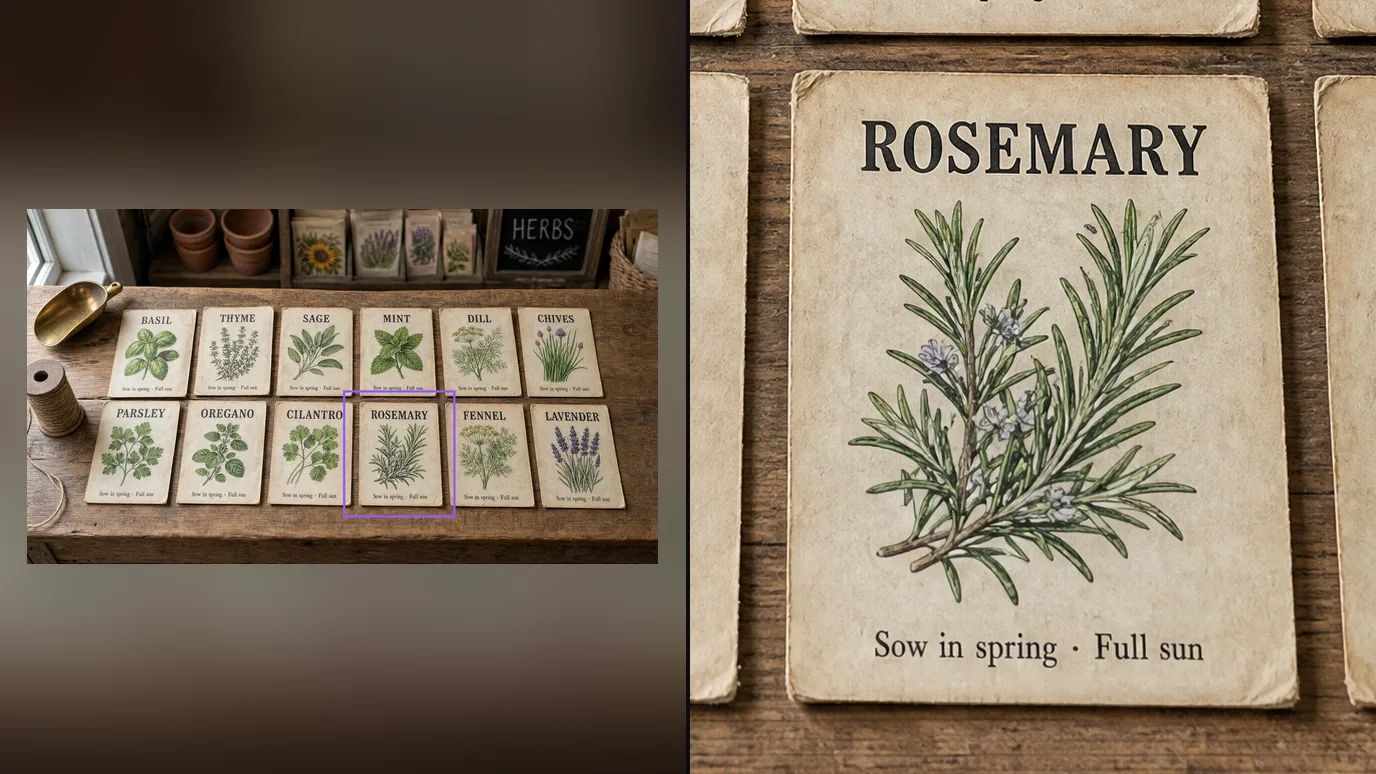
Twelve herb seed packets rendered at 4K (3840×2160), with one of them shown at full size: the name and the small line "Sow in spring · Full sun" stay crisp, along with the paper grain and the line drawing. GPT Image 2 renders at 1K, 2K or 4K, so the same prompt can serve a quick draft or a large print. Use 4K for posters, packaging and anything you plan to crop.
Diagrams That Draw on Real-World Knowledge
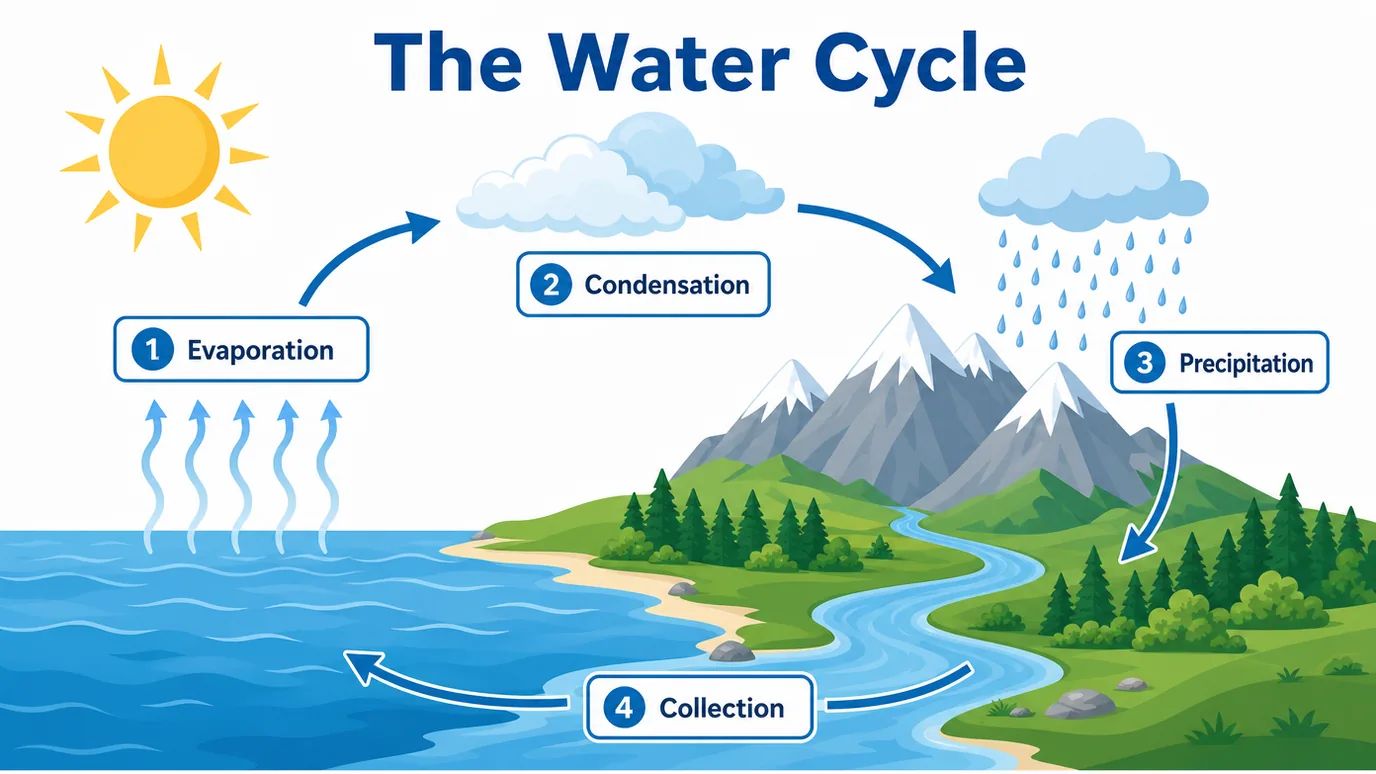
The water cycle: sea, clouds, rain and rivers linked by arrows, with four numbered labels in the right order. GPT Image 2 draws on real-world knowledge up to December 2025, OpenAI says, which helps with diagrams of real processes, places and objects. Quote each label, describe the layout, and check the facts before the image goes to a class.
Photos With Natural, Unpolished Detail
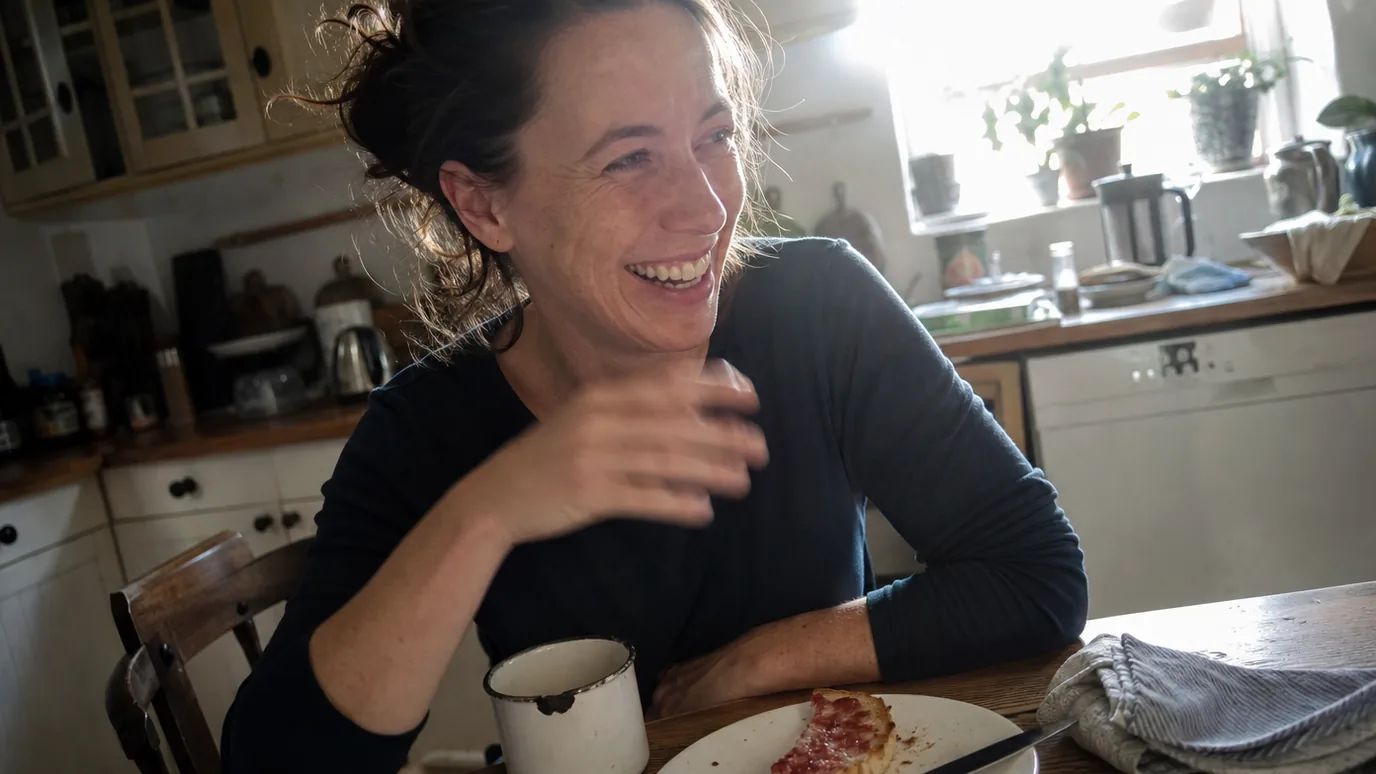
A woman laughing over breakfast, with a stray hair, crumbs on the table, a chipped mug and a hand slightly blurred mid-gesture. OpenAI highlights realism down to tiny flaws as a GPT Image 2 strength, so a shot can look caught in the moment rather than staged. Ask for those details by name, along with the light and the lens.
From Manga Pages to Pixel Art
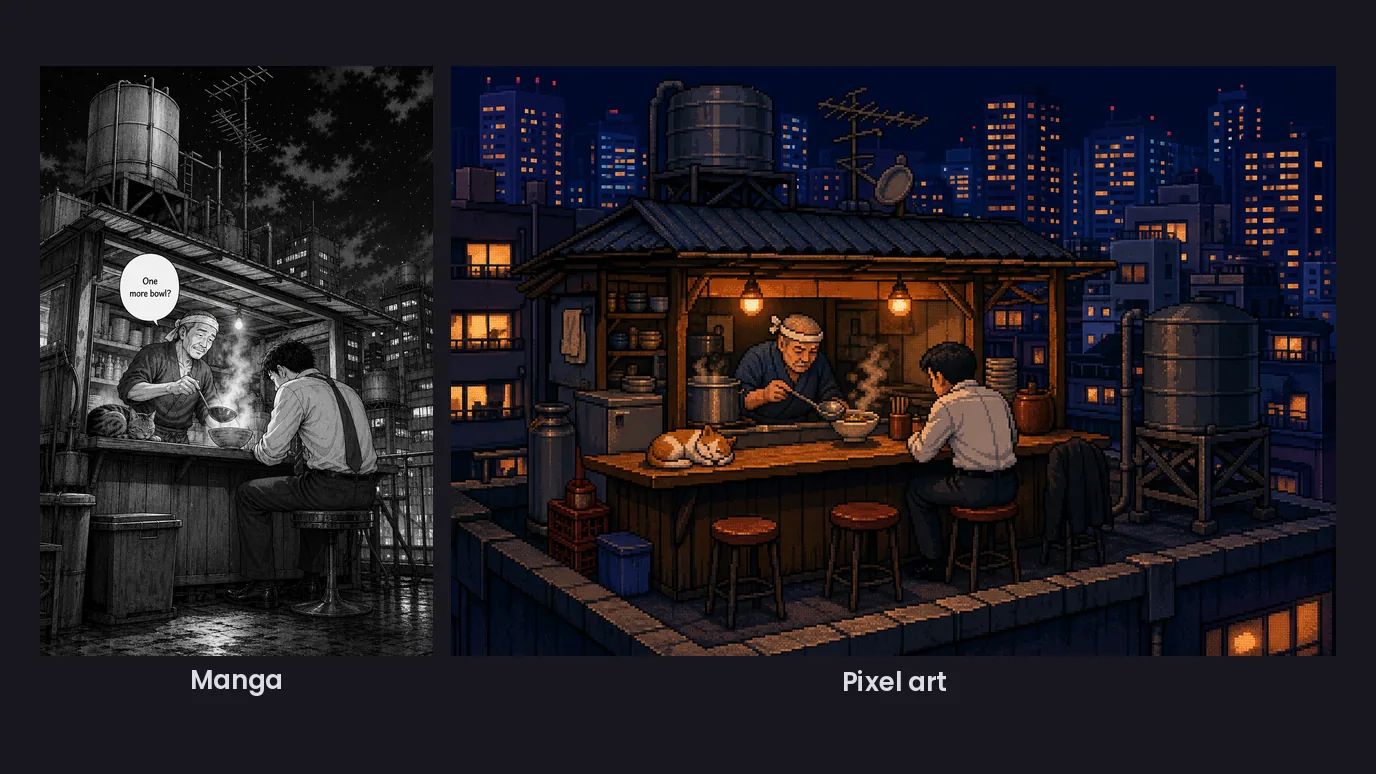
The same rooftop noodle stand twice: once as an inked manga panel with screentone shading and a speech bubble, once as 16-bit pixel art. OpenAI points to manga and pixel art, along with realistic photos, as styles GPT Image 2 handles with more sophistication. Name the style, the era and the palette, and keep any dialogue to a few words.
GPT Image 2 Use Cases: Who It Serves and How
From launch banners to lesson diagrams, GPT Image 2 takes on the jobs where the words, the layout and the frame shape all have to be right.
Marketing and Ad Teams
Produce social posts, ad variations and 3:1 site or email headers at their final shape, with the headline, offer and button text spelled exactly as written.
UI/UX Designers and Product Managers
Mock up app screens, dashboards and landing pages with readable tab names, buttons and stats, ready for a pitch deck or a quick user test the same day.
Content Creators and Publishers
Make infographics, front-page layouts, book covers and blog headers where every headline and data label stays legible at a glance.
E-commerce Sellers
Build listing images and packaging mockups with product names in Japanese, Korean, Chinese, Hindi or Bengali, and export products on a transparent background.
Teachers and Researchers
Turn a topic into a labeled diagram, a timeline or a tall 1:3 step-by-step guide that draws on knowledge up to December 2025, then check every fact before class.
Game and Comic Creators
Draft character art, UI elements, manga panels and pixel-art scenes, and attach up to 16 reference images to keep characters and props consistent.
What Sets GPT Image 2 Apart
- Small Print That Holds Up: Tab names, stat chips and tiny captions stay readable, so app mockups, menus and dense one-page explainers come out ready to review.
- Five Languages Beyond English: Write labels, signs and packaging in Japanese, Korean, Chinese, Hindi or Bengali, the languages OpenAI names where GPT Image 2 got stronger.
- Frames From 3:1 to 1:3: Make extra-wide banners and extra-tall guides at their final shape, up to 4K, and steer them with as many as 16 reference images.
How to Use GPT Image 2 on MaxH3
Open GPT Image 2
GPT Image 2 is already selected in the generator above. Add reference images there to start from a photo.
Describe the Image
Describe the subject, style and light, quote any on-image text, then pick the ratio and resolution.
Generate and Download
Press the arrow. The result shows right here, ready to download or refine, and stays in your history.
More OpenAI's AI Image Models on MaxH3
FAQs
Start Your Next Layout With GPT Image 2
Describe the screens, labels or banner you need, in any frame from 3:1 to 1:3. New accounts start with free credits.