Denoise AI
Denoise AI

Remove Noise and Grain From Photos With Denoise AI
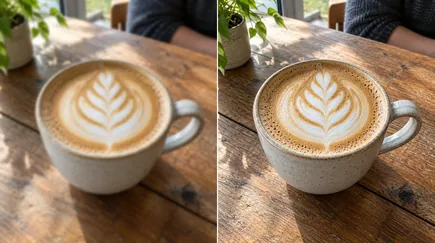
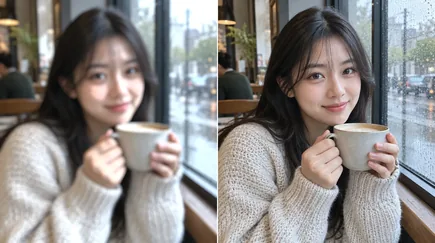
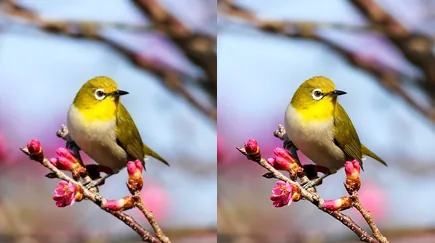
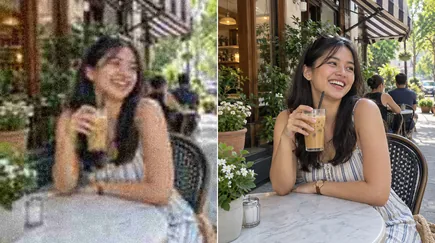
Upload a grainy photo and Denoise AI removes the noise while keeping the detail: skin, hair, fabric and fine texture stay intact. Choose Standard for everyday noise, Enhanced for low-light shots or Extreme for the grainiest images, and set the strength to taste.

Denoise AI for Clean, Crisp Photos
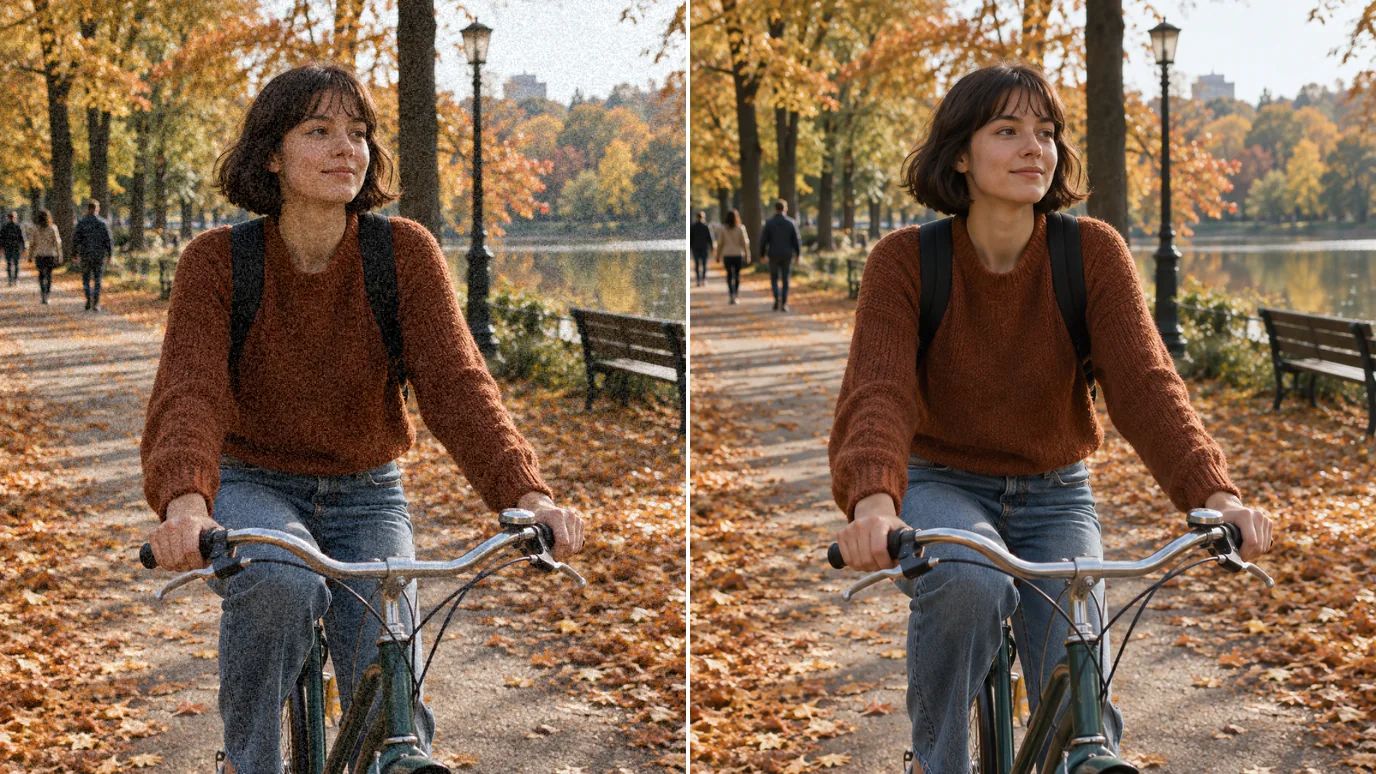
Noise gone, detail kept.
Denoise AI for Low-Light and Night Photos
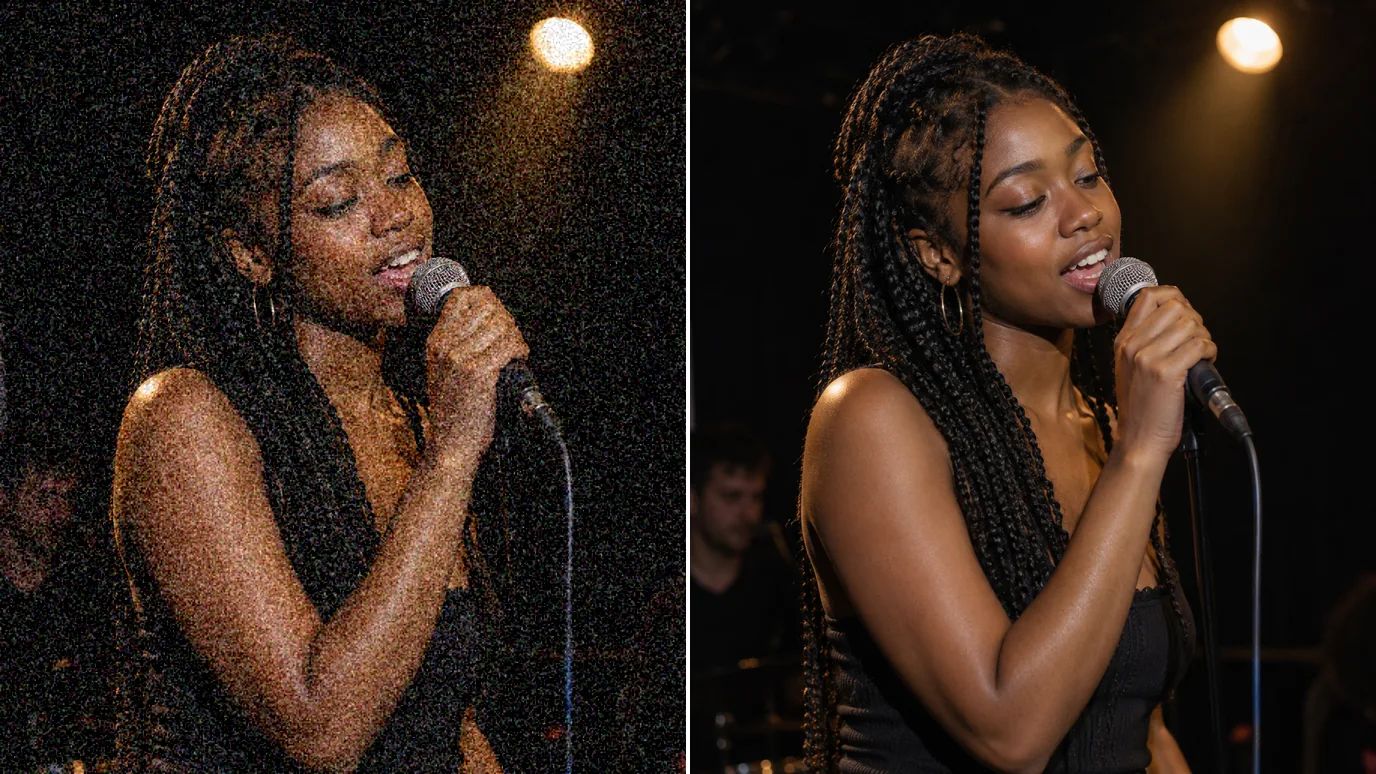
Concerts, restaurants and evening streets push cameras to high ISO, and the shot fills with grain. Enhanced mode is built to recover detail in low light while it clears the noise.
Clean Up Product Images
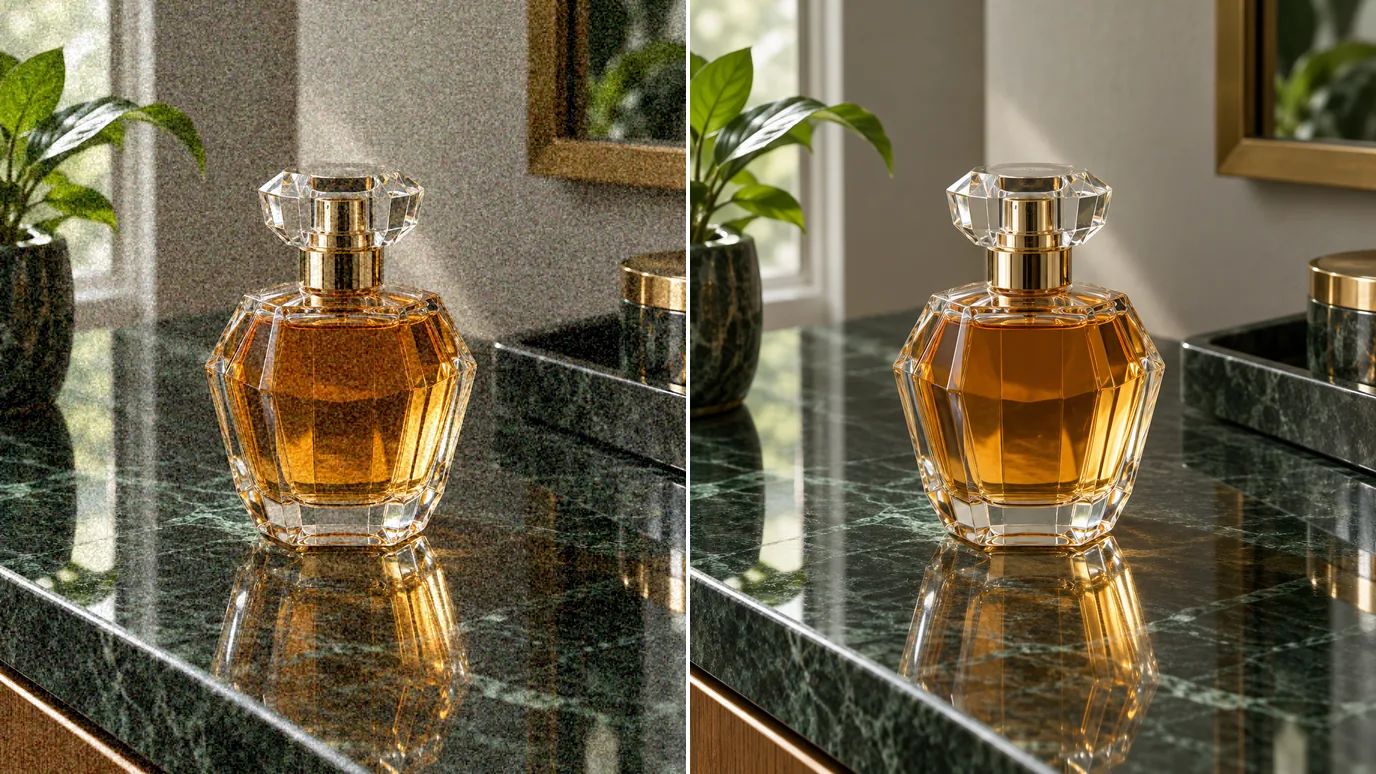
Grain in product photos makes them look cheap and hides texture. Run them through Denoise AI for smooth backgrounds and crisp edges.
Clearer Images for Social Media and Print
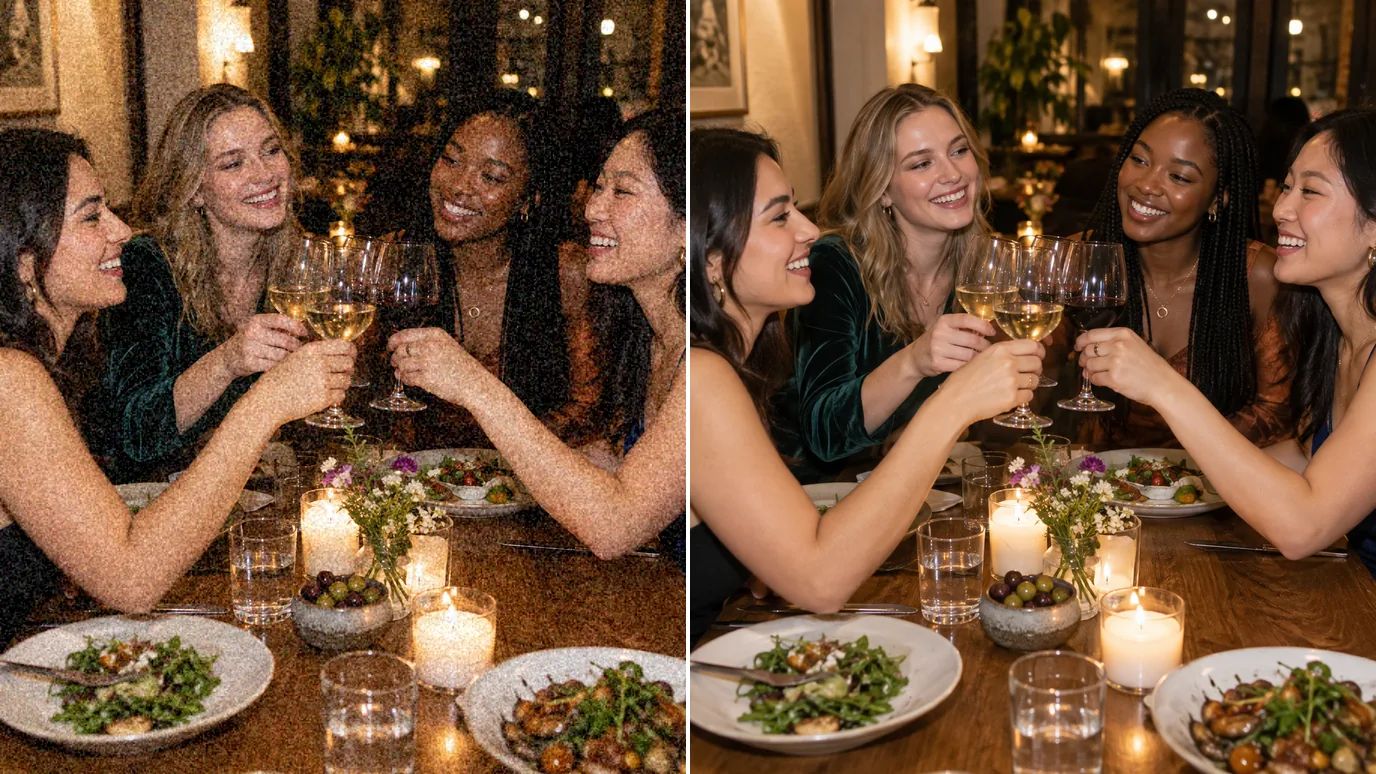
Noise gets worse when platforms compress your photo, and it shows in print too. Clean images stay sharp in feeds and on paper.
Restore Old and Scanned Photos
Film grain and scanner noise can bury detail in old prints. Denoise the scan to bring back faces and textures while keeping the photo's character.
Who Uses Denoise AI
Anyone who shoots in less-than-perfect light.
Event Photographers
Clean high-ISO shots from concerts, weddings and night sessions.
Phone Photographers
Smoother night and indoor photos from any phone camera.
Online Sellers
Clean product shots without grainy backgrounds.
Family Archives
Clearer scans of grainy prints and film photos.
How to Denoise a Photo With MaxH3
Upload Your Photo
Sign in and upload a PNG, JPG or WEBP image up to 10 MB and 4096 pixels on each side.
Choose the Mode and Strength
Pick Standard for everyday noise, Enhanced for low-light photos or Extreme for very heavy grain. Open Settings to set the strength.
Create and Download
The price for your image appears on the Create button. Click it, then download the clean photo when it's ready.
FAQs
Say Goodbye to Grainy Photos With Denoise AI
Upload a noisy photo, pick a mode and get a clean, detailed image back.