
Reference to Video AI
Your subject, your way. One reference works, several work better — MaxH3's reference to video generator locks the face and form across every frame you generate.
Bring In What the Reference Never Had
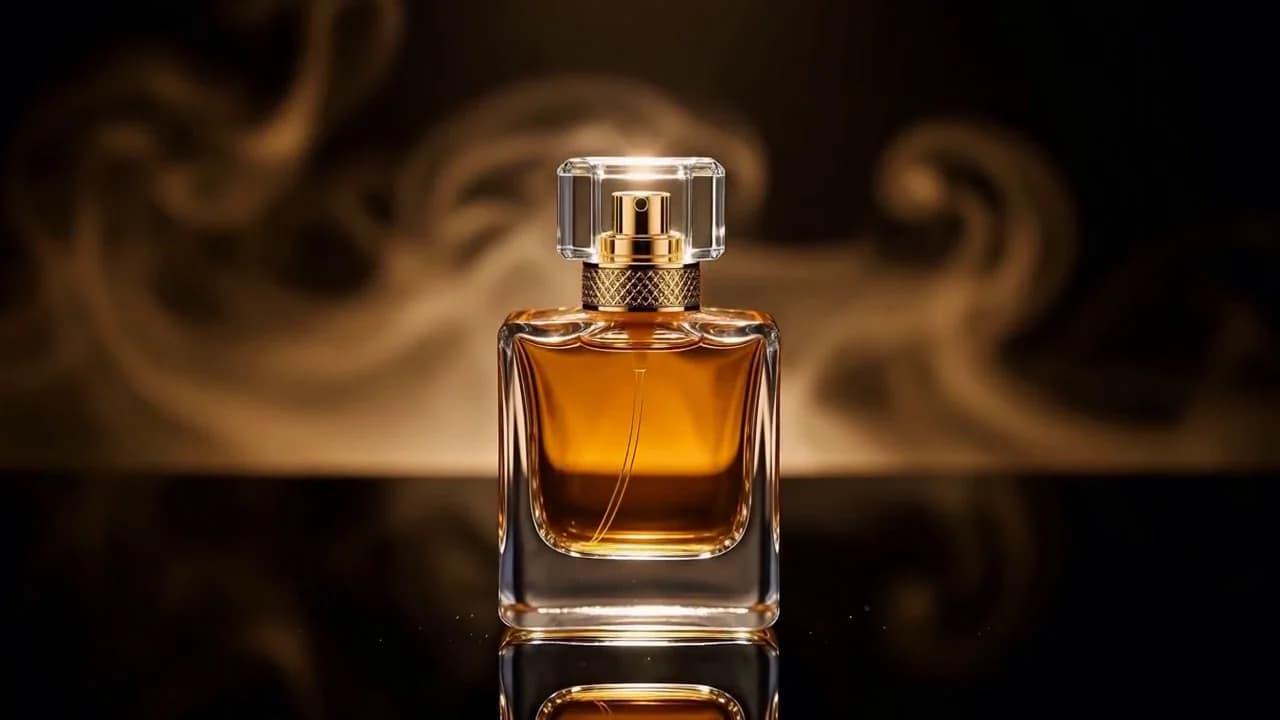
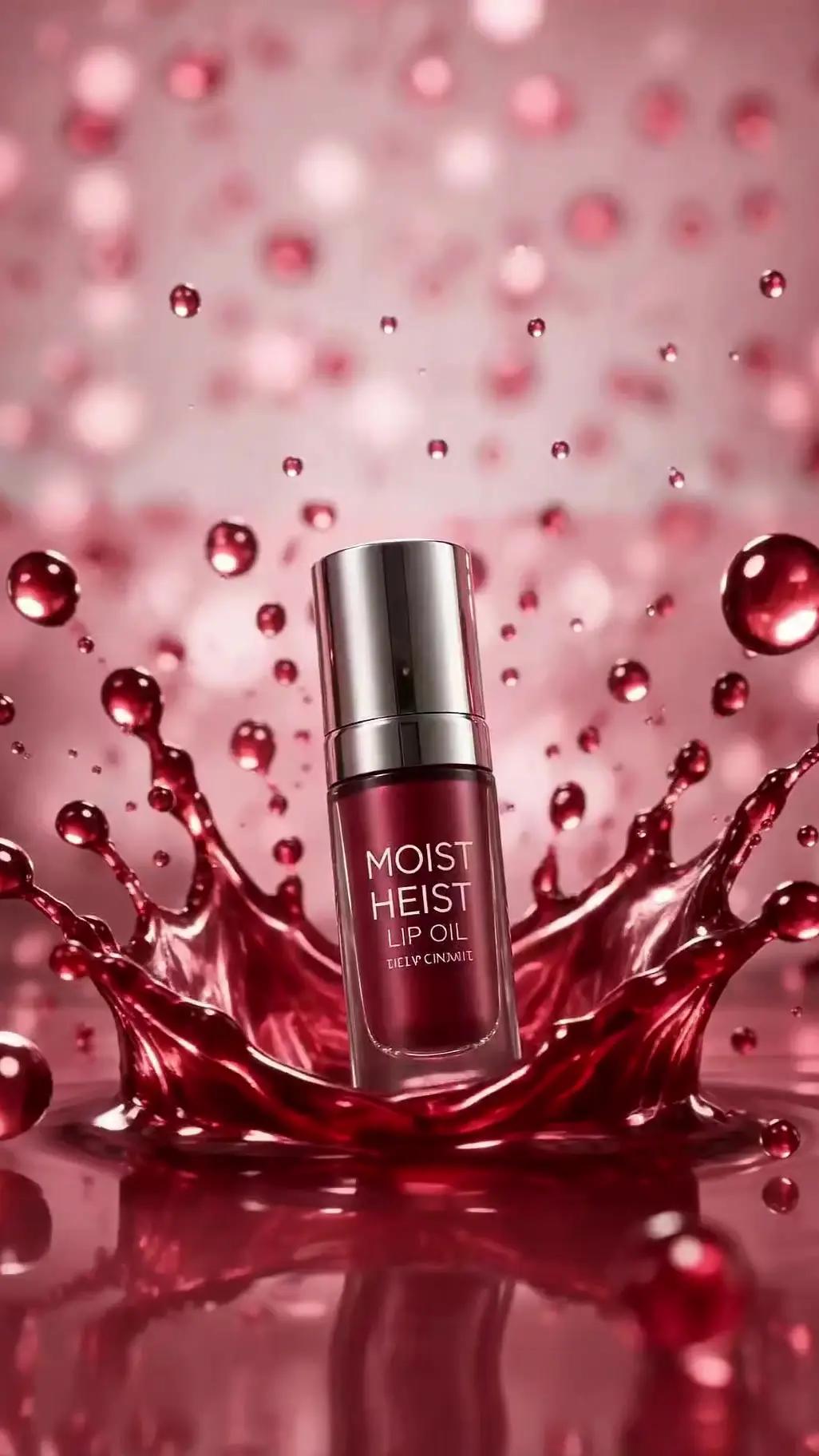
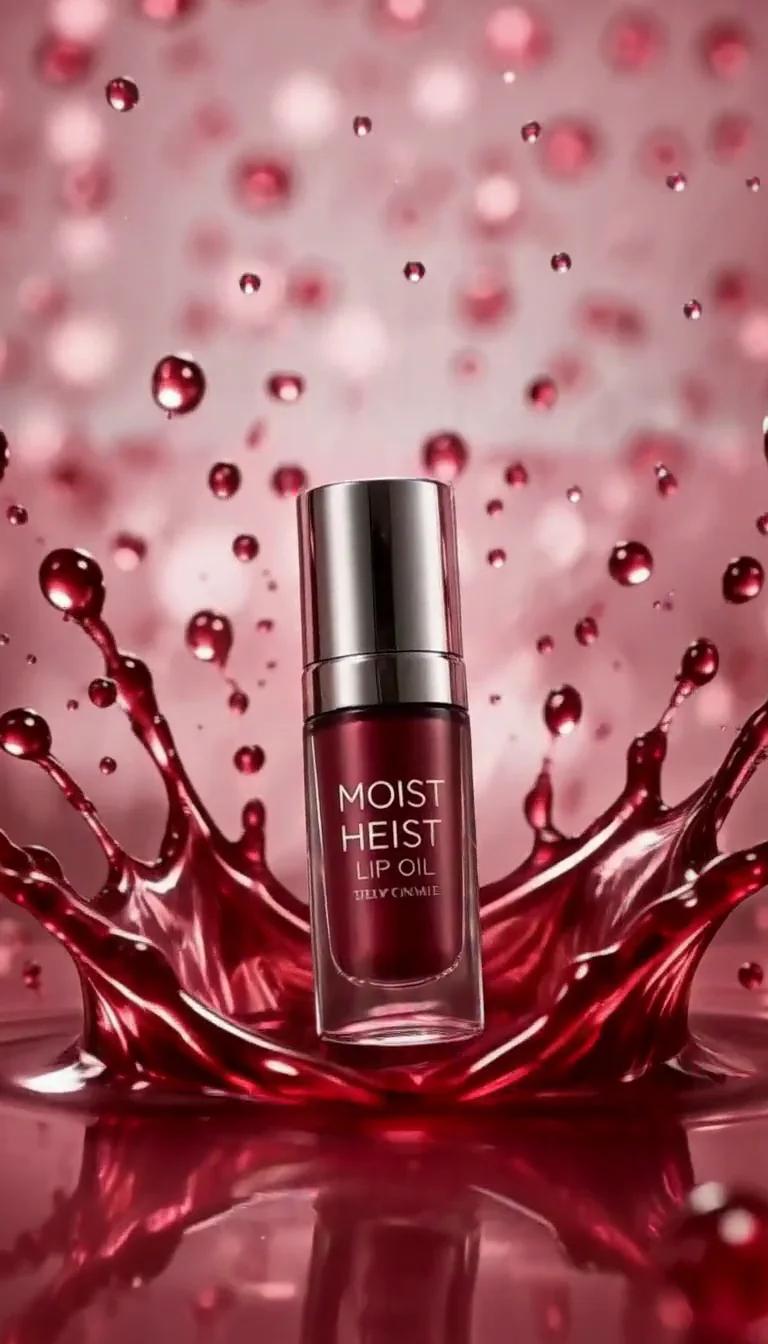
The reference fixes what must not change — this bottle, its shape, its glass, its light. Everything else is yours to ask for: a model who was never in the frame, a room that did not exist, five scenes that cut together. Name who walks in and what they do, and the product stays the same product from the opening push-in to the last shot.
References
Prompt
Output video

Combine Several Images Into One Video with MaxH3's Reference to Video AI
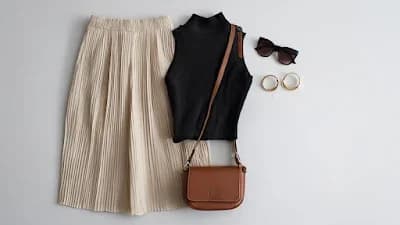
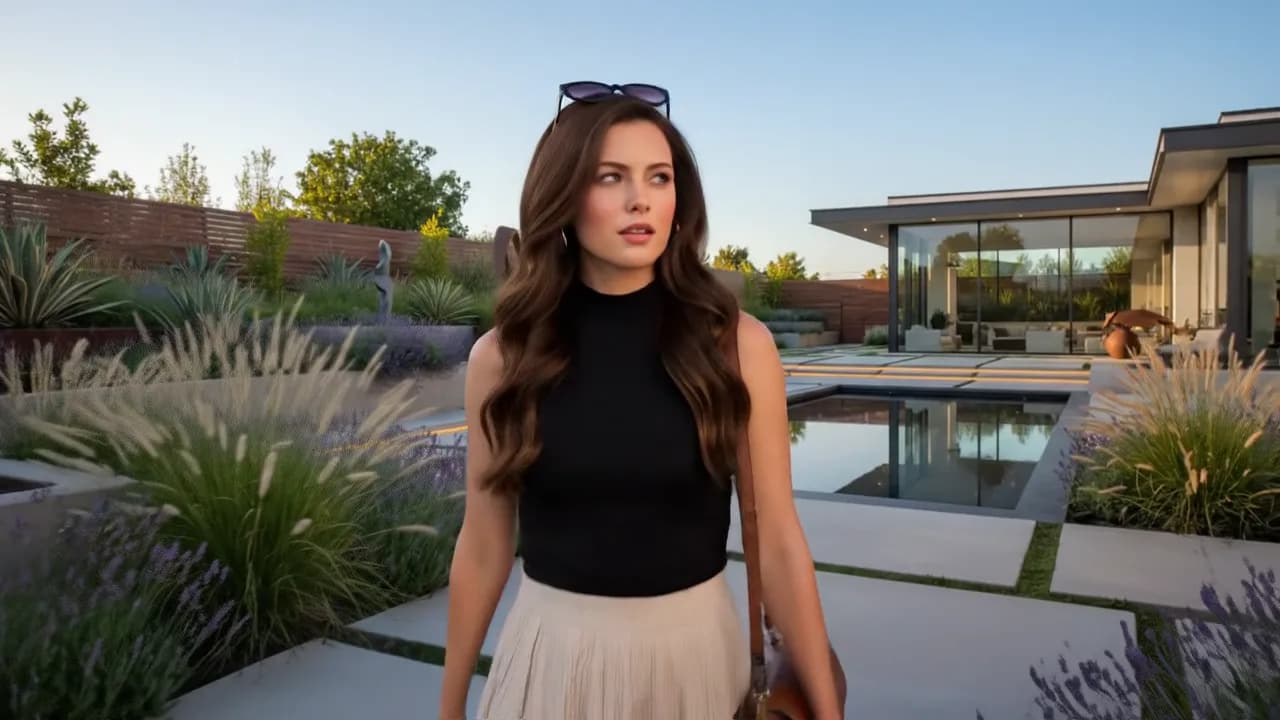
Hand it a face, a location and an outfit — the reference to video generator merges all three into one continuous clip. Not a slideshow, not three clips cut together: one take, with your subject, your setting and your wardrobe already in it. What happens, and in what order, comes from your prompt. MiniMax H3 reads up to nine reference images, plus reference clips and audio.
References


Prompt
Output video
The Same Character, Shot After Shot
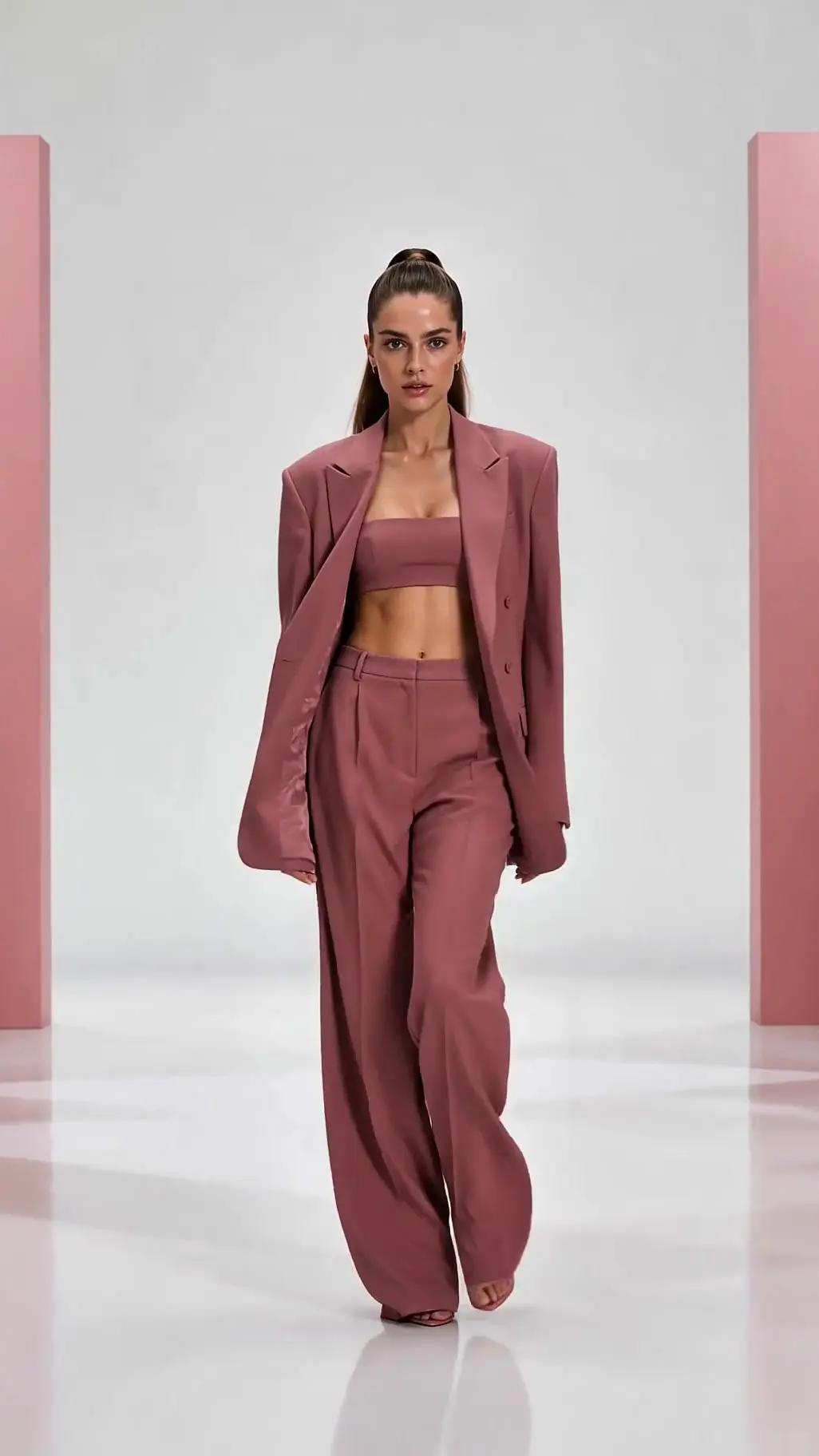
A clip that holds together on its own is table stakes. The harder job is take two: a different street, a different time of day, a different line — and the same person walks into frame. Keep the reference set and run it again, and the shots cut together instead of looking like three castings. That is how a series of clips becomes one ad, one episode, one campaign.
References
Prompt
Output video
What Each Model Takes as a Reference
Every model on MaxH3 that reads references, with the limits the uploader actually enforces — how many images, how many clips and how long they can run, how much reference audio, and what comes out the other end.
How to Make Consistent Character Videos with Omni Reference
One clean image per thing you are holding steady — the face, the outfit, the product, the set. One subject per frame, front-facing and evenly lit: that image is what every shot gets matched against, so a crowded or dim reference costs you likeness later.
Drop the set into the prompt box. Omni Reference takes more than pictures: MiniMax H3 reads up to nine images to hold a face or a product, three reference clips to hand it motion, and three audio files — mixed in the same generation, each with its own limit. Wan 3.0, Seedance 2.5 and Veo 3.1 read references too; the picker shows what each one accepts.
The prompt supplies everything the references do not: the action, the camera, the order of the shots. Finish a line naming what must stay identical, run it, then run the next shot on the same set — that is what makes the takes cut together.
Ready to keep one character across every shot?
FAQs
Cast Your Subject Once, Keep It Everywhere
Upload a reference. MaxH3 handles the rest of the shoot.