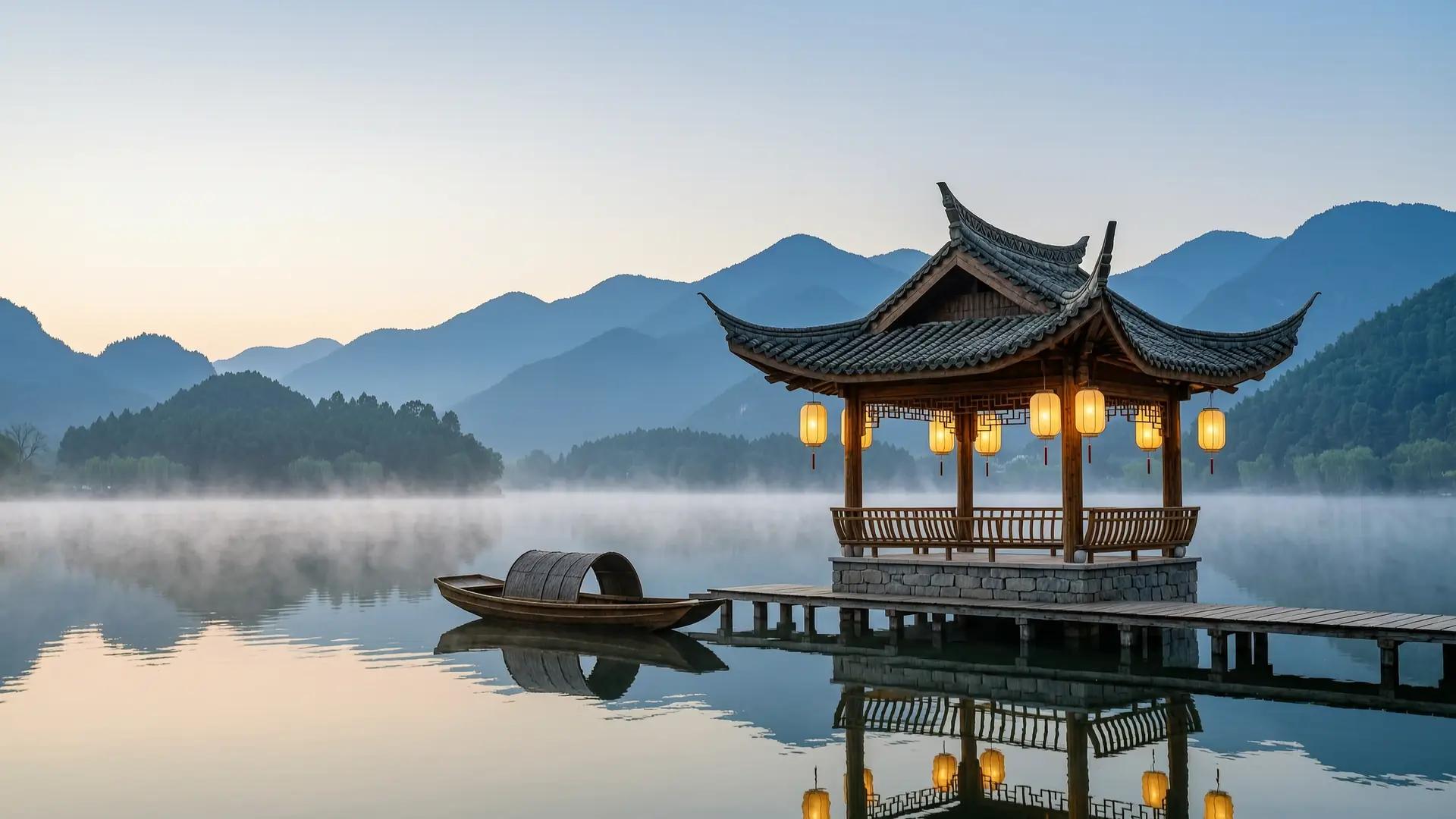
Wan AI Image Generator
Alibaba's Wan AI image model on MaxH3. It plans the picture before drawing, writes clear signs and menus, blends up to 9 reference images and edits a photo from one sentence.
Explore Wan AI's Creative Range
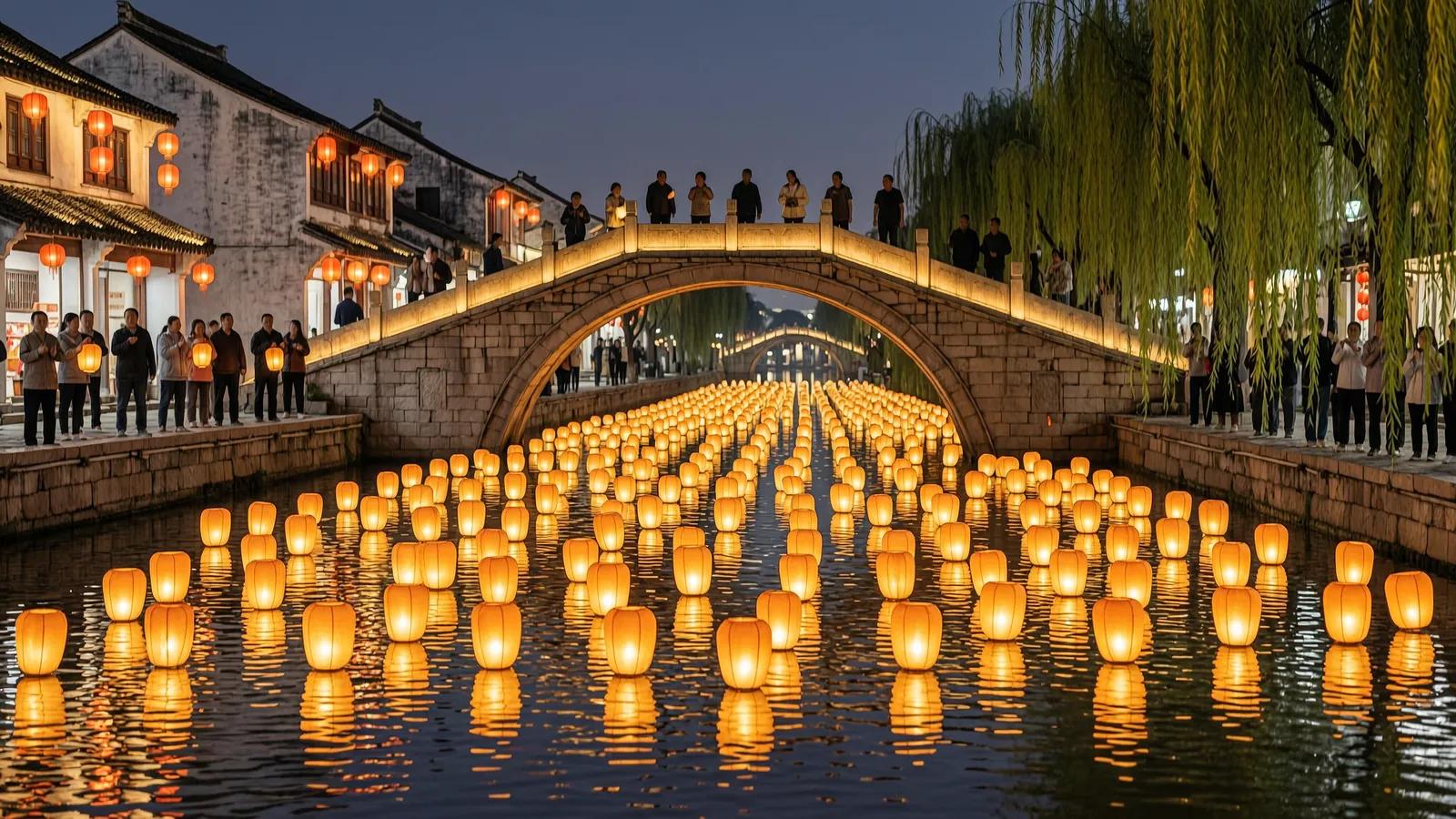
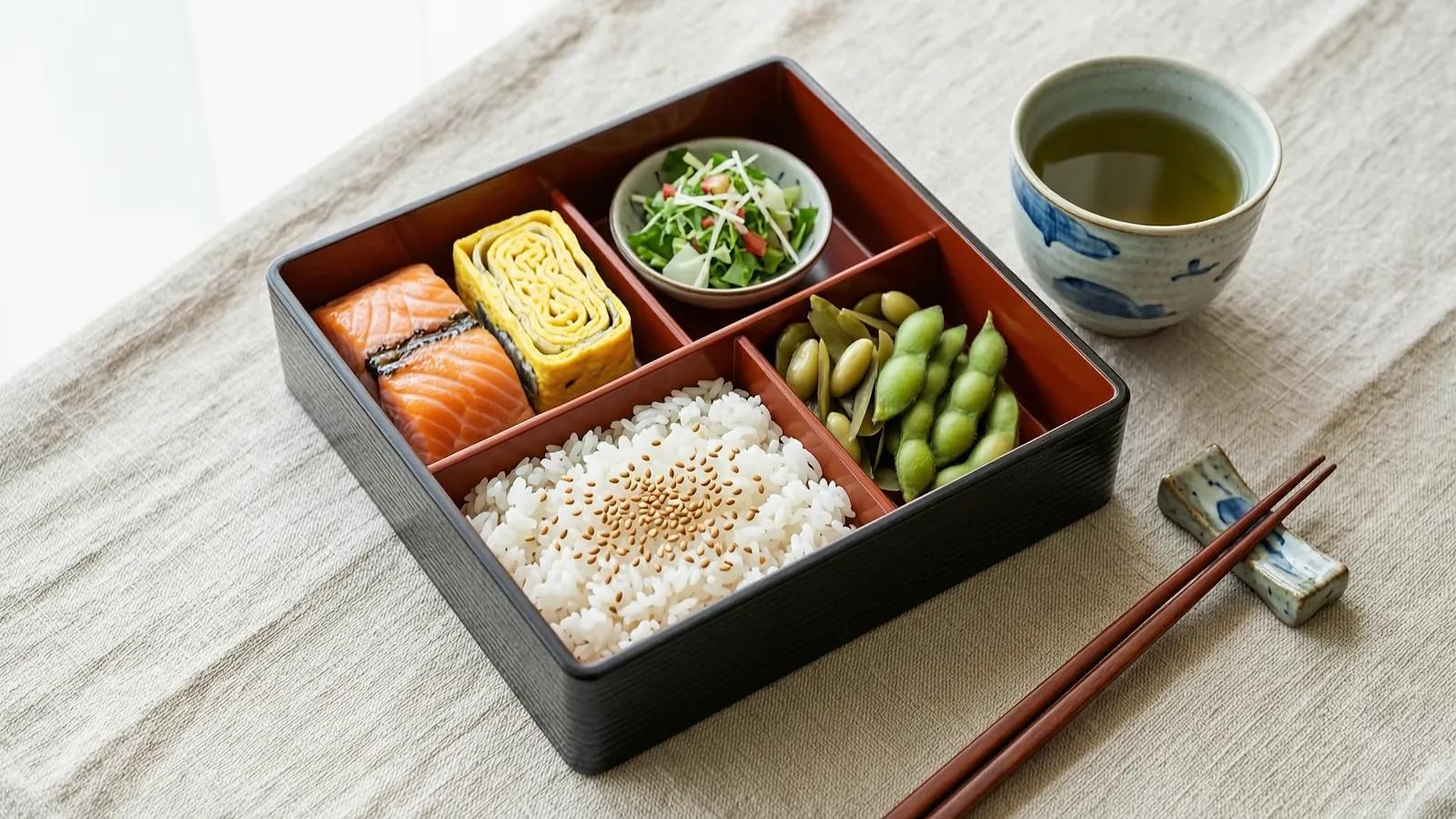
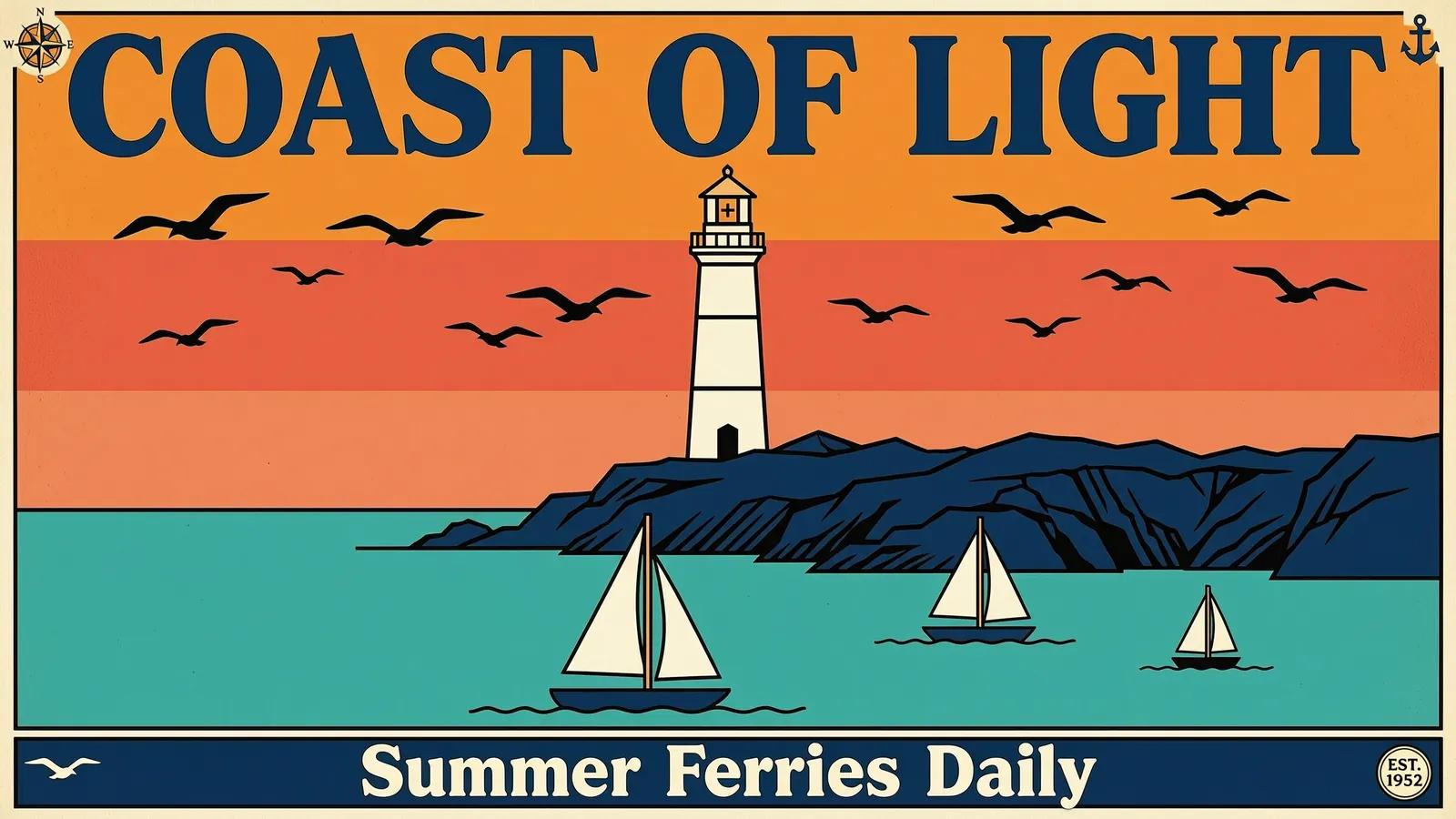
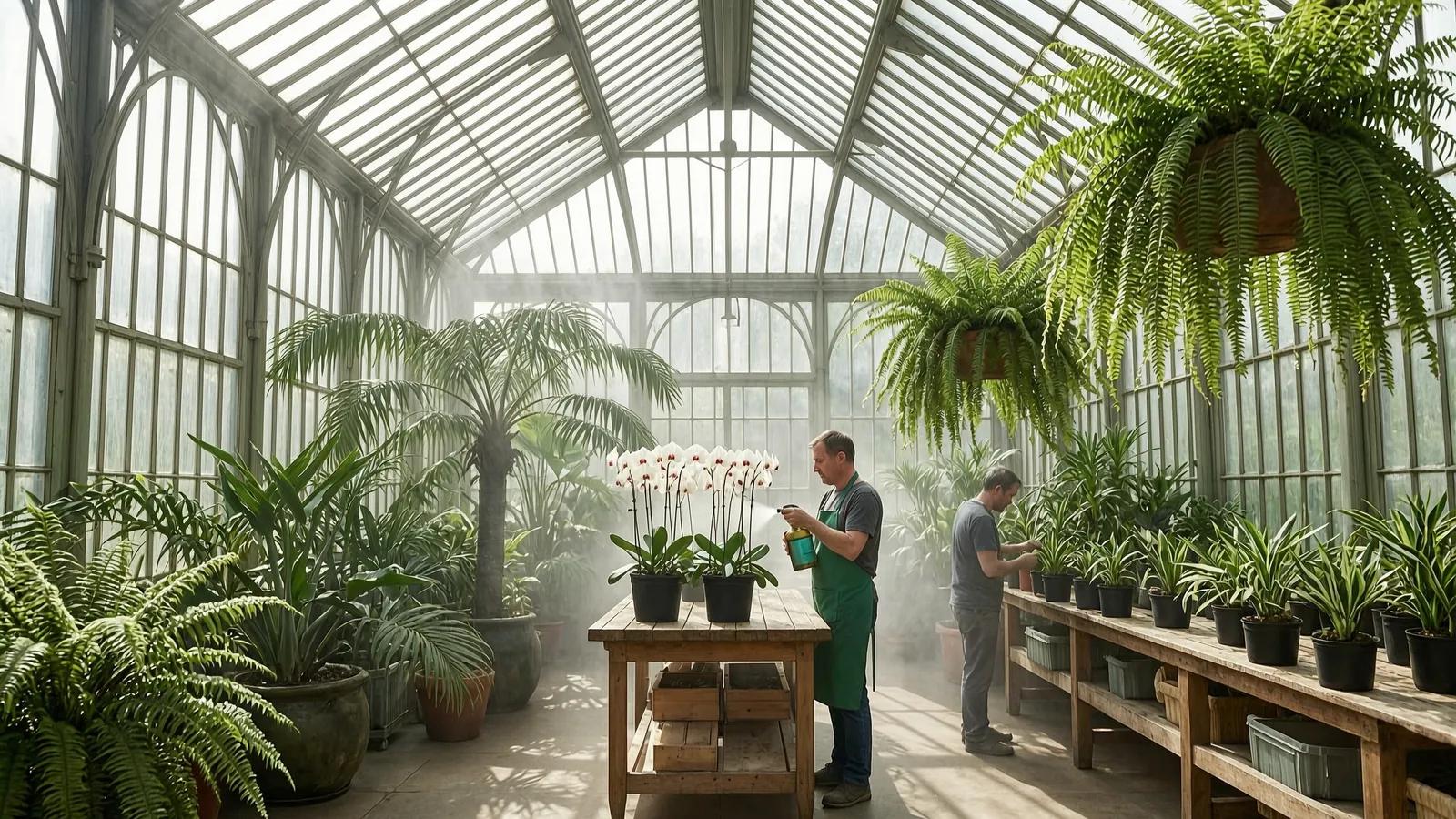
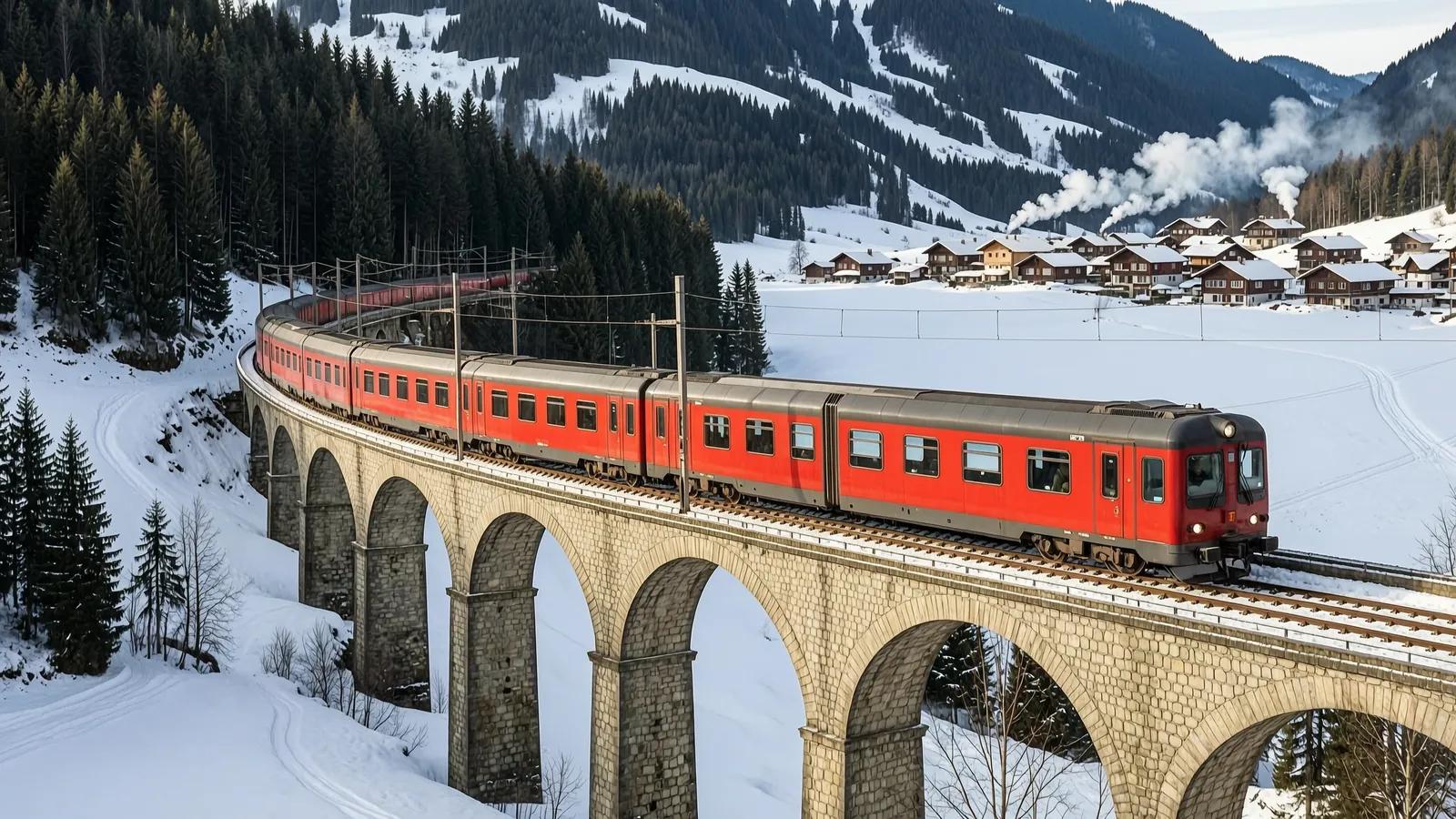
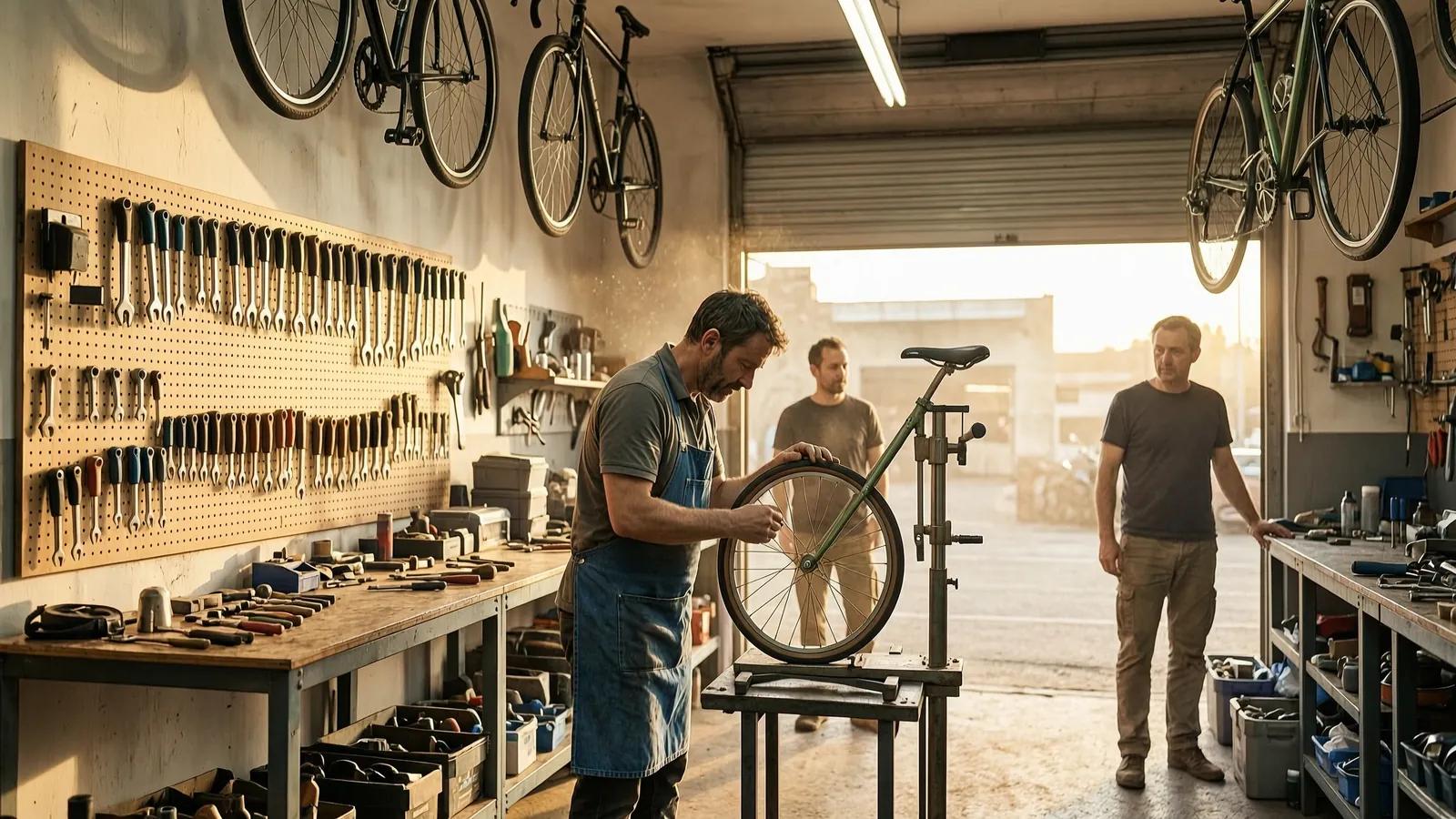
A lantern festival, a bento box, a travel poster, a Victorian glasshouse, a mountain railway and a bike workshop. Every image here was generated with Wan AI on MaxH3.
Key Features of Wan AI
- Plans the Picture Before It Draws: Wan AI reasons through a long prompt first, so each object lands where you put it.
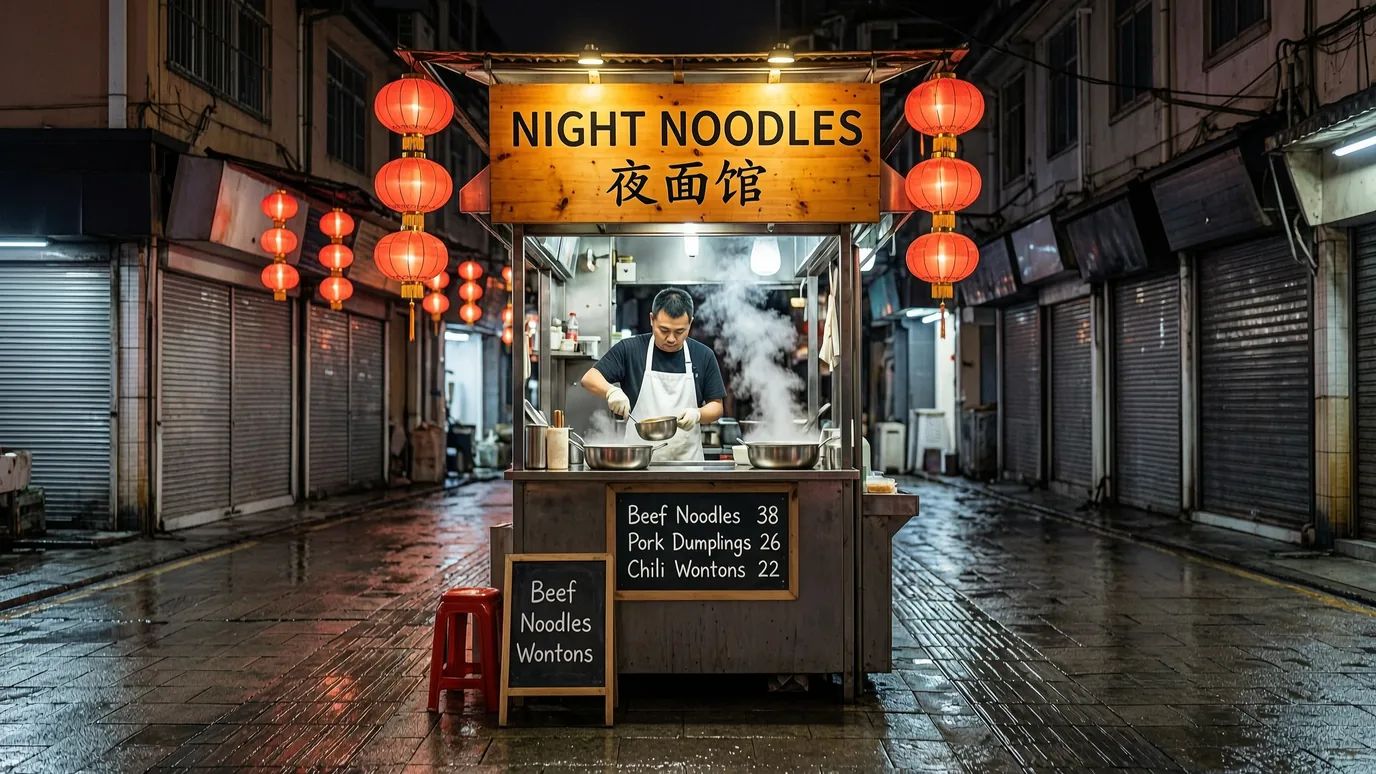
- Signs and Menus You Can Actually Read: Put the exact words in quotes and Wan AI letters them on signs, boards and labels.
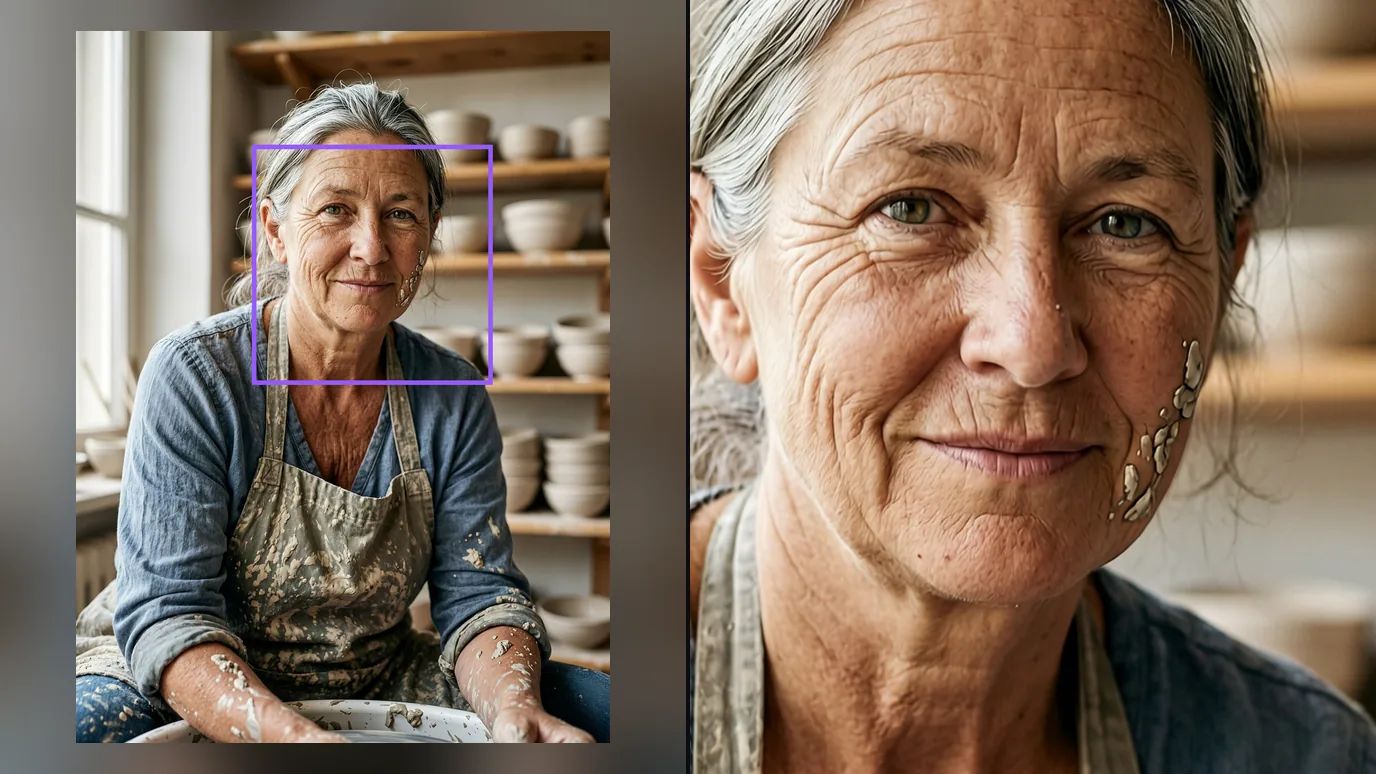
- Portraits With Real Skin and Light: Pores, fine lines and window light hold up when you look closely.
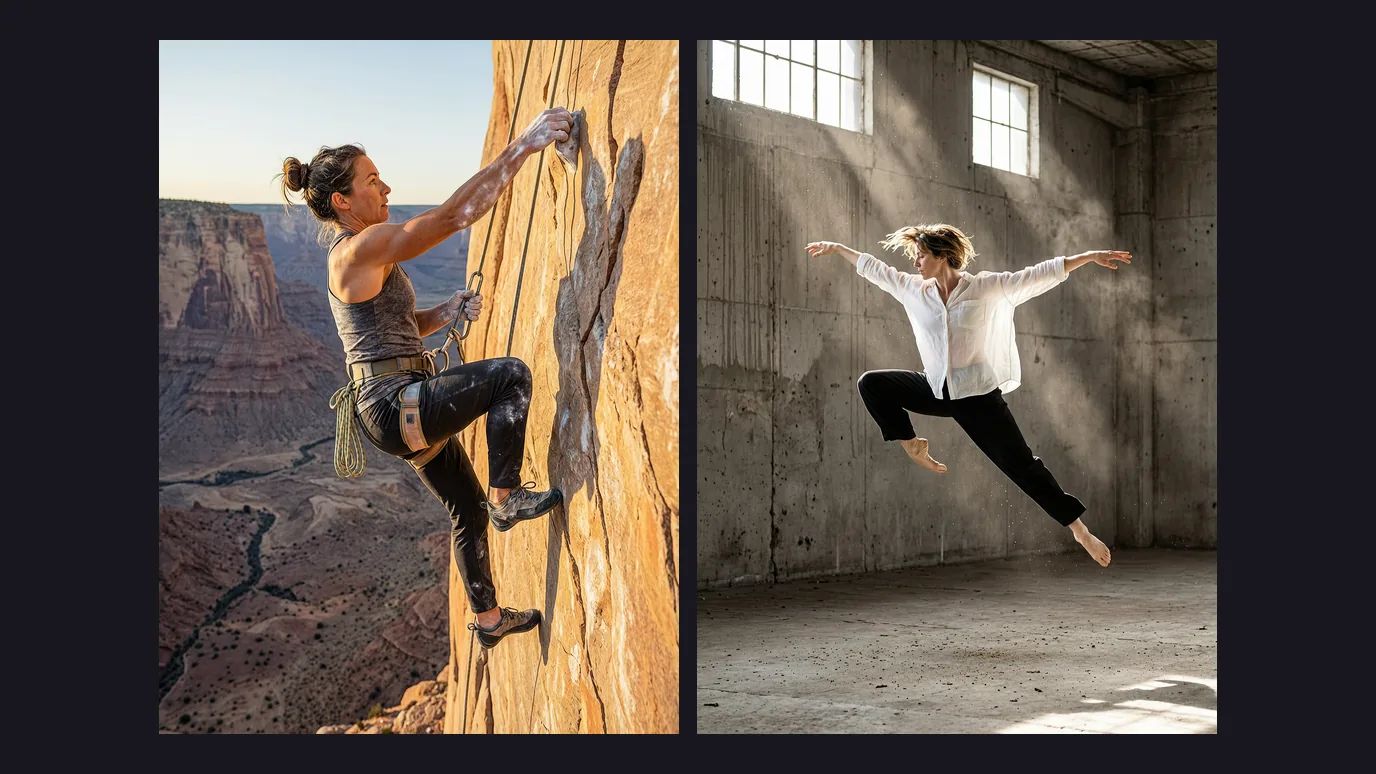
- Bodies in Motion That Look Right: Climbing, leaping and stretching poses with believable balance and anatomy.
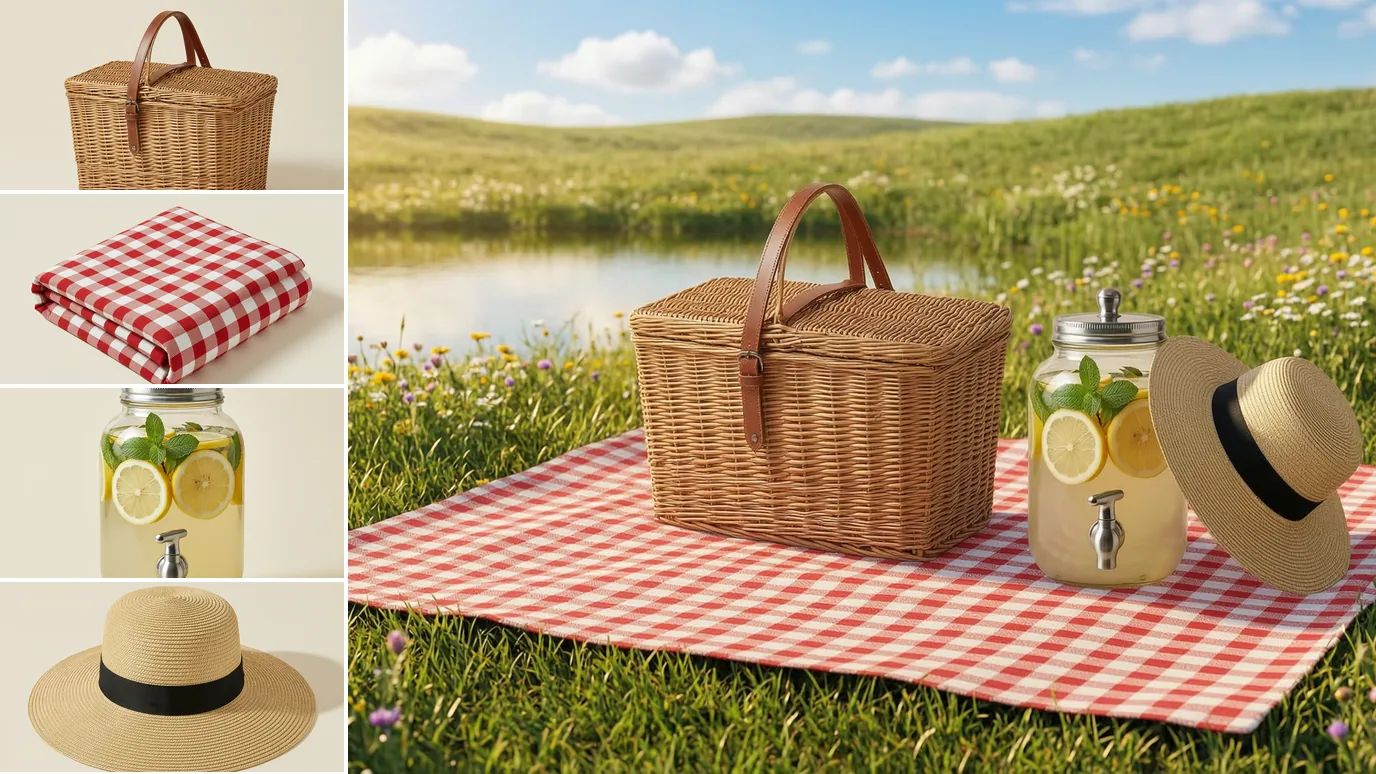
- Blend Up to 9 Reference Images: Upload several items and describe the scene they should share.
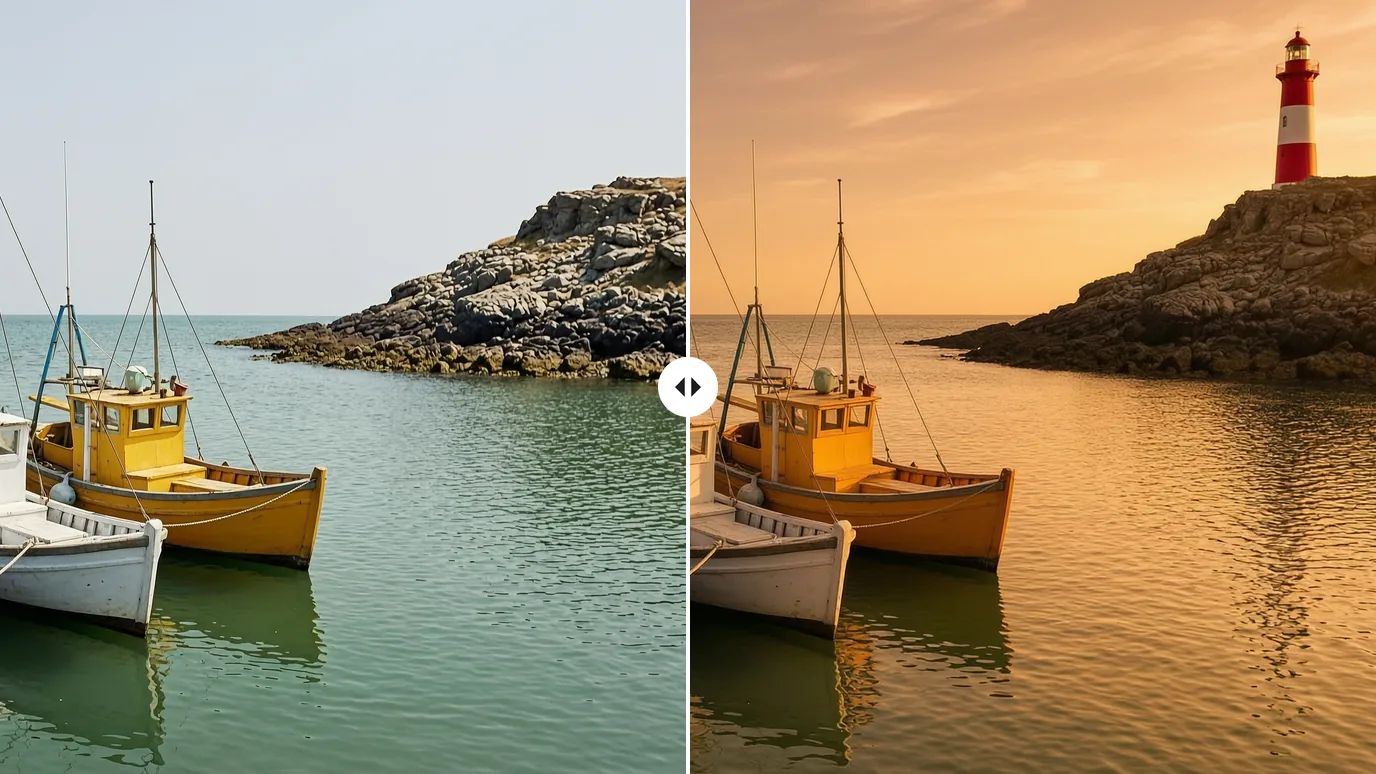
- Edit a Photo With One Sentence: Add, remove or relight things in plain words, even text and watermarks.
- Restyle a Photo in One Pass: Turn a photo into a sketch, a painting or line art, or move a cartoon into a new scene.
- Five Aspect Ratios, Sharp Up to 2K: 16:9, 4:3, 1:1, 9:16 or 3:4 at 1K or 2K, or a custom size.
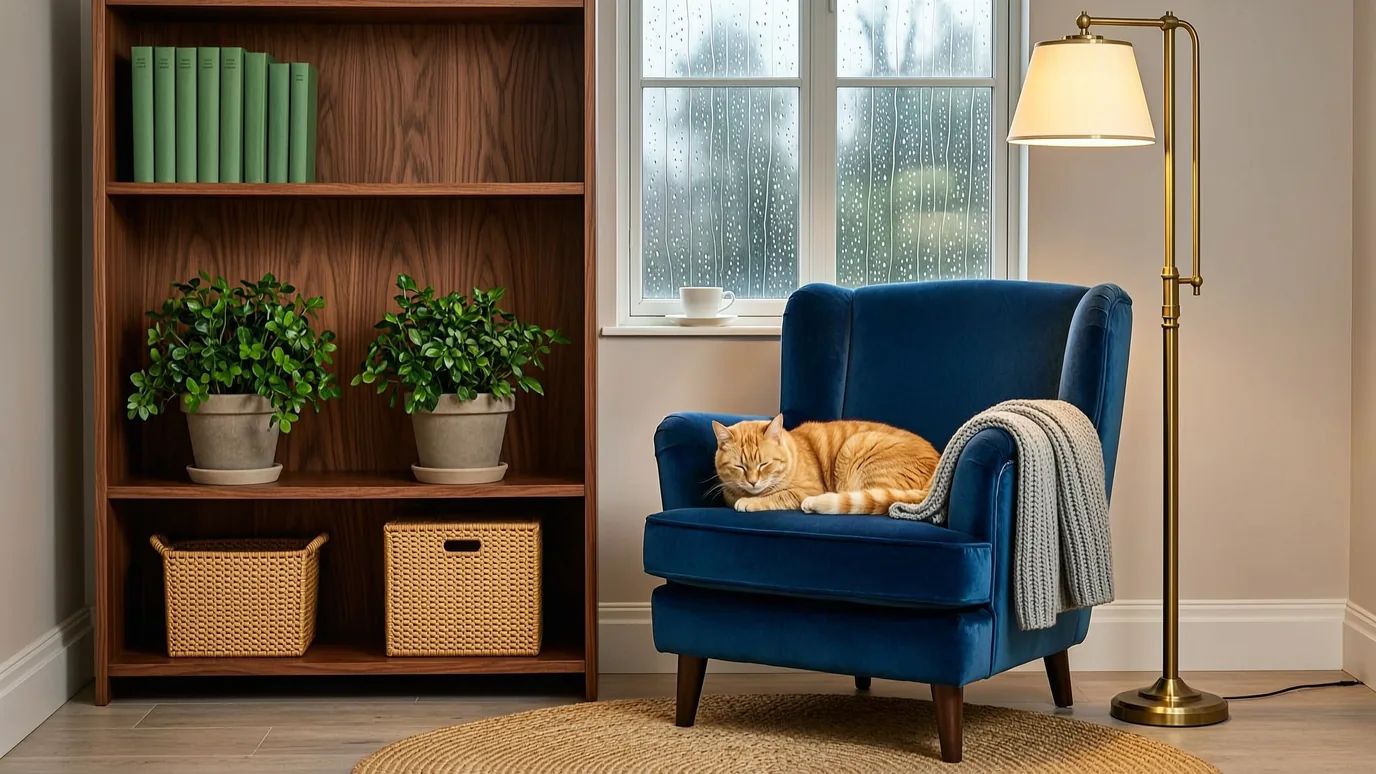
Plans the Picture Before It Draws
One prompt described a rainy reading corner piece by piece: a walnut bookshelf on the left with plants and baskets on its lower shelves, a ginger cat asleep on a blue velvet armchair in the middle, a brass floor lamp on the right and a teacup on the windowsill behind. Wan AI has a thinking mode that works out the layout before it renders, and it is on for every text-to-image generation on MaxH3. It places things reliably; for exact counts, check the result and adjust the prompt.
Signs and Menus You Can Actually Read
A night noodle stall with a carved sign reading "NIGHT NOODLES" and "夜面馆", and a chalkboard menu listing "Beef Noodles 38", "Pork Dumplings 26" and "Chili Wontons 22". English and Chinese sit in the same frame, both crisp. Quote every word you need, keep it short, and proofread the result, as small text can still slip now and then.
Portraits With Real Skin and Light
A potter in her fifties at the wheel, with grey-streaked hair, fine lines around her eyes and dried clay on her cheek. The crop on the right shows her face close to its native size in a 2K render. Wan AI keeps skin texture and soft side light natural, which suits portraits, lifestyle shots and character art. Name the lens, the light and an age to steer the look.
Bodies in Motion That Look Right
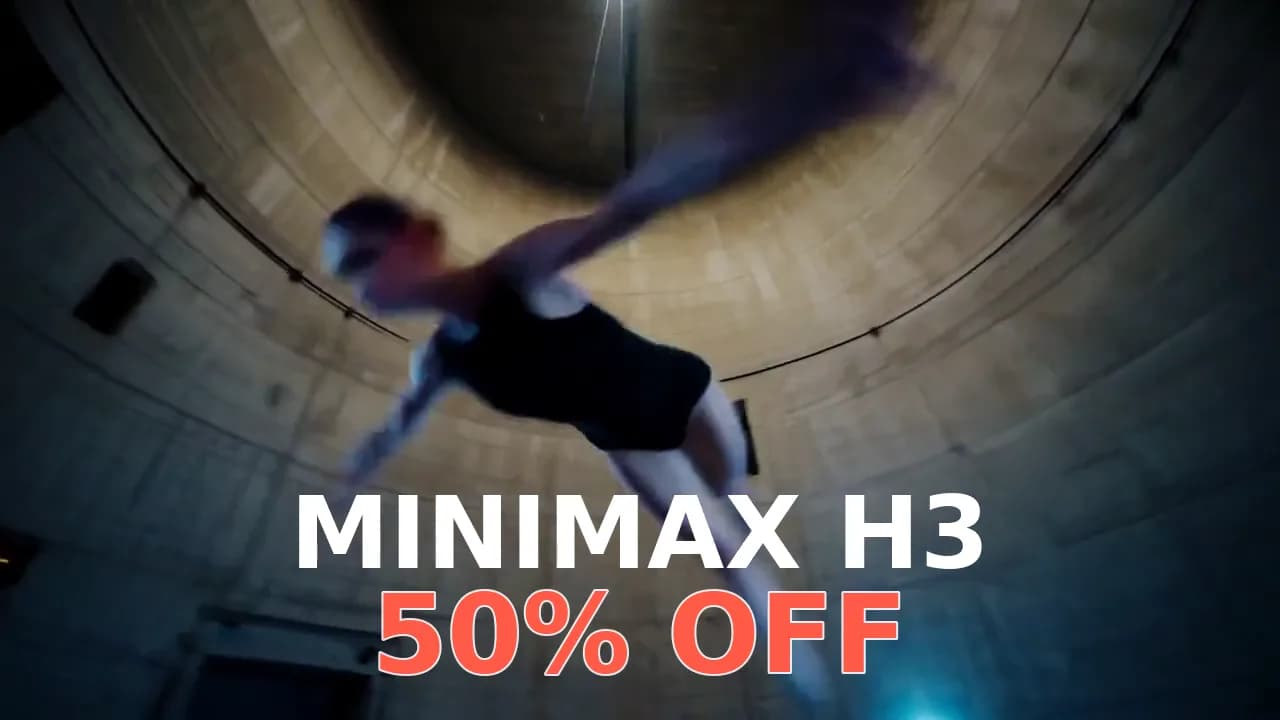
A rock climber high-stepping on a sandstone cliff above a canyon, and a dancer caught mid-leap in a concrete warehouse. Hands, limbs and the shift of weight read as natural, an area where image models often slip. Describe the action, the moment in the movement and the camera angle for sports, fitness and dance imagery.
Blend Up to 9 Reference Images
Four product shots, a wicker basket, a gingham blanket, a lemonade jar and a straw hat, combined into one picnic on a wildflower meadow by a lake. Wan AI on MaxH3 takes up to nine reference images in one request. Say which image is which and where each item goes, and ask for shapes, colours and materials to stay as they are.
Edit a Photo With One Sentence
A harbour at midday, edited with one request: add a red-and-white lighthouse on the headland and change the light to golden hour. The boats, the quay and the water stay where they were. Removing works the same way: ask Wan AI to clear the English or Chinese lettering off a sign, or a watermark across your own photo, and it fills in what was underneath. Say what should change and what should stay, then run another sentence on the result for the next tweak.
Restyle a Photo in One Pass
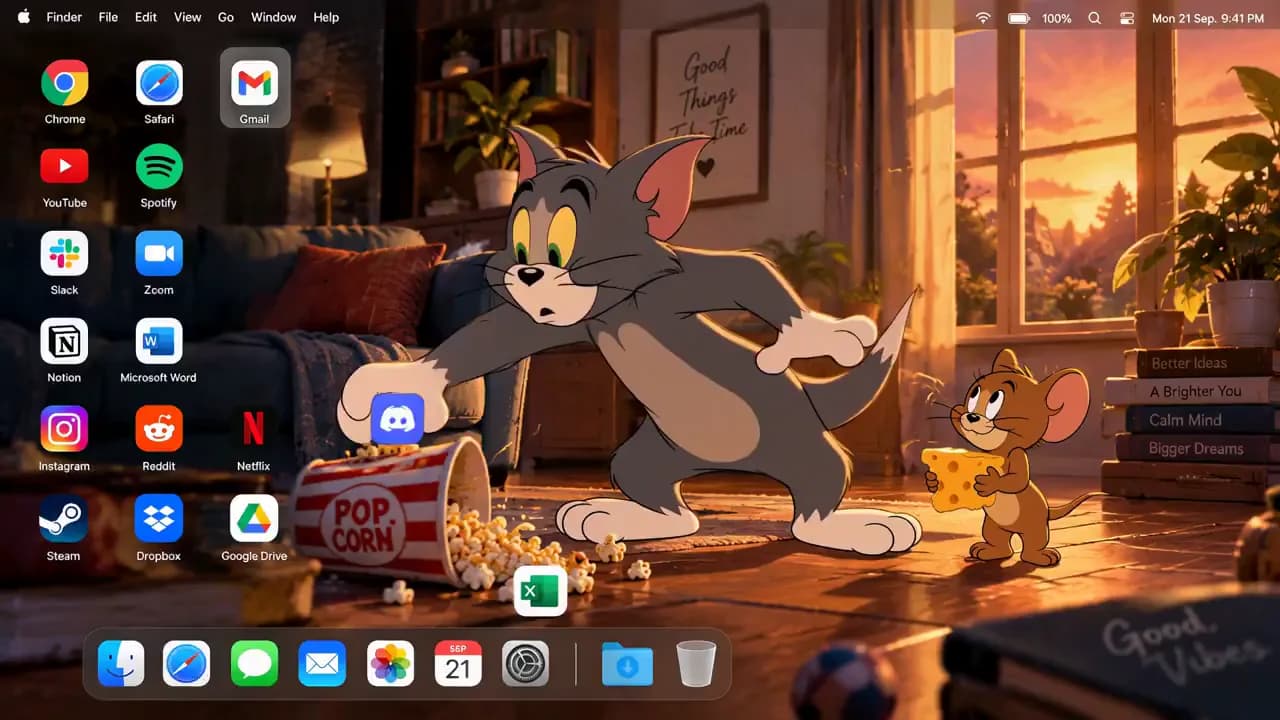
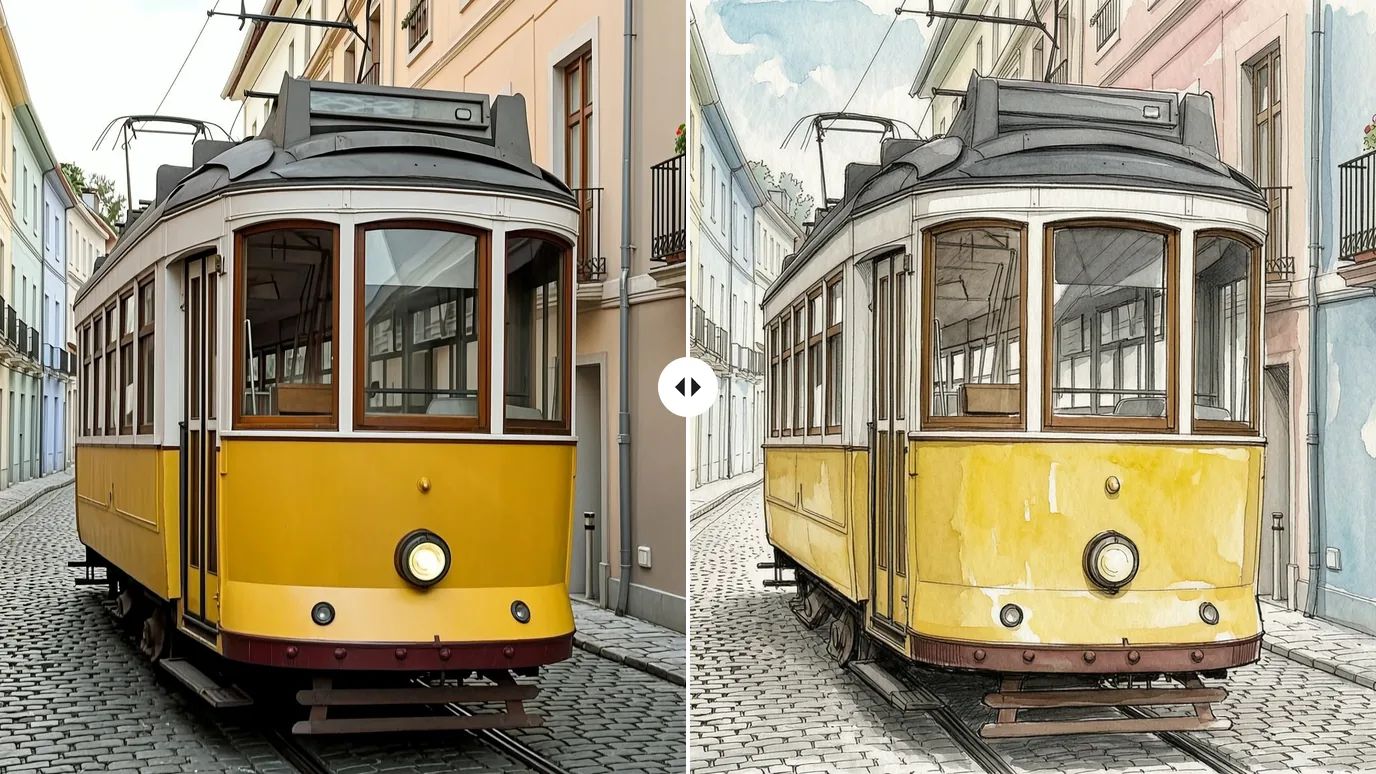
A yellow tram on a cobbled street of pastel houses, redrawn as a loose ink-and-watercolour sketch. The tram, the balconies and the camera angle stay the same; only the medium changes. Ask for line art instead and you get clean black outlines on white, ready for colouring pages or tracing. Upload a cartoon character and Wan AI keeps its face, colours and outfit while putting it in a new scene. Name the style, the materials and the colours you want.
Five Aspect Ratios, Sharp Up to 2K
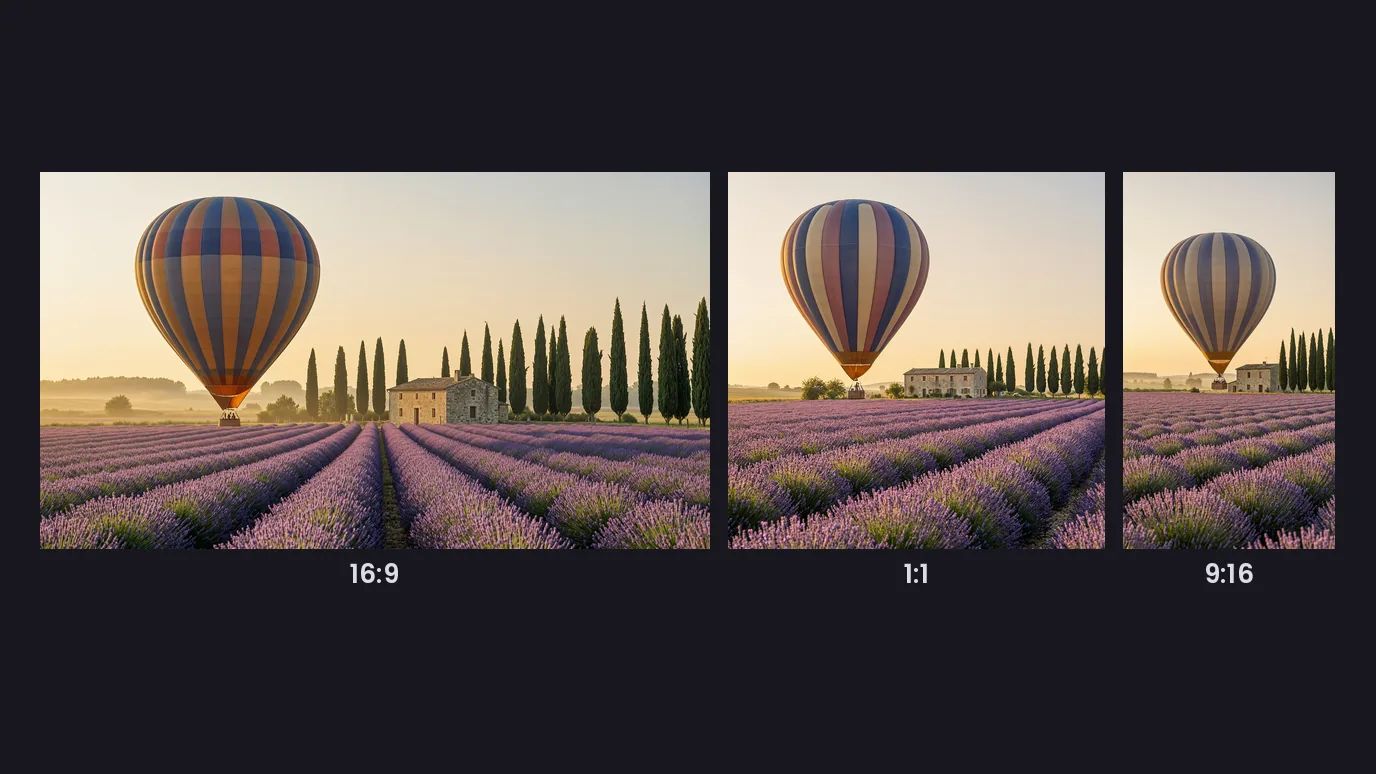
The same lavender field and hot-air balloon at 16:9, 1:1 and 9:16, each generated for its own frame rather than cropped from one image. Wan AI on MaxH3 renders at 1K or 2K (2048 pixels on the long side) in five preset ratios, or at a custom size up to 2048 × 2048.
How to Use Wan AI on MaxH3
Open Wan AI
Wan AI is already selected in the generator above. Add reference images there to start from a photo.
Describe the Image
Describe the subject, style and light, quote any on-image text, then pick the ratio and resolution.
Generate and Download
Press the arrow. The result shows right here, ready to download or refine, and stays in your history.
Explore Wan AI's Models
FAQs
Describe It Once, Let Wan AI Draw It
Write a detailed prompt, or upload up to nine reference images to blend or edit. Your first credits are on us.