AI Background Changer

Change the Background of Any Photo with AI
Upload a photo and describe the background you want: a sunny park, a plain studio backdrop, a beach at dusk. MaxH3's AI background changer keeps your subject and replaces the scene behind it with a new one generated from your words. No cutting out and no stock backdrops: a text prompt is all it takes.
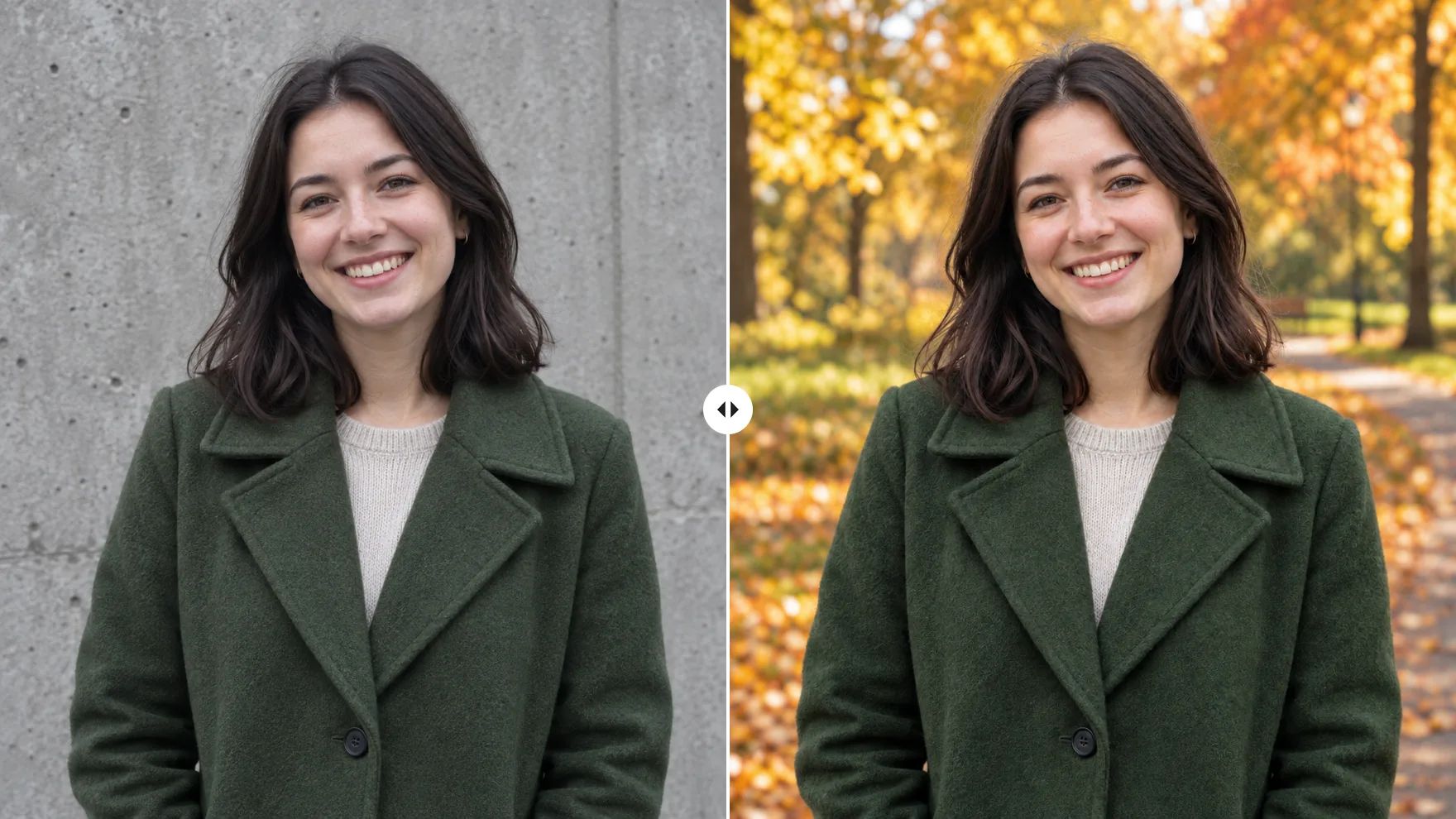
Replace Photo Backgrounds for Headshots, Products and Travel
Keep the person or product, and change everything behind it with one sentence.
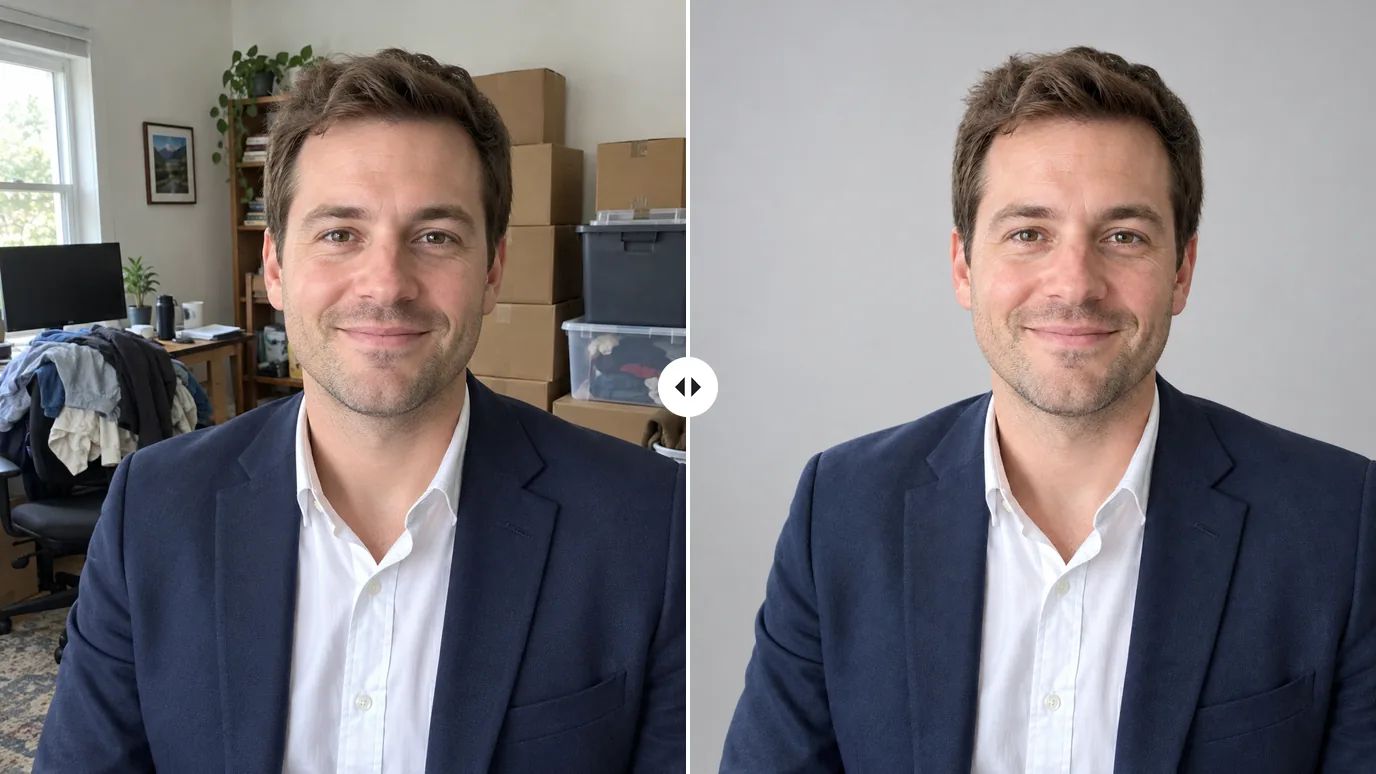
Create Professional Headshot Backgrounds
A good portrait taken in a cluttered kitchen or a busy home office can still become a profile photo. Describe a plain studio backdrop, and the AI background changer swaps the scene while you stay in the frame. To edit the person instead, use the AI photo editor.
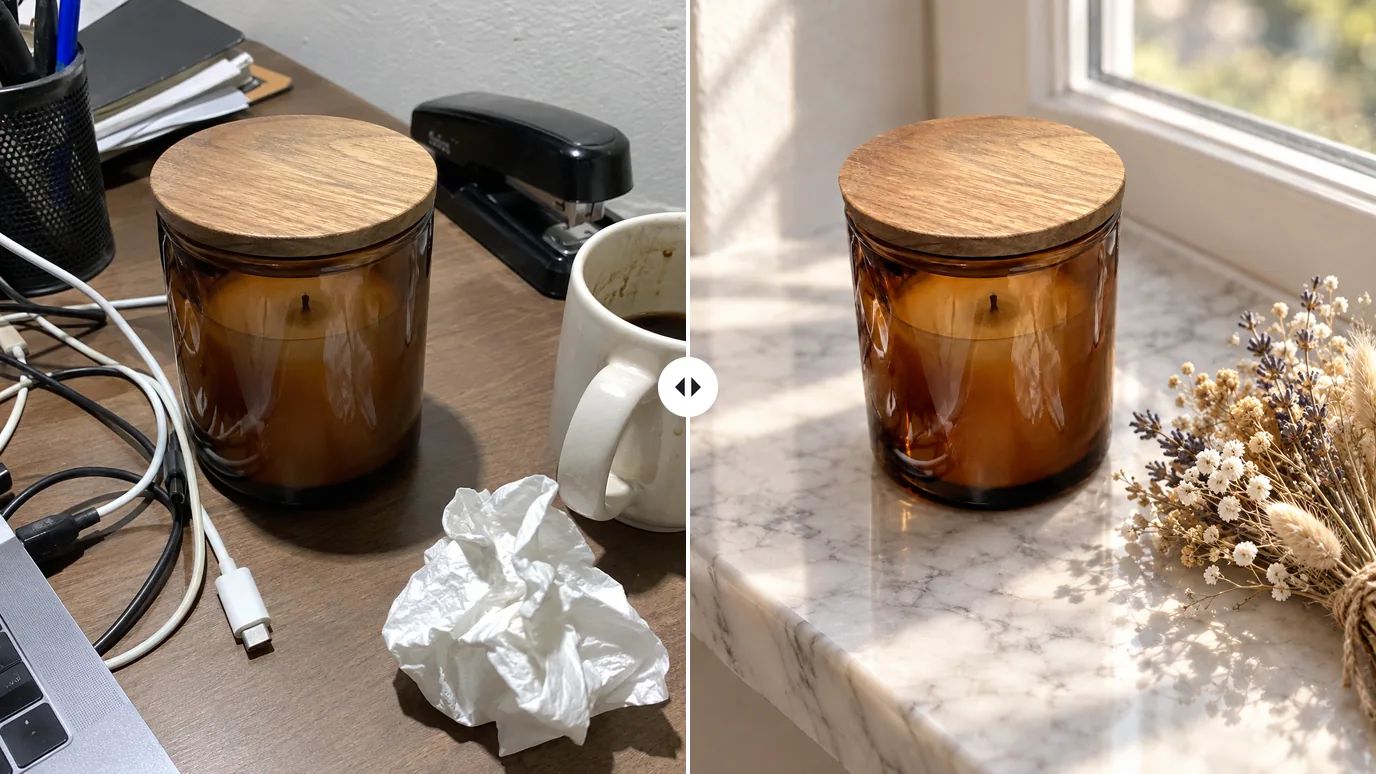
Put Products in New Scenes
Photograph a product on your desk, then place it on a marble shelf, a sunny windowsill or a pastel set just by describing it. It's an easy way to test looks for a listing or an ad without building a set. Need a plain cutout instead? Use the background remover.
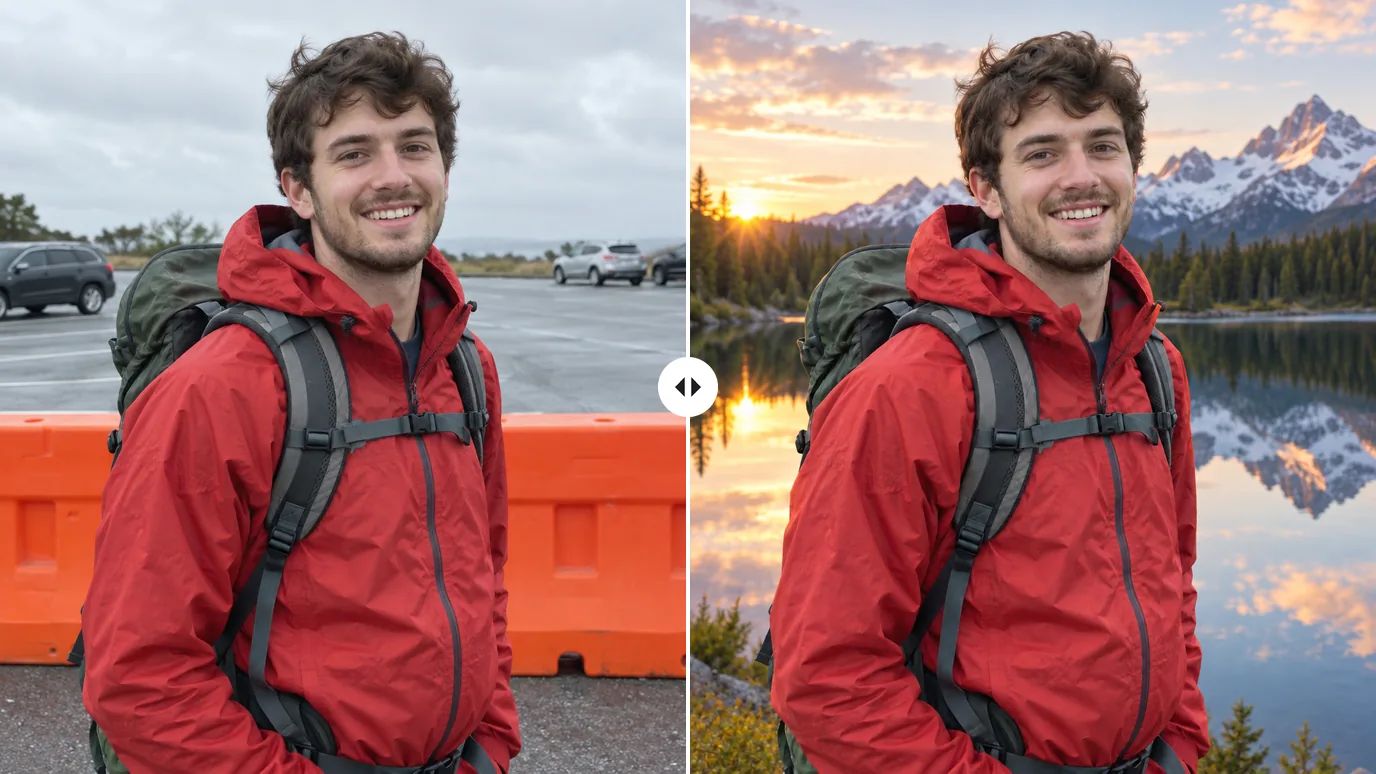
Change the Scenery in Travel Photos
A construction fence, a parking lot or a grey sky doesn't have to be the backdrop of your favorite shot. Describe a mountain lake at sunrise or a quiet beach, and the background changer redraws the scene behind you. To make the frame wider as well, try AI uncrop.
Make Seasonal and Creative Backgrounds
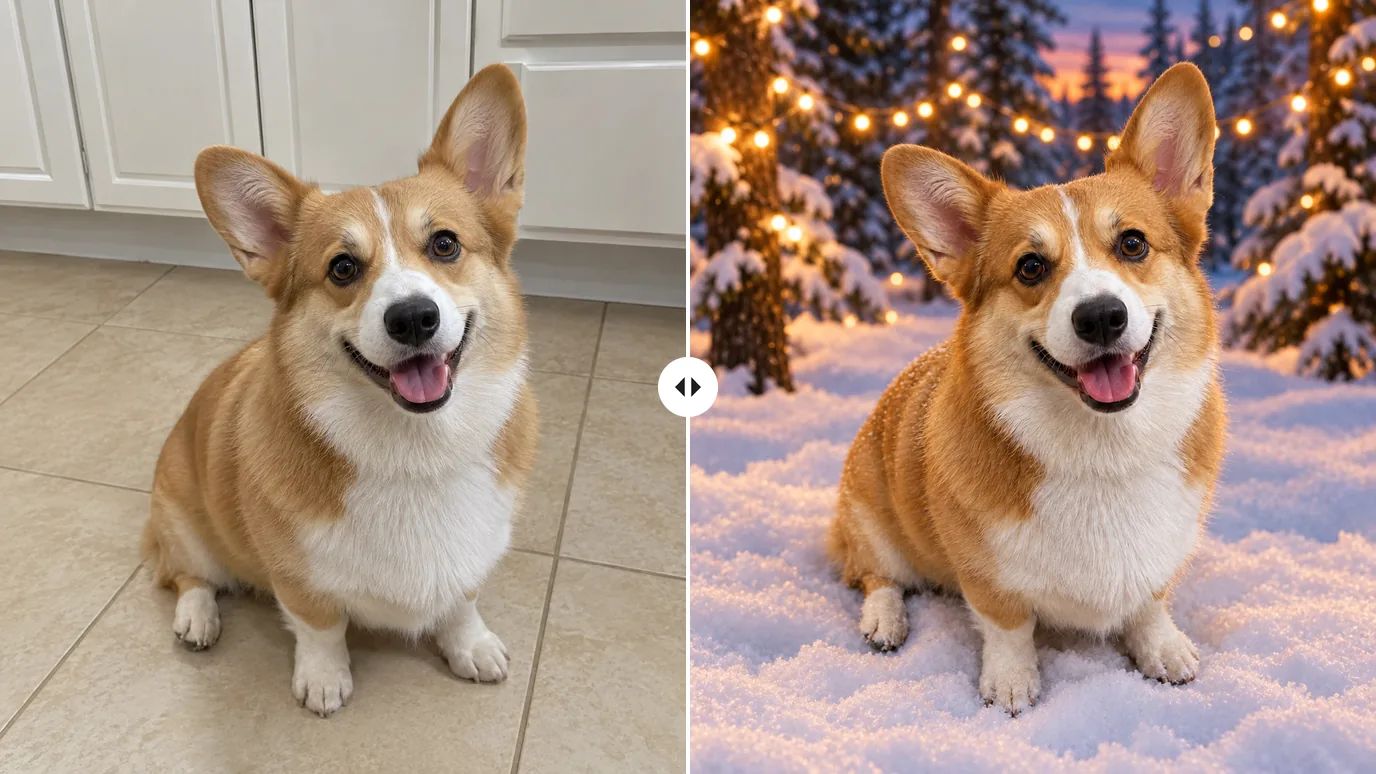
Put your dog in a snowy forest for a holiday card, or a product on a beach for a summer post. Because the background comes from your prompt, you can run the same photo again with a different description and build a whole set of themed images.
Who Uses an AI Background Changer
Anyone with a good subject in the wrong place.
Online Sellers & Brands
Show one product in many settings for listings, ads and seasonal campaigns.
Professionals & Job Seekers
Turn a casual portrait into a profile photo with a clean, neutral background.
Travelers & Photographers
Replace a dull or crowded backdrop behind a portrait you like.
Marketers & Creators
Make themed visuals for posts, thumbnails and banners from photos you already have.
How to Change the Background of a Photo
Upload Your Photo
Sign in and upload a PNG, JPG or WEBP image up to 15 MB and 4096 × 4096 pixels.
Describe the New Background
Type the scene you want in the AI Background Prompt box: the place, the time of day and the mood. A short description works too.
Create and Download
Click Create. The price shows on the button before you run it; download the image when it's ready.
Explore More AI Image Tools
Need a different fix? Each of these tools does one job well.
Create images from a text prompt with GPT Image 2.5, Nano Banana, Seedream and more.
Use a photo as the reference and generate it again in a new style, light or setting.
FAQs
Give Your Photo a New Background
Upload a photo, describe the scene, and MaxH3 does the rest.