Nano Banana Pro AI Image Generator
Google's precision image model for legible text, infographics and controlled edits. Blend up to 14 reference images and export at 1K, 2K or 4K.
Discover What Nano Banana Pro Can Create
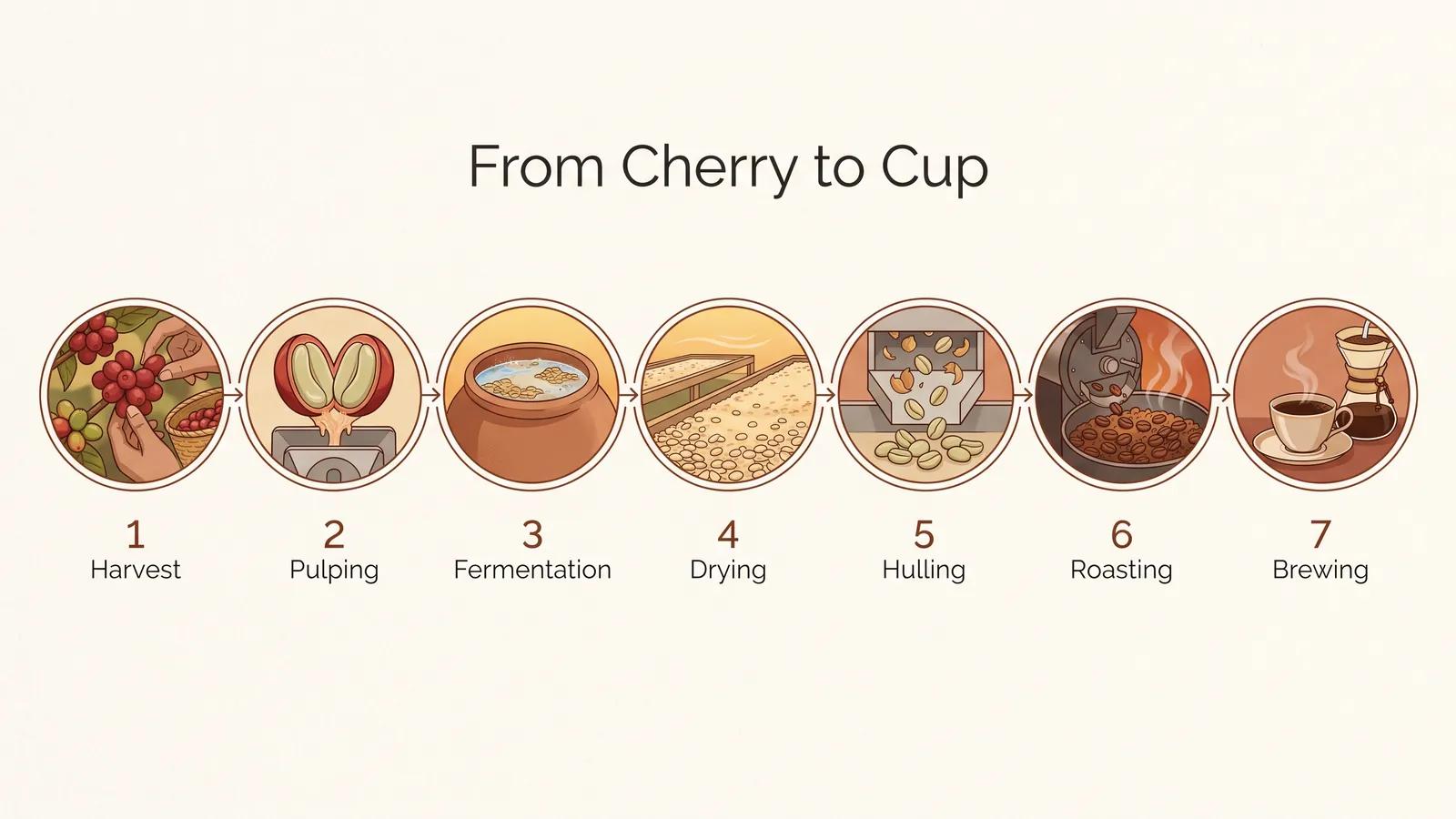
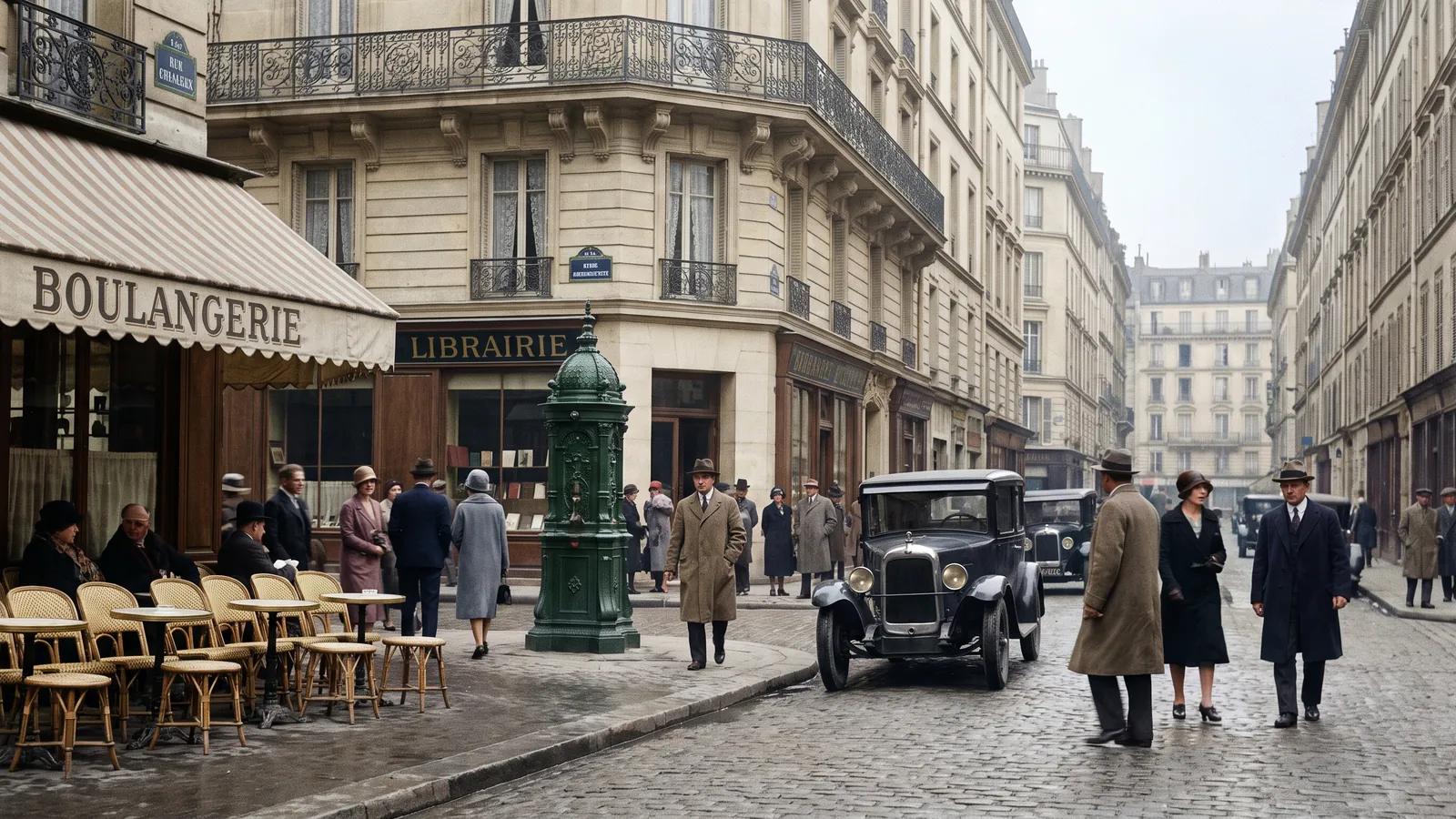
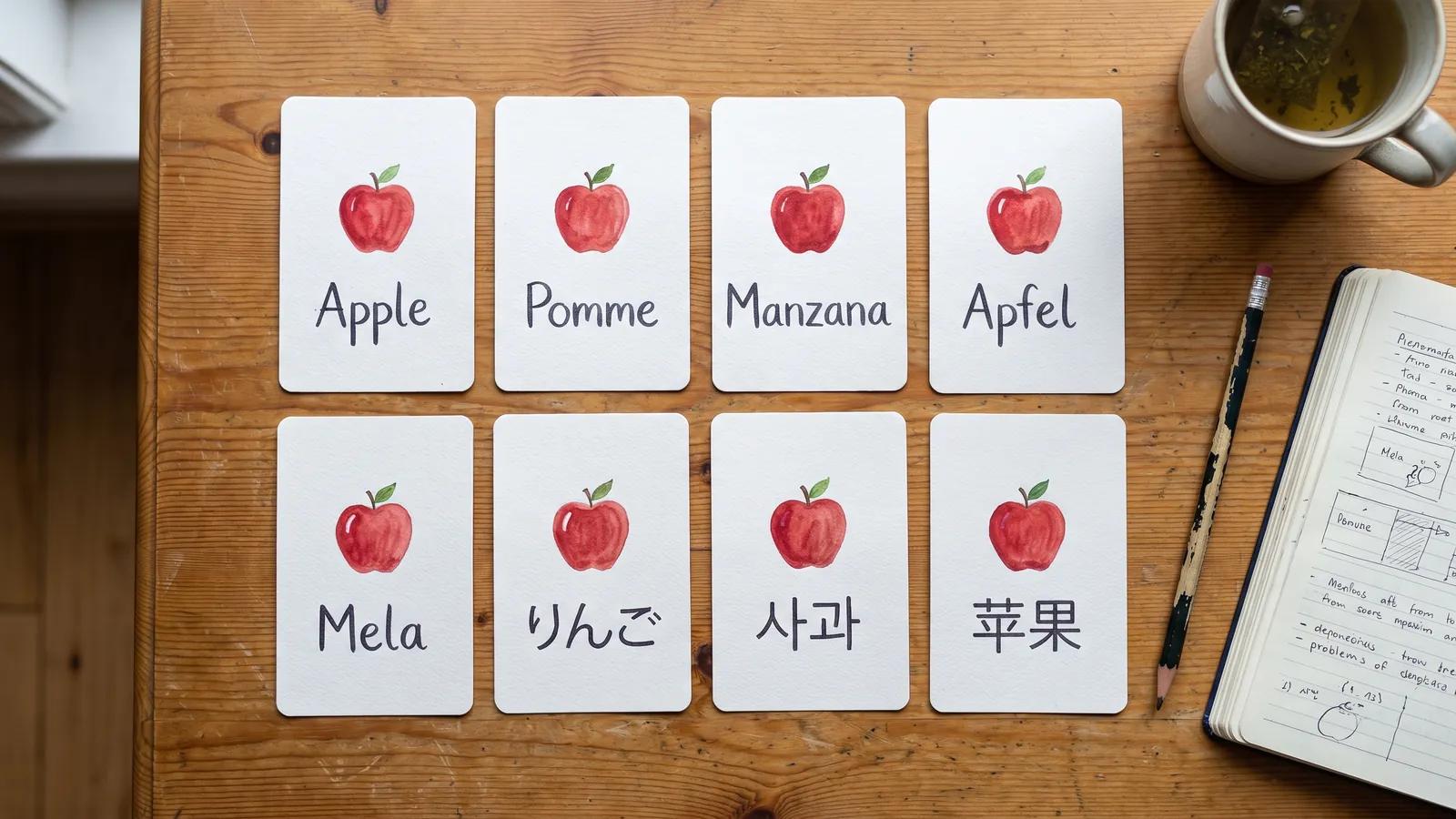
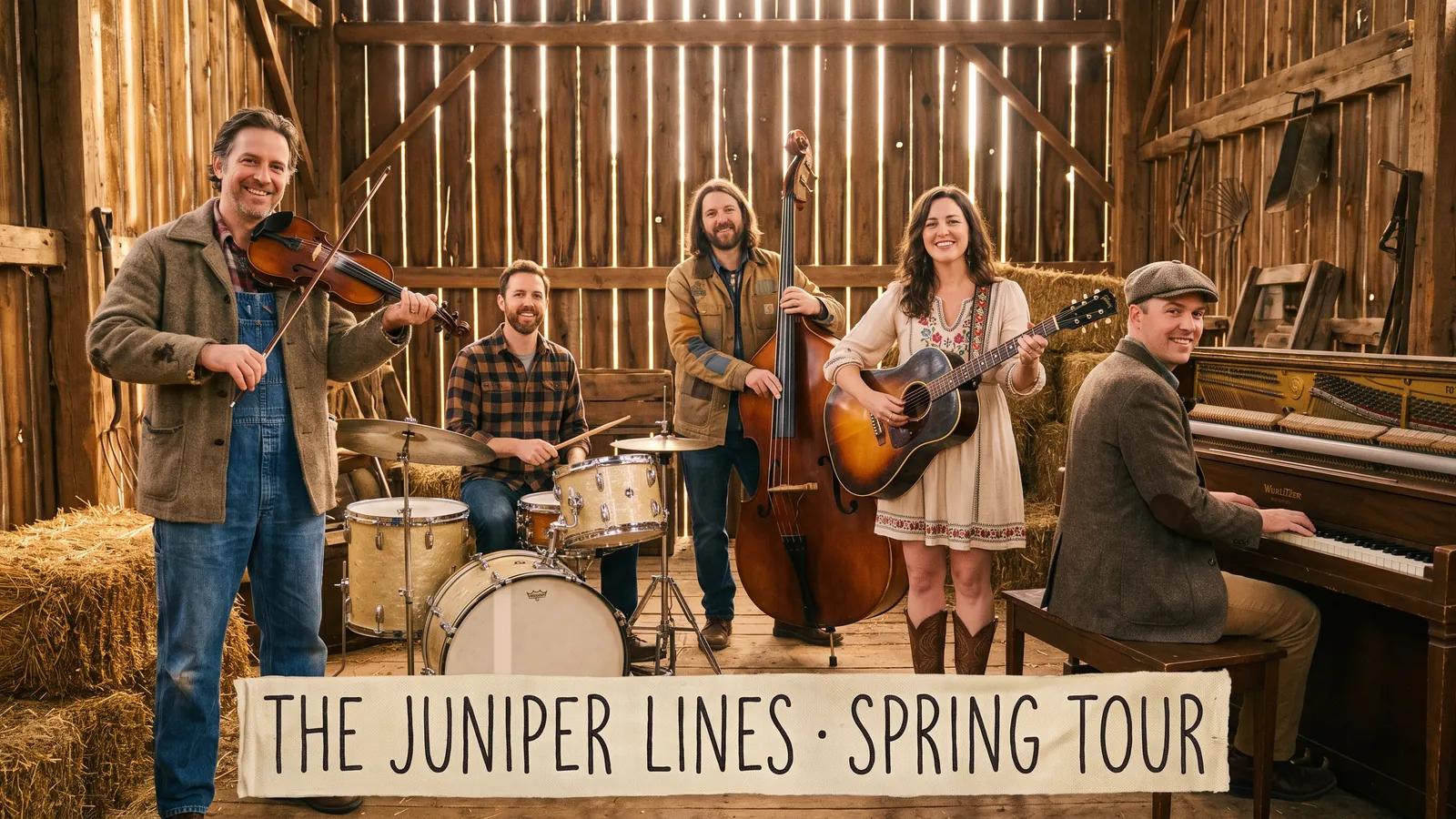
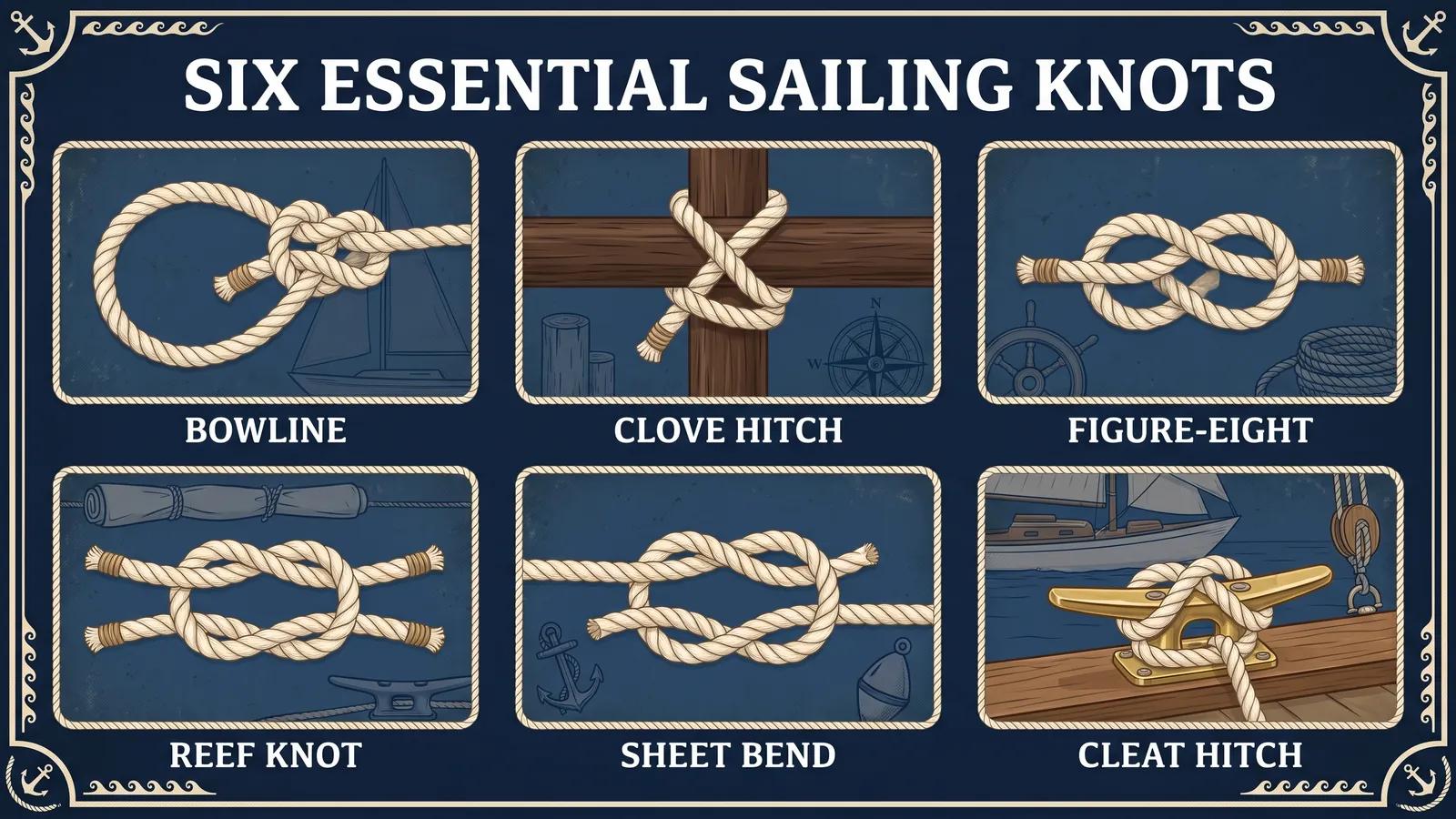
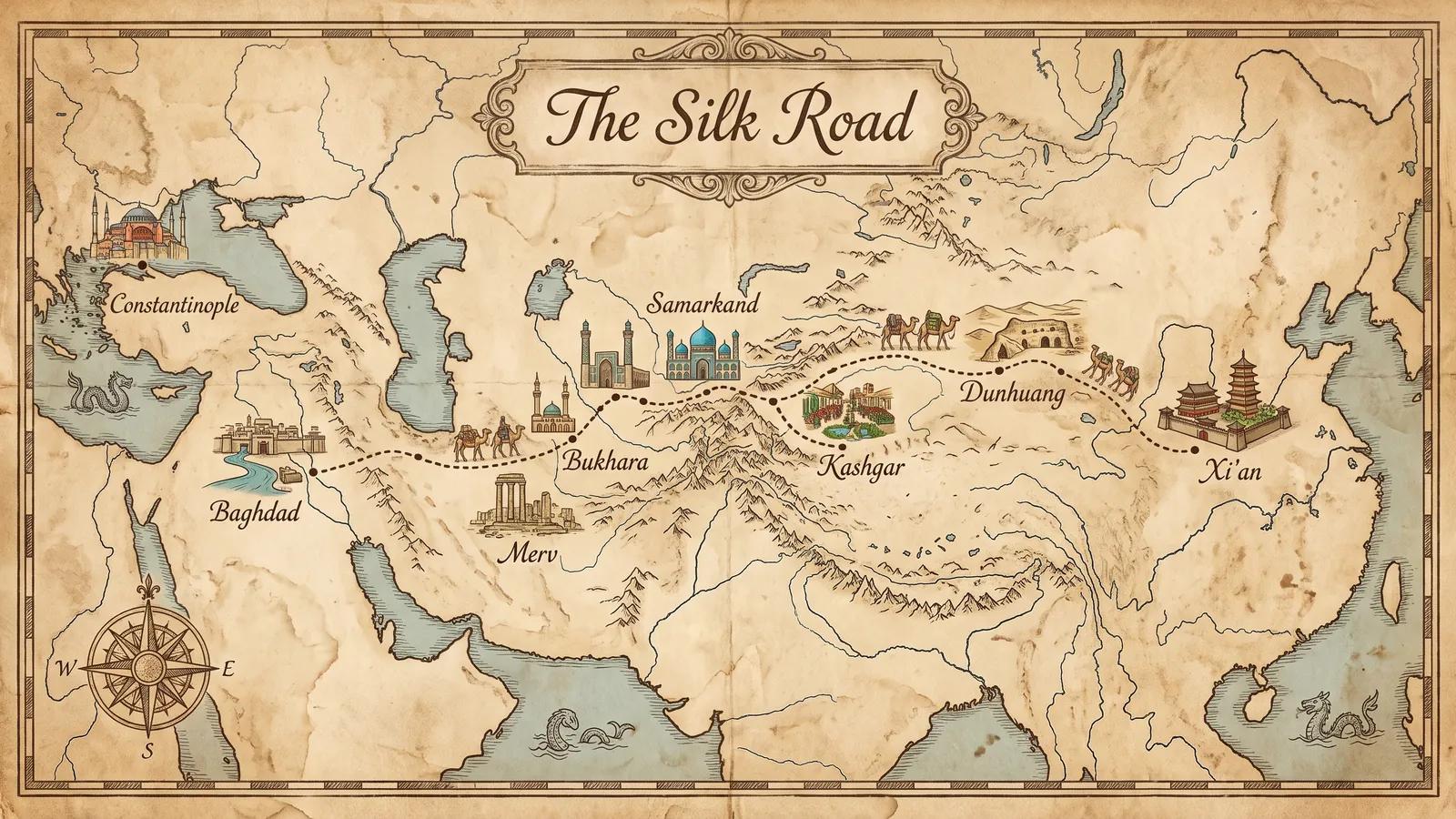
A process infographic, a 1920s street scene, language flashcards, a band photo, an instruction poster and an antique map. Every image here was generated with Nano Banana Pro on MaxH3.
Key Features of Nano Banana Pro
- Clear, Correct Text in Several Languages: Signs, labels and posters with every word spelled as you wrote it, in several languages.
- Diagrams That Draw on Real-World Knowledge: Labeled diagrams and explainers that get the subject right, not just the look.
- Keep a Cast of Up to 5 People Consistent: Put the same faces into new scenes and keep each person recognizable.
- Blend Up to 14 Reference Images: Merge products, people and places from up to 14 images into one coherent shot.
- From Day to Night Without Moving a Thing: Change the light or time of day while the layout, props and framing stay put.
- Re-Shoot From a New Angle: Move the camera lower and closer with words, while the scene itself stays put.
Clear, Correct Text in Several Languages
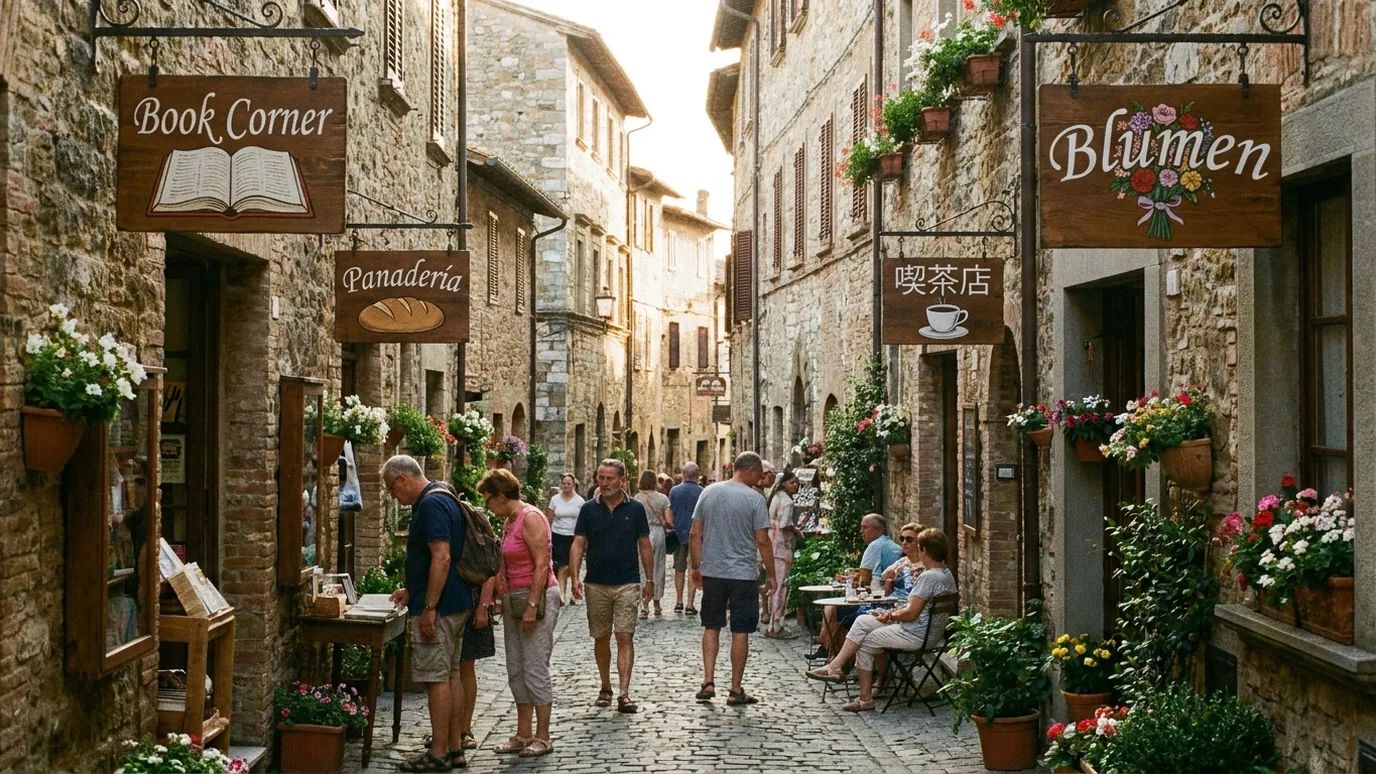
Four hanging shop signs on one lane, in English, Spanish, Japanese and German, each spelled exactly as typed. Google designed Nano Banana Pro to put accurate, readable text into images in more than one language, which makes it a strong pick for packaging, menus and posters. Quote every word, and say which sign or label it goes on.
Diagrams That Draw on Real-World Knowledge
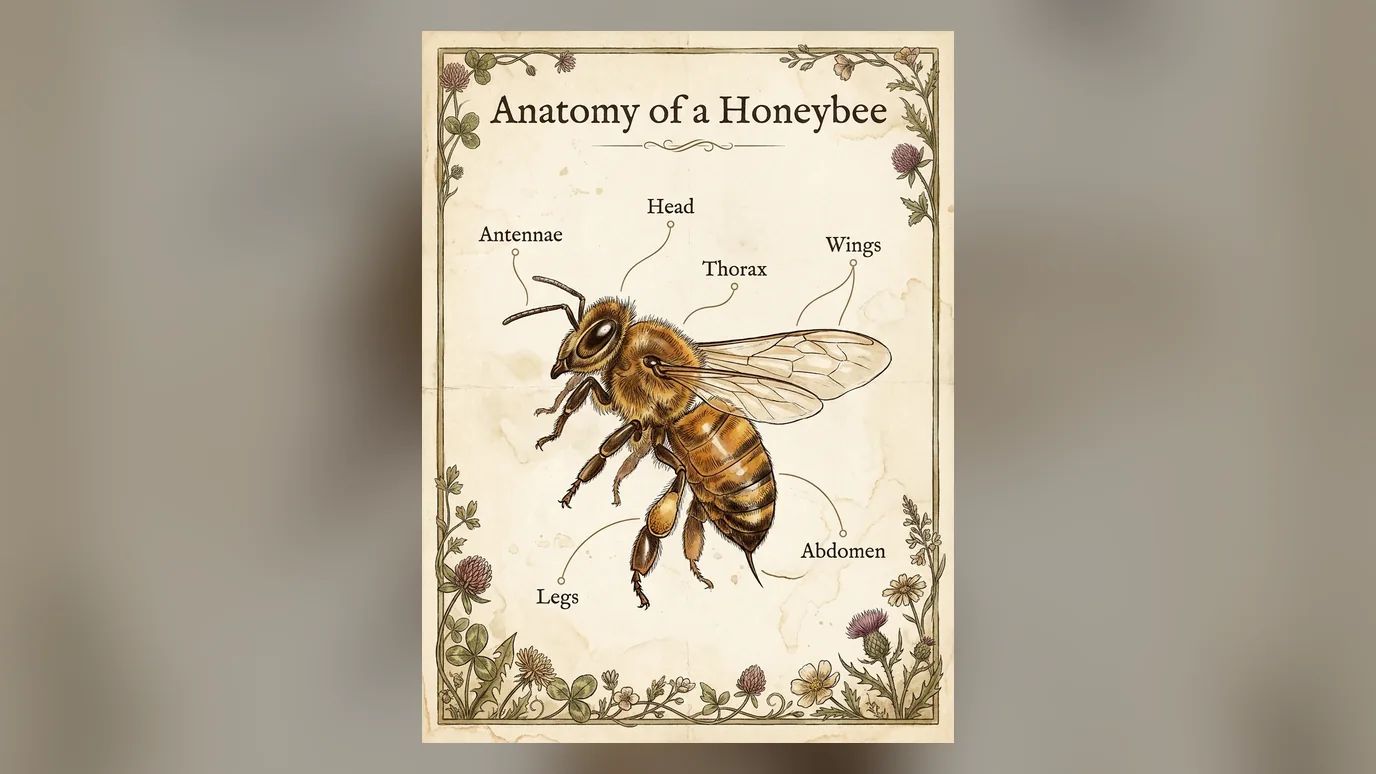
A natural-history poster of a honeybee, with six labels and every leader line landing on the right body part. Nano Banana Pro is built on Gemini 3 Pro, and Google says it applies reasoning and world knowledge to make context-rich visuals. Name the topic, the labels and the style you want, then check the facts before you publish.
Keep a Cast of Up to 5 People Consistent
Three people from three separate portraits, seated together on a mountain-hut terrace with their faces, hair and clothes intact. Google built Nano Banana Pro for consistency across a set of images, and it can keep as many as five people looking like themselves. Upload a photo of each person, say who sits where, and reuse the same set for every frame of a story.

Blend Up to 14 Reference Images
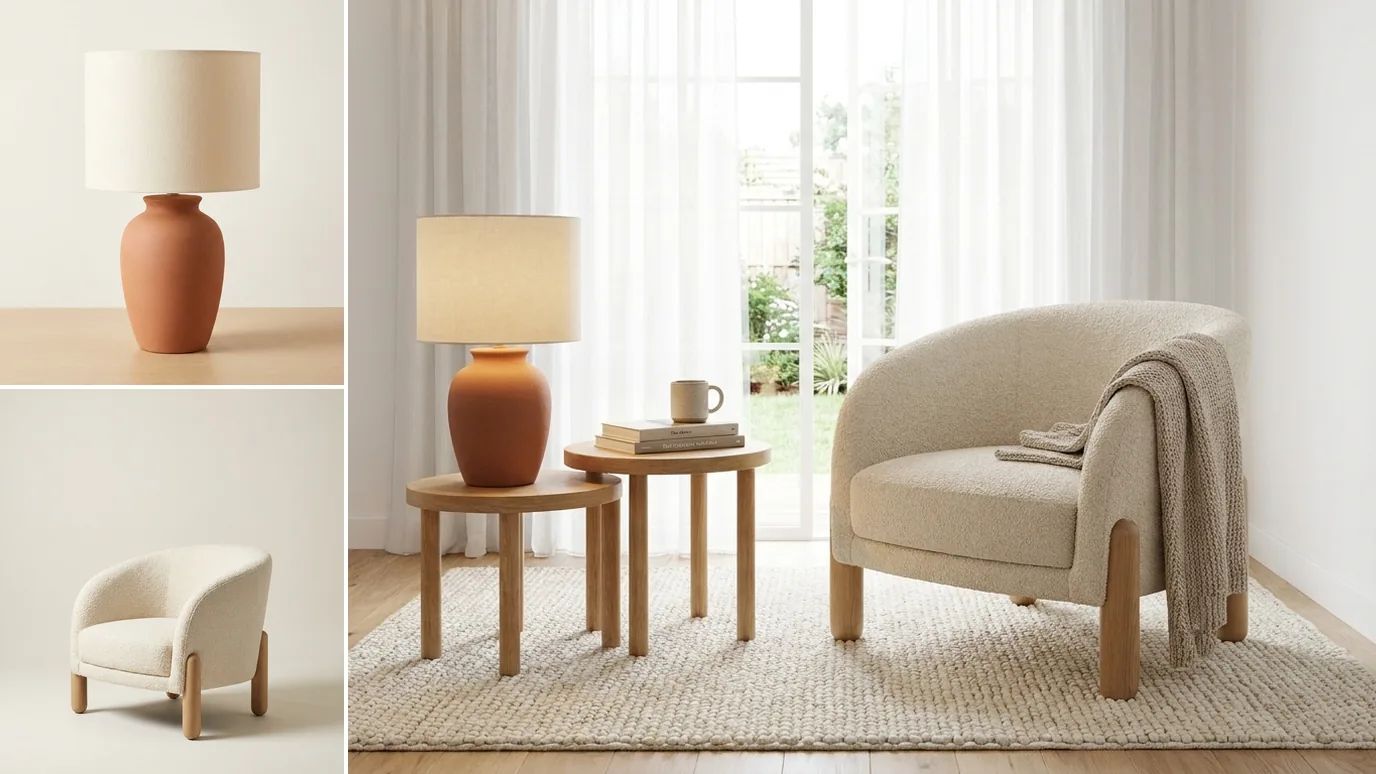
A terracotta lamp and a bouclé armchair, shot separately, now share one sunlit reading corner with their shapes, fabrics and colors intact. Nano Banana Pro accepts up to 14 reference images at once, so loose packshots can become a styled room set without booking a shoot. Say where each piece goes; for single-photo changes, try image to image.
From Day to Night Without Moving a Thing
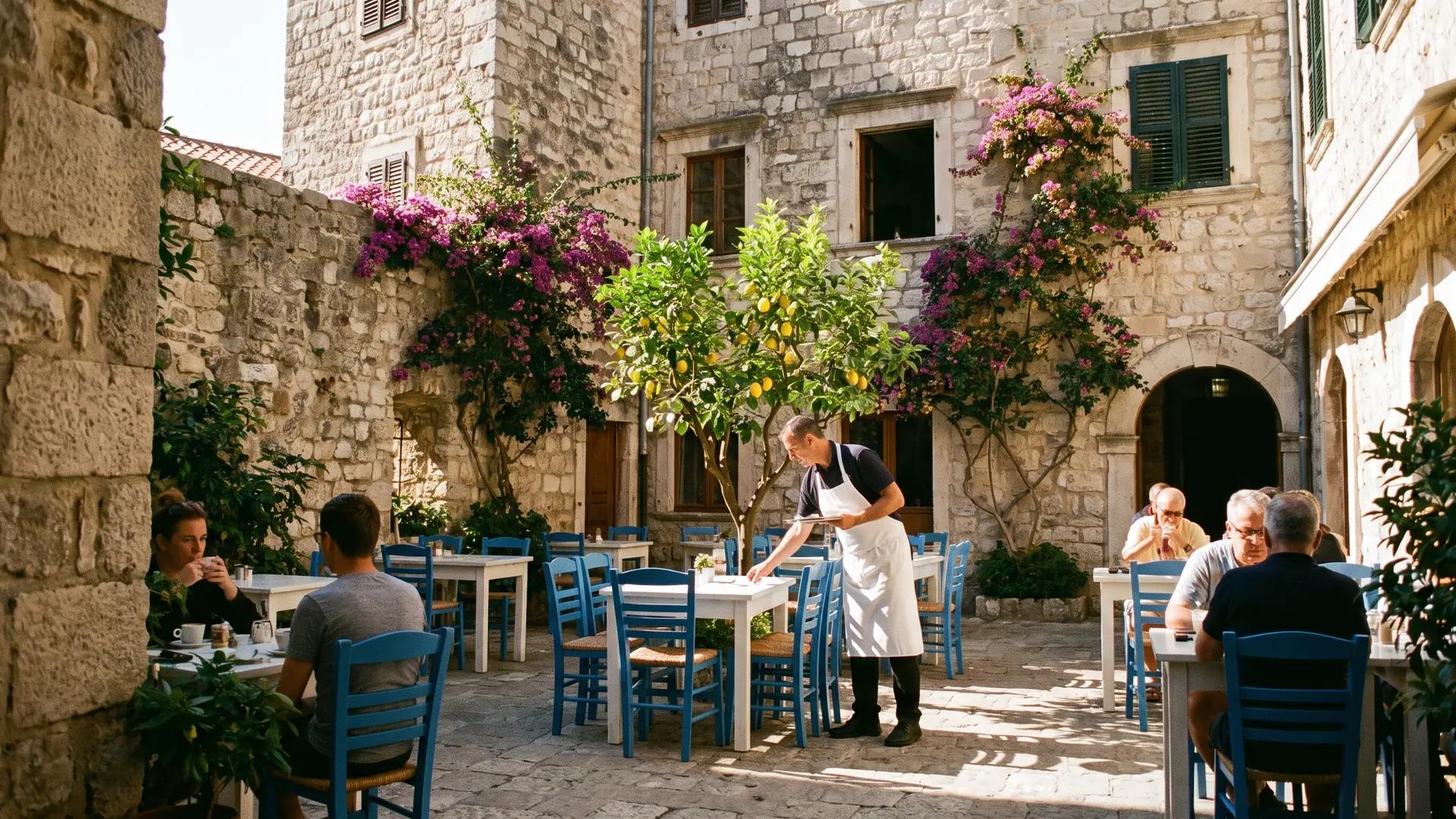
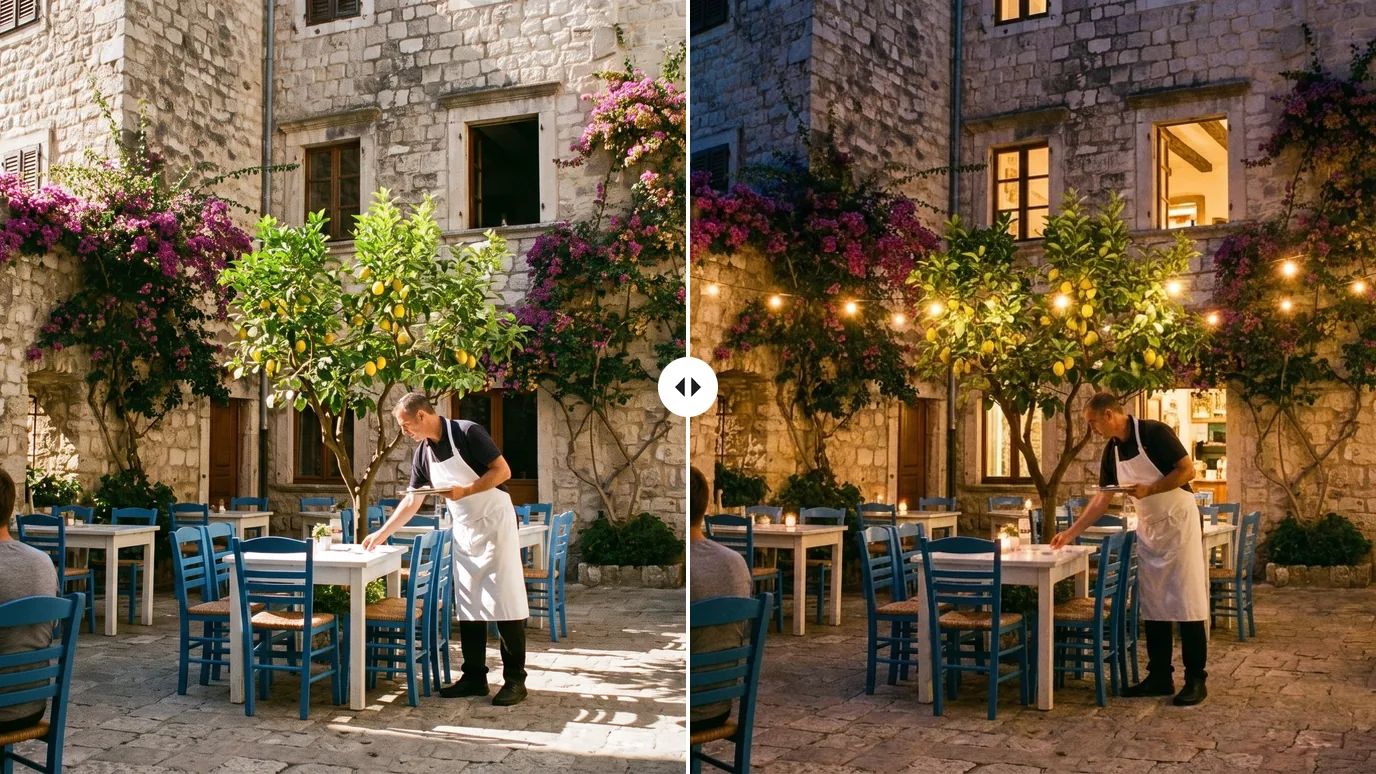
The same courtyard café, taken from late-morning sun to a warm summer night with string lights and candles, and not one chair has moved. Google lists lighting changes such as day to night among the studio controls of Nano Banana Pro. Upload a photo, describe the new light and list what must stay, and one shot gives you a whole set of moods.
Re-Shoot From a New Angle
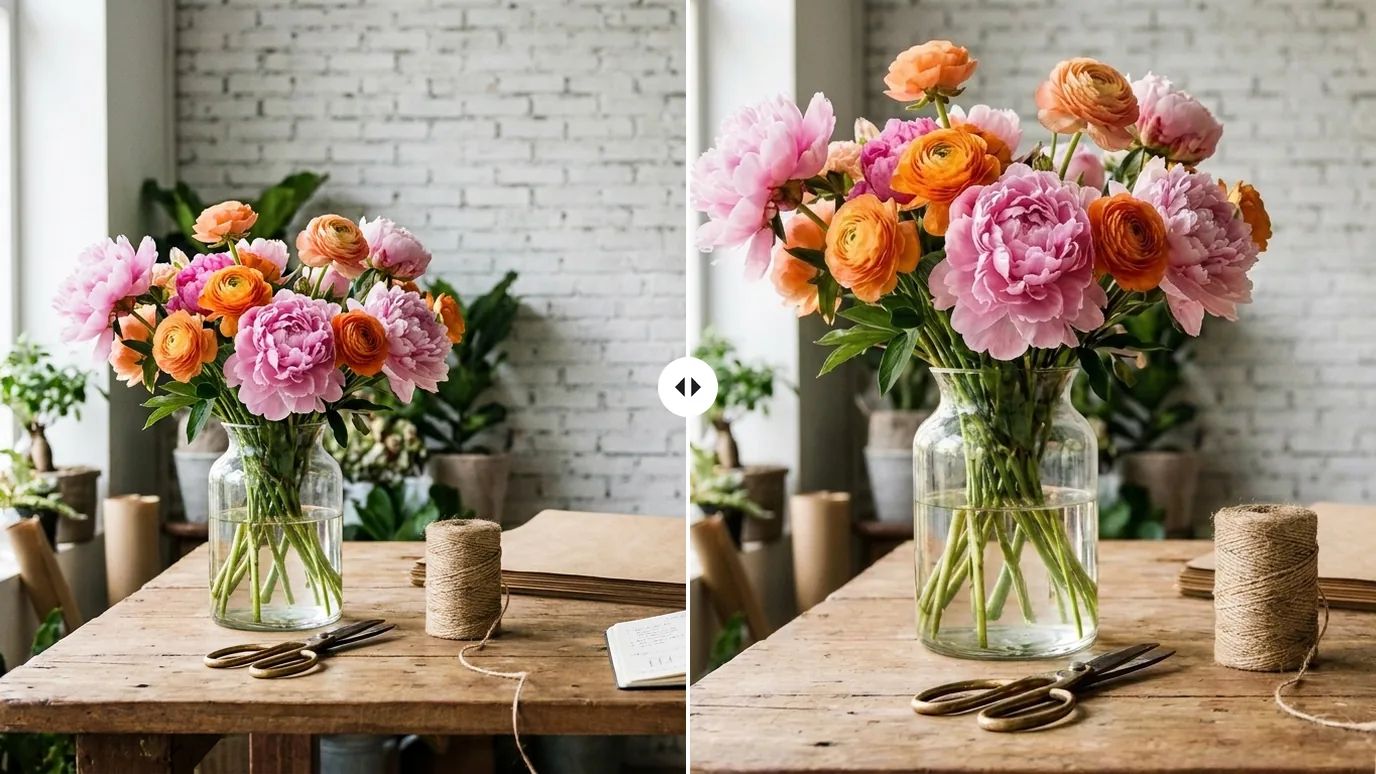
A florist's workbench, re-shot lower and closer so the peonies fill the frame, with the twine and scissors still in their places. Camera angle, focus and color grading are among the studio controls Google highlights for Nano Banana Pro. Name the angle, the distance and the mood you want, and render the result at up to 4K.
How to Use Nano Banana Pro on MaxH3
Open Nano Banana Pro
Nano Banana Pro is already selected in the generator above. Add reference images there to start from a photo.
Describe the Image
Describe the subject, style and light, quote any on-image text, then pick the ratio and resolution.
Generate and Download
Press the arrow. The result shows right here, ready to download or refine, and stays in your history.
More Google's AI Image Models on MaxH3
FAQs
Create Your Next Precise Image with Nano Banana Pro
Included with Lite and higher plans. Write a prompt or add up to 14 references, then render at 1K, 2K or 4K.