MiniMax H3 Max AI Video Generator
MiniMax H3 Max on MaxH3 turns text, a first frame or up to 9 reference images into 5–15 second clips with sound, usually in well under a minute, at 480P or 768P.
Discover What MiniMax H3 Max Can Make
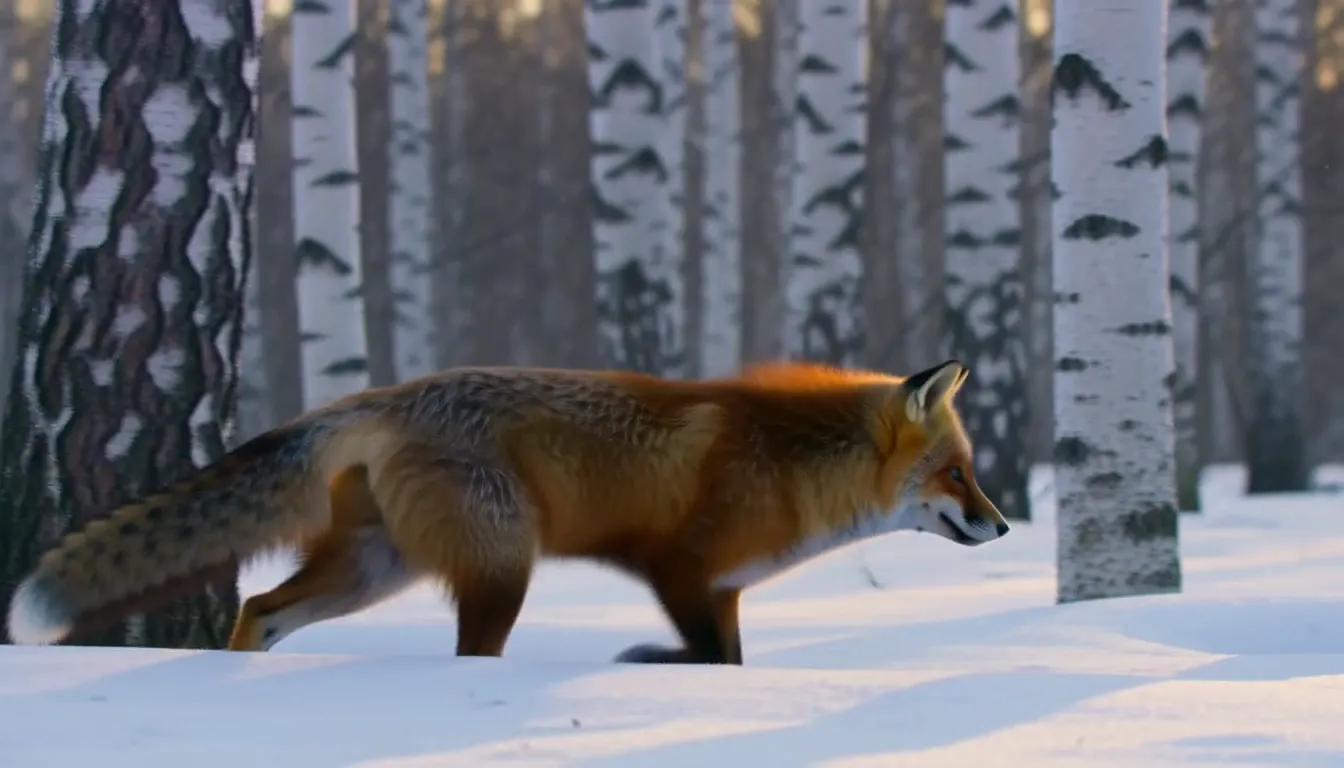
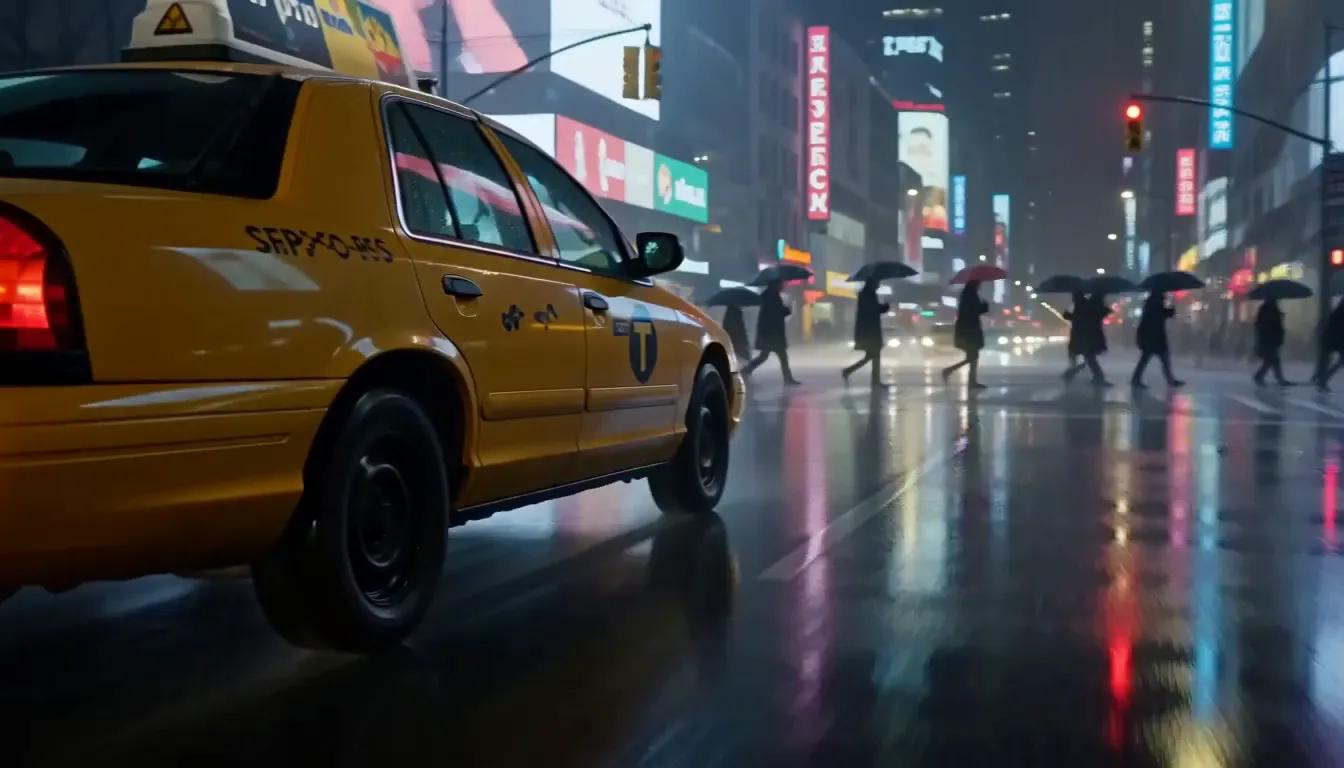
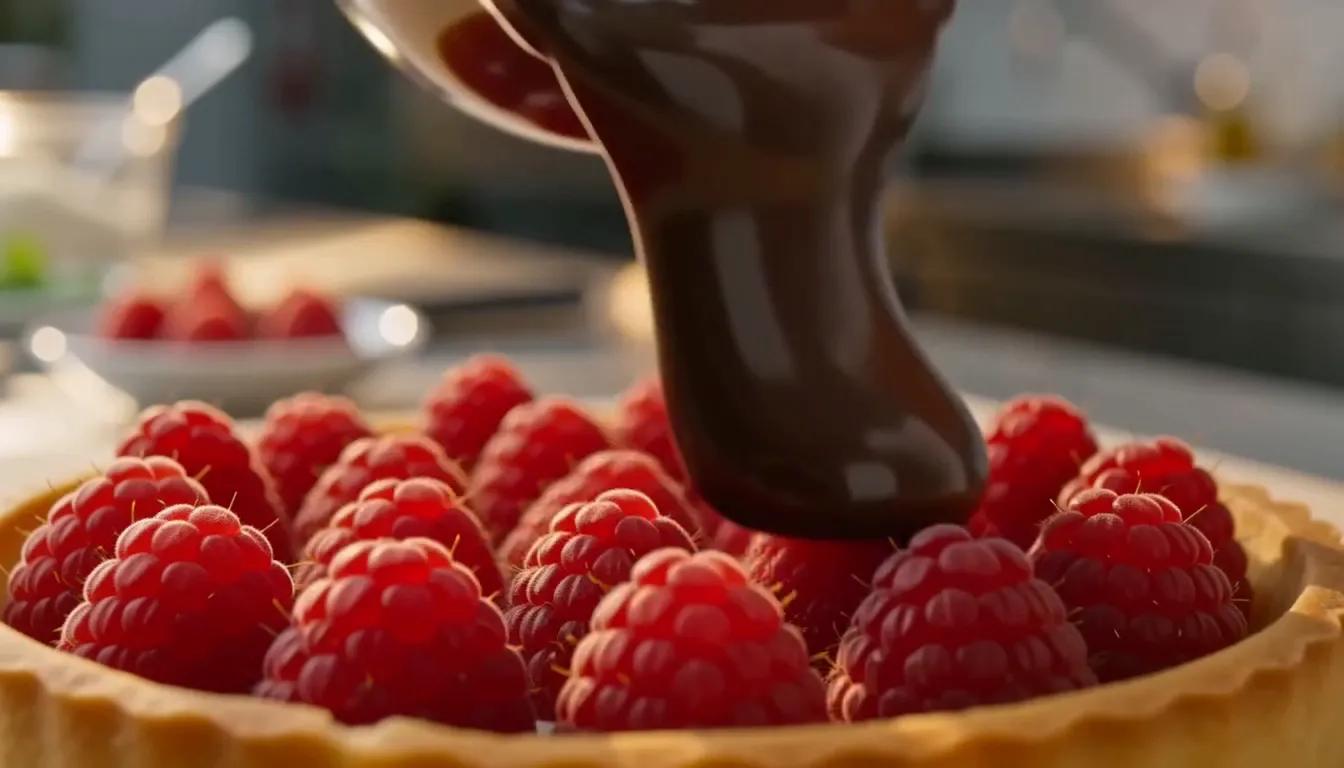
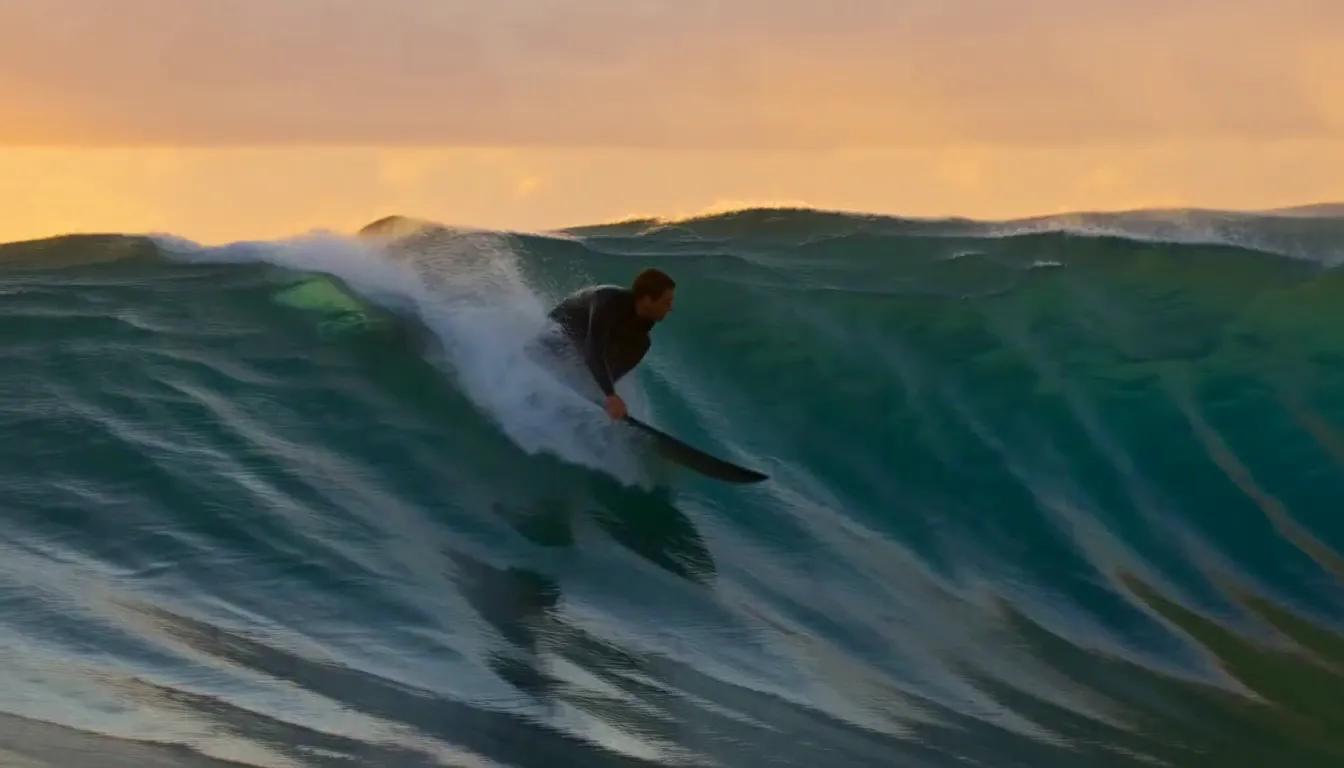
A fox in fresh snow, a taxi in the rain, chocolate over a raspberry tart, a surfer in the barrel and a sky full of lanterns. Every clip here was generated with MiniMax H3 Max on MaxH3.

Key Features of MiniMax H3 Max
- Ultra-Fast Video Generation: Most 5-second 768P clips come back in under 25 seconds.
- Stronger Prompt Adherence: Several subjects, actions and props in one prompt, all kept in the shot.
- A Cinematic Look Out of the Box: Backlight, flares and a warm grade without a long style prompt.
- Native Audio-Visual Generation: Music, voices and room sound generated with the picture.
- Product Commercials From One Image: Keep the exact product from a reference photo in a brand-new ad.
- Several References in One Scene: Mix up to 9 reference images: a person, a product, a place.
Ultra-Fast Video Generation
Speed is what sets H3 Max apart. In our tests, 10 of 11 five-second clips at 768P came back in under 25 seconds; this latte pour took 11. That makes it practical to try several prompts, angles or ideas before you commit to one.
A barista pours steamed milk into an espresso, drawing a rosetta in the foam, then slides the cup forward on a wooden counter; bright morning café light, close-up. Espresso machine hiss and café chatter.
Stronger Prompt Adherence
One prompt asked for a girl in a yellow raincoat watering sunflowers with a green can while a tabby cat knocks a red pot off a shelf behind her. The raincoat, the can, the sunflowers, the cat and the falling pot all made it into the clip. Name each subject, what it does and where it is.
In a sunny greenhouse, a girl in a yellow raincoat waters three potted sunflowers from left to right with a green watering can, while a grey tabby cat on a shelf behind her knocks a small red pot to the floor; she turns toward the noise. Water splashing and the pot clattering.
A Cinematic Look Out of the Box
A walk through a golden field at sunset comes back with real backlight, lens flare, drifting seeds and a warm film grade. Describe the light and the mood in a sentence or two and H3 Max handles the look.
A woman in a flowing white dress walks through a field of tall golden grass at sunset, backlit, lens flare and floating seeds drifting in the warm air, dreamy cinematic color grade, slow dolly along her path. Rustling grass and a soft breeze.
Native Audio-Visual Generation
The jazz trio here counts in and swings, cutting between the drummer, the bass, the trumpet and the crowd, with the music, the voices and the room tone generated in the same pass. Describe the sounds and put any spoken line in quotes.
A jazz trio performs in a small basement club: the drummer counts in "One, two, three, four!" and the band launches into an upbeat swing, the double bass walking and the trumpet playing the melody; the audience snaps along. Warm stage light.
Product Commercials From One Image
Upload a product shot as a reference and describe the commercial. From one photo of a plain glass bottle, H3 Max built a sparkling-water spot: condensation in macro, lemon slices splashing, then the bottle on wet stone, with its glass shape and silver cap unchanged.
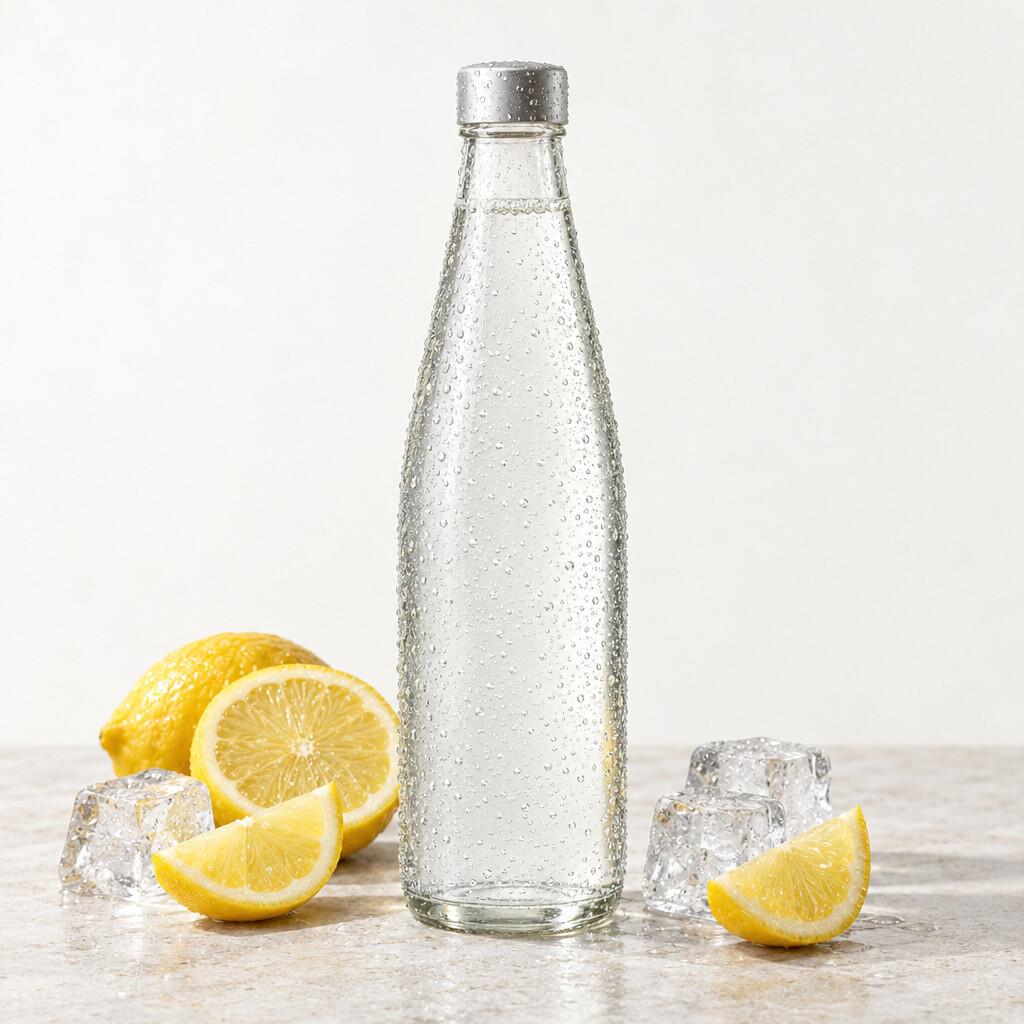
A premium commercial for the bottle in [Image 1], keeping its exact glass shape, silver cap and the absence of any label: macro shots of condensation sliding down the glass, lemon slices splashing into sparkling water, then the bottle standing on wet stone in bright summer light. Fizz, splash and ice clinking.
Several References in One Scene
Reference images can play different roles in the same clip. Here [Image 1] supplies the dancer and [Image 2] the bottle: she dances on a sunny rooftop, then picks up the same bottle and takes a sip. Cite each image by its number in the prompt.
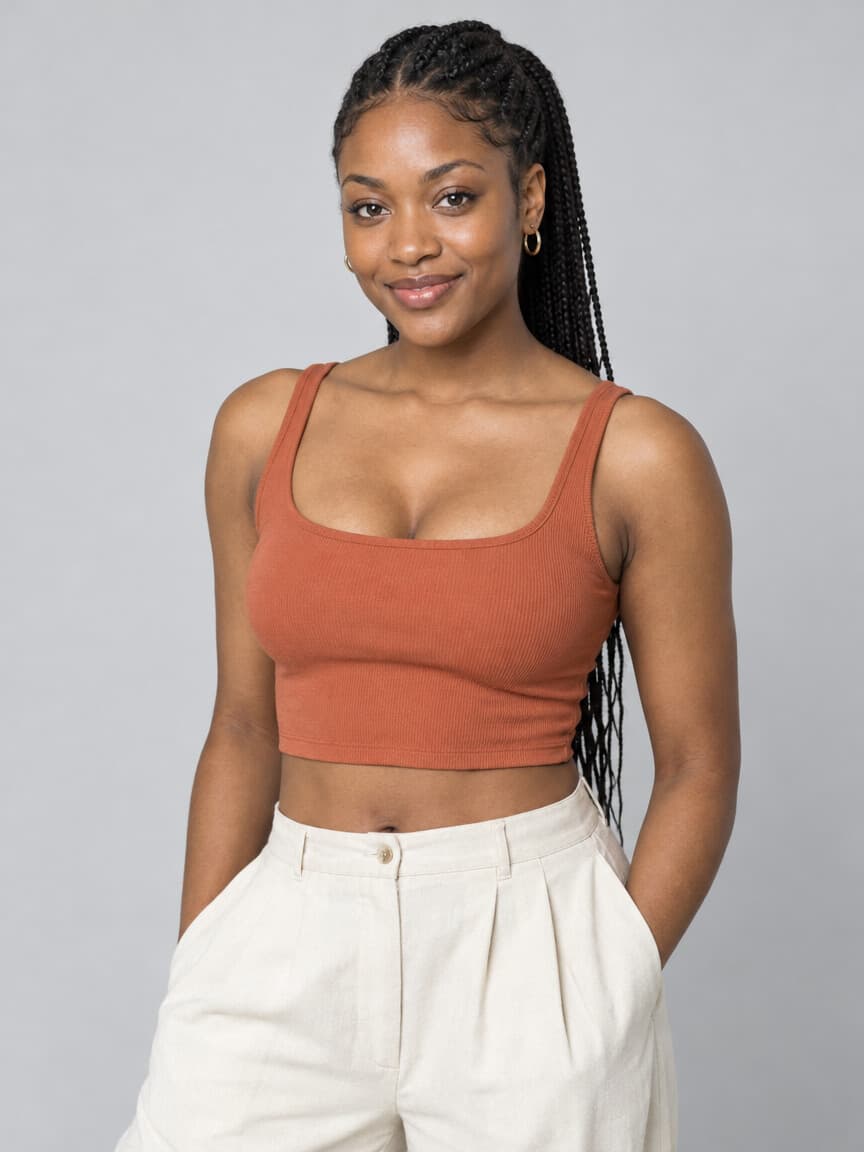
The woman from [Image 1], with the same face, braids, terracotta top and cream trousers, dances on a sunny rooftop terrace, then stops, picks up the bottle from [Image 2] from a table and takes a refreshing sip, smiling at the camera. Upbeat music and city ambience.
Who Can Create Faster With MiniMax H3 Max
Teams that need many short clips, quickly.
Social Media Teams
Turn a day's worth of post ideas into clips while the trend is still running.
Product Marketers
Put your real product into ad concepts from a single photo, then iterate on the scene.
Creators and Storytellers
Block out scenes and characters fast, keeping people and props consistent through reference images.
Agencies Pitching Ideas
Show clients moving, sound-on concepts in minutes instead of describing them in a deck.
MiniMax H3 Max vs MiniMax H3 vs Seedance 2.5
| Feature | MiniMax H3 Max | MiniMax H3 | Seedance 2.5 |
|---|---|---|---|
| Developer | MiniMax | MiniMax | ByteDance |
| Best for | Fast iteration with references | Sharper 2K MiniMax clips | Long multi-reference productions |
| Resolution | 480P, 768P | 768P, 2K | 480p, 720p, 1080p |
| Clip length | 5–15 s | 4–15 s | 4–30 s |
| Inputs | Text, first frame, up to 9 reference images | Text, first frame, up to 9 reference images | Text, first frame, up to 30 reference images |
| Audio | Native | Native | Native |
| Who can use it | Paid plans | Free and paid plans | Paid plans |
Specs and access as offered on MaxH3. Generation time is from our own 768P tests of H3 Max.
What Makes MiniMax H3 Max Stand Out
- Seconds, not minutes: A typical 5-second 768P clip renders in under half a minute, so you can explore ideas instead of waiting on them.
- References that do different jobs: Up to 9 reference images in one request, so a character, a product and a setting can all come from your own files.
- Light on credits: A low per-second cost with sound included makes it an easy way to iterate on MaxH3.

How to Use MiniMax H3 Max on MaxH3
Open MiniMax H3 Max
MiniMax H3 Max is already selected in the generator above. Choose text to video, image to video or reference to video.
Describe the Scene and the Sound
Write what happens, how the camera moves and any dialogue in quotes. Add a first frame or reference images if you are using them.
Generate and Download
Pick 5 to 15 seconds, 480P or 768P and an aspect ratio, then press the arrow. The clip opens in your workspace, ready to download as an MP4.
More AI Video Models on MaxH3
FAQs
Create Polished Videos in Seconds With MiniMax H3 Max
Describe a scene, add a product or a character, and get a 5–15 second clip with sound, usually in well under a minute.