Video Background Remover
Video Background Remover With Professional-Grade Results
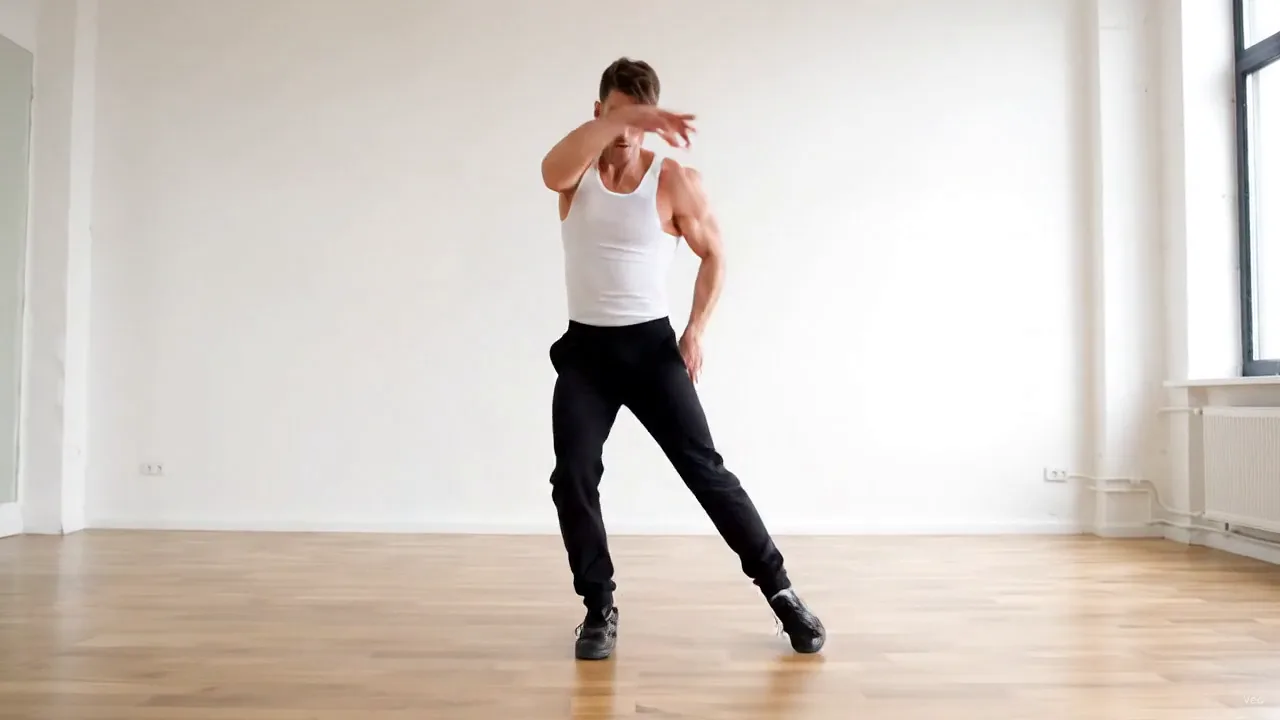
No green screen and no hand-drawn masks. Drag the slider: background removal by Bria on MaxH3 lifted this street dancer off a night-time underpass and onto clean white, frame by frame, arms and baggy trousers included.

Replace Green Screens
Film anywhere and get a clean green background afterwards. This rooftop presenter, talking and gesturing, came back on solid green, ready to key over any scene in your editor.

Improve Product Visual Consistency
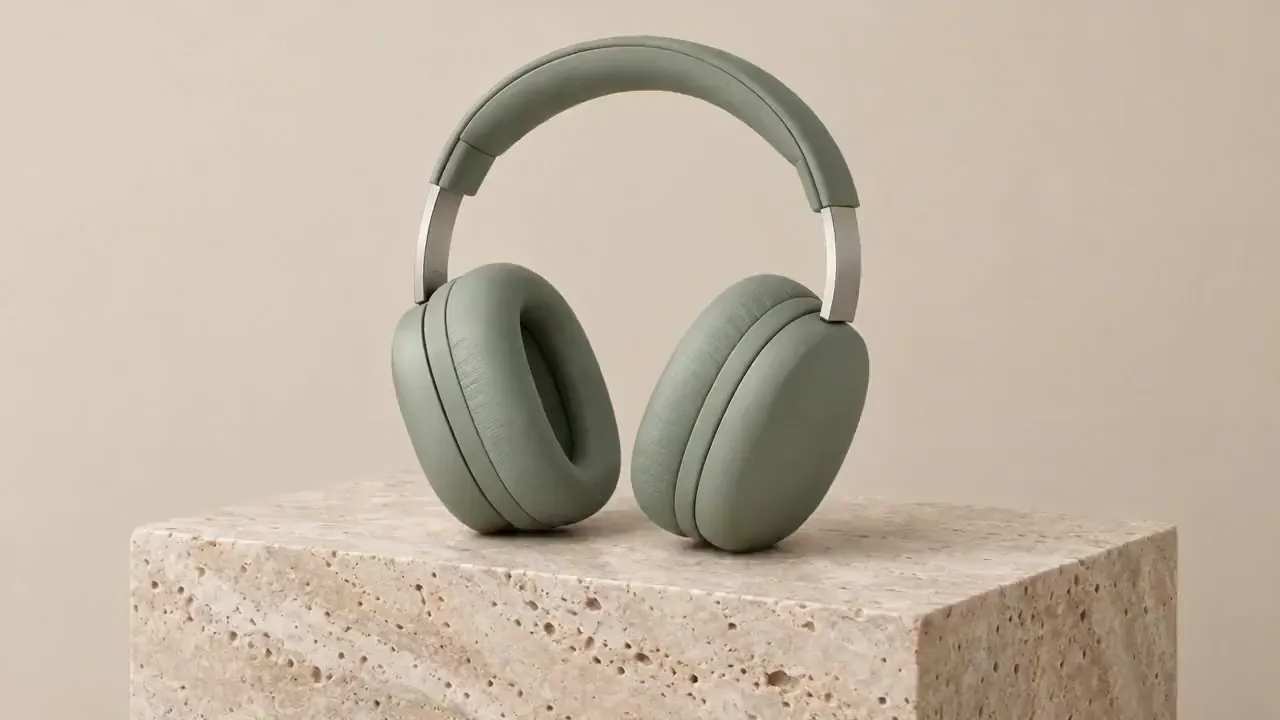
Put every product clip on the same background. The floating headphones from a beige studio shot now sit on pure white; the stone block they rest on is kept as part of the subject.
Repurpose Video Content
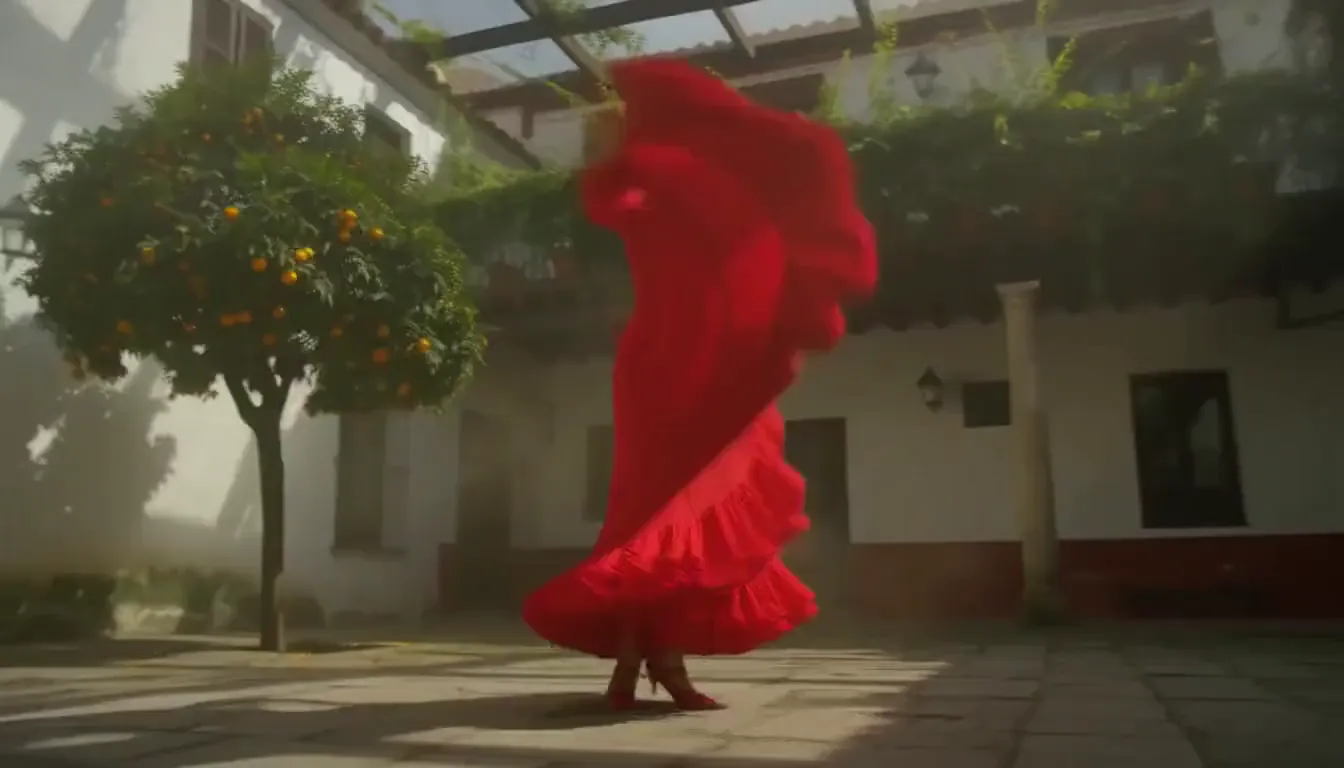
Lift a performer out of one location and reuse them anywhere. This flamenco dancer, skirt flaring mid-spin, was cut out of a sunlit courtyard onto black. Choose Transparent instead to get a WebM with an alpha channel.
Enhance Video Appeal
A bold color makes a subject pop in a busy feed. The cat in a knitted hat, together with the cup beside it, now sits on bright yellow instead of a snowy café window.

Who Needs Clean Video Backgrounds
Anyone who wants the subject, not the surroundings, to do the talking.
Remove Messy Product Backdrops
Show every product on the same clean color, shot after shot.
Keep Ads Visually Focused
Strip distracting surroundings so the subject and the message stand out.
Build Cleaner Teaser Assets
Cut people out for thumbnails, intros, overlays and composites.
Make Lessons Easier to Follow
Put presenters on a plain background that keeps attention on what they say.

How to Remove a Video Background
Upload Your Video
Add an MP4 or MOV file up to 1 GB and 60 seconds in the Video Background Remover above.
Pick a Background
Choose one of 11 options: Transparent, Black, White, Gray, Red, Green, Blue, Yellow, Cyan, Magenta or Orange.
Remove and Download
Press Create and download the result: an MP4 on a solid color, or a WebM with transparency.
FAQs
Remove Video Backgrounds in Seconds
Upload a clip, pick a color or Transparent, and get your subject on a clean background.