Nano Banana 2 AI Image Generator
Google pairs Pro-level image quality with Flash speed in Nano Banana 2. Create in 14 aspect ratios, from 8:1 banners to 1:8 strips, at up to 4K.
Discover What Nano Banana 2 Can Create
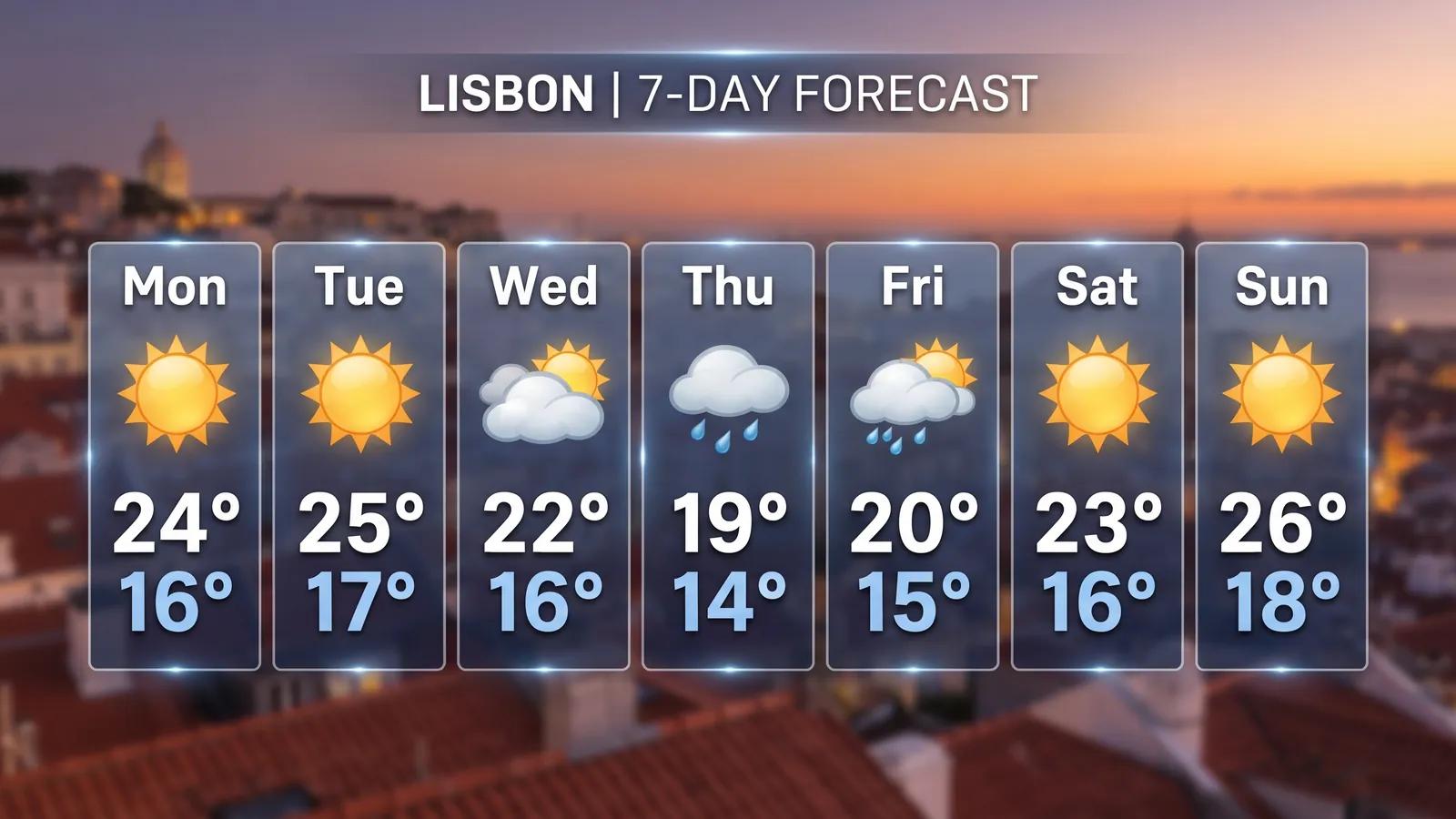
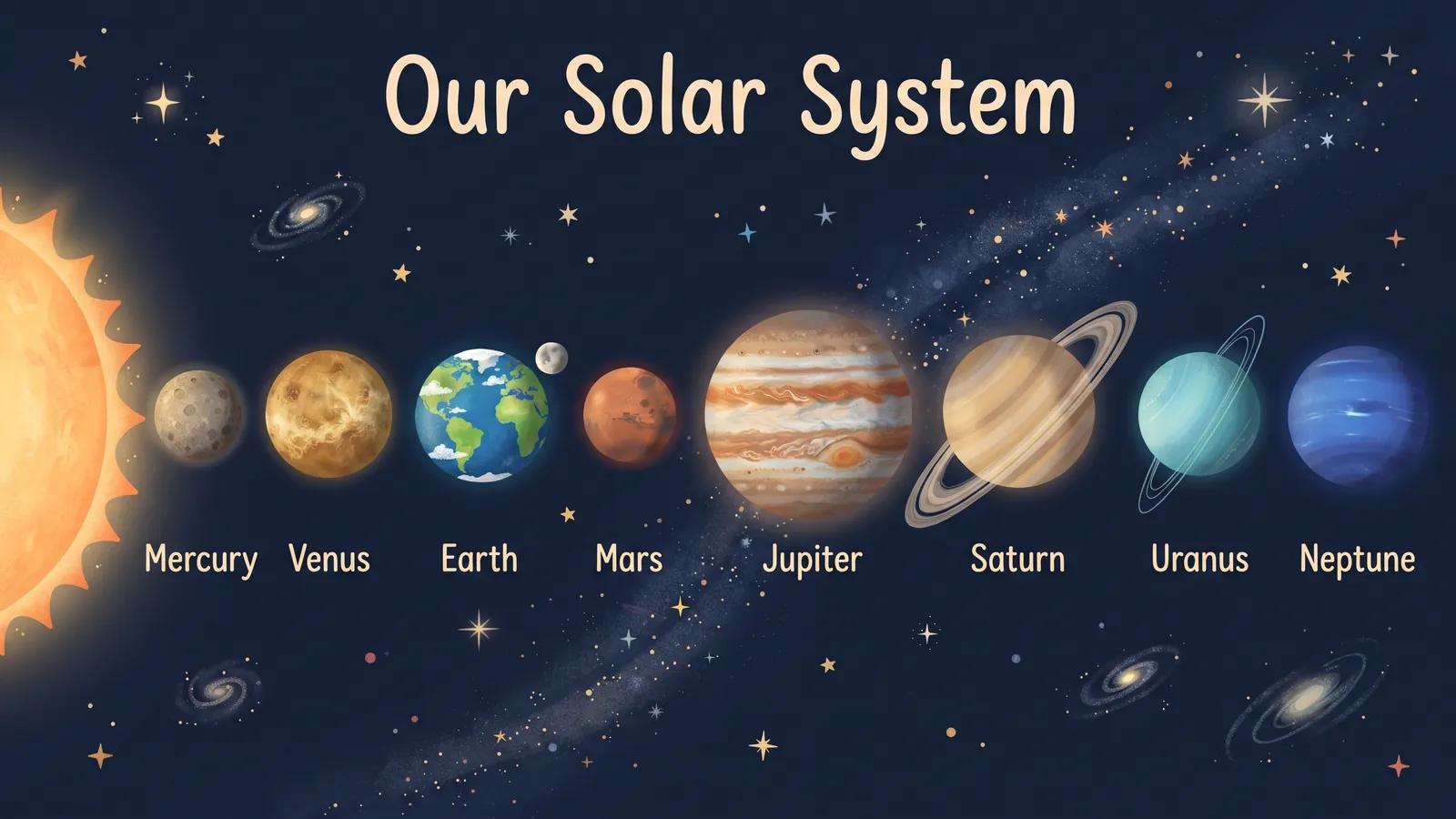
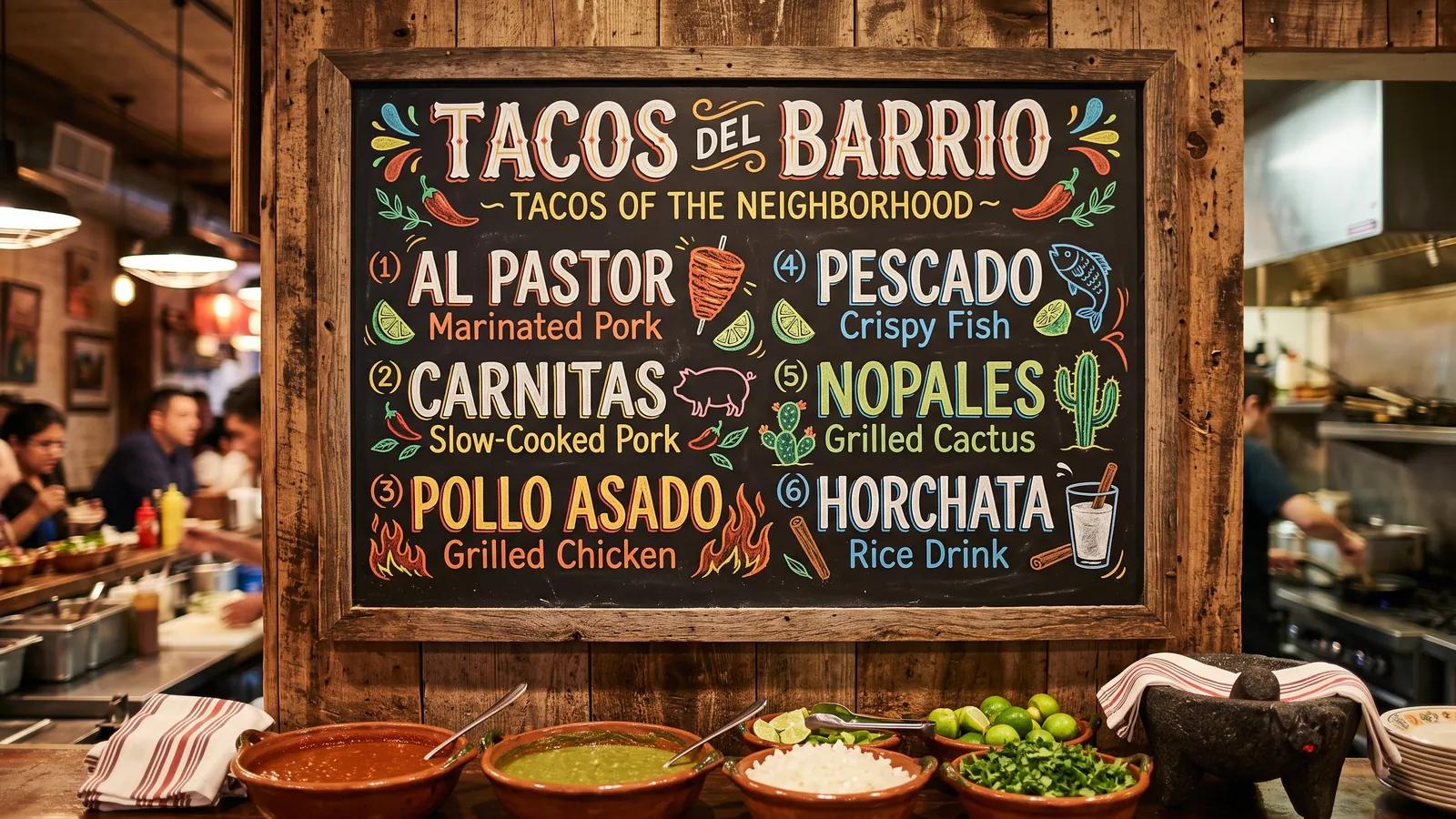
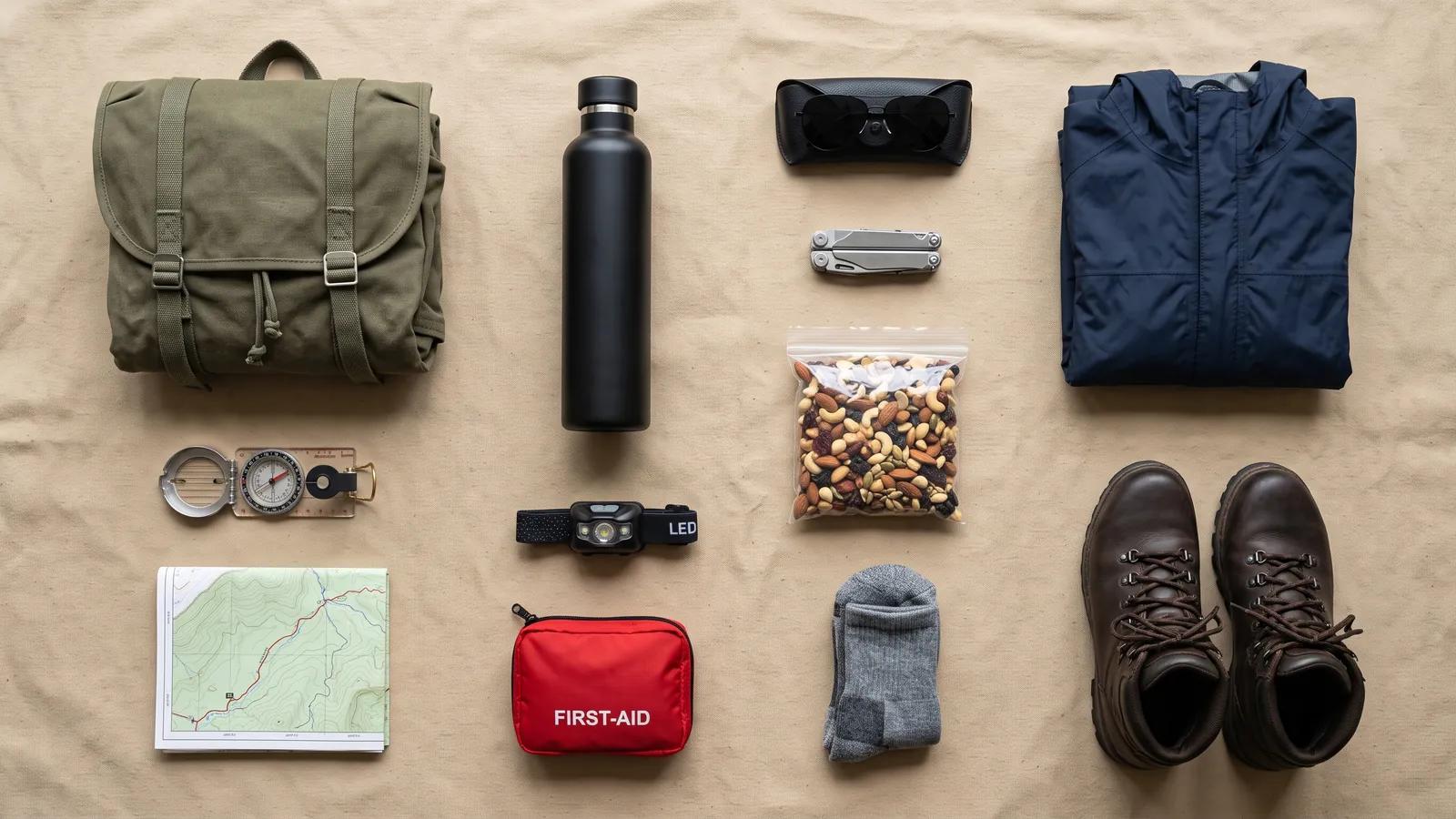
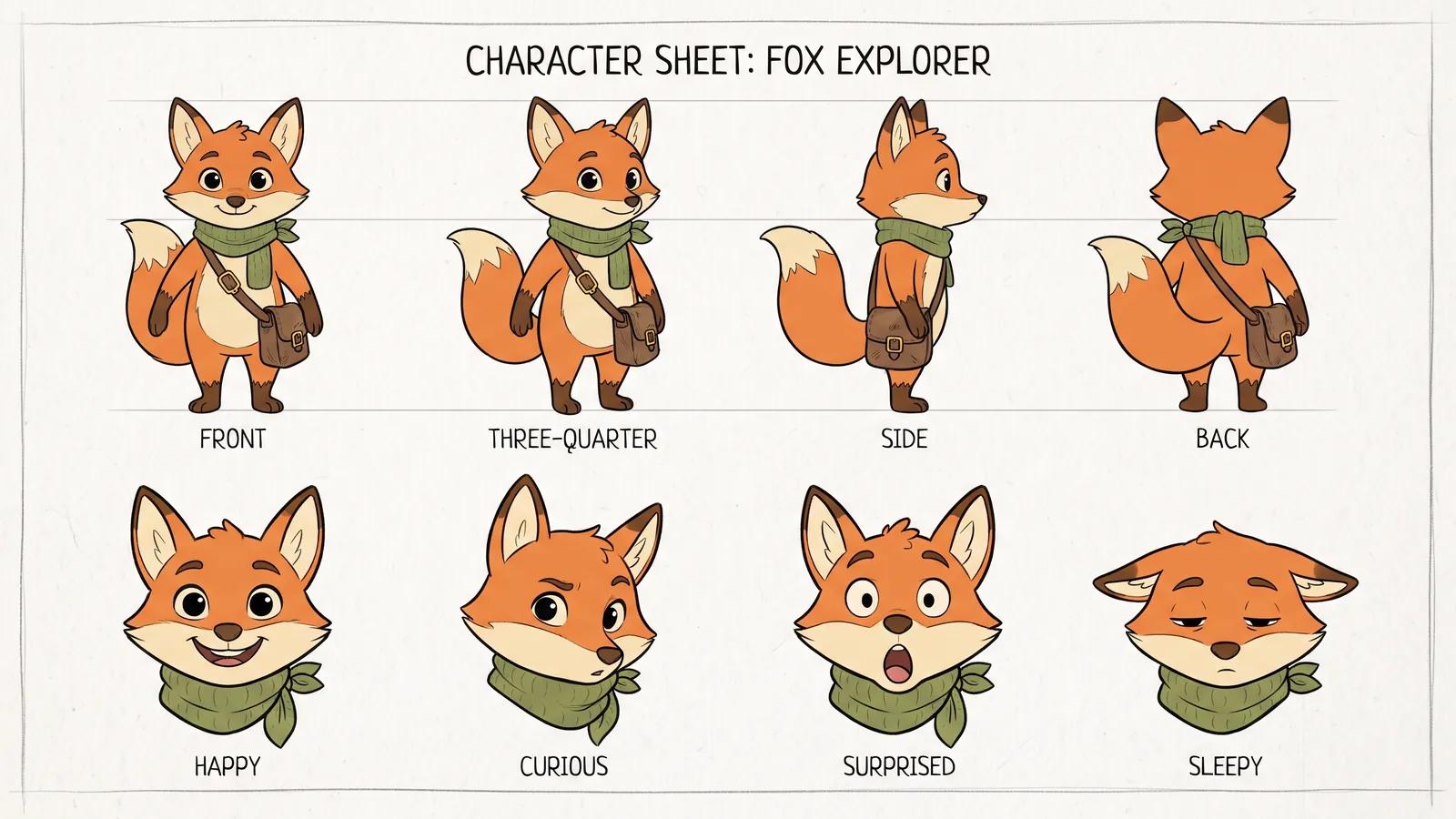
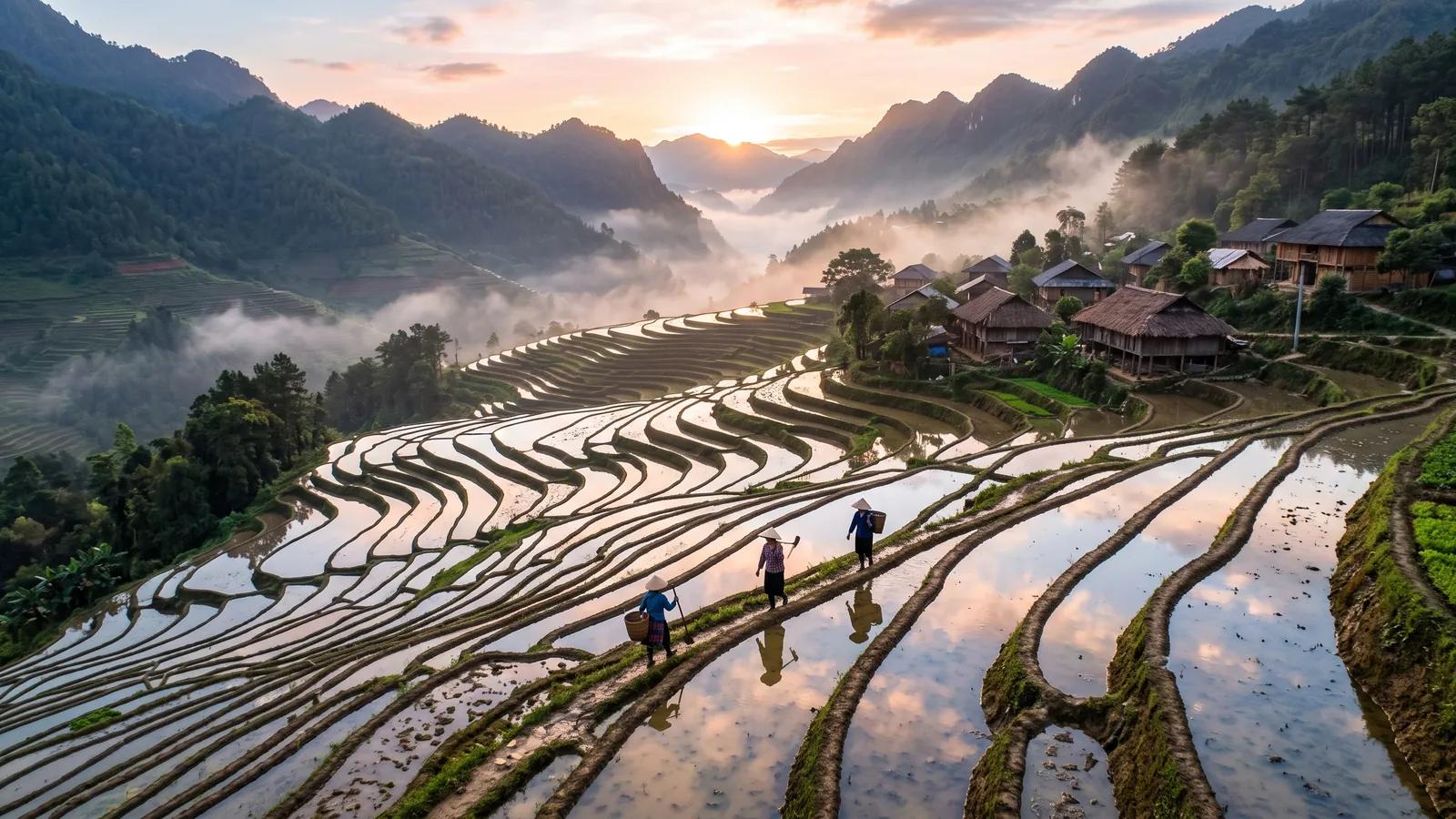
A weather graphic, a science spread, a bilingual menu, a gear flat lay, a character sheet and an aerial landscape. Every image here was generated with Nano Banana 2 on MaxH3.
Key Features of Nano Banana 2
- Extreme Ratios From 8:1 to 1:8: Wide banners at 8:1 or 4:1 and tall strips at 1:4 or 1:8, made at their true shape.
- Translate Text Inside an Image: Swap the words already in a photo for another language, in the same style and spot.
- Lettering You Can Read on Cards and Mockups: Short headlines, names and greetings spelled the way you typed them.
- The Same Character, Scene After Scene: One portrait is enough to carry a face, hairstyle and outfit into the next scene.
- Combine Up to 14 Reference Images: Merge people, products and settings from separate photos into one campaign shot.
- Fine Detail at Up to 4K: Choose 1K, 2K or 4K output, with texture that holds up on large screens.
- World Knowledge, Grounded by Google Search: Real places, products and facts from Gemini's knowledge, grounded by Google Search.
- Detailed Prompts, Followed Closely: Counts, colors and positions in your prompt land where you asked for them.
Extreme Ratios From 8:1 to 1:8
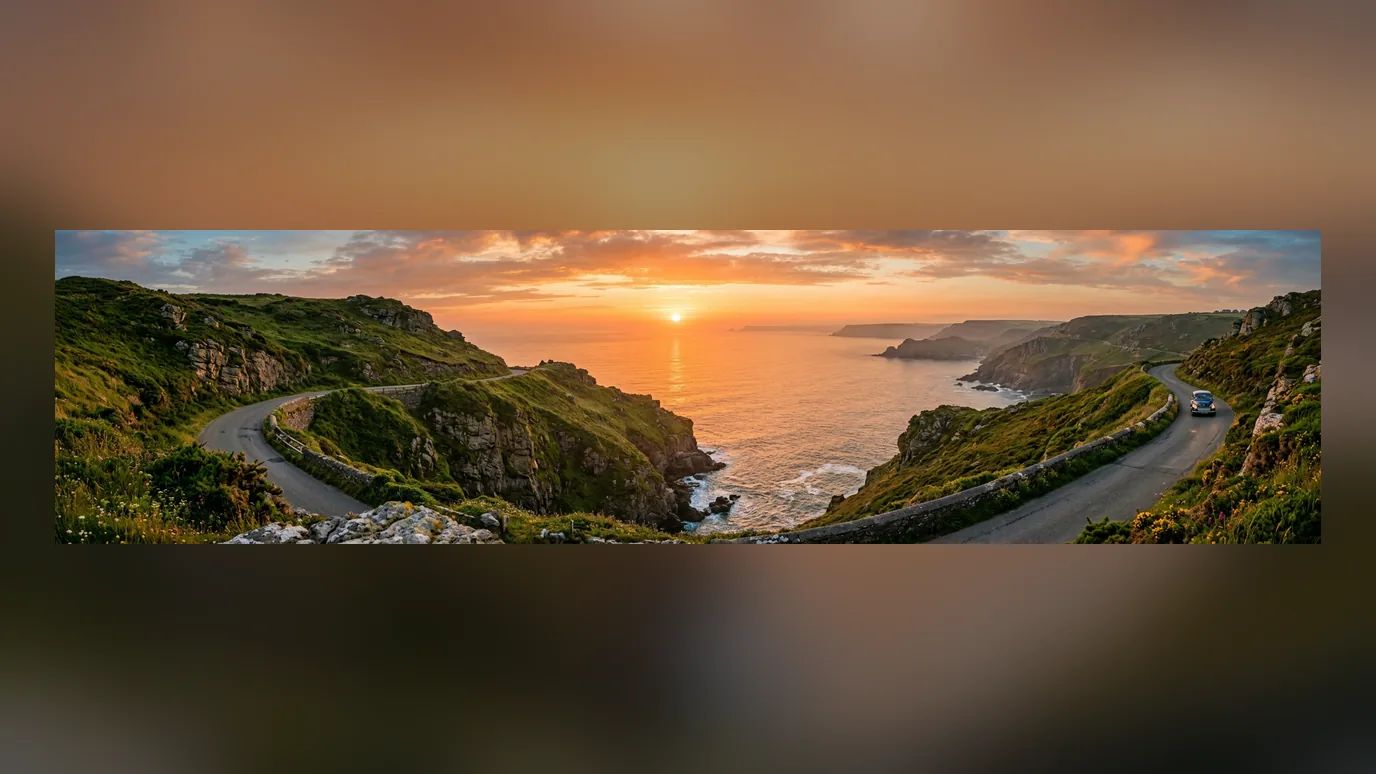
A coastal road at sunset, composed for a 4:1 frame from the start rather than cropped out of a square. Nano Banana 2 adds two wide ratios, 8:1 and 4:1, and two tall ones, 1:4 and 1:8, so site headers, email banners, shelf strips and tall scrolling graphics come out at their real shape, with the subject placed for that frame.
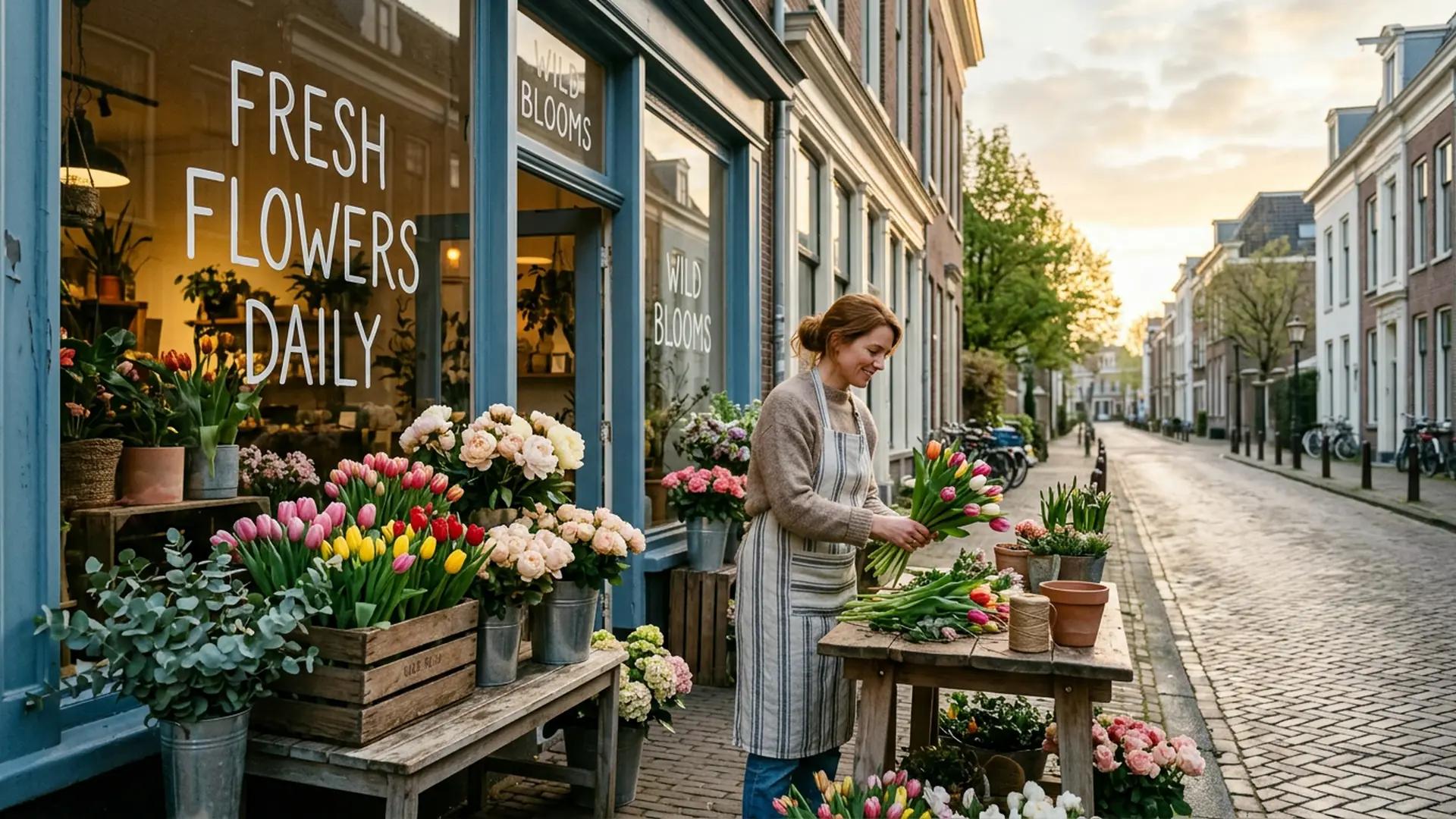
Translate Text Inside an Image
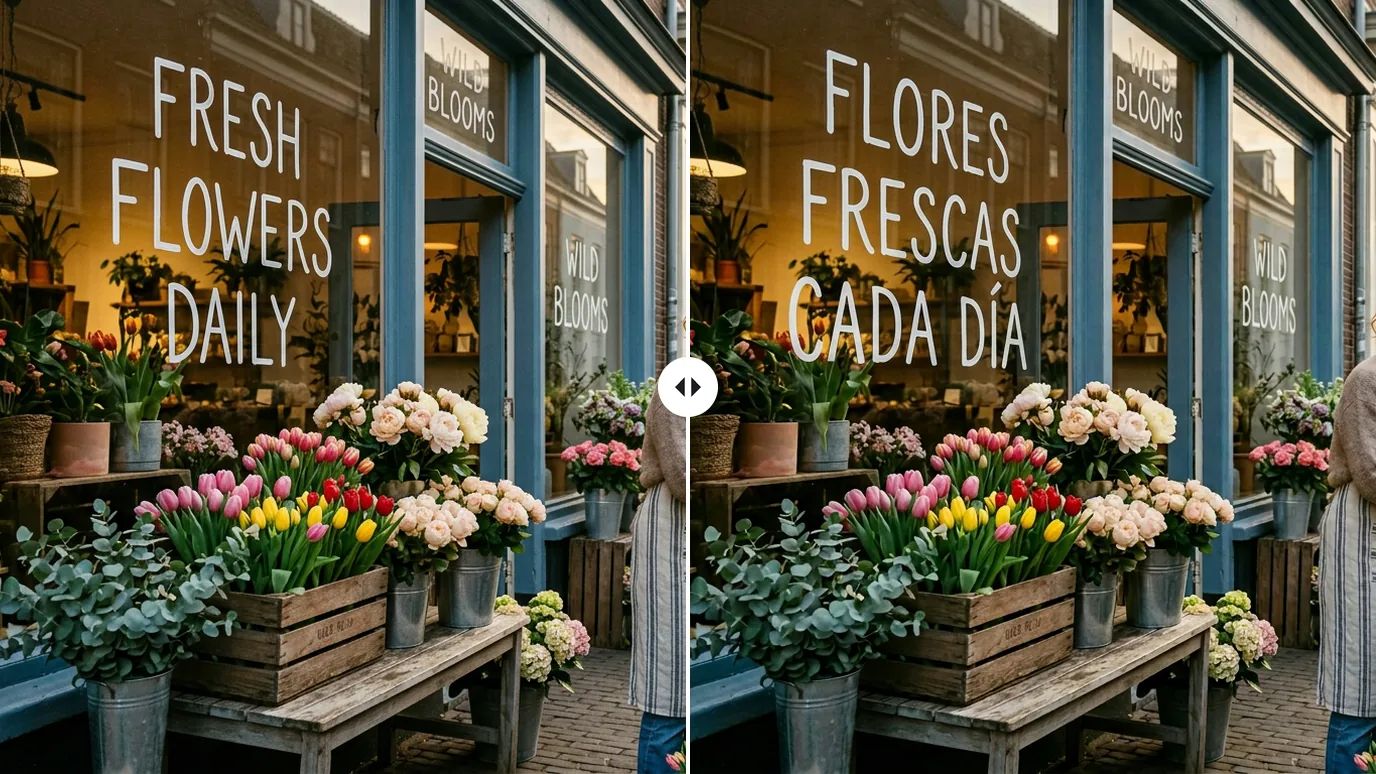
The flower shop window now reads Flores frescas cada día, in the same white hand-lettering and position, while every bucket of tulips stays exactly where it was. Google lists translating and localizing in-image text among Nano Banana 2's skills, so one approved visual can serve several markets. Upload the image and quote the exact new wording.
Lettering You Can Read on Cards and Mockups
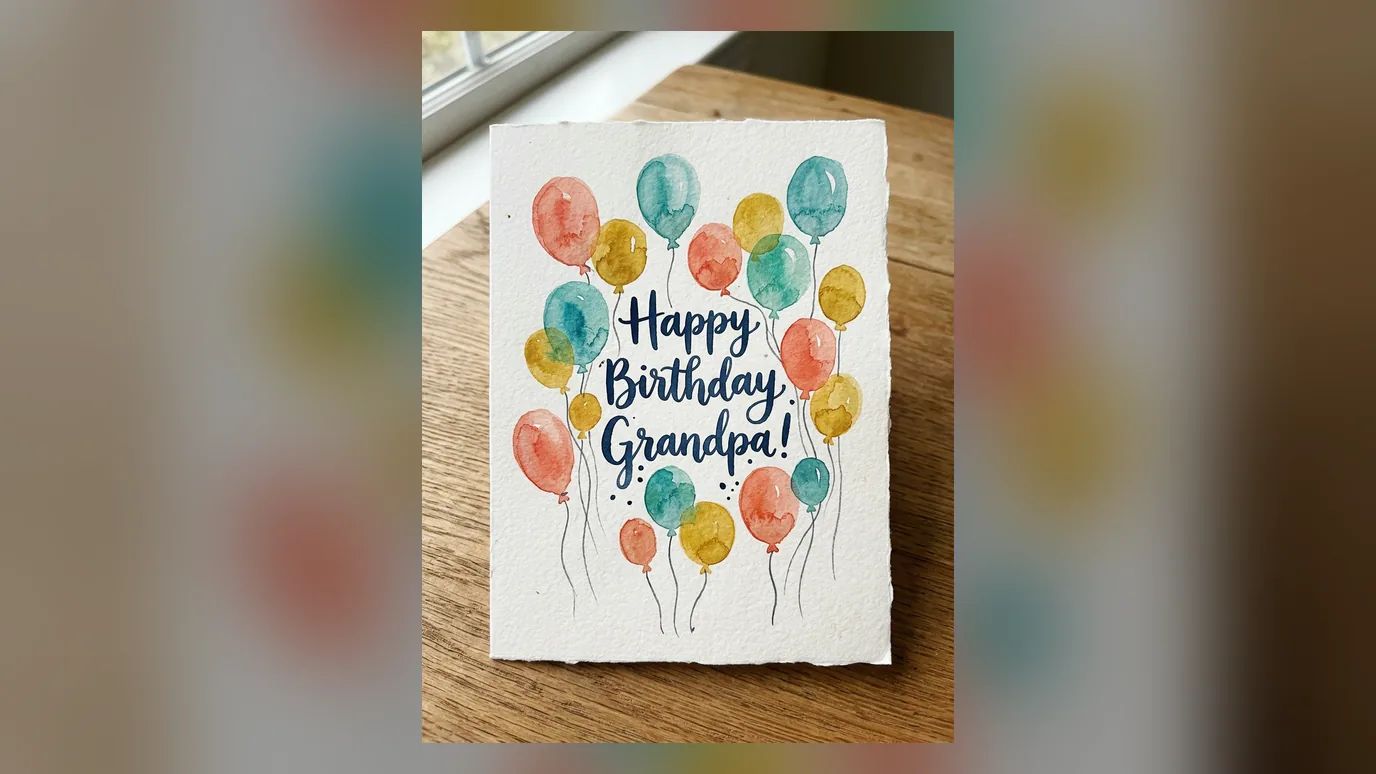
Watercolor balloons around the hand-lettered line Happy Birthday Grandpa!, with every letter in place. Google highlights clear, accurate lettering for greeting cards and marketing mockups as a Nano Banana 2 strength, which makes it a good fit for invitations, labels and packaging drafts. Keep each line short, put it in quotes and name the lettering style.
The Same Character, Scene After Scene
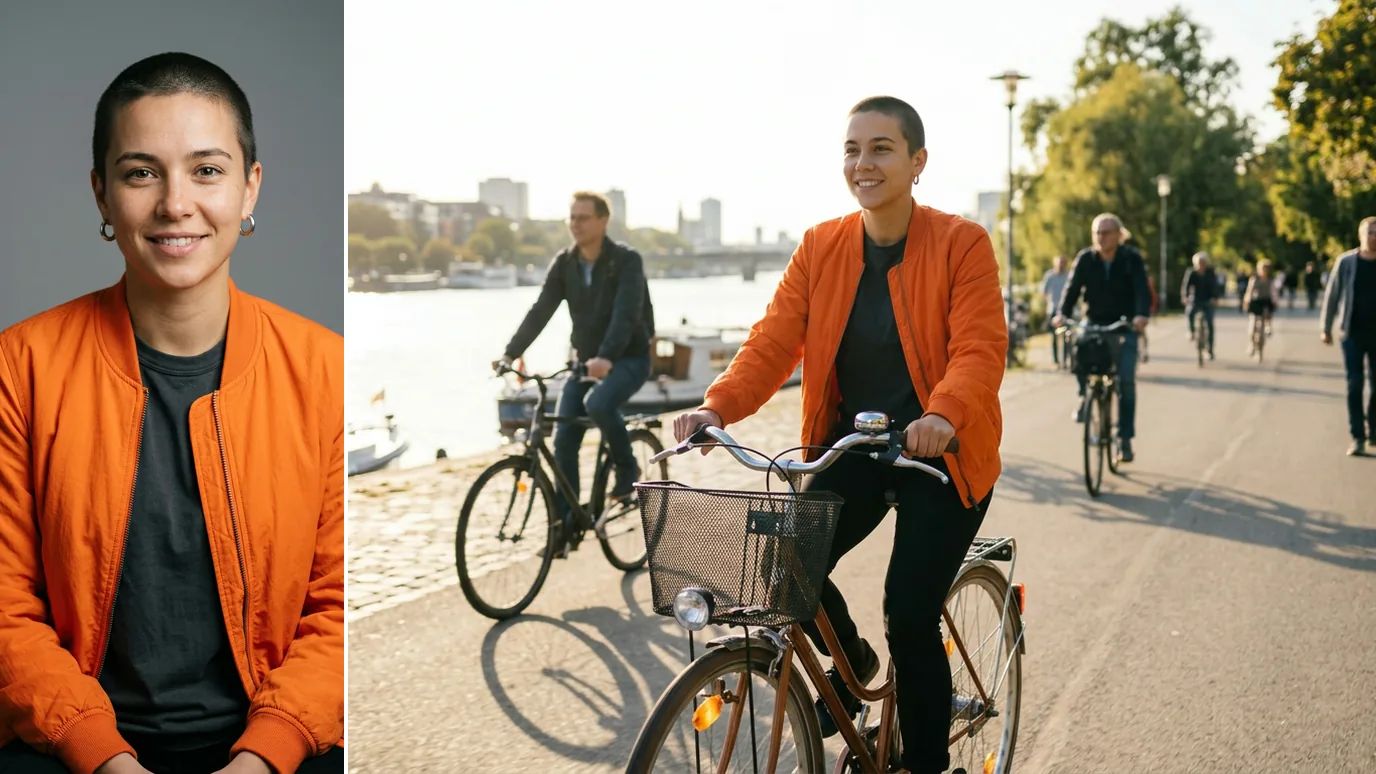
A single studio portrait carried the same woman, with her buzz cut, silver hoops and orange bomber, onto a bike by the river. Google says Nano Banana 2 can hold up to five characters consistent within one workflow, which suits mascots, recurring hosts and story panels. Upload the reference and list the details that must not change.
Combine Up to 14 Reference Images
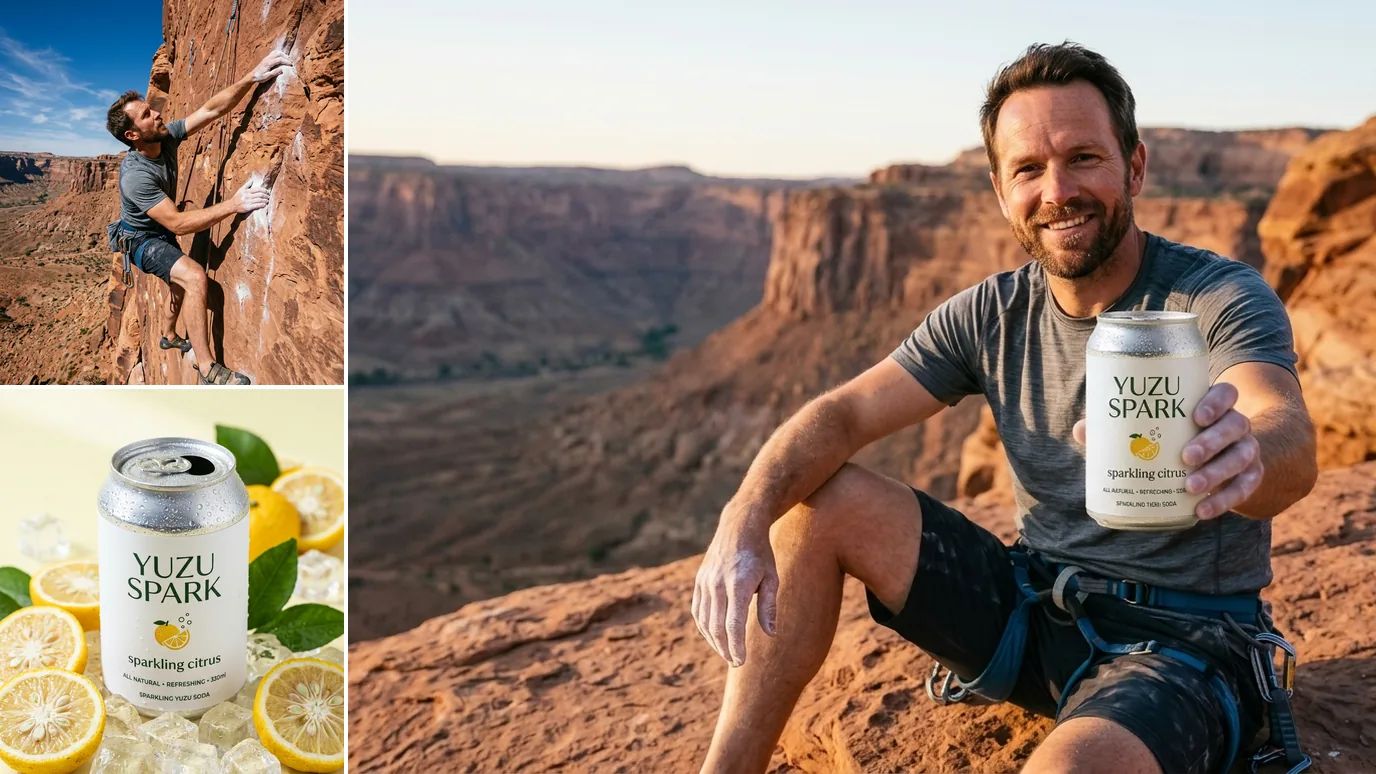
The climber from one photo and the YUZU SPARK can from another, merged into a single golden-hour shot with his outfit and the YUZU SPARK label intact. Nano Banana 2 accepts up to 14 reference images and, according to Google, keeps up to 14 objects consistent, so a model, a product and a backdrop can share one frame. For single-photo changes, try image to image.
Fine Detail at Up to 4K
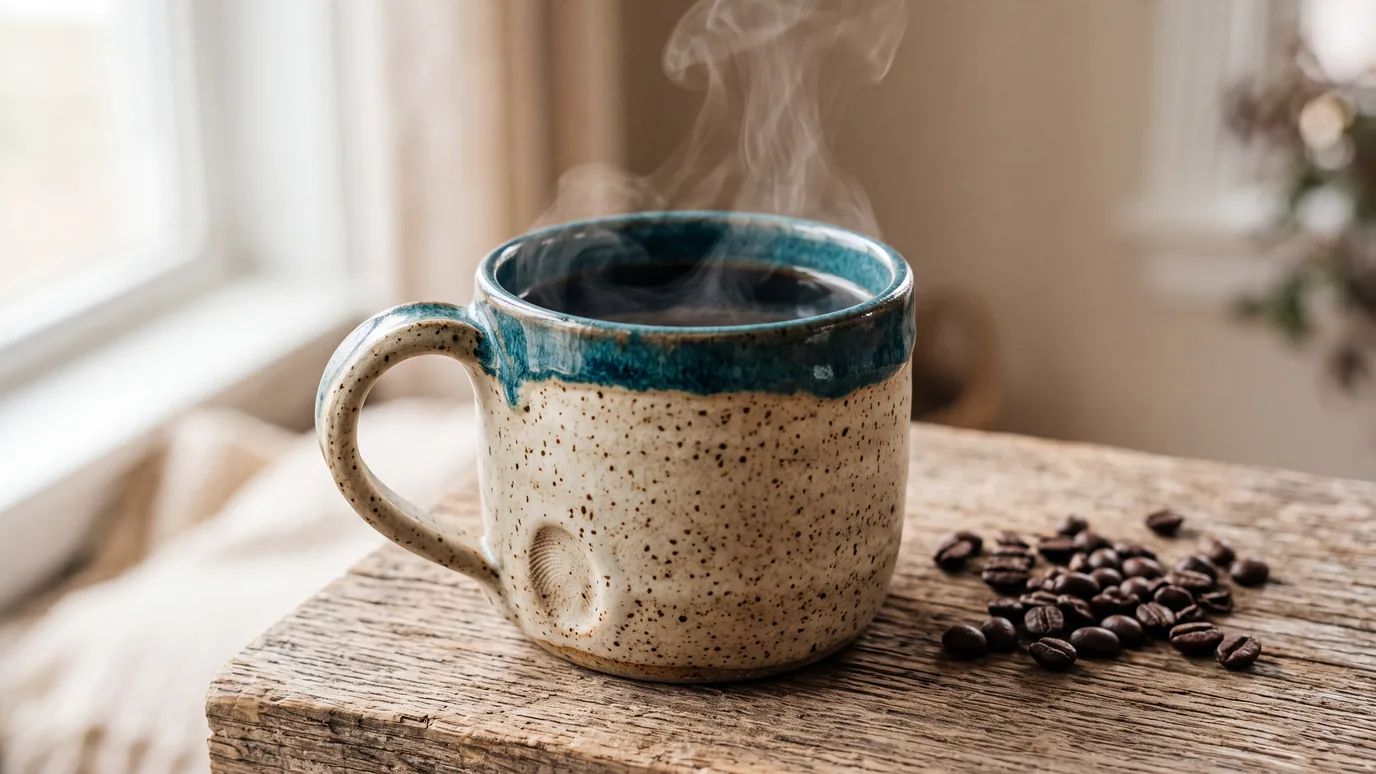
Speckled glaze, a thumbprint pressed into the clay and the grain of an oak board, rendered at 4K. Google describes a visual fidelity upgrade in Nano Banana 2 along with output sizes ready for production work, and the generator offers 1K, 2K and 4K. Use 1K for quick drafts and 4K for hero images, product pages and large banners.
World Knowledge, Grounded by Google Search
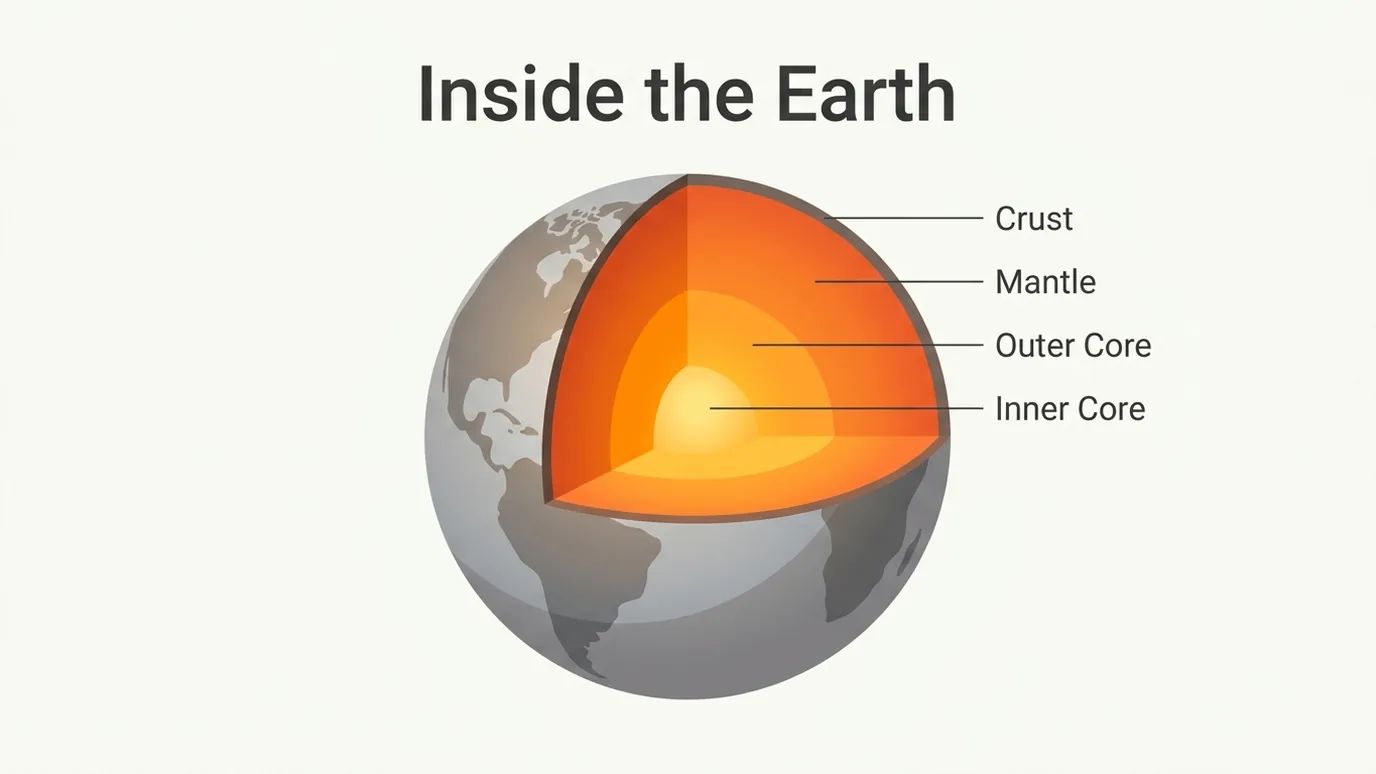
A cut-away Earth with the crust, mantle, outer core and inner core drawn in the right order, each with a clean label. Google built Nano Banana 2 on Gemini's world knowledge and lets it ground images in real-time information and images from Google Search, which helps with real landmarks, products and recent subjects. On MaxH3 it currently draws on its built-in knowledge, without the live search step. Name the labels you want, and check every fact before a class or a client sees it.
Detailed Prompts, Followed Closely
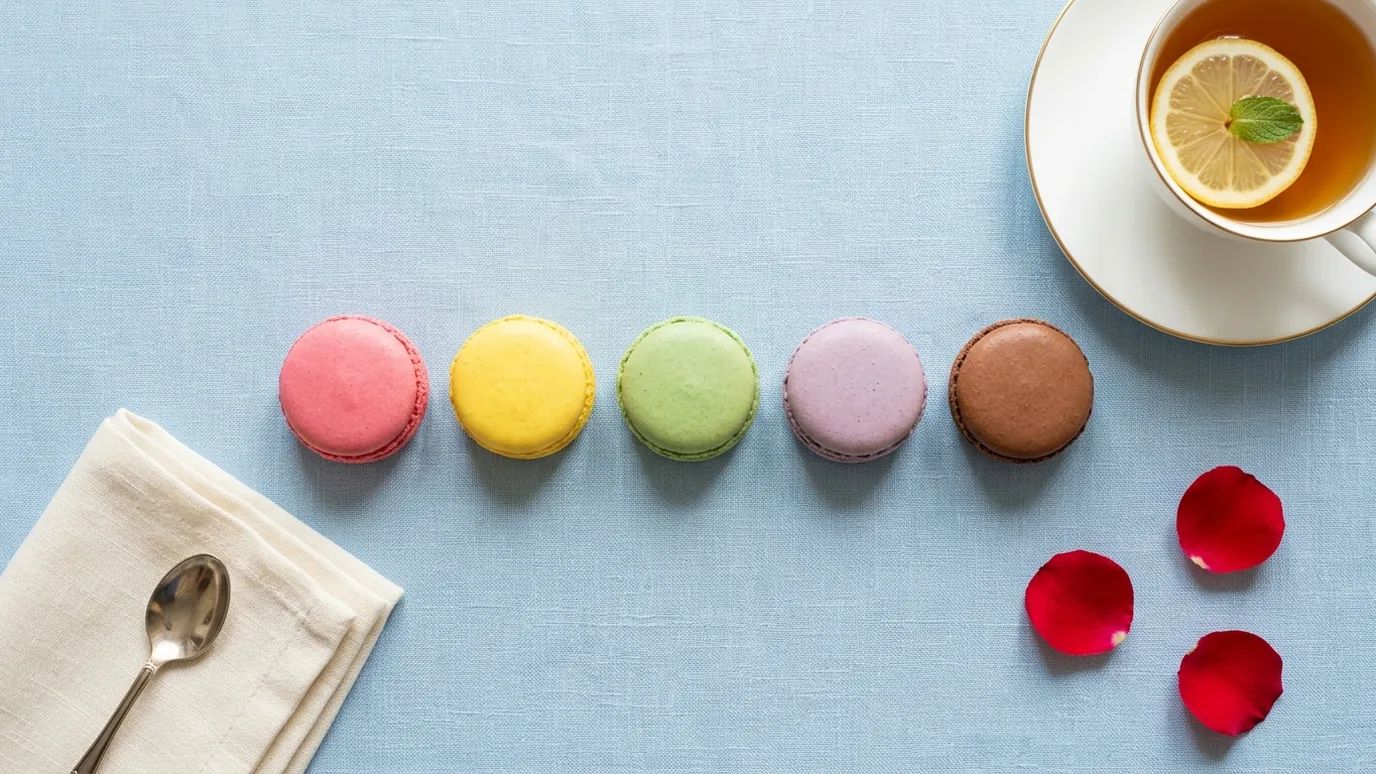
Five macarons in the requested order of pink, yellow, green, lavender and brown, with the teacup at upper right, the napkin at lower left and three rose petals at lower right, all placed as the prompt described. Google calls out precise instruction following for Nano Banana 2, which saves rerolls on layouts with many parts. Spell out quantities, colors and positions one by one.
How to Use Nano Banana 2 on MaxH3
Open Nano Banana 2
Nano Banana 2 is already selected in the generator above. Add reference images there to start from a photo.
Describe the Image
Describe the subject, style and light, quote any on-image text, then pick the ratio and resolution.
Generate and Download
Press the arrow. The result shows right here, ready to download or refine, and stays in your history.
More Google's AI Image Models on MaxH3
FAQs
Create Your Next Banner, Card or Campaign With Nano Banana 2
Pick any frame from 8:1 to 1:8, quote the exact words and render at up to 4K. Included with Lite and higher plans.