AI Text Remover
AI Text Remover

Remove Text from Images With an AI Text Remover
Upload a photo and our AI text remover finds the captions, labels, date stamps and usernames on it and erases them for you, with no brushing or selecting. The background behind each word is rebuilt to match its texture and light, so the picture looks like the text was never there.

One Click to a Text-Free Image
The AI finds the words, removes them and fills in what was behind them.
Delete Captions, Subtitles and Text Overlays
Burned-in captions, subtitles, date stamps and other text overlays are found and removed in one pass. Sky, grass, skin and walls behind them are filled in naturally, so there's no blur or smudge where the text used to be.
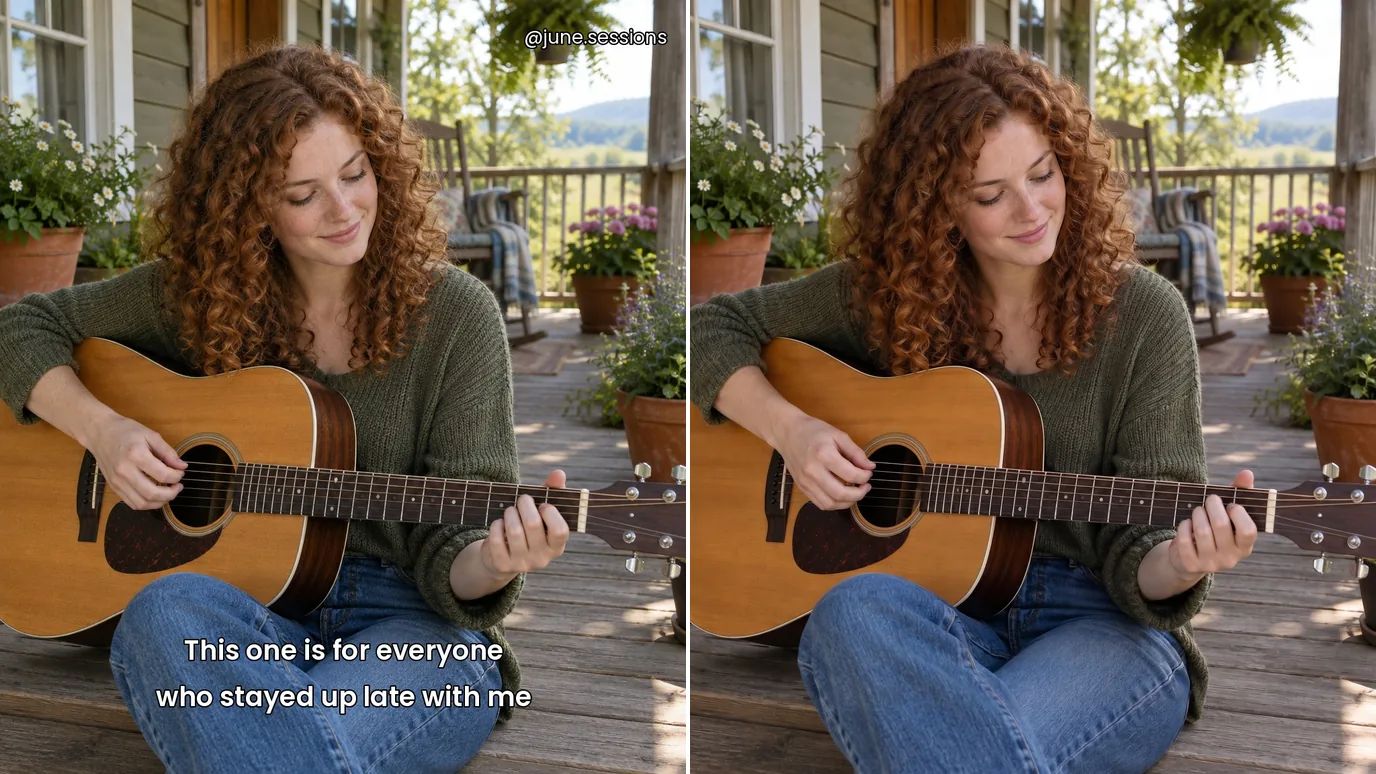
No Brush, No Selection
Most text removers make you paint over every word. Here you only upload the image: the AI finds the text on its own, even when it's spread across the picture, and clears all of it at once.
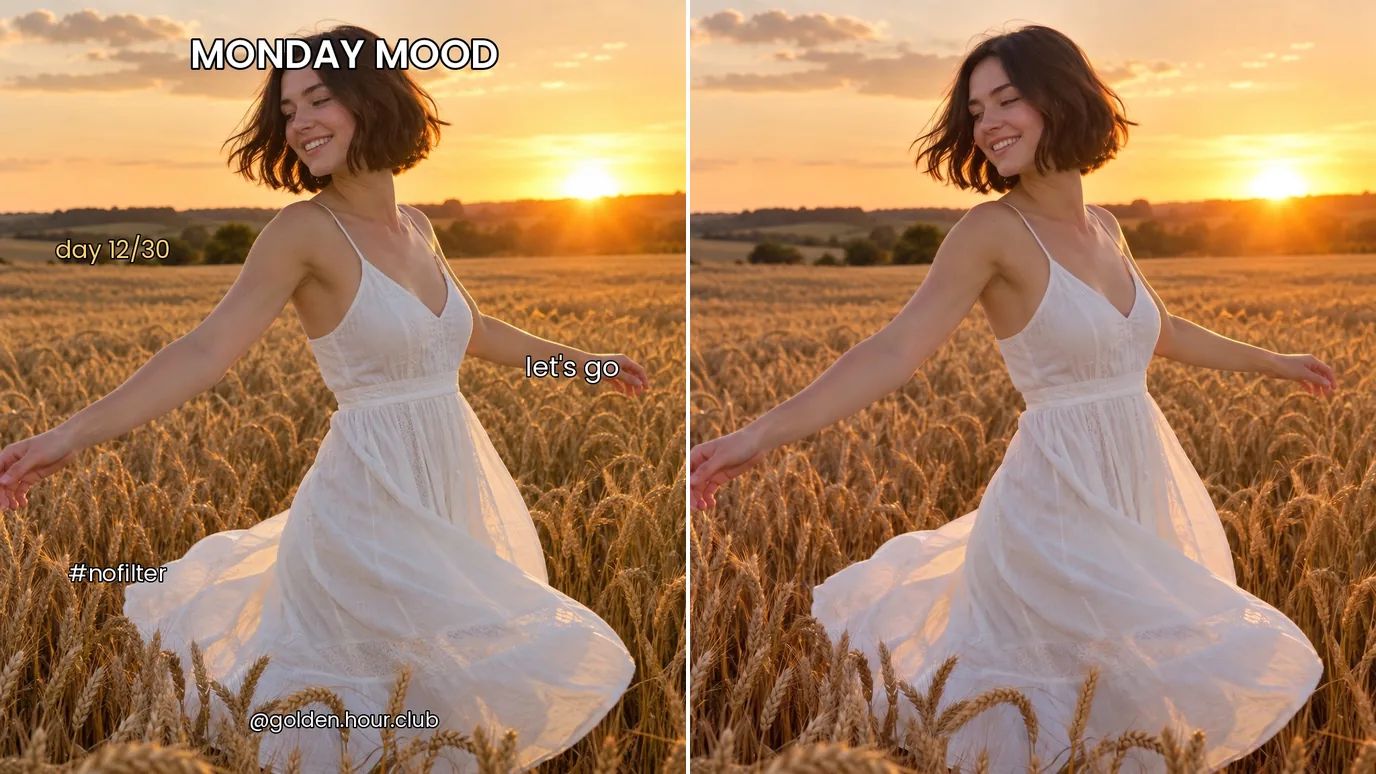
Clean Product and Listing Photos
Clear price tags, promo text and labels from your own product shots, so they're ready for a store page, a marketplace listing or an ad.
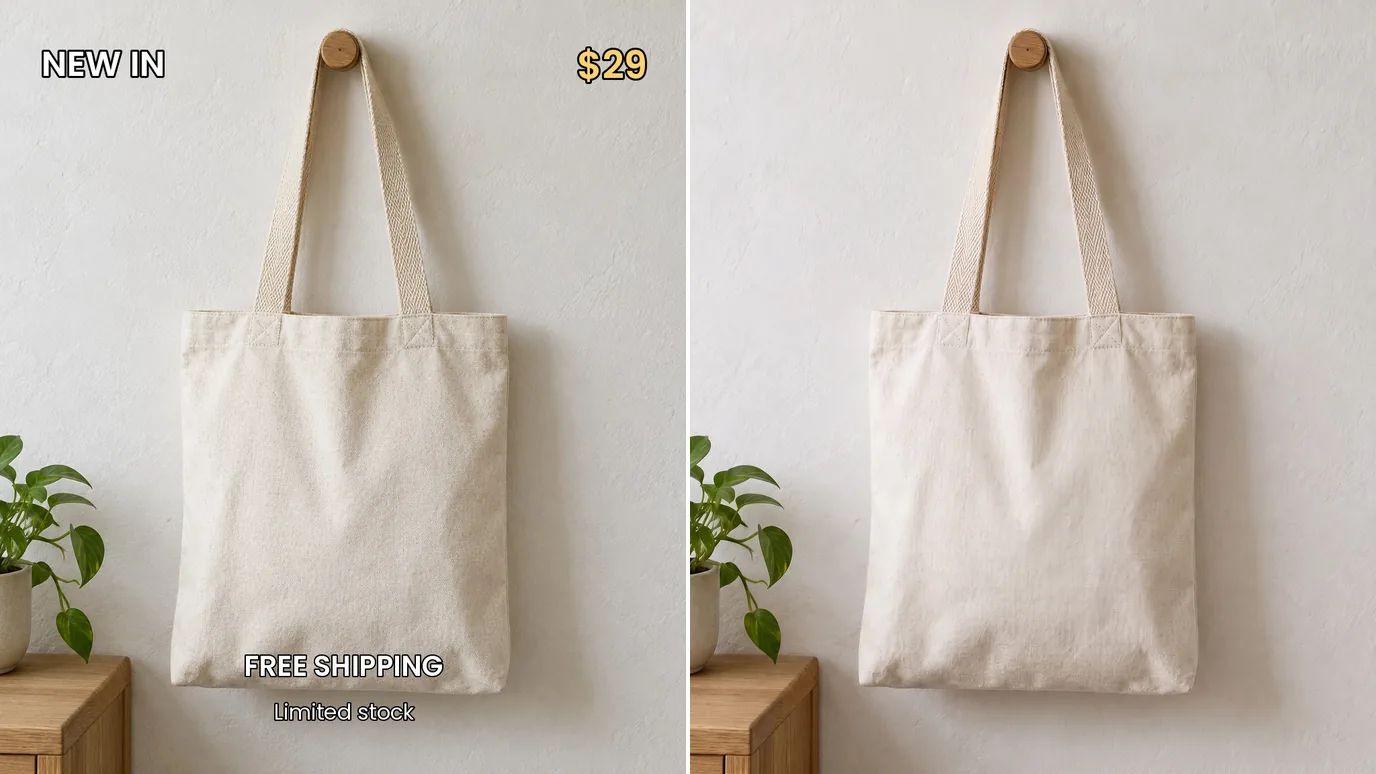
Clean Social Media Graphics
Take old captions, hashtags and text overlays off your own posts, thumbnails and story images for a clean, consistent feed, or turn a graphic into a text-free background you can reuse with new words.

Who Removes Text from Images
Anyone who needs the picture without the words on top.
Social Media Creators
Clean versions of your own posts, without old captions or hashtags.
Online Sellers
Product photos free of price tags and promo text.
Designers
Text-free backgrounds from mockups and drafts, ready to reuse.
Everyday Photos
Date stamps and captions gone from personal snapshots.
How to Remove Text from an Image With MaxH3
Upload Your Image
Sign in and upload a PNG, JPG or WEBP image up to 15 MB and 4096 pixels on each side.
Click Create
There's nothing to select. The price shows on the Create button; the AI finds the text and removes it, usually within a few minutes.
Download the Clean Image
Check the result and download it. If a small piece of text is left, brush over it with the Object Remover.
More Tools to Clean Up Your Images
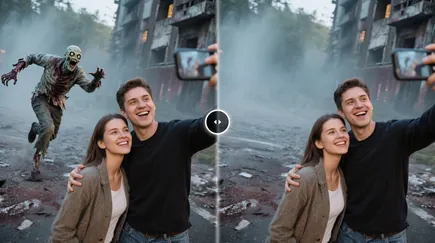 Object RemoverUse This Tool
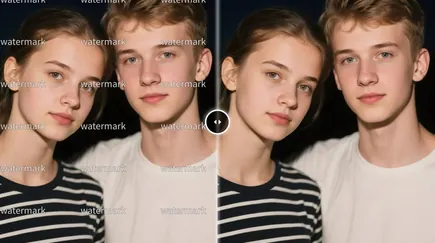 Watermark RemoverUse This Tool
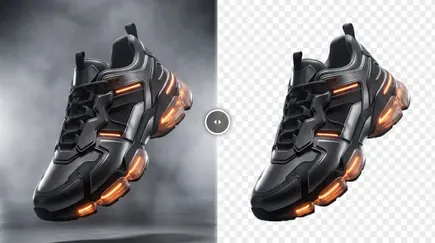 Background RemoverUse This Tool
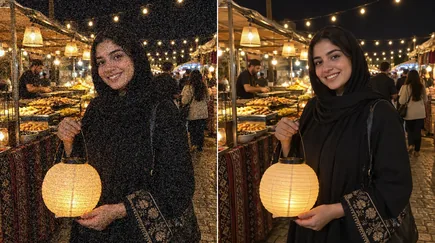 Denoise AIUse This Tool
FAQs
Clear the Text Off Your Images in One Click
Upload an image and get a text-free version, with the background rebuilt where the words were.