Nano Banana AI Image Generator
Google's original Nano Banana for fast, playful edits. Keep a person or pet looking like themselves in new scenes and blend up to 10 photos.
Discover What Nano Banana Can Create
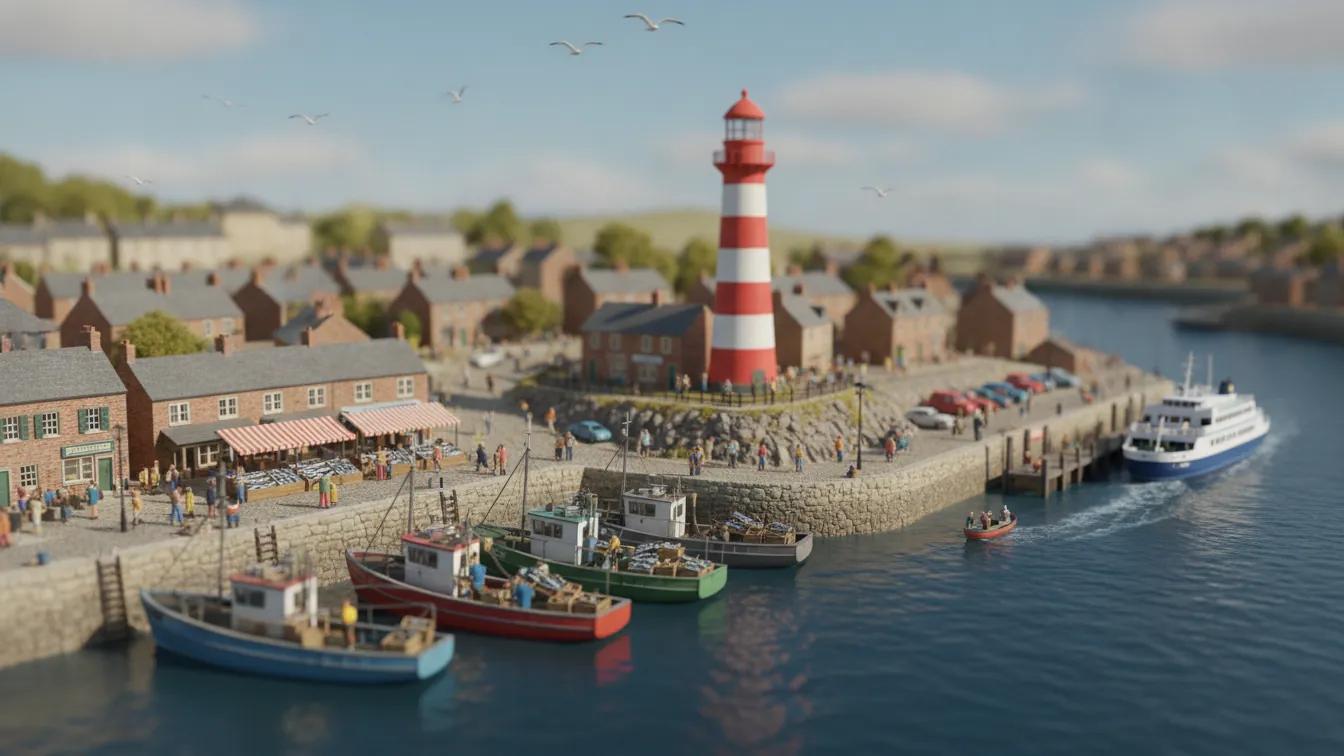
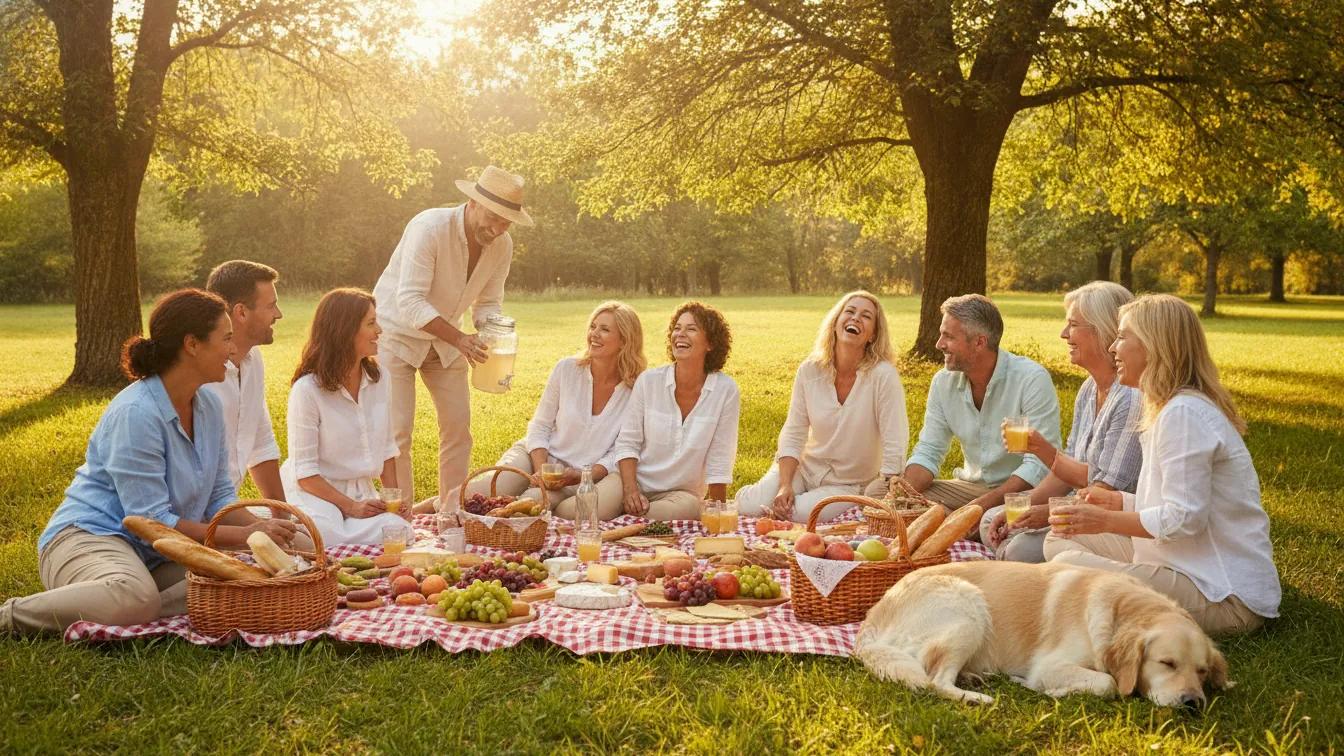
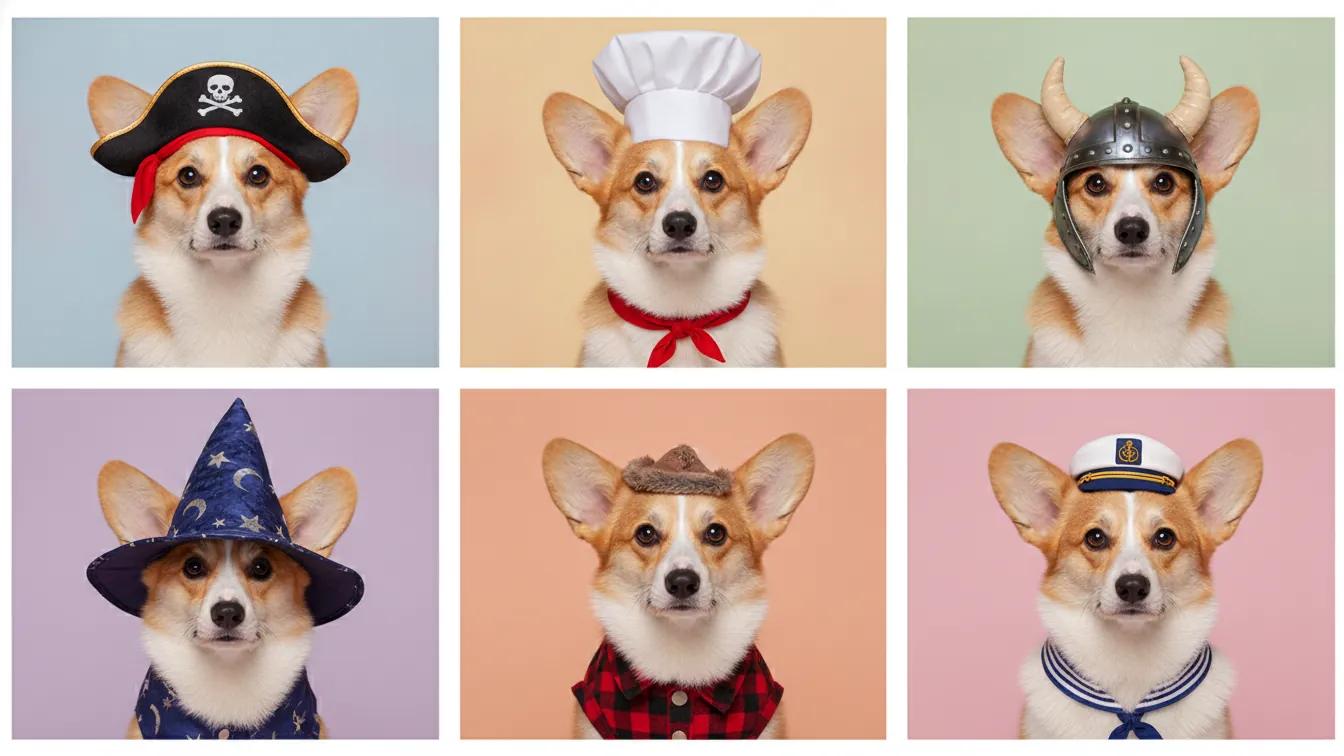
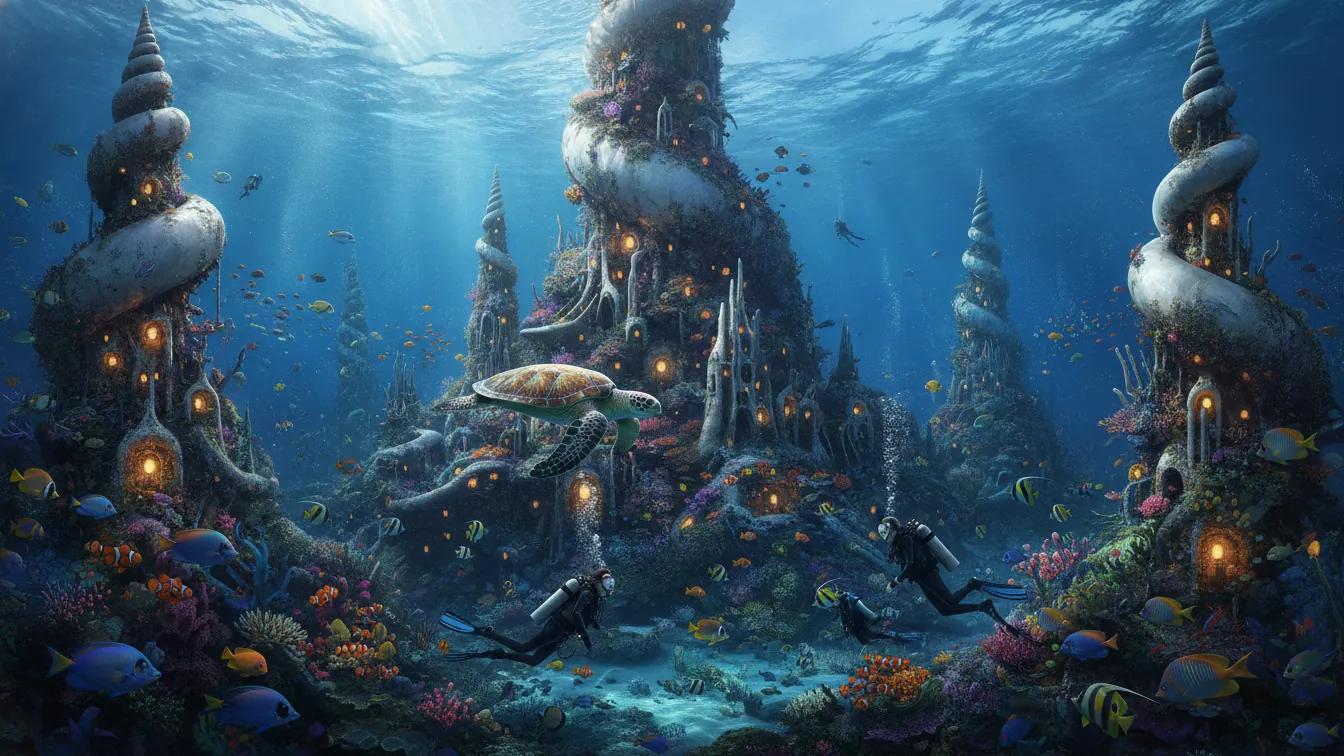
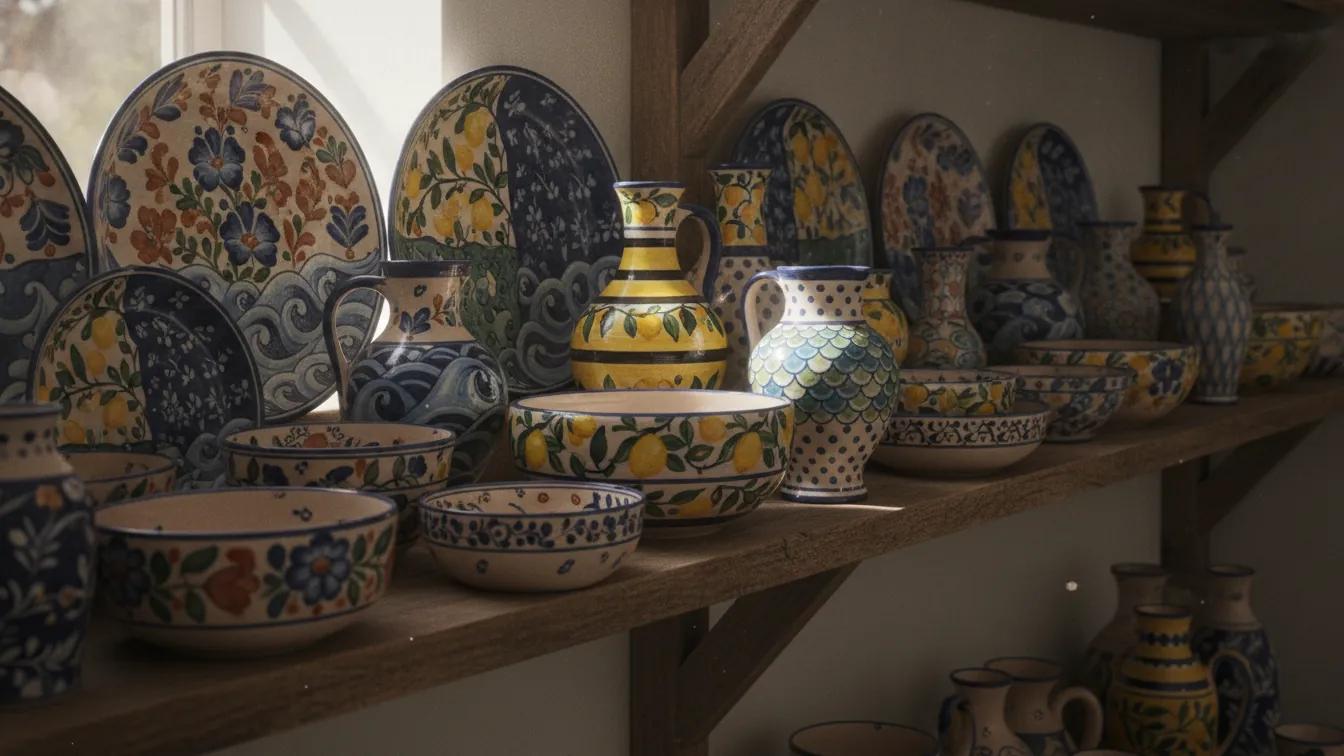
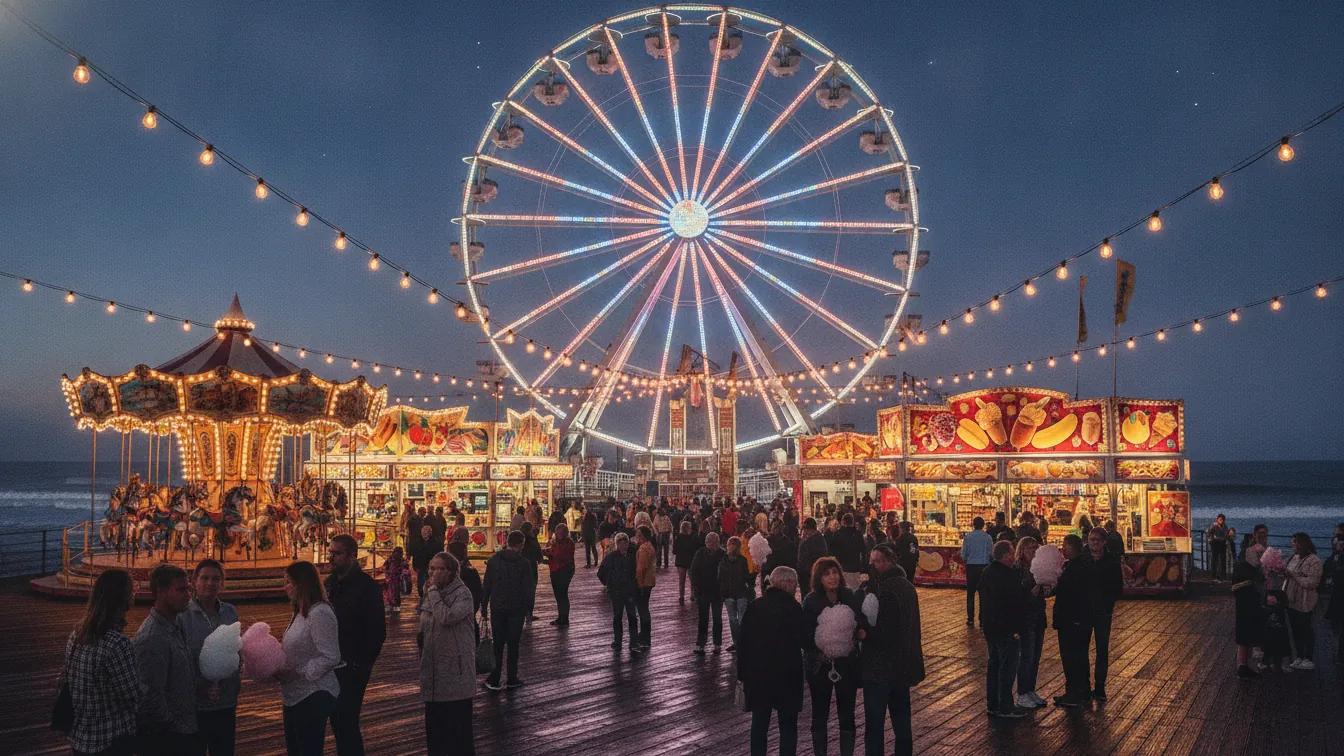
A miniature diorama, a group photo, one corgi in six costumes, a fantasy city, folk ceramics and a night scene. Every image here was generated with Nano Banana on MaxH3.
Key Features of Nano Banana
- People and Pets That Stay Recognizable: Put a person or pet in a new costume or world, and they still look like themselves.
- New Outfit, New Place, Same Person: Describe new clothes and a new place, and the person in the photo stays the same.
- Blend Up to 10 Photos Into One Scene: Combine people, pets and objects from separate photos into one new picture.
- Step-by-Step Edits That Build on Each Other: Change one thing, then the next, and earlier edits hold while you keep going.
- Borrow a Pattern From Another Photo: Take the colors and motifs of one thing and knit, print or paint them onto another.
- Several Changes in One Plain Sentence: Recolor, relight or add details in everyday words, with no mask or selection to draw.
- Create From a Prompt Alone: No upload needed: describe a scene and Nano Banana renders it from scratch.
People and Pets That Stay Recognizable
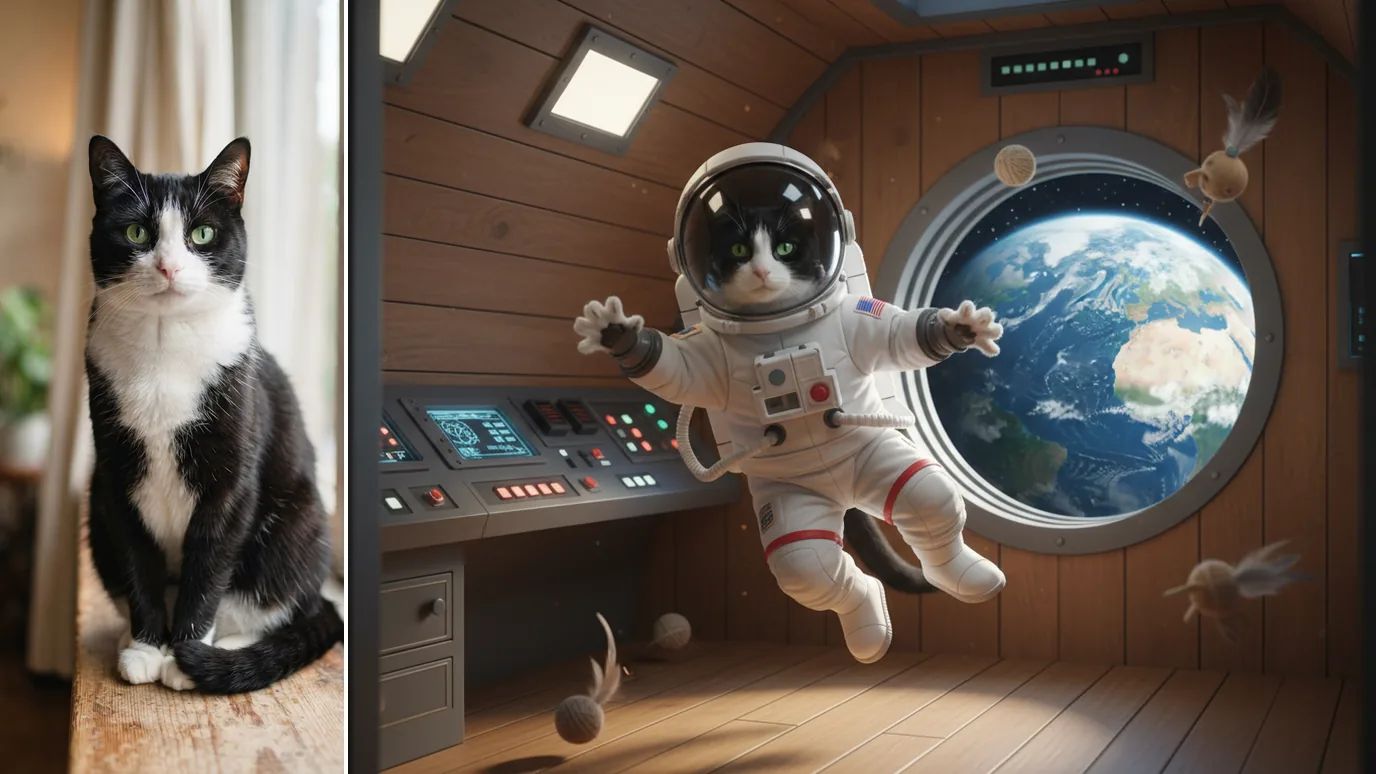
A single windowsill photo of a tuxedo cat became an astronaut floating past Earth, and the white blaze, the black mask and the green eyes all made the trip. Google built Nano Banana so people and pets keep their likeness from one edit to the next. Upload one clear, well-lit photo, then describe the costume, the scene or the story you have in mind.
New Outfit, New Place, Same Person
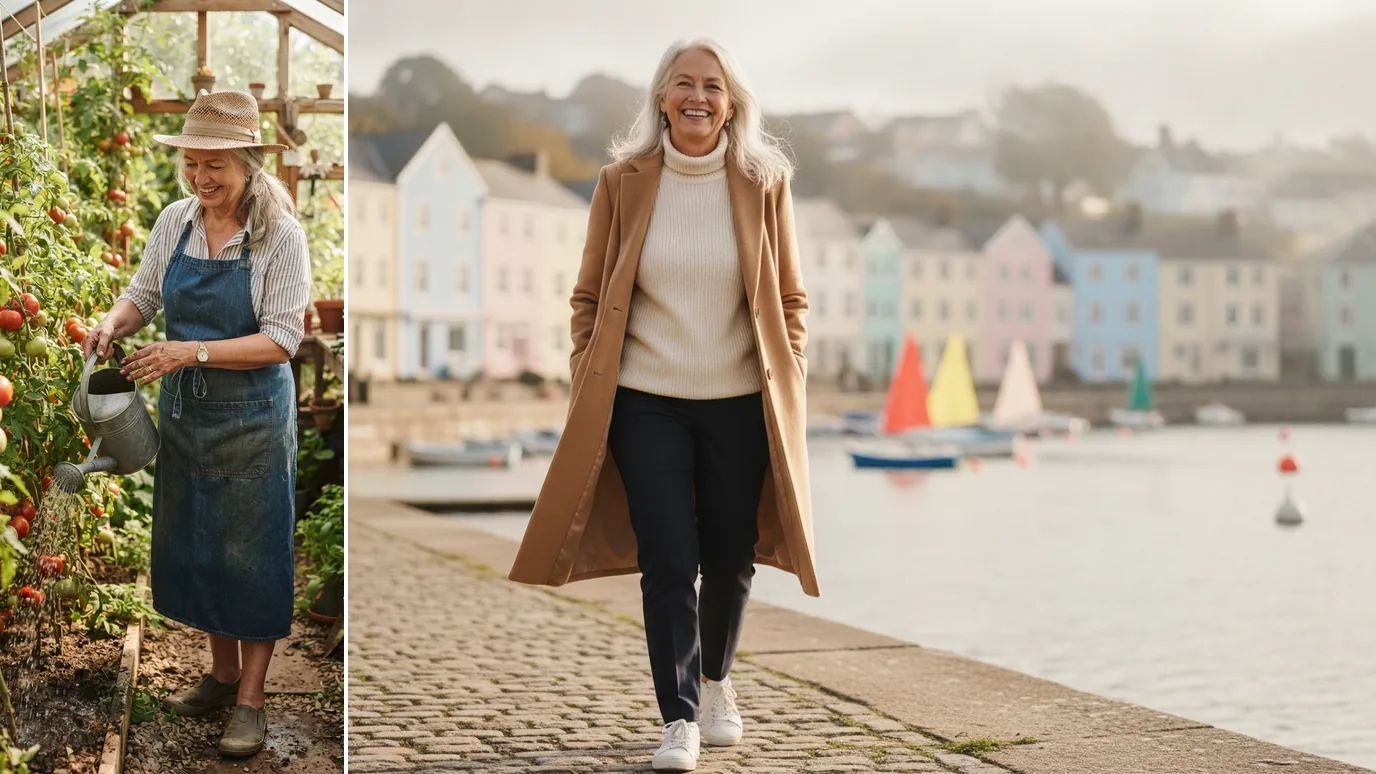
The gardener from the greenhouse photo, now in a camel wool coat on a seaside promenade, with her face, silver hair and smile unchanged; the outfit and the town came from one sentence. Changing a costume or a location without losing the person is one of the edits Google designed Nano Banana for. Upload a clear portrait, then name the clothes, the place and the light.
Blend Up to 10 Photos Into One Scene
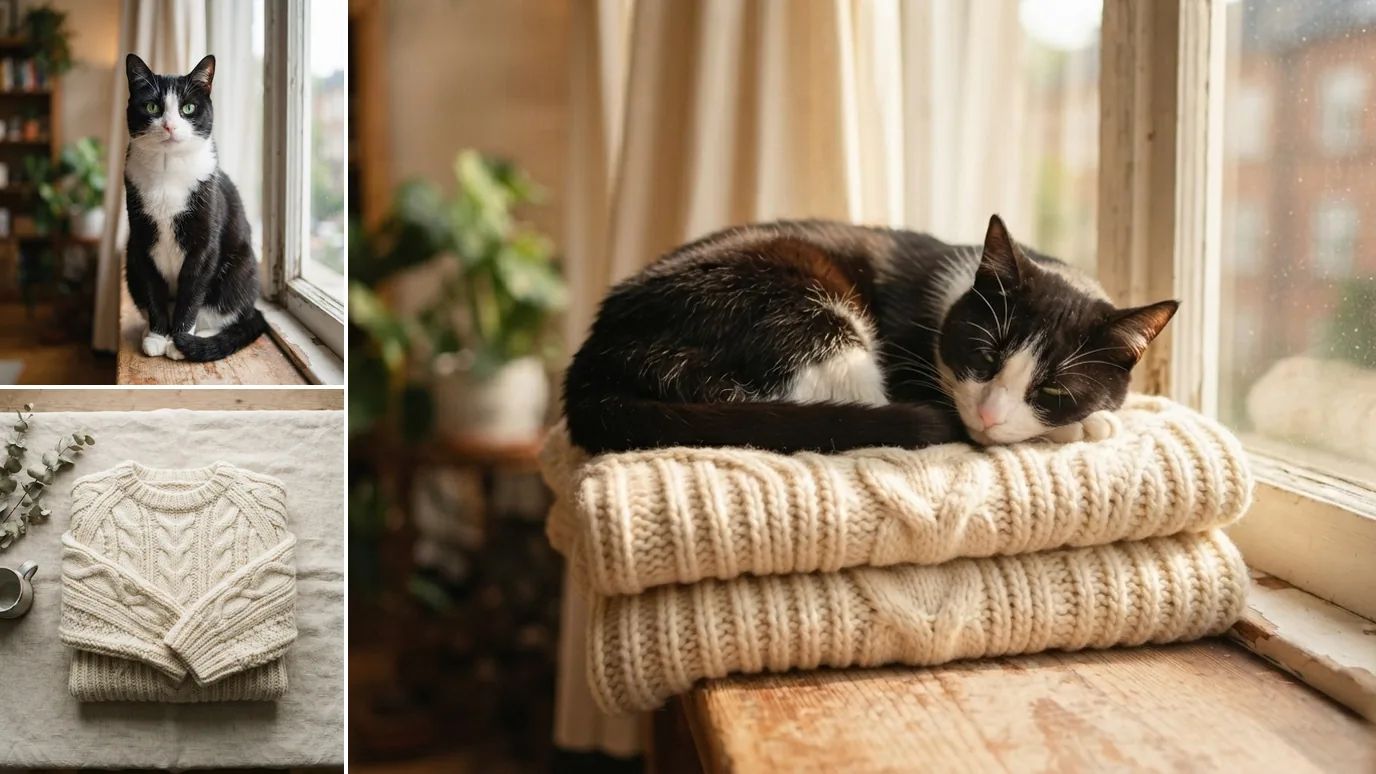
A windowsill cat and a folded sweater from two unrelated photos became one cozy scene, the cat asleep on that exact knit beside a sunny window. Nano Banana blends separate photos into a single new image and accepts up to 10 uploads, so a pet, a relative and a favorite object can share one frame. Say who goes where and what the setting is.
Step-by-Step Edits That Build on Each Other
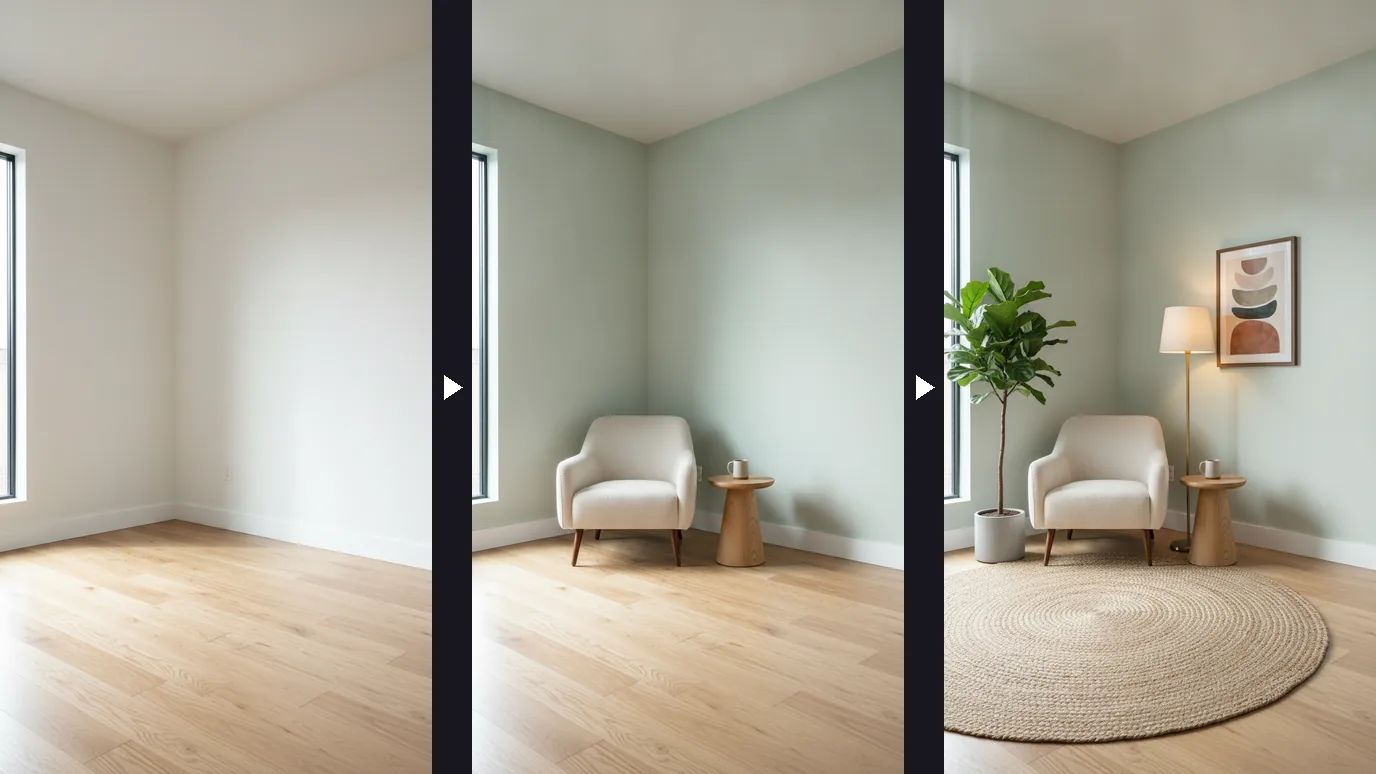
A bare corner, then sage walls and an armchair, then a rug, a fig tree and a glowing lamp: three stages of one picture, with the window, floor and camera angle held in place. Nano Banana is built for multi-turn editing, so you can refine an image one request at a time. Feed each result back in and describe only the next change.
Borrow a Pattern From Another Photo
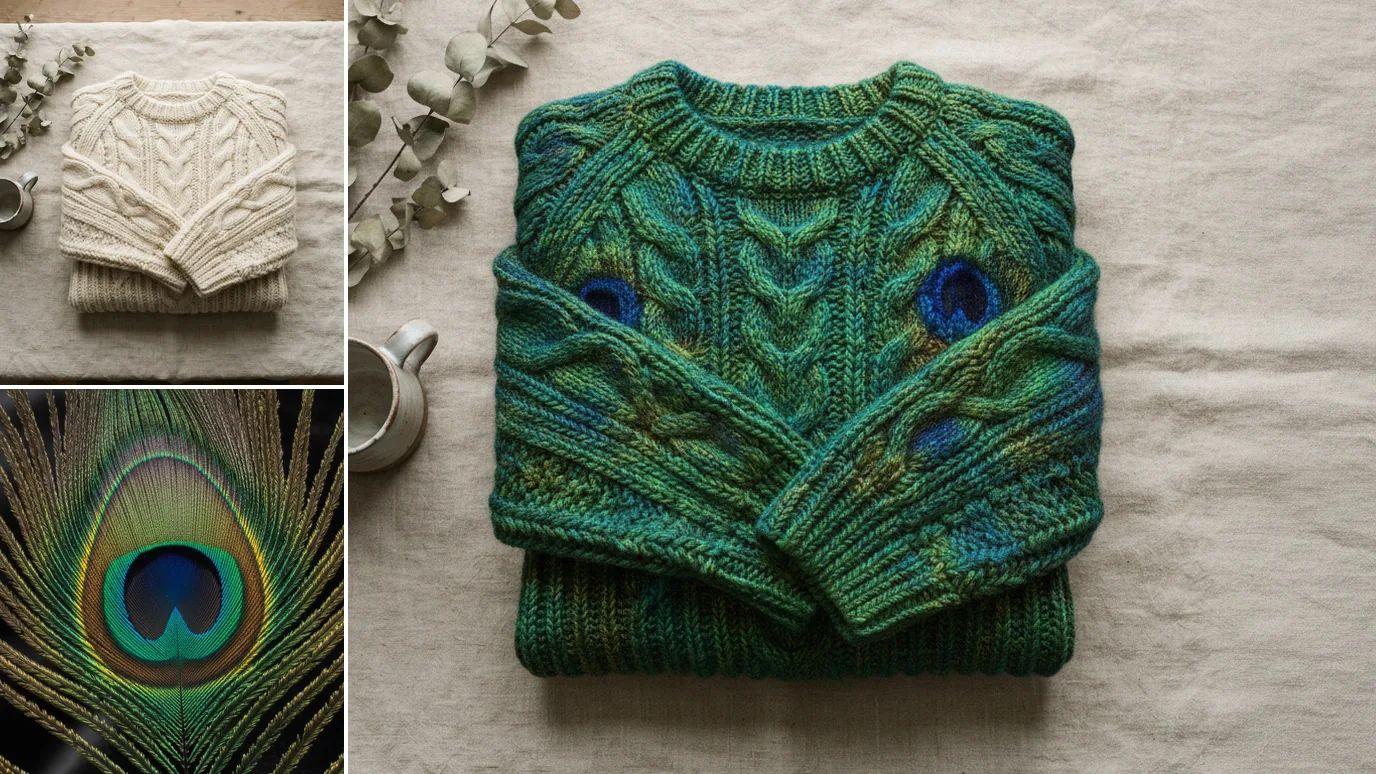
The greens and deep-blue eyes of a peacock feather, knitted into the cream sweater from a second photo, with its folds and cable stitches intact. Google calls this mixing up designs, such as lifting the pattern of butterfly wings onto something new. Upload the object and the pattern source, and say which one takes on the new look.
Several Changes in One Plain Sentence
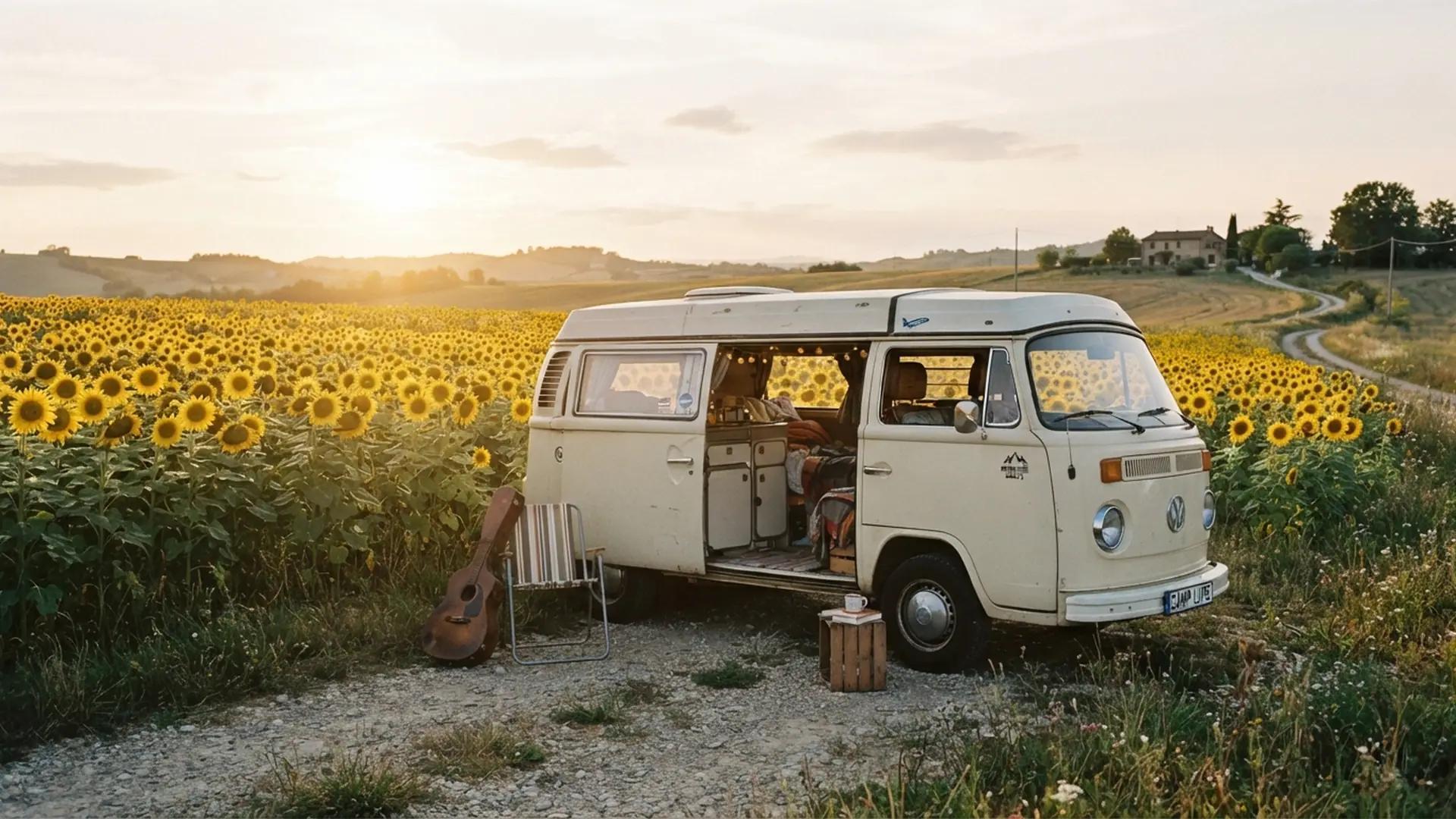
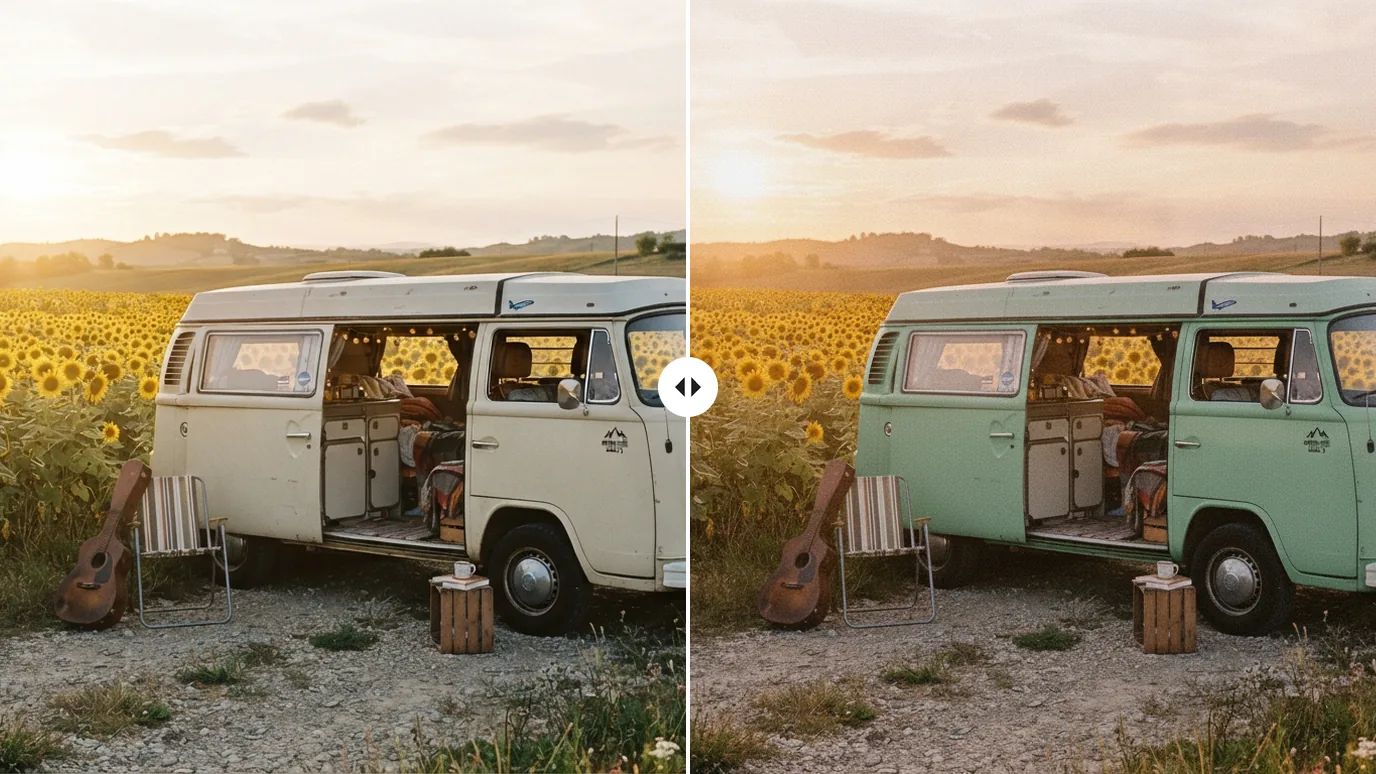
Mint paint on the camper van and a pink sunset sky, from one sentence, while the chair, the guitar and the sunflowers stayed where they were. Write what should change and what must stay in everyday words; there is no mask or selection to draw. If the first result is close but not quite right, describe the fix and run it again.
Create From a Prompt Alone
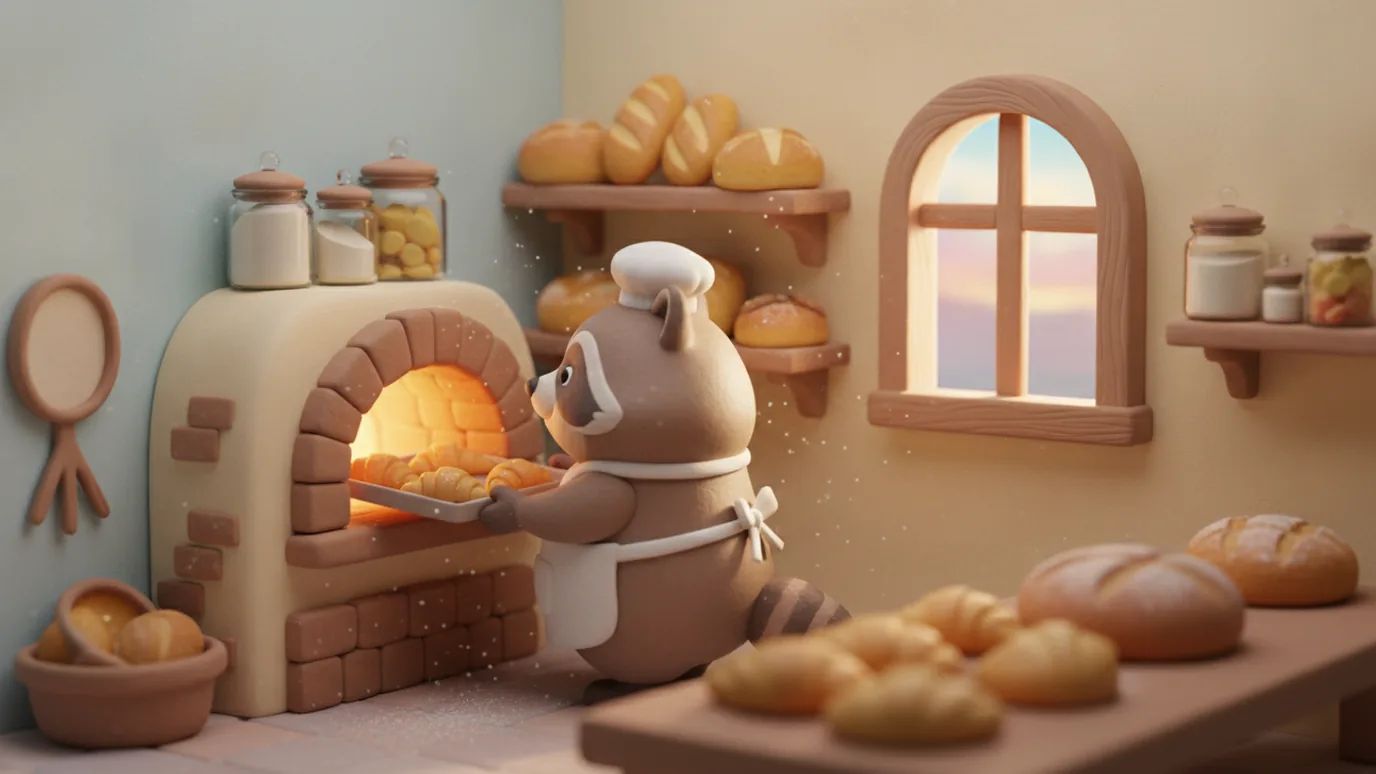
A clay-style raccoon baker sliding a tray of croissants into a brick oven at dawn, generated from a written description with no upload. Nano Banana works from text alone too, in 10 aspect ratios from wide 21:9 to tall 9:16. Describe the subject, the style, the light and the framing, then keep refining the result with plain-language edits.
Who Gets the Most Out of Nano Banana
Its strength is personal photos where a person, a pet or a room has to stay recognizable through every edit.
Pet Owners and Pet Businesses
Turn one good photo of a dog or cat into holiday cards, costumes and adventures, with the same markings and eyes in every version.
Creators Refreshing Their Look
Try a new outfit or backdrop on a portrait for a profile, a bio page or a post, and still look like yourself in each one.
Families Making Group Pictures
Combine up to 10 separate shots of relatives and pets into one picture of everyone together, even if they were never in the same room.
Renters and Home Decorators
Photograph a room, then try a paint color, a chair and a rug one request at a time, and keep the version you like before buying anything.
Knitters, Crafters and Pattern Makers
Lift the colors and motifs from a feather, a wing or a fabric swatch onto a sweater or a bag to preview a design before making it.
Nano Banana vs Seedream 5.0 vs Grok Imagine
| Feature | Nano Banana | Seedream 5.0 | Grok Imagine |
|---|---|---|---|
| Core Strength | ✓ Keeps people and pets looking like themselves | Edits you point at: marks, boxes and coordinates | Precise edits aimed at the details you name |
| Keeping a Subject Consistent | Same face or pet markings in a new outfit or place | Same people and products across up to 10 references | Places a product into a new scene from one photo |
| Photos per Edit | Up to 10, blended into one new scene | Up to 10 reference images | One reference image |
| Mixing Designs | Pattern from one photo applied to another object | Combines elements from up to 10 references | Style transfer on a single image |
| Designed For | Personal photos of people and pets | Speed-sensitive, high-volume work | Turning sketches and mockups into finished renders |
Compiled from each developer's own published description of its model.
What Sets Nano Banana Apart
- Likeness That Holds: People keep their faces and pets keep their markings, whether you change the outfit, the setting or the whole story around them.
- Ten Photos, One Picture: Relatives, pets and objects from up to 10 separate photos come together in a single new scene, arranged the way you describe.
- Patterns Borrowed From Real Things: Lift the colors and motifs from a feather, a wing or a fabric and apply them to a different object with just two uploads.
How to Use Nano Banana on MaxH3
Open Nano Banana
Nano Banana is already selected in the generator above. Add reference images there to start from a photo.
Describe the Image
Describe the subject, style and light, quote any on-image text, then pick the ratio and resolution.
Generate and Download
Press the arrow. The result shows right here, ready to download or refine, and stays in your history.
More Google's AI Image Models on MaxH3
FAQs
Put the Faces You Love in a New Story
Upload a photo, describe the new outfit, place or pattern, and Nano Banana keeps the person or pet recognizable.