Seedream 5.0 Lite AI Image Generator
ByteDance's Seedream 5.0 tier for sharp text and posters, rendering up to 4K on MaxH3.
Discover What Seedream 5.0 Lite Can Create
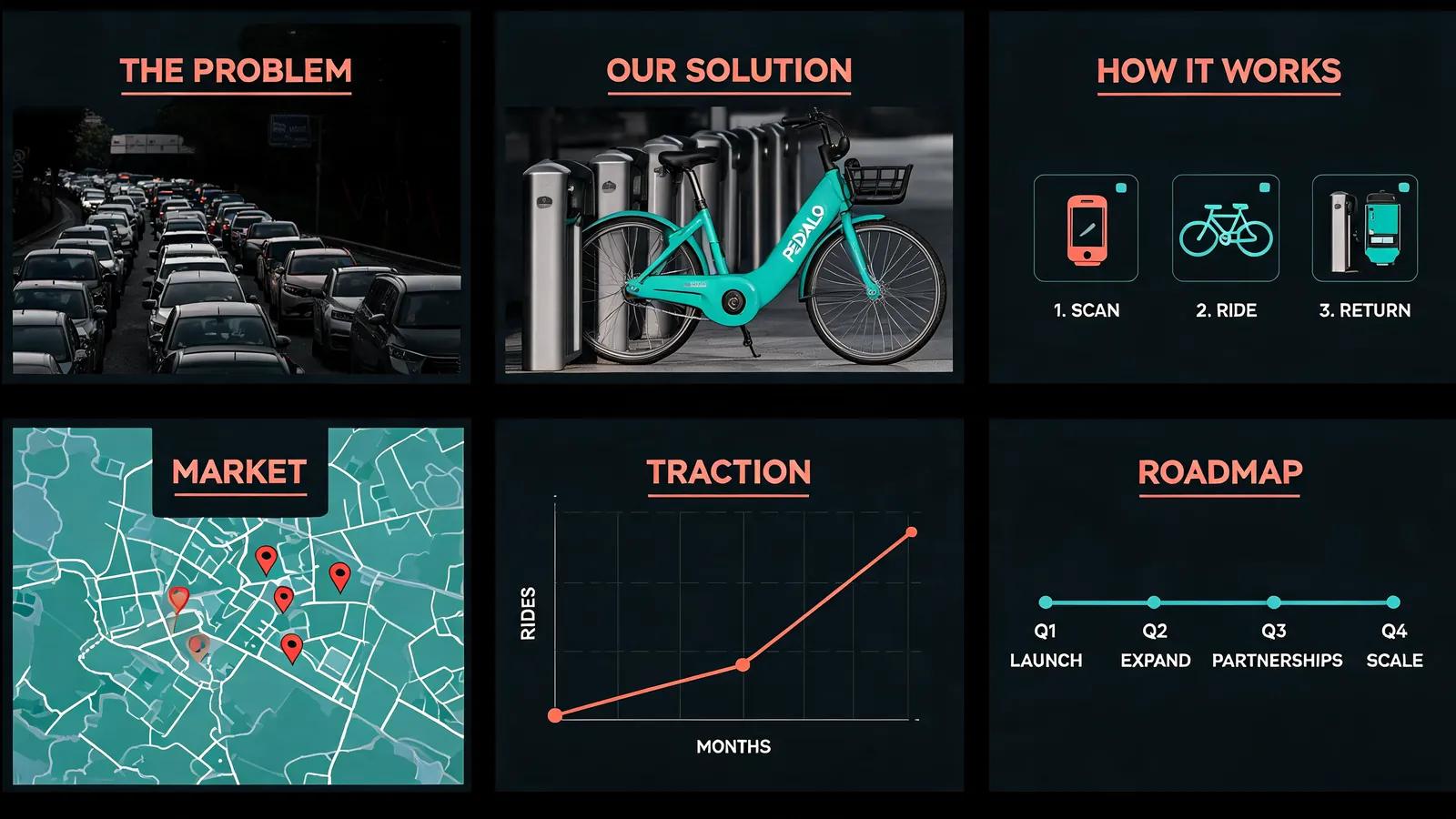
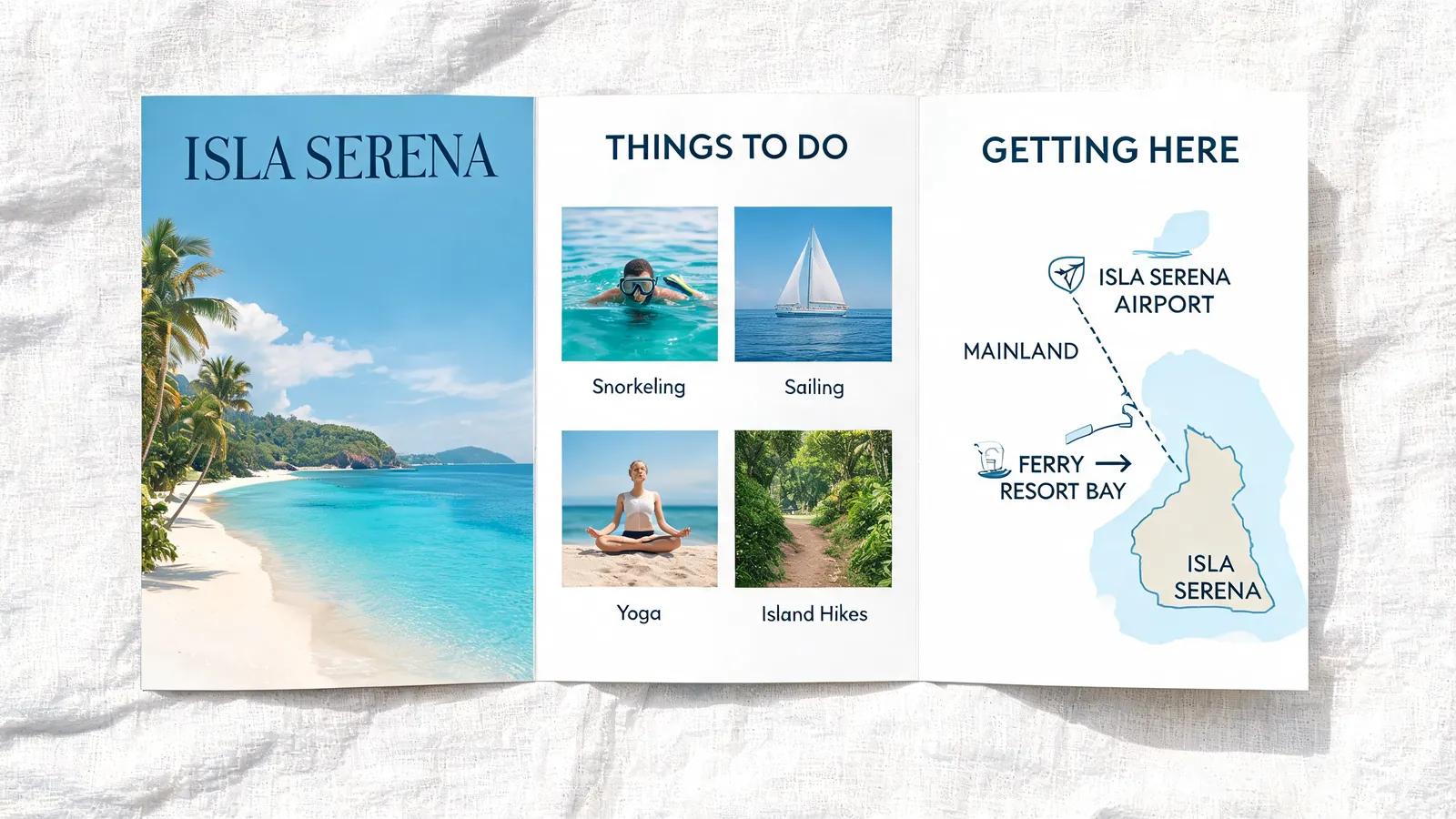
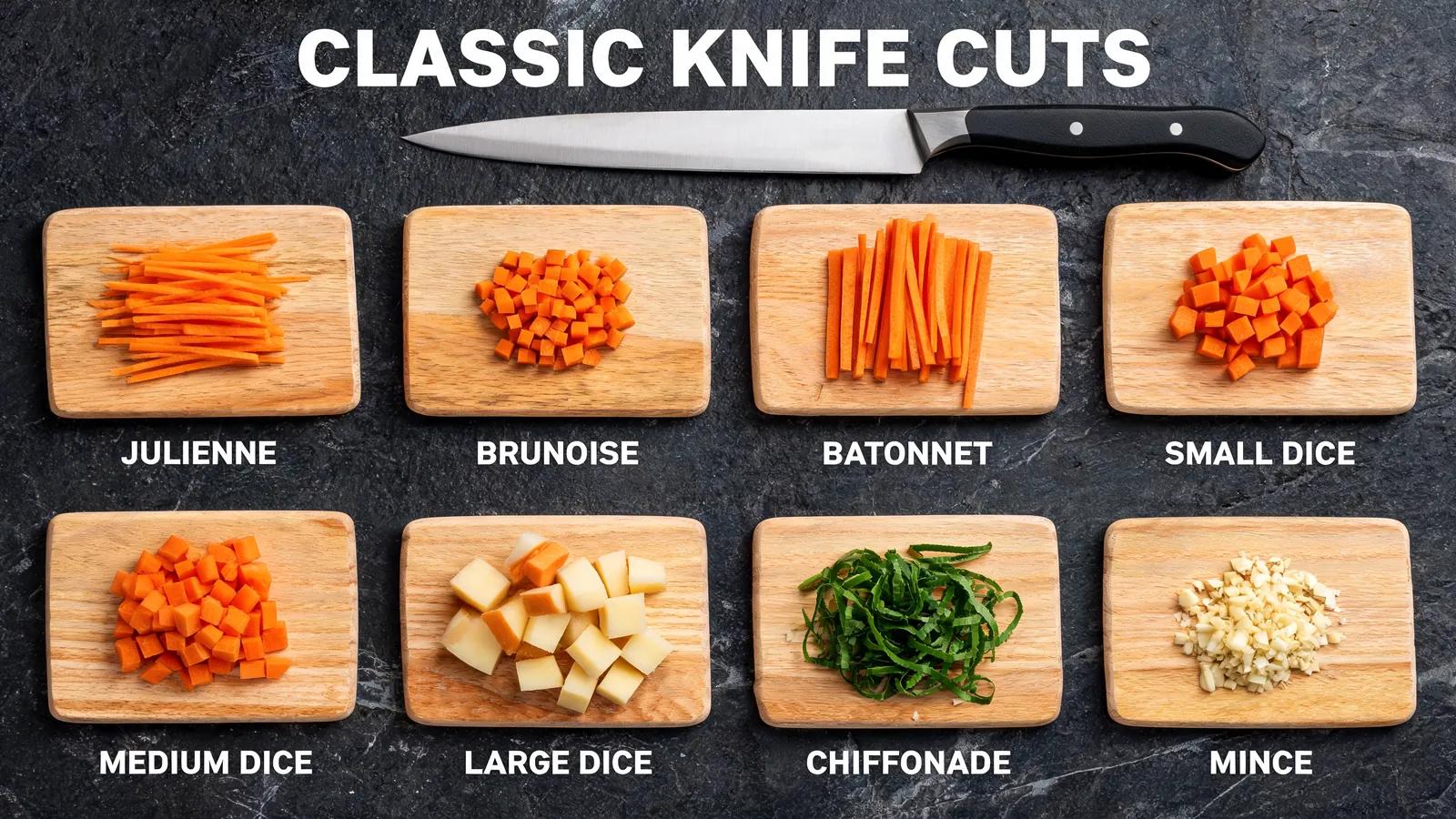
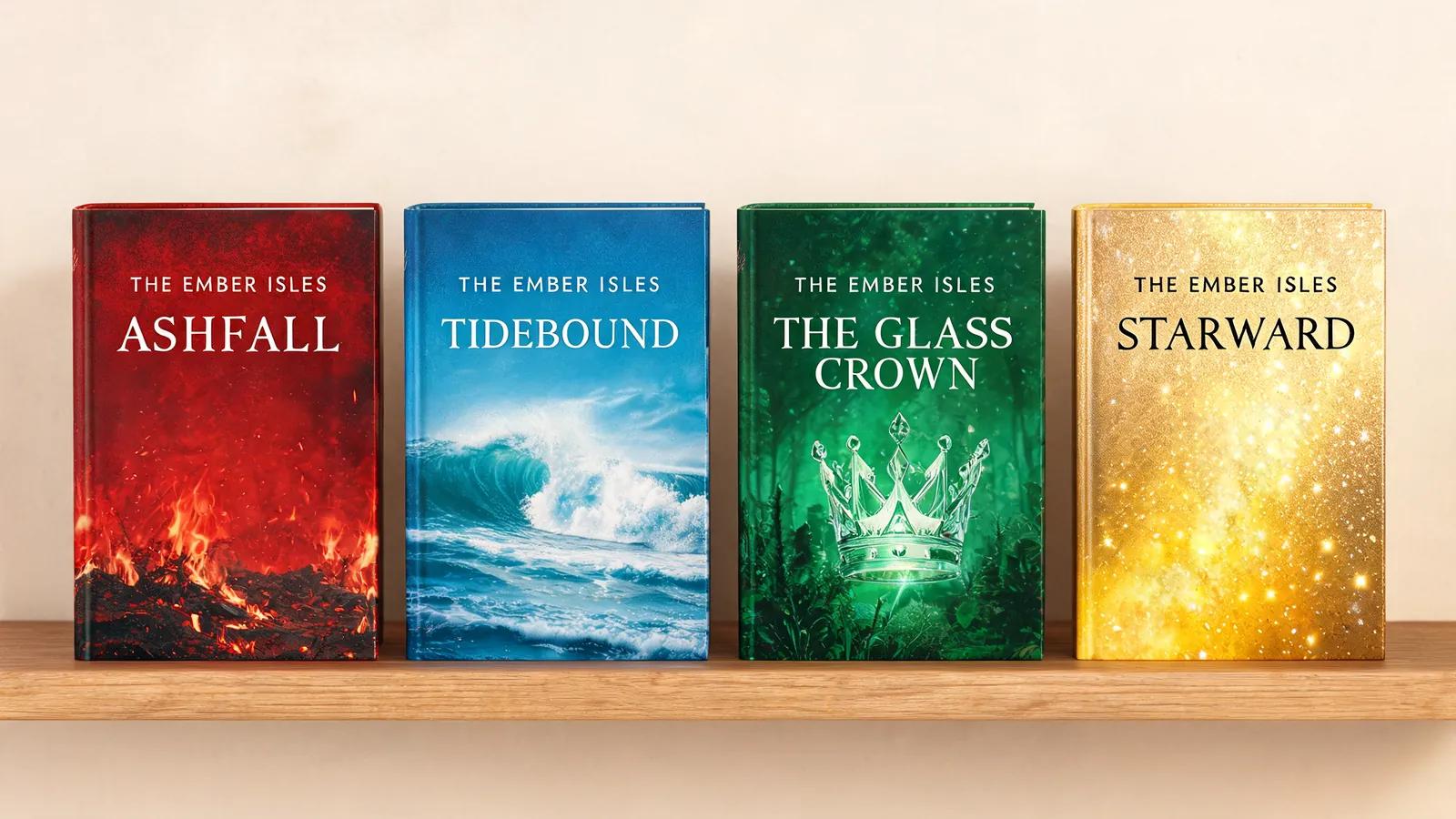
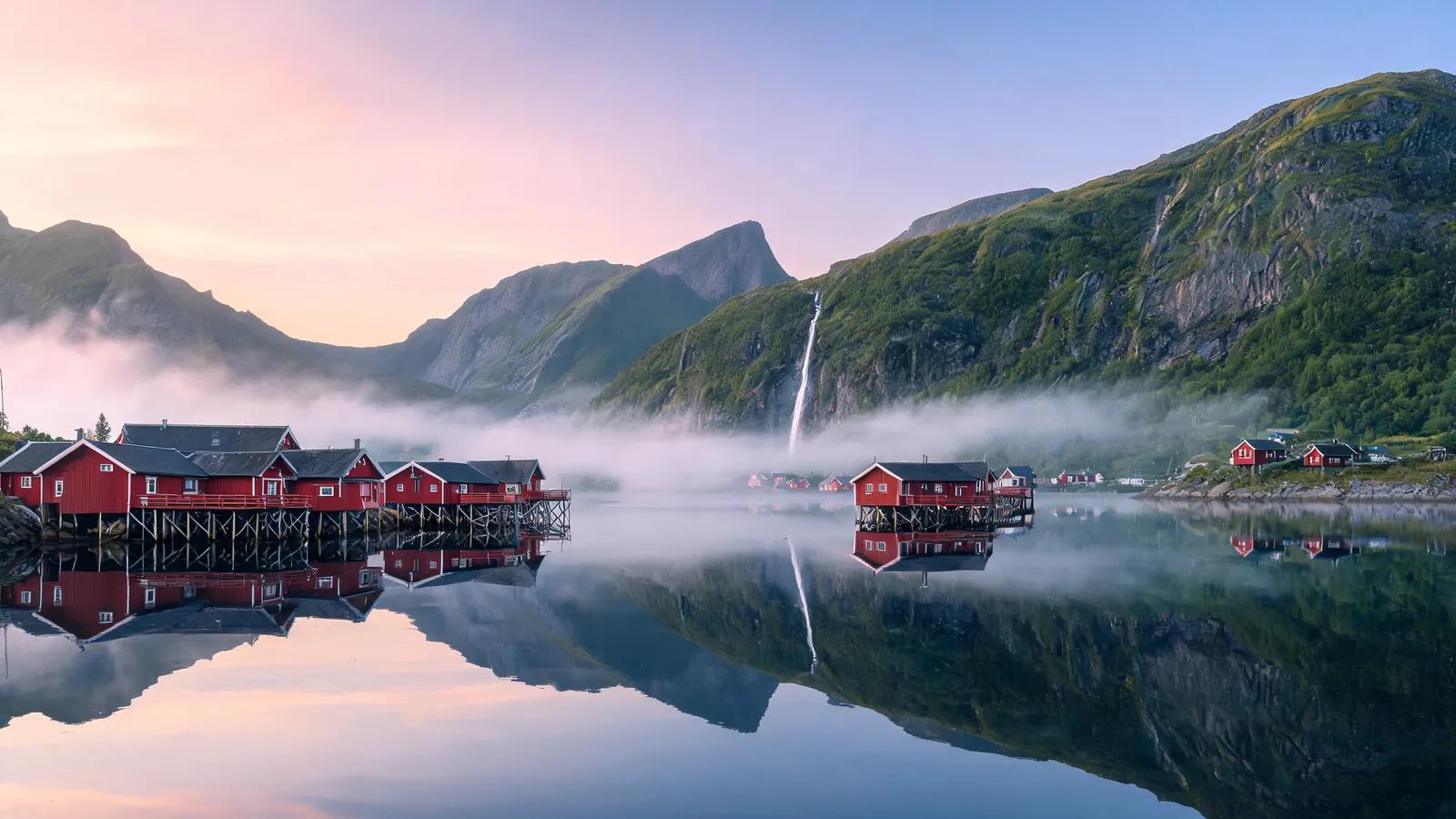
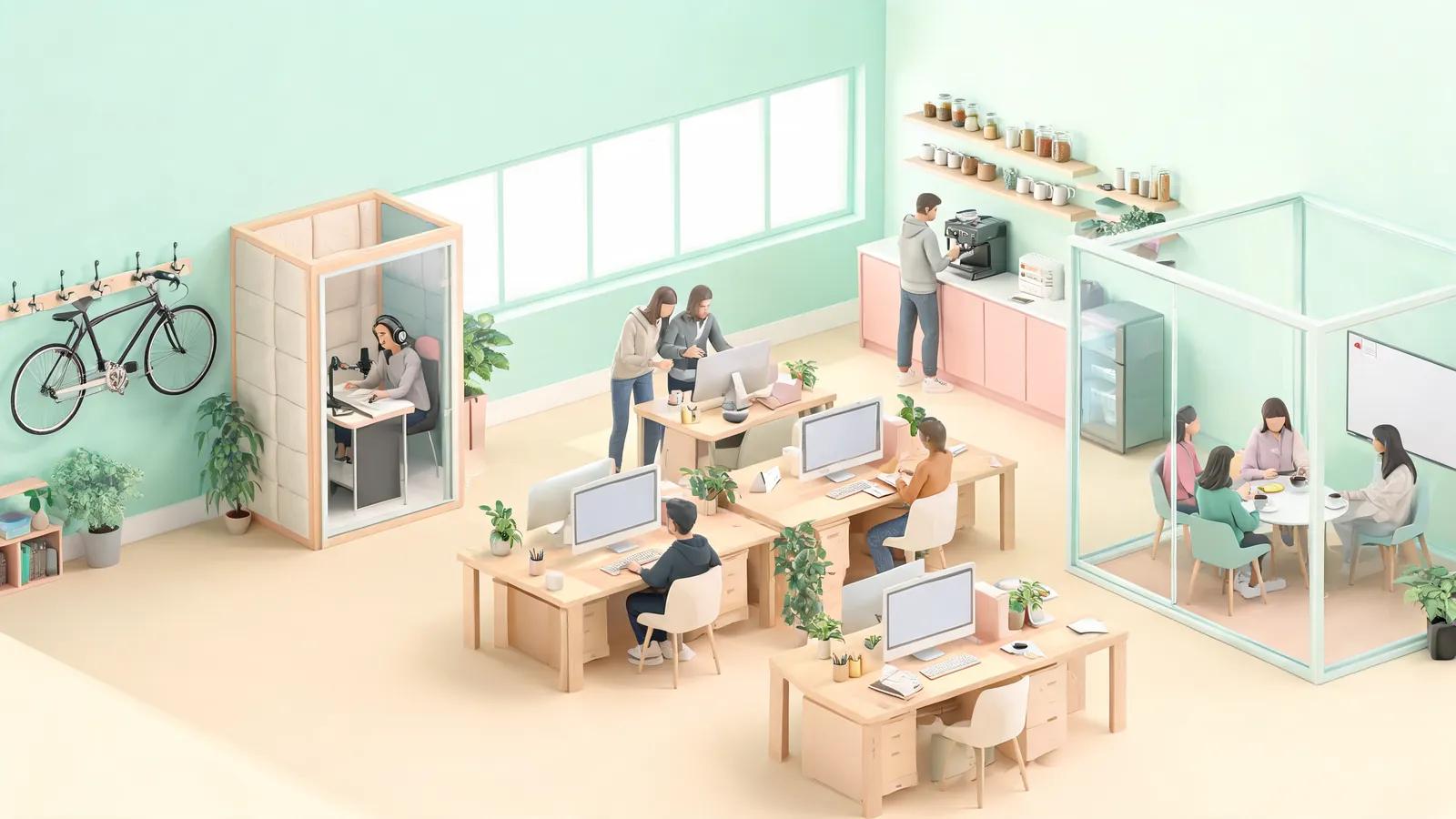
A pitch-deck overview, a travel brochure, a cooking chart, a set of book covers, a landscape and an isometric office, all at 2K. Every image here was generated with Seedream 5.0 Lite on MaxH3.
Key Features of Seedream 5.0 Lite
- Restyle a Photo From One Reference Image: Upload one picture whose look you like and Lite carries it onto your photo.
- Edits From One Loose Sentence: Say the goal in plain words and Lite decides what to add, move or swap.
- Large Renders at 2K, 3K or 4K: Three size presets from 2K to 4K, up to 5504×3040 at 16:9.
- Presentation Slides in One Prompt: Launch slides with a headline, a product render and captioned features in place.
- Mind Maps and Visual Notes: Turn a topic into a mind map with a central idea, labeled branches and icons.
- Turn a Photo Into a Sticker: Turn a person, pet or product photo into a die-cut sticker with a white border.
Restyle a Photo From One Reference Image
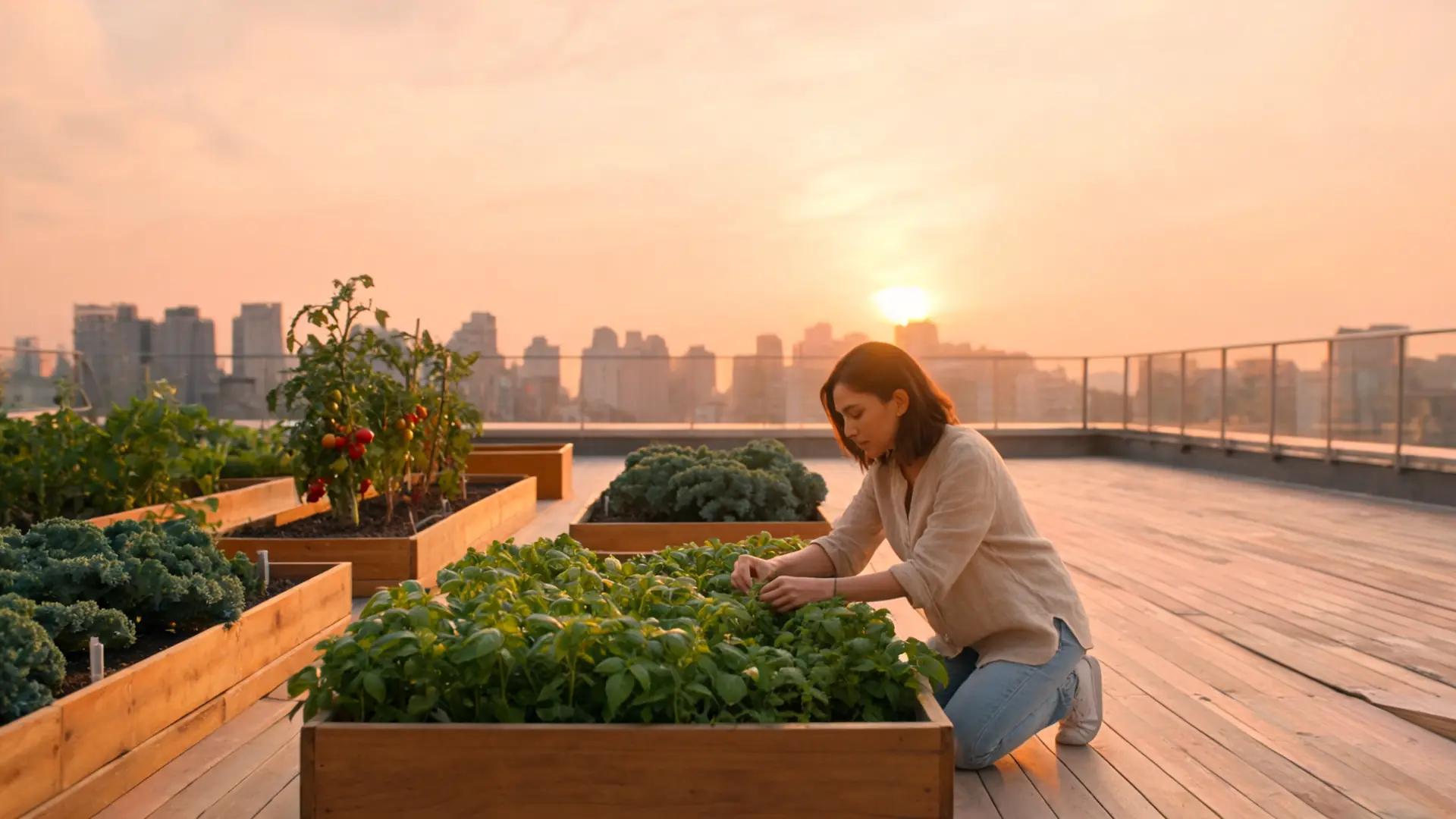
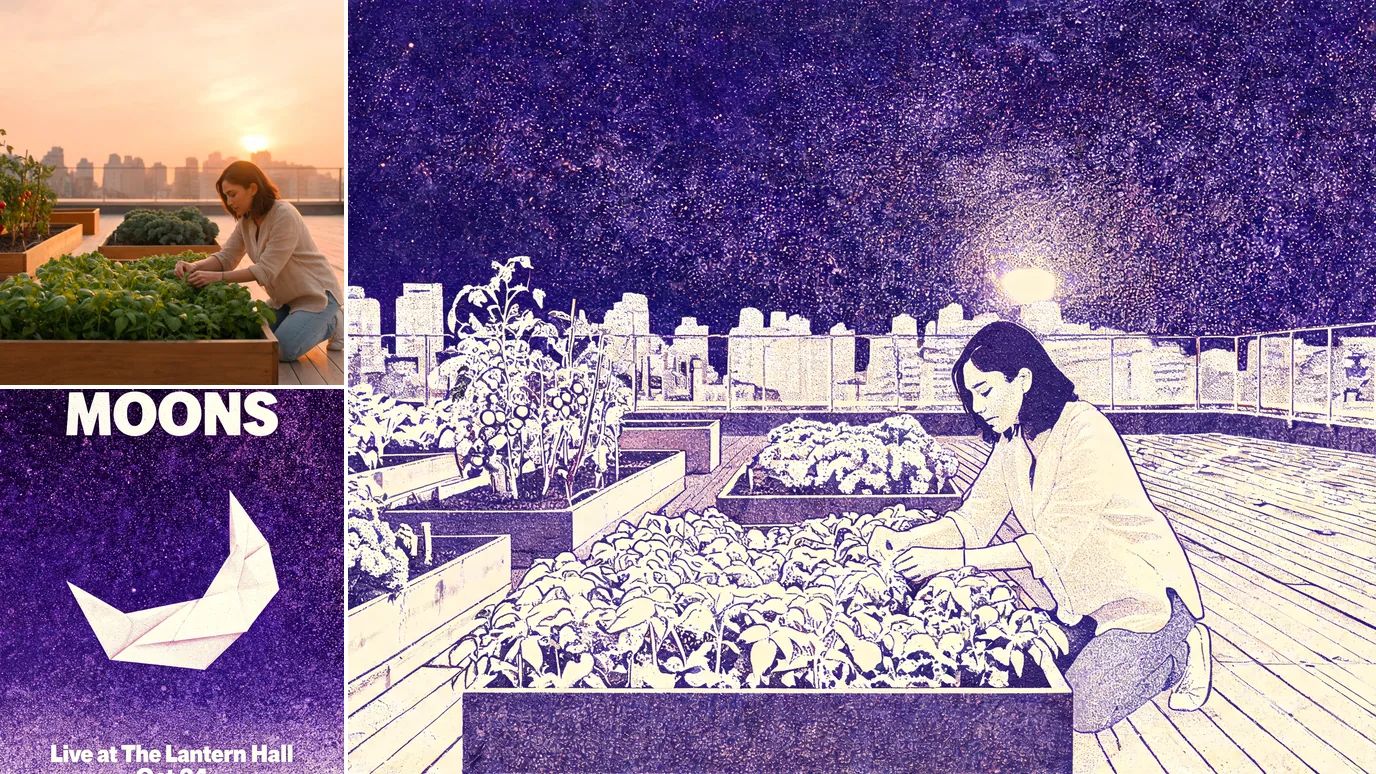
The rooftop garden photo, redrawn as a two-color violet risograph print, with the whole look taken from one gig poster. ByteDance lists style transfer from one reference image among Lite's skills. Upload your photo and the style source, then say what to borrow: palette, grain or linework. You can attach up to 10 images in total.
Edits From One Loose Sentence
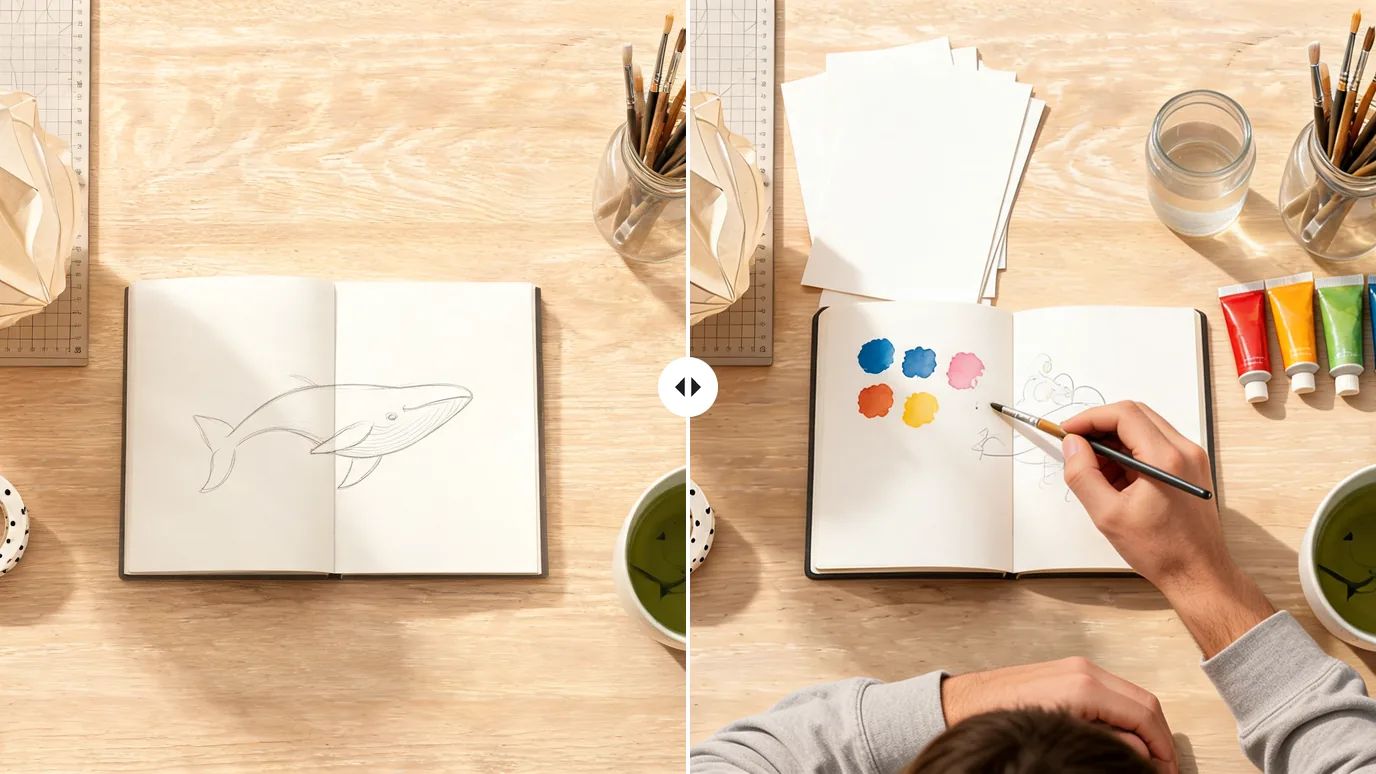
Left, a craft table laid out object by object from a detailed brief. Right, the same table after one loose line, "set this table up for a beginner watercolor class", with paint tubes, a water jar and a stack of paper that Lite chose itself. ByteDance says Lite reads the intent behind a request and acts on vague instructions, so you can describe the goal and skip the checklist.
Large Renders at 2K, 3K or 4K
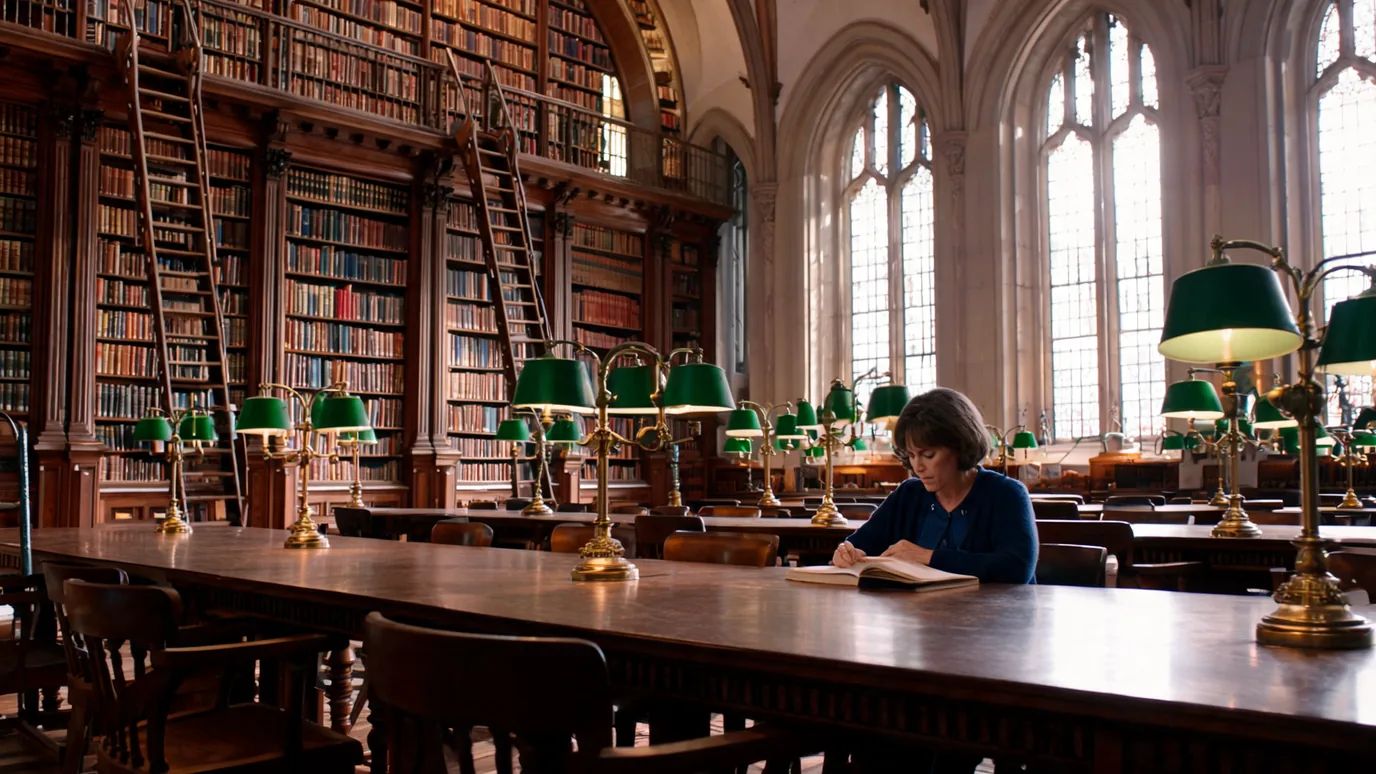
A grand library reading room, with book spines, wood grain and brass lamps sharp from edge to edge, shown here at 2K. Every Lite render starts at 2K, and the 3K and 4K presets go up to 5504×3040 at 16:9 or 4096×4096 square, across 8 aspect ratios. Choose 4K for banners, wallpapers and large prints, or when you plan to crop.
Presentation Slides in One Prompt
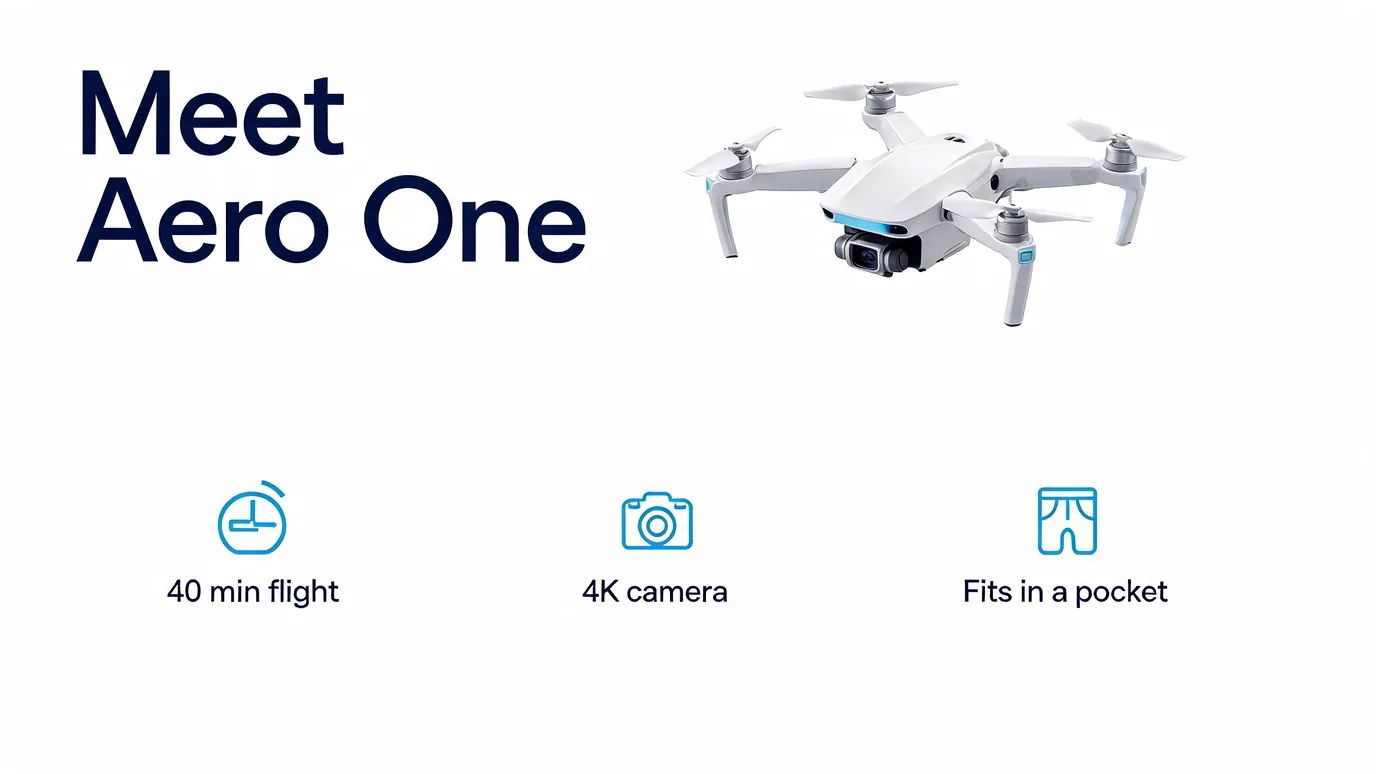
A launch slide for a made-up drone, with the headline, the product render and three captioned features each in its own spot. ByteDance shows slides and app screens as examples of Lite's precise control. Quote every line of copy, say where each element sits, and pick 16:9 for decks or 9:16 for phone screens.
Mind Maps and Visual Notes
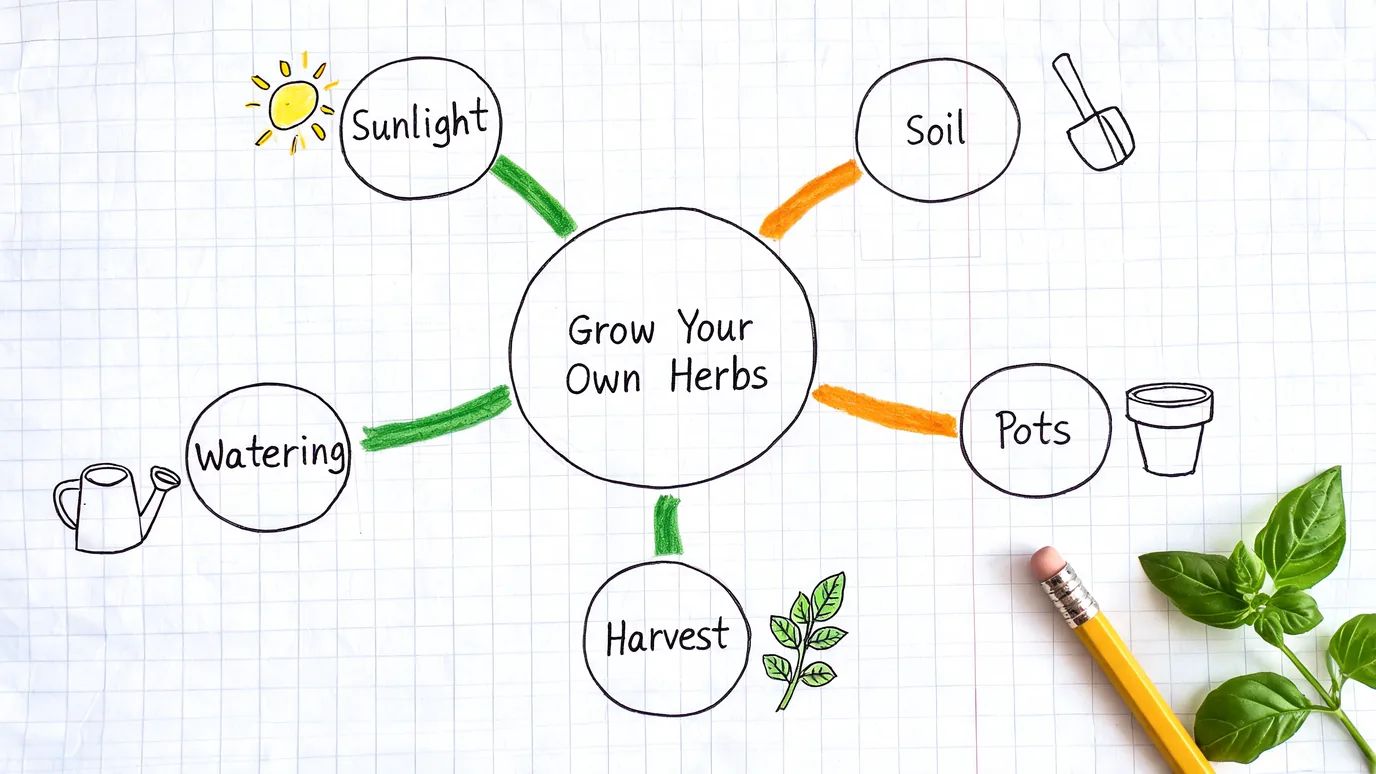
A hand-drawn mind map on grid paper, with "Grow Your Own Herbs" in the middle and five branches, from sunlight to harvest, each with its own doodle. ByteDance gives mind maps as an example of Lite understanding what you want, and its blog covers visual reasoning and information visuals. Quote the topic and branch names, pick a style, and check the content before sharing.
Turn a Photo Into a Sticker
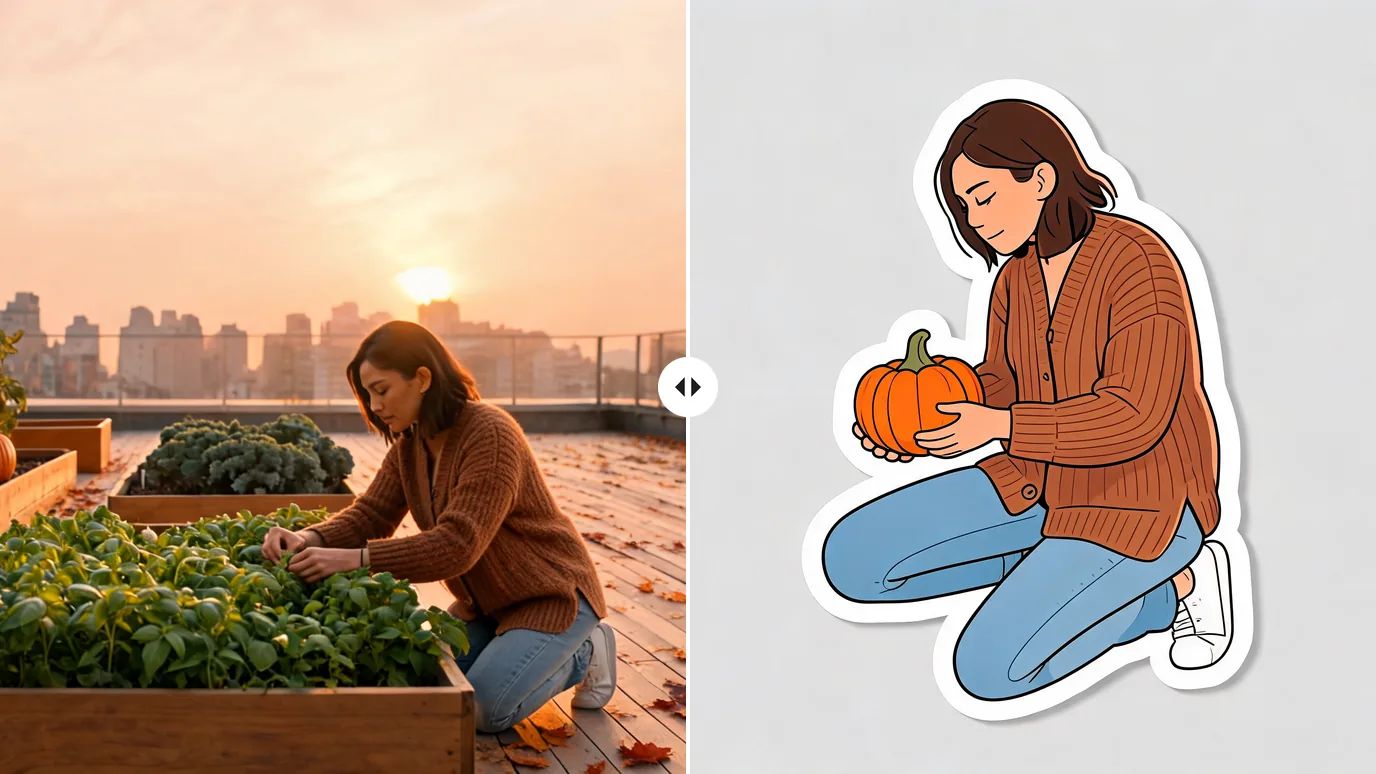
The gardener from the autumn photo, redrawn as a cartoon die-cut sticker holding a small pumpkin, with a thick white border and a soft shadow. Sticker edits are one of the examples ByteDance gives for Lite's precise control. Upload a photo, name the subject to keep, and describe the sticker style you want, such as glossy vinyl, flat cartoon or an embroidered patch.
Who Seedream 5.0 Lite Is Built For
Lite pairs intent-aware editing and one-image restyling with 2K to 4K output, which suits people who want finished visuals without writing a long brief.
Illustrators and Social Creators
Pick one image whose look you love and restyle a series of photos to match it, so a feed, a zine or a portfolio keeps one visual voice.
Founders and Pitch Teams
Build launch slides with the headline, the product and captioned features in place, at 16:9 and up to 4K for big screens.
Teachers and Study Groups
Turn a topic into a mind map or a visual summary with clear branches and icons, then check the facts before it reaches a class.
Sticker and Merch Sellers
Turn photos of people, pets or products into die-cut sticker art, and render at 3K or 4K so edges stay crisp when printed.
Marketers Without a Designer
Describe the goal in one sentence, like a seasonal refresh or a new setting, and let Lite work out which details to change.
Seedream 5.0 Lite vs GPT Image 2 vs Nano Banana 2
| Feature | Seedream 5.0 Lite | GPT Image 2 | Nano Banana 2 |
|---|---|---|---|
| Core Strength | Intent-aware edits and one-image restyling | Dense text, UI and layouts | Advanced world knowledge and text |
| Style Transfer | Copies a full look from one reference image | Wide style range: photoreal, manga, pixel art | Follows style instructions precisely |
| Loose Requests | Fills in the details from vague instructions | Built-in reasoning | Precise instruction following |
| Output Size | 2K, 3K or 4K, up to 5504×3040 | 1K, 2K or 4K | 512px up to 4K |
| Designed For | Slides, stickers and one-image restyles | Text-heavy layouts and realism | Pro-level quality at Flash speed |
Compiled from each developer's own published description of its model.
What Sets Seedream 5.0 Lite Apart
- Restyle From One Picture: A single reference image is enough to carry a palette, a texture or a print style onto your own photo while its content stays put.
- Gets What You Mean: One loose sentence, such as setting a table up for a watercolor class, is enough; Lite works out the objects and details for you.
- Room to Crop and Print: Every render starts at 2K, and the 4K presets reach 5504×3040 at 16:9 or 4096×4096 square for banners and wall prints.
How to Use Seedream 5.0 Lite on MaxH3
Open Seedream 5.0 Lite
Seedream 5.0 Lite is already selected in the generator above. Add reference images there to start from a photo.
Describe the Image
Describe the subject, style and light, quote any on-image text, then pick the ratio and resolution.
Generate and Download
Press the arrow. The result shows right here, ready to download or refine, and stays in your history.
More ByteDance's AI Image Models on MaxH3
FAQs
Give Seedream 5.0 Lite Your Next Idea
Describe it loosely or upload one reference, then pick 2K, 3K or 4K. Your first credits are on us.