Unblur Image
Unblur Image

Unblur Images and Fix Blurry Photos With AI
Upload a blurry photo to the unblur image tool, pick the mode that matches the blur (lens blur, motion blur, soft focus or badly out of focus) and set the strength. The AI rebuilds the edges and detail the blur washed out and returns a clear image at the same size.
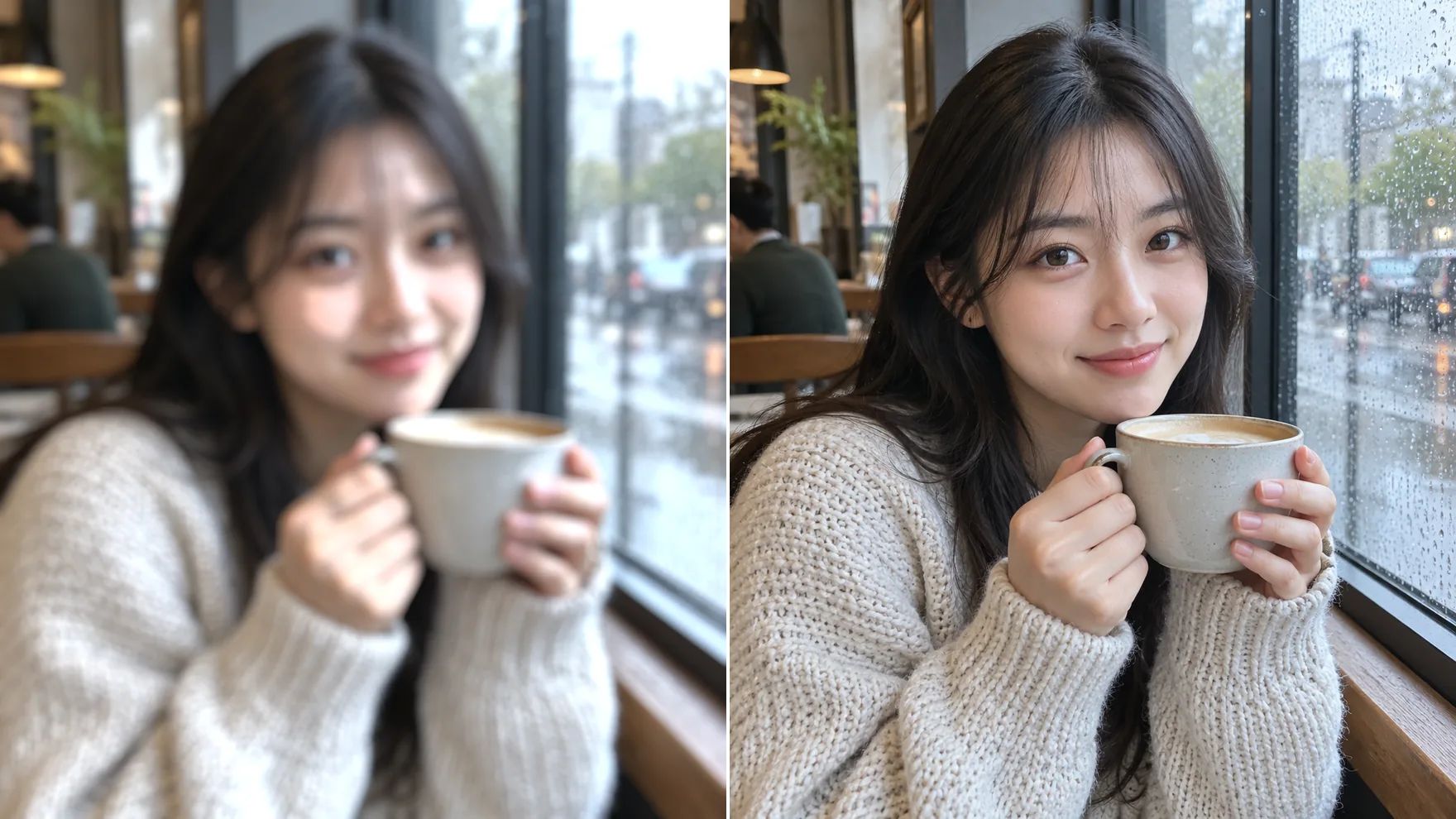
Fix Blurry Pictures With an AI Unblur Image Tool
Seven modes for focus mistakes, camera shake and soft lenses.
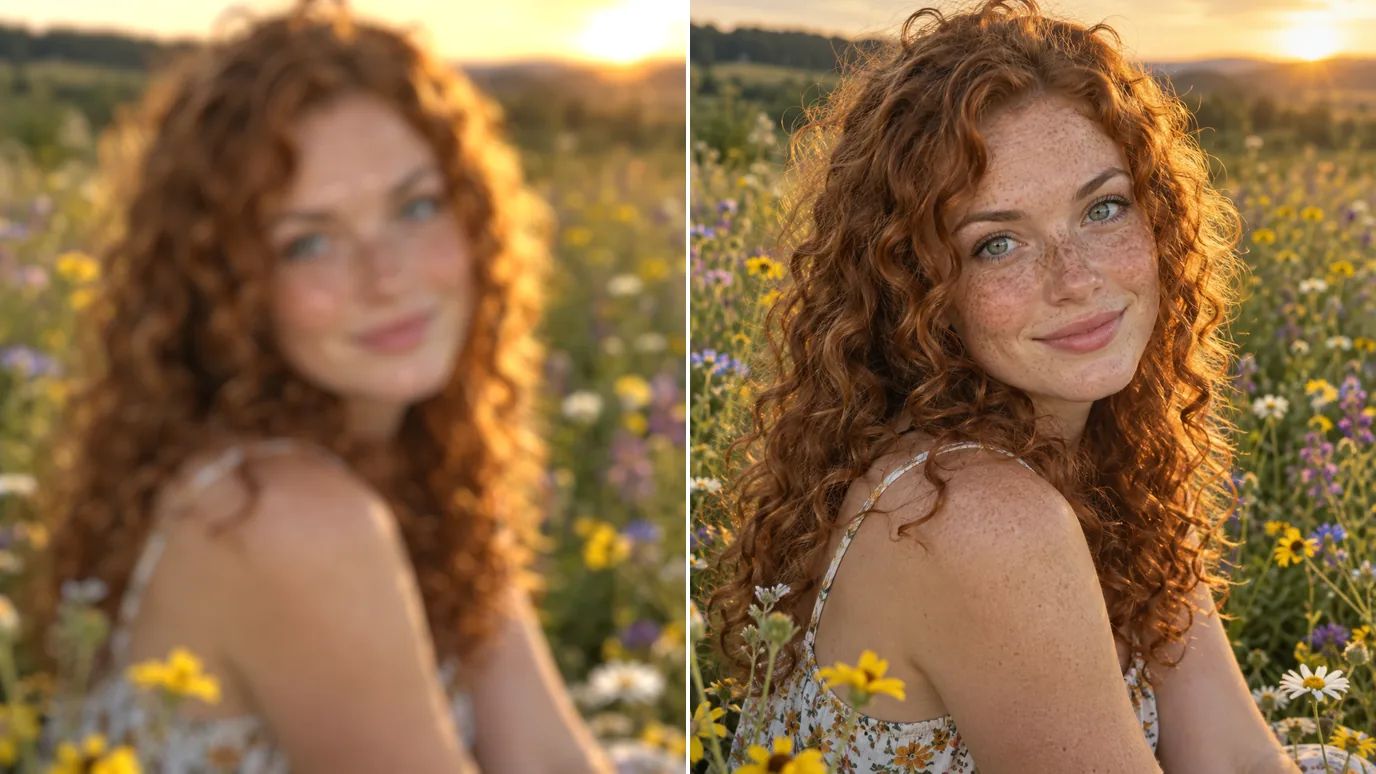
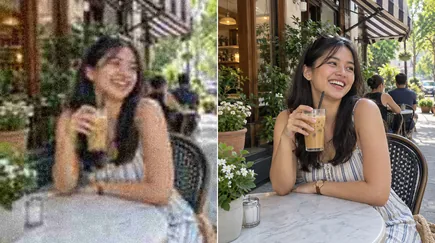
Fix Blurry Portraits
A missed focus point turns eyes and hair soft. The Lens Blur modes are made for out-of-focus shots and bring back crisp eyes, lashes and strands without a halo.
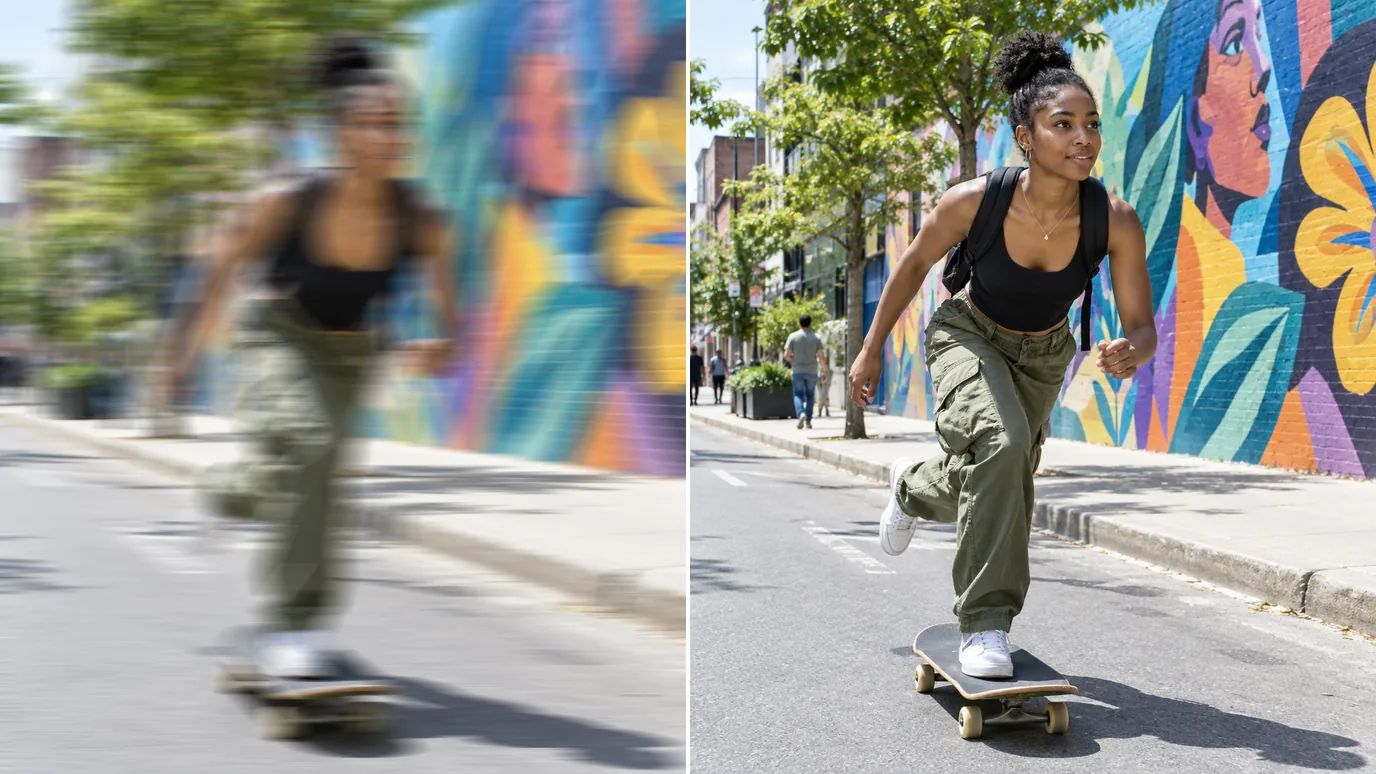
Remove Motion Blur
Camera shake and moving subjects leave streaks. Motion Blur mode reverses that smear, so you can unblur photos of action, pets and kids in motion.
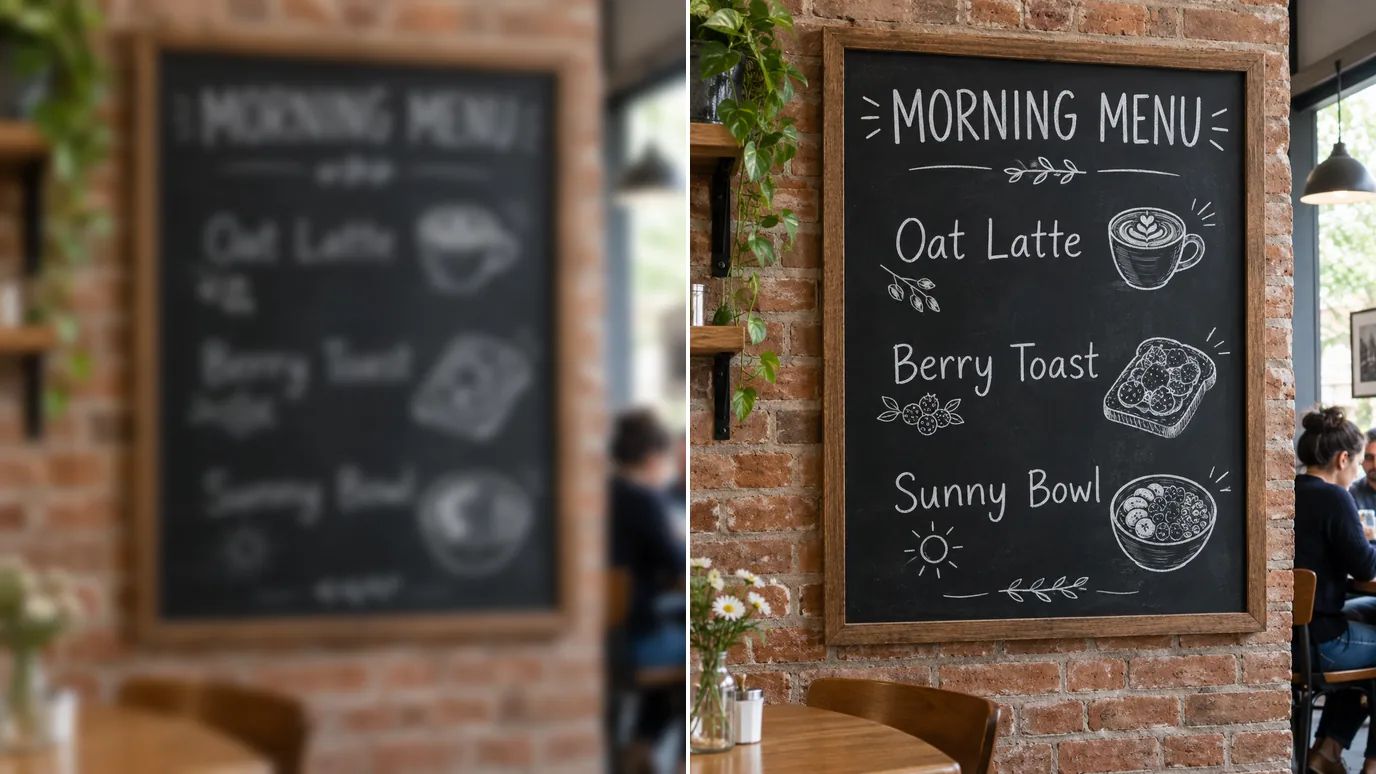
Recover Text and Fine Detail
Blurry photos of signs, menus and labels are hard to read. Unblur the image with Refocus or Natural mode to restore fine lines and texture, so the text becomes legible again.
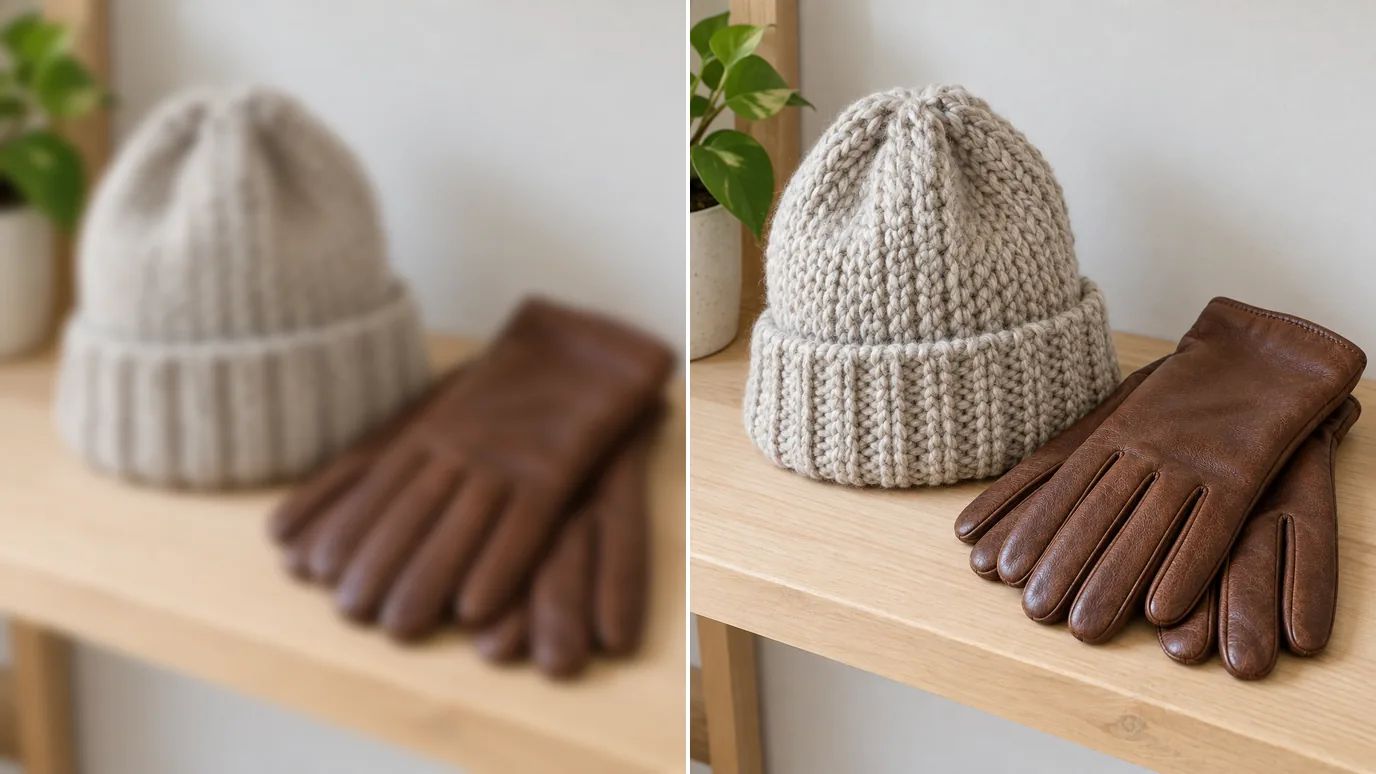
Sharpen Product Photos
Soft product shots look cheap online. Unblur them to bring back stitching, labels and surface texture before you list the item.
When to Unblur an Image
Any time the right moment came out a little out of focus.
Everyday Photos
Save the shot where everyone smiled but the camera focused on the wall.
Online Sellers
Crisp listings from product photos taken in a hurry.
Documents & Signs
Readable text from blurry photos of pages, receipts and signs.
Old Photos
Sharper scans of prints that were never quite in focus.
How to Unblur an Image With MaxH3
Upload Your Photo
Sign in and upload a PNG, JPG or WEBP image up to 10 MB and 4096 pixels on each side.
Choose the Mode and Strength
Pick Lens Blur for missed focus, Motion Blur for camera shake, Strong for very blurry photos, or Standard for slight softness. Open Settings to set the strength.
Create and Download
The price for your image appears on the Create button. Click it, then download the clear photo when it's ready.
Explore Other AI Image Editing Tools
 AI Image EnhancerUse This Tool
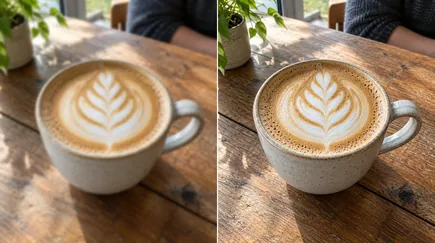 Image SharpenerUse This Tool
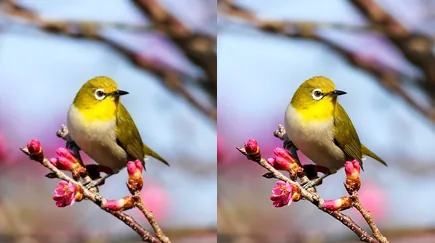 Image UpscalerUse This Tool
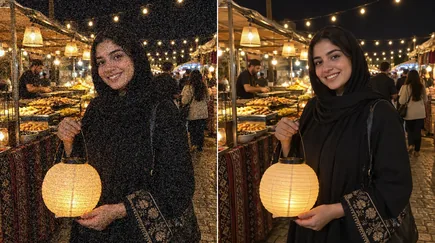 Denoise AIUse This Tool
FAQs
Unblur Images and Turn Blurry Shots Into Clear Photos
Upload a blurry image, pick a mode and get a sharp photo back in one step.