AI Face Swap Video
Create a Realistic Face Swap Video Online
Upload a video and one photo of a face, and MaxH3 puts that face into every frame. On the left, a woman glancing back on a rainy city street at night; on the right, the same clip with a completely different face swapped in, while her smile, her hair and the glow of the street lights stay exactly as filmed.
No Masking or Keyframes
Upload a clip and a face photo. There is nothing to trace, mask or line up by hand.
Follows Every Frame
The new face is placed frame by frame, so it moves with head turns, speech and expressions.
The Rest Stays Untouched
Same length, resolution and frame rate as your upload, with the original sound kept.
Keep the New Face Stable as the Subject Moves
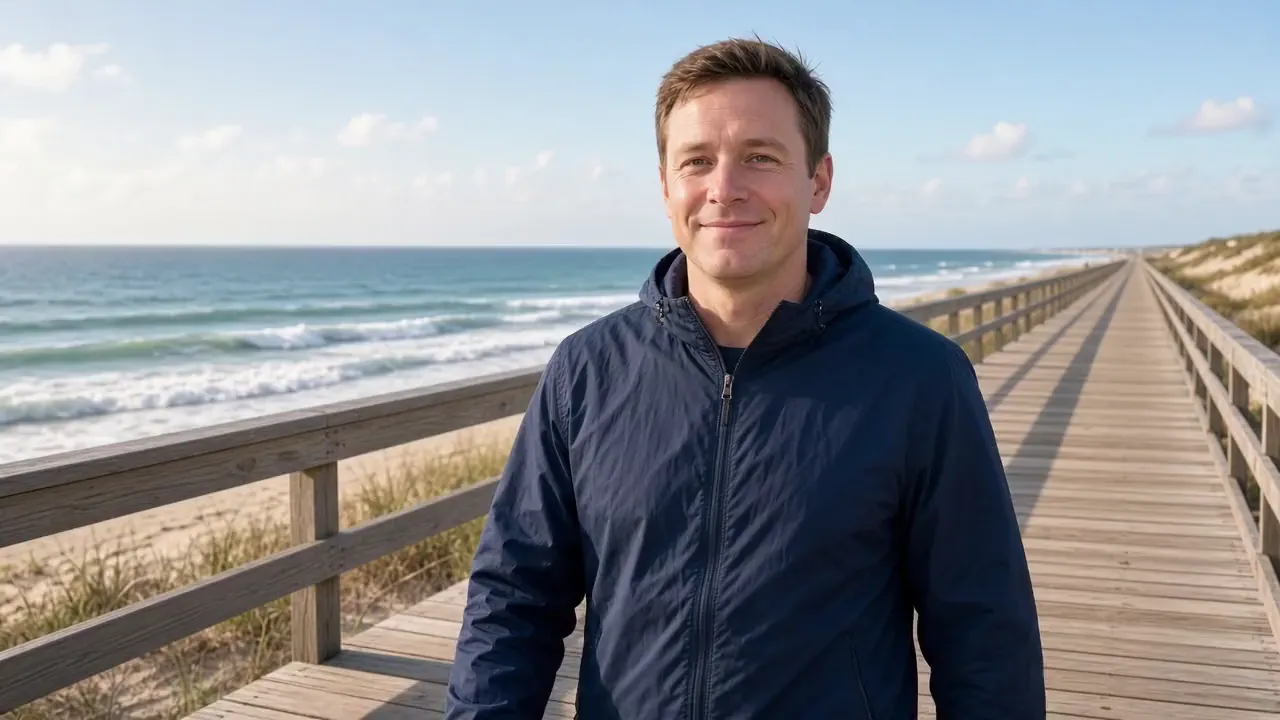
A clean-shaven man walking along a seaside boardwalk becomes the mustached man in the corner photo. The new face stays aligned as he looks out at the ocean, turns his head and smiles, without slipping between frames.

Match the Scene's Light and Shadows
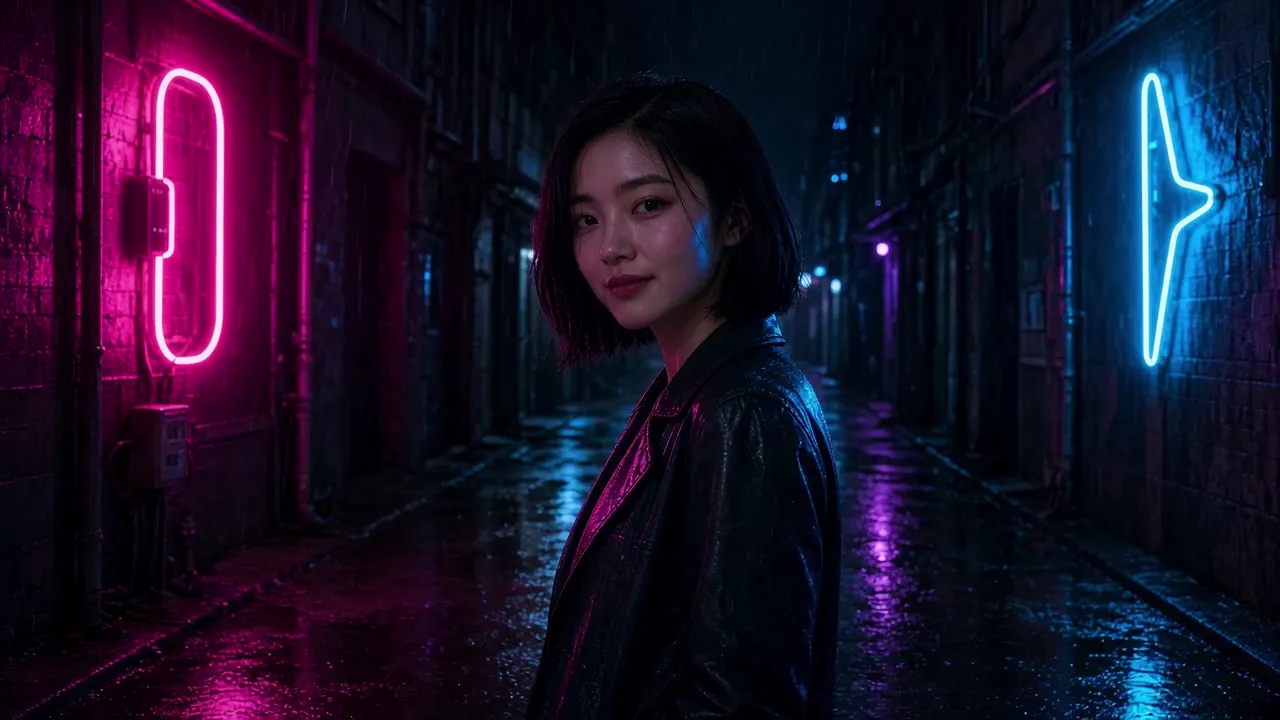
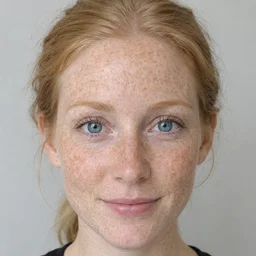
In a rainy, neon-lit alley, the freckled face from the photo replaces the original and picks up the same pink and blue light, so it sits in the scene instead of looking pasted on.
Keep Speech and Expressions Intact
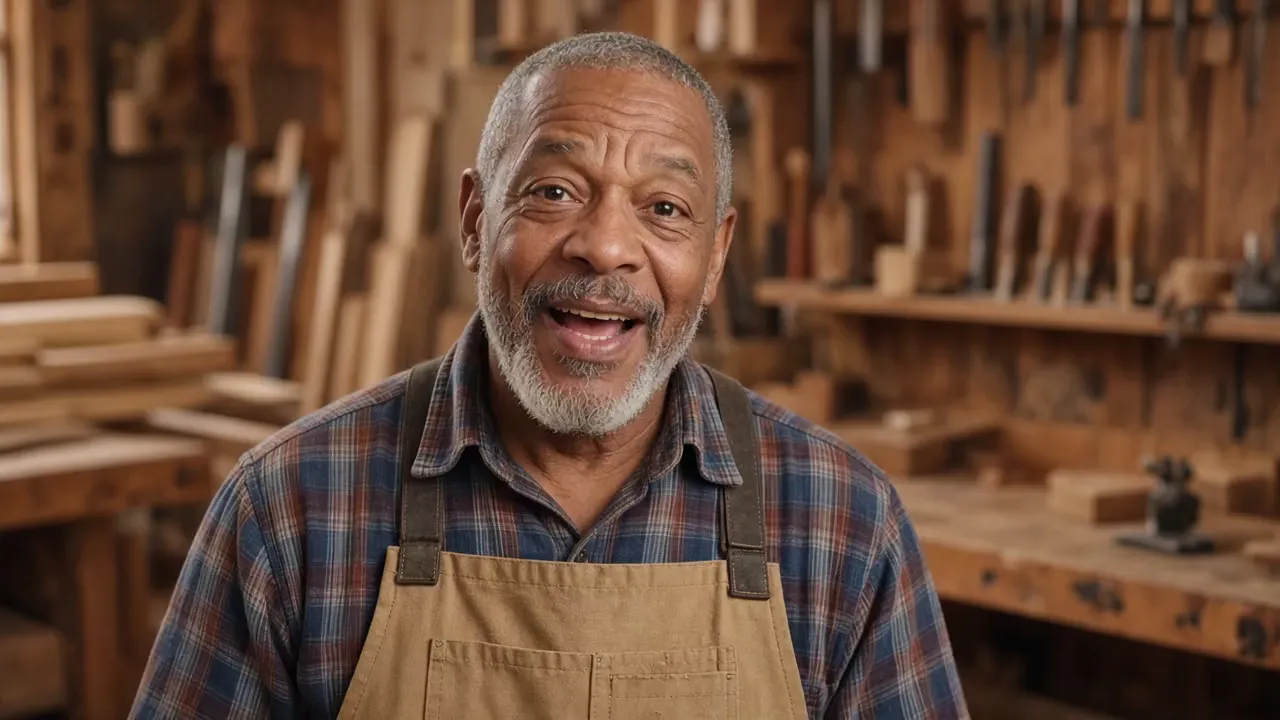
An older woodworker talking and laughing to the camera takes on a younger man's face. Every mouth movement, raised eyebrow and wave stays in sync, and the result keeps his original voice.
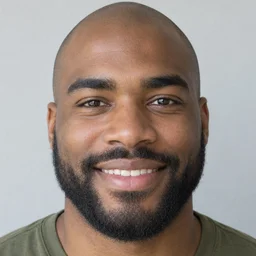
Swap Faces in Vertical Clips for Social
A 9:16 selfie vlog of a young hiker on a mountain trail comes back as a 9:16 clip with the mustached man from the corner photo, ready for TikTok, Reels and Shorts.


More Fun With AI Video Face Swap
One clip, any face you have permission to use.
Personalize Viral Clips
Put your own face into memes, reaction clips and trends, then post them to TikTok, Reels or Shorts.
Test Campaign Concepts
Try different presenters in the same ad footage before committing to a full shoot.
Recast Your Own Footage
Reuse a scene you already filmed with a different face instead of shooting it again.
Keep One Face Across AI Videos
Give the characters in your image-to-video clips the same face from shot to shot.

How to Face Swap a Video Online With MaxH3
Upload Your Video
Add an MP4 or MOV clip up to 15 seconds, 100 MB and 1080p. Clips with one clearly visible person work best.
Add the Face
Upload a sharp, front-facing photo of the face you want to use: JPG, PNG or WEBP up to 15 MB.
Create and Download
Press Create. Our 5-second test clips were ready in one to three minutes; download the MP4 from your workspace.
FAQs

Create Your Own Face Swap Video
Upload a clip and a face photo, and get the same scene back with the new face in every frame.