Seedream 5.0 AI Image Generator
Generate and edit images with ByteDance's Seedream 5.0, the fast Seedream tier, at 1K or 2K. New accounts get free credits.
Discover What Seedream 5.0 Can Create
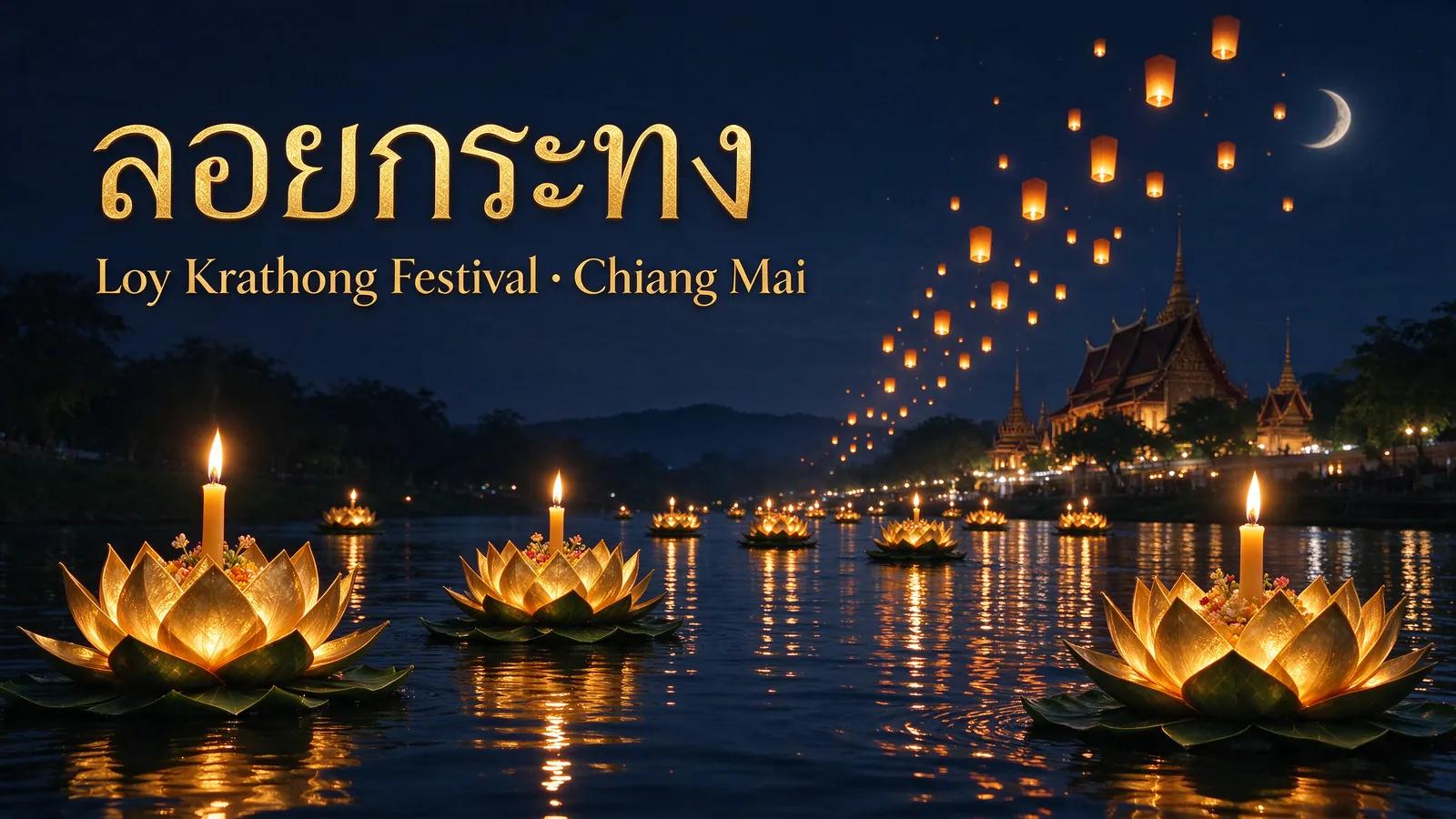
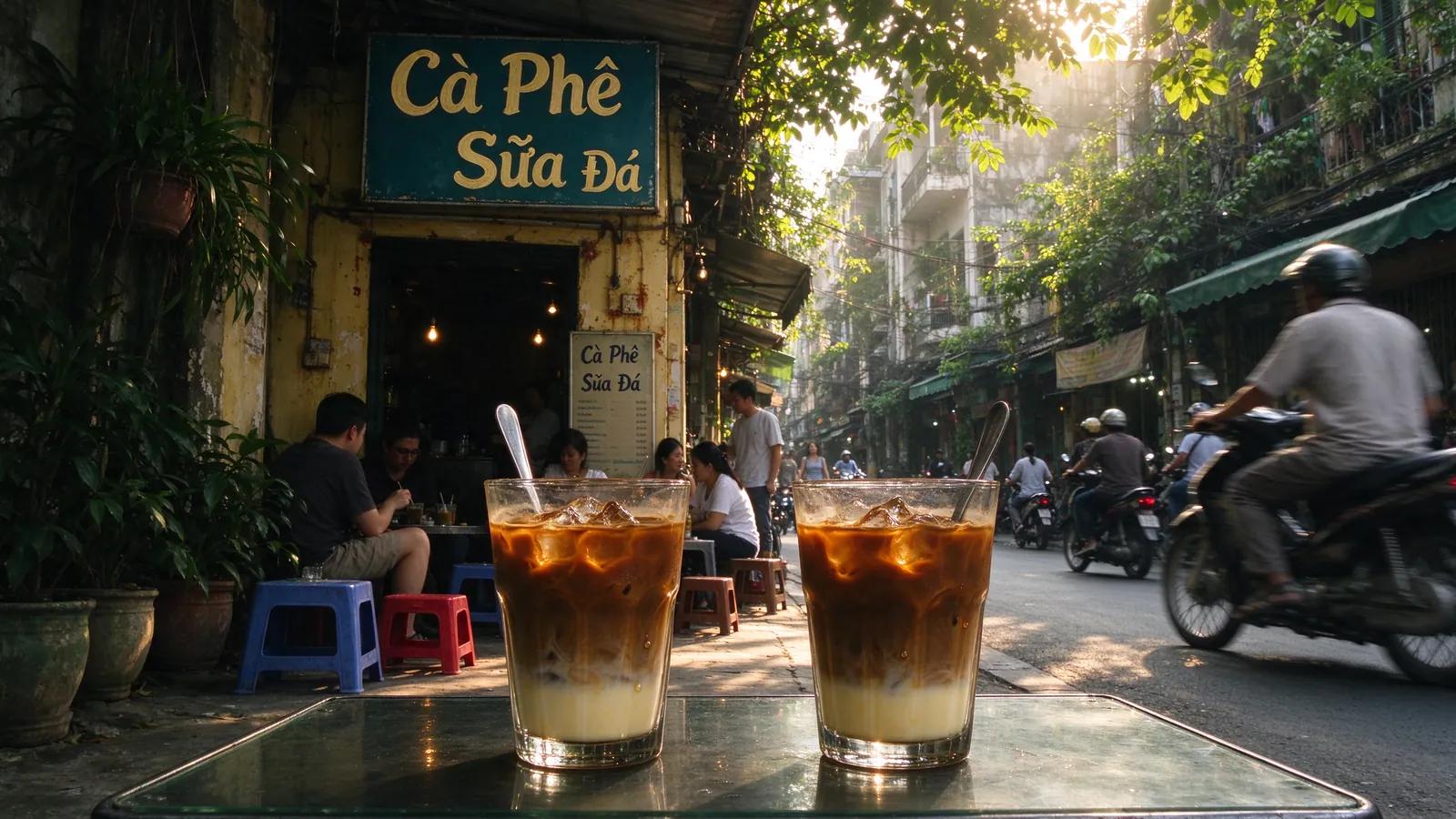
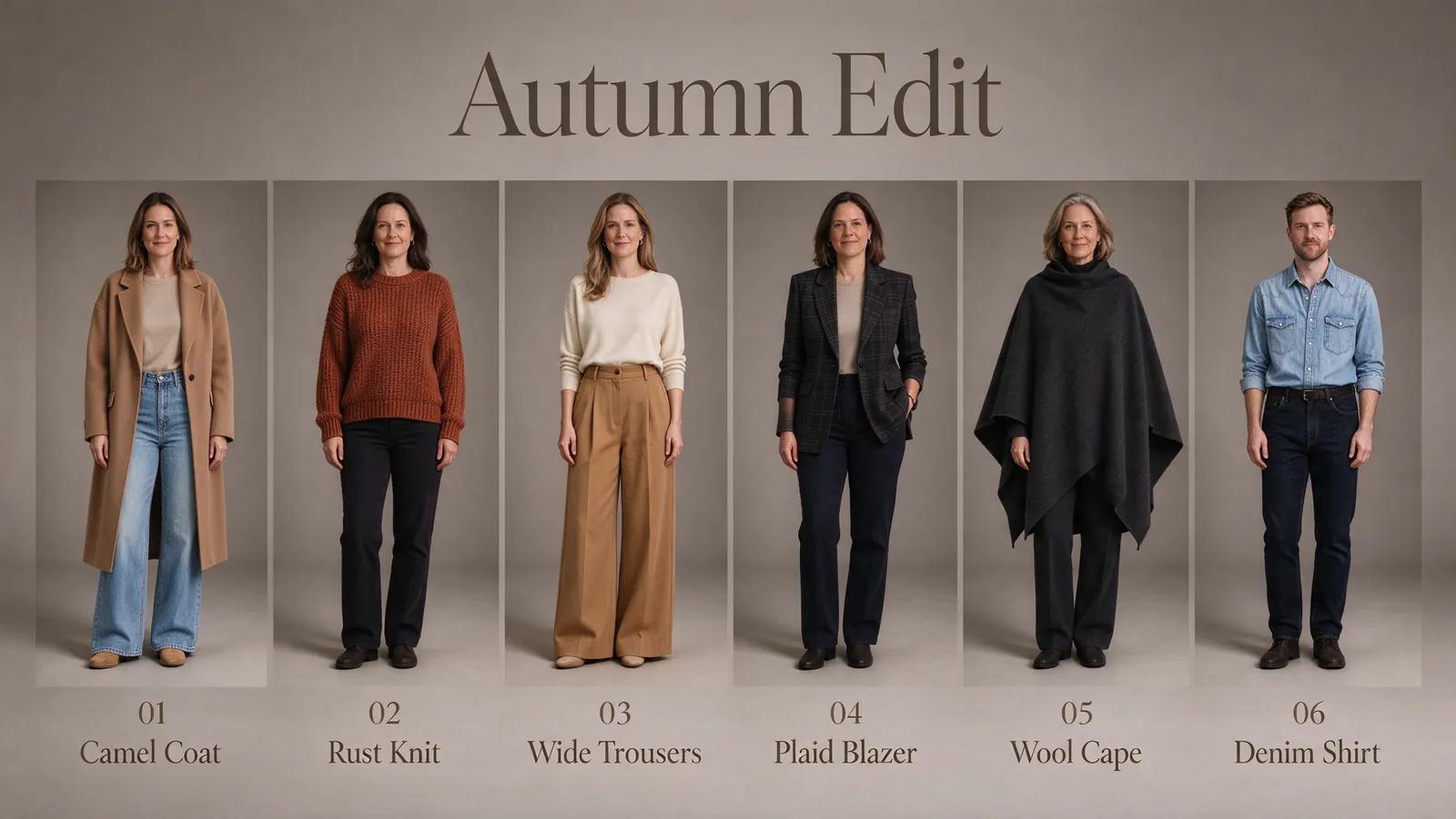
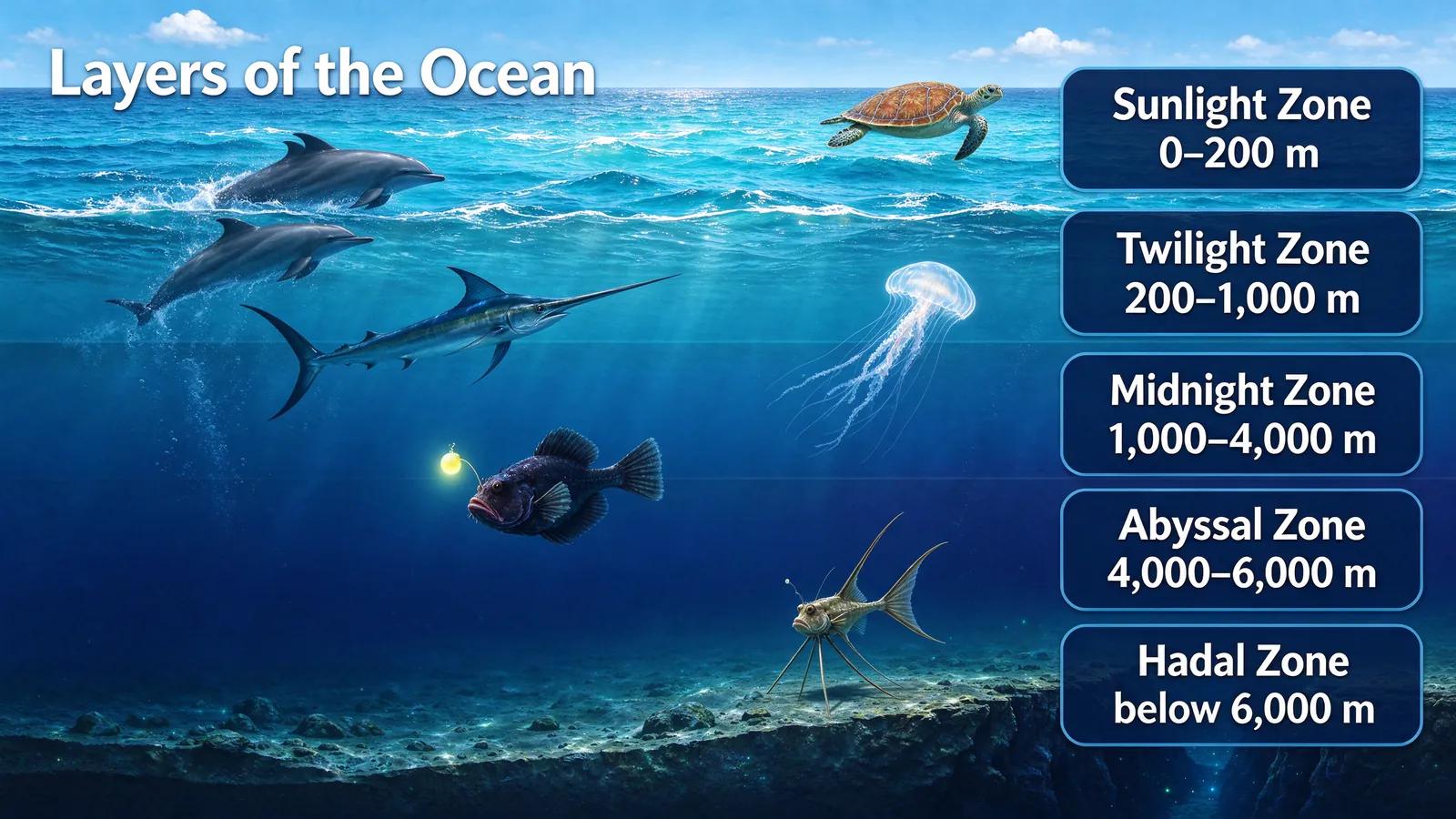
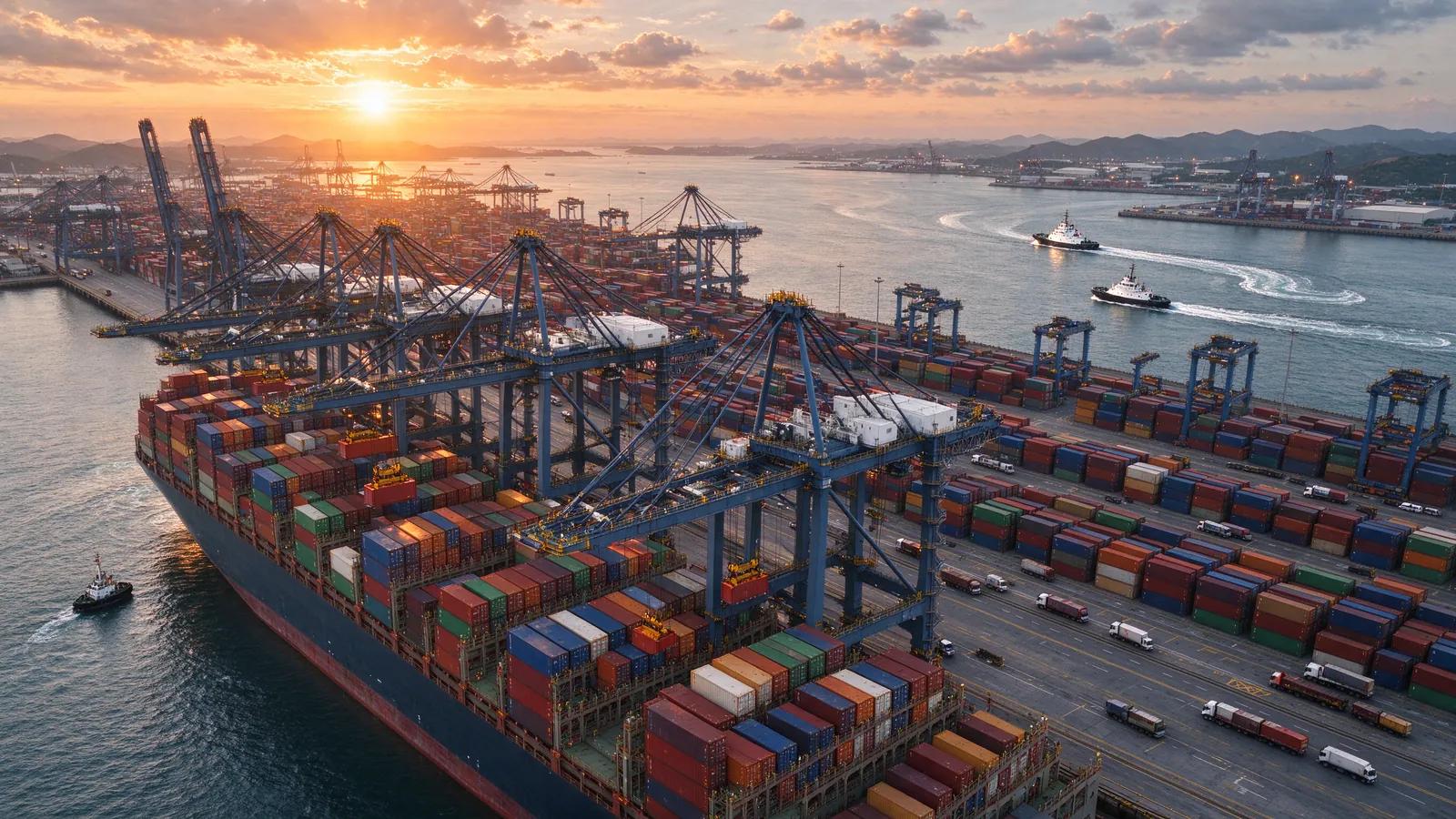
Festival posters in Arabic and Thai, a Vietnamese café sign, a fashion lookbook, a science infographic and an aerial port. Every image here was generated with Seedream 5.0 Flash on MaxH3 at 2K.

Key Features of Seedream 5.0
- High-Density Infographics and Diagrams: Labeled, knowledge-based diagrams and infographics with readable text.
- Interactive Editing With Hand-Drawn Marks: Circle an area on your photo, say what goes there, and only that area changes.
- Spatial Control With Coordinates: Give exact positions as bbox coordinates and the subject lands right there.
- Precise Edits That Keep the Details: Change one element, such as a color or a prop, without moving anything else.
- Blend Up to 10 Reference Images: Merge up to 10 reference images, such as a model, a product and a backdrop.
- Photographic Visual Quality: Natural light, skin texture and fine detail in portraits and scenes.
- Clear Lettering on Posters and Flyers: Headlines, dates and venues spelled as written on posters and flyers.
- Native Multilingual Generation: Text in English plus 14 more languages, from Japanese and Korean to Arabic.
- Batch Generation, Up to 4 per Request: Get up to 4 images from one prompt on Pro and Max plans, 2 on Lite.
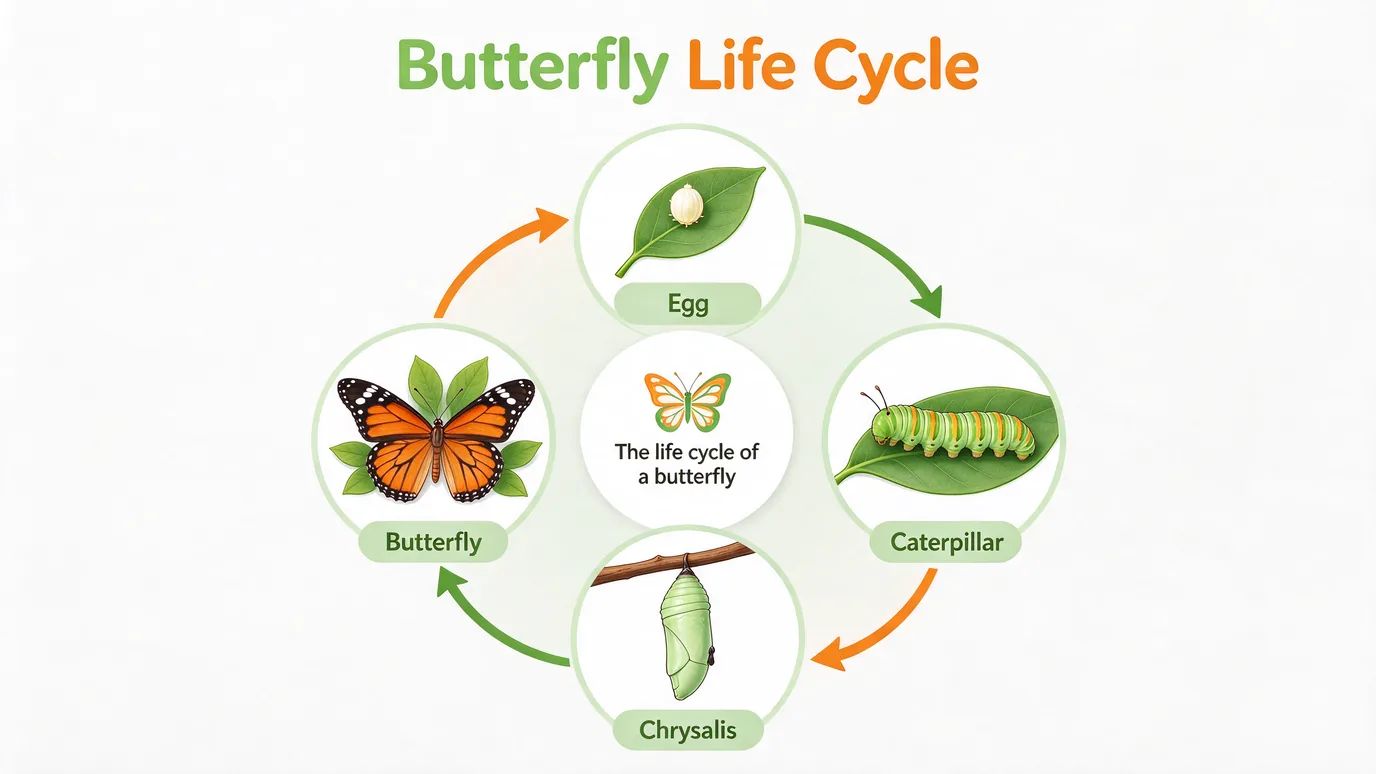
High-Density Infographics and Diagrams
Four stages, four labels and the arrows in the right order, from a single prompt. Text-rich, information-dense images are a headline strength of the Seedream 5.0 family. Name every label and the order you want, then check the facts before you publish.
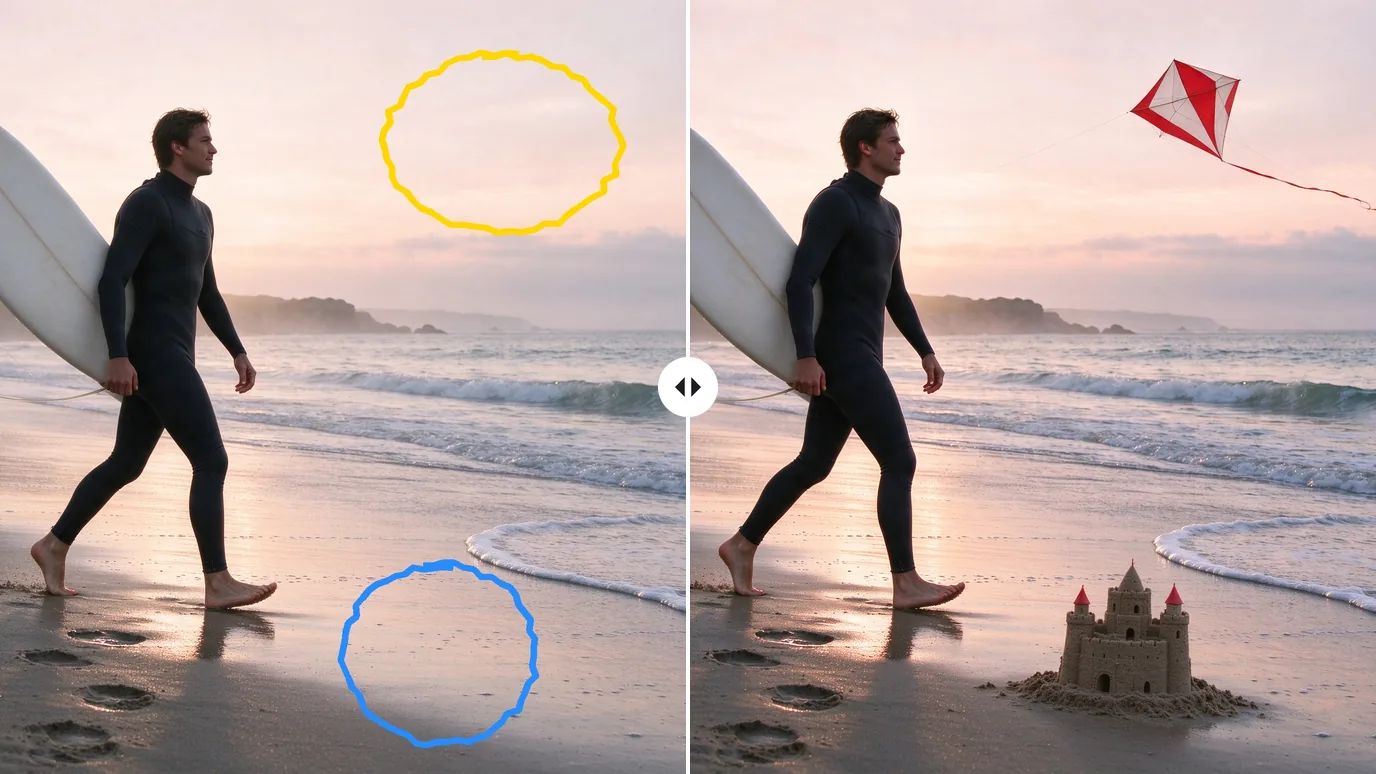
Interactive Editing With Hand-Drawn Marks
A yellow loop in the sky and a blue loop on the sand became a kite and a sandcastle, and the marks disappeared. ByteDance documents free-form marking for Seedream 5.0 Flash: sketch, circle or doodle on the image, then describe each marked area in the prompt.
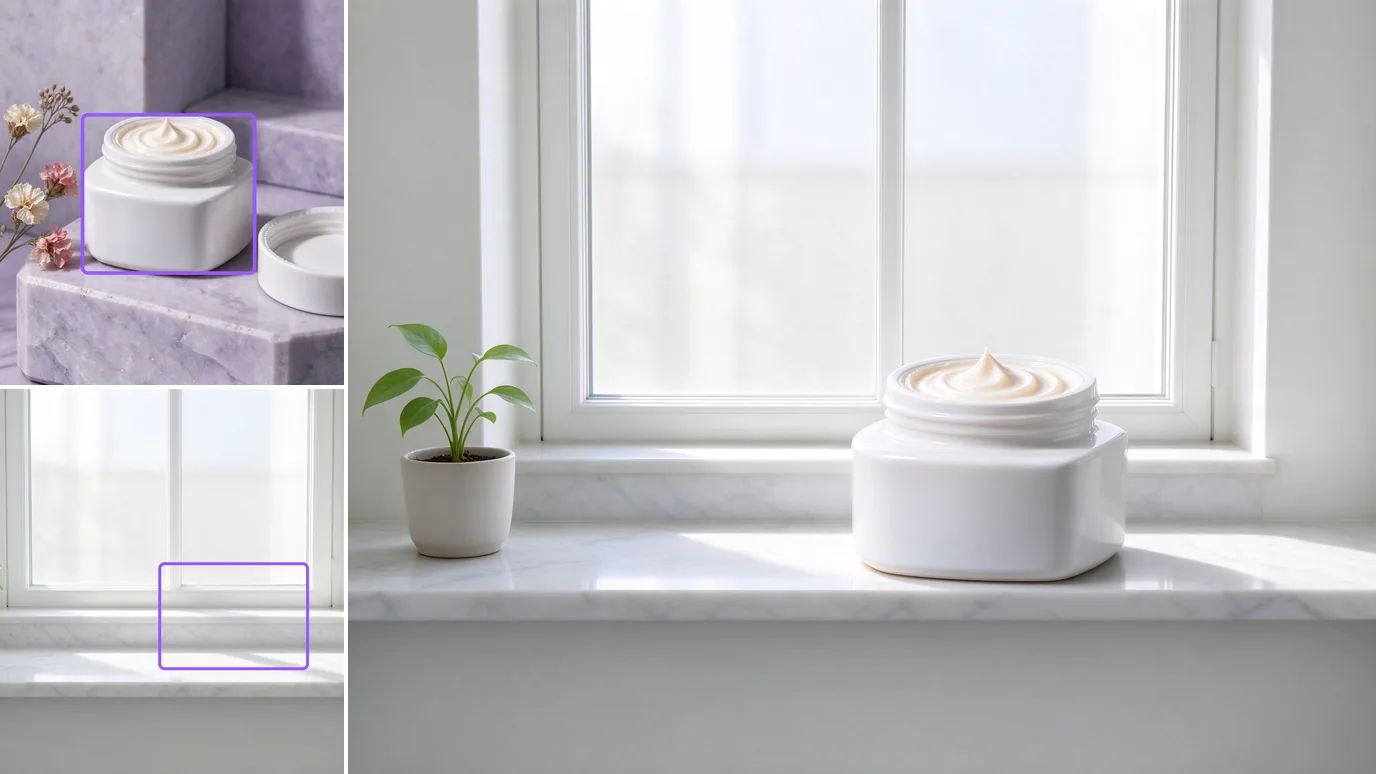
Spatial Control With Coordinates
The cream jar from the first photo, placed where the box on the second photo said: on the marble shelf, next to the plant. Add bbox coordinate tags, on a 0 to 1,000 scale, to mark the subject and its target, as ByteDance's interactive editing guide describes.
Precise Edits That Keep the Details
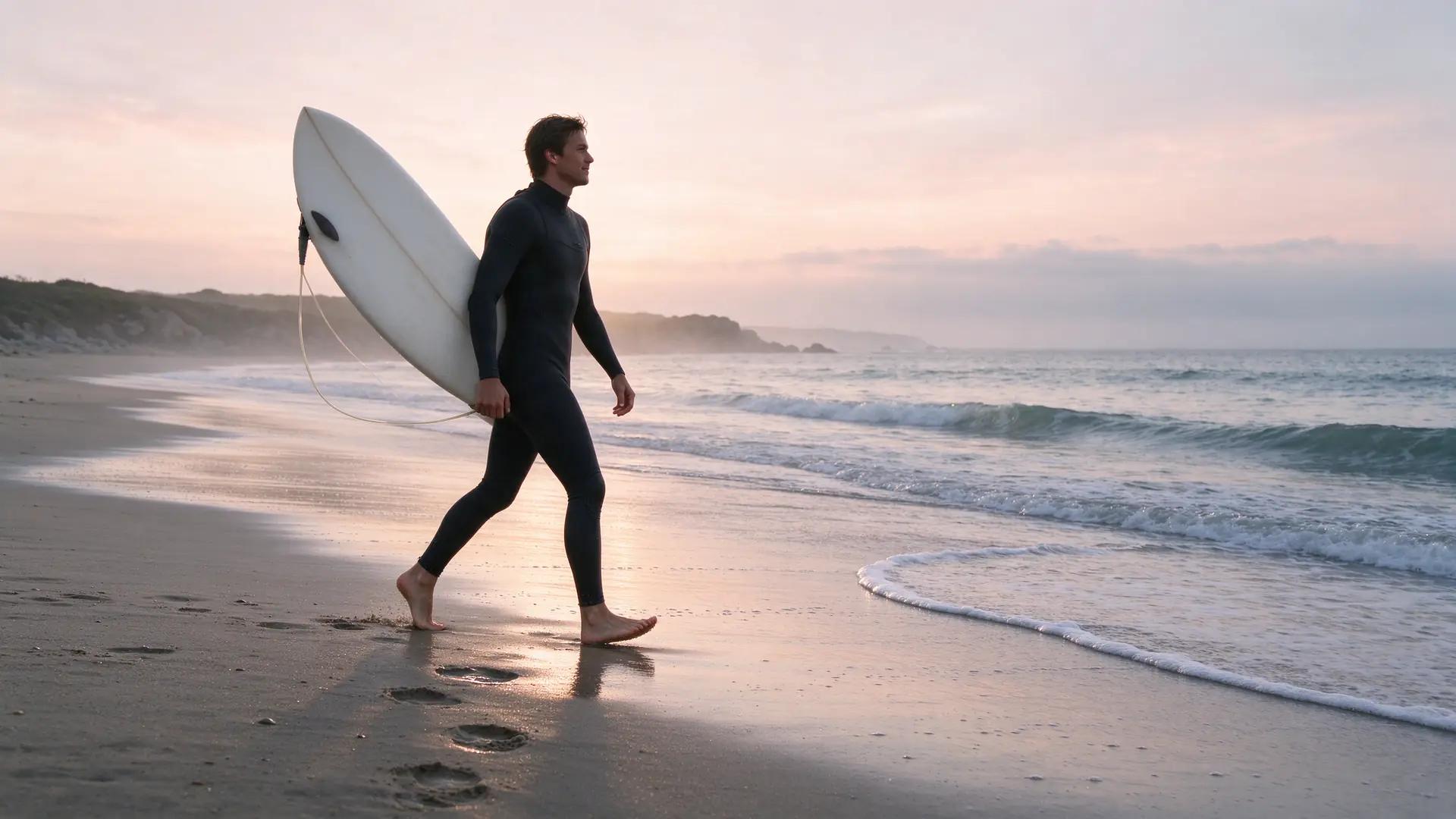
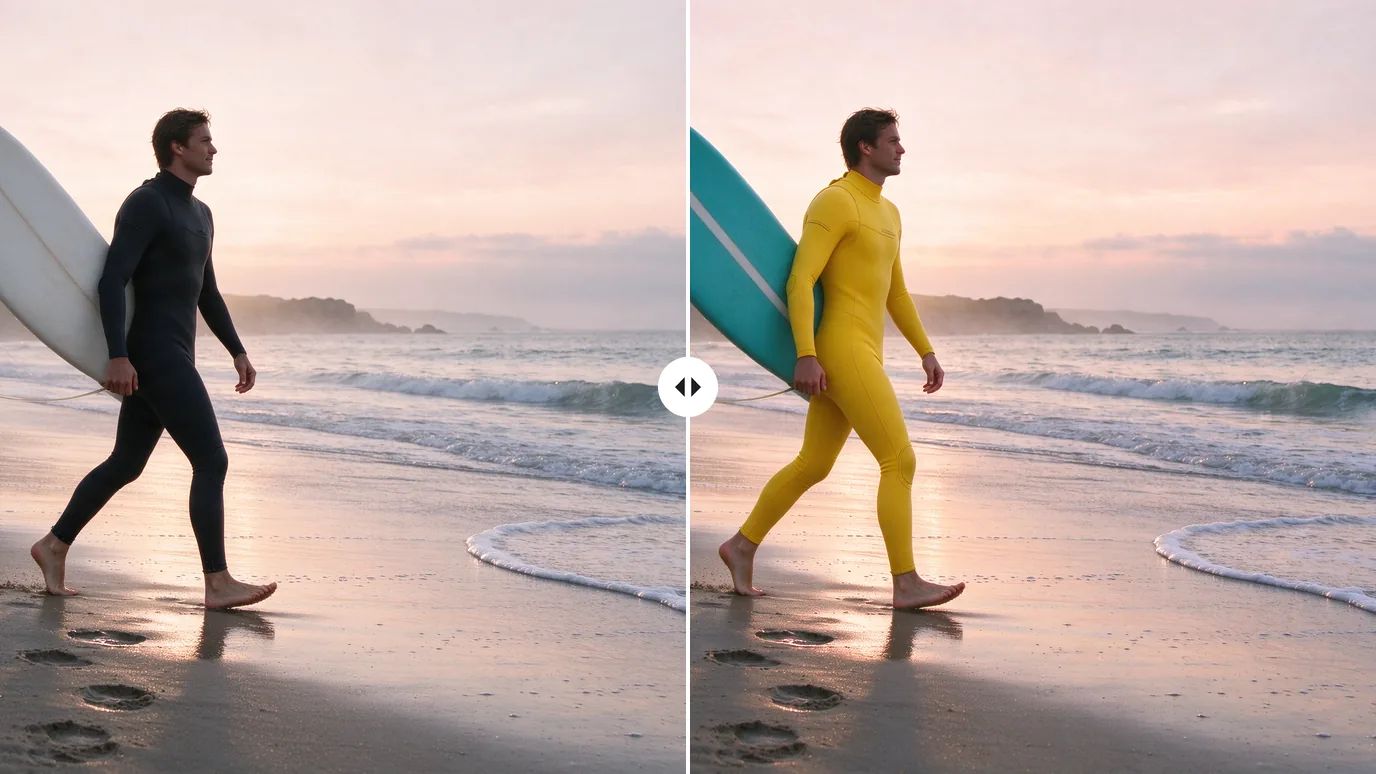
A new wetsuit color and a new board, and nothing else moved: the footprints, the waves and the sky are the same. Upload a photo, name the change and list what must stay, and choose Auto ratio to keep the original shape.
Blend Up to 10 Reference Images
A runway photo and a product shot became one beauty campaign image of the same model holding the jar. Upload up to 10 images, such as a model, a product and a backdrop, and describe the final scene. For single-photo changes, try image to image.

Photographic Visual Quality
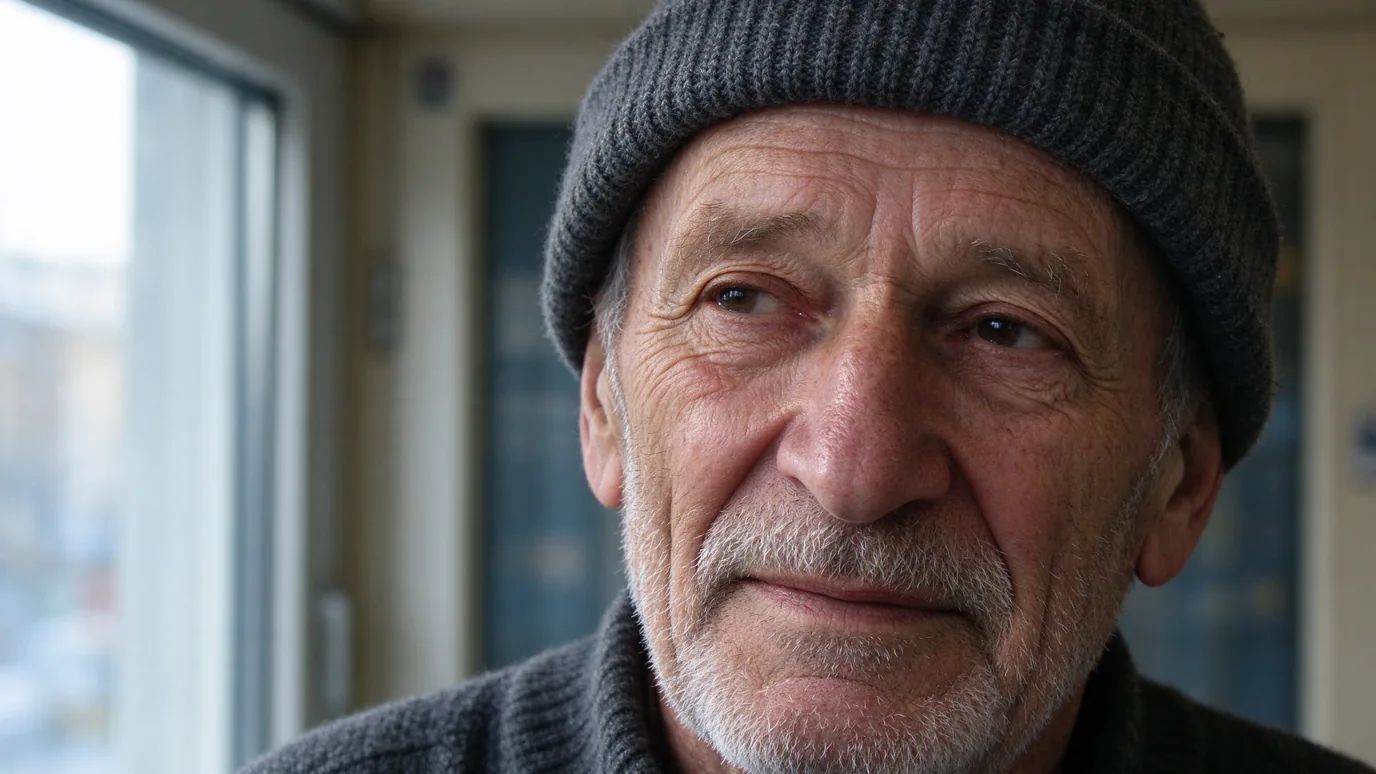
Window light across deep wrinkles, grey stubble and the knit of a wool cap, rendered at 2K by the faster Seedream 5.0 tier. Describe the light source, the lens and the mood. For the most demanding portrait work, ByteDance positions Seedream 5.0 Pro as the higher-quality tier.
Clear Lettering on Posters and Flyers
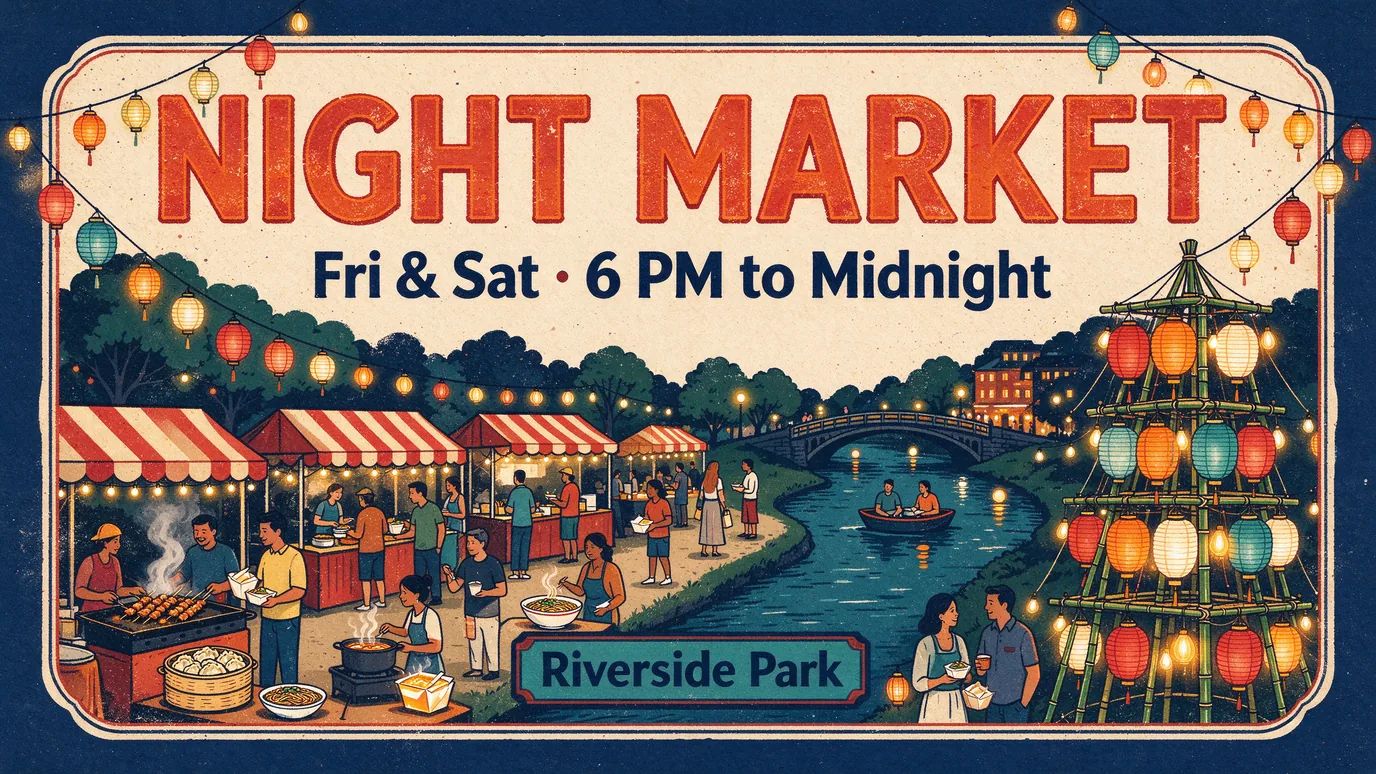
Headline, dates and venue on an event poster, all generated in one go and spelled as written. Put each line of copy in quotes, keep it short, and describe the style, such as risograph, Swiss grid or hand-painted.
Native Multilingual Generation
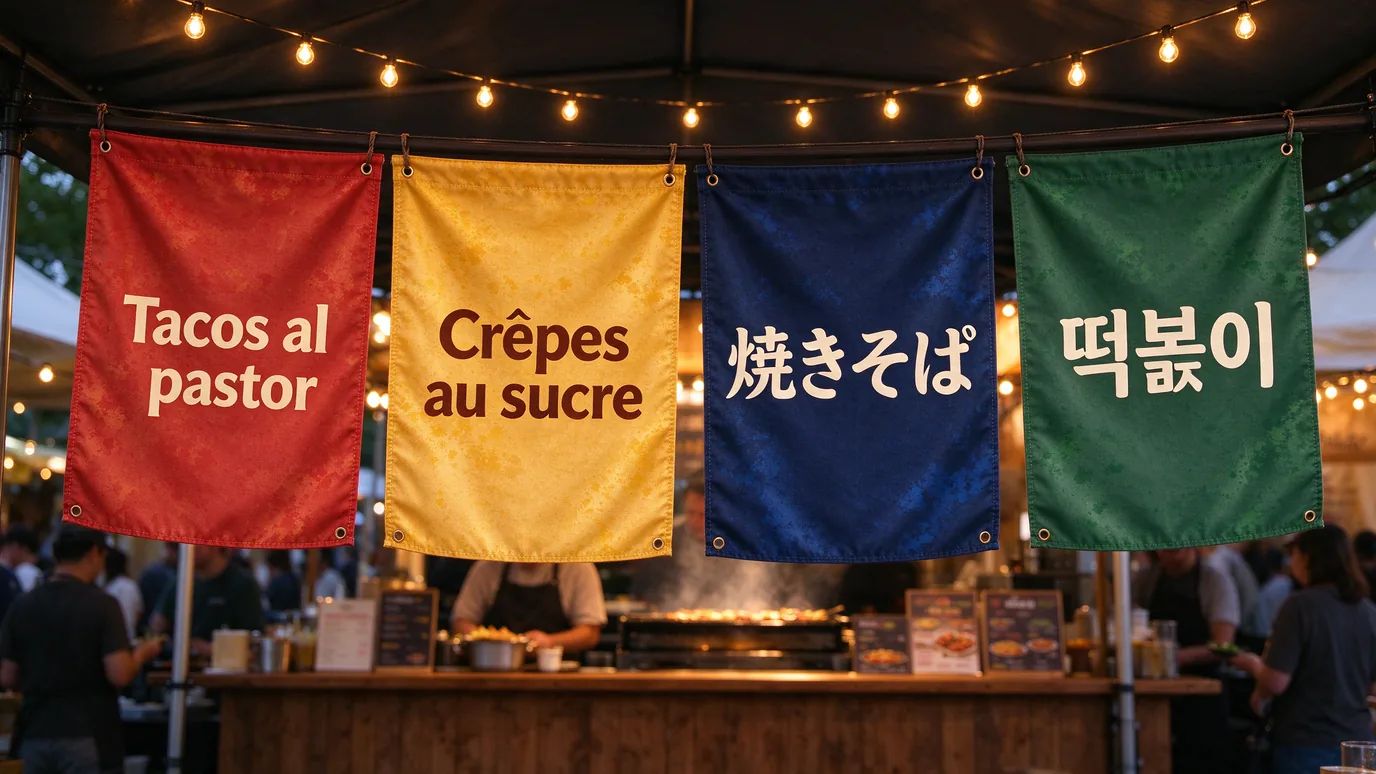
Spanish, French, Japanese and Korean banners, each spelled correctly, from one prompt. ByteDance lists native text generation in 14 additional languages for Seedream 5.0 Flash, including Spanish, French, German, Portuguese, Japanese, Korean, Arabic, Russian and Thai. Quote the exact words for each sign.
Batch Generation, Up to 4 per Request
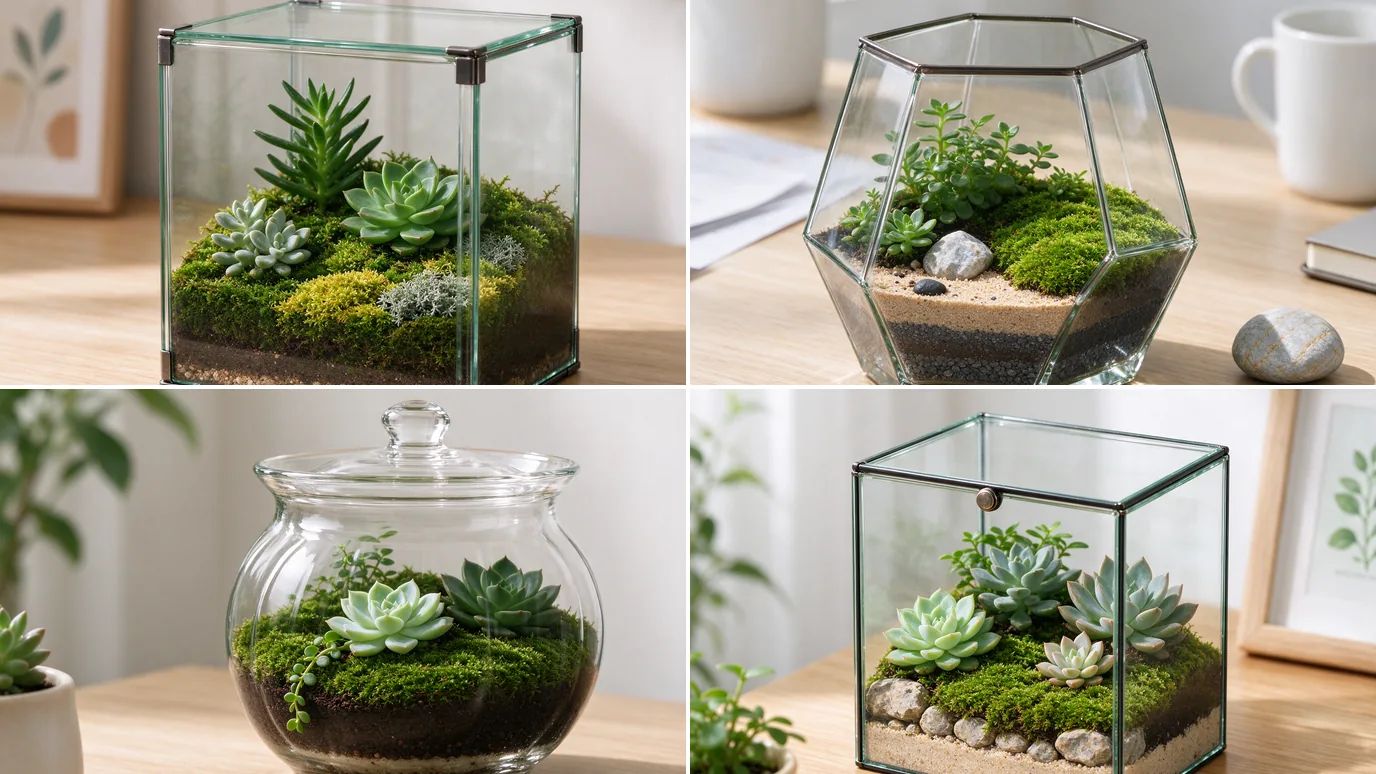
One prompt, four different terrariums to choose from. Set the output count in the generator to get several takes at once: up to 4 per request on Pro and Max plans, 2 on Lite and 1 on the free plan.
Seedream 5.0 Use Cases: Who It Helps Most
Seedream 5.0 Flash brings Seedream 5.0's editing and text skills to a faster tier, which pays off for teams that make a lot of visuals.
Content and Social Teams
Draft a week of posts and several ad variations in one sitting, with up to 4 takes per prompt on Pro and Max plans to pick from.
Brand and Campaign Studios
Load up to 10 references, such as a model, a product and a backdrop, so every visual in a campaign shows the same people, products and look.
Online Shops and Product Teams
Circle a spot or give bbox coordinates to drop a product into a new scene or swap a prop, and everything you didn't mark stays put.
Teachers and Diagram Makers
Turn lesson notes into labeled diagrams and information-dense infographics, then check the facts before they reach a class or a report.
Teams Shipping to Many Markets
Write signs, posters and packaging in 14 additional languages, from Japanese and Korean to Arabic, so one design ships to several markets.
Seedream 5.0 vs GPT Image 2 vs Nano Banana 2
| Feature | Seedream 5.0 | GPT Image 2 | Nano Banana 2 |
|---|---|---|---|
| Core Strength | ✓ Edits you point at: marks, boxes and coordinates | Dense text, UI and layouts | World knowledge at Flash speed |
| Visual Editing | ✓ Follows circles, boxes, arrows and sketches drawn on the image | Text instructions, or a mask | Text instructions |
| Coordinate Control | ✓ bbox and point coordinates in the prompt | — | — |
| Layer Separation | ✓ Splits an image into up to 16 editable layers | Single flat image | Single flat image |
| Multilingual Text | Native text in 14 extra languages, incl. Arabic, Thai and Vietnamese | Strong across languages, incl. CJK, Hindi and Bengali | Legible text, plus in-image translation |
| Designed For | Speed-sensitive, high-volume work | Text-heavy layouts and realism | Knowledge-grounded visuals |
Based on each developer's own published description of its model.
What Sets Seedream 5.0 Apart
- Edits You Can Point At: Circle an area, draw a box or give bbox coordinates, and only that spot changes; the lighting, background and framing stay exactly as they were.
- One Design, Many Languages: Signs, posters and packaging come out with native text in 14 extra languages, from Japanese and Korean to Arabic and Thai, straight from your prompt.
- Made for Volume: It is the faster Seedream 5.0 tier, takes up to 4 images per prompt on Pro and Max plans, and runs on free signup credits with every setting unlocked.

How to Use Seedream 5.0 on MaxH3
Open Seedream 5.0
Seedream 5.0 is already selected in the generator above. Add reference images there to start from a photo.
Describe the Image
Describe the subject, style and light, quote any on-image text, then pick the ratio and resolution.
Generate and Download
Press the arrow. The result shows right here, ready to download or refine, and stays in your history.
More ByteDance's AI Image Models on MaxH3
FAQs
Start Creating with Seedream 5.0
Write a prompt and get a 2K image. Your first credits are on us.