HD Image Converter
HD Image Converter

Convert Low-Quality Images to HD
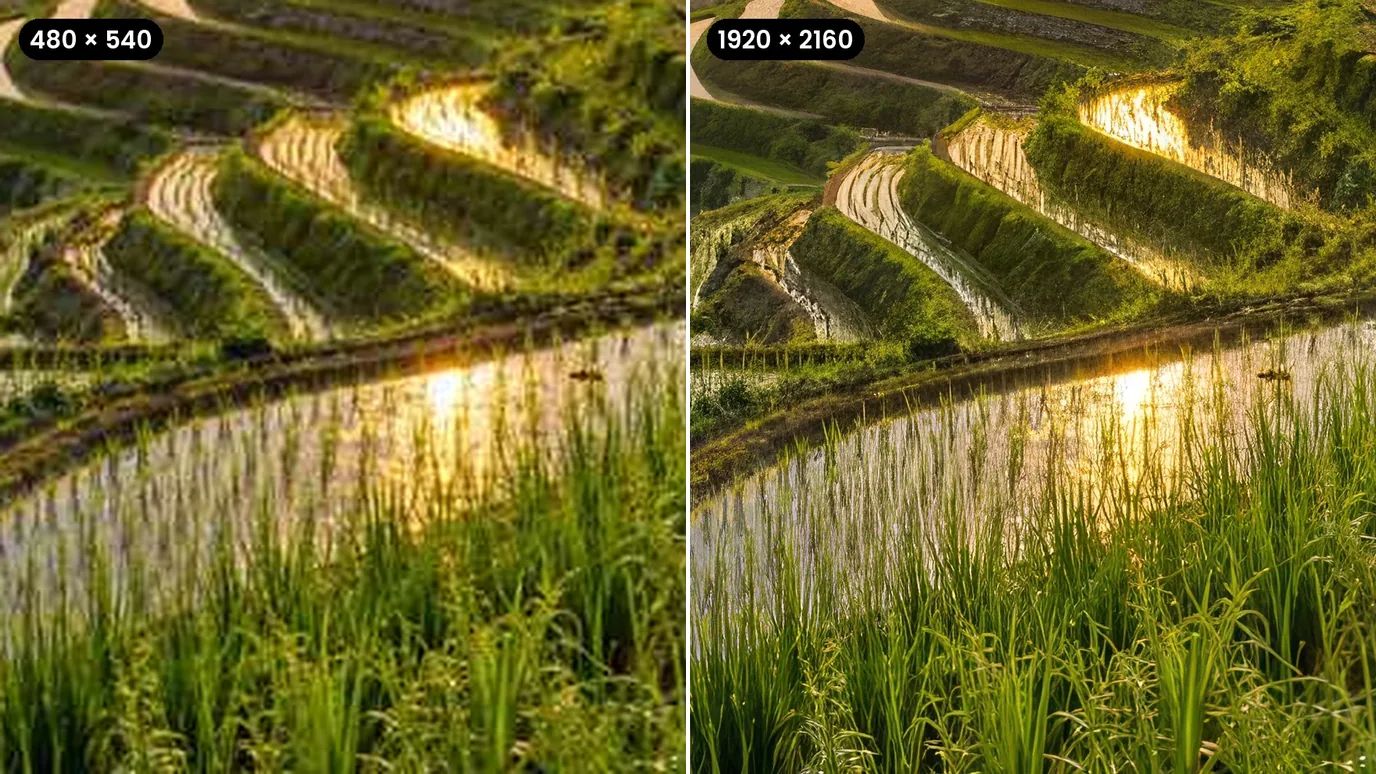
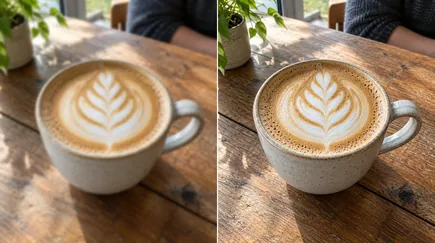
Upload a small, soft or noisy picture and the HD image converter rebuilds clean edges and fine detail. Keep the original size for a clearer version of the same image, or enlarge it 2× to 16× for a true high-resolution file for screens, print and online stores.
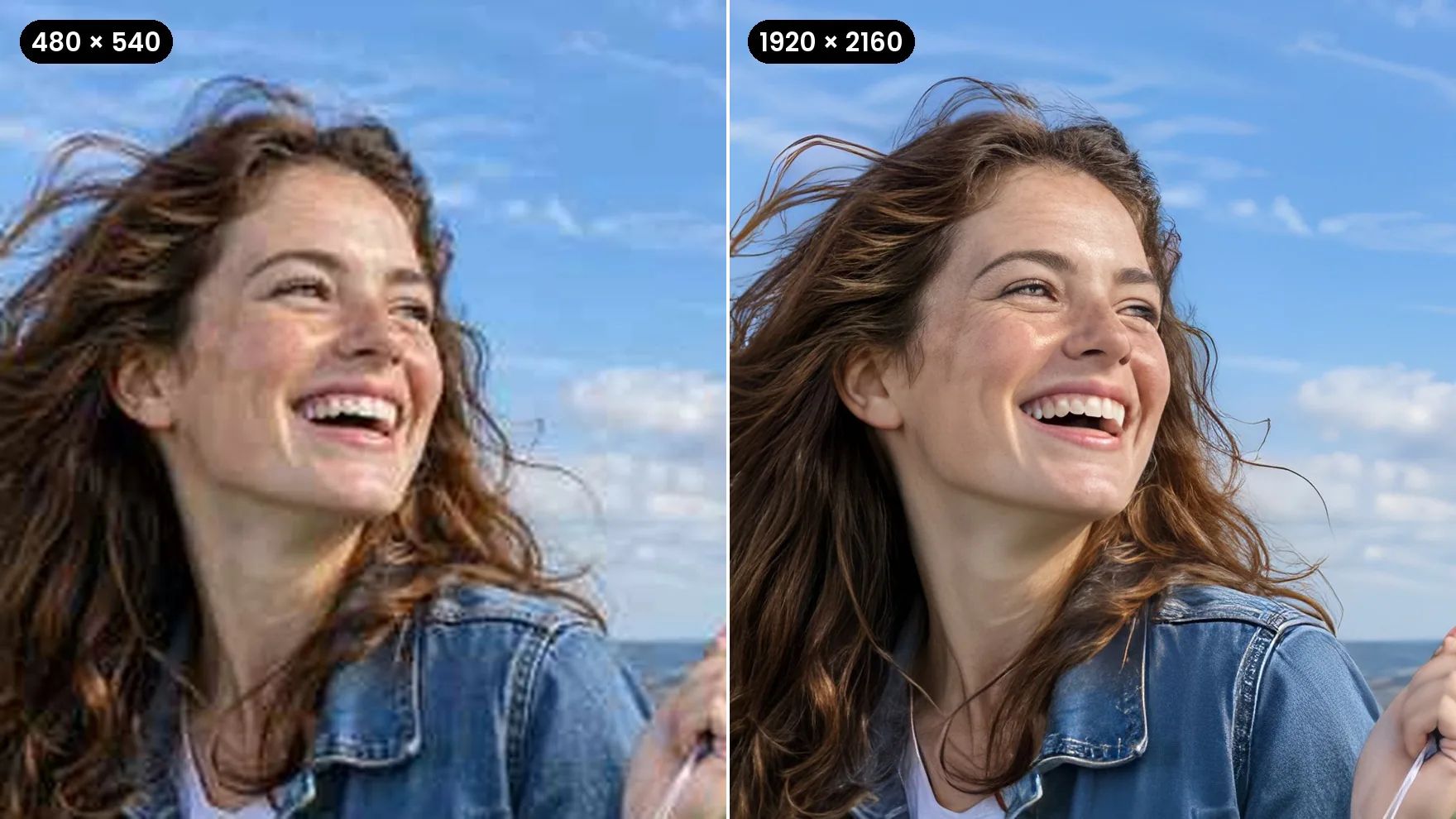
Everything You Need to Make a Photo HD
Sharper detail, cleaner pixels and more resolution from a single upload.
Turn Low-Res Images Into HD
Small downloads, cropped shots and old phone pictures fall apart when you enlarge them. The HD image converter adds resolution and rebuilds detail as it goes, up to 16× the original size and 100 megapixels.
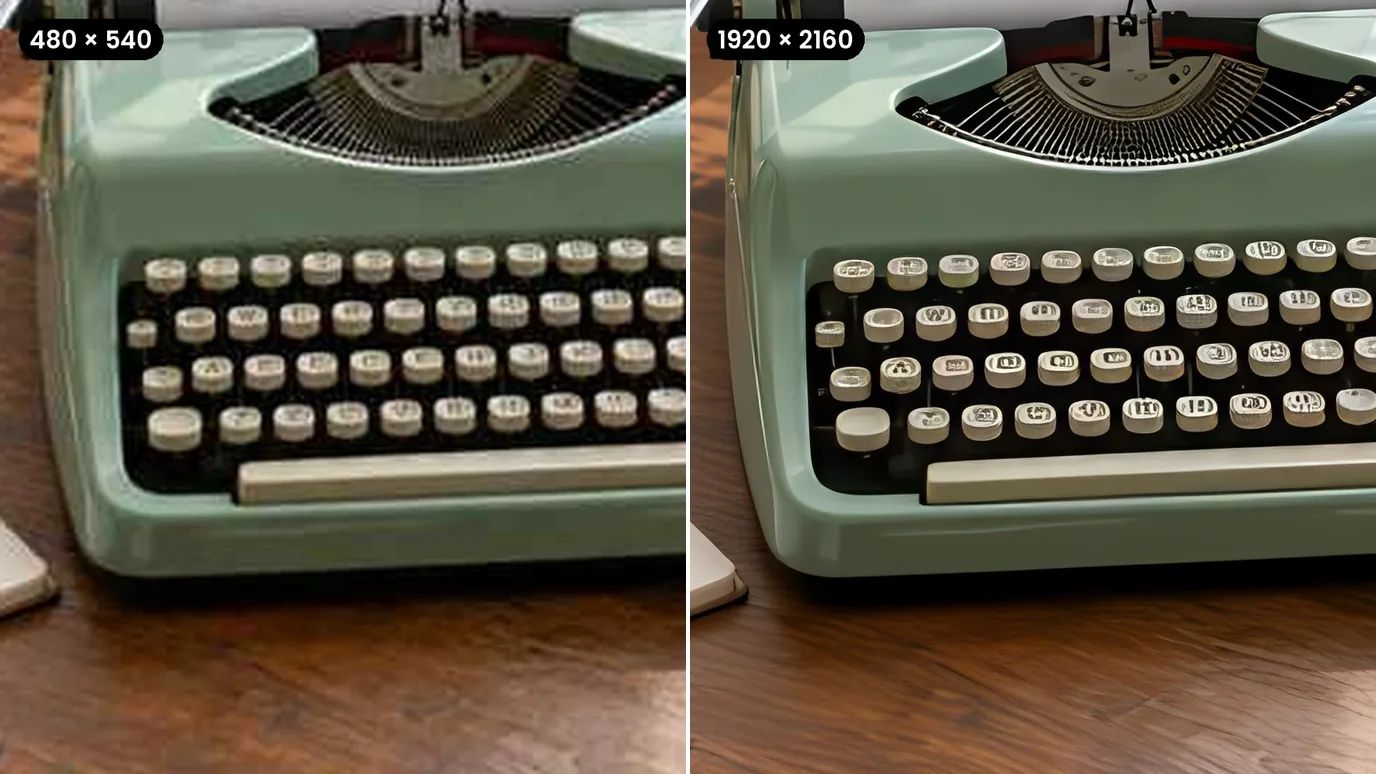
Sharper Product and Listing Photos
Shoppers zoom in. Convert product shots to HD so labels, stitching and textures stay crisp on product pages, marketplaces and ads.
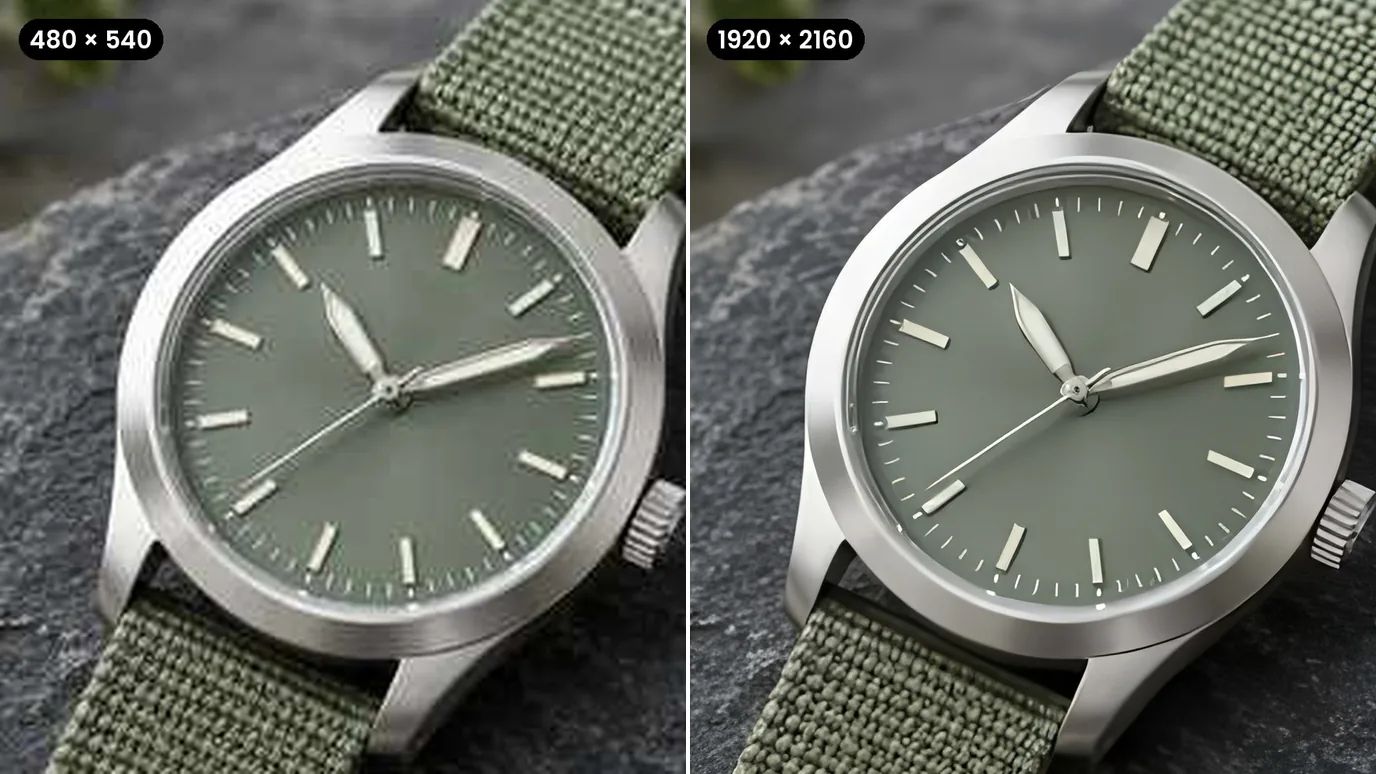
Clean Up Blur, Grain and JPEG Blocks
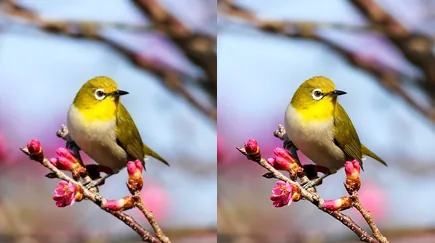
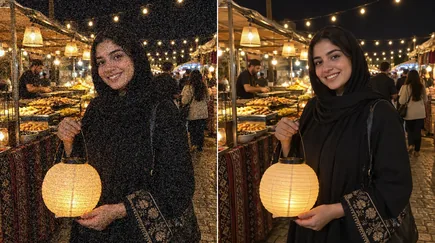
A bigger image isn't enough if it's still soft or noisy. Raise Sharpen, Denoise and Fix Compression in Settings, and a blurry, grainy or heavily compressed picture comes out clean as well as larger.
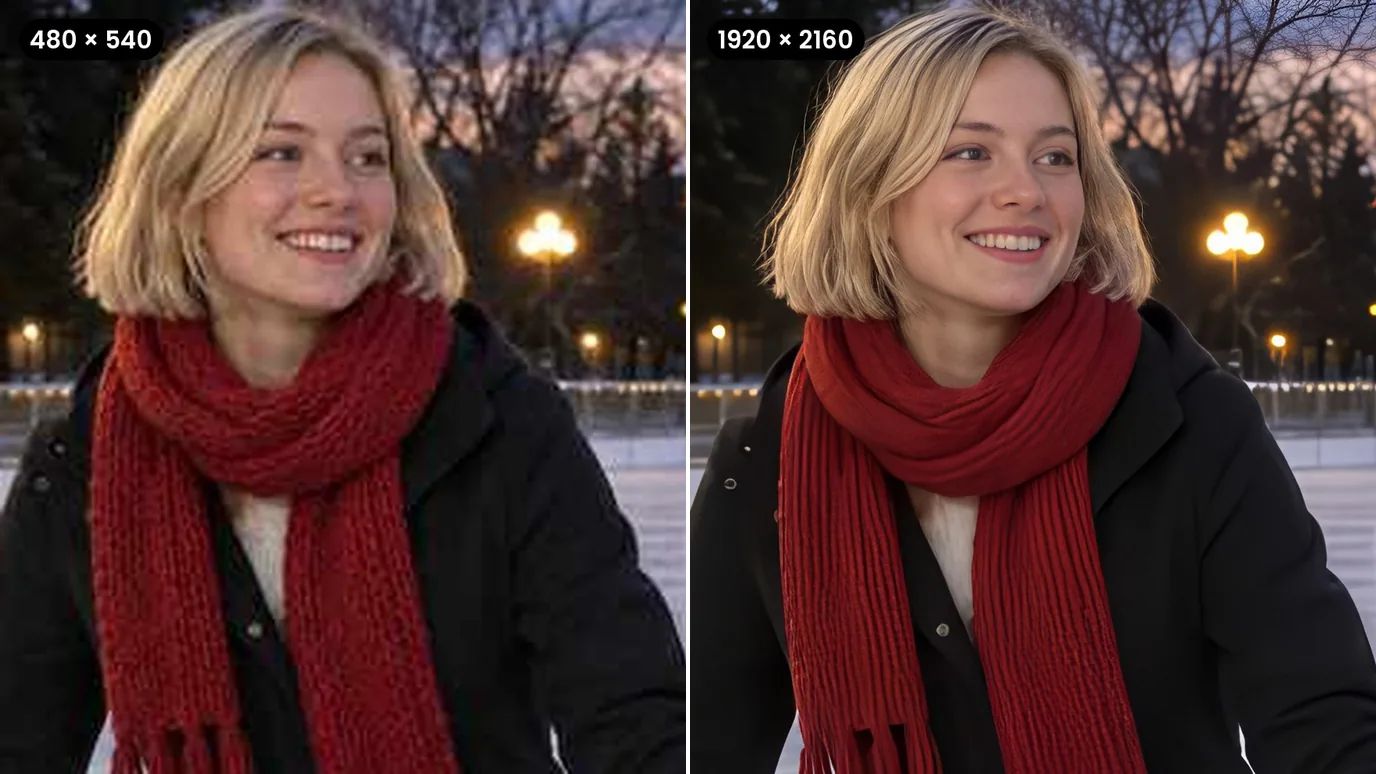
4K Wallpapers and Print-Ready Files
Turn a favorite photo or artwork into a 4K wallpaper or a large print. Pick the scale that reaches the size you need and download a file that's ready for it.
Who Converts Images to HD
Anyone who needs a bigger, cleaner version of an image they already have.
Online Sellers
Product photos that hold up when shoppers zoom in.
Social Media Creators
Crisp posts, thumbnails and banners from older images.
Designers & Printers
High-resolution files for posters, flyers and large prints.
Everyday Photos
Clearer copies of screenshots, downloads and old phone pictures.
How to Make a Photo HD With MaxH3
Upload Your Image
Sign in and upload a PNG, JPG or WEBP image up to 10 MB and 4096 pixels on each side.
Choose the Scale and Mode
Keep Original for a clearer image at the same size, or pick 2× to 16× to enlarge it. Choose the mode that fits your image and fine-tune Sharpen, Denoise and Fix Compression in Settings.
Create and Download
The price for your image appears on the Create button. Click it, then download your HD image when it's ready.

FAQs
Turn Your Images Into HD Today
Upload a low-quality picture and download a sharper, higher-resolution version in one step.