AI Photo Restoration
AI Photo Restoration

Restore Old Photos With AI Photo Restoration
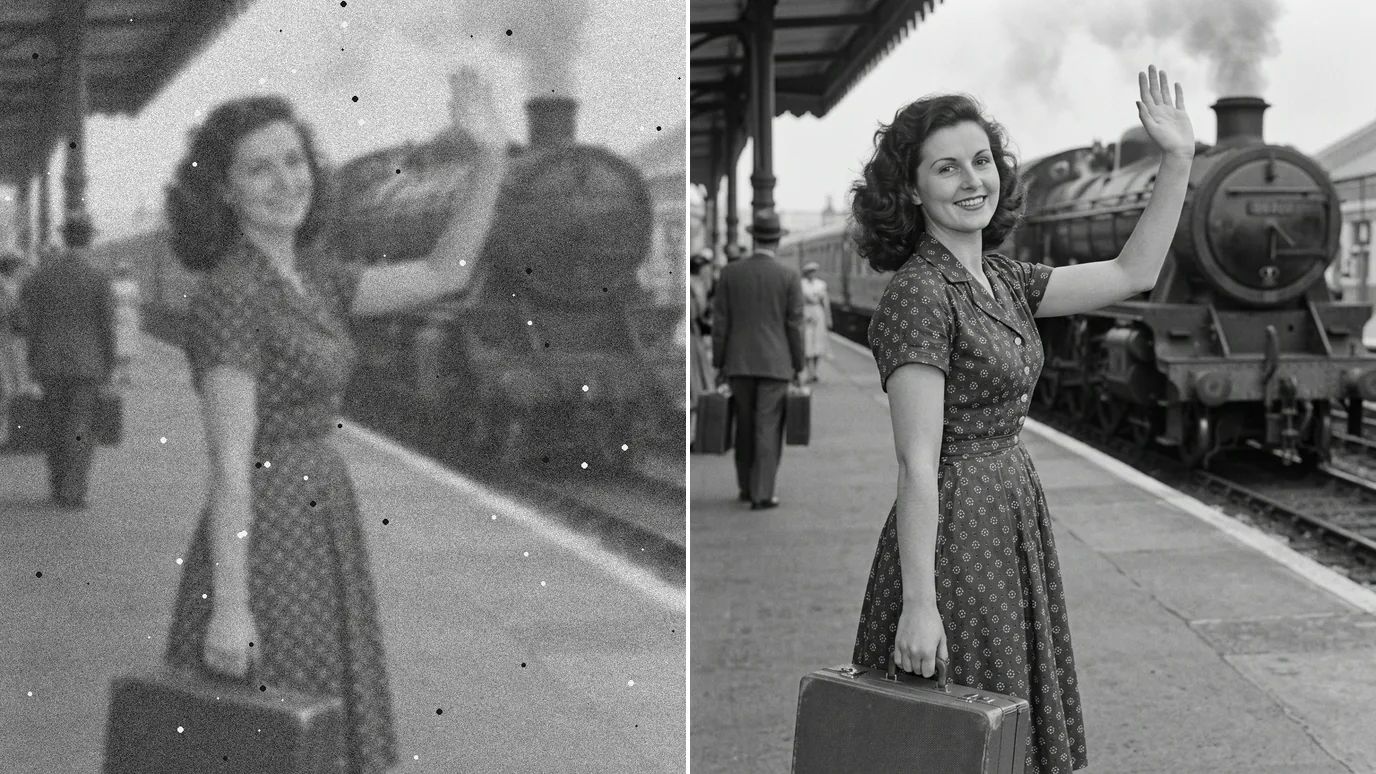
Upload a scan or a phone photo of an old print, and our AI photo restoration removes scratches, dust, stains and creases, fills in torn corners and brings back lost sharpness. Black-and-white and sepia photos keep their tone, color photos lose the yellow cast of age, and the people in them still look like themselves.
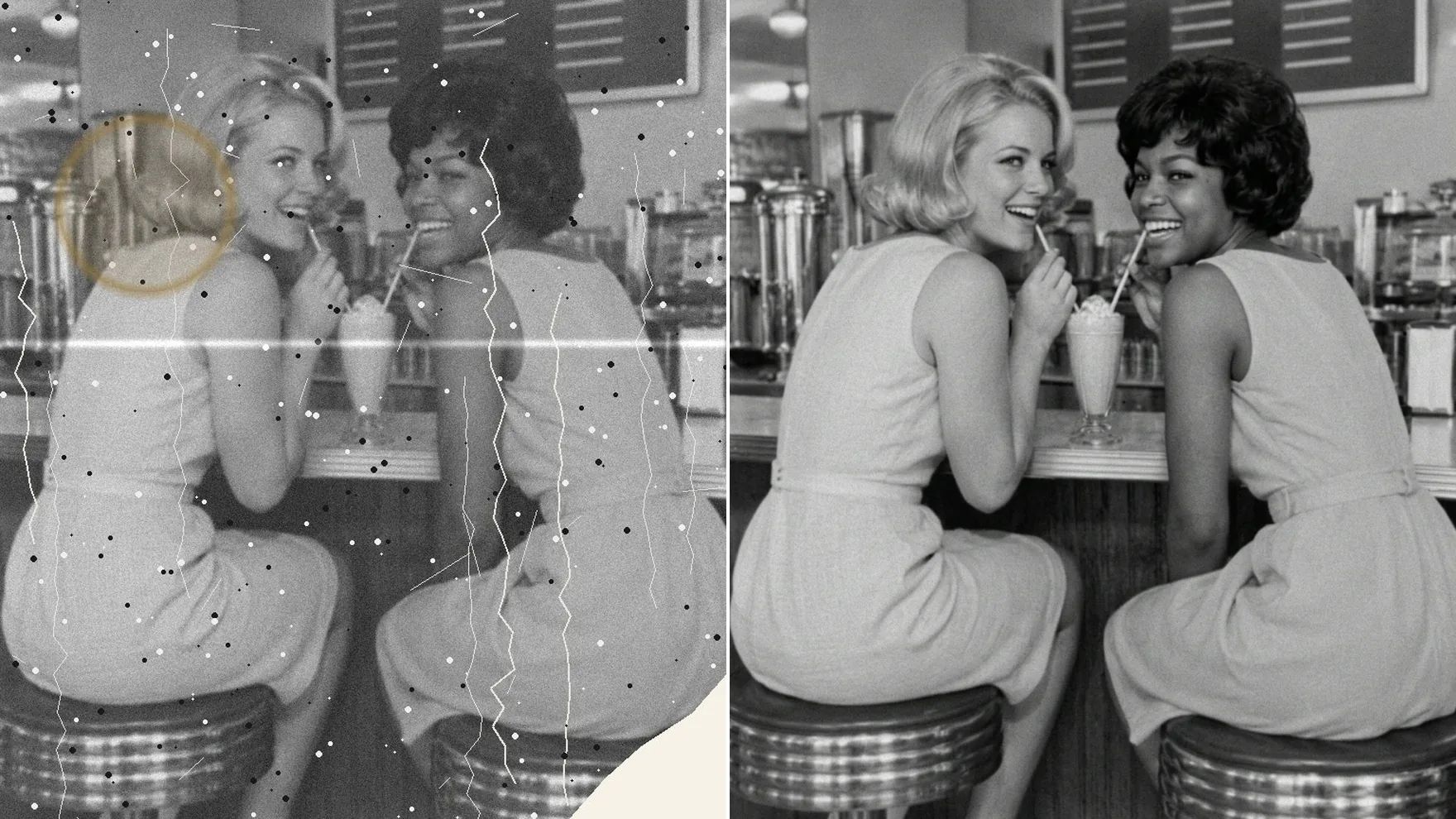
Repair the Damage, Keep the Memory
One click fixes what time did to a print, without turning it into a different picture.
Remove Scratches, Stains and Creases
Scratches, dust spots, water marks and fold lines are cleaned away, and torn or missing corners are filled in to match what's around them. The texture of the original print stays, so the photo still looks real, not painted over.
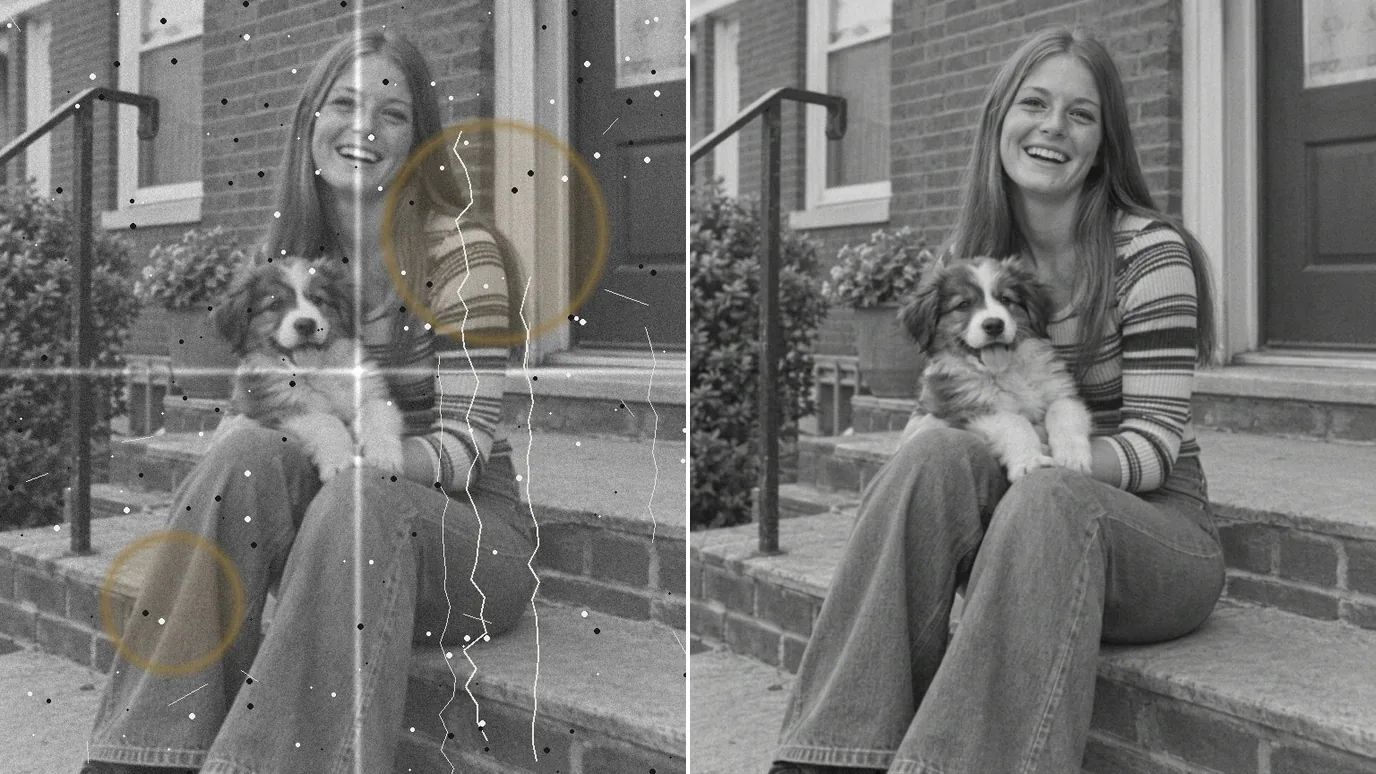
Keep Faces True to Life
Faces are where restoration matters most. Each person keeps their features, expression, wrinkles and moles, with no beautifying or smoothing. Where damage covers part of a face, it's rebuilt from what is still visible.
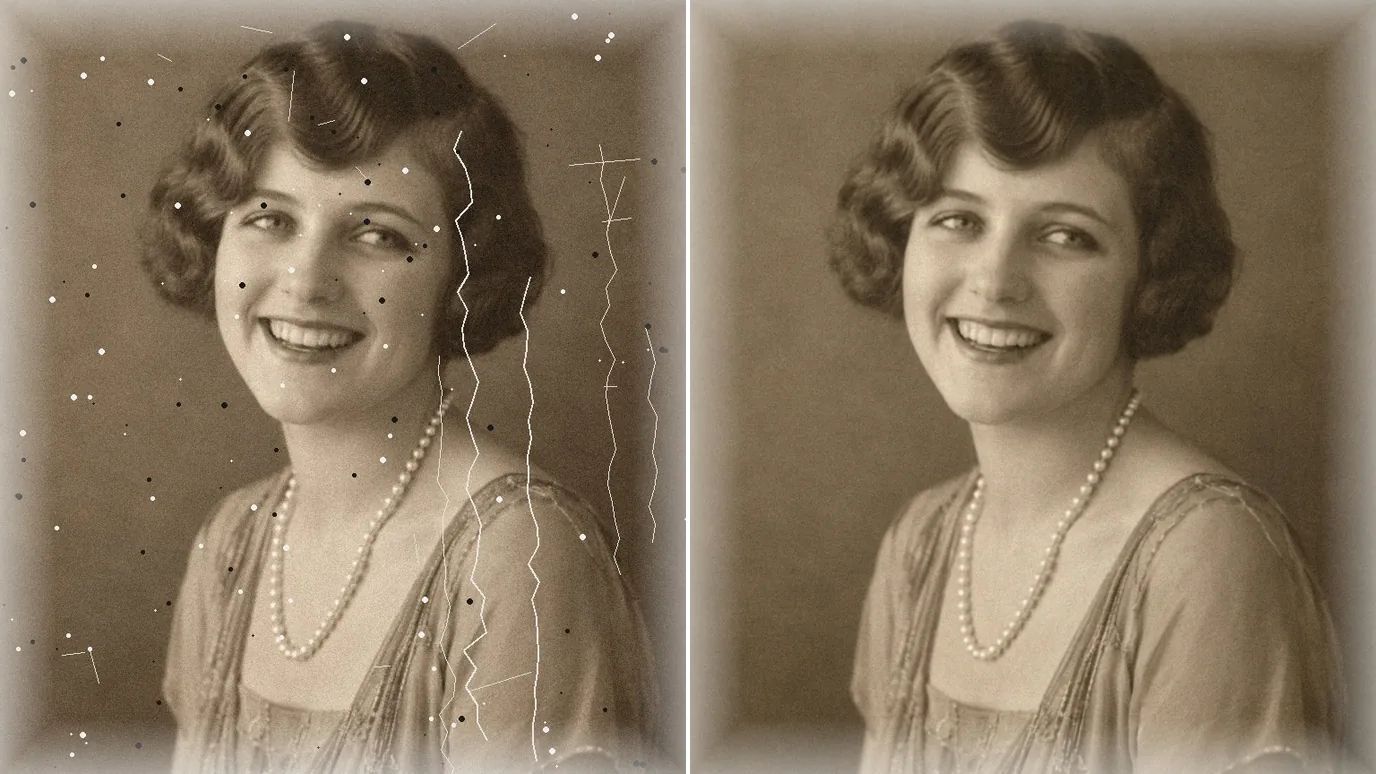
Bring Faded Colors Back
Color prints turn yellow and pale with age. Restoration removes that cast and brings the photo's own colors back, while black-and-white and sepia photos keep their tone. It doesn't colorize black-and-white photos.
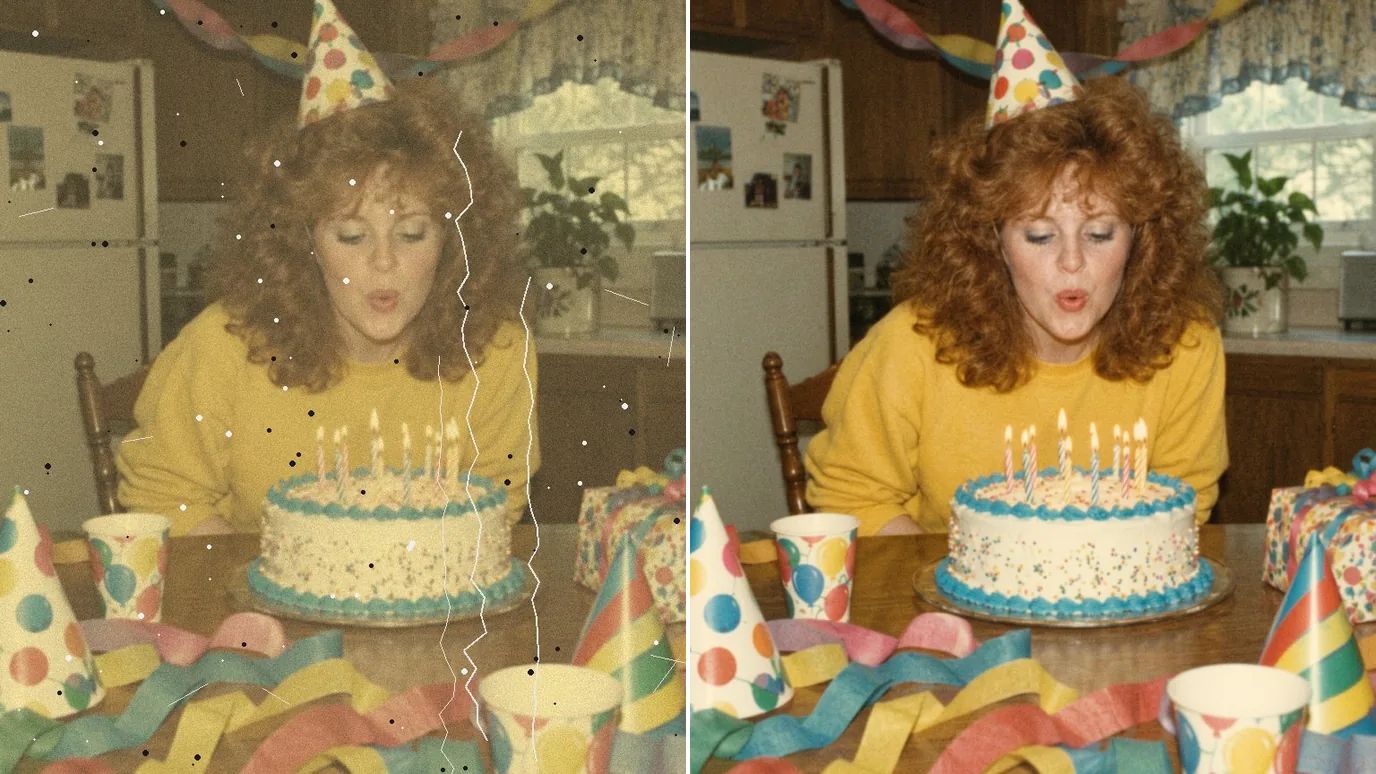
Recover Lost Sharpness
Soft focus, heavy grain and a blurry scan make old photos hard to look at. Restoration recovers clean edges and detail in hair, fabric and faces, and keeps a faint natural grain so the result still looks like a photo from its time.
Who Restores Old Photos With AI
Anyone holding prints that time has been hard on.
Family Archives
Clean copies of old family prints to share, reprint or frame.
Family Historians
Clearer portraits for family trees and research.
Anniversaries & Gifts
Restored wedding and childhood photos for albums and frames.
Memorials
A clean, dignified portrait for a service or tribute board.
How to Restore an Old Photo With MaxH3
Upload Your Photo
Sign in and upload a scan or a phone photo of the print as PNG, JPG or WEBP, up to 15 MB and 4096 pixels on each side. A flat, glare-free shot gives the best result.
Click Create
There's nothing to set up. The price appears on the Create button; click it and the photo is restored, usually within a few minutes.
Download the Restored Photo
Compare it with the original and download it. To print it larger, run the result through the Image Upscaler.
More Ways to Fix and Improve Photos
 Image UpscalerUse This Tool
 Denoise AIUse This Tool
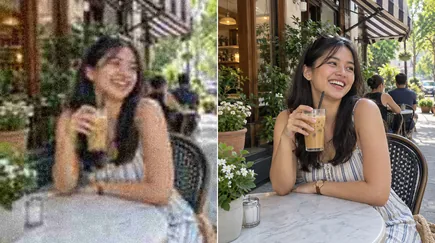 AI Image EnhancerUse This Tool
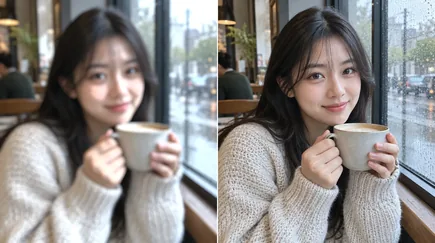 Unblur ImageUse This Tool
FAQs
Give Your Old Photos a Second Life
Upload a damaged print and get a clean, restored copy in a few minutes.