Wan 2.7 AI Image Generator
Alibaba's Wan 2.7 image model on MaxH3. It reasons through long prompts before drawing, follows HEX colour codes, keeps products and people consistent across edits and renders at up to 2K.
What Wan 2.7 Can Make
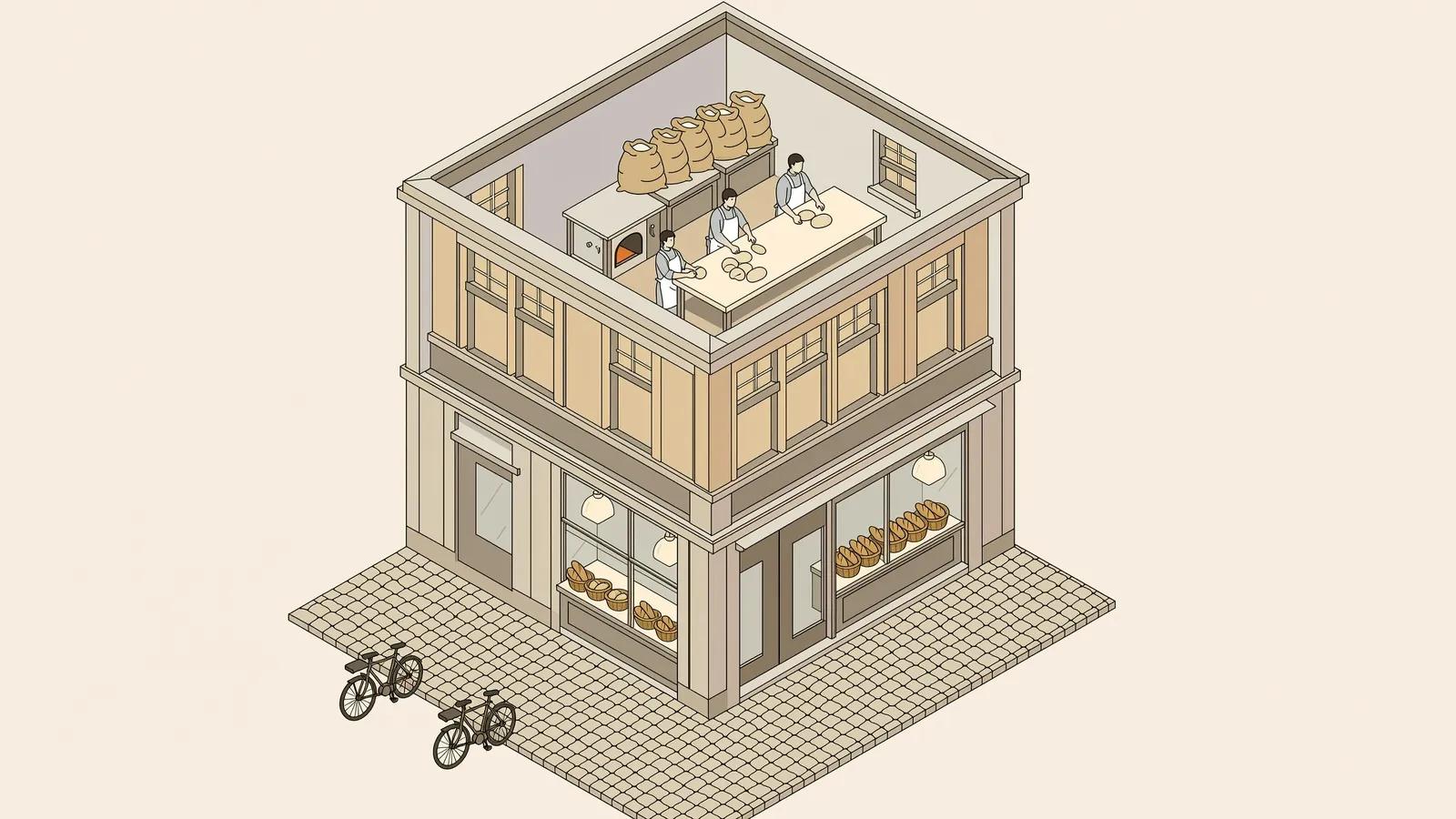
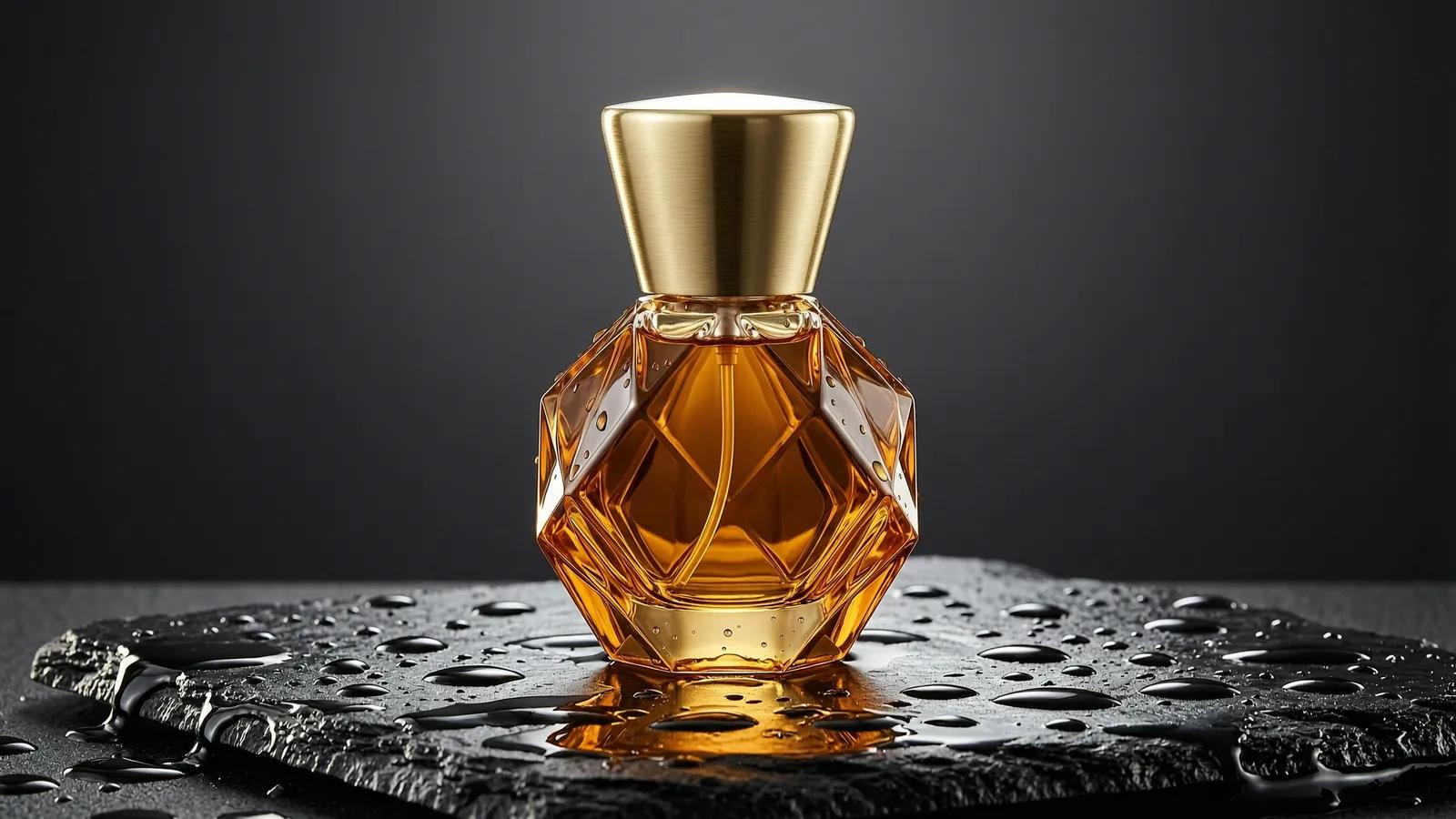
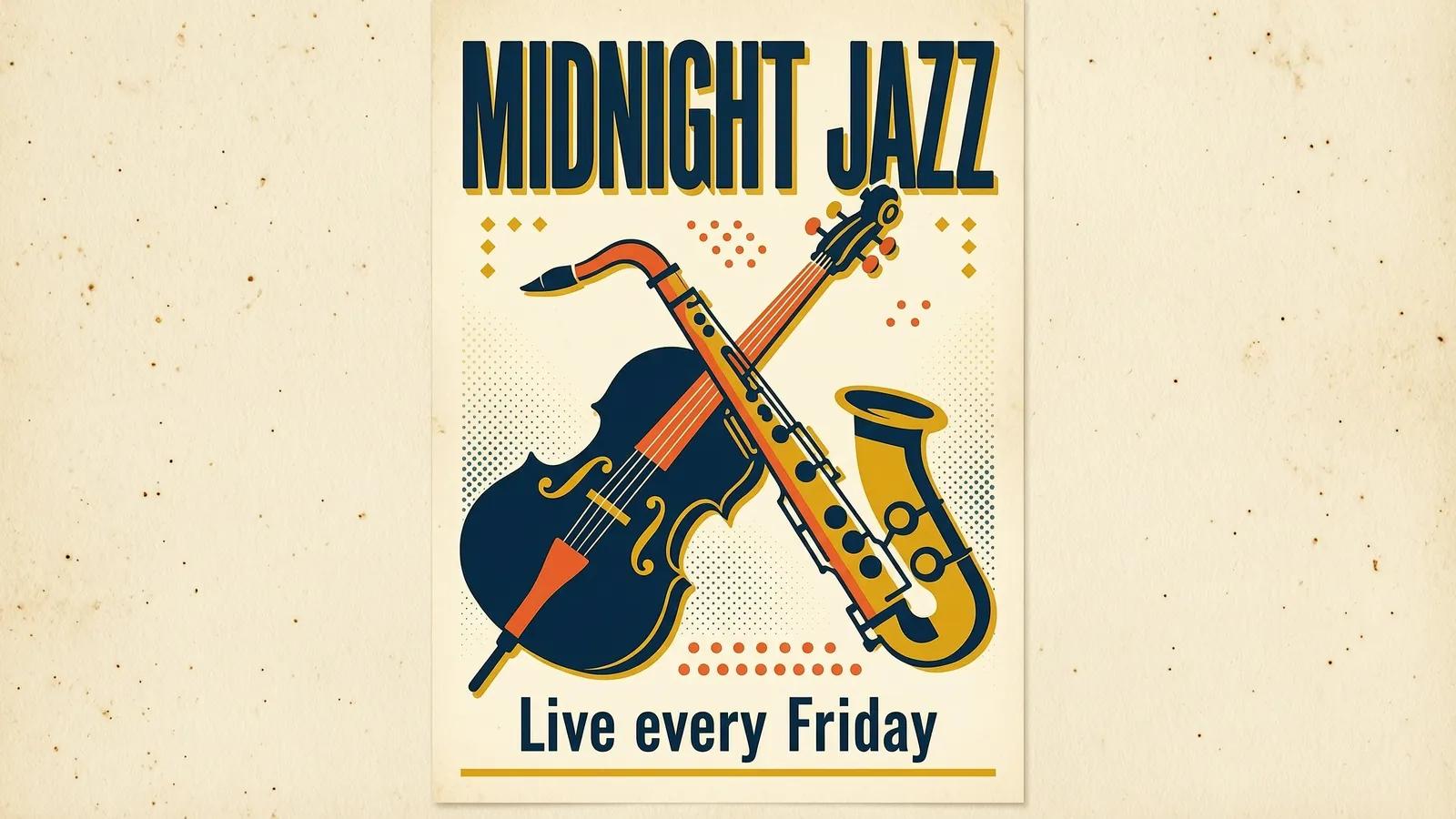
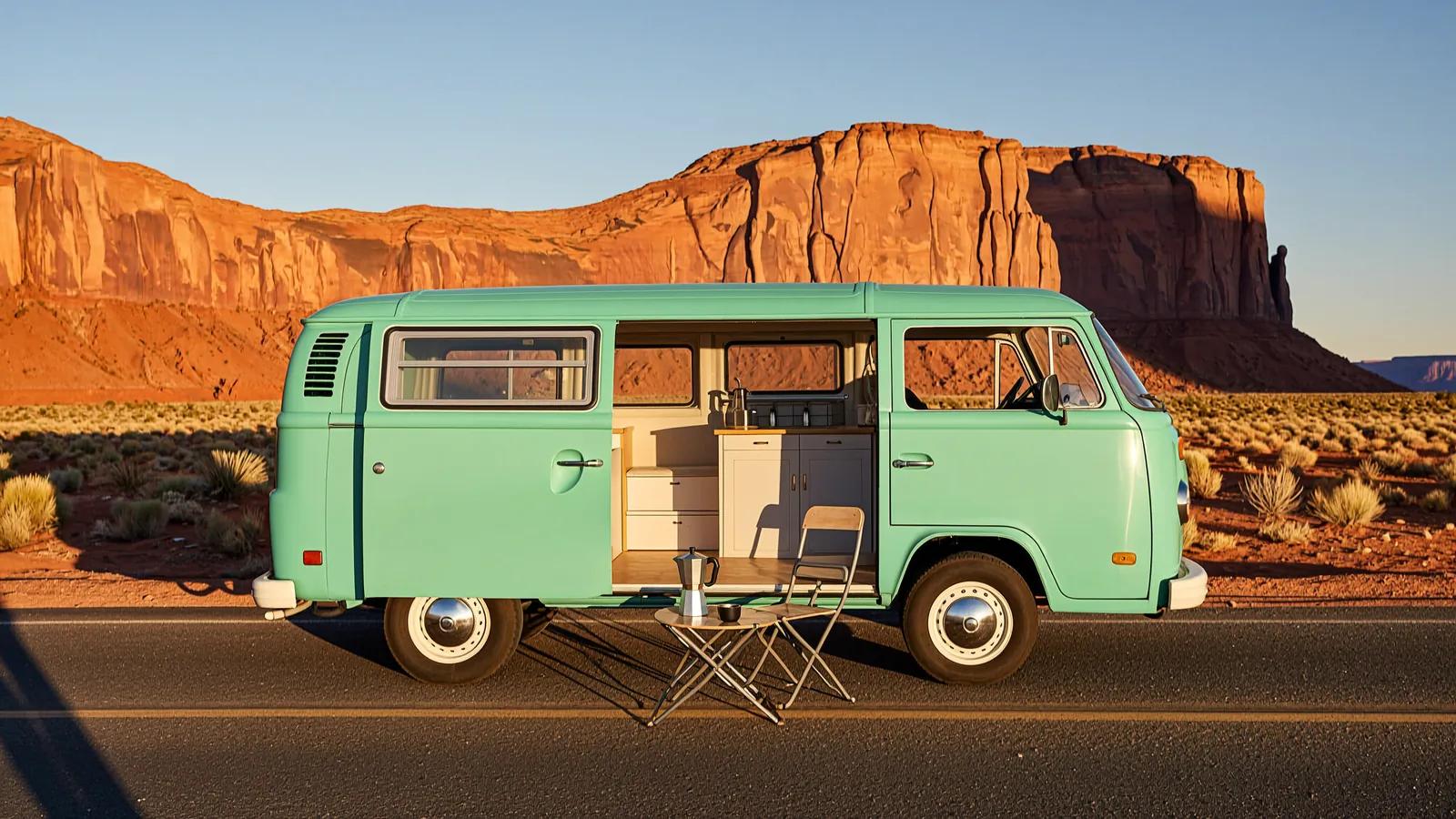
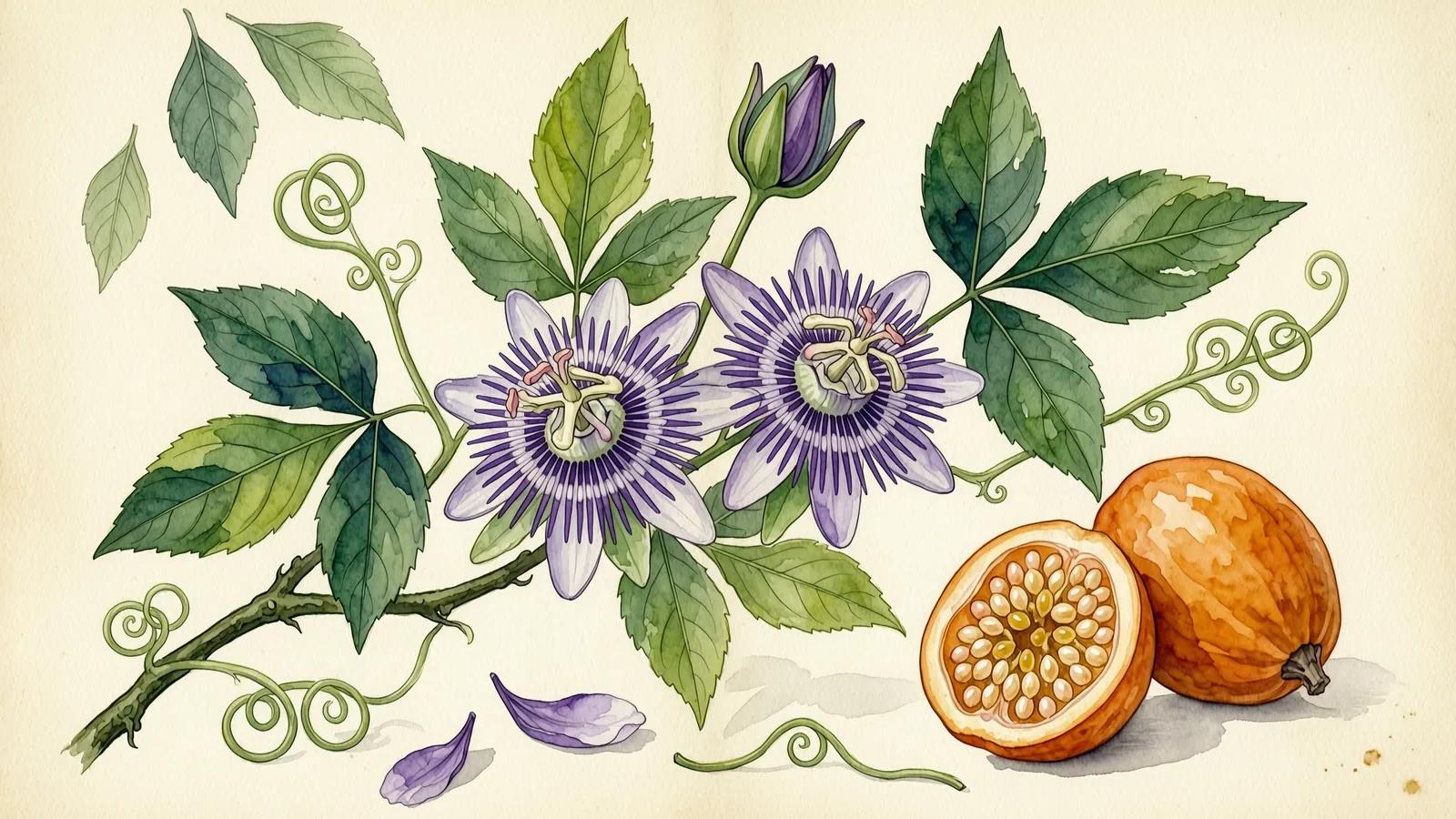
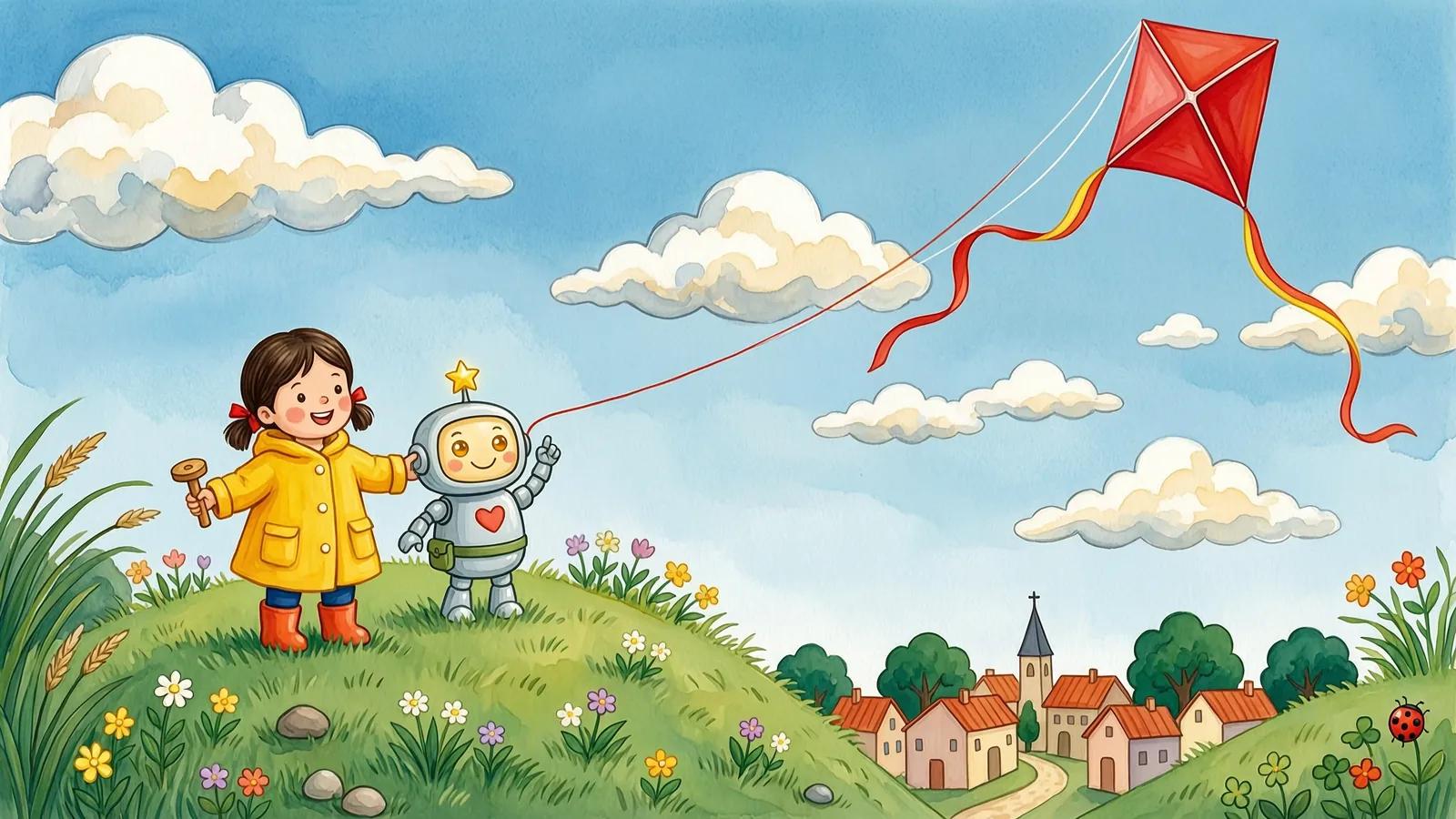
An isometric bakery, a perfume shot, a jazz poster, a desert road trip, a botanical study and a picture-book page. Every image here was generated with Wan 2.7 on MaxH3.
Key Features of Wan 2.7
- Reasons Through Long Prompts Before Drawing: Thinking mode plans the layout of a long text-to-image prompt first.
- Textures That Hold Up Close: Knitted wool, brushed steel and dew on fruit stay crisp at 2K.
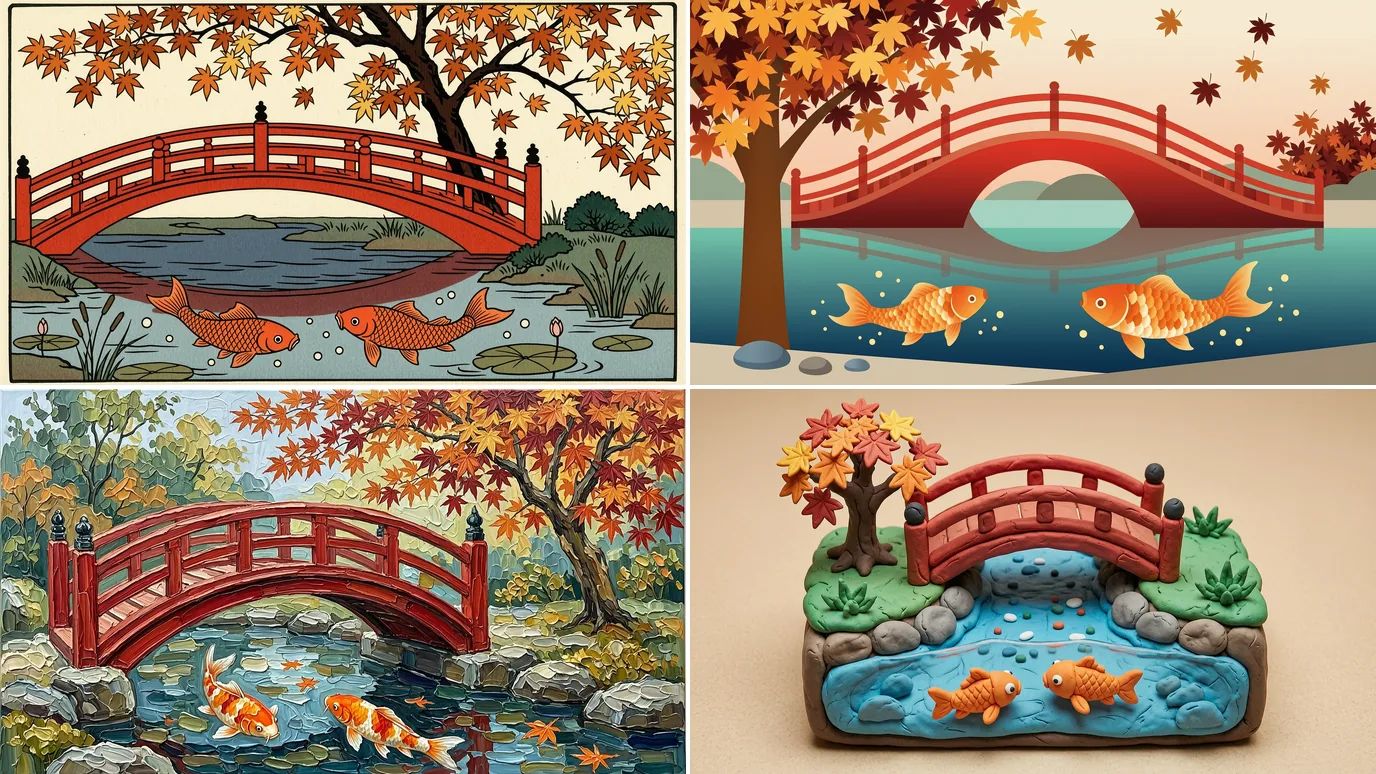
- One Prompt, Four Art Styles: Ukiyo-e, flat vector, impasto oil and claymation from the same scene.
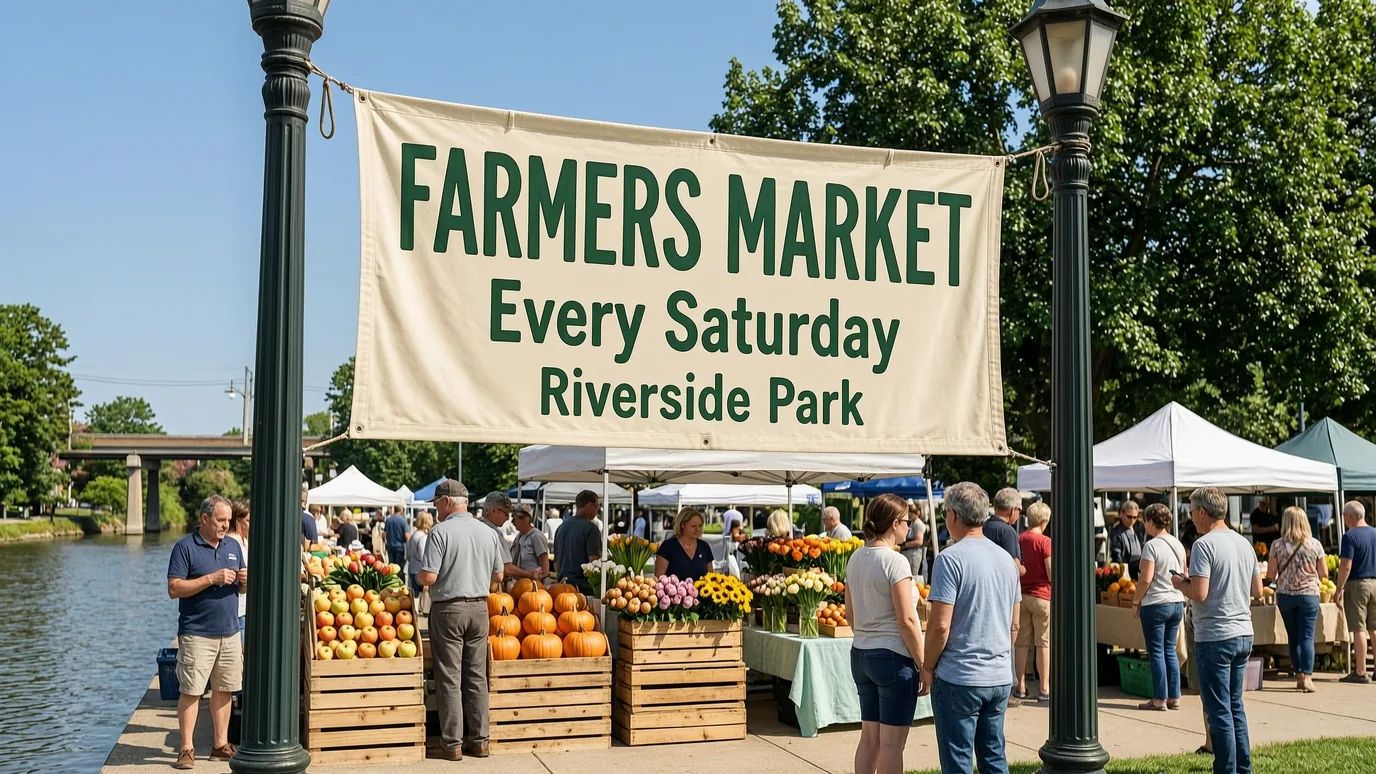
- Lettering for Banners and Posters: Short headlines and taglines come out spelled as written.
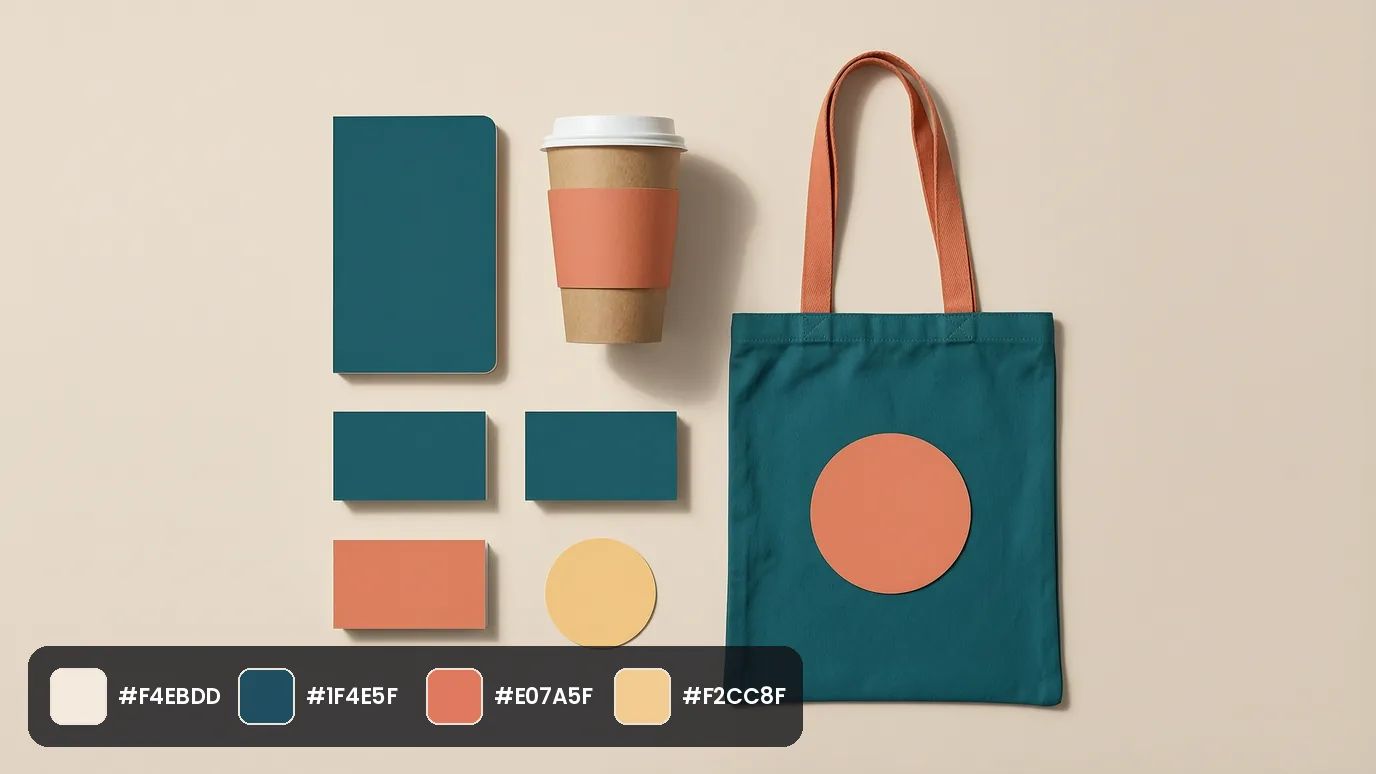
- Brand Colours From HEX Codes: Give it HEX codes and the palette lands close to them.
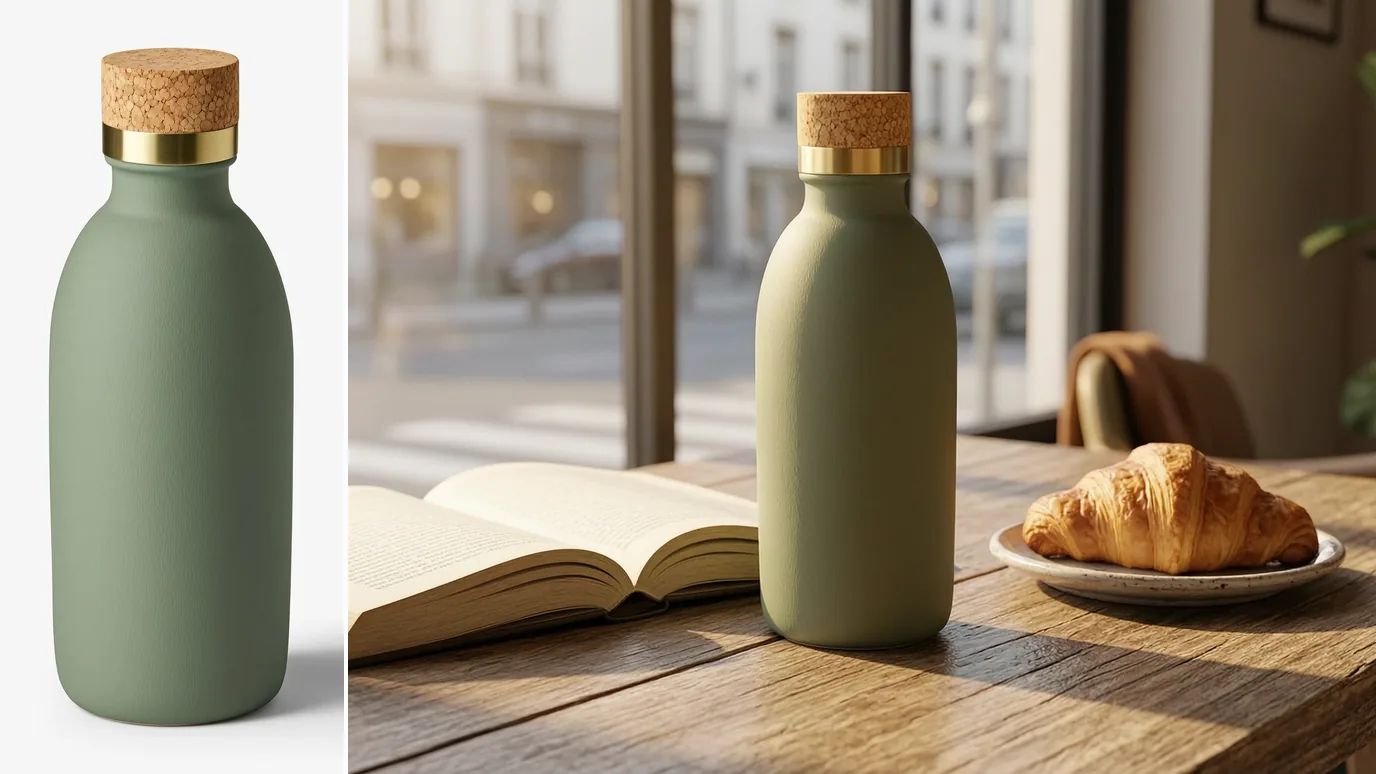
- The Same Product in a New Scene: Upload a packshot and place it anywhere without losing its look.
- New Background, Same Person: Swap the setting of a portrait while the face and outfit stay put.
Reasons Through Long Prompts Before Drawing
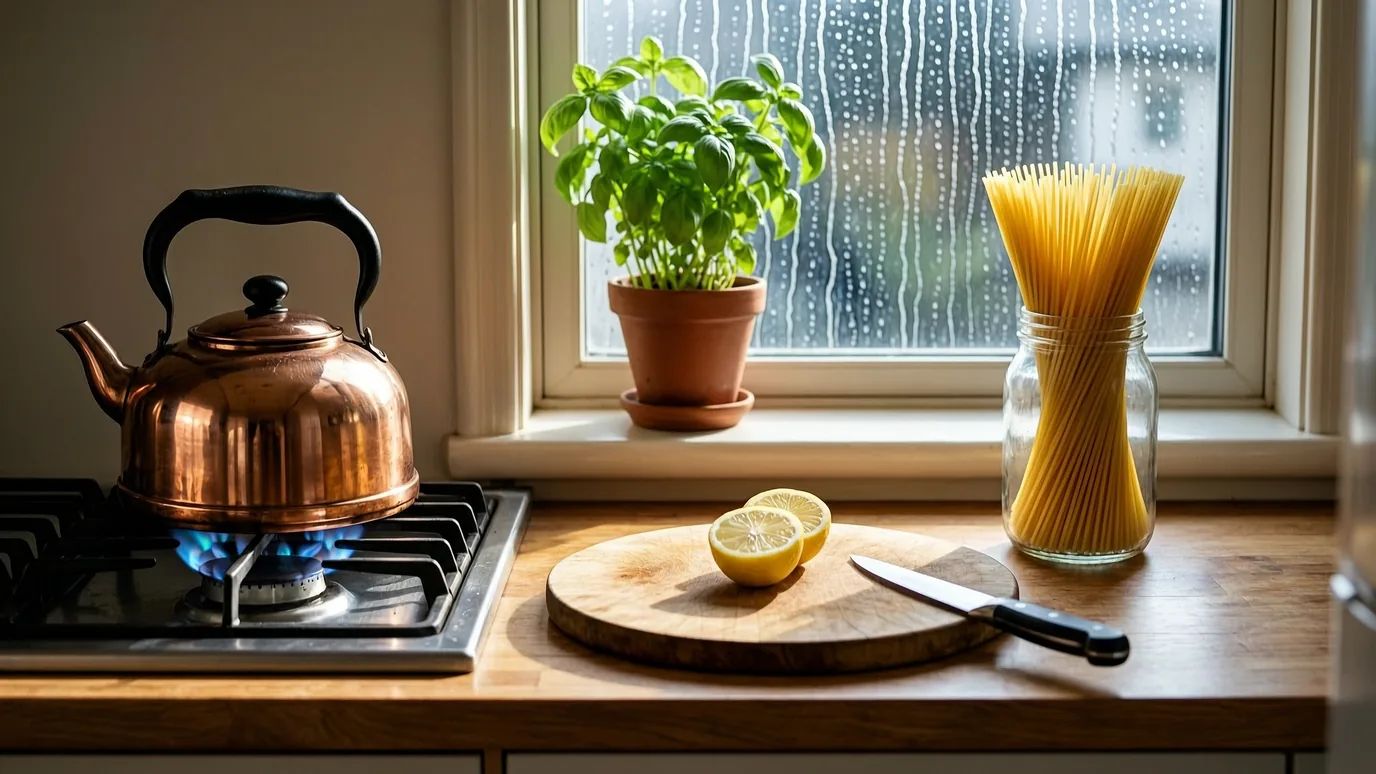
One prompt laid out a kitchen counter piece by piece: a copper kettle on a lit gas hob on the left, a lemon cut in half on a round chopping board in the middle, a jar of spaghetti on the right, and a rain-streaked window with a pot of basil behind. Wan 2.7 adds a thinking mode that works through the prompt before it renders, and MaxH3 keeps it on for every text-to-image generation. Small details, such as which way an object faces, can still slip, so check the result and reword what matters.
Textures That Hold Up Close
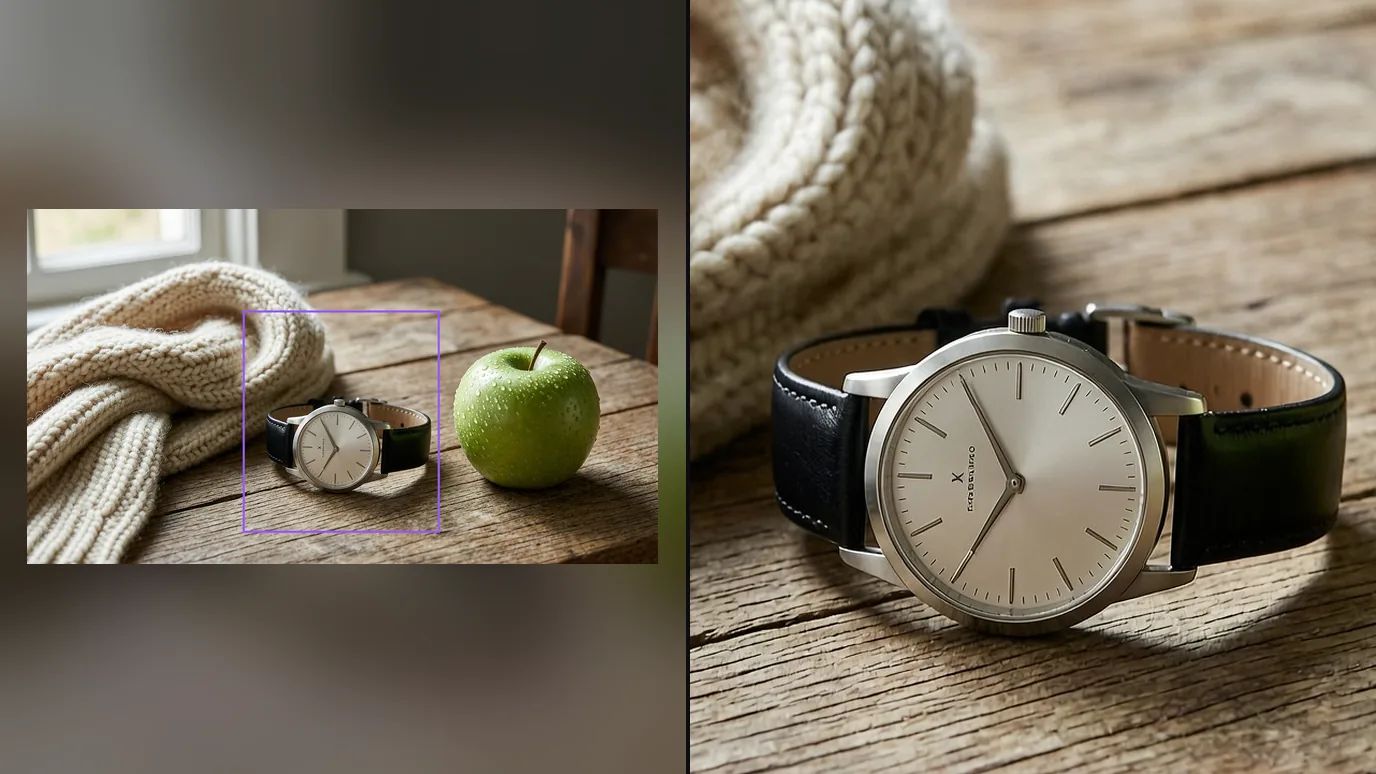
A still life of a cream wool scarf, a brushed-steel watch and a dew-covered green apple on weathered oak. The crop on the right shows the watch at its native size in the 2K render: the knit, the leather strap, the steel and the wood grain all keep their detail. Name the materials and the light, and ask for a shallow depth of field when one subject should stand out, for product shots, flat lays and shop images.
One Prompt, Four Art Styles
The same koi pond, red bridge and maple tree, rendered as a ukiyo-e woodblock print, a flat vector illustration, a thick impasto oil painting and a plasticine claymation set. The bridge, the tree and the two koi carry over while the medium changes completely. Keep the scene description fixed and swap only the style line to build a matching series, a mood board or a set of brand illustrations.
Lettering for Banners and Posters
A riverside farmers market under a hand-painted banner reading "FARMERS MARKET", "Every Saturday" and "Riverside Park", spelled exactly as in the prompt. Put each line in quotes, keep it short and say how big it should be. Alibaba lists text rendering in 12 languages for Wan 2.7; in our tests short English, Spanish and Japanese lines came out right, while German and Korean words often had a letter wrong, so proofread before you print.
Brand Colours From HEX Codes
A coffee-brand stationery kit with one colour instruction: a #F4EBDD background and items only in #1F4E5F, #E07A5F and #F2CC8F, with no colour names in the prompt. Sampling the render, the coral cards and the teal notebook and tote sit within a few shades of their codes, and the lighting accounts for the rest. Use it to keep campaign images, mock-ups and social posts on brand.
The Same Product in a New Scene
One packshot of a sage-green ceramic bottle with a cork stopper and a brass band, placed on a sunny café table beside a book and a croissant. The shape, the matte finish, the cork and the band all match the reference. Upload up to nine reference images, say which item must stay unchanged and describe the new setting, for catalogues, ads and social posts.
New Background, Same Person
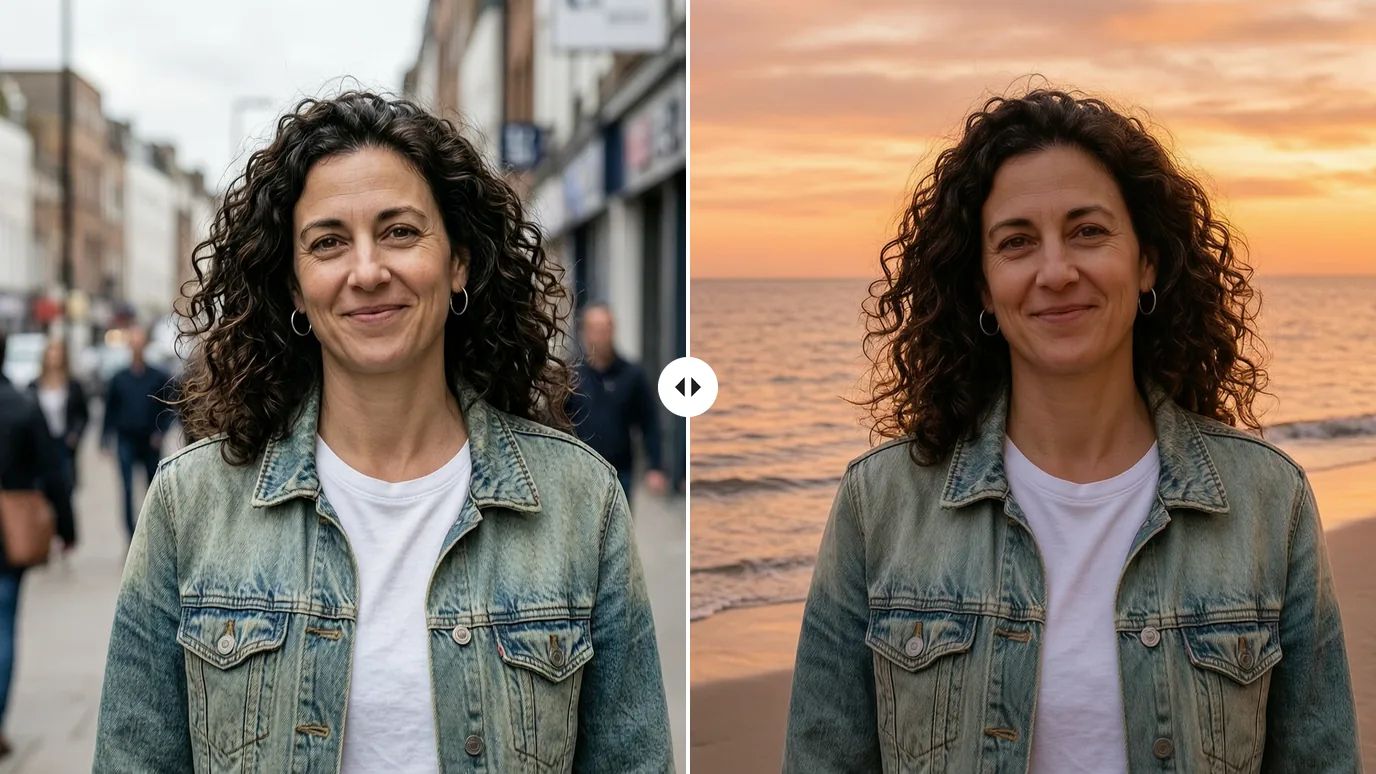
A woman on a busy city street, moved to a beach at sunset with one instruction. Her face, curls, earrings, denim jacket and pose stay as they were, and the light on her shifts to match the sunset. Upload the photo, name what must not change and describe the new background and light.
How to Use Wan 2.7 on MaxH3
Open Wan 2.7
Wan 2.7 is already selected in the generator above. Add reference images there to start from a photo.
Describe the Image
Describe the subject, style and light, quote any on-image text, then pick the ratio and resolution.
Generate and Download
Press the arrow. The result shows right here, ready to download or refine, and stays in your history.
FAQs
Start Creating With Wan 2.7
Write a long prompt, give it your brand colours or upload up to nine references. Your first credits are on us.