Pika AI Video Generator
Create Pika AI videos on MaxH3 with Pika 2.2 from Pika Labs: text or image to video, 5 or 10 seconds at 720p or 1080p, with free credits to start.
Unlock Endless Creativity With Pika AI
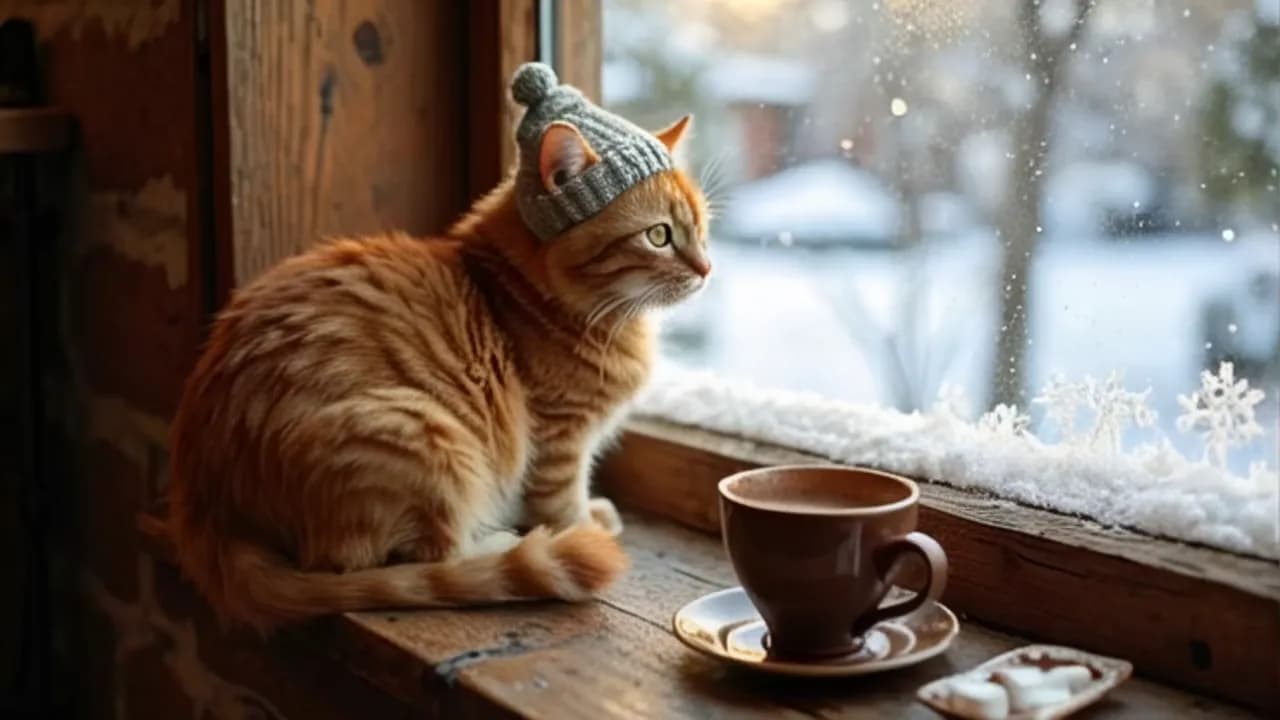
A cat in a knitted hat, glowing jellyfish, a knight in a misty forest, a paper boat in the rain and a city lighting up at dusk. Every clip here was made with Pika 2.2 on MaxH3.
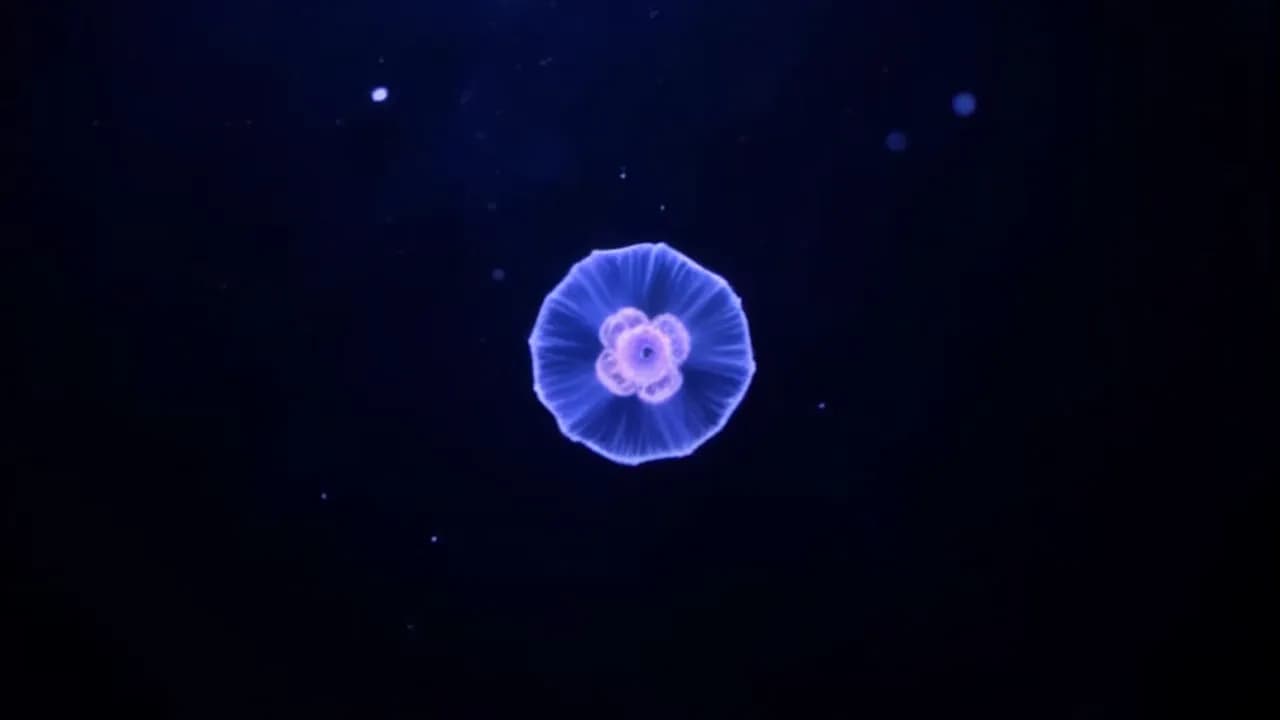
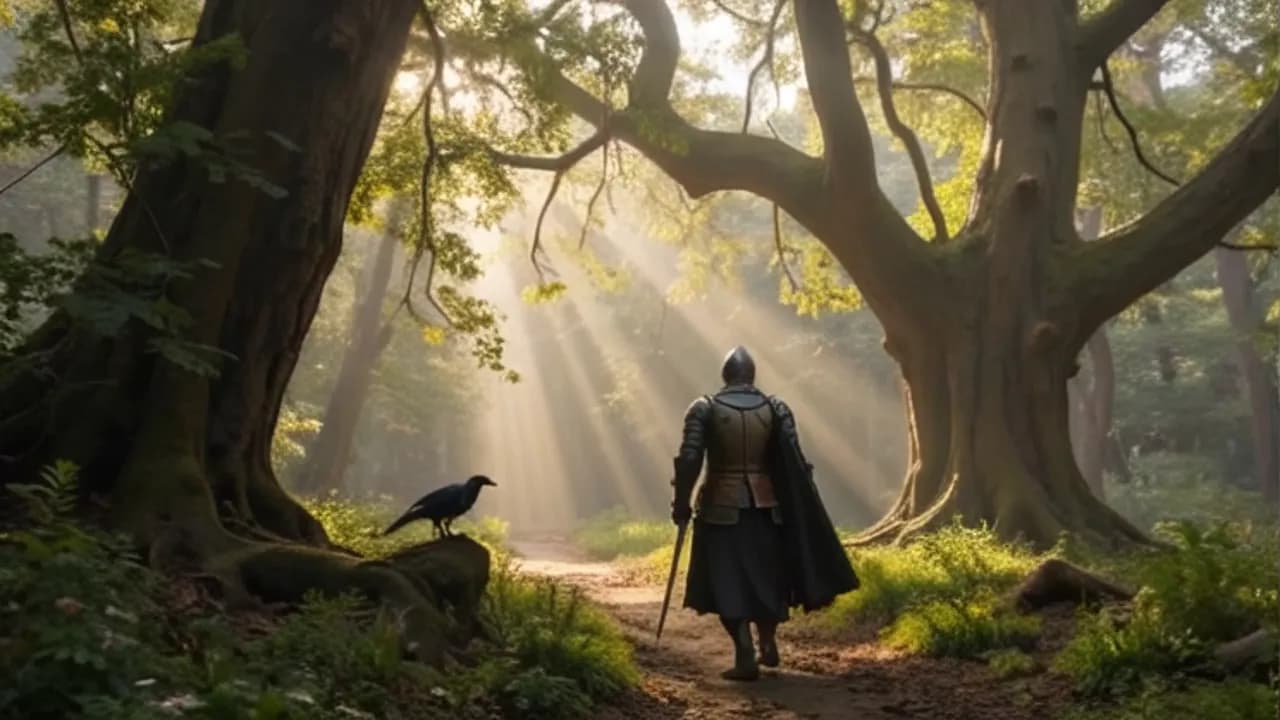
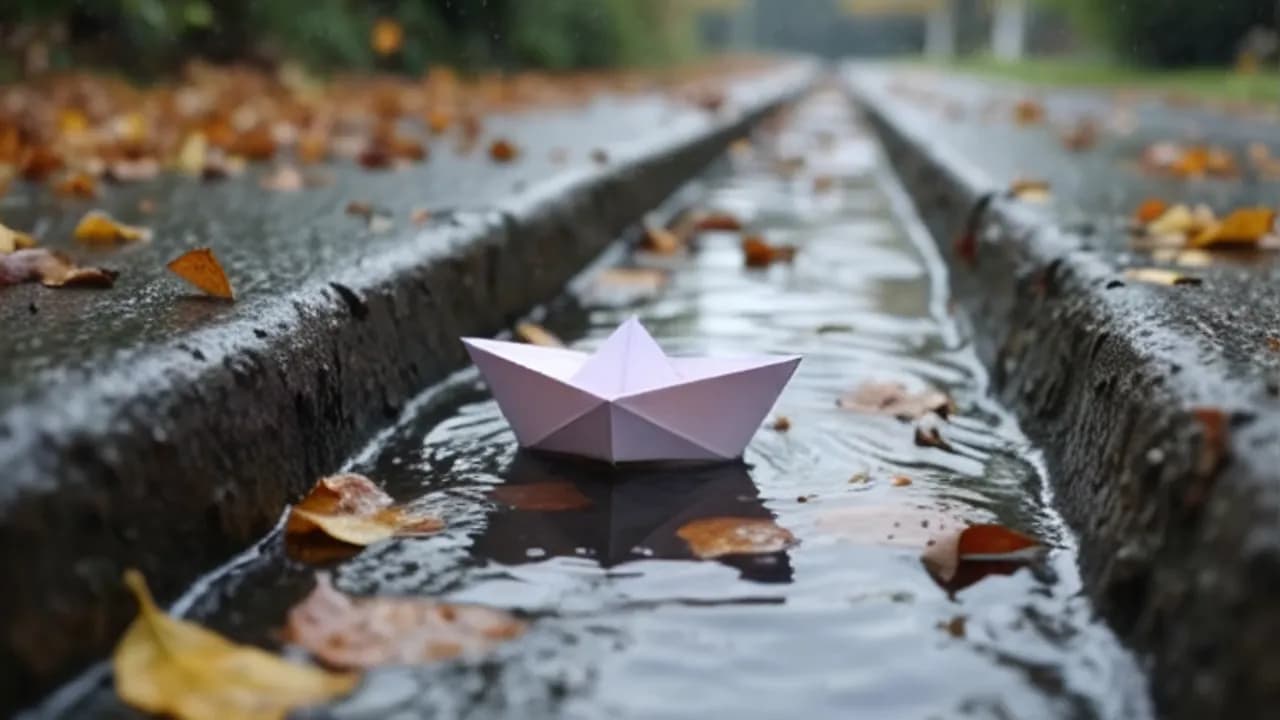
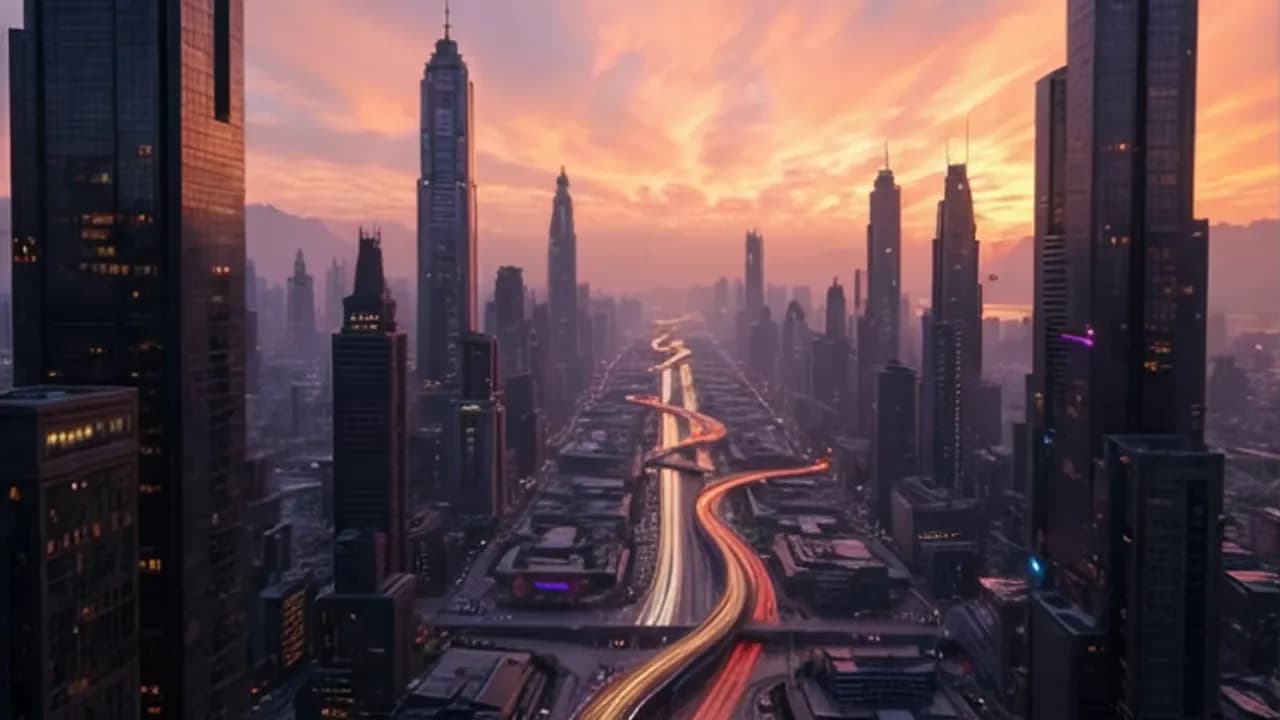
Text to Video and Image to Video With Pika AI
- Text to Video: Describe a moment and get a 5- or 10-second clip.
- Image to Video: Bring a photo or an illustration to life.
- Stylized Animation: Cartoon characters with personality.
- 10-Second Clips: Twice the length for a fuller moment.
Text to Video
Write the subject, the action and the light. One sentence gave this hummingbird hovering at a red hibiscus, wings a blur, before it darts out of frame against soft garden bokeh.
Macro shot: a hummingbird hovers in front of a red hibiscus flower, wings a blur, then darts away; soft green garden bokeh, golden afternoon light.
Image to Video
Upload a still and describe what should move. From one watercolor illustration, Pika turned the woman with the yellow umbrella and walked her down the rain-soaked street, keeping her red coat, the umbrella and the lit shop windows from the picture.
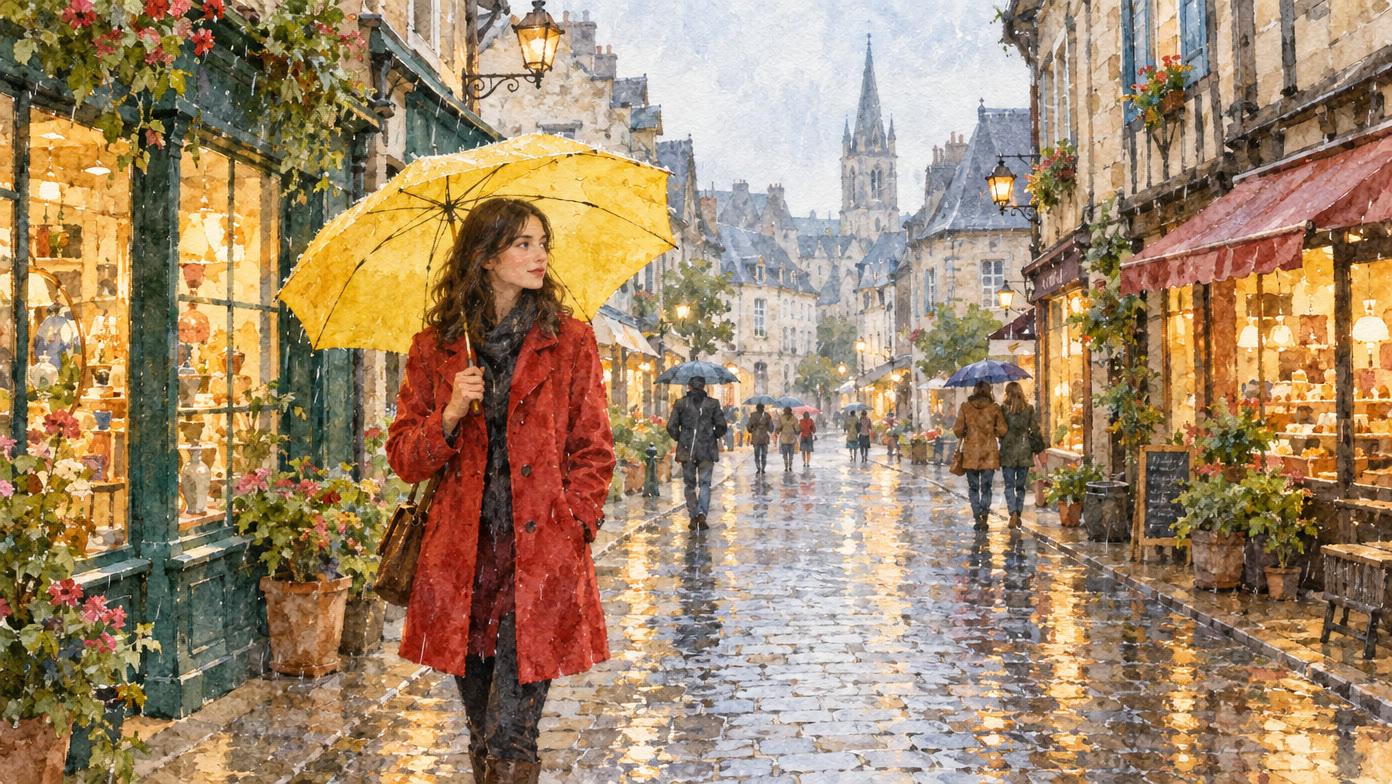
The rain falls harder; the woman twirls her yellow umbrella and walks away down the street, puddles rippling and shop lights shimmering on the wet cobblestones. Keep the watercolor style.
Stylized Animation
Pika is at home with animated styles. A small green dragon steps off a cliff, flaps hard and glides out over a sunny valley with a grin. Name the style first and give the character a clear arc.
Hand-drawn 2D animation style: a small green dragon flaps clumsily off a cliff edge, tumbles, then catches the wind and glides over a sunny valley with a big smile on its face.
10-Second Clips
Choose 10 seconds when a moment needs room. Here a man runs across a green hilltop and keeps his red kite climbing for the whole shot, in one continuous take.
One continuous shot: a young man runs across a green hilltop flying a red kite, the kite climbing high into a blue sky full of drifting clouds, the camera following smoothly as he laughs and lets out more string.
Real Use Cases of Pika AI
Quick, playful clips for feeds, stories and ideas.
Social Media Posts
Short clips for feeds and stories, in vertical, square or widescreen.
Illustrators and Artists
Animate your own drawings and paintings with image to video.
Storytellers
Try out animated characters and scenes before committing to a full production.
Small Brands
Turn a product shot or a mascot into a moving post without a motion designer.
Pika AI vs Kling 3.0 vs Grok Imagine Video 1.5 vs PixVerse V6
| Feature | Pika AI | Kling 3.0 | Grok Imagine Video 1.5 | PixVerse V6 |
|---|---|---|---|---|
| Developer | Pika Labs | Kuaishou | xAI | PixVerse |
| Best for | Playful, stylized short clips | Realistic motion up to 4K | 1–15 s clips with built-in sound | Directed camera moves |
| Inputs | Text, first frame | Text, first frame | Text, first frame | Text, first frame |
| Resolution | 720p, 1080p | 720p, 1080p, 4K | 480p, 720p, 1080p | 360p, 540p, 720p, 1080p |
| Clip length | 5 or 10 s | 3–15 s | 1–15 s | 1–15 s |
| Audio | None | Optional | Native | Optional |
| Credits for 5 s at 720p | 30 | 40 (80 with sound) | 60 (sound included) | 45 (59 with sound) |
| Who can use it | Free and paid plans | Free and paid plans | Free and paid plans | Free and paid plans |
Specs and credits as offered on MaxH3. Pika AI runs Pika 2.2.
Where Pika AI Fits
- Made for stylized motion: Cartoon characters, illustrations and playful scenes are where Pika is strongest.
- Few choices to make: 5 or 10 seconds, 720p or 1080p, five aspect ratios: pick and generate.
- Open to free credits: You can try it without a subscription, at one of the lower prices on MaxH3.
How to Use Pika AI on MaxH3
Open Pika 2.2
Pika 2.2 is already selected in the generator above. Choose text to video, or image to video to animate your own picture.
Describe the Motion
Write what moves, how and in what style. Pika clips are silent, so put the detail into the picture.
Generate and Download
Pick 5 or 10 seconds, 720p or 1080p and an aspect ratio, then press the arrow. The clip opens in your workspace, ready to download as an MP4.
Discover Other AI Video Generators
FAQs
Bring Your Ideas to Life With Pika AI
Describe a scene or upload a picture, choose 5 or 10 seconds, and Pika 2.2 turns it into a short, playful clip.