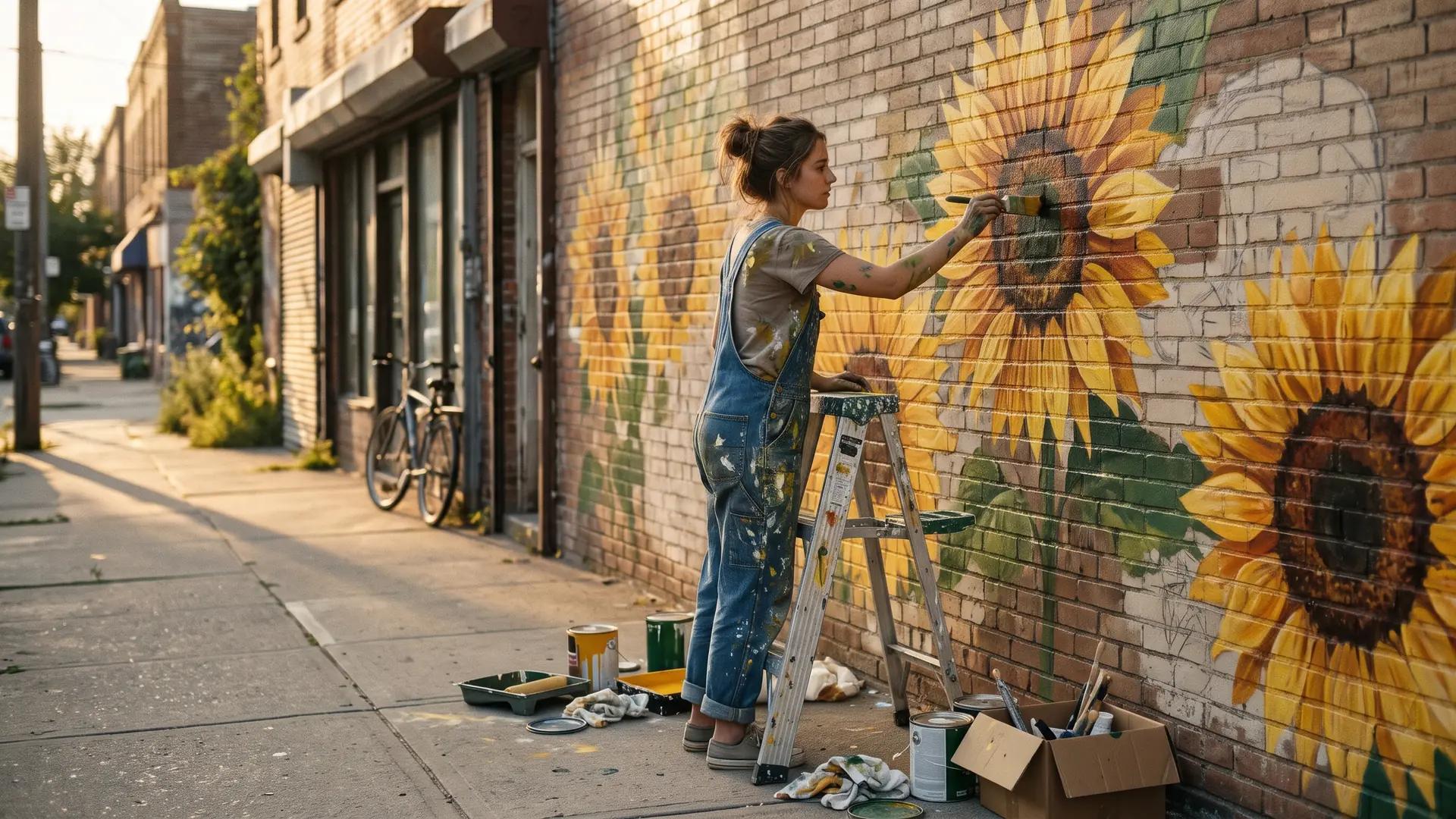
Nano Banana 2.1 AI Image Generator
Google's update to Nano Banana 2 keeps Flash speed and sharpens realism, lettering and character consistency. Create in 14 aspect ratios at up to 4K.
Discover What Nano Banana 2.1 Can Create
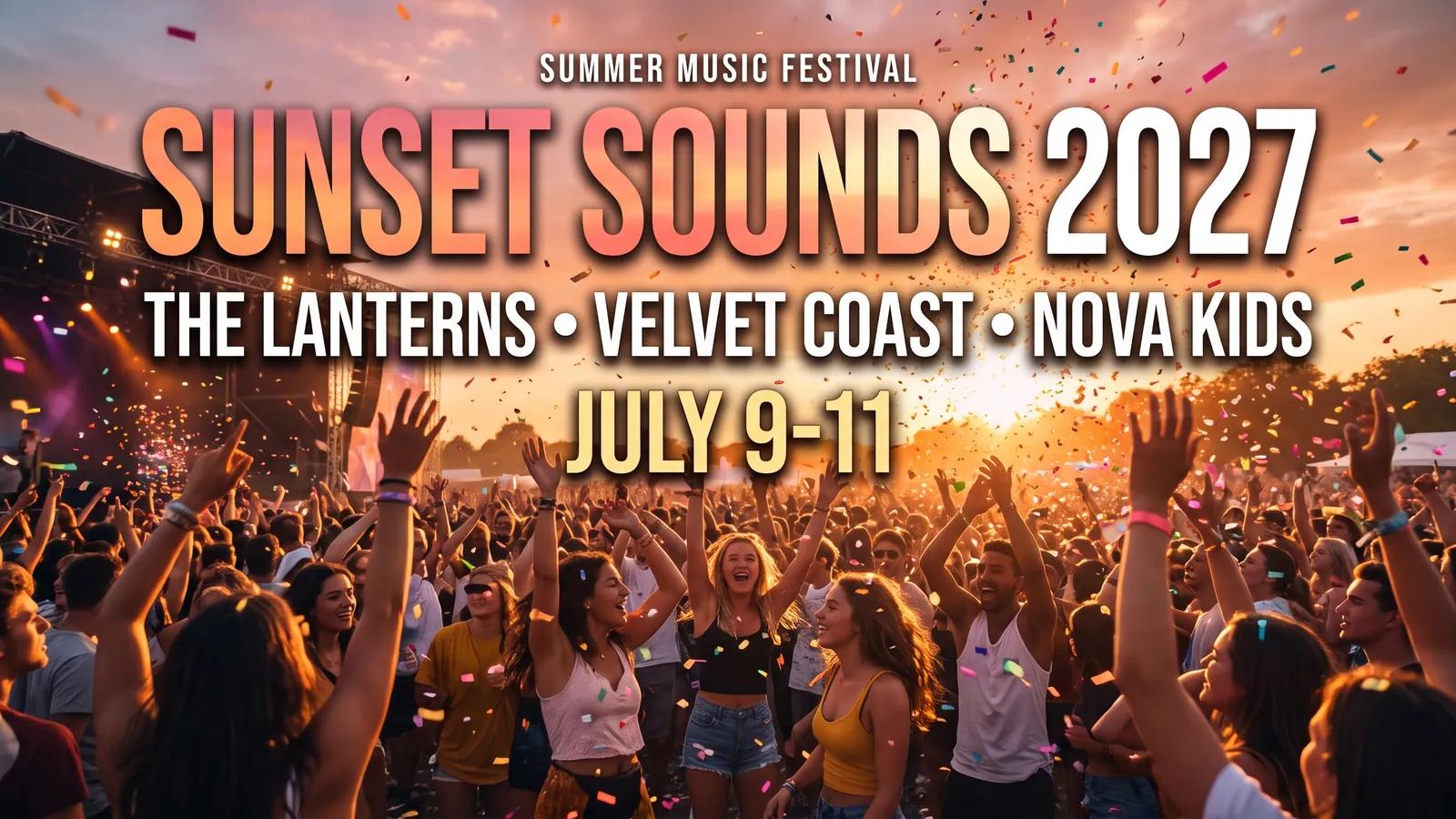
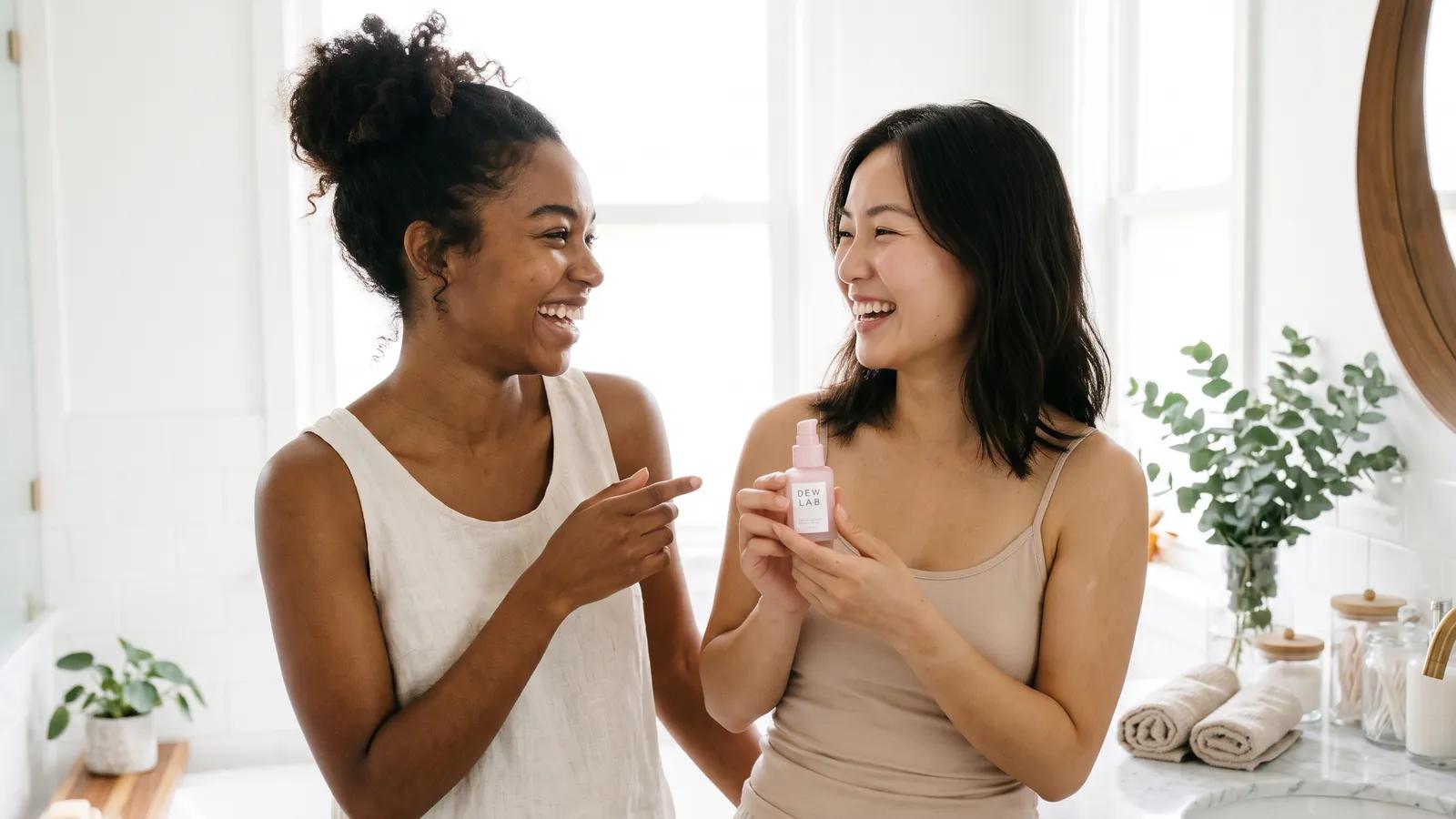
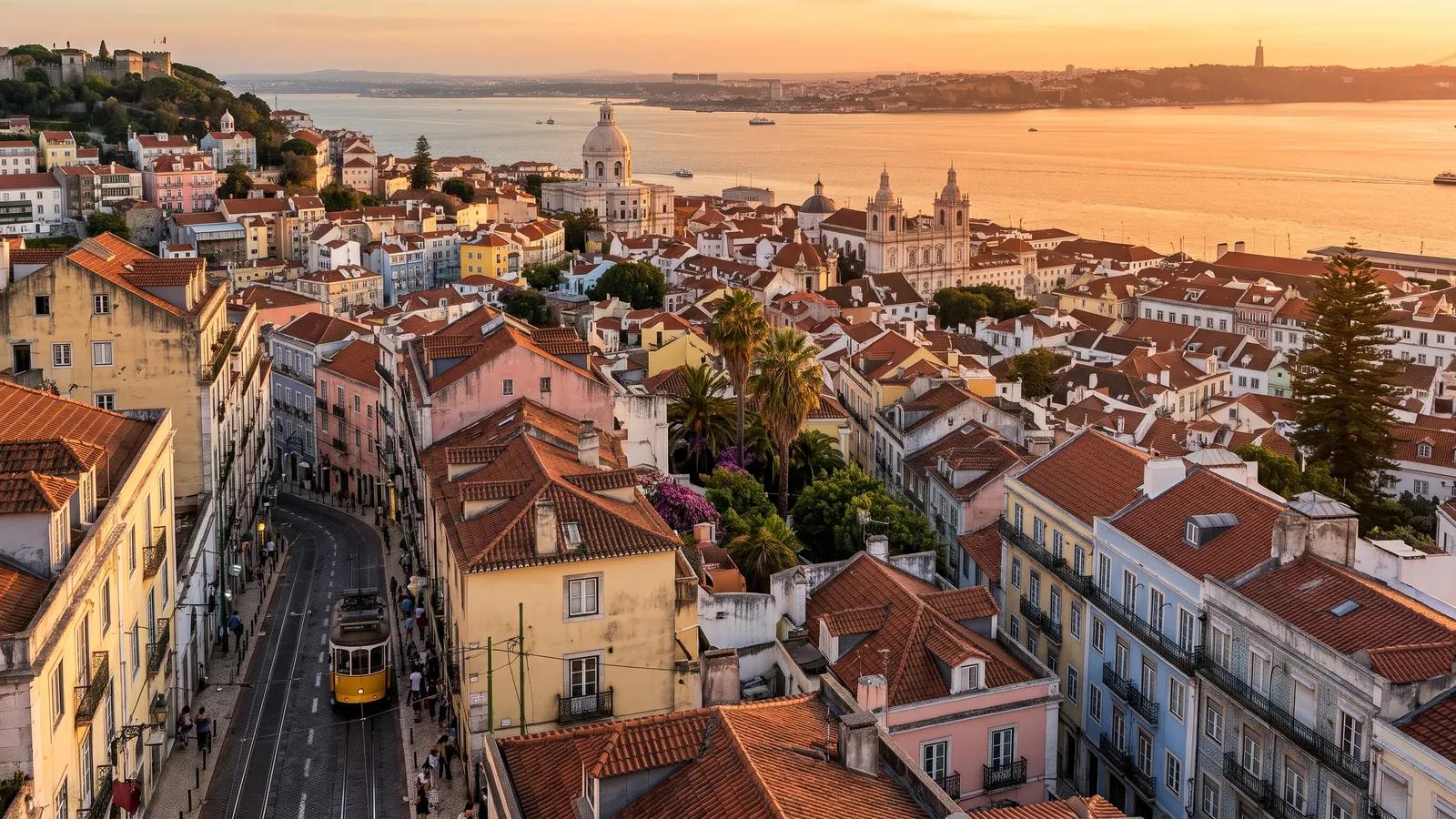
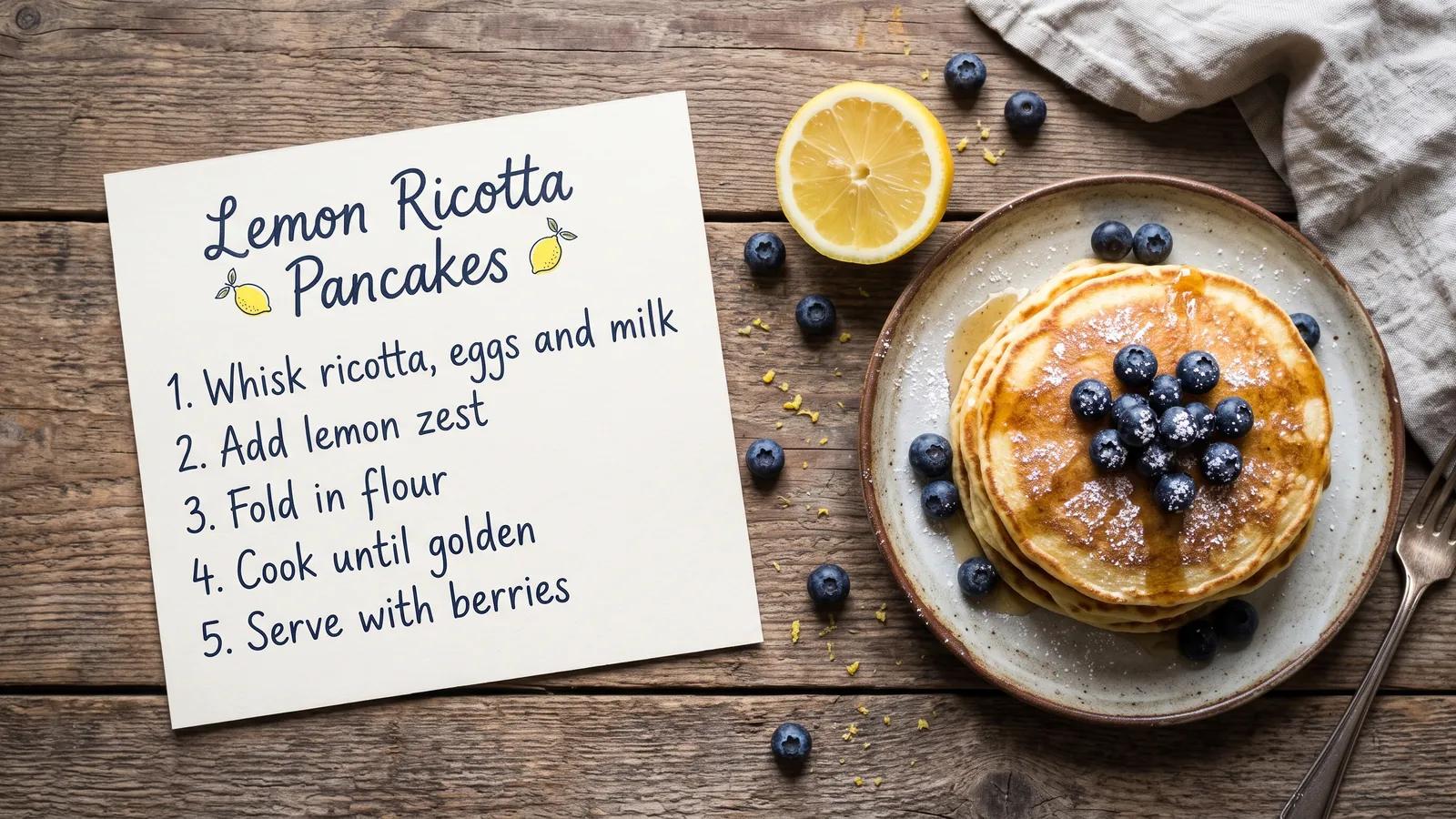
A festival poster, a skincare campaign, a city panorama, a recipe card, a team portrait and a travel infographic. Every image here was generated with Nano Banana 2.1 on MaxH3.

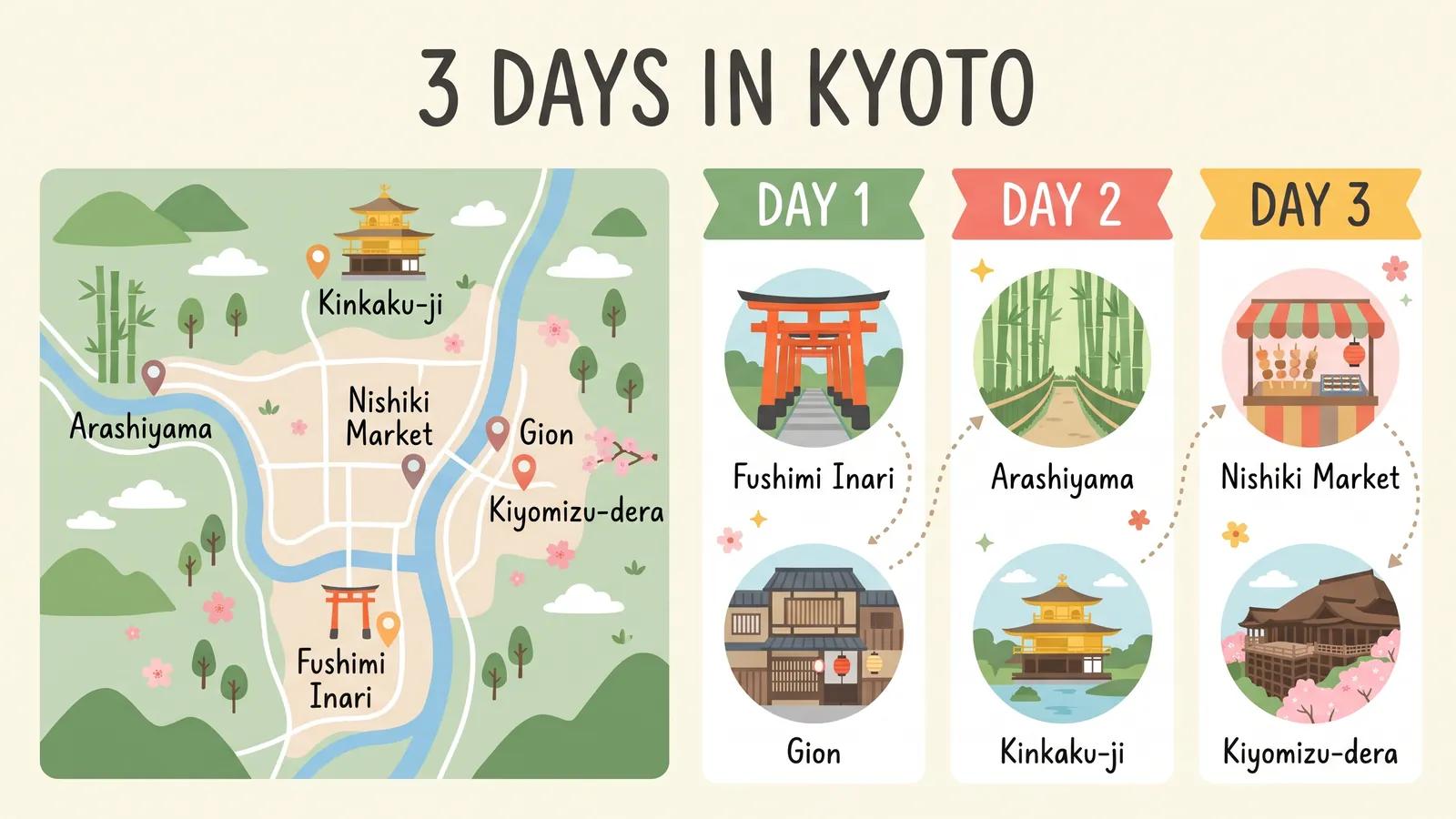
Key Features of Nano Banana 2.1
- More Natural Images, Richer Detail: Skin, fabric and light that look photographed, not rendered.
- Clearer Text and Tidier Layouts: Posters, menus and diagrams with words spelled as you typed them.
- Up to 14 References, One Consistent Cast: Keep up to four people and ten objects the same across a scene.
- Panoramas Without Repeats, Up to 4K: Wide 4:1 and 8:1 frames that stay one coherent scene.
- 80 Style Presets on MaxH3: Turn the same idea into anime, needle felt, ukiyo-e or film noir with one tap.
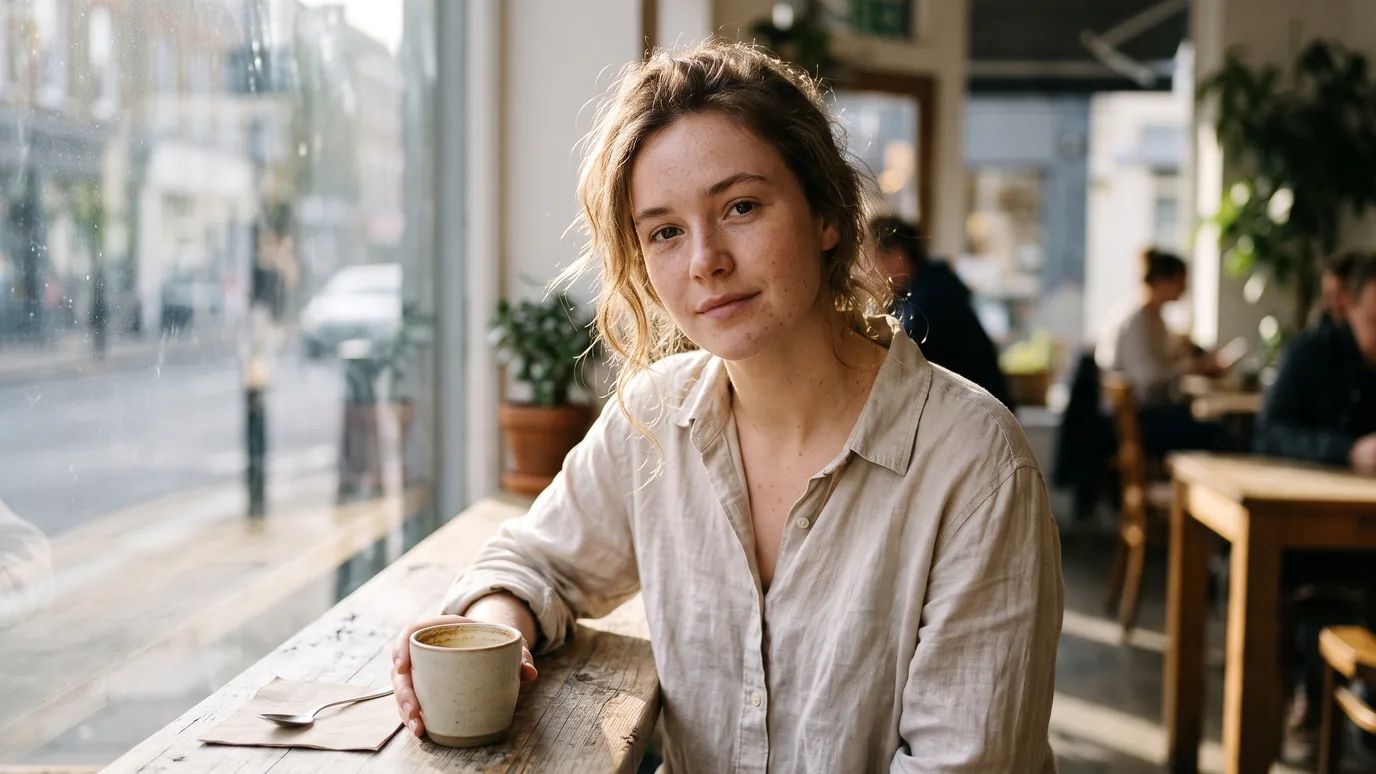
More Natural Images, Richer Detail
A young woman in a linen shirt at a café window, with freckles, loose hair and morning light handled the way a camera would. Google rebuilt Nano Banana 2.1 for realism; describe the light and the lens and it follows.
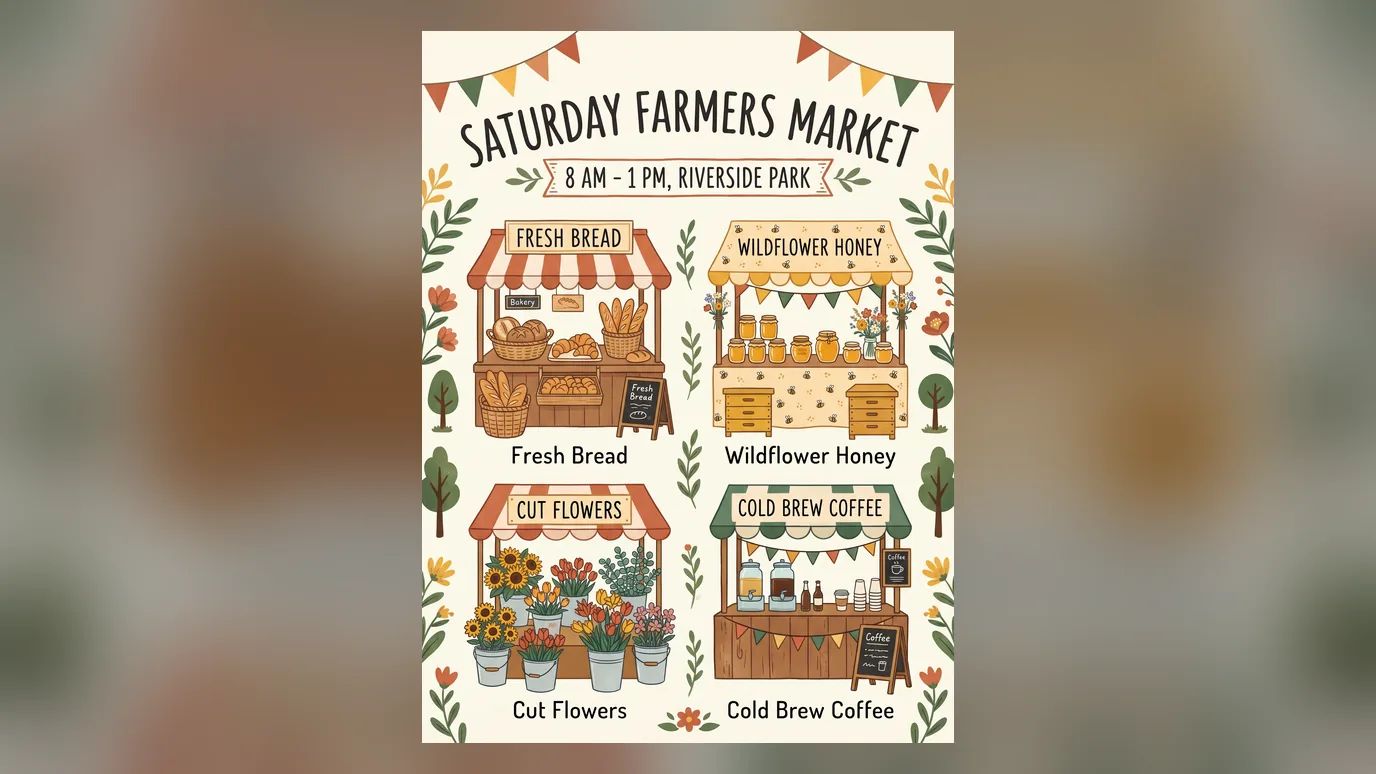
Clearer Text and Tidier Layouts
A farmers' market poster with a headline, four stalls and the opening hours, all legible and lined up. Quote the exact words in your prompt; small print can still blur at 1K, so pick 2K or 4K for dense layouts.
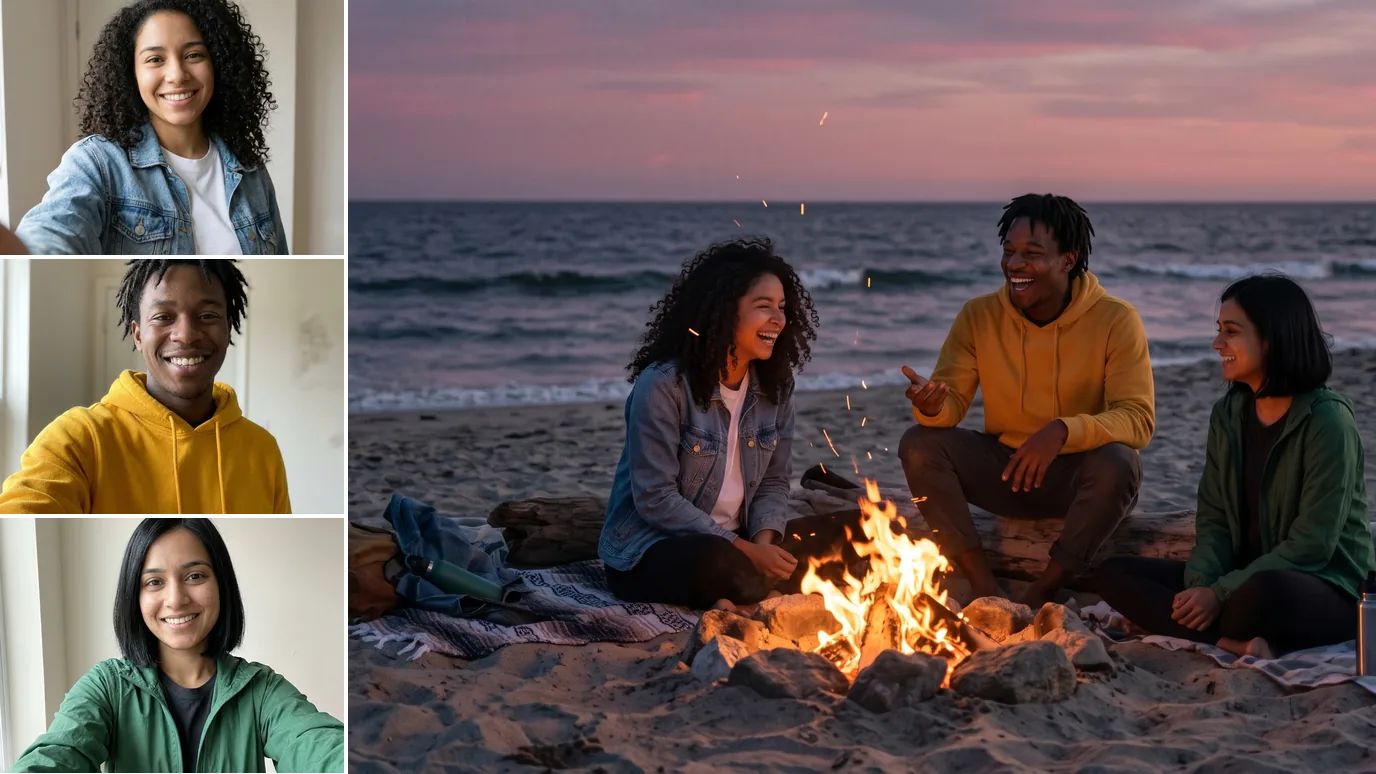
Up to 14 References, One Consistent Cast
Three friends from three separate selfies, together at a beach bonfire with the same faces, hair and jackets. Upload up to 14 references and say who goes where.
Panoramas Without Repeats, Up to 4K
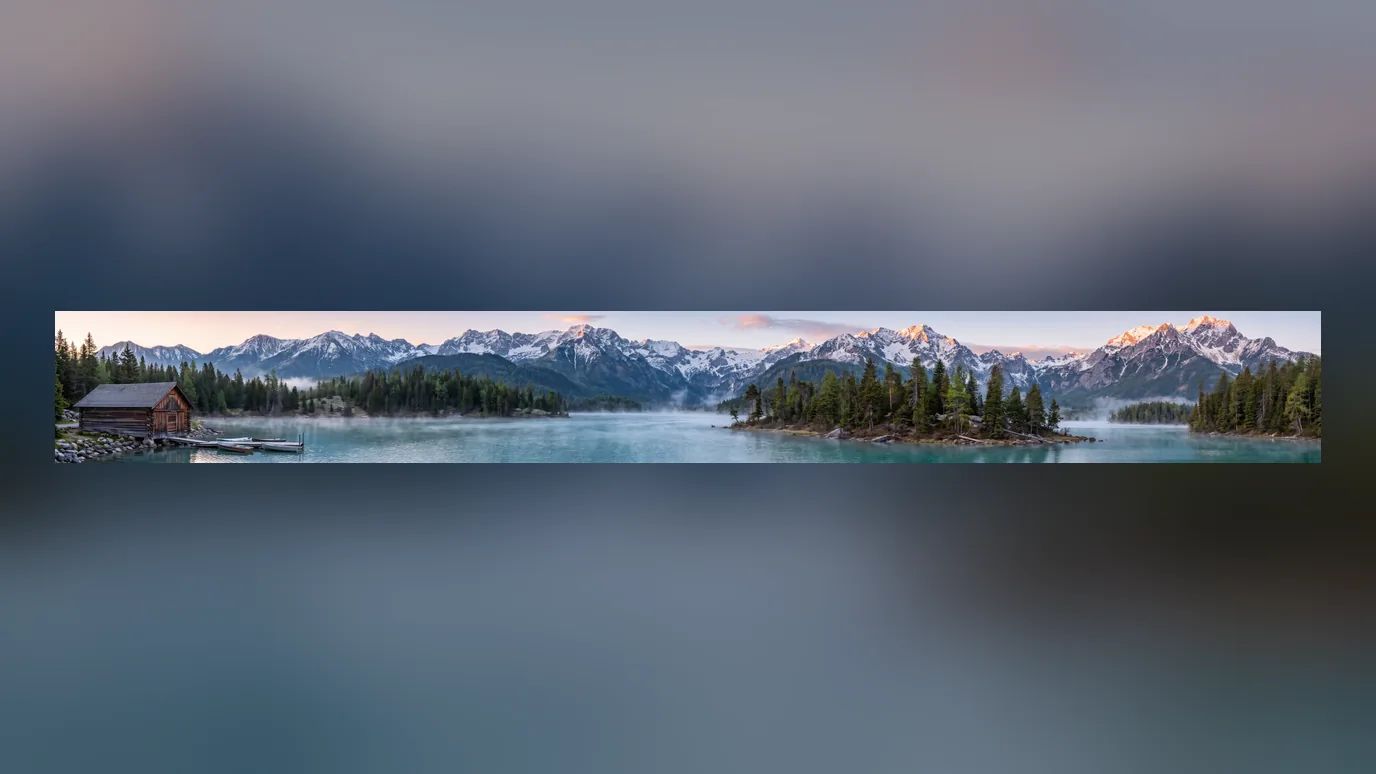
An alpine lake at 8:1 with no copied trees or tiled ridgelines; Google fixed the tiling on wide ratios at 2K and 4K. Choose 4K for prints and website headers.
80 Style Presets on MaxH3
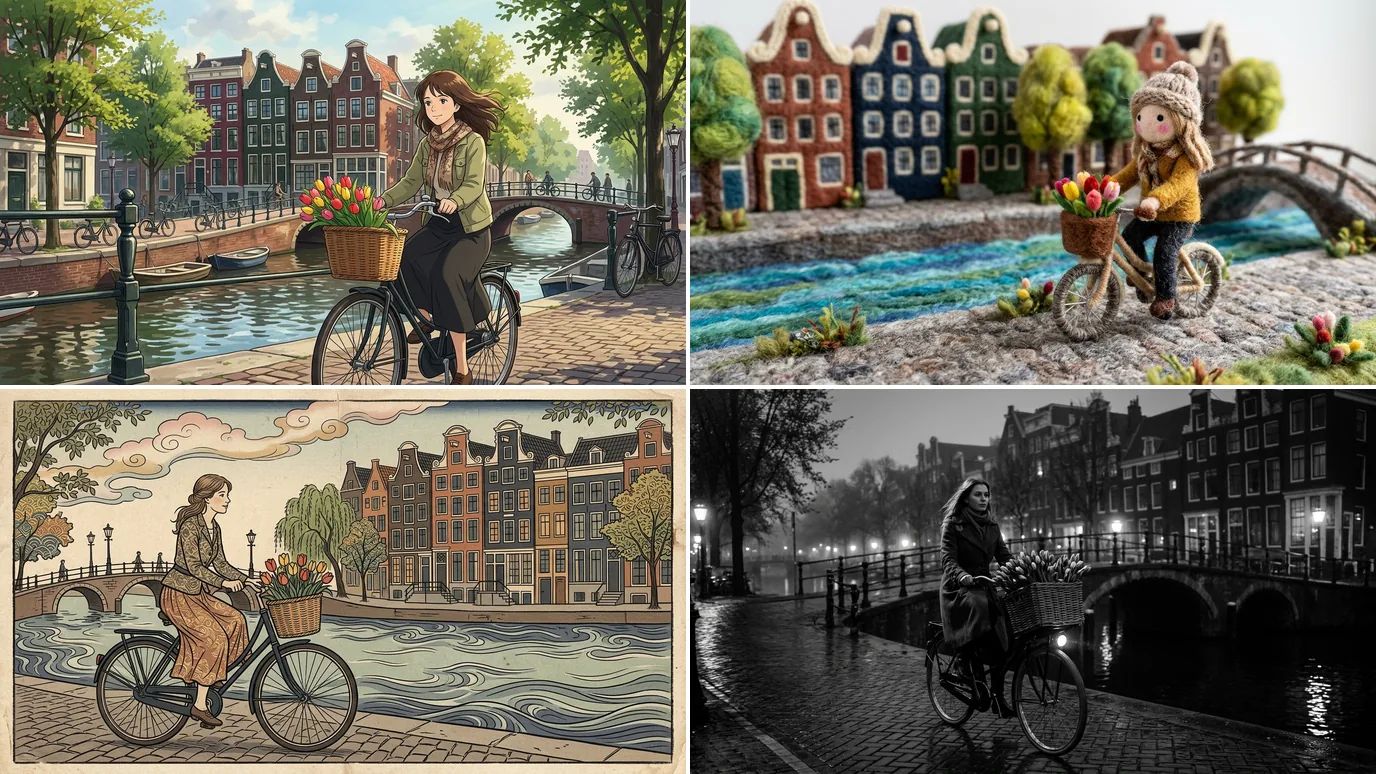
One prompt for a cyclist on an Amsterdam canal, rendered in four presets side by side. Pick a style in the dock and MaxH3 adds it to your prompt; leave it on Auto to keep your own wording.
How to Use Nano Banana 2.1 on MaxH3
Open Nano Banana 2.1
Nano Banana 2.1 is already selected in the generator above. Add reference images there to start from a photo.
Describe the Image
Describe the subject, style and light, quote any on-image text, then pick the ratio and resolution.
Generate and Download
Press the arrow. The result shows right here, ready to download or refine, and stays in your history.
More Google's AI Image Models on MaxH3
FAQs
Bring Your Next Poster, Product Shot or Panorama to Life
Quote the exact words, add up to 14 references and render at up to 4K.