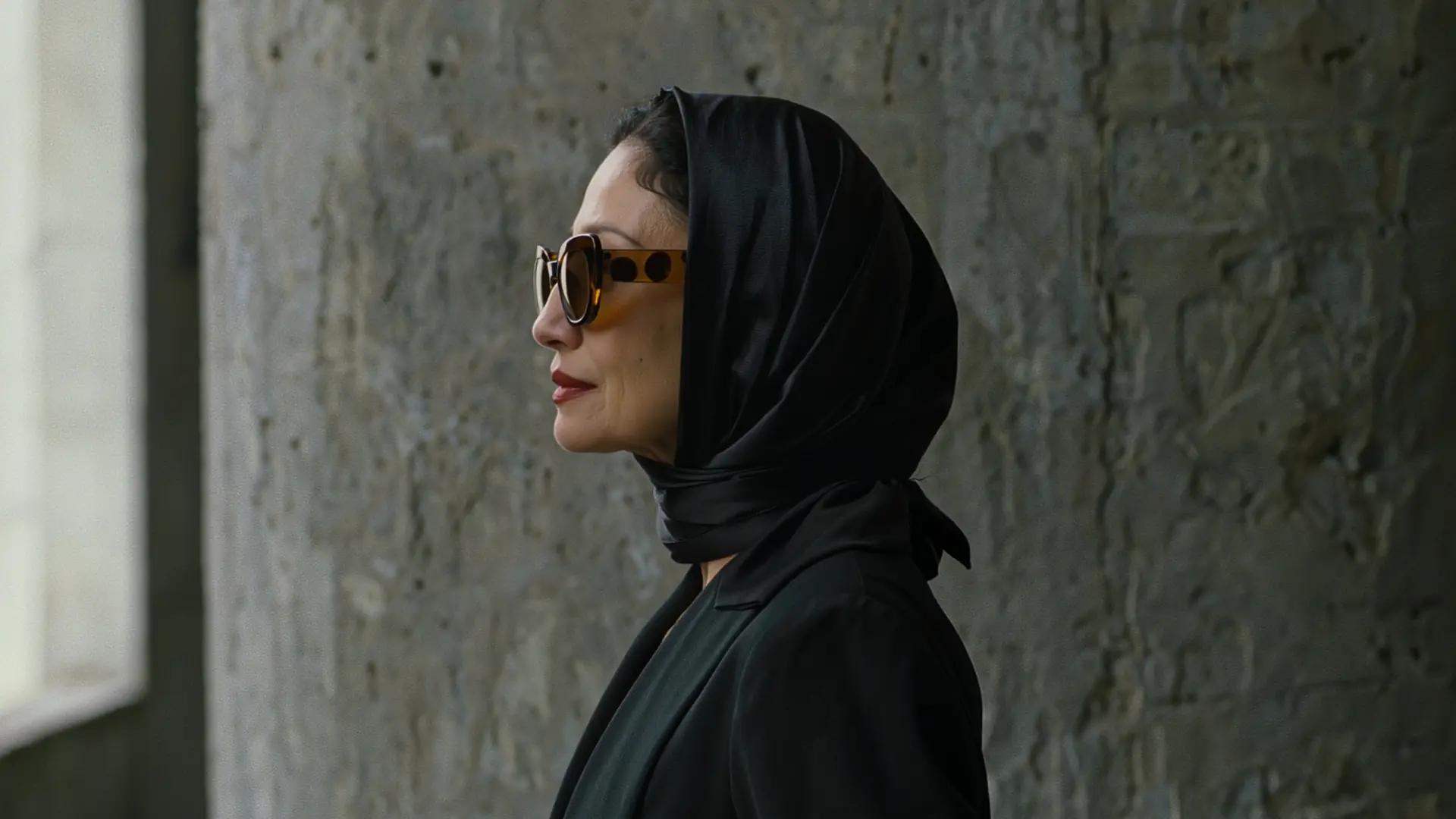
Kling 3.0 AI Image Generator
Kuaishou's Kling 3.0 image model on MaxH3. It stages scenes like film stills, lays out storyboards, carries a character from one reference into new shots and renders in 2K across eight aspect ratios, up to 21:9.
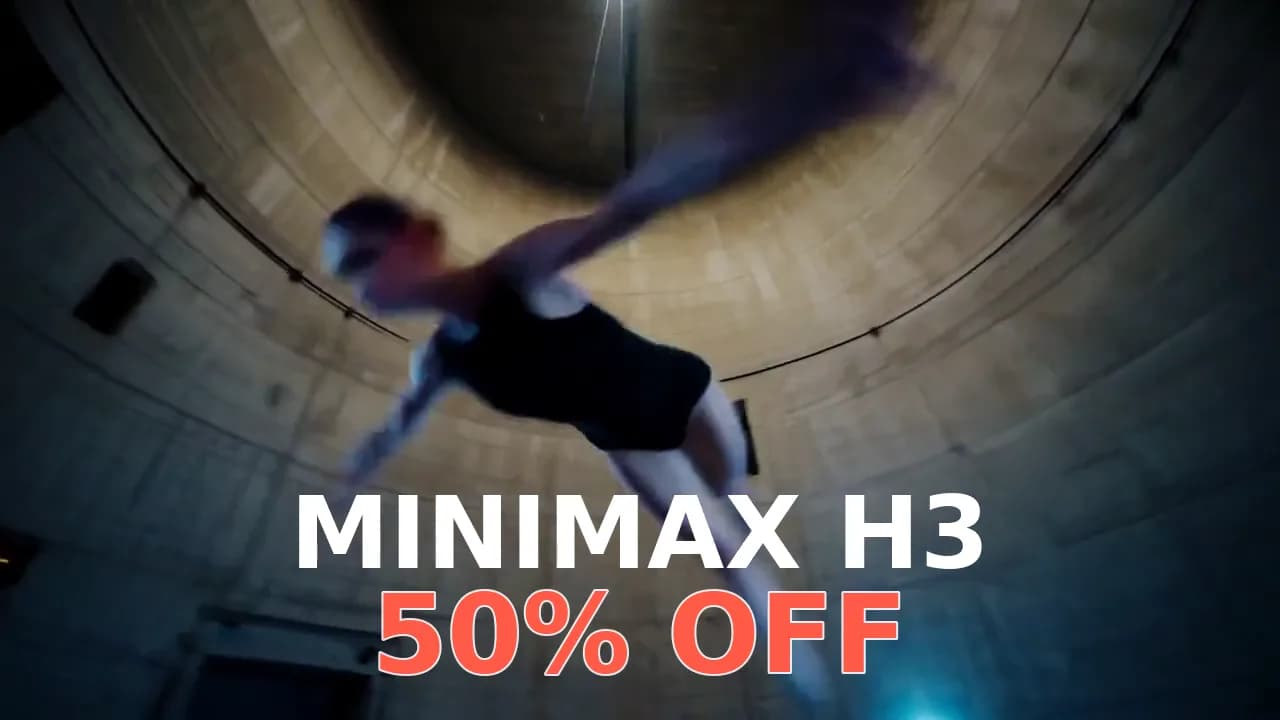
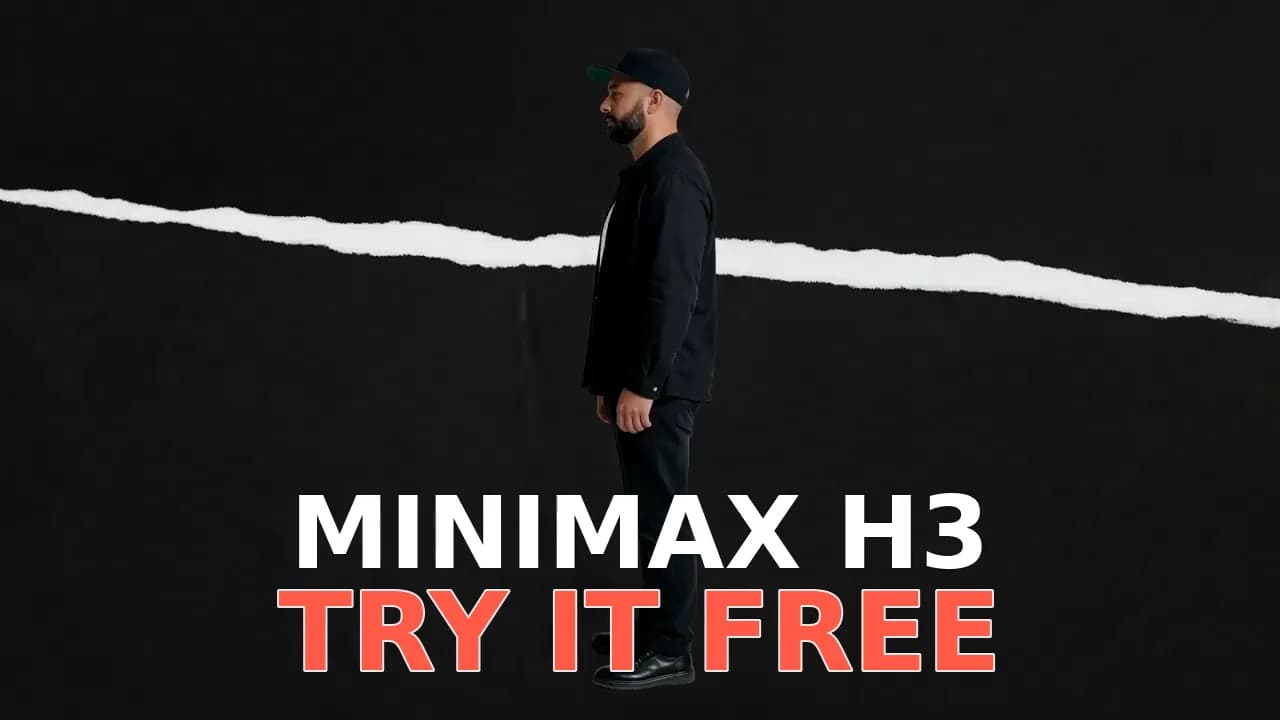
Cinematic Shots Made With Kling 3.0
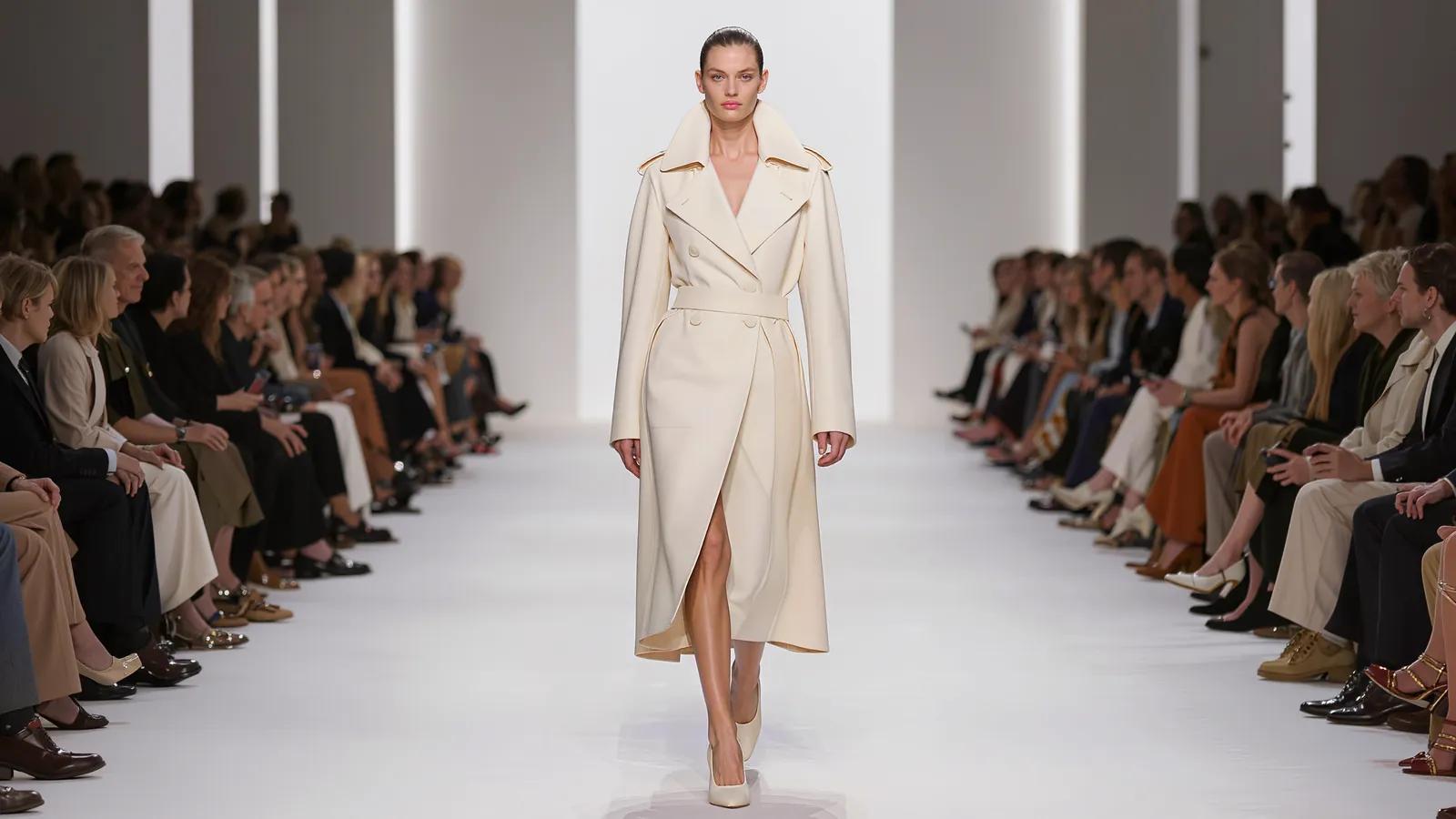
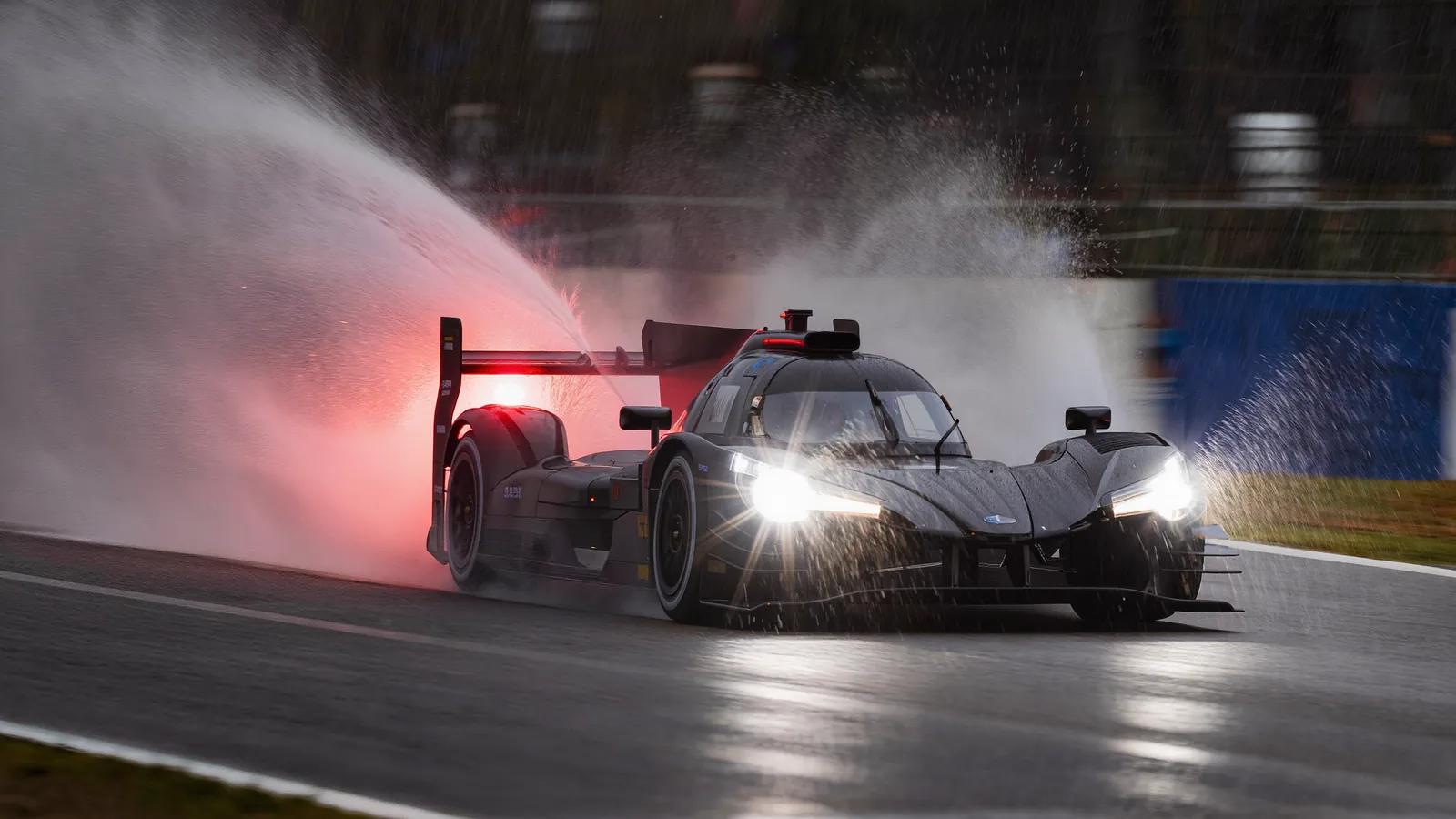
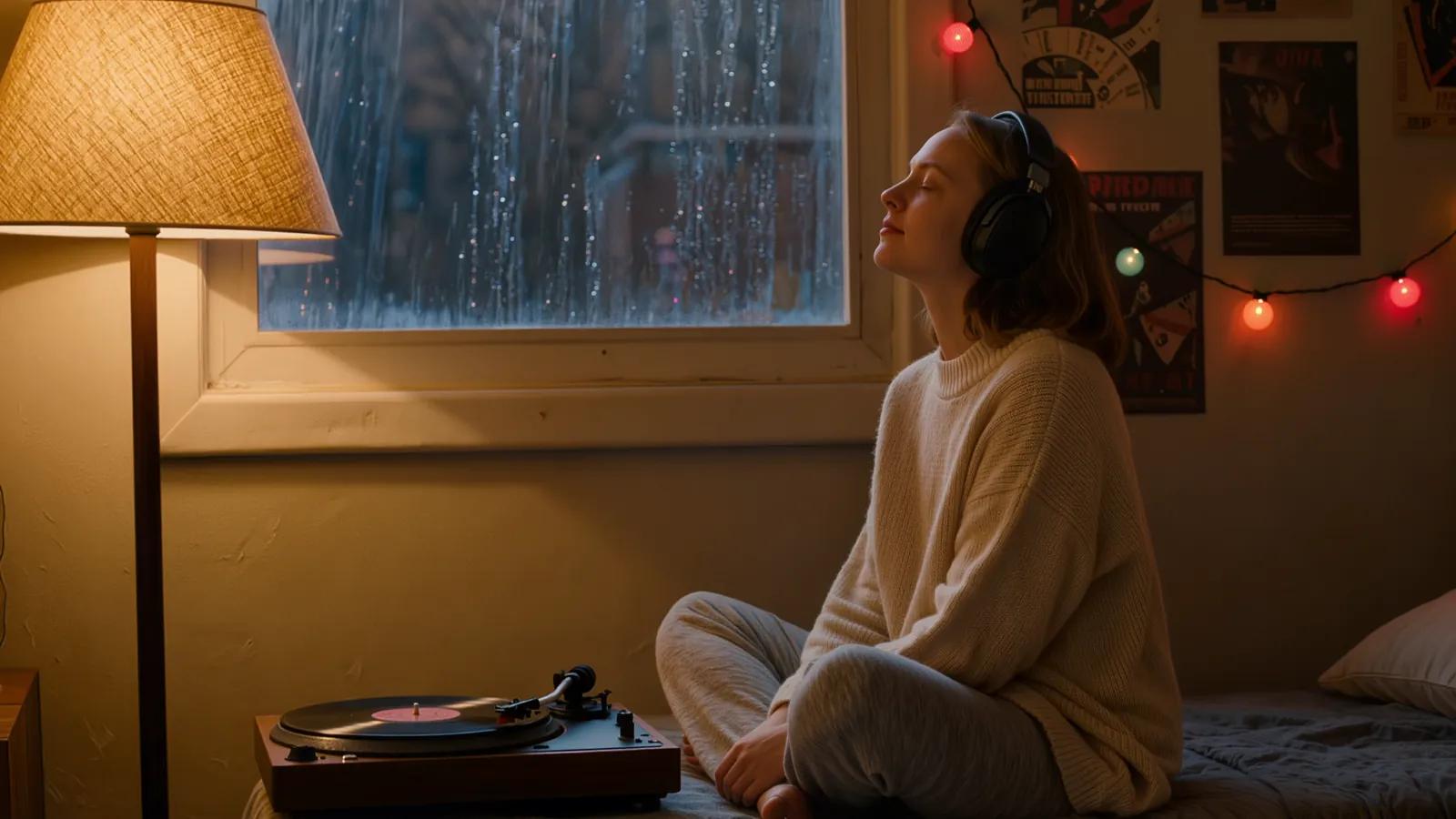
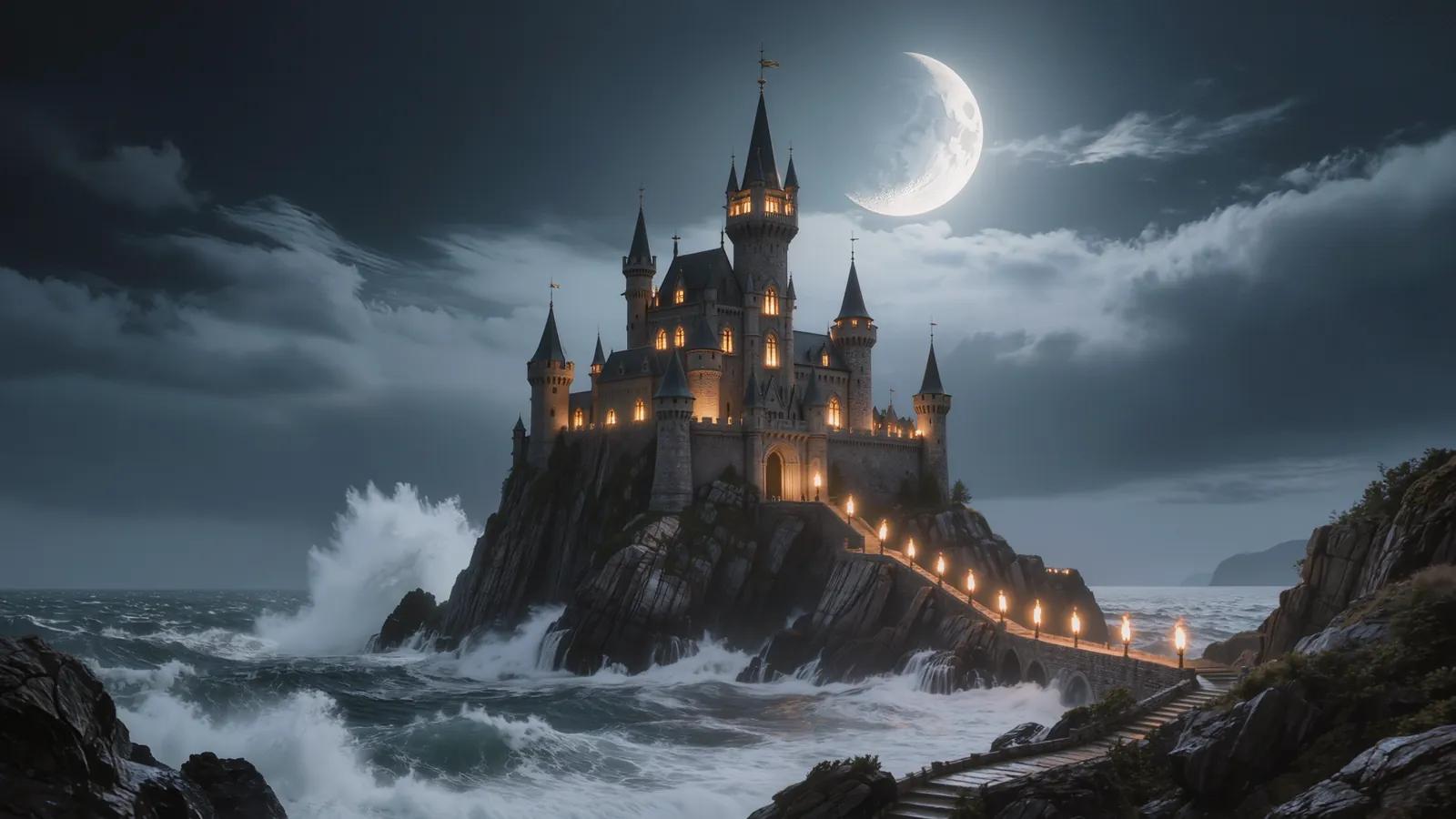
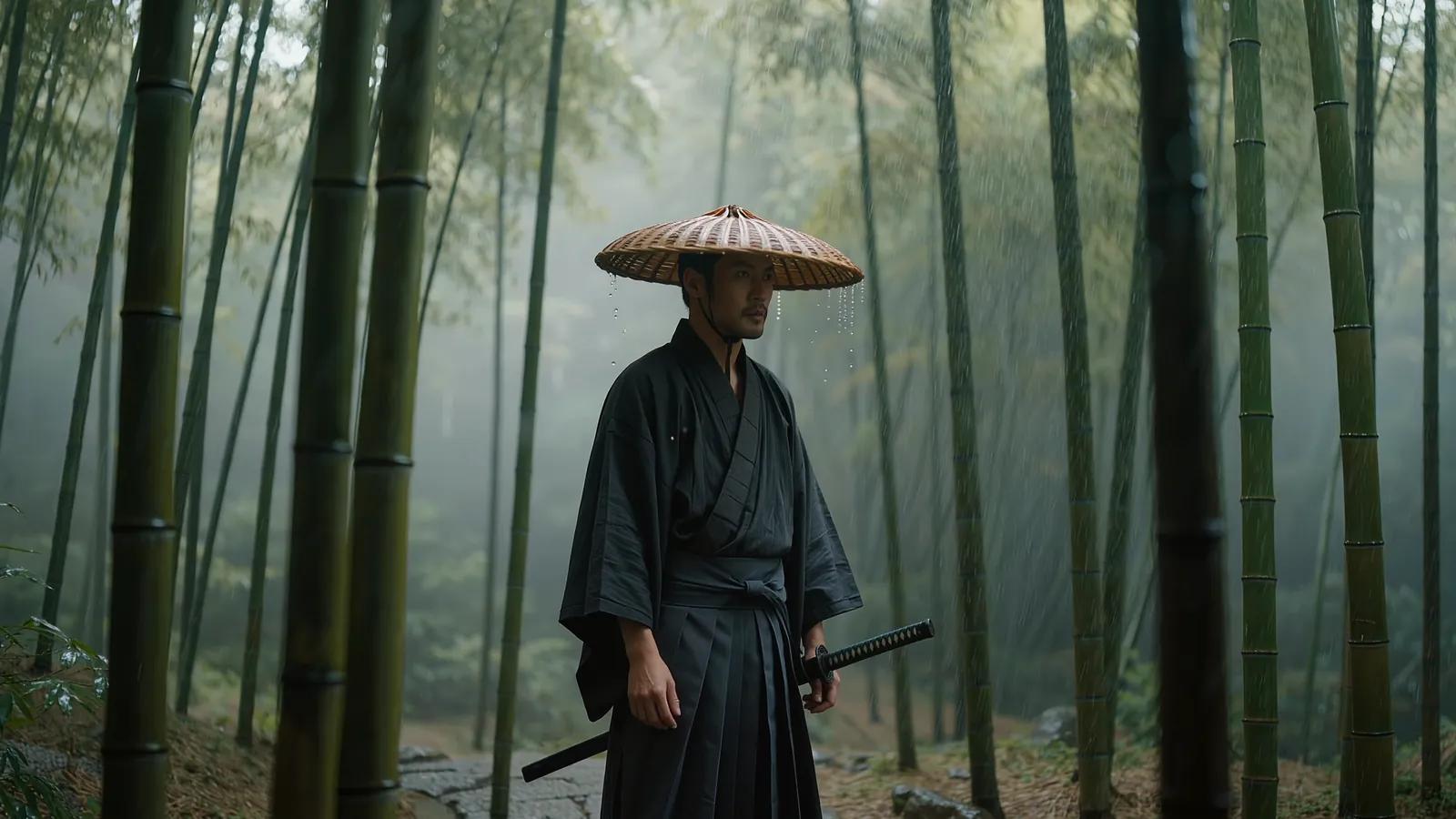
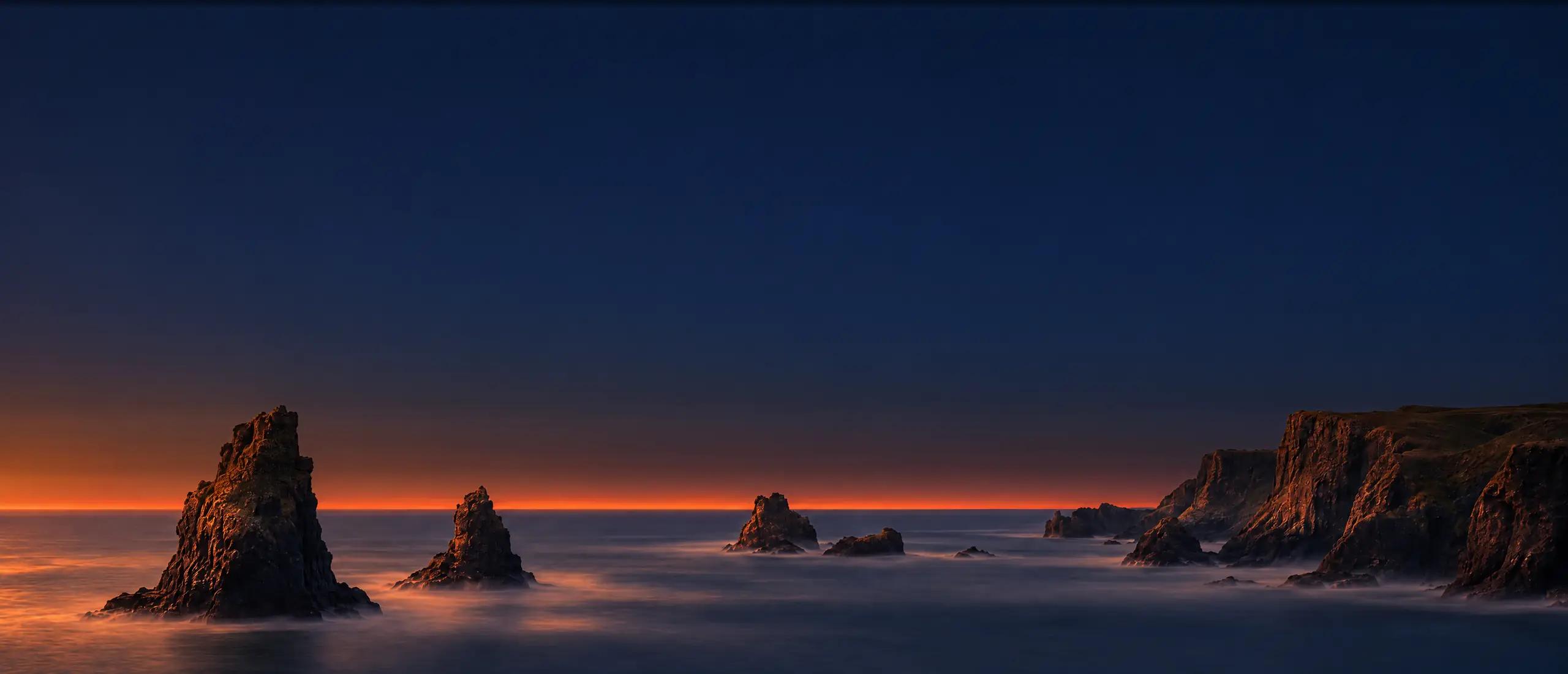
A runway walk, a serum campaign, a race in the rain, a late-night listening session, a castle above the sea and a samurai in a bamboo forest. Every image here was generated with Kling 3.0 on MaxH3.

Key Features of Kling 3.0 Image Model
- A Whole Story in a Single Frame: Lighting, staging and small props carry the mood of a scene.
- Storyboards Laid Out in One Image: Ask for numbered panels and get a consistent sequence in one frame.
- Same Character, New Scene: Upload one reference and carry a character into a new shot.
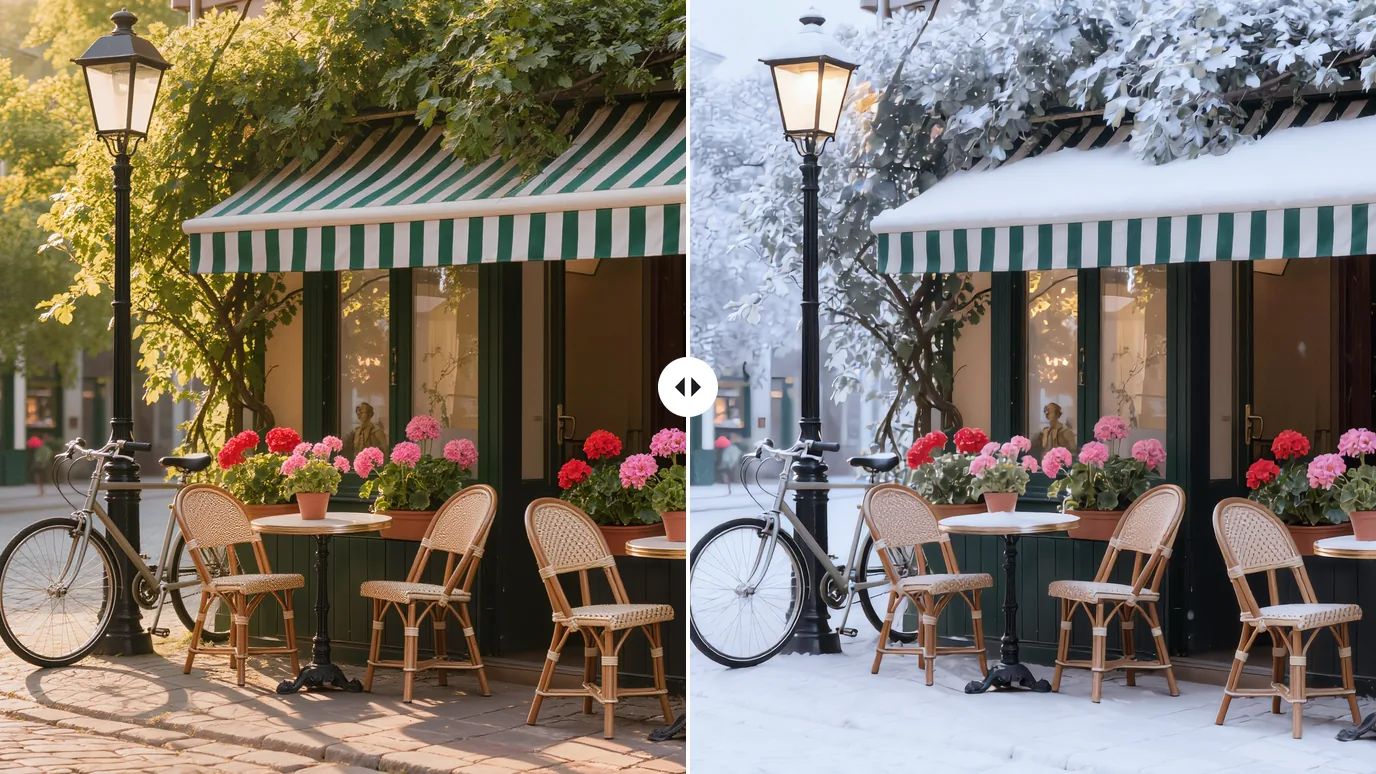
- Change the Season, Keep the Scene: Edit the weather, time of day or mood while the layout stays put.
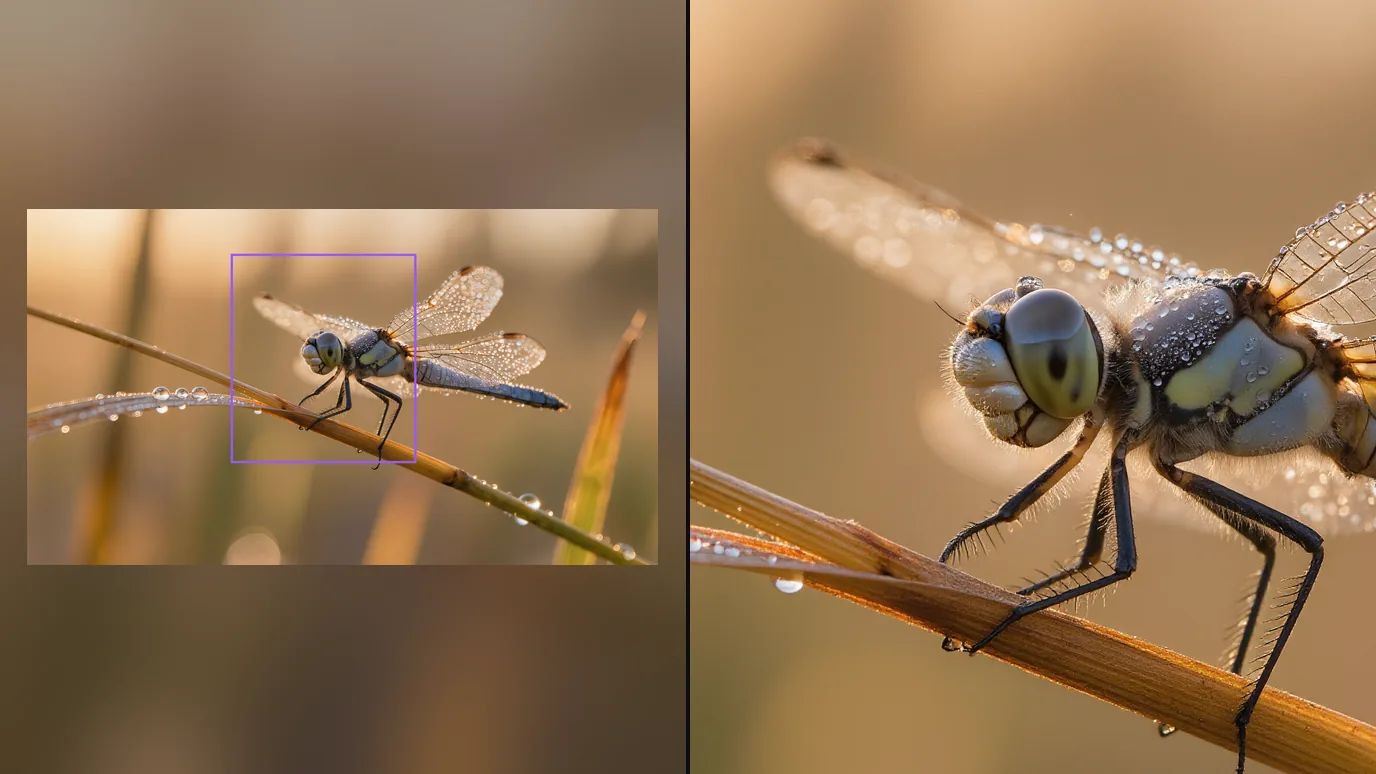
- Fine Detail at 2K: Dew drops, wing veins and compound eyes hold up at full size.
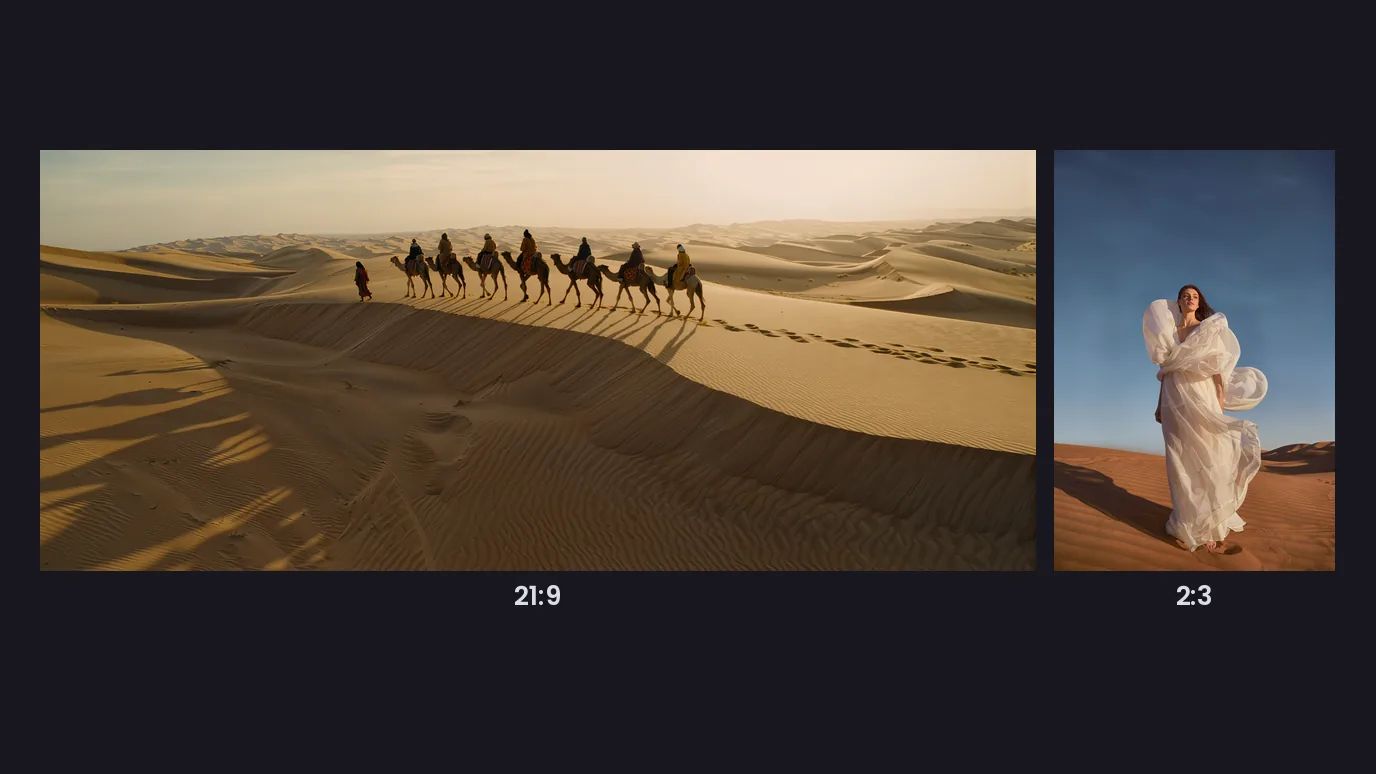
- Eight Aspect Ratios, Up to 21:9: From 21:9 cinema frames to 2:3 portraits, each composed for its frame.
A Whole Story in a Single Frame
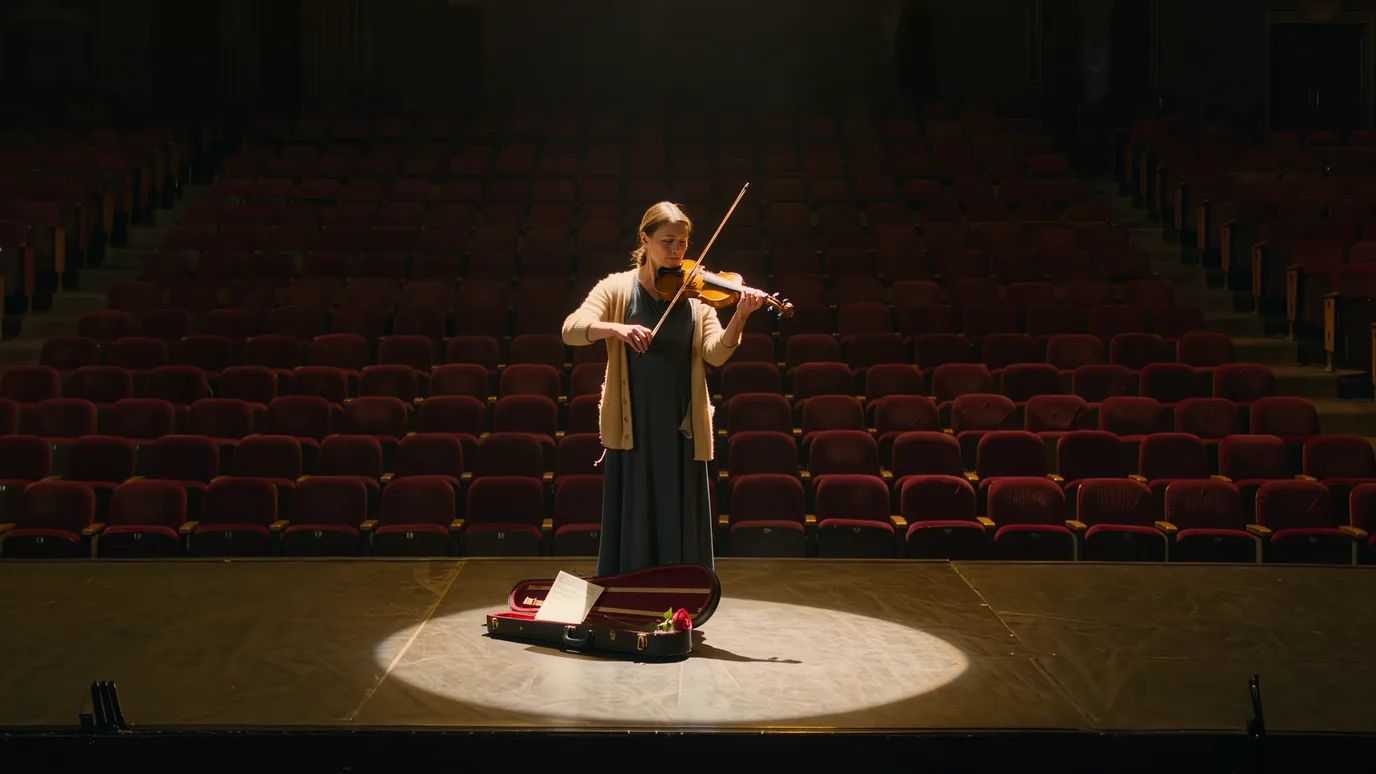
One prompt asked for a tired but determined violinist practising alone on an empty stage late at night, with an audition letter and a rose in her open case. Kling 3.0 staged it like a film still: a single spotlight, rows of dark seats and the case at her feet. Describe the moment, the emotion and the light, and add a prop or two that hints at what happened before.
Storyboards Laid Out in One Image
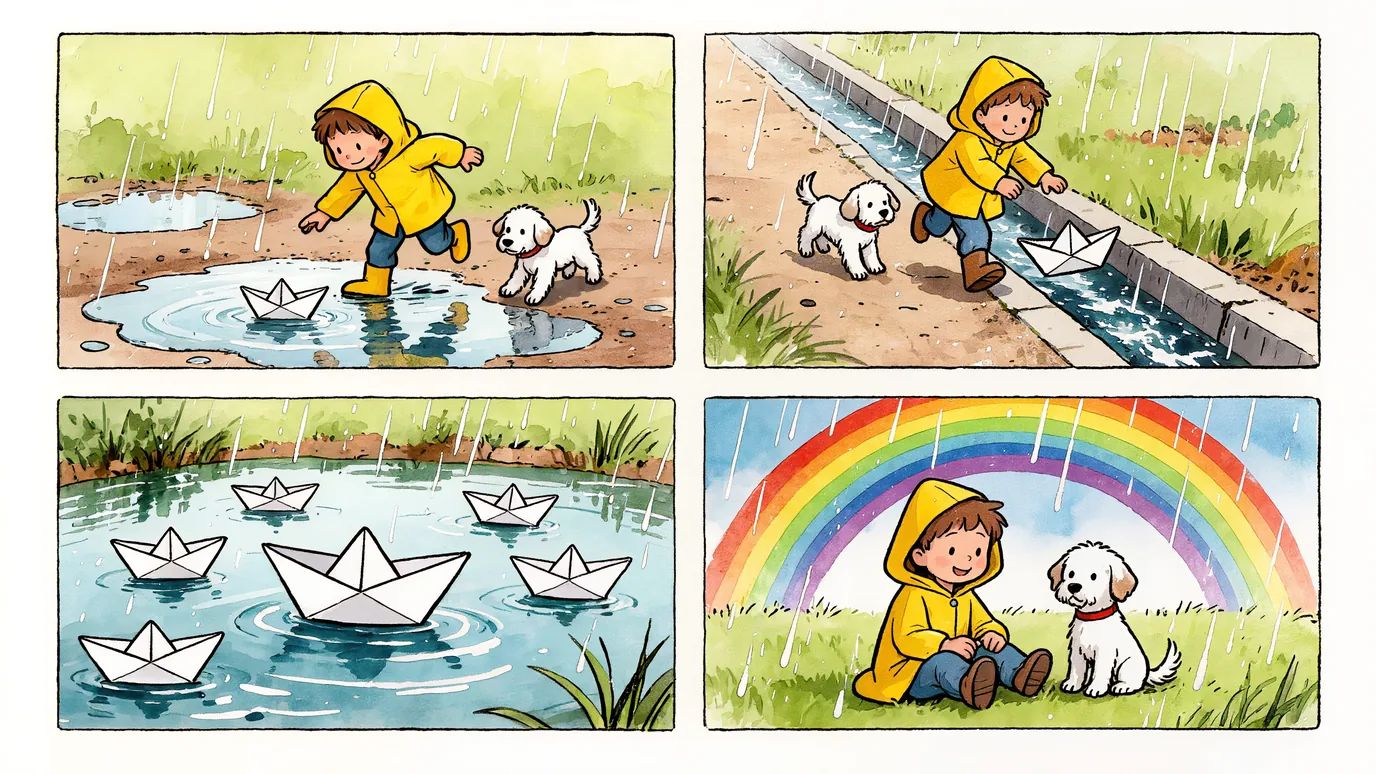
A four-panel storyboard in a single 16:9 image: a boy in a yellow raincoat and his white terrier find a paper boat, chase it down a gutter, follow it to a pond full of boats and sit under a rainbow. The boy, the raincoat and the dog look the same in every panel. Use it for comic strips, film storyboards and step-by-step illustrations. Number the panels in the prompt and describe each beat. Each generation returns one image, so the panels share one frame rather than arriving as separate files. To follow a character from your own photo, generate one scene at a time with the same reference, as shown next.
Same Character, New Scene
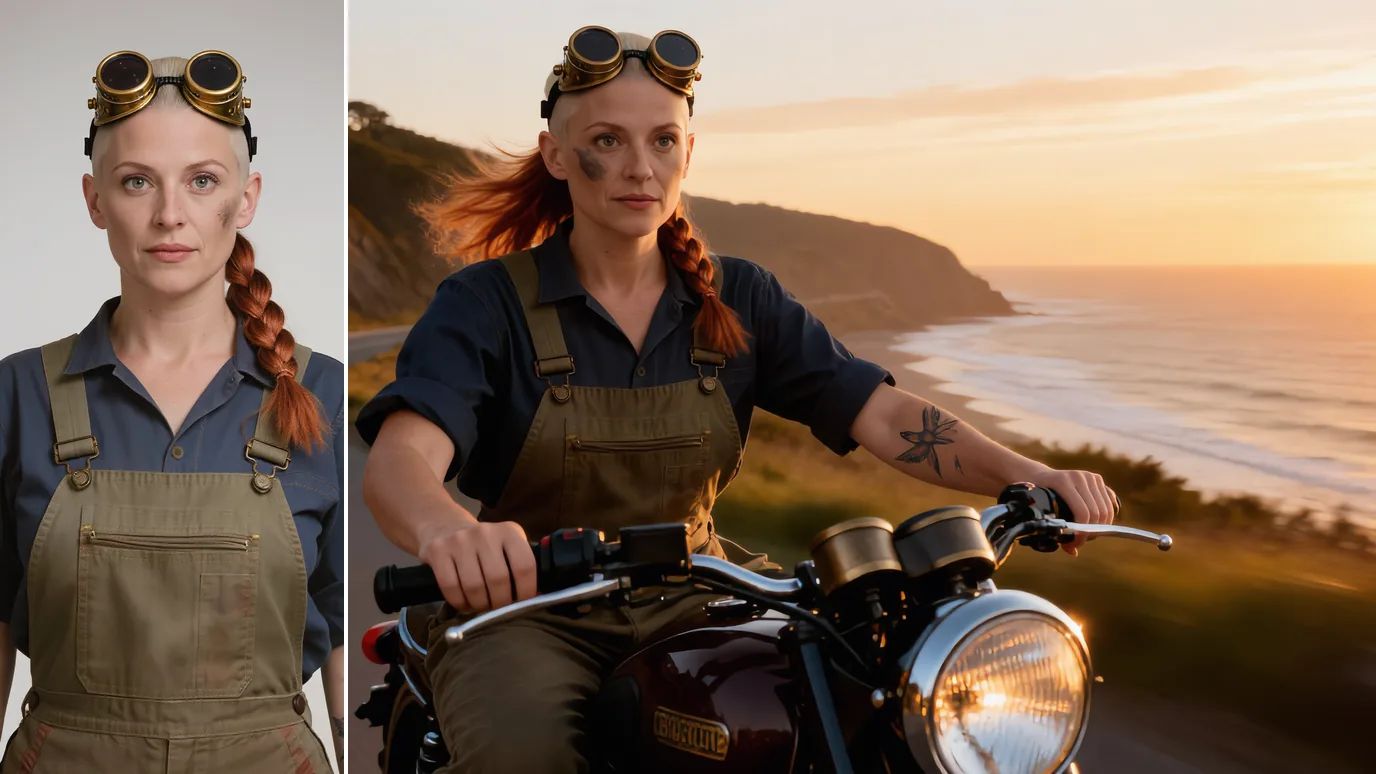
One reference portrait of a mechanic with a shaved side, a copper-red braid, brass goggles and a swallow tattoo, then a new scene: riding a vintage motorcycle along a cliff road at sunset. Her face, hair, overalls, tattoo and goggles carry over. Kling 3.0 on MaxH3 takes one reference image per request, so list the details that must not change and describe the new setting. To combine several references, use Kling V3 Omni.
Change the Season, Keep the Scene
A café terrace in summer sun, turned into a snowy winter evening with one instruction. The awning, the tables, the geraniums, the bicycle and the camera angle stay where they were, while snow, bare branches and warm window light change the mood. Upload the photo, say what should change and name what should stay.
Fine Detail at 2K
A dragonfly on a reed at dawn. The crop on the right shows its head and wings at native size in the 2K render, which is 2720 × 1536 pixels at 16:9: the compound eyes, the hairs on its legs and the dew on its wings stay sharp. That is enough for digital art, client work, posters and small-format prints. Kling 3.0 renders at 1K or 2K; for 4K output, use Kling V3 Omni.
Eight Aspect Ratios, Up to 21:9
A camel caravan on a dune crest at 21:9 and an editorial dress shoot at 2:3, each generated for its own frame rather than cropped. Kling 3.0 on MaxH3 offers 21:9, 16:9, 3:2, 4:3, 1:1, 3:4, 2:3 and 9:16 for banners, thumbnails, posters and phone screens.
How to Use Kling 3.0 on MaxH3
Open Kling 3.0
Kling 3.0 is already selected in the generator above. Add reference images there to start from a photo.
Describe the Image
Describe the subject, style and light, quote any on-image text, then pick the ratio and resolution.
Generate and Download
Press the arrow. The result shows right here, ready to download or refine, and stays in your history.
Discover Other AI Image Models on MaxH3
FAQs
Direct Your Next Scene With Kling 3.0
Describe a moment, plan a storyboard or upload a character to carry into a new shot. Your first credits are on us.