Remove Object from Video

Effortlessly Remove Unwanted Objects From Your Video
Describe what should go, and Runway Aleph 2 on MaxH3 removes it from every frame and fills in what was behind it. Drag the slider: the sports car disappears from the coastal road, while the road, the coastline and the camera move stay the same.
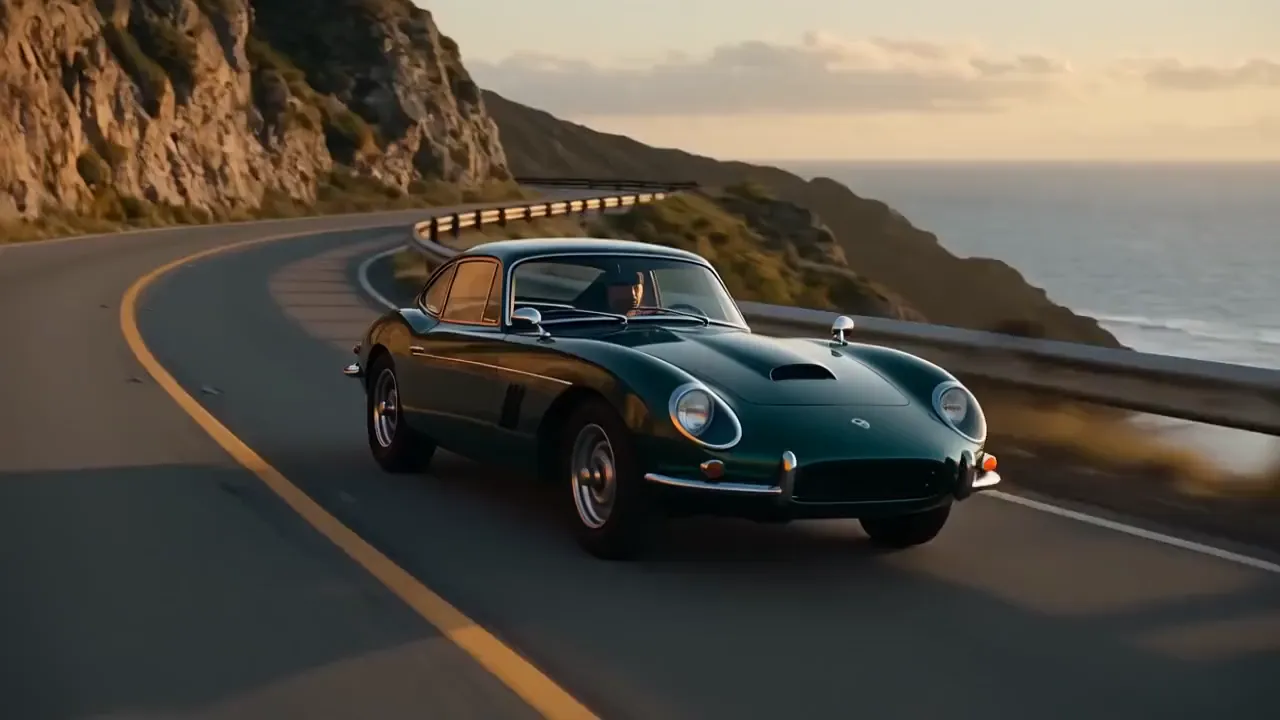
Precise Object Detection and Removal
Name the object in plain words. Asked to remove the man in a dark jacket walking behind the woman, Aleph 2 took him out of the market scene and kept her, the flower stalls and the shoppers further back.
Remove the man in the dark jacket walking behind the woman. Keep the woman, the flower stalls and everything else unchanged.

Remove Captions From Your Video
Burned-in subtitles can be removed as well. We added two lines of captions to a clip; one sentence of prompt took them out and restored the letter and the hands beneath them.
Remove the white subtitles at the bottom of the frame. Keep everything else unchanged.
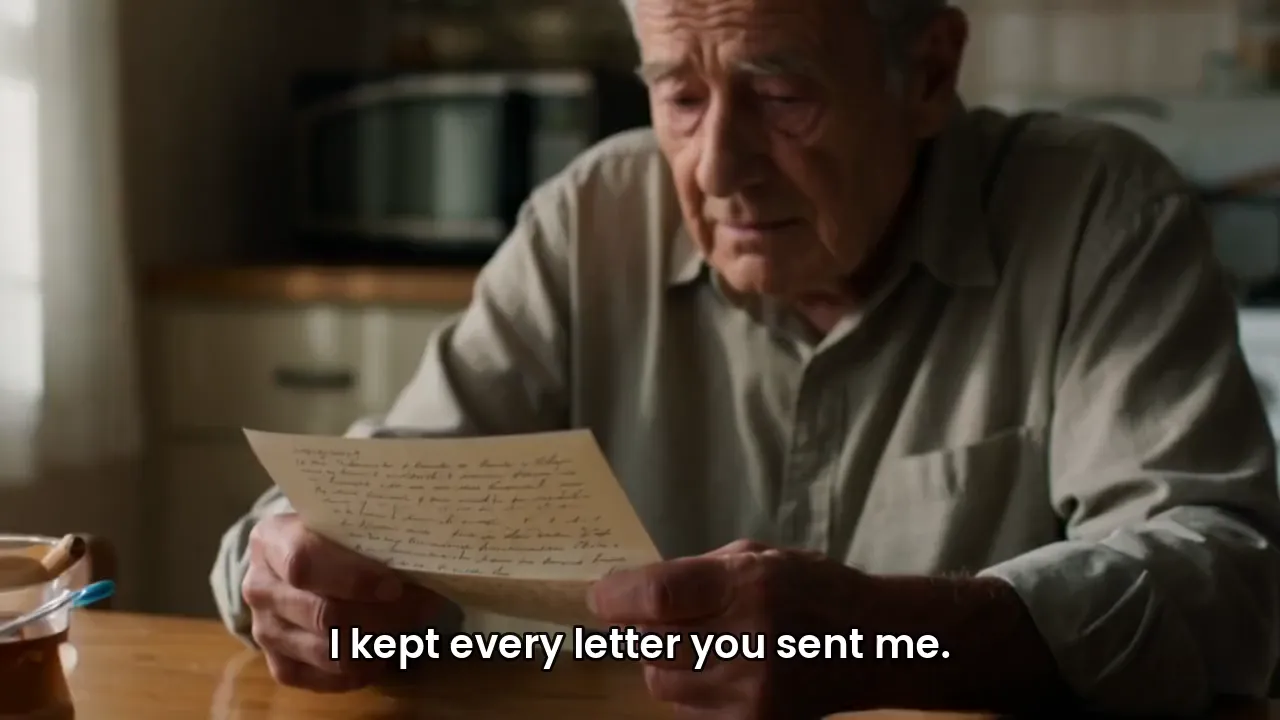
Clean Up Product Videos
Take props out of a product shot. The lemon slices splashing beside a sparkling-water bottle are gone, and the bottle, the water and the light are untouched.
Remove the lemon slices. Keep the bottle, the water, the stone and the lighting unchanged.
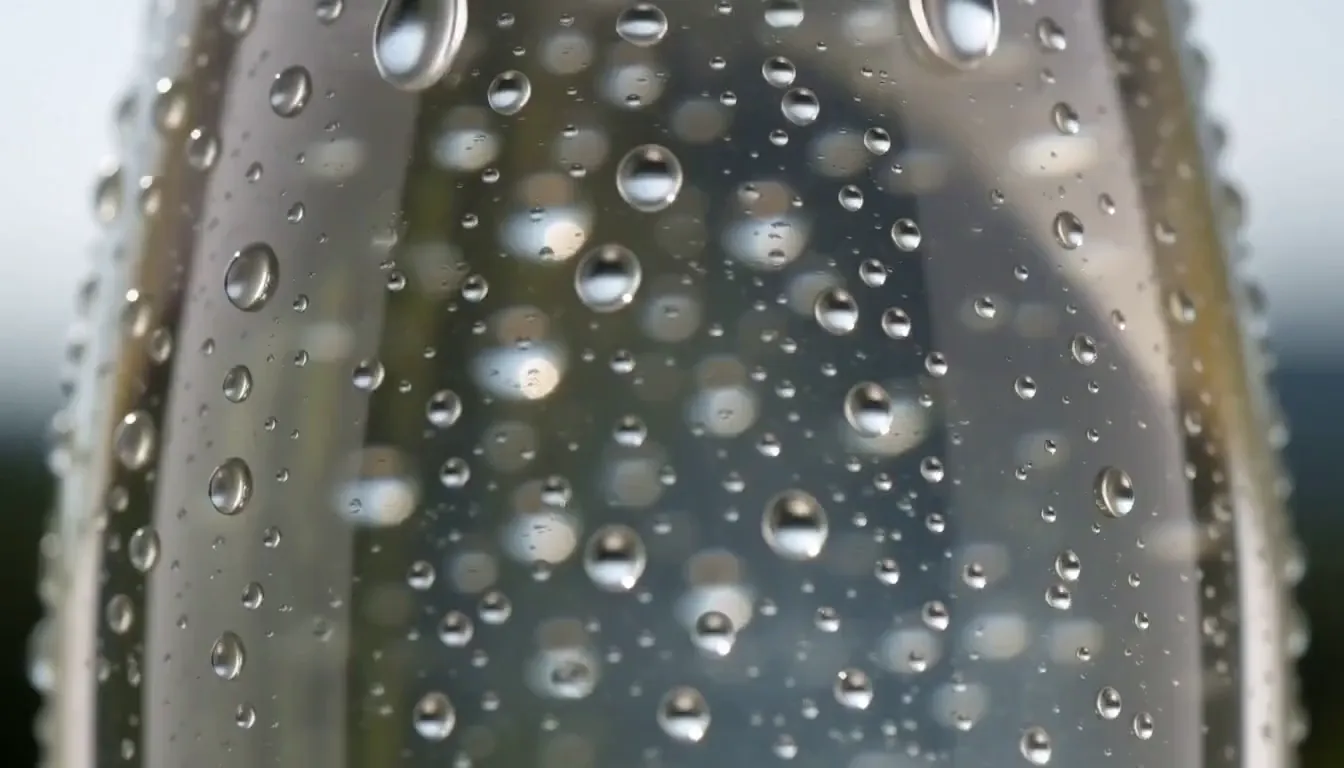
Applicable in Various Scenes
Landscapes, streets, rooms and product shots all work. Here the red seaplane and its spray were taken out of a take-off over an alpine lake, leaving the water, the peaks, the sunrise and the rising camera move.
Remove the red seaplane and its spray. Keep the lake, the mountains, the sunrise light and the camera move unchanged.

Who Needs Cleaner Footage
Fix a shot instead of reshooting it.
Remove Product Distractions
Take stray props, tags and clutter out of product clips.
Keep Ad Frames Focused
Clear passers-by and background objects that pull attention from the message.
Save Imperfect Production Clips
Rescue a good take that has one thing in the wrong place.
Polish Cinematic Moments Fast
Remove captions, signs or vehicles to reuse footage in a new edit.

How to Remove an Object From a Video
Upload Your Video
Add an MP4 or MOV clip of 2 to 30 seconds, up to 16 MB. Longer clips can be trimmed in the upload dialog.
Describe What to Remove
Write what should disappear and what should stay, in up to 500 characters.
Generate and Download
Press Create and download the cleaned-up MP4 from your workspace.
FAQs

Remove Anything From Your Video With a Sentence
Upload a clip, describe what should go, and get clean footage back in a couple of minutes.