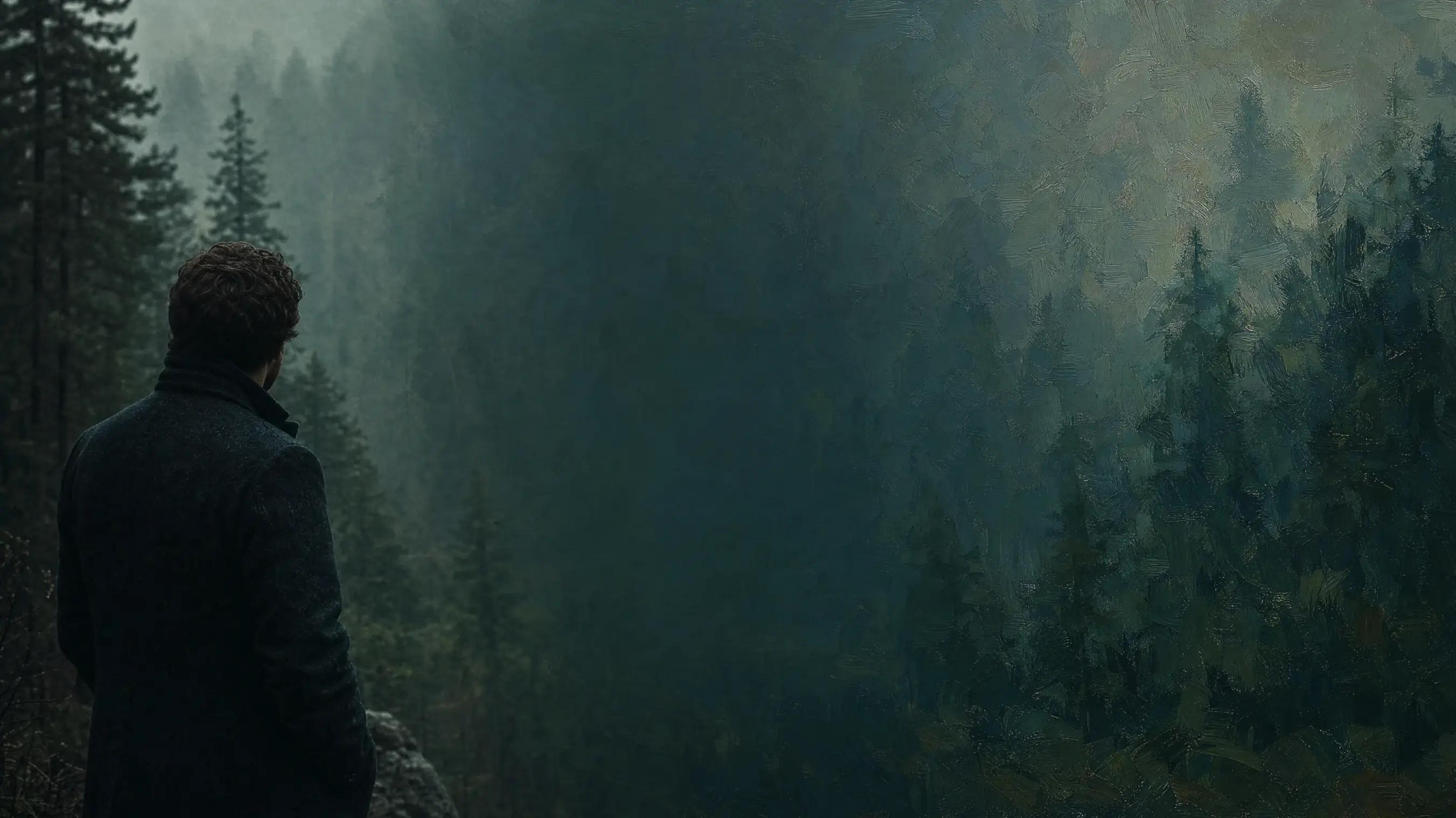
Image to Image AI
Transform any image with a text prompt. Upload a reference, describe the change, and let MaxH3 restyle, recolour or reimagine it.
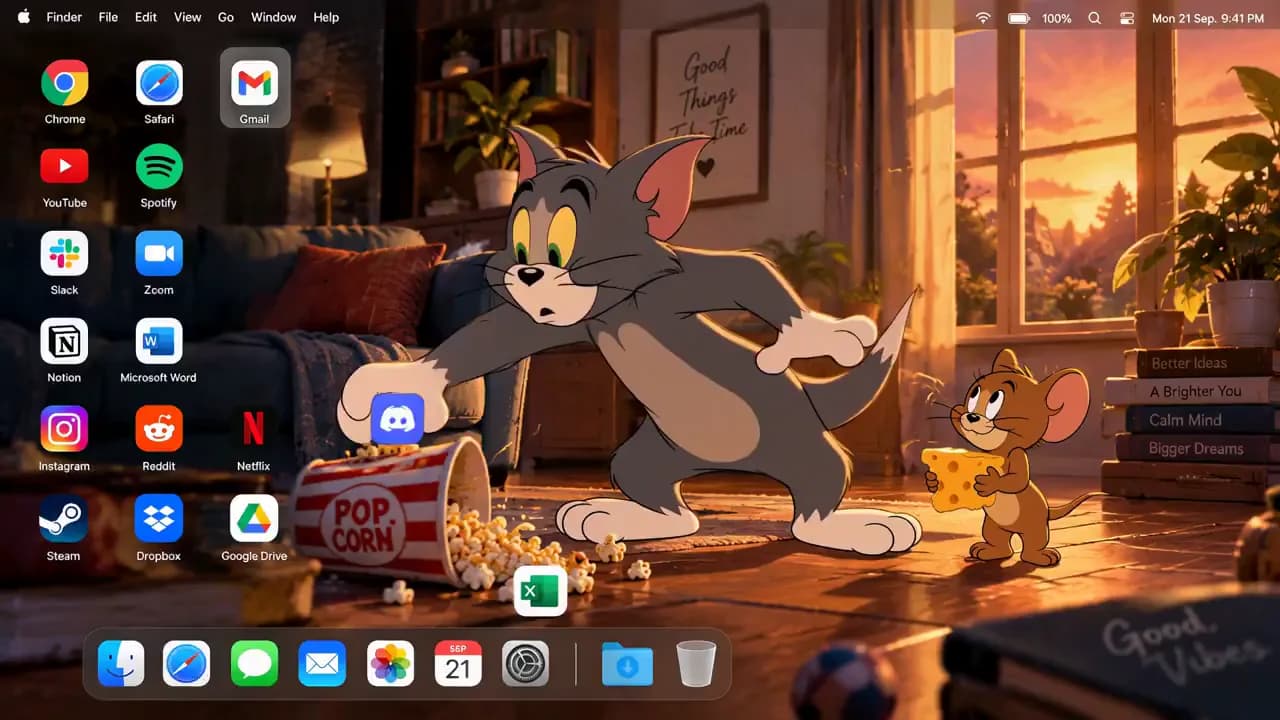
Image to Image AI for Every Kind of Transformation
Start from a photo, a sketch or a product shot, and decide what changes and what stays. Every example below was made on this page.
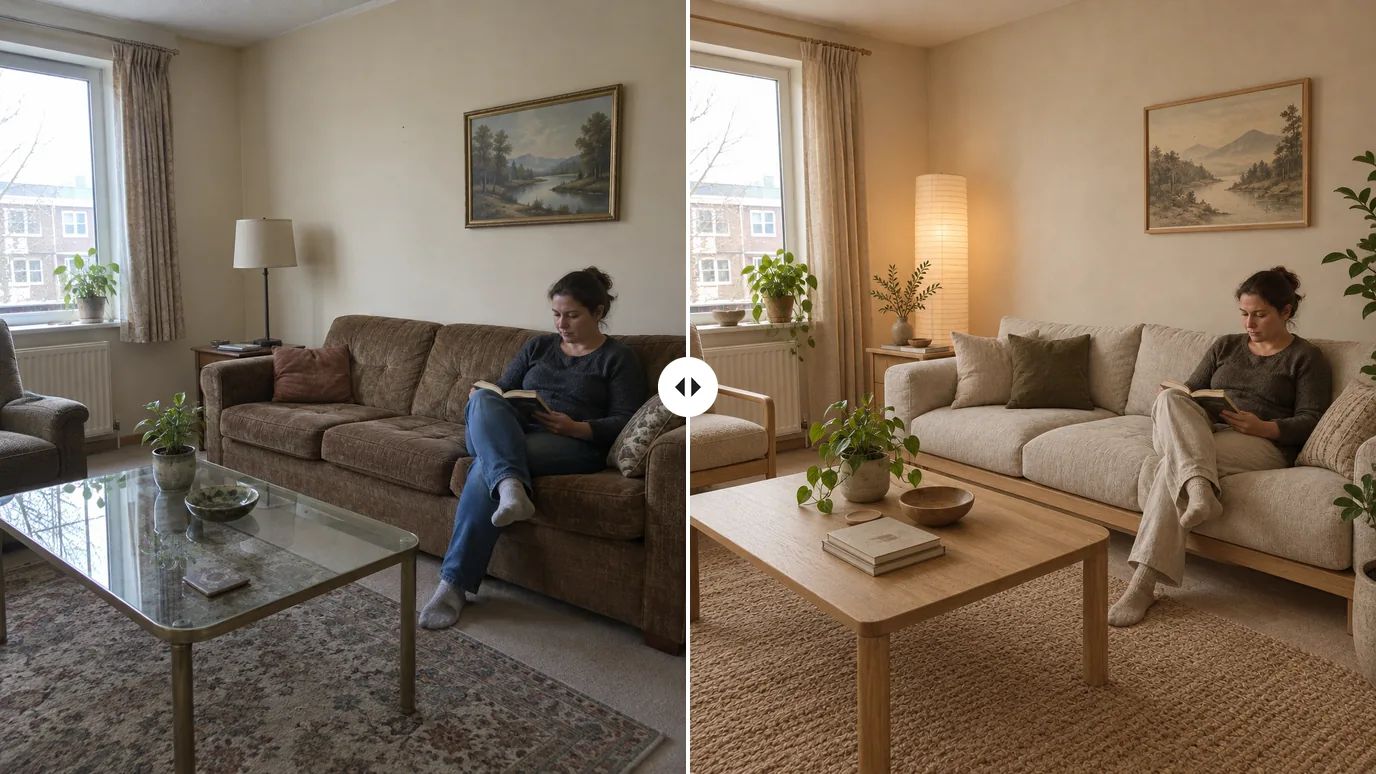
Keep the Layout, Change Everything Else
Restyle a room, a street or a product while the composition stays put. Ask to keep the camera angle and layout, and only the materials, colors and style change — handy for interior ideas, mood boards and A/B variations.
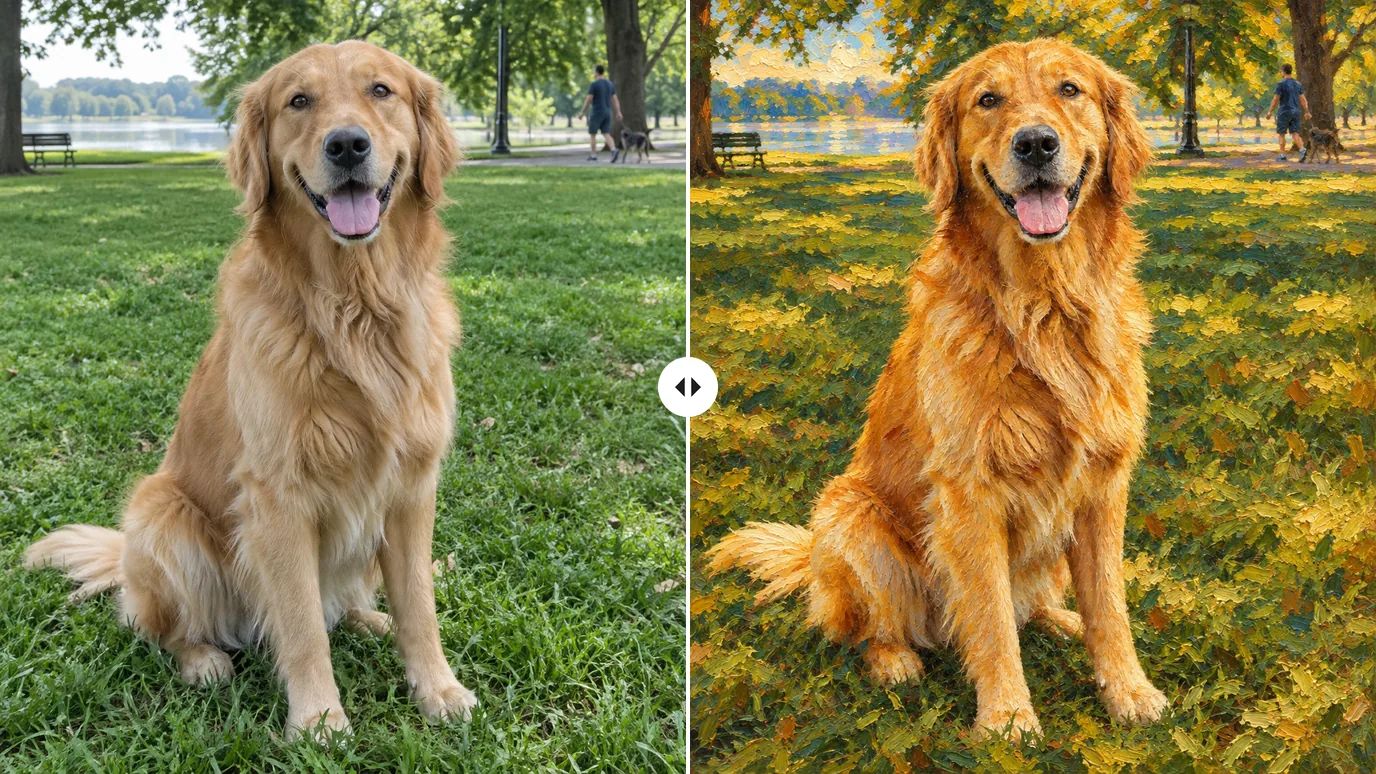
Turn Photos into Paintings and Art Styles
Oil painting, watercolor, anime or 3D: describe the style, and the subject keeps its pose and expression while the whole image takes on the new look.
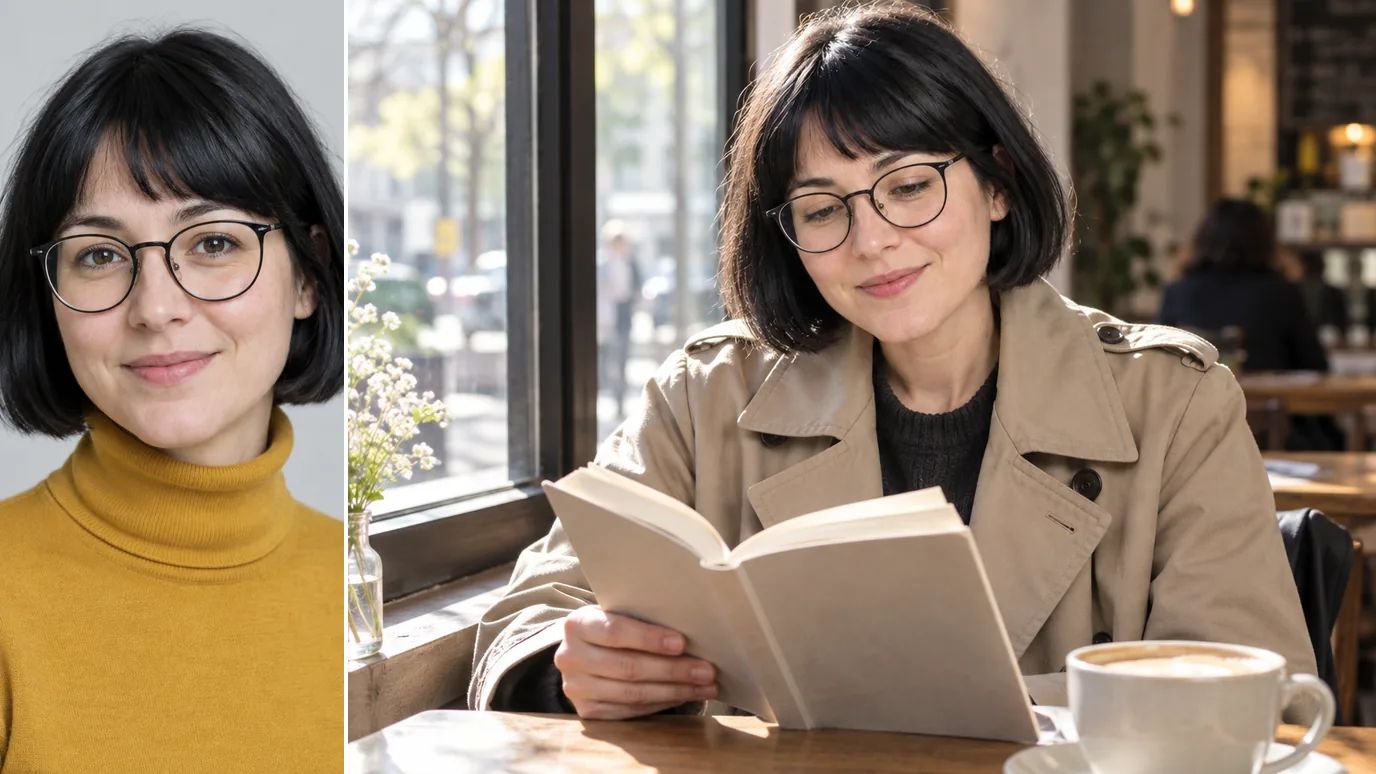
Keep the Same Face in New Scenes
Upload a portrait as the reference and place the same person in a new setting, outfit or story. GPT Image 2.5 accepts up to 16 reference images per request, so you can add props and locations to the same edit.
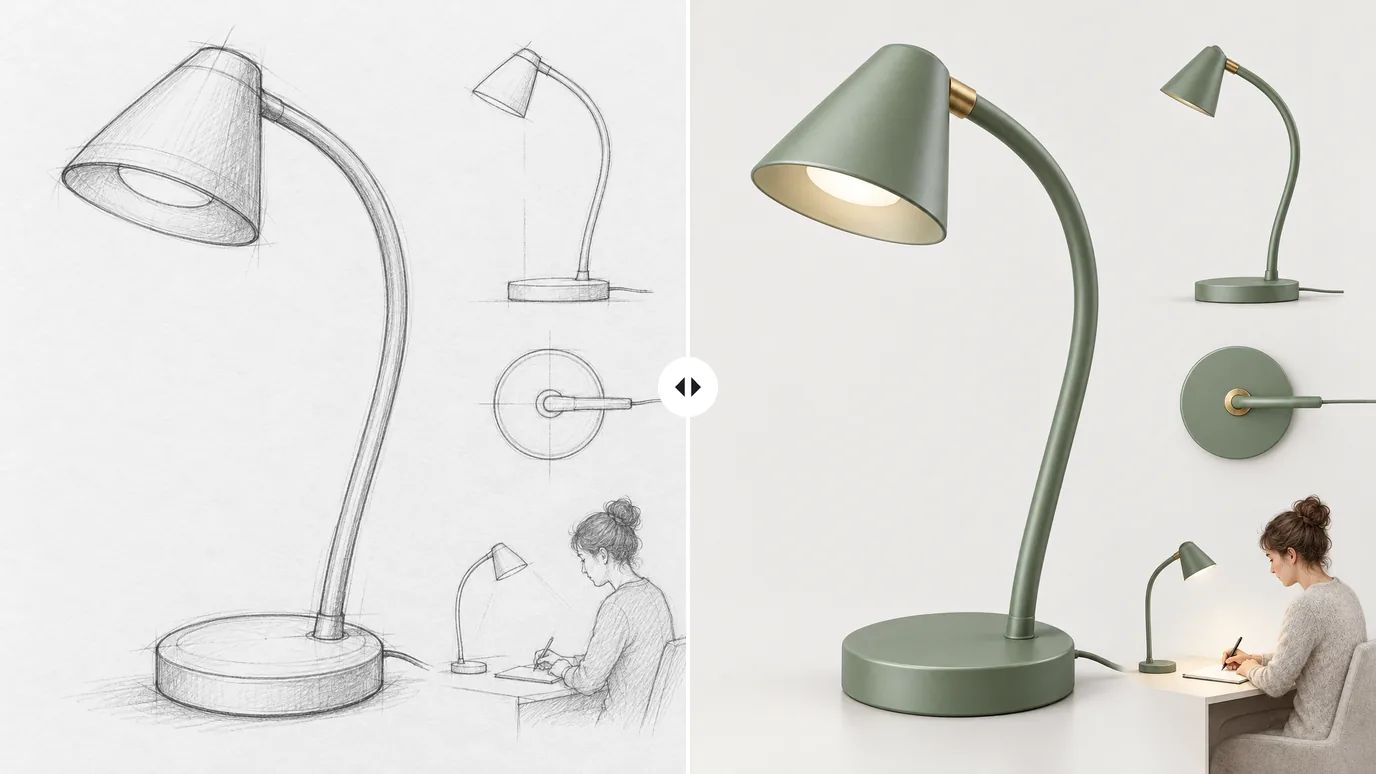
From Rough Sketch to Finished Render
Upload a pencil sketch or a wireframe and get a photorealistic render that keeps your shape and proportions — a quick way to show a product or design idea before it exists.
Turn Basic Product Photos into Ads
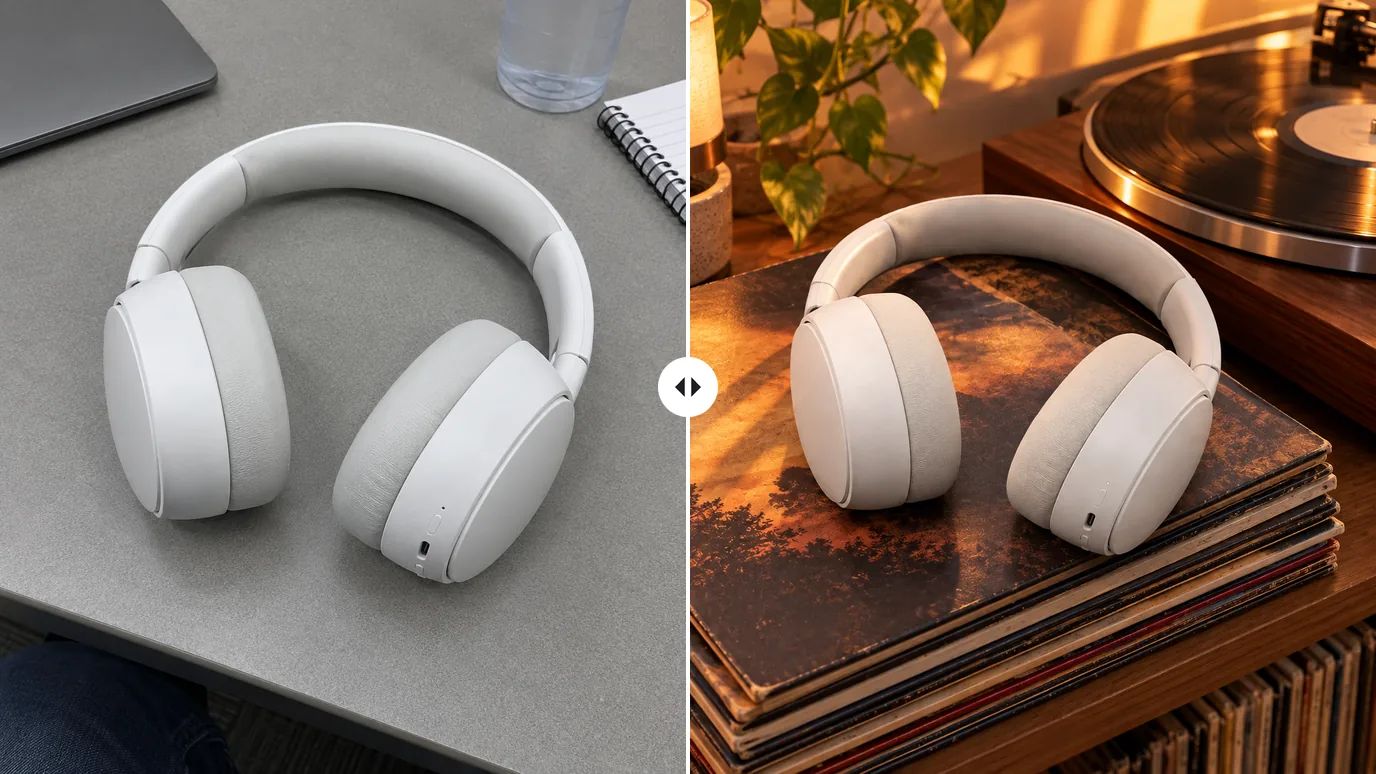
Start from a plain desk shot and describe the scene you want. The product stays recognizable while the setting, props and lighting turn it into a campaign image; for smaller fixes, the AI photo editor is the quicker tool.
Every Image to Image Model You Need, in One Workspace
Style transfer, object swaps, background changes, multi-image composites — MaxH3 puts GPT Image 2.5, Seedream 5, Nano Banana Pro, Flux 2 and more behind one upload box. Try the same edit on several models and keep what works, all on one account.
Image to Image AI for Every Creative Workflow
Whatever you start from, the same upload box turns it into the next version.
Marketers
Turn one approved asset into ad variations for every channel, season and audience.
Social Creators
Restyle everyday photos and selfies into illustrations, paintings and 3D looks for your feed.
Designers & Architects
Render sketches and restyle rooms to show an idea before anything is built.
E-commerce Sellers
Place plain product photos into lifestyle scenes without booking a shoot.
How to Use MaxH3 Image Generator
Upload an image, describe the change, and download the result — no editing skills needed.
Click or drag to upload the image you want to transform. Supports PNG, JPG, WEBP formats.
Choose from GPT Image 2.5, Seedream 5, Nano Banana Pro, or other models. Configure resolution, aspect ratio, and style.
Submit with the arrow button, compare the results and download the one you like in high quality.
Explore More AI Image Tools
Need a different fix? Each of these tools does one job well.
Create images from a text prompt with GPT Image 2.5, Nano Banana, Seedream and more.
FAQs
Start Transforming Images with MaxH3 Image Generator
Upload an image and describe the change. MaxH3 handles the rest.