Anime Upscaler
Anime Upscaler

Upscale Anime Images to HD With an Anime Upscaler
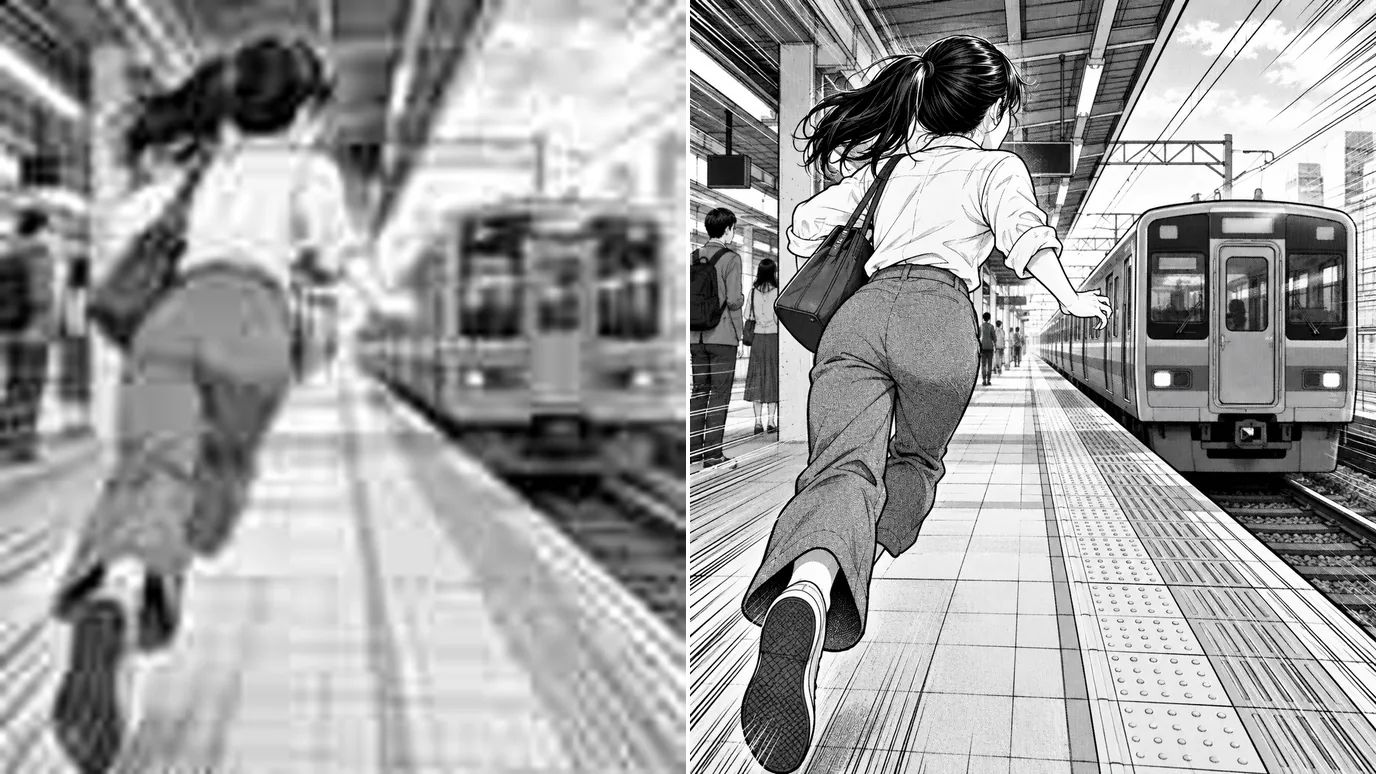
Upload anime art, a manga panel or a screenshot, pick a scale up to 16×, and the anime upscaler enlarges it in Art&Anime mode, a mode built for line art and flat color. Lines stay clean, colors stay crisp, and you get an HD image ready for wallpapers, prints and posts.
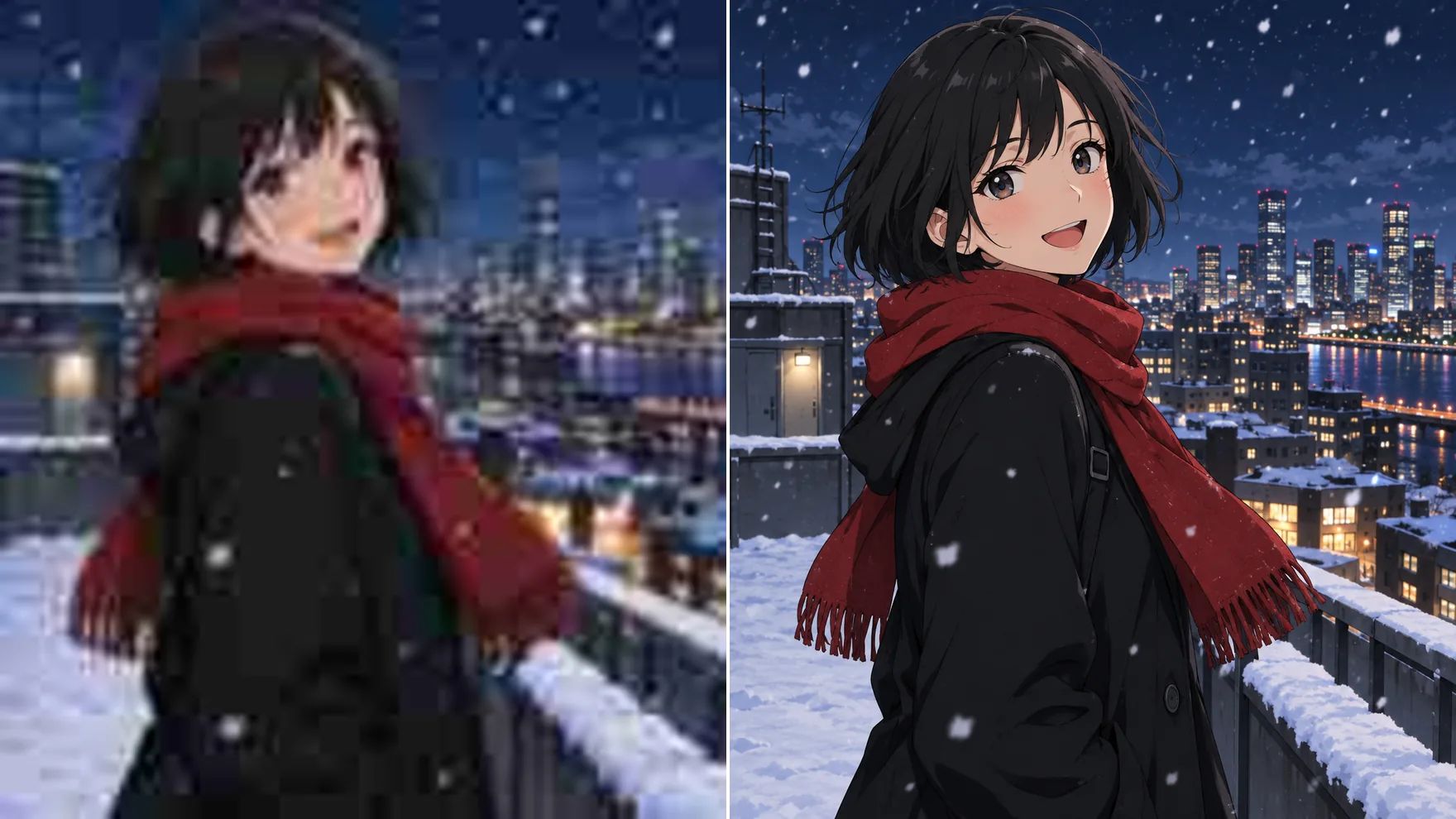
Crystal-Clear Anime With an AI Anime Upscaler
Built for line art: more pixels without smeared edges or muddy color.
Enlarge Anime Art up to 16×
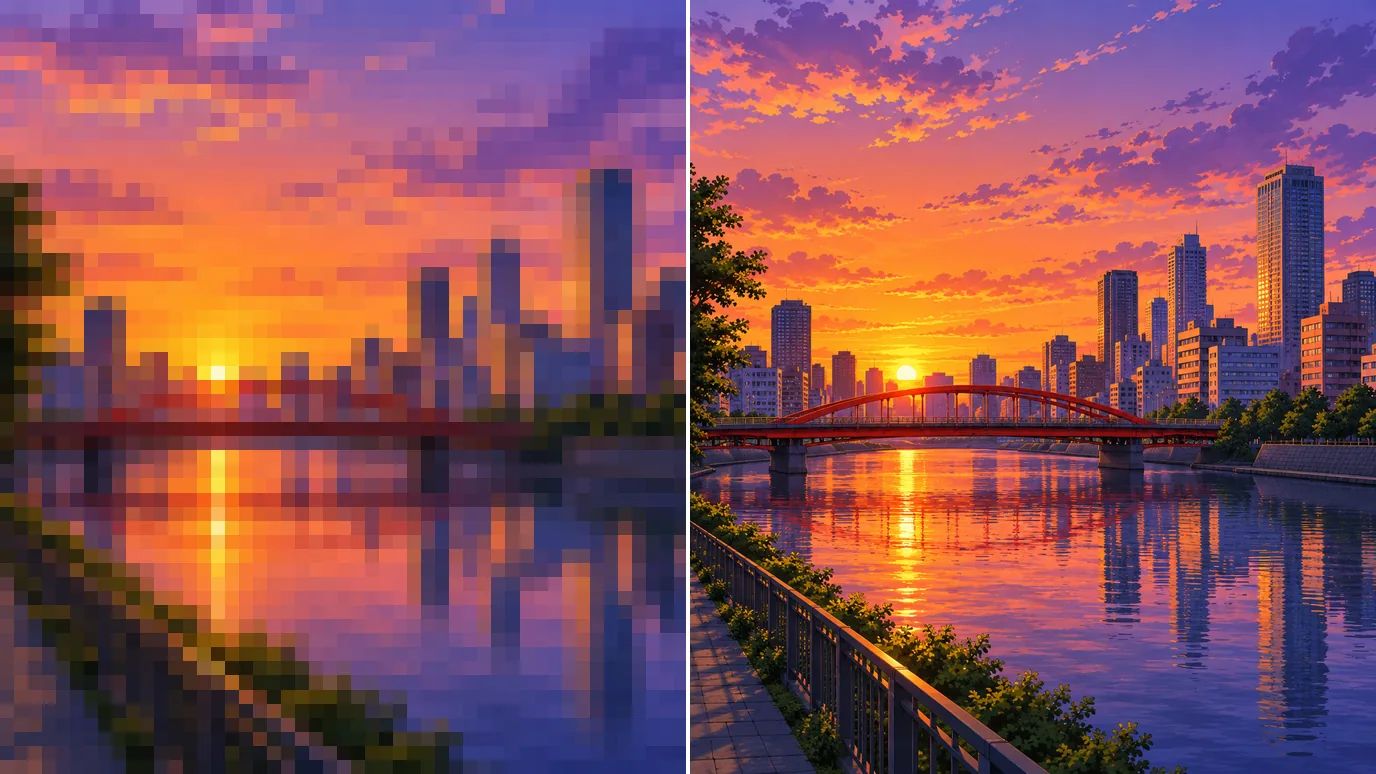
Small fan art, old wallpapers and cropped screenshots turn blocky when you stretch them. The anime upscaler adds real pixels, 2× to 16×, so the art fills a 4K screen or a printed poster without looking soft.
Keep Lines Clean and Colors Flat
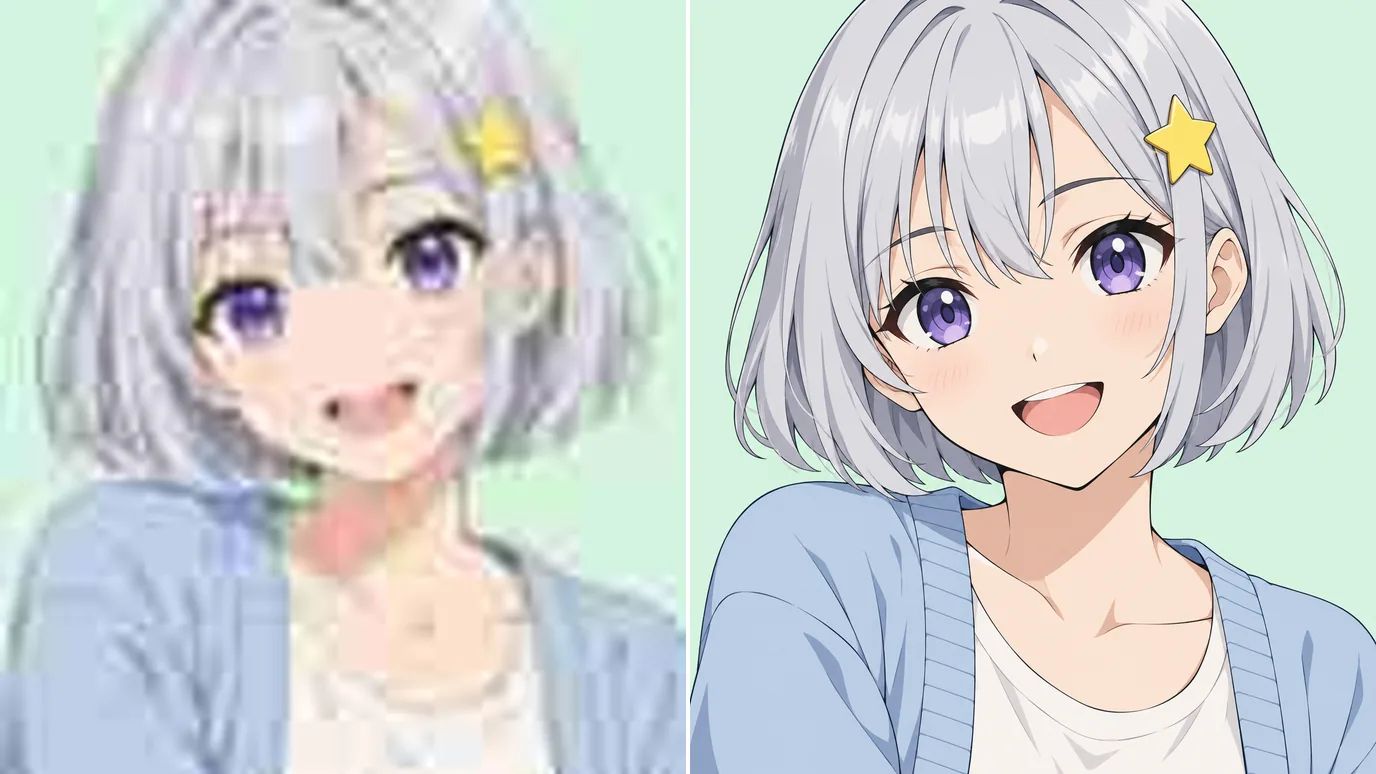
The anime upscaler's Art&Anime mode is tuned for cel shading. It keeps outlines sharp and fills flat areas without the painterly smudges a photo model adds. It's selected by default, and you can switch modes if your image is closer to a photo.
Fix Blur and Compression From Social Media
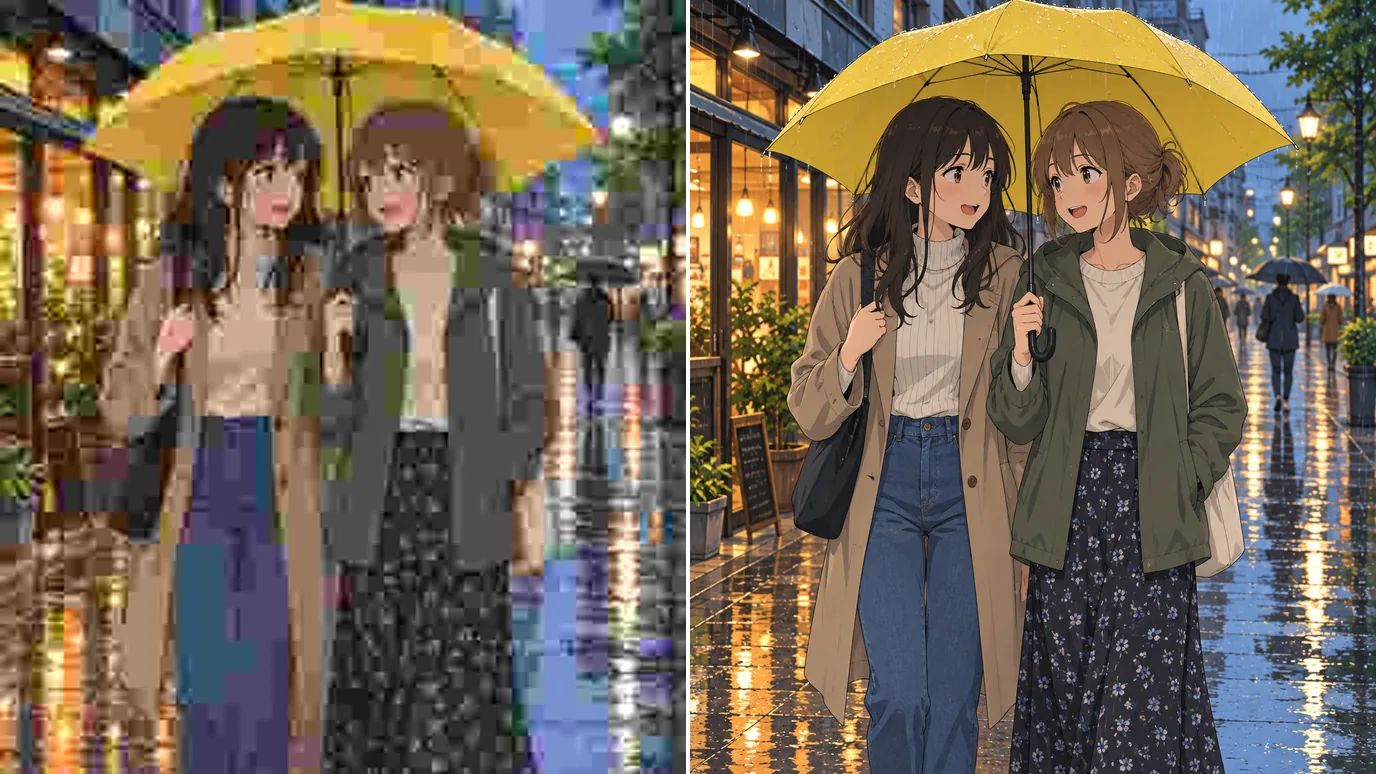
Images saved from social feeds and chats arrive blurry and full of JPEG blocks. Upscaling cleans up those artifacts as it enlarges, and Denoise in Settings smooths any grain that is left.
Upscale Manga Panels for Reading and Print
Black-and-white pages need crisp linework and readable lettering. Run scanned or downloaded manga panels through the anime upscaler so screentones and speech bubbles stay sharp on a tablet or in print.
Who Uses an Anime Upscaler
Fans, artists and sellers who need anime art bigger and cleaner.
Anime Fans
HD wallpapers and phone backgrounds from favorite frames and fan art.
Illustrators
Larger versions of finished pieces for portfolios, prints and commissions.
Manga Readers
Sharper panels that are easier to read on big screens.
Merch Sellers
Print-ready art for posters, stickers and product photos.
How to Upscale Anime Images With MaxH3
Upload Your Image
Sign in and upload a PNG, JPG or WEBP image up to 10 MB and 4096 pixels on each side.
Choose the Scale and Mode
Pick 2×, 4×, 8× or 16×. Art&Anime mode is selected by default; switch to another mode if your image looks more like a photo.
Create and Download
The price for your image appears on the Create button. Click it, then download the upscaled art when it's ready.
Discover More Image Tools on MaxH3
 Unblur ImageUse This Tool
 Object RemoverUse This Tool
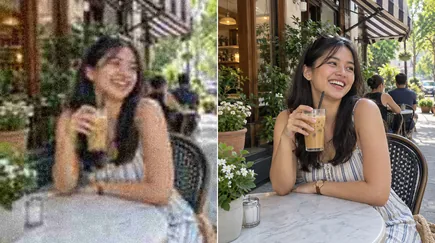 AI Image EnhancerUse This Tool
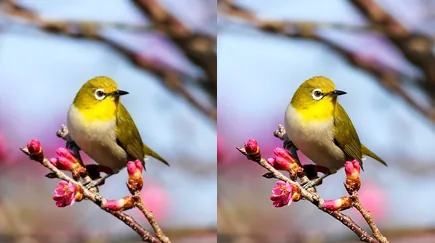 Image UpscalerUse This Tool
FAQs
Bring Your Anime Art Up to HD With the Anime Upscaler
Upload anime art, pick a scale and get clean, sharp lines at up to 16×.