GPT Image 2.5 AI Image Generator
OpenAI's latest GPT Image model on MaxH3. Generate from a prompt or edit with up to 16 reference photos, in Flare or Sunburst mode, at up to 4K.
Discover What GPT Image 2.5 Can Create
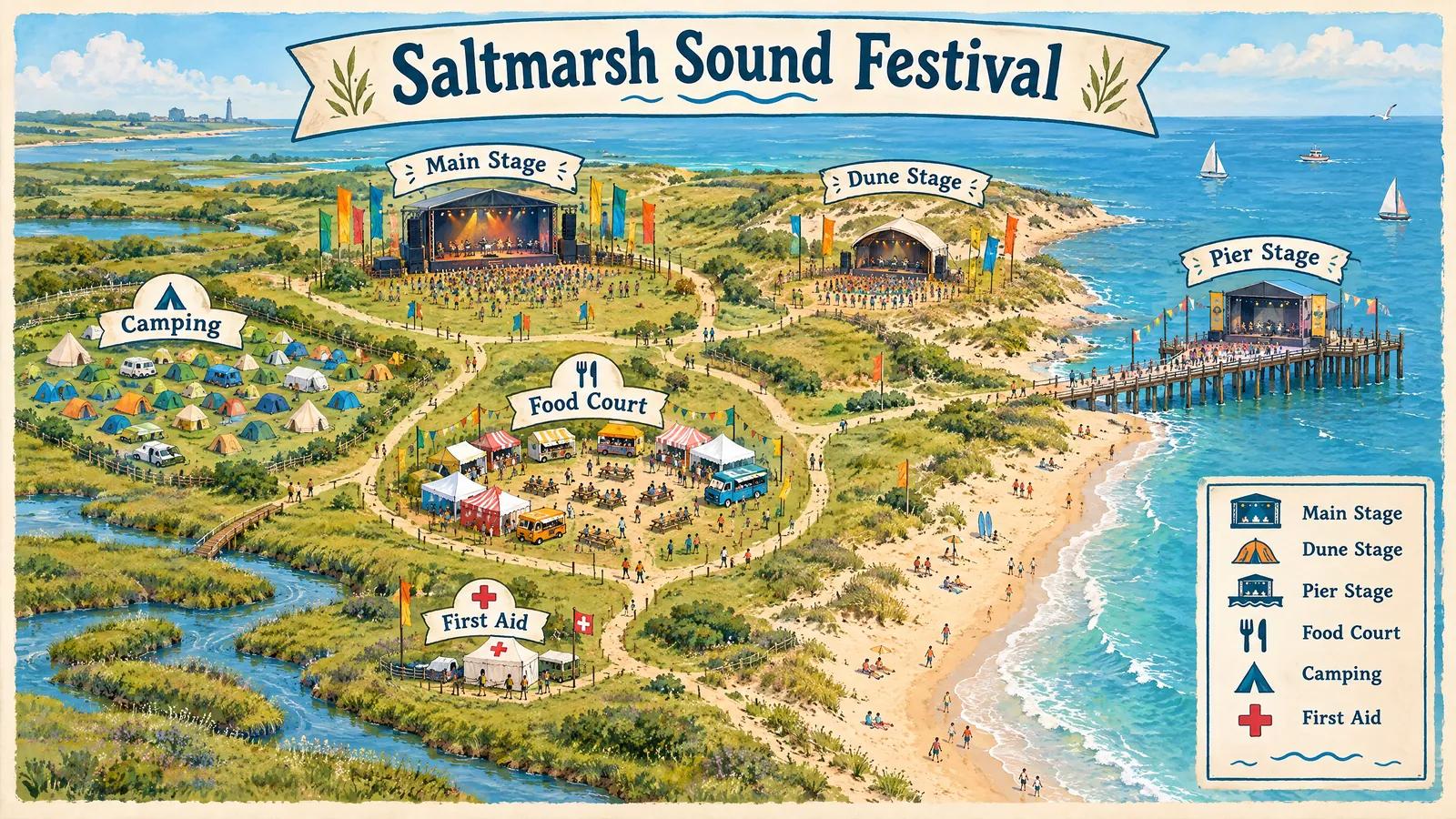
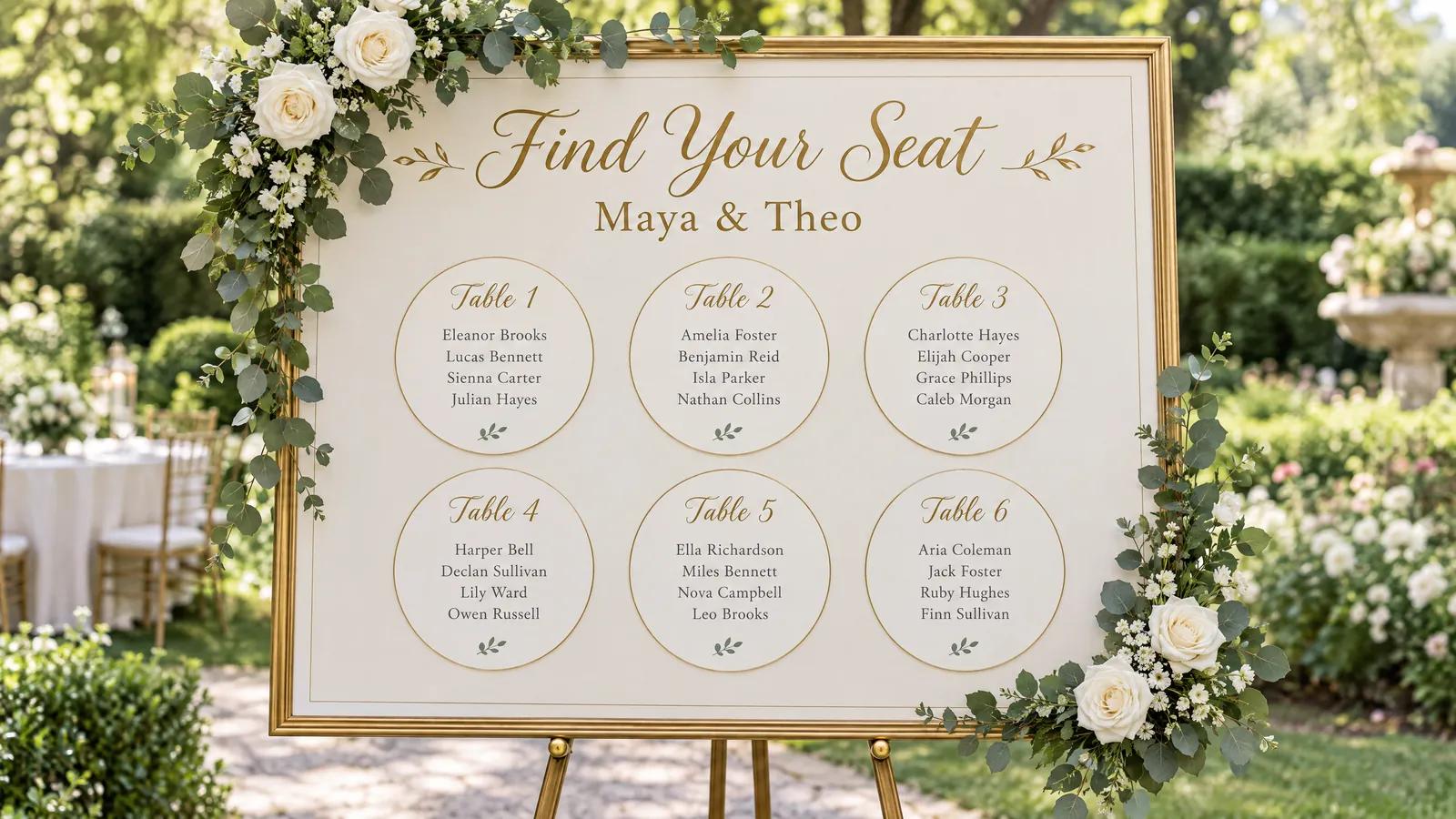
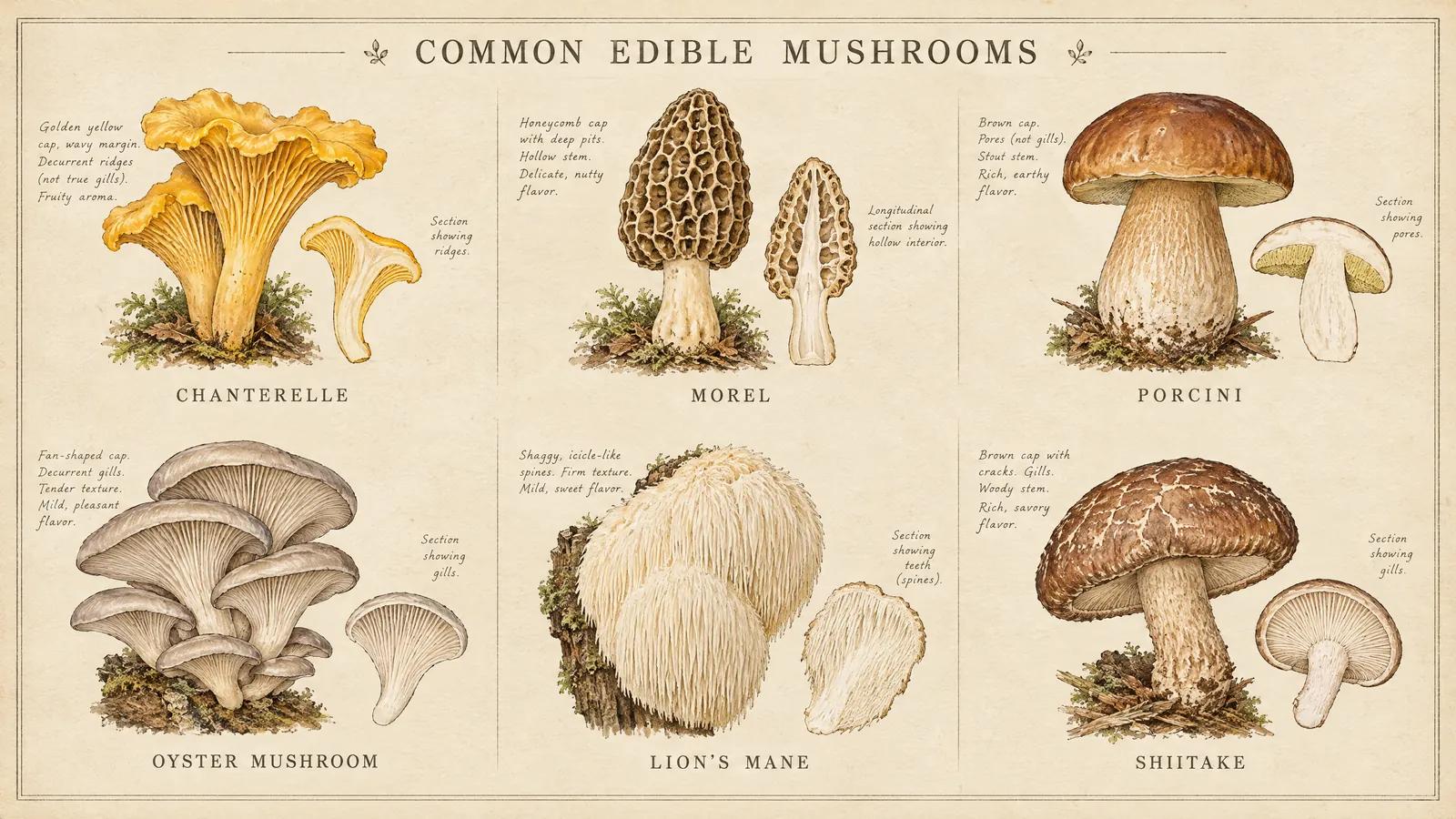
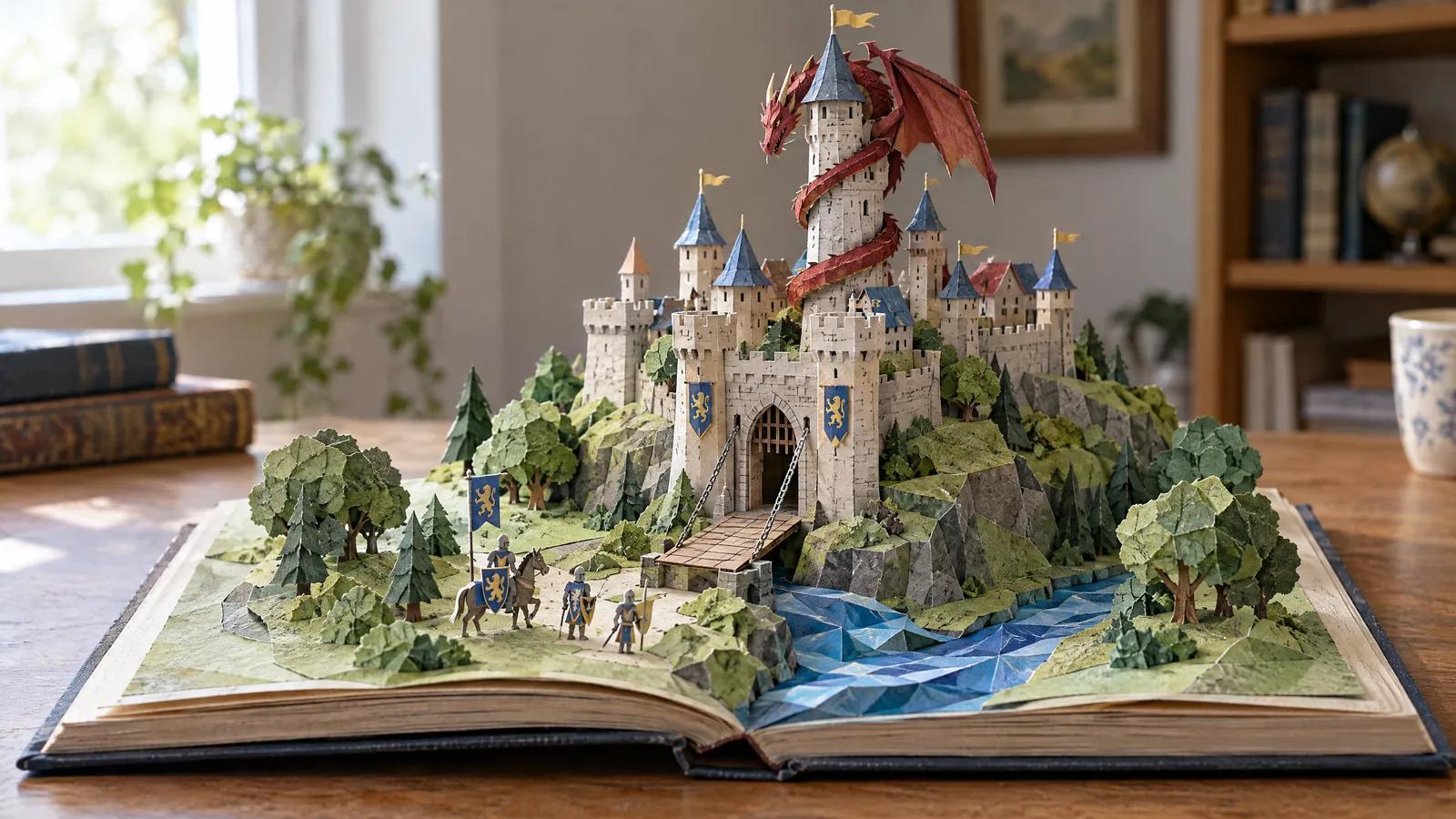
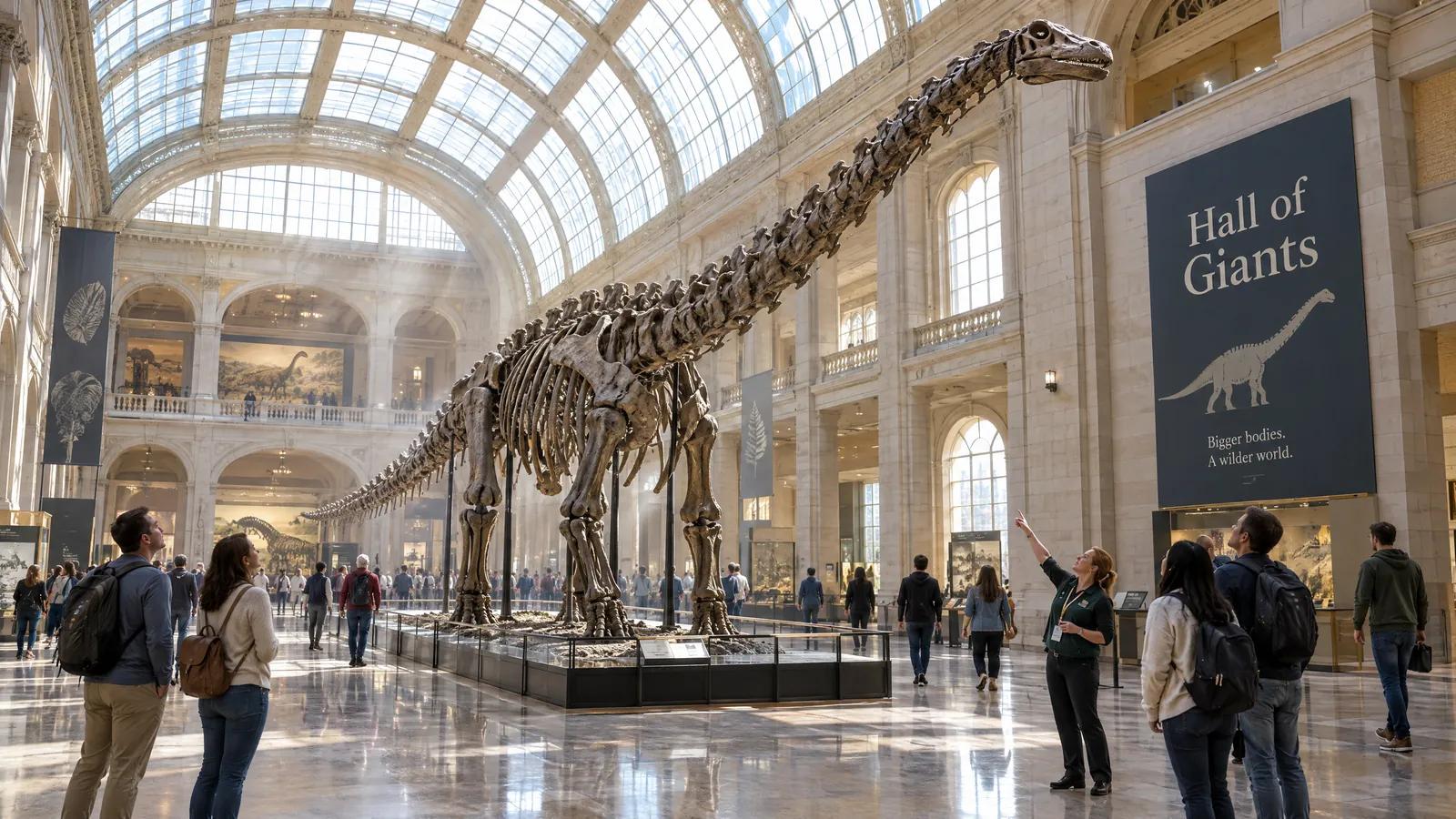
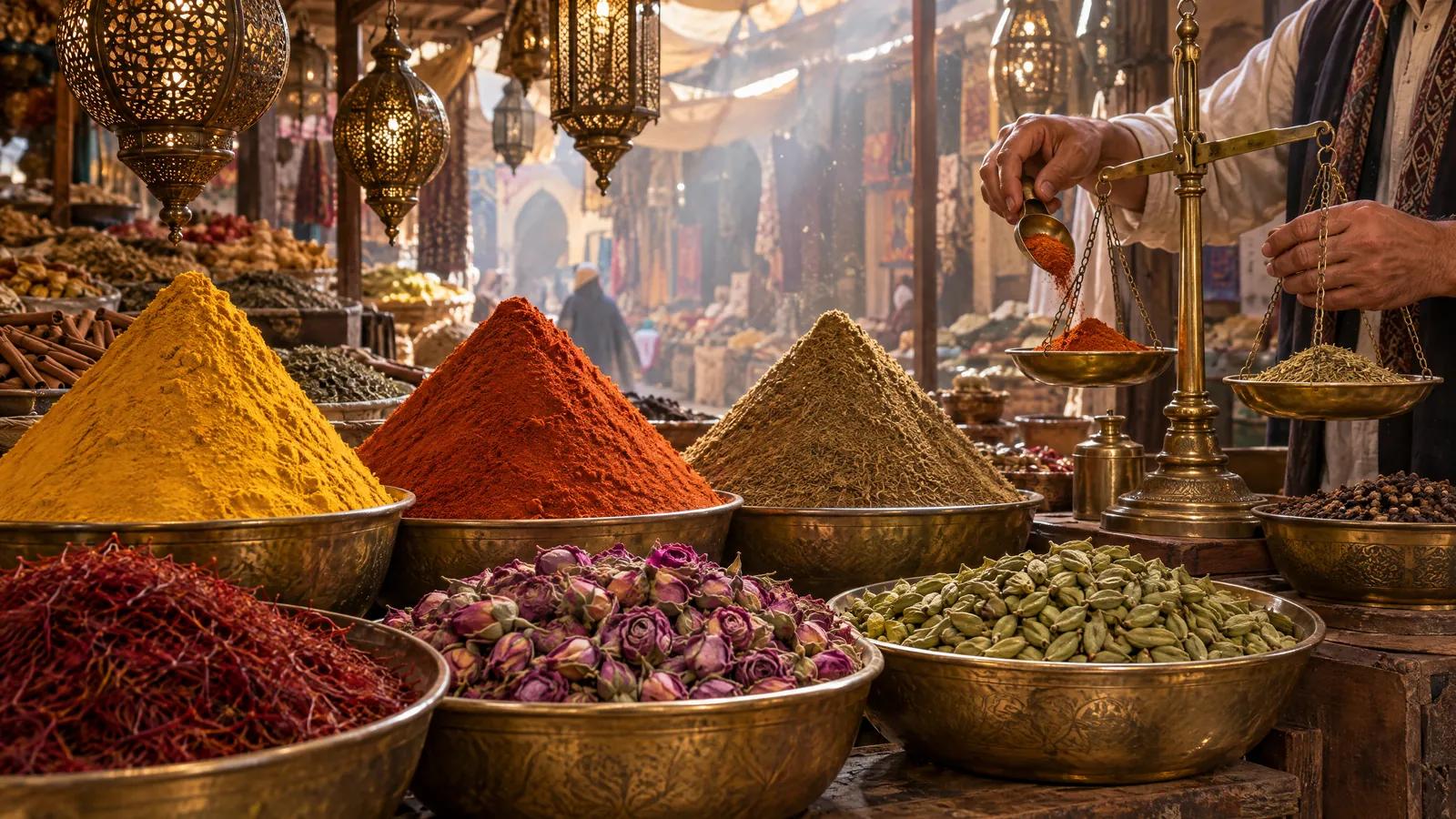
Illustrated maps, event signage, a natural-history plate, paper craft, a museum interior and a market close-up. Every image here was generated with GPT Image 2.5 on MaxH3.
Key Features of GPT Image 2.5
- Your Subject Still Looks Like Itself: Move a person or pet from your photo into a new scene and they stay recognizable.
- Natural Light and Rich Texture: Believable light, skin and surfaces, with five quality levels and output up to 4K.
- Edits That Change Only What You Name: Ask for one change; faces, objects and framing stay exactly where they were.
- Edit After Edit, With No Loss in Quality: Refine in rounds; earlier changes hold and the picture stays crisp to the end.
- Up to 16 Reference Images in One Request: Combine faces, products, outfits and backdrops, each kept true to its source.
- Transparent Backgrounds, Ready to Place: Set Background to Transparent and get a clean cutout with nothing to erase.
Your Subject Still Looks Like Itself
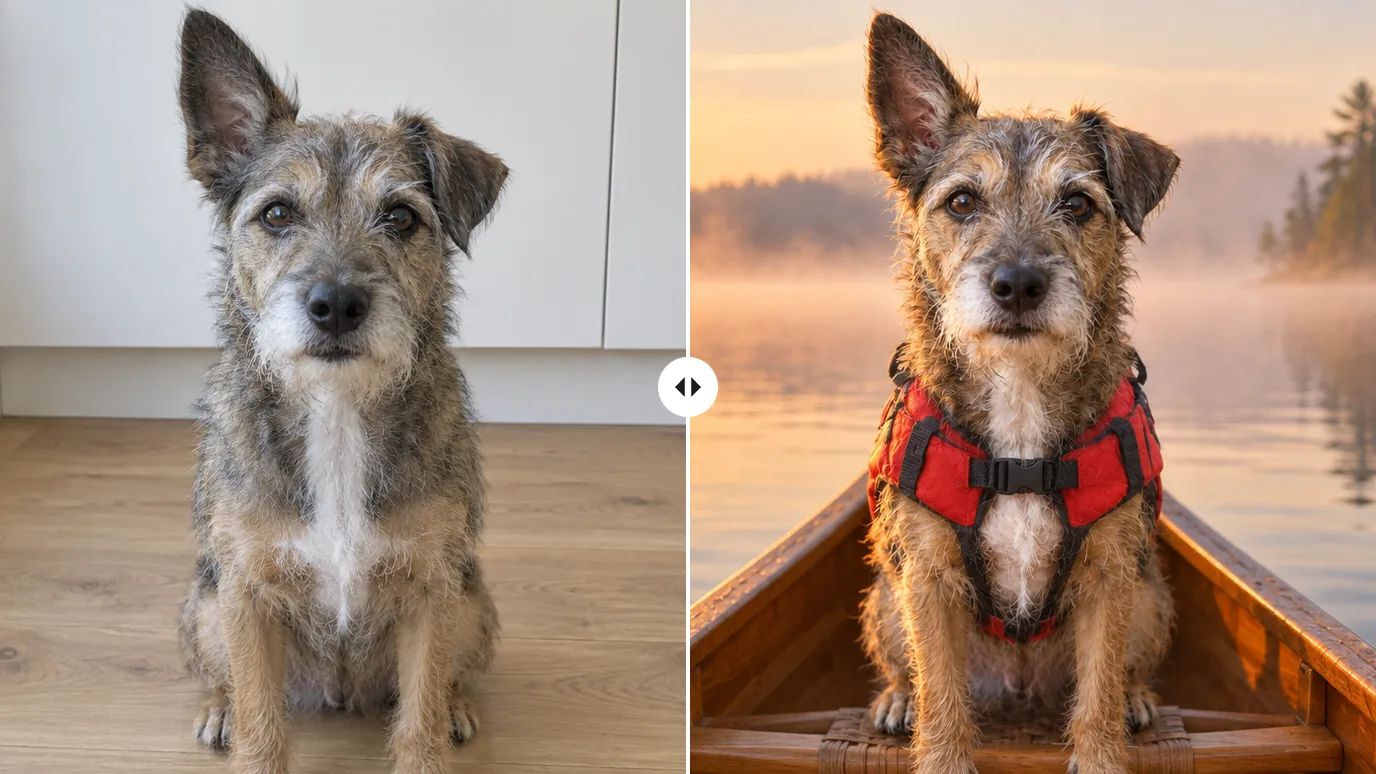
The same scruffy terrier, folded ear and white chest blaze included, moved from a kitchen floor to the bow of a canoe at sunrise. OpenAI says GPT Image 2.5 keeps the people and pets in your uploads truer to the original. Upload one clear shot, describe the new setting, and name the traits that make your subject unmistakable.
Natural Light and Rich Texture
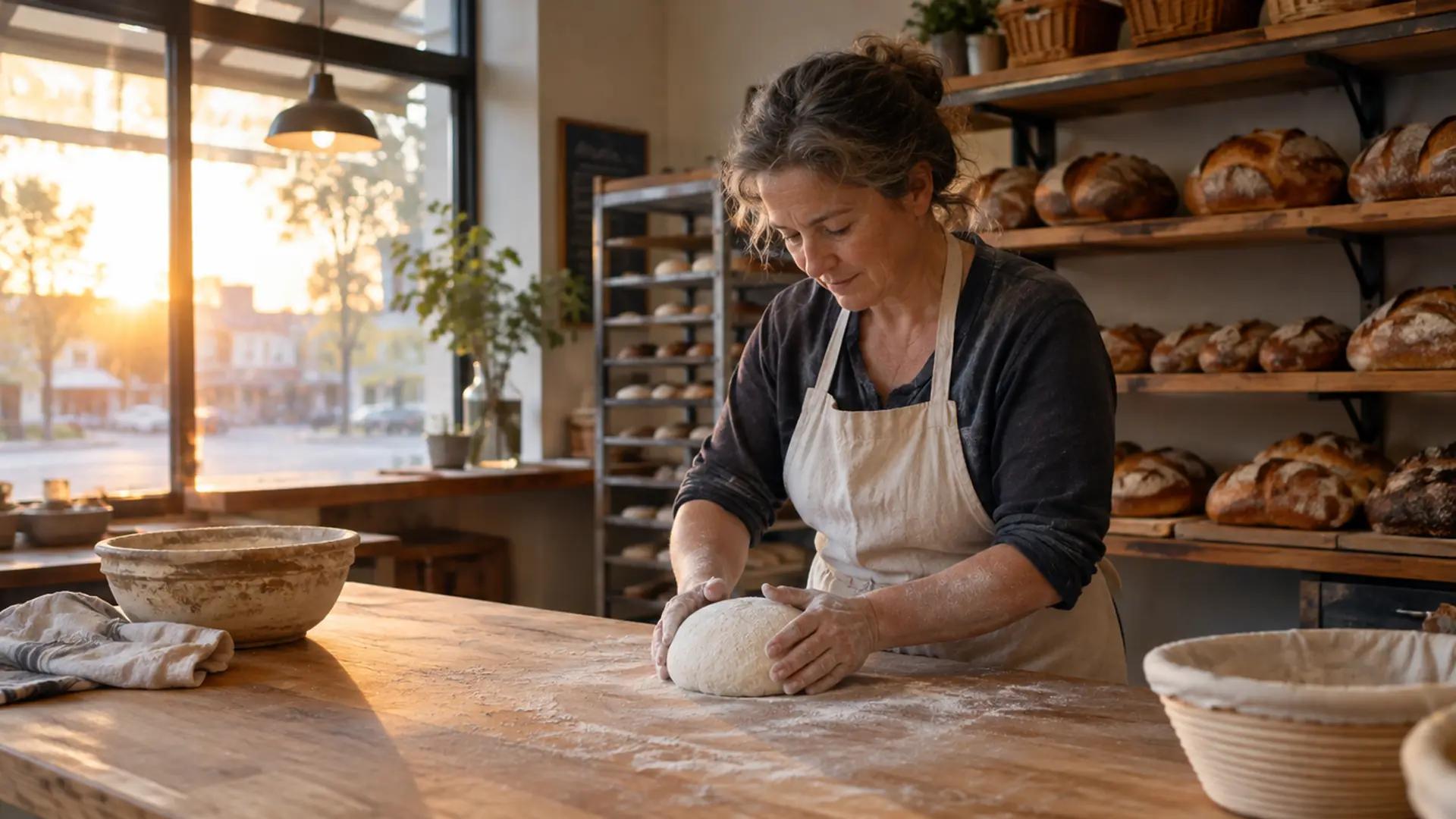
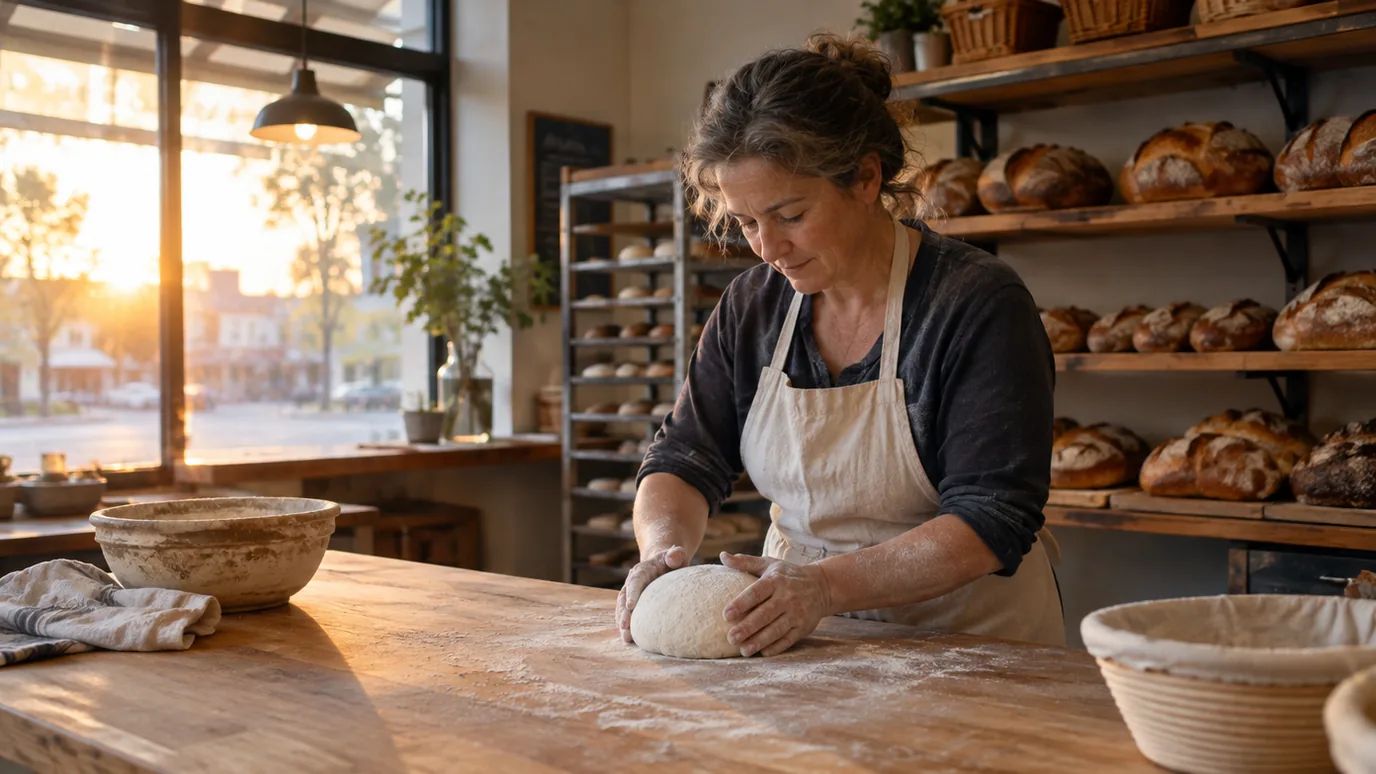
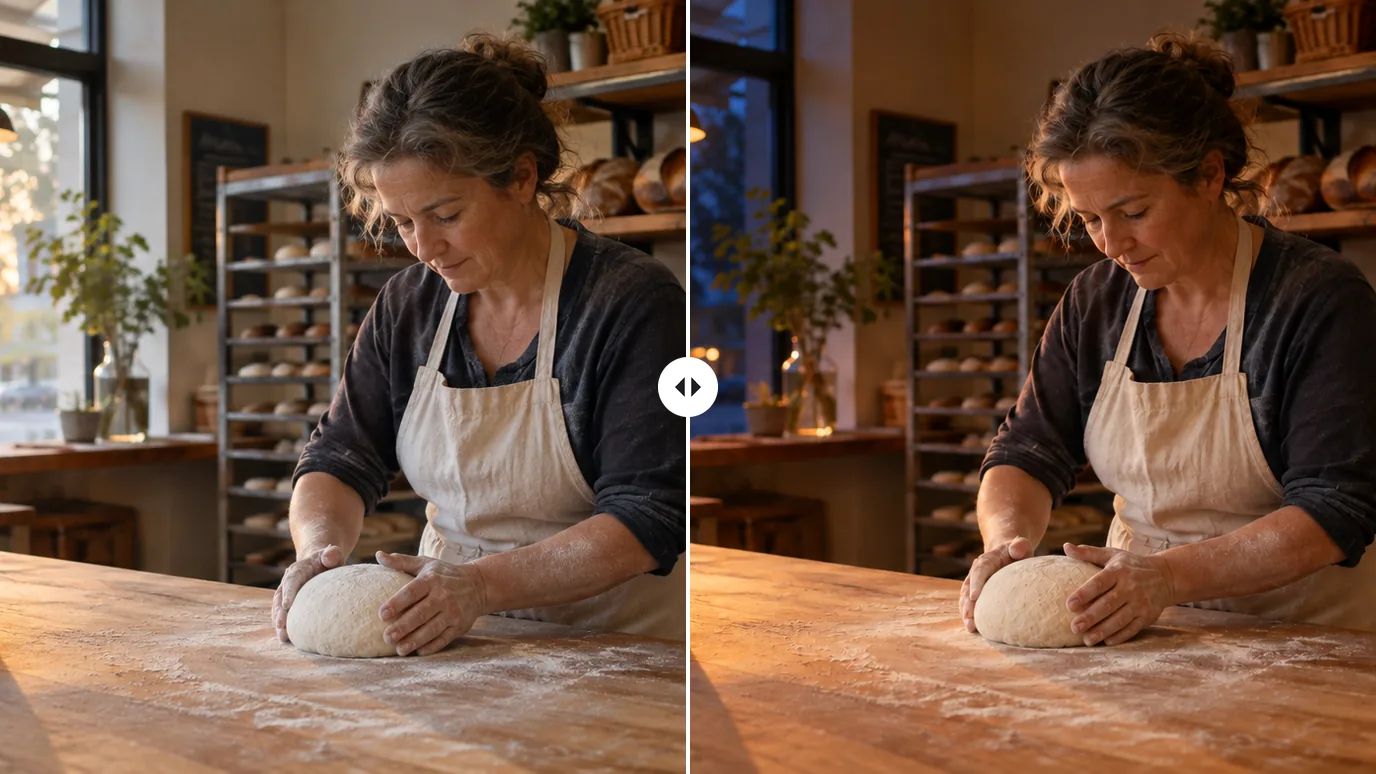
Low sun through a bakery window, flour on a baker's forearms and the grain of a worn wooden counter, all from one written prompt. OpenAI says GPT Image 2.5 renders light more naturally and surfaces in finer detail. Describe the light source, lens and framing, then raise the quality from Low toward Max and the size up to 4K when the image is headed for print.
Edits That Change Only What You Name
The same bakery photo turned from dawn to dusk: warm lamplight and a blue sky in the window, while the baker, the loaf and every shelf stayed put. OpenAI built GPT Image 2.5 to alter just the requested detail, and Sunburst mode tightens control further for editing. Upload a photo, say what should change, and list what must stay untouched.
Edit After Edit, With No Loss in Quality
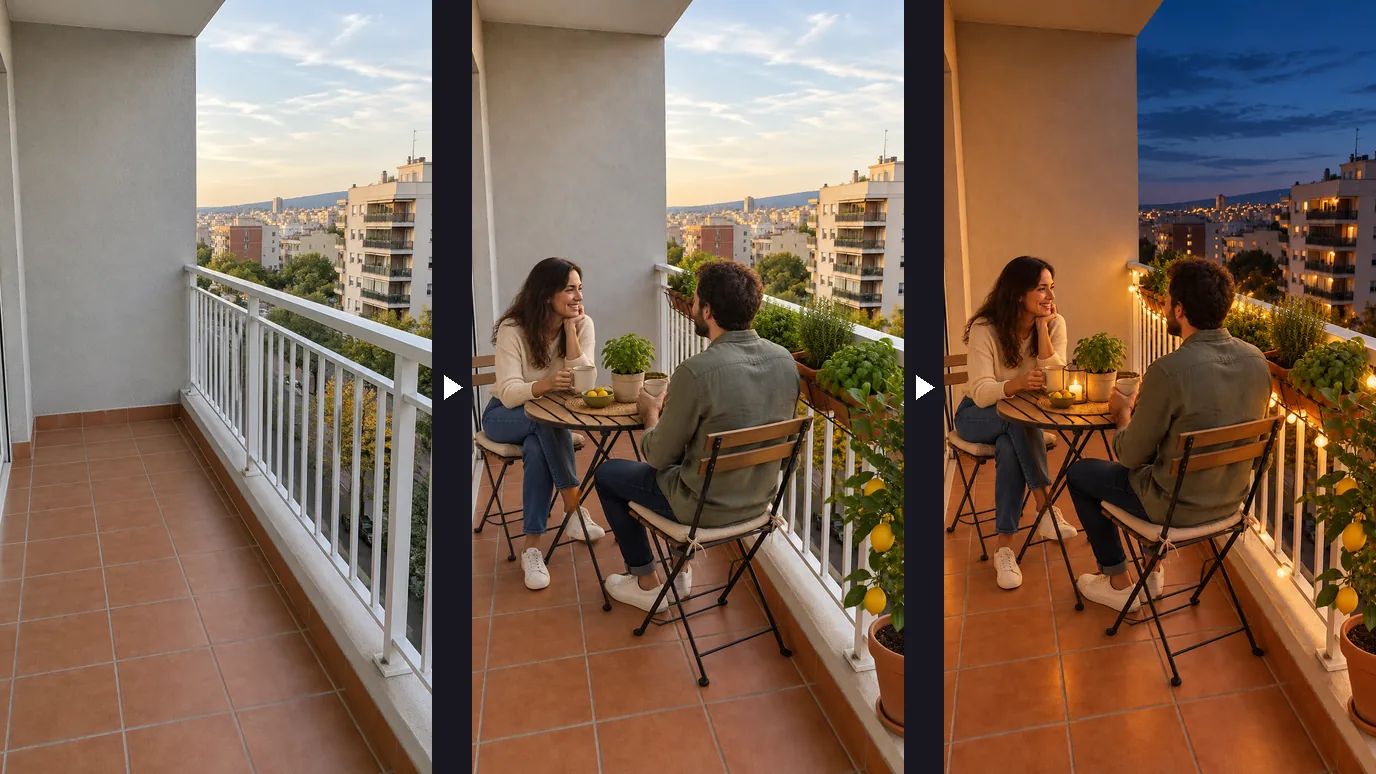
An empty balcony, then two rounds of edits: first a bistro table, potted herbs and two friends, then an evening glow with string lights, while everything from round one stayed put. OpenAI says GPT Image 2.5 takes repeated edits without the picture wearing down. Make one change per round in Sunburst mode and keep building on your latest result.
Up to 16 Reference Images in One Request
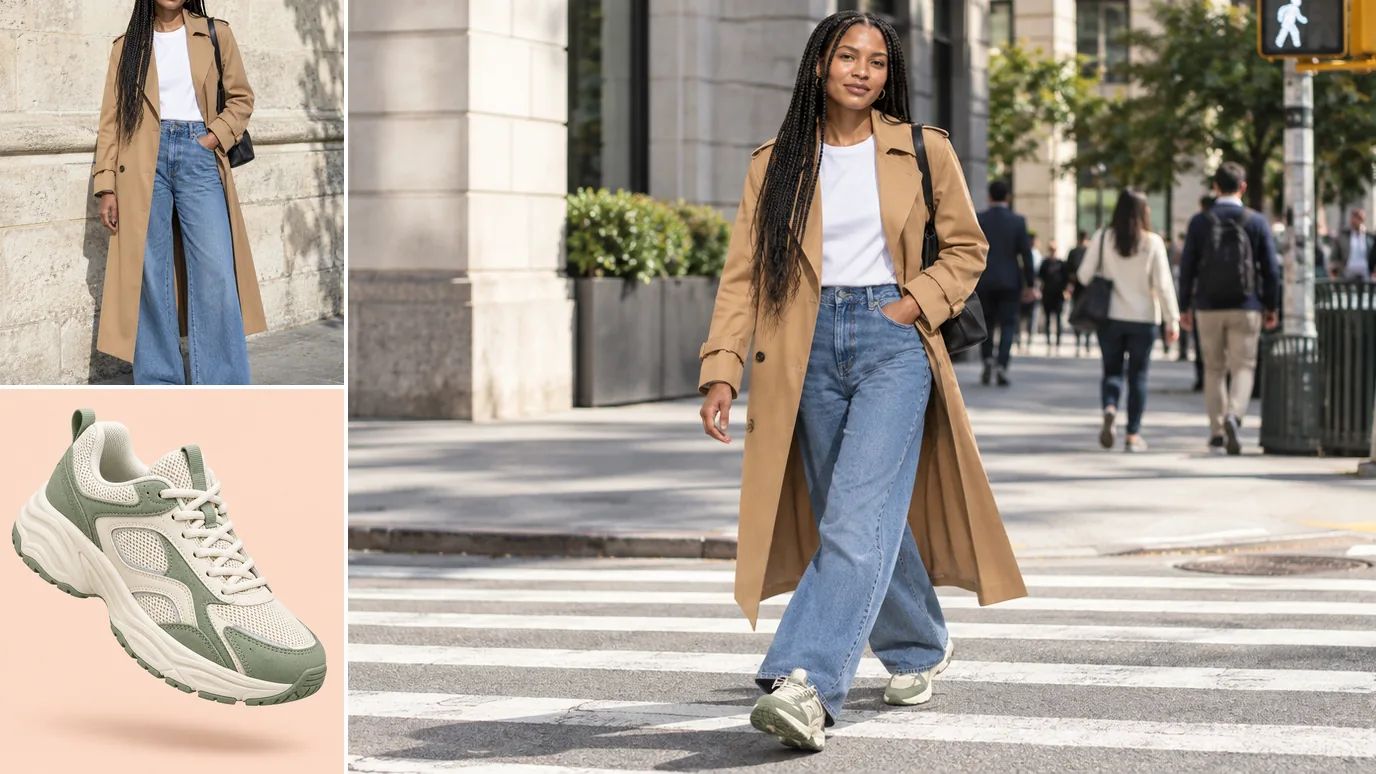
A street-style portrait and a sneaker product shot went in, and out came the same woman crossing a street in those exact sneakers. Attach up to 16 reference images, such as faces, garments, products or locations, and say what each one is for. For a quick change to a single photo, the image to image tool works the same way.
Transparent Backgrounds, Ready to Place
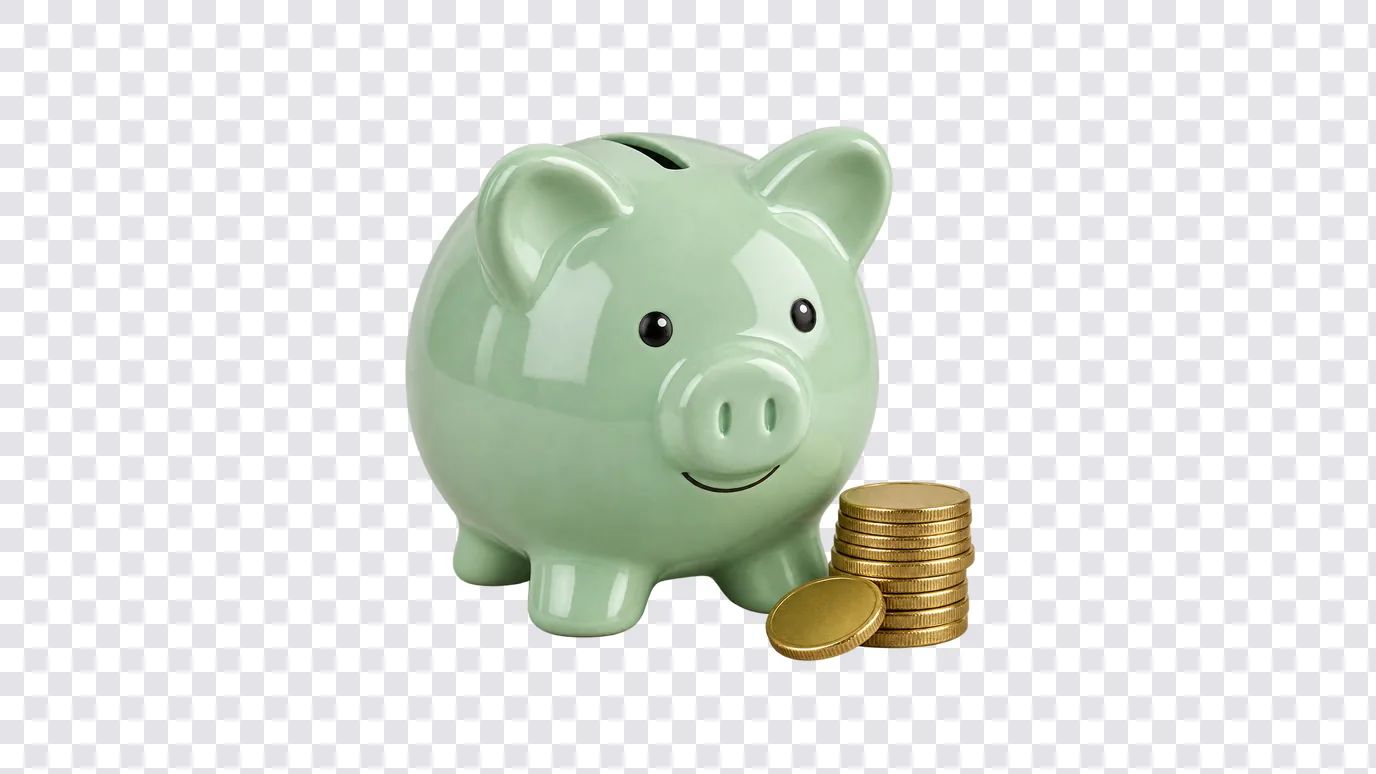
A mint ceramic piggy bank and its stack of gold coins, delivered with no backdrop at all, ready for a store listing, a slide or a sticker sheet. GPT Image 2.5 supports a transparent background as a direct output. It suits single objects, icons and products best; a prompt for a full scene stays filled. Starting from a photo? Use the background remover.
GPT Image 2.5 Use Cases: Where It Pays Off
Its edge is faithful subjects and edits that hold up, which matters most when you start from a real photo and only part of it should change.
Creators With a Familiar Face or Pet
Drop yourself, a co-host or the family dog into new places and looks for posts and thumbnails, and followers still know exactly who it is.
Photographers and Retouchers
Shift the time of day, a prop or a color in a client shot while faces, poses and framing stay just as they were captured.
Interior Designers and Home Stagers
Furnish a room round by round, from the chair to the paint to the art, and every earlier choice stays in place for the client to review.
Fashion and Campaign Teams
Load the model, garments, accessories and location, up to 16 references, and get one shot where every piece matches its source photo.
Online Shops and Marketplace Sellers
Generate product shots on a transparent background, ready for listings, banners and slides without masking anything by hand.
What Sets GPT Image 2.5 Apart
- Subjects That Stay Themselves: People and pets from your uploads carry their features into new places and styles instead of drifting into strangers.
- Edits That Stack Cleanly: Change one thing, then another; Sunburst mode keeps earlier edits in place and the image keeps its quality round after round.
- Built for Real Deliverables: Up to 16 references in, up to 4K and transparent backgrounds out, with the Low quality level running on free credits.
How to Use GPT Image 2.5 on MaxH3
Open GPT Image 2.5
GPT Image 2.5 is already selected in the generator above. Add reference images there to start from a photo.
Describe the Image
Describe the subject, style and light, quote any on-image text, then pick the ratio and resolution.
Generate and Download
Press the arrow. The result shows right here, ready to download or refine, and stays in your history.
More OpenAI's AI Image Models on MaxH3
FAQs
Create and Refine With GPT Image 2.5
Upload a photo or write a prompt, then keep editing until it's right. Low quality runs on free credits.