PixVerse AI Video Generator
Create PixVerse AI videos on MaxH3 with PixVerse V6, the latest PixVerse model: text or image to video, 1–15 seconds, 360p to 1080p, optional sound and free credits to start.
Discover PixVerse AI's Endless Possibilities
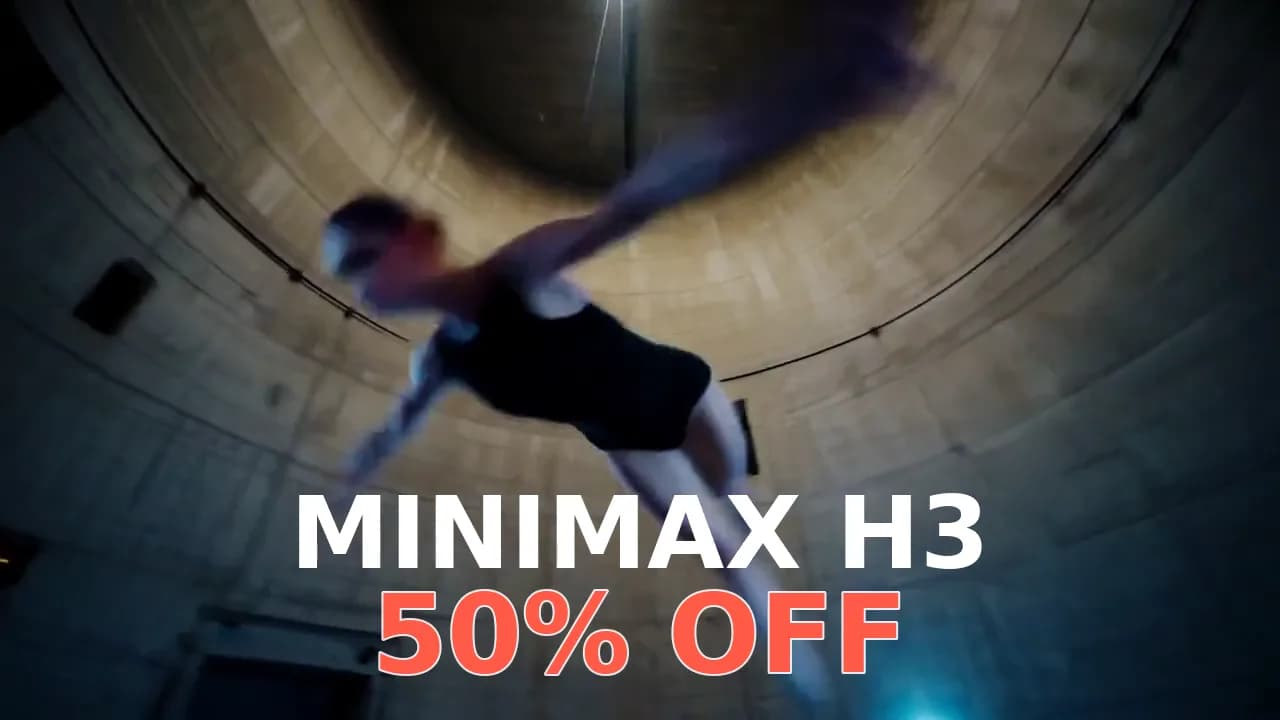
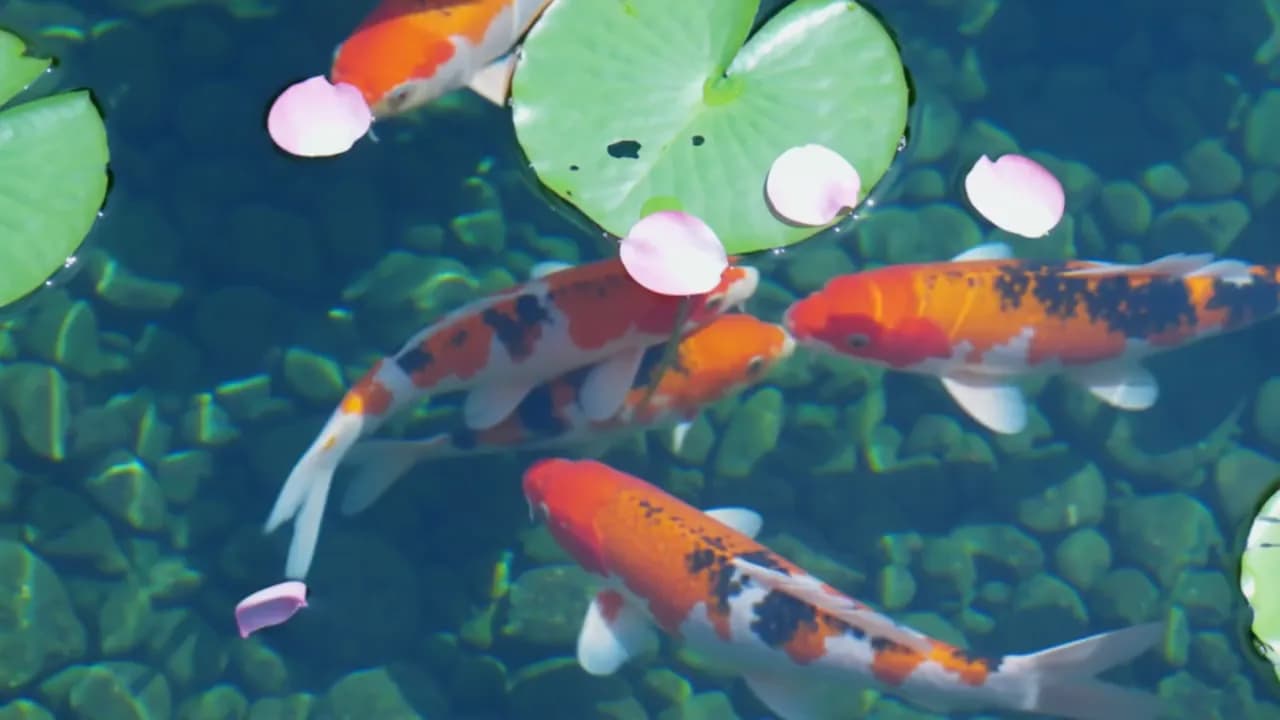
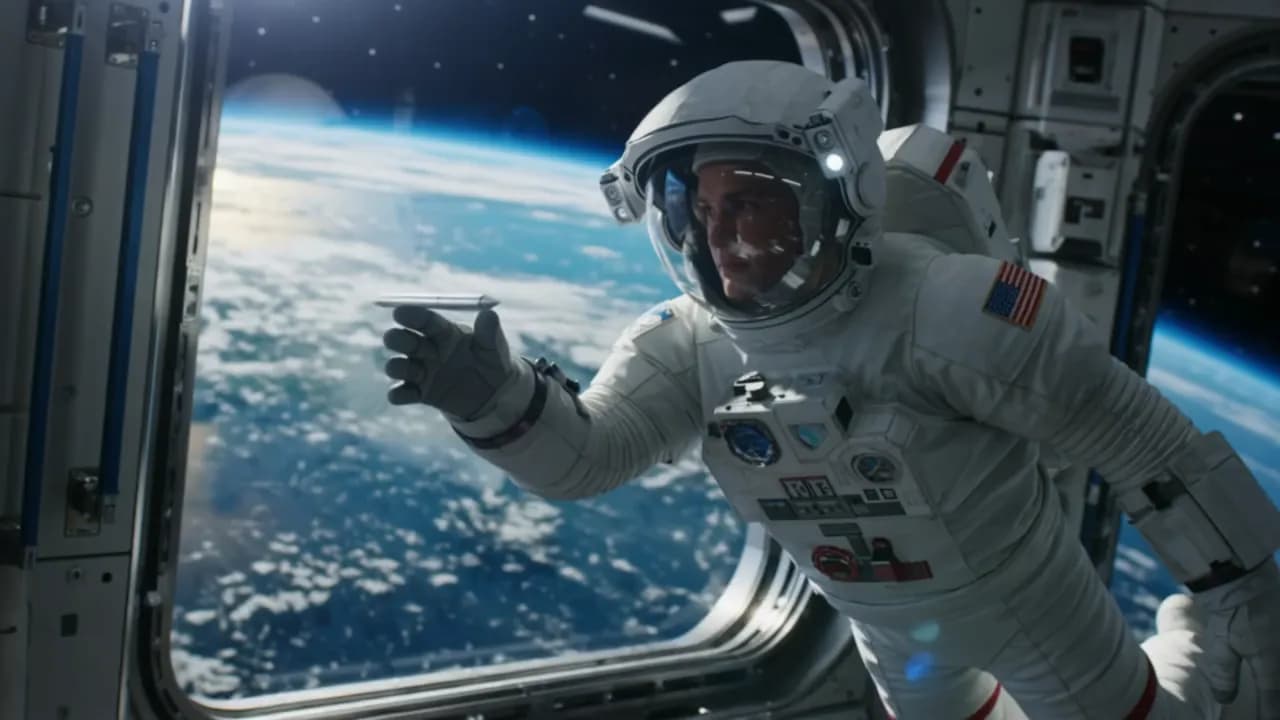
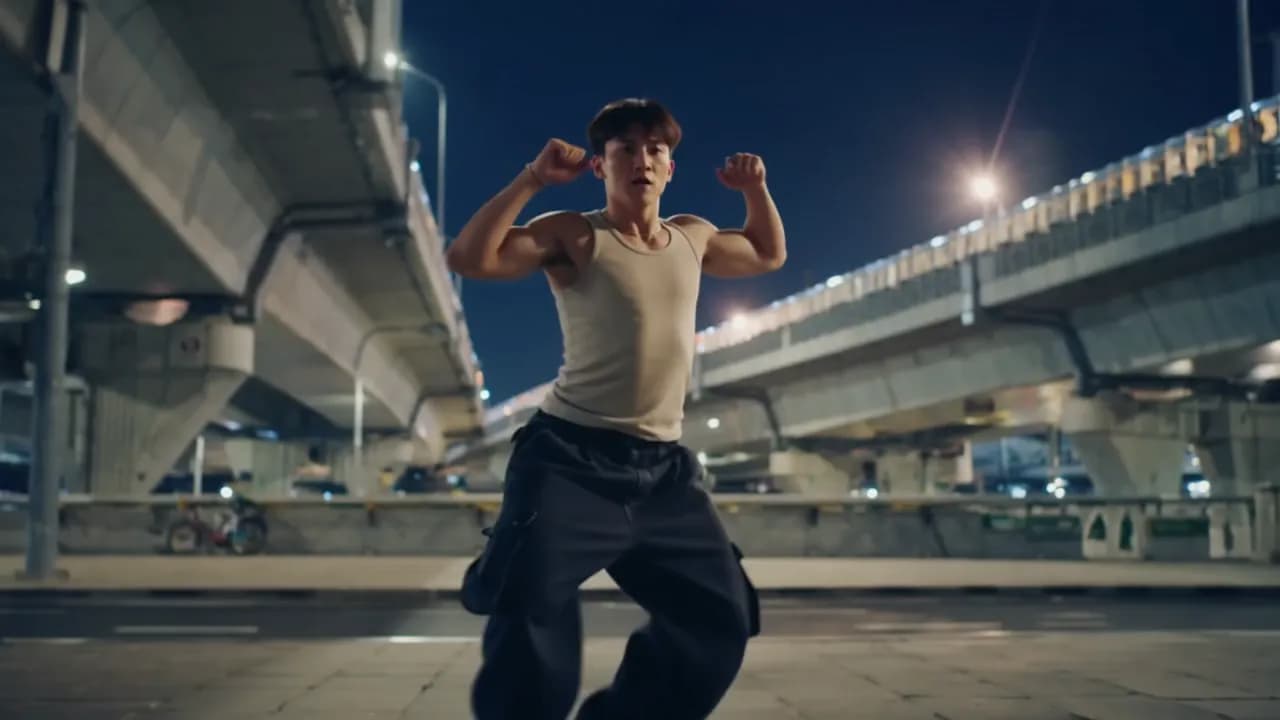
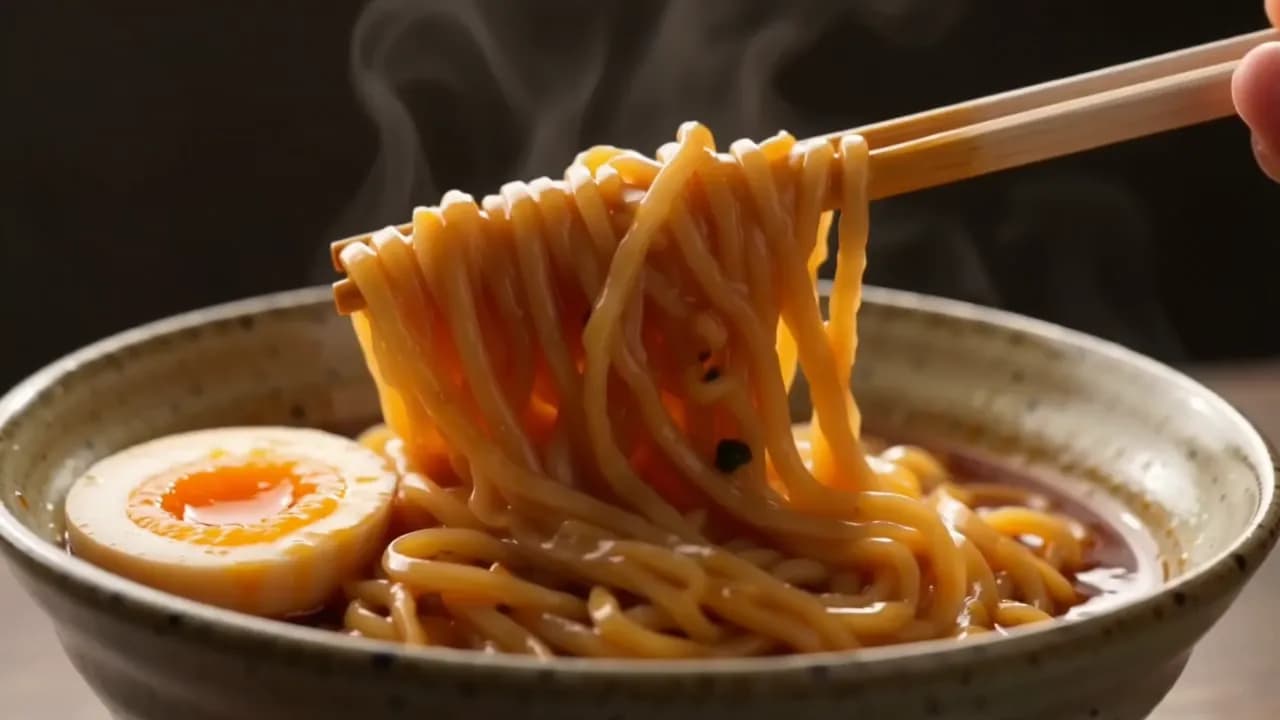
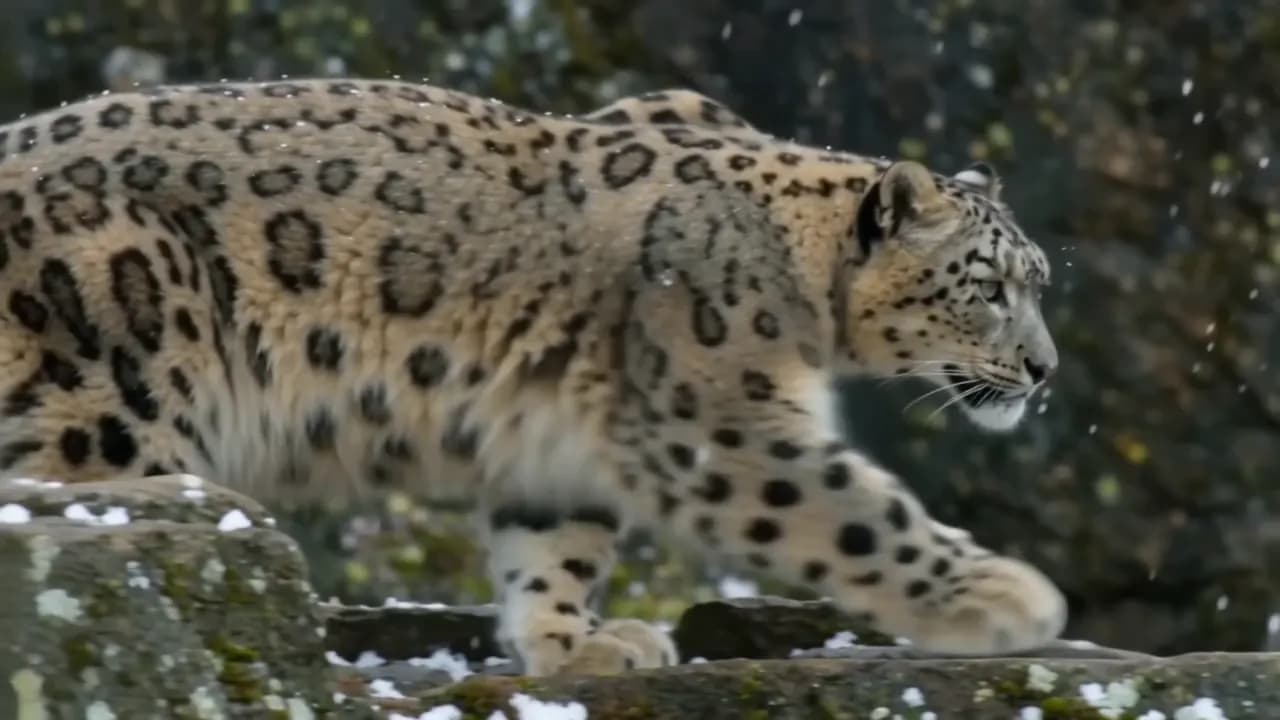
Koi under lily pads, a pen drifting in orbit, a street dancer under an overpass, ramen in the steam and a snow leopard in falling snow. Every clip here was made with PixVerse V6 on MaxH3.
Different Style Exploration
- Photorealistic: Documentary detail in faces, hands and light.
- Anime: A hand-drawn look, bright skies and drifting petals.
- 3D Cartoon: Round characters, soft light and a small story.
- Claymation: Handmade textures with stop-motion charm.
Photorealistic
Ask for a documentary look and PixVerse V6 delivers weathered hands working the knots of a fishing net on a pier, with soft dawn light and a misty harbor behind.
Photorealistic documentary shot: an old fisherman mends a net on a wooden pier at dawn, his weathered hands working the knots, gulls wheeling over the misty harbor. Gulls crying and water lapping.
Anime
Name the style first. "Anime style, hand-drawn look" gave a cyclist on a seaside road with cherry blossom petals and towering summer clouds, the camera tracking alongside her in one continuous shot.
Anime style, hand-drawn look: a young woman in a summer dress rides a bicycle along a seaside road as cherry blossom petals swirl around her, the ocean sparkling below and tall clouds in a bright summer sky; the camera tracks alongside her in one continuous shot. Cicadas and a bicycle bell.
3D Cartoon
A little robot waters a flower on a tiny planet and lights up as it blooms. Give the character one action and a clear payoff, like the flower opening here.
3D animated cartoon style: a small round robot with big glowing eyes waters a single flower on a tiny floating planet, and the flower blooms as the robot watches happily. Cheerful, whimsical music and robot beeps.
Claymation
Stop-motion clay keeps its handmade texture and fingerprints. Here a fox chef in a little white hat flips a pancake and catches it back in the pan.
Stop-motion claymation style: a clay fox chef in a little white hat flips a pancake in a cozy clay kitchen, and the pancake lands back in the pan with a wobble; visible fingerprints and handmade textures. A sizzling pan and playful music.

How to Use PixVerse AI on MaxH3
Open PixVerse V6
PixVerse V6 is already selected in the generator above. Choose text to video, or image to video to start from a photo.
Name the Style, Then the Scene
Start with the look (photoreal, anime, 3D cartoon, claymation), then what happens and how the camera moves. Turn audio on if you want sound.
Generate and Download
Pick 1 to 15 seconds, 360p to 1080p and an aspect ratio, then press the arrow. The clip opens in your workspace, ready to download as an MP4.
Explore More AI Video Models
FAQs
Start Creating With PixVerse AI
Pick a style, describe the scene or upload a photo, and PixVerse V6 turns it into a 1–15 second clip.