AI People Remover

Remove People from Photos With an AI People Remover
A stranger walks into the frame and a great photo feels spoiled. Upload it, brush over anyone you don't want in the picture, and our AI people remover erases them and rebuilds the background behind them. You decide who goes and who stays, from one passer-by to a whole crowd.
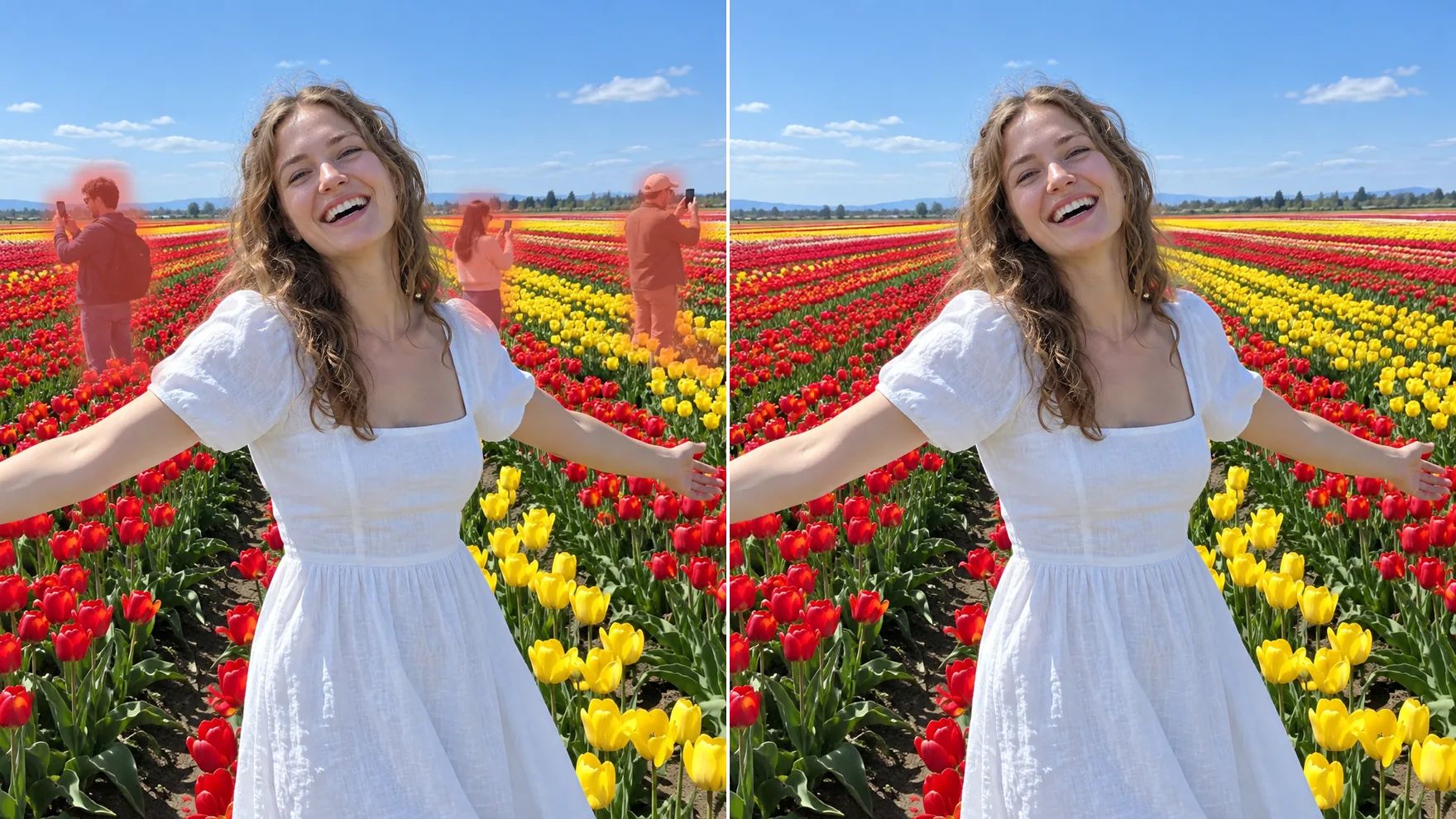
Erase Anyone in a Few Strokes
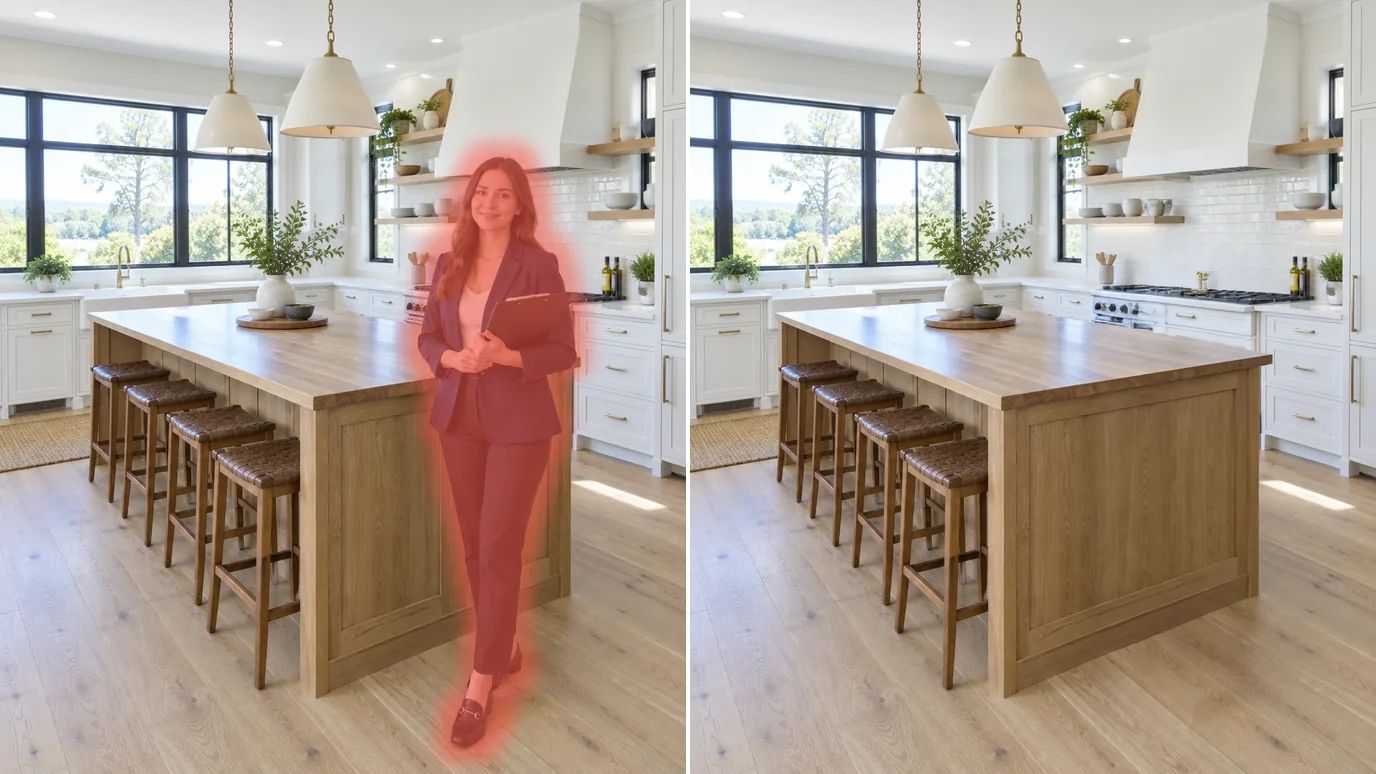
Remove someone from a picture in a few strokes: brush over the photobomber and their shadow, and the AI fills the gap with what belongs there. There's nothing to clone or cut out, and everyone you didn't brush stays exactly as they are.
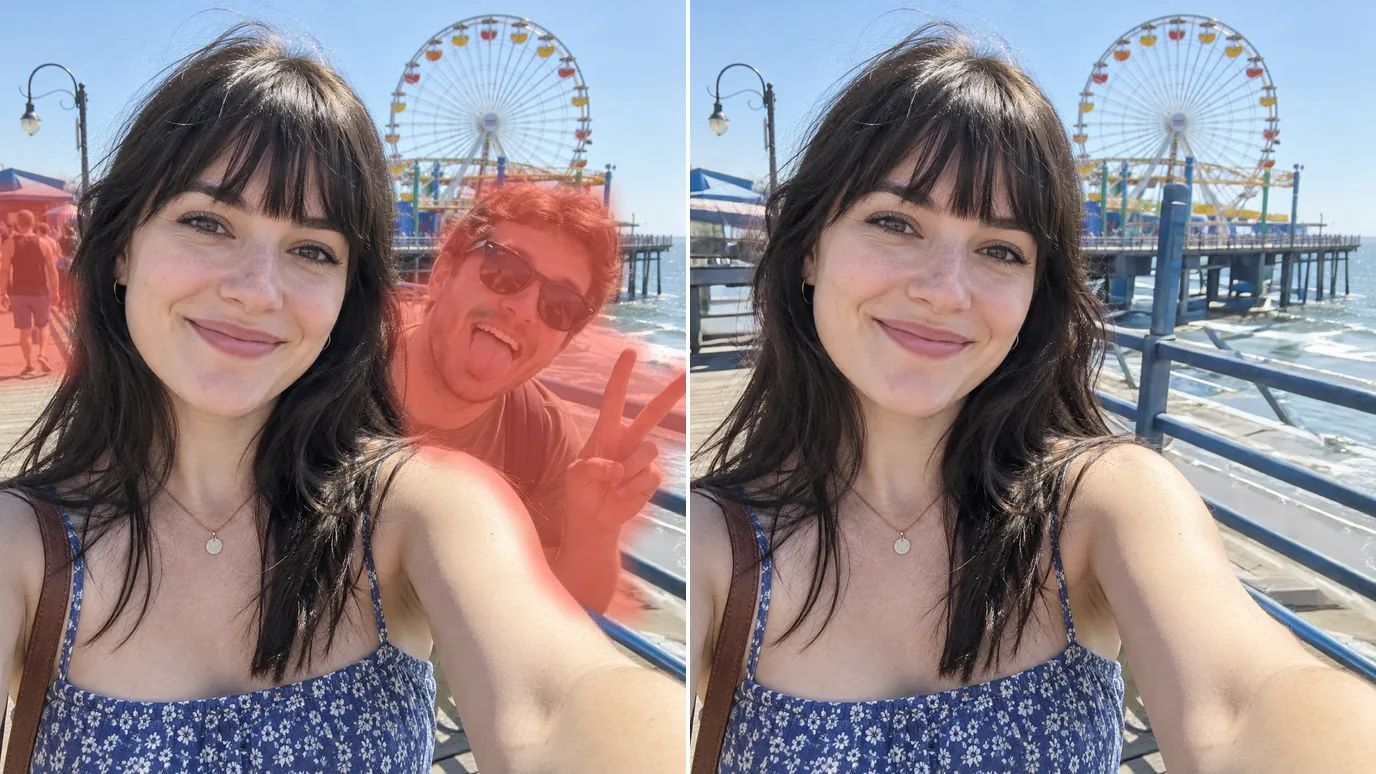
Clear the Crowd from Travel Photos
Famous spots are never empty. Brush over every tourist in the background, click once, and your trip photo shows the view you came for, with you in it.
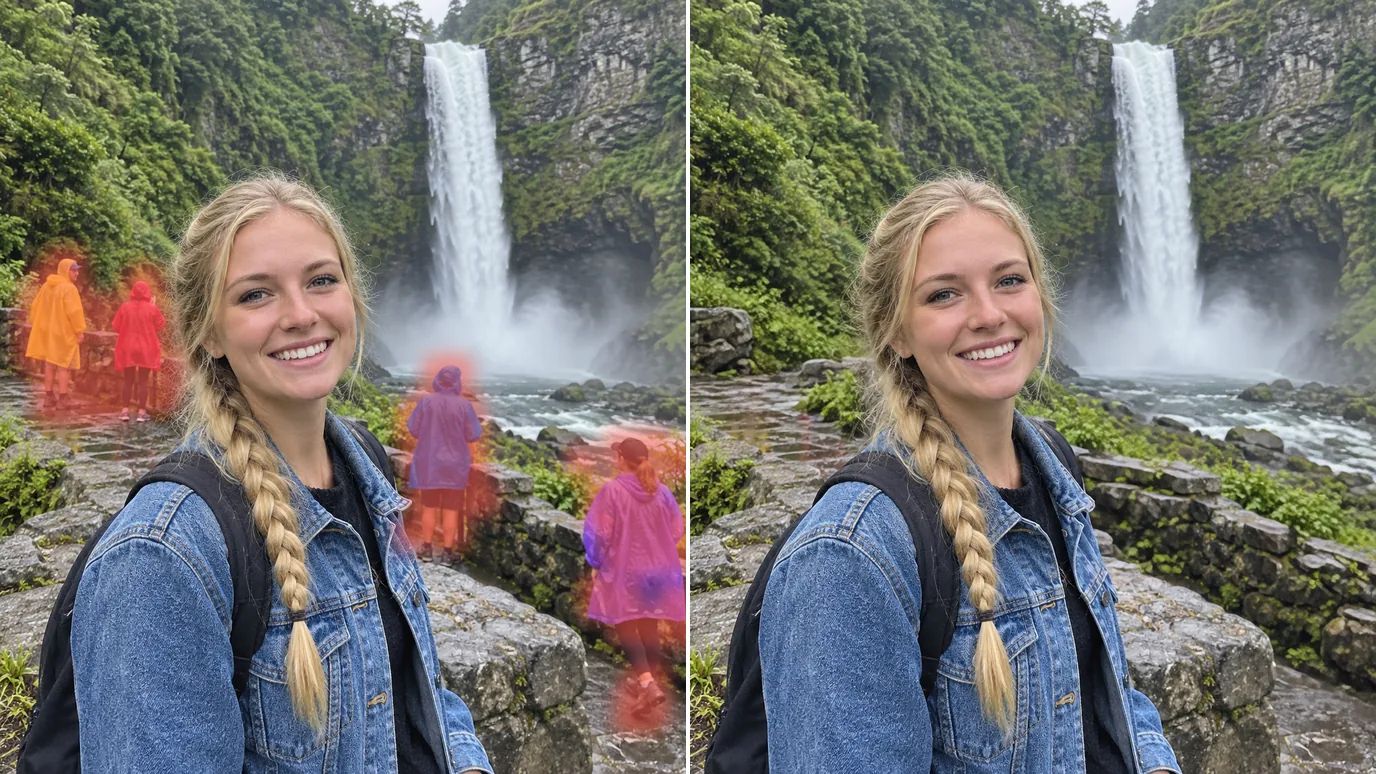
Save Wedding and Event Photos
A guest holding up a phone or a waiter crossing behind you shouldn't cost you the best shot of the day. Brush them out and keep the moment for the album.
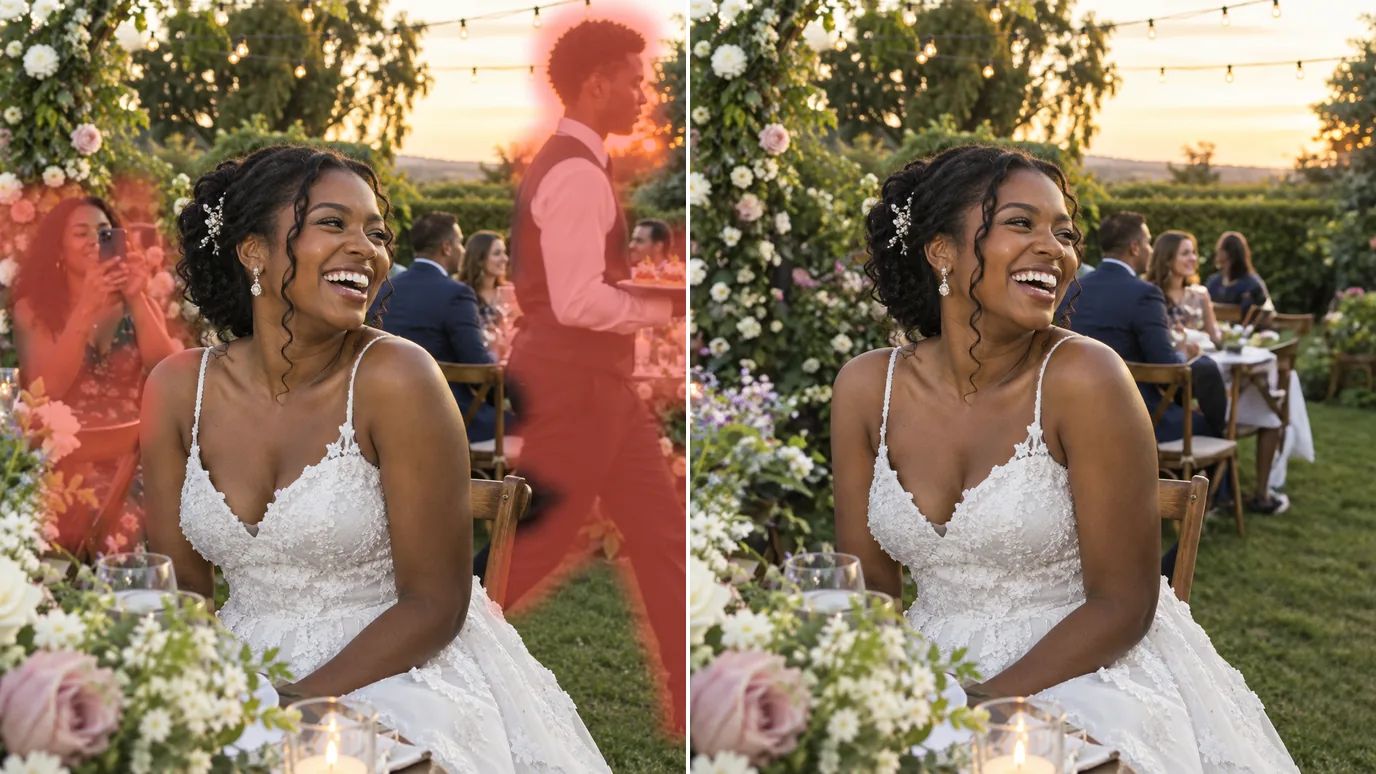
Clean Listings and Business Photos
Take agents, staff and passers-by out of property, store and product photos, so buyers see the space or the product and nothing else.
How to Remove People from a Photo
Upload Your Photo
Sign in and upload a PNG, JPG or WEBP image up to 15 MB and 4096 pixels on each side.
Brush Over the People
Paint over each person you want gone, including their shadow. Change the brush size for tight spots, and undo any stroke you don't want.
Remove and Download
The price shows on the Remove button. Click it, check the result and download your photo.
FAQs
Get the Photo You Meant to Take
Upload a picture, brush over the people who don't belong and download a clean version.