Image Sharpener
Image Sharpener

Sharpen Images Online With an AI Image Sharpener
Upload an image that came out soft, choose one of seven sharpening modes and set the strength. The AI image sharpener restores crisp edges and fine texture at the original size, without the halos and grain a simple sharpen filter adds.
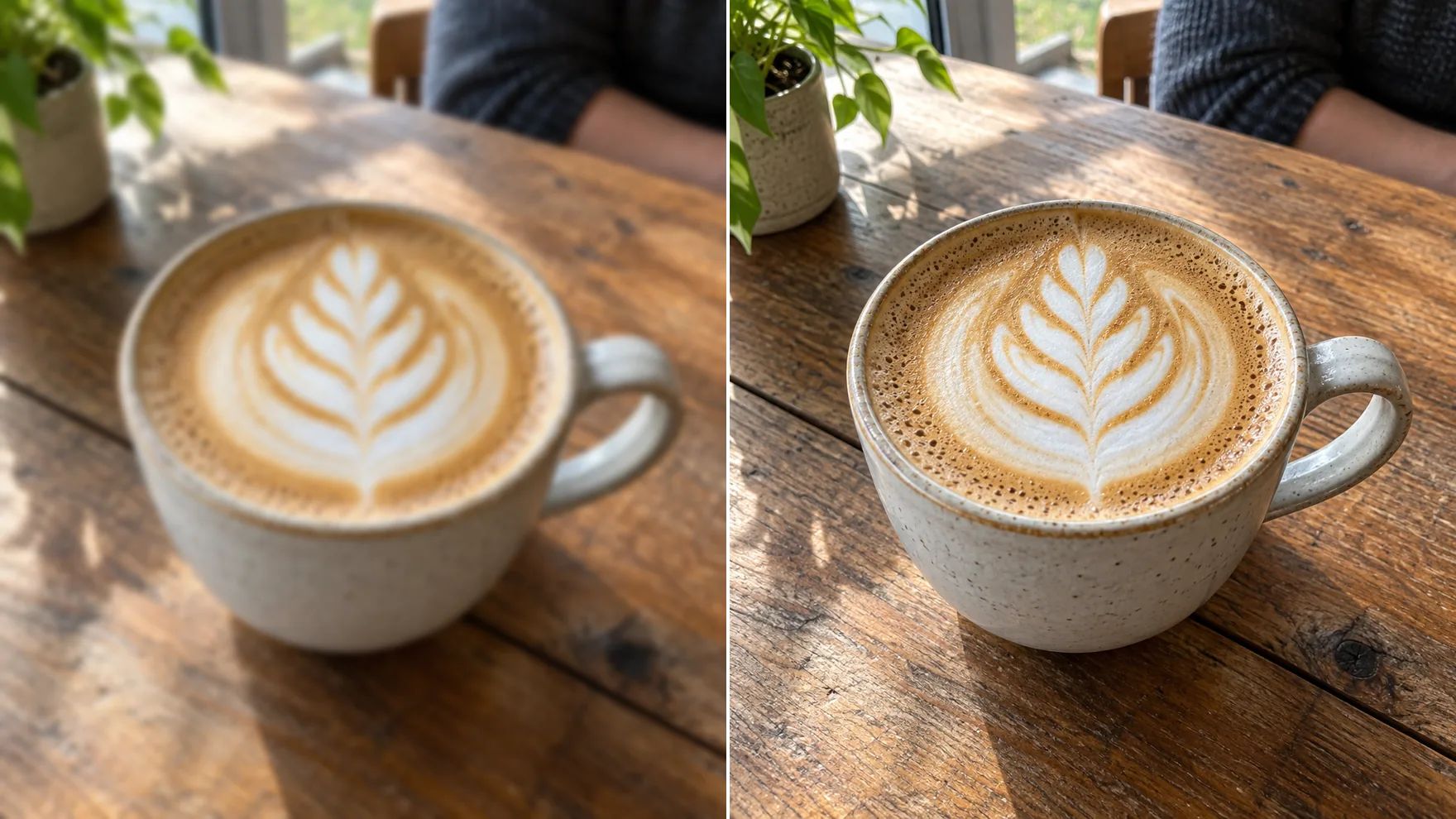
Sharpen Images Without the Side Effects
Real detail, not just more contrast.
Sharpen in One Click
The image sharpener's Standard mode works for most soft photos: upload, click Create and get a clearer image. Settings let you raise or lower the strength when you want more or less.
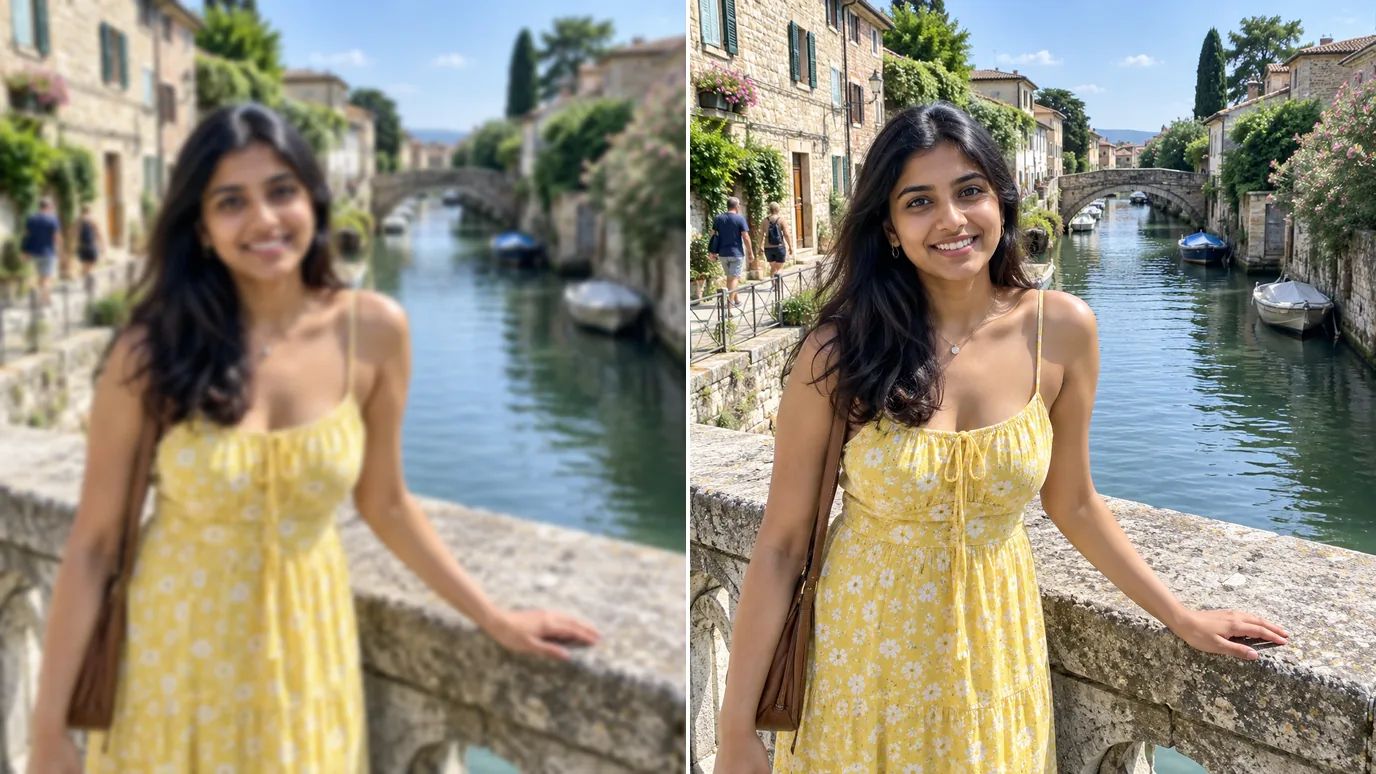
Revitalize Soft, Low-Quality Visuals
Resized web images and photos from older phones look mushy. Sharpening restores edges and texture so they look clean on today's screens.
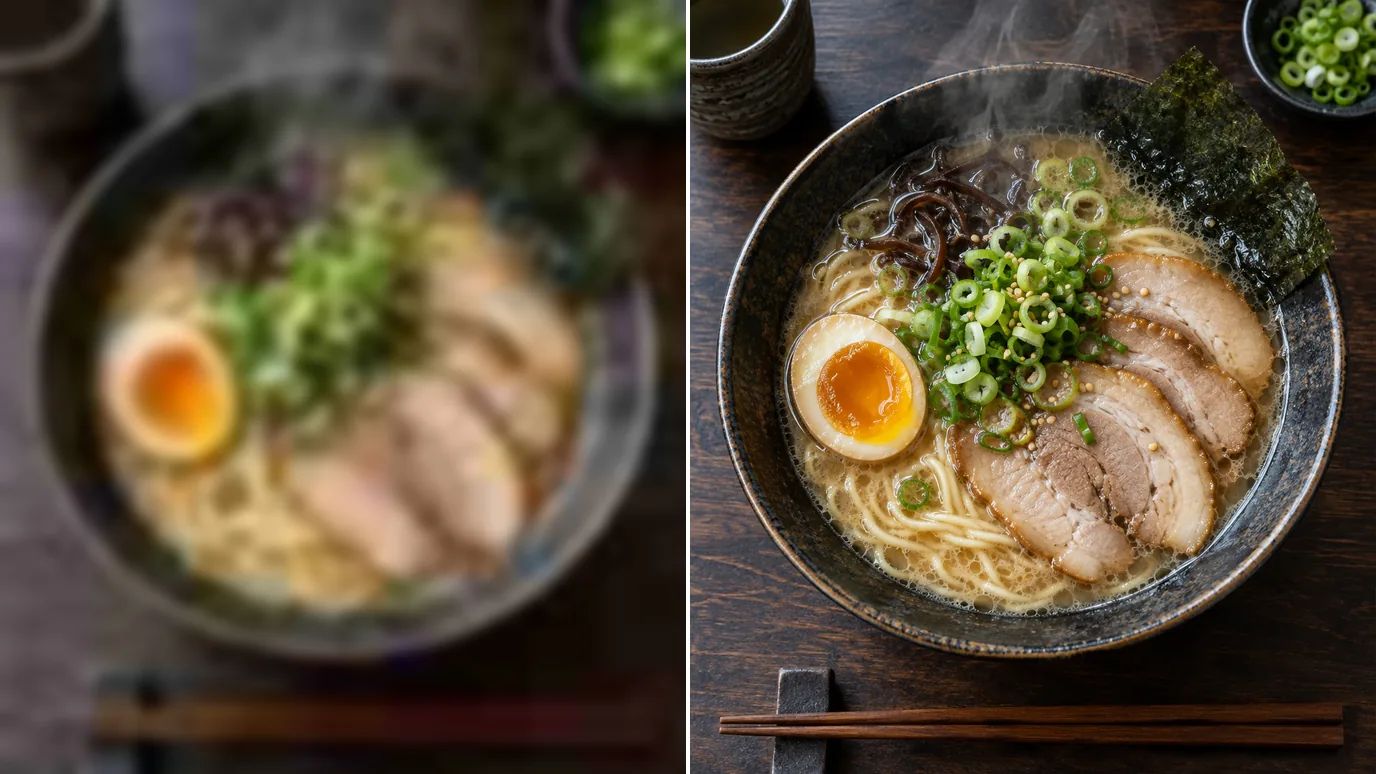
Elevate E-Commerce Images
Crisp stitching, labels and textures help products sell. Run product photos through the image sharpener before you upload them to your store or marketplace.
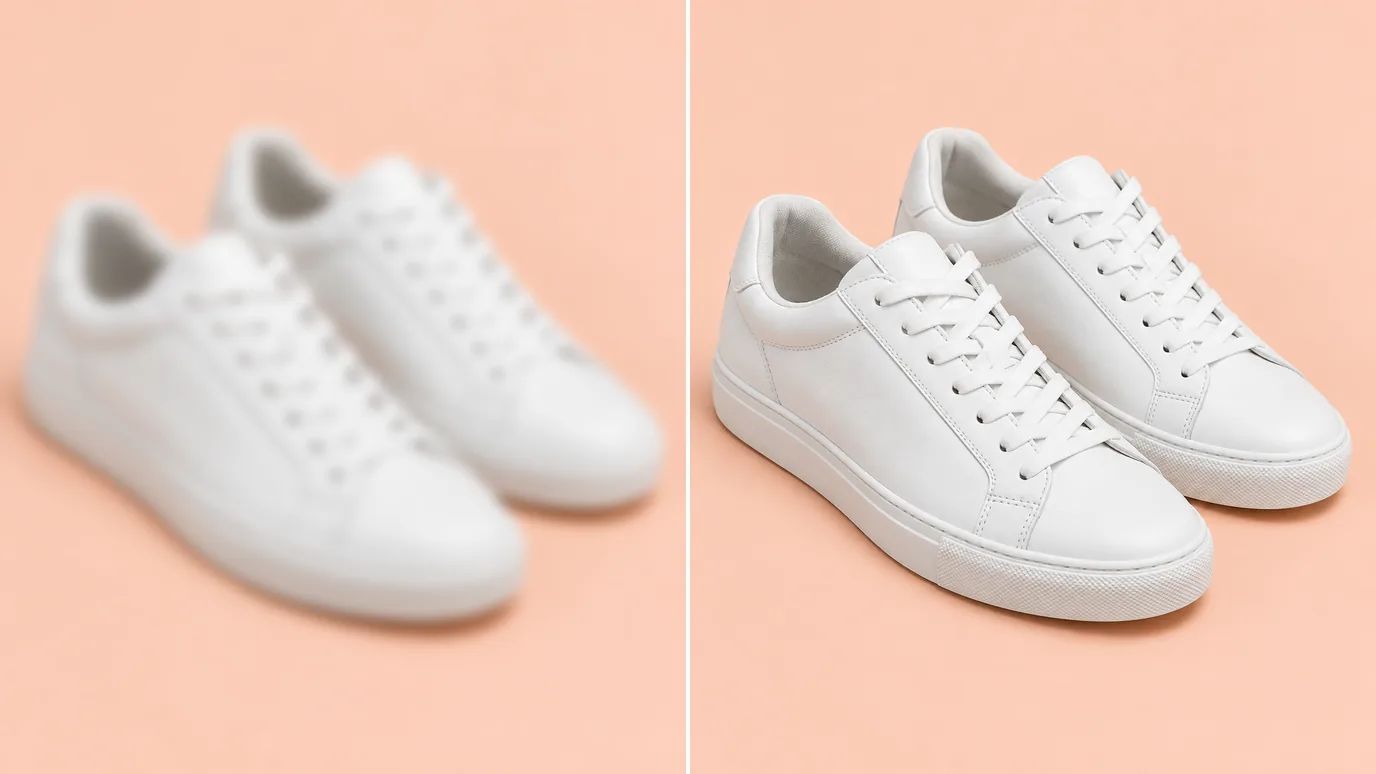
Polish Photos Before You Share
Give travel, food and portrait photos a final pass so the details pop in social feeds, in albums and in print.
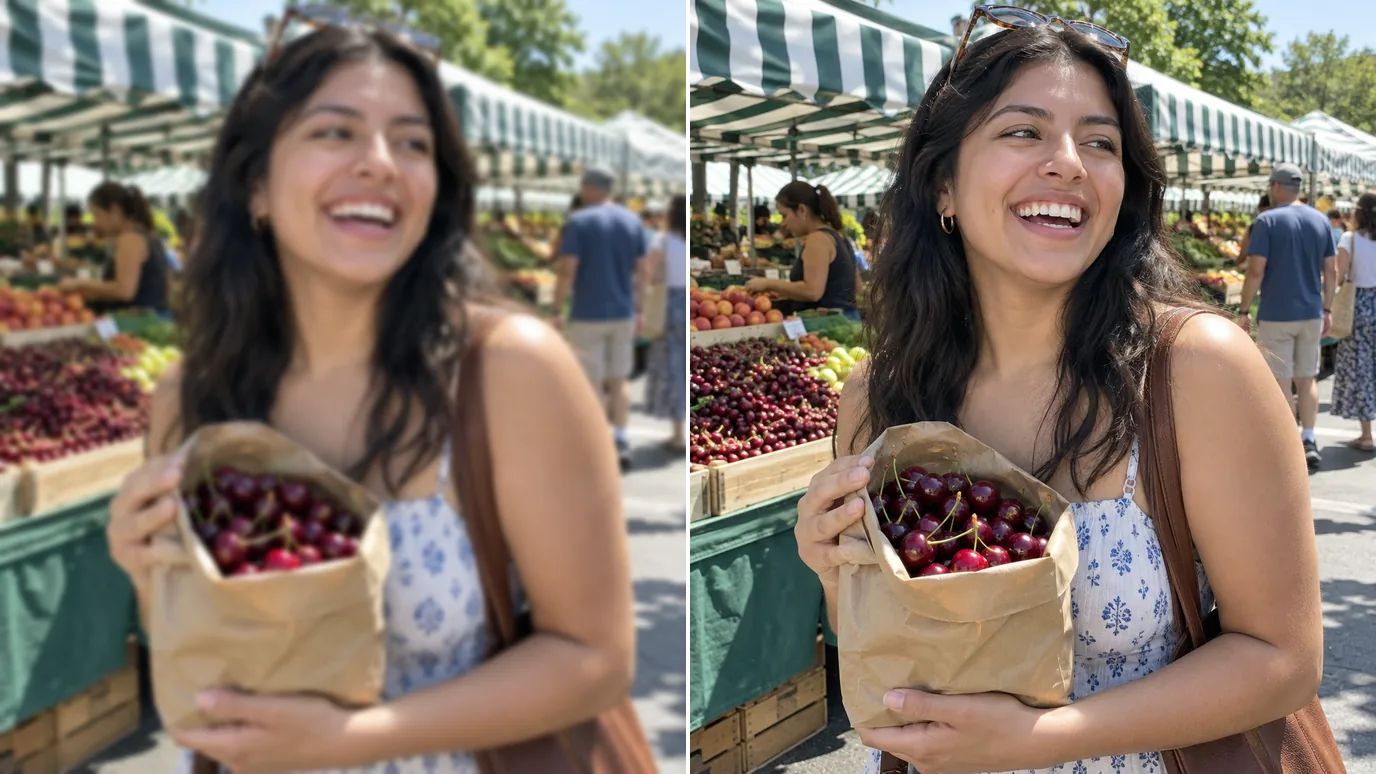
Who Uses an Image Sharpener
Anyone who wants detail to look crisp.
Photographers
A fast final sharpening pass that respects skin and texture.
Online Sellers
Product photos with crisp edges and readable labels.
Social Media Creators
Posts and thumbnails that stay crisp after compression.
Designers
Clean source images for layouts, mockups and print.

How to Sharpen an Image With MaxH3
Upload Your Image
Sign in and upload a PNG, JPG or WEBP image up to 10 MB and 4096 pixels on each side.
Choose the Mode and Strength
Standard handles most images. Pick Natural to keep textures realistic, Refocus for fine detail, or the Lens Blur and Motion Blur modes when the softness comes from focus or movement.
Create and Download
The price for your image appears on the Create button. Click it, then download the sharpened image when it's ready.
Explore Other Photo Editing Tools
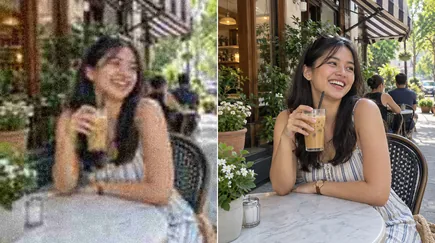 AI Image EnhancerUse This Tool
 Unblur ImageUse This Tool
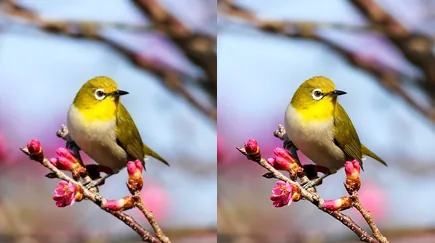 Image UpscalerUse This Tool
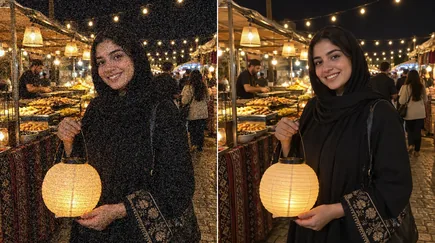 Denoise AIUse This Tool
FAQs
Make Soft Photos Crisp With the Image Sharpener
Upload an image, pick a mode and get crisp, natural detail back.