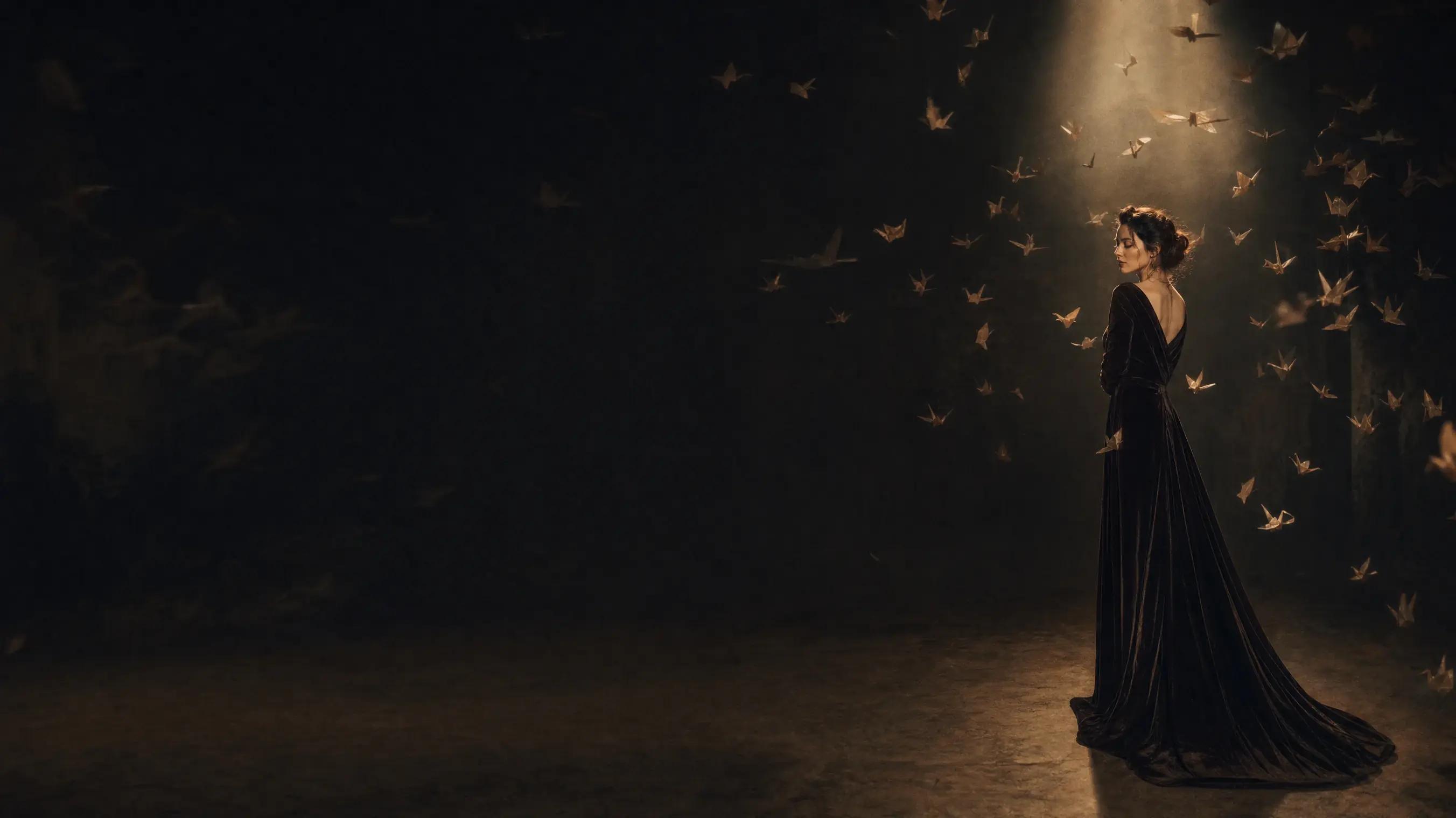
AI Image Generator
Describe the image you want and render it with GPT Image 2.5, Nano Banana 2 or Seedream 5 — your choice of aspect ratio and resolution, exported high-res.
What You Can Make with MaxH3's AI Image Generator
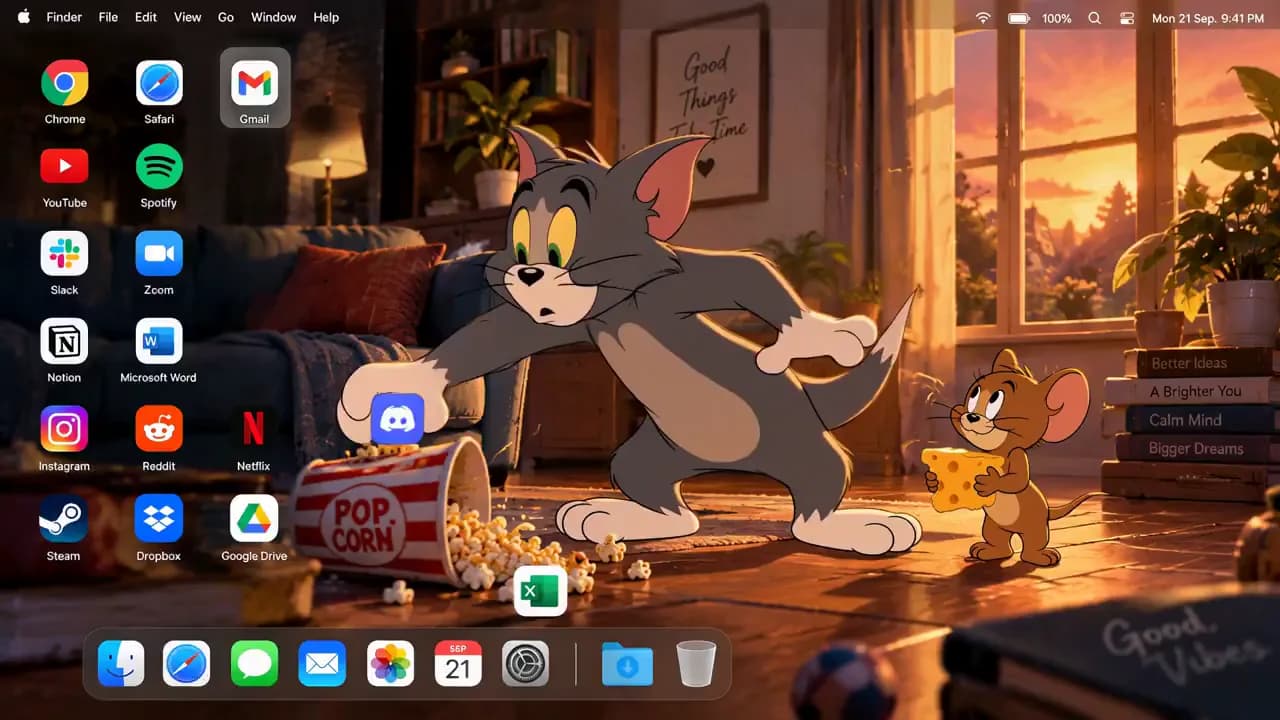
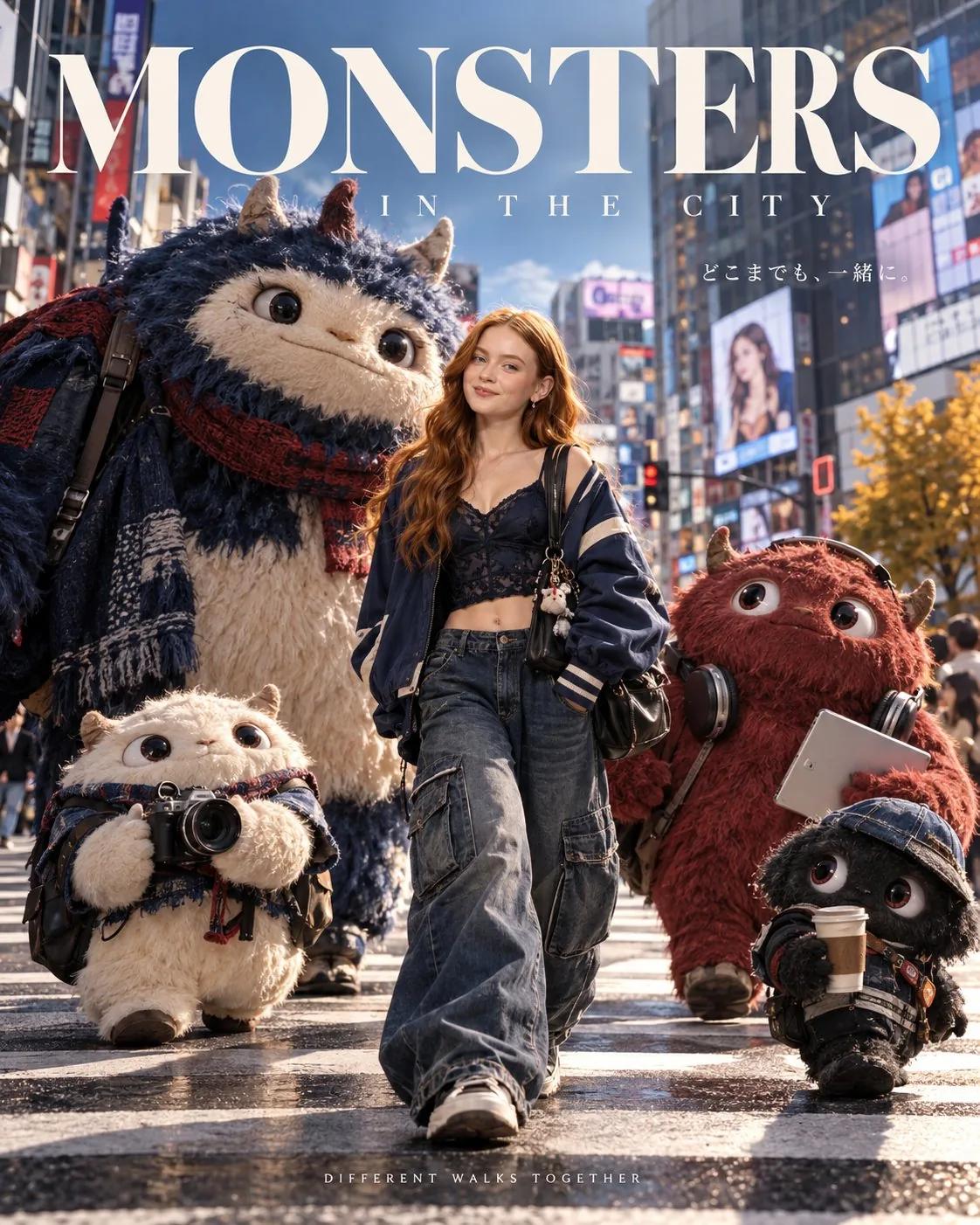
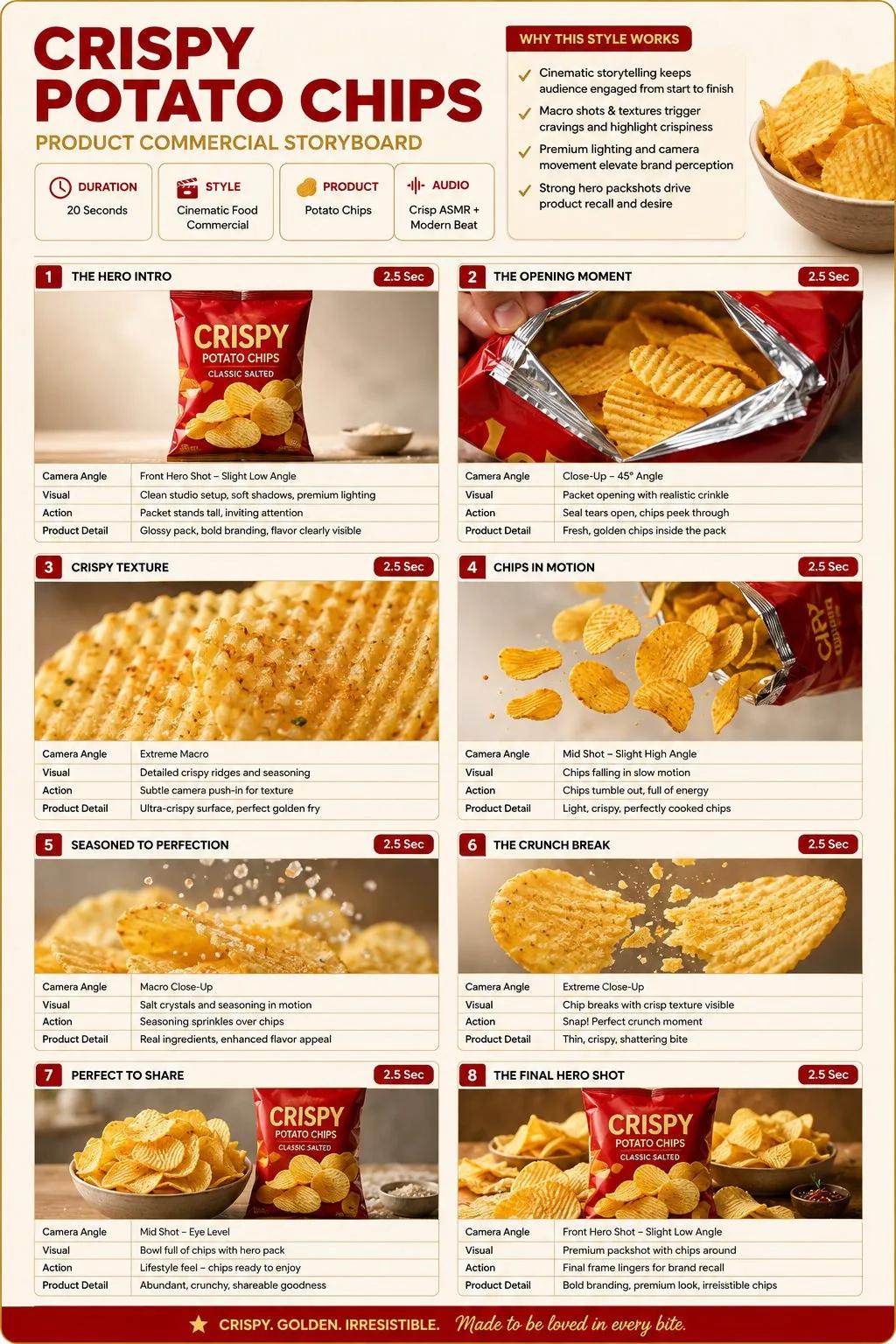
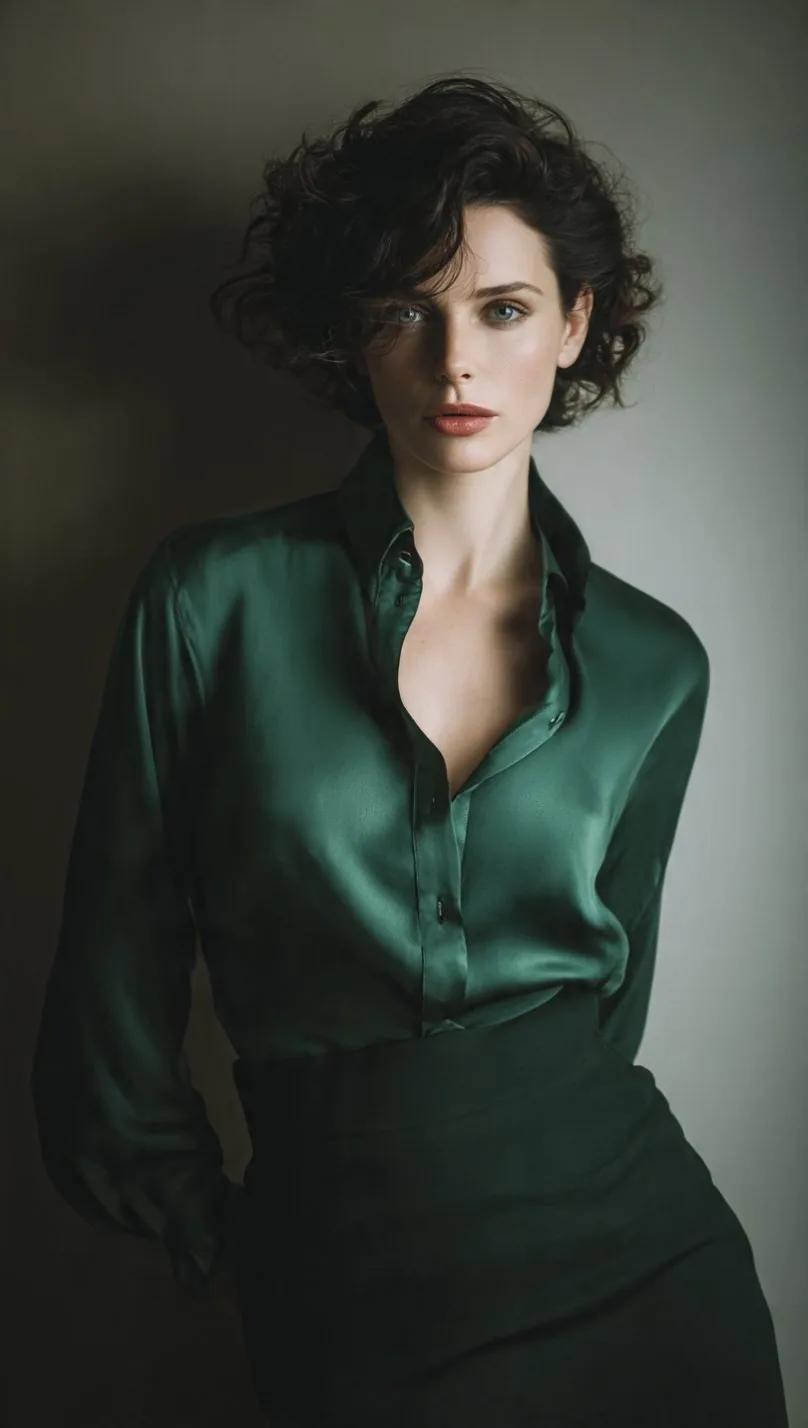
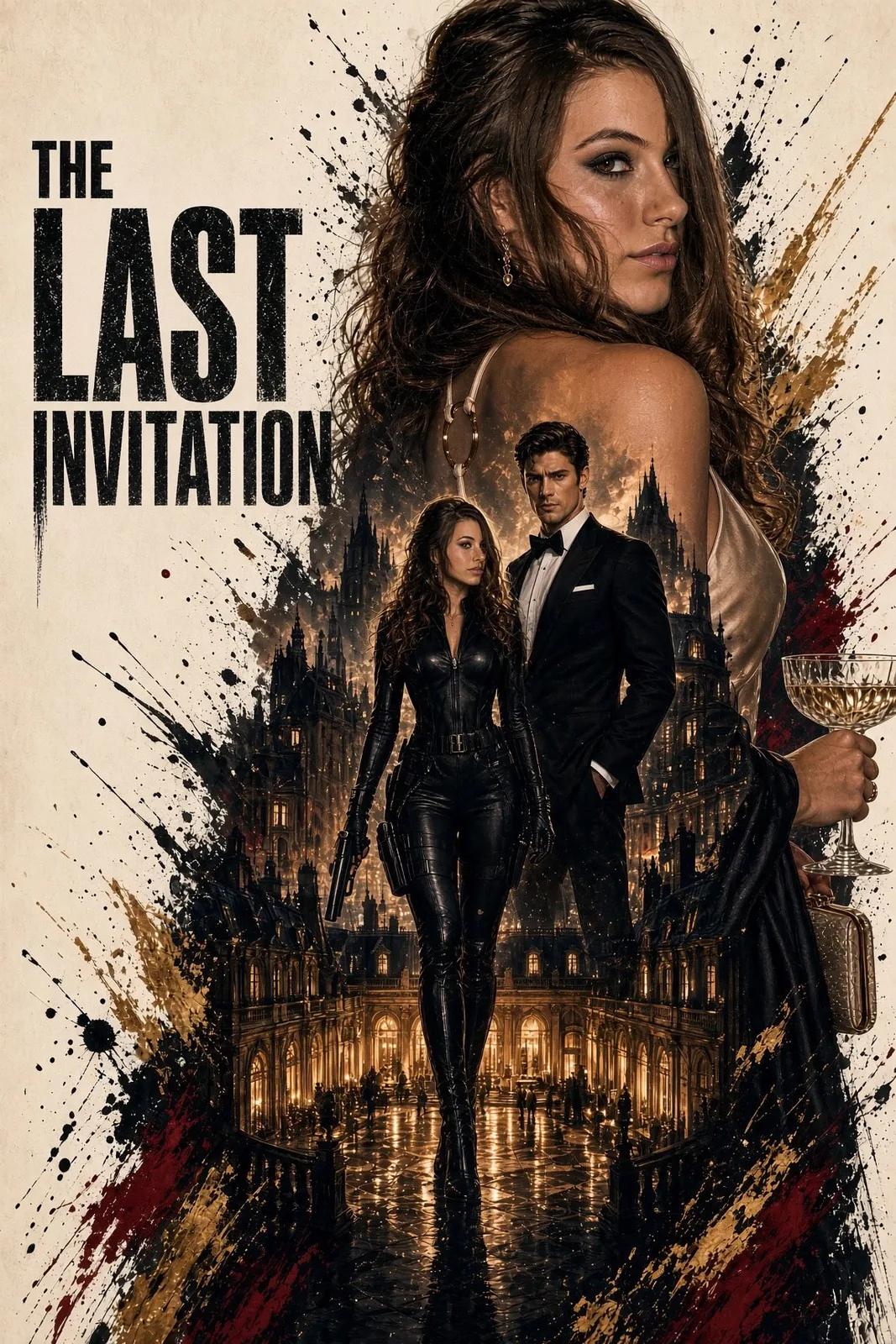
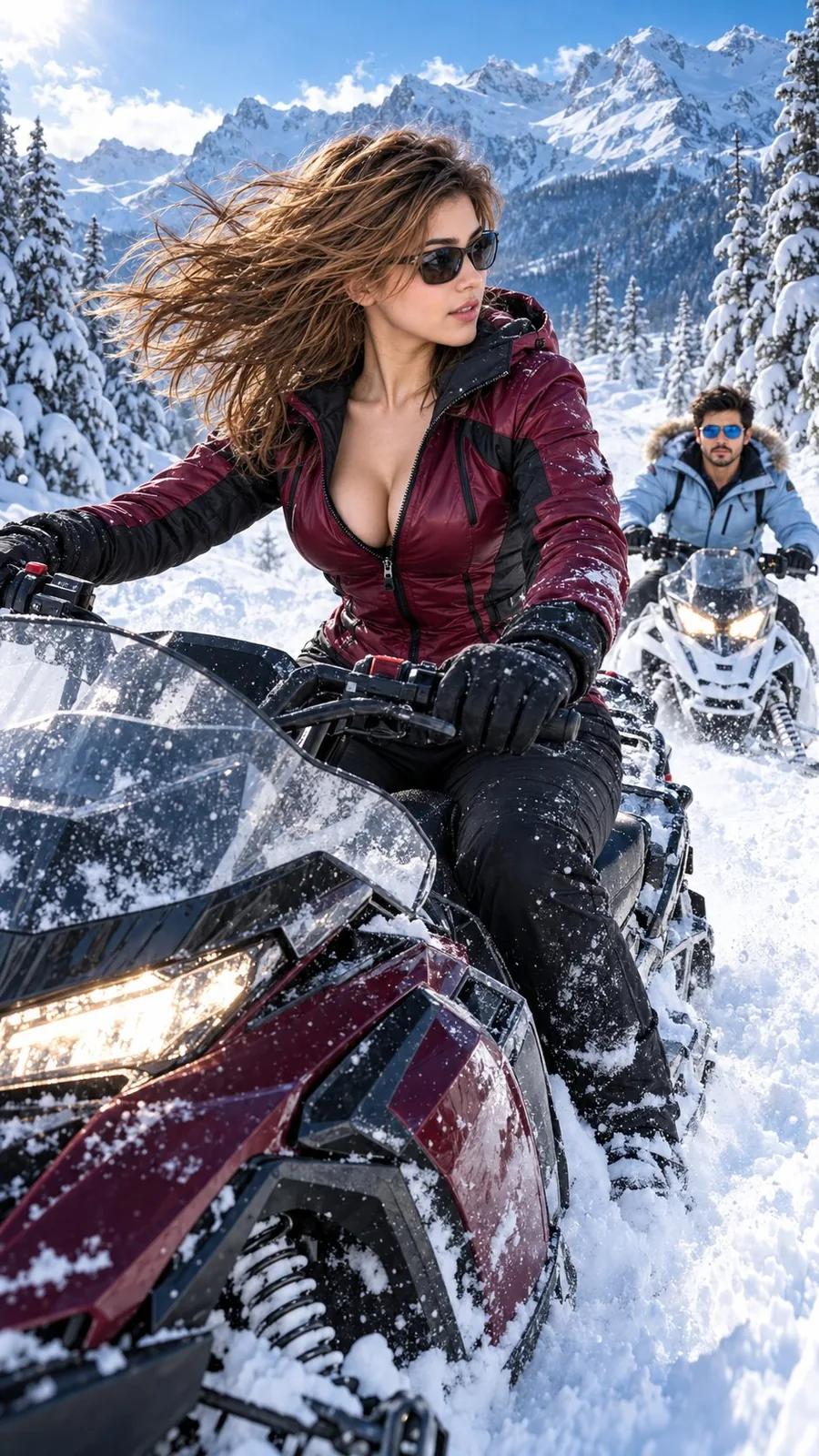
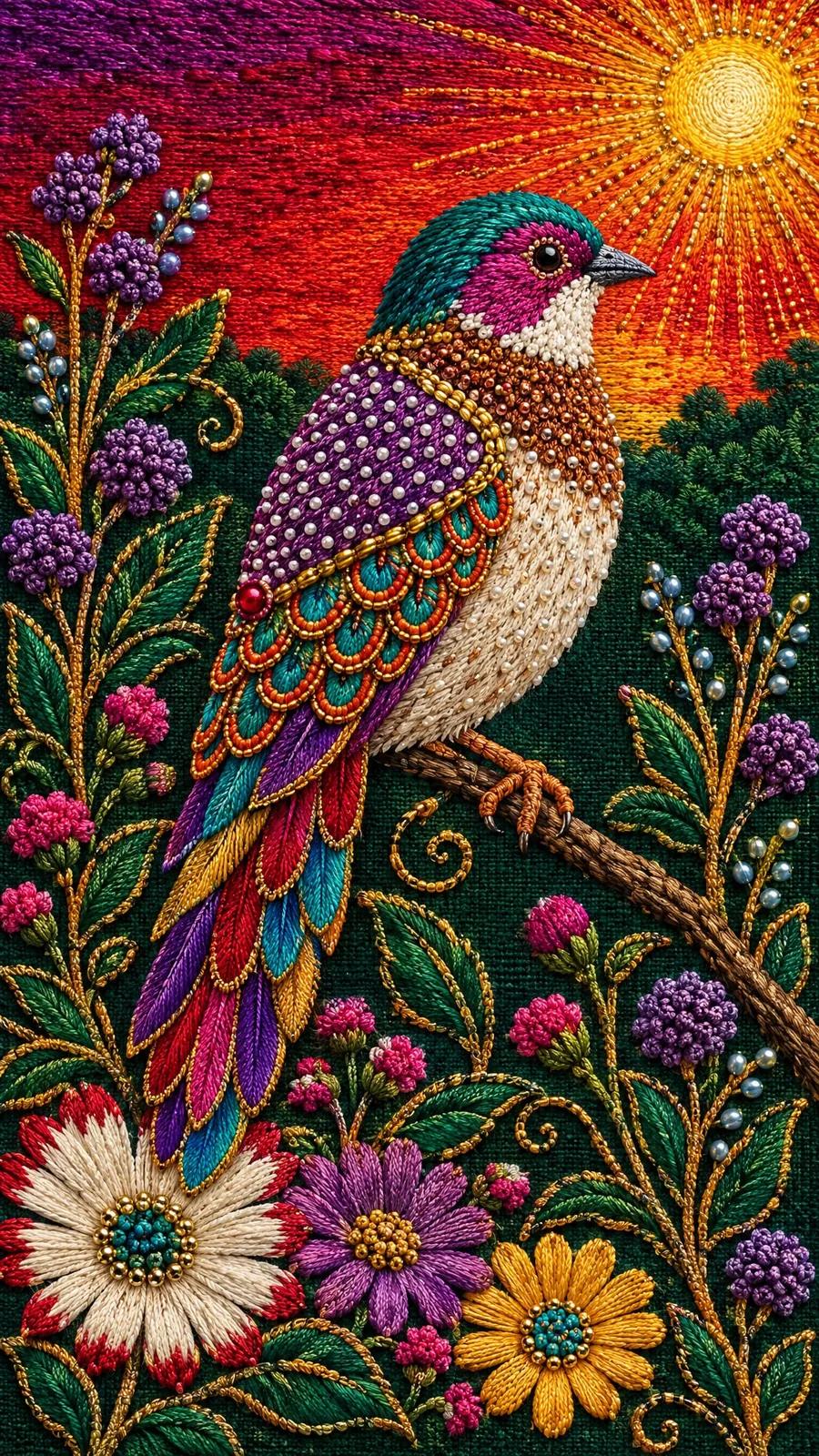
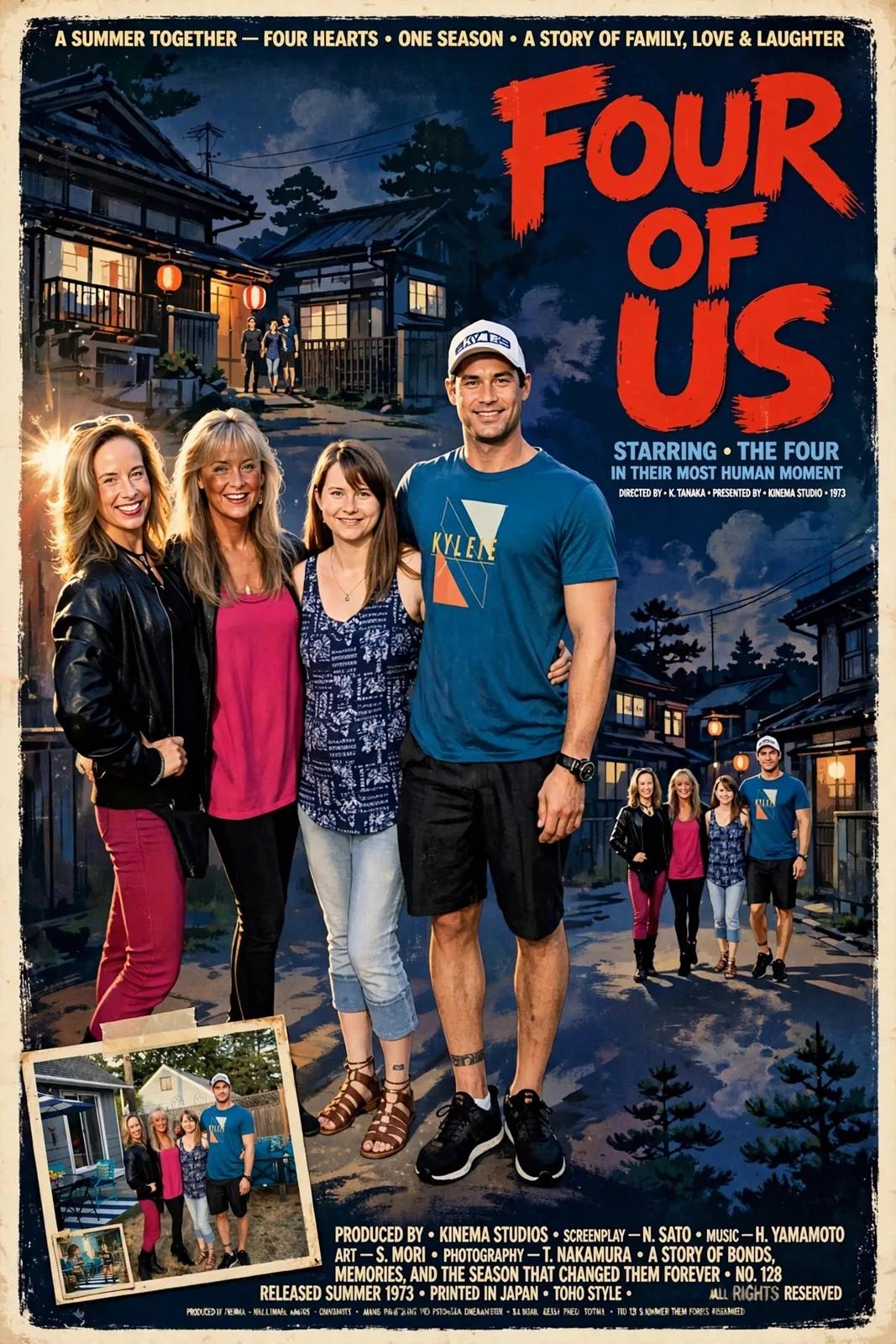
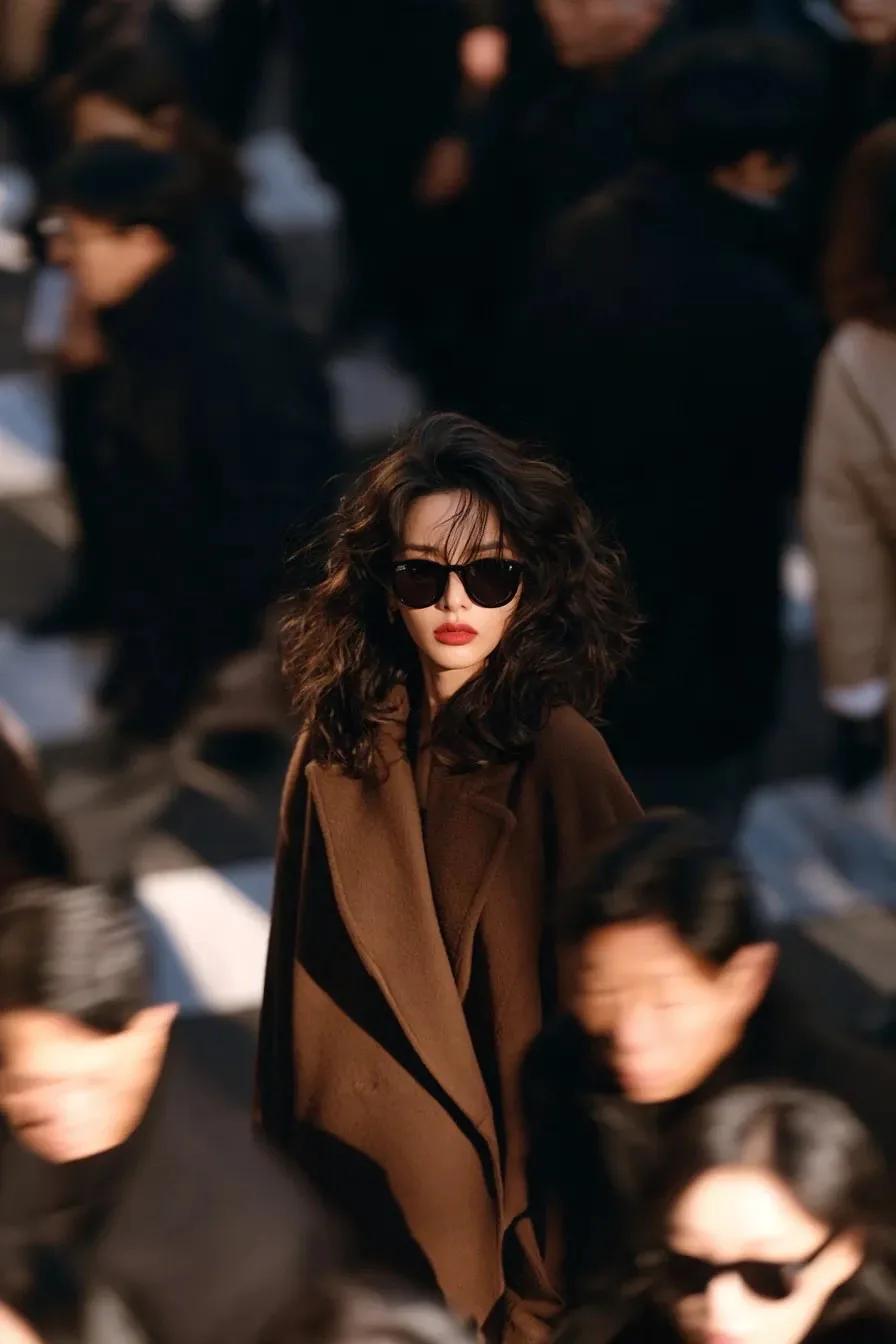
A street-style shot that could sit in a fashion feed, a movie poster whose title actually reads right, a product storyboard laid out shot by shot, a bird stitched in beads and thread — each one started as a single sentence. Run the same prompt through GPT Image 2.5, Nano Banana 2 or Seedream 5, keep the version you like best, and move on.
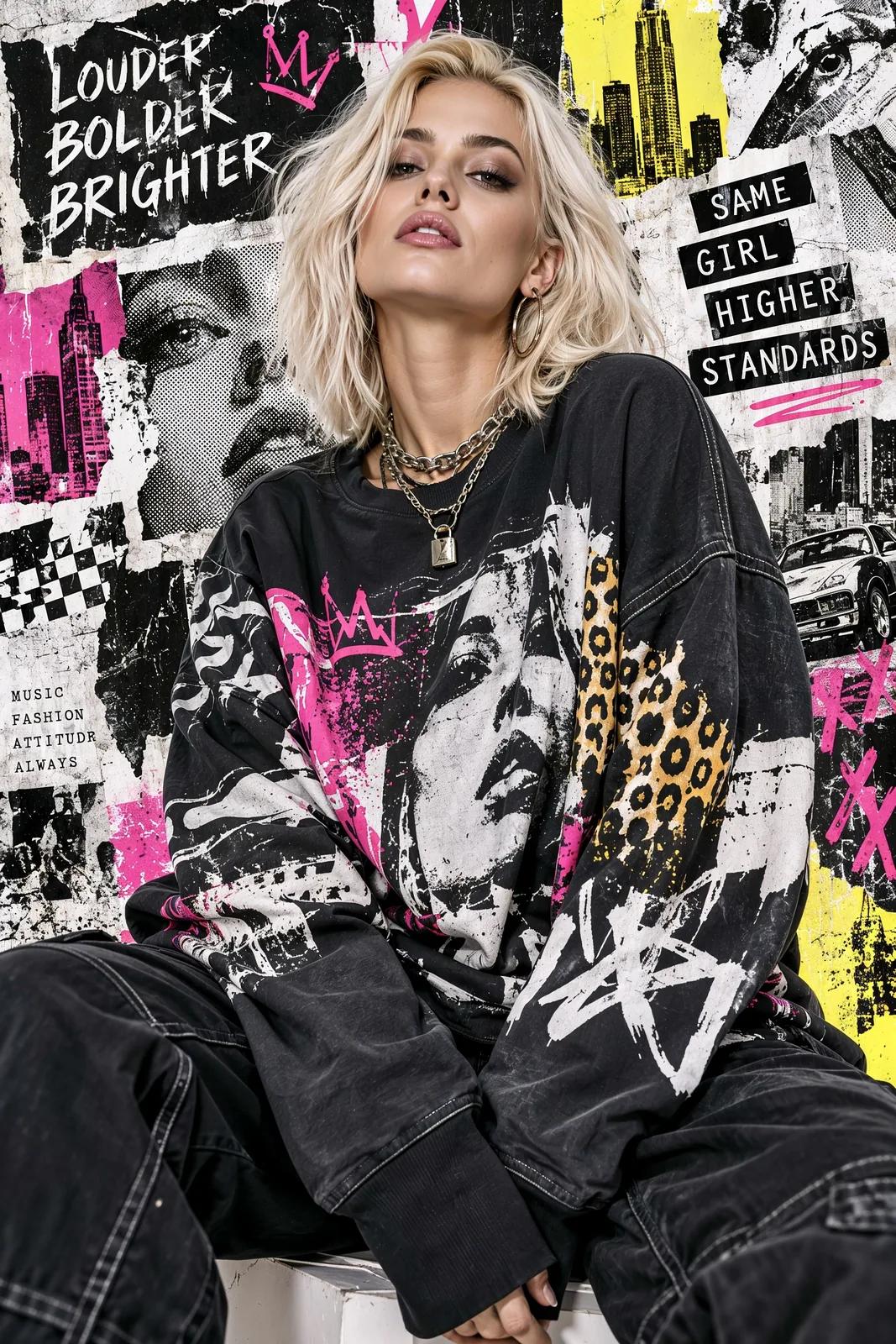
An AI Image Generator for Studio-Grade Visuals
One prompt box, five things today's best image models do well. Every image below was generated on this page.
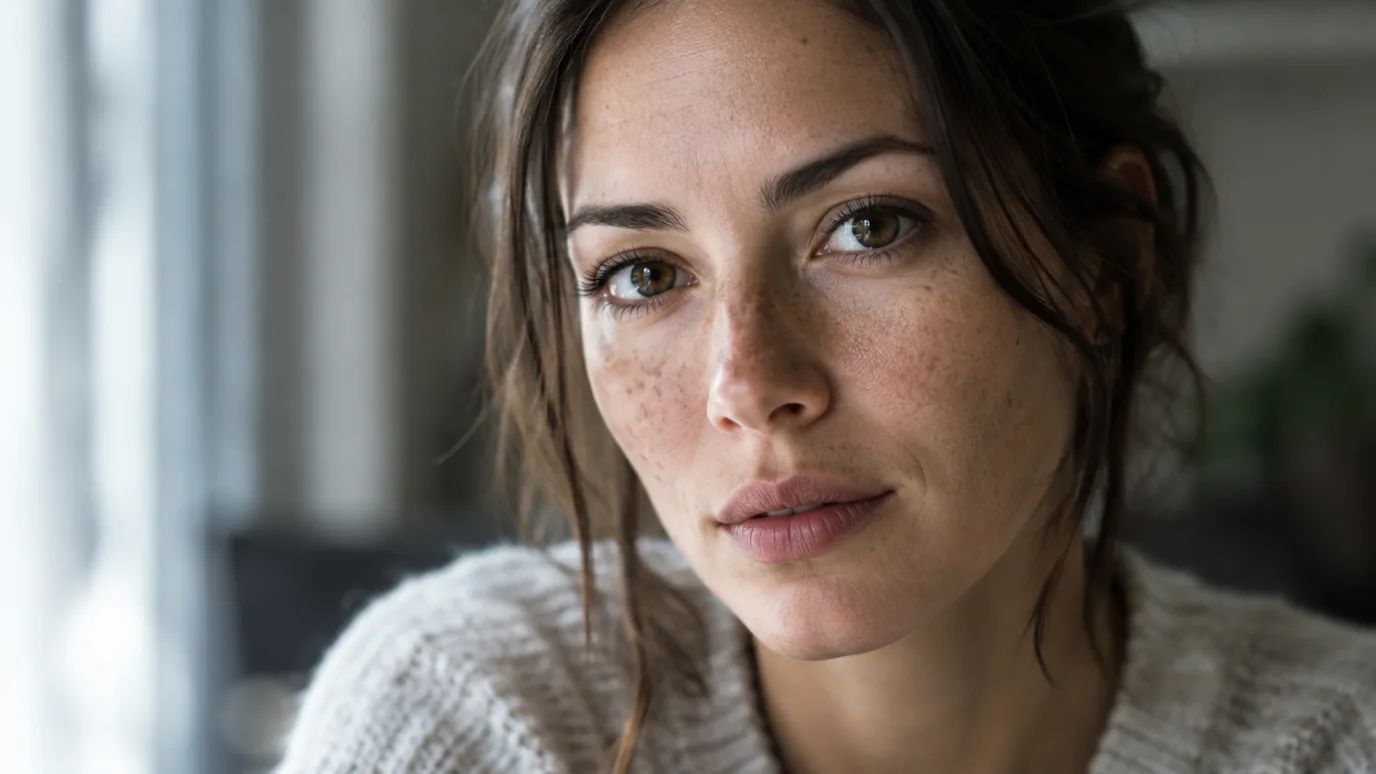
Photorealism You Could Mistake for a Photo
Skin texture, window light, lens depth of field: describe the shot the way a photographer would, and models such as GPT Image 2.5 and Seedream render it with real-camera detail. Useful for portraits, lifestyle scenes and the stock-style images you would otherwise license.
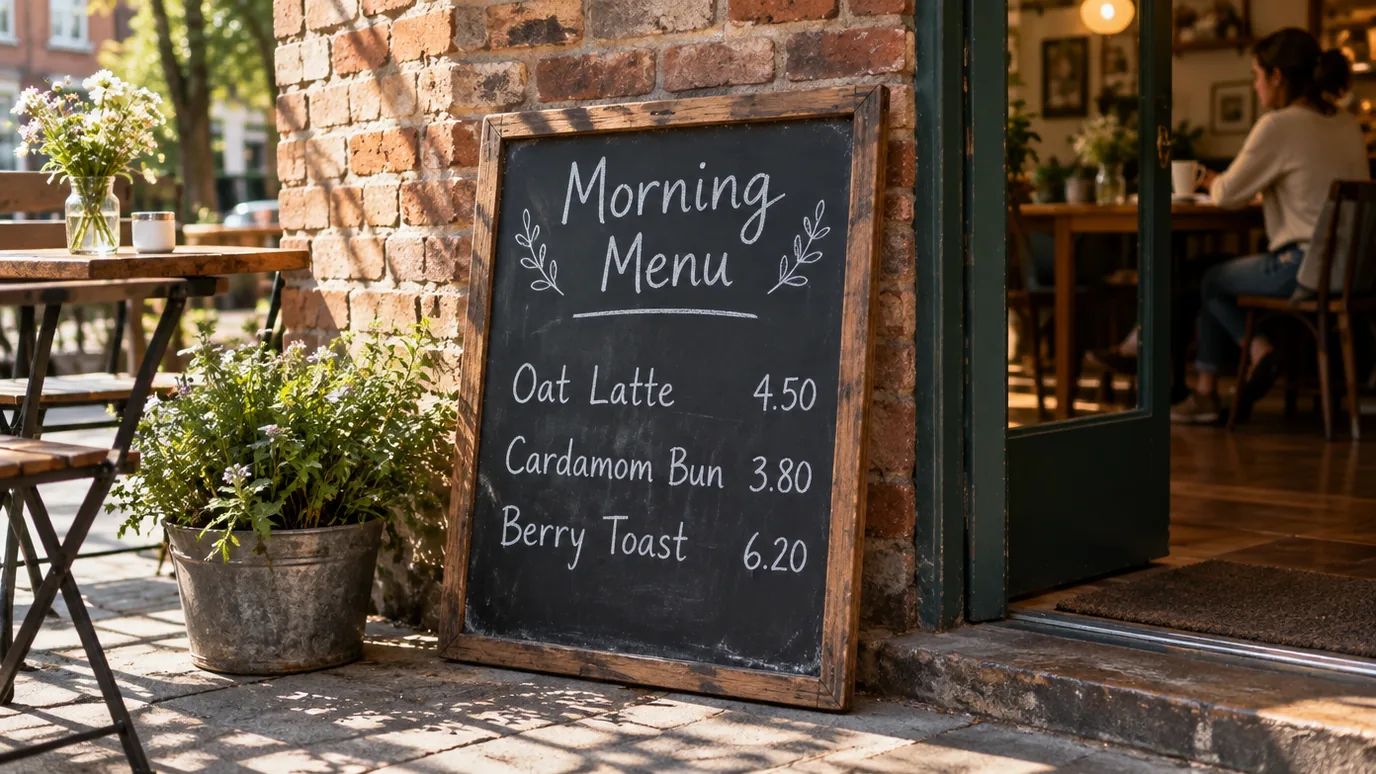
Text in Images That Actually Reads Right
Menus, posters, packaging and signs: put the words in quotes, and the newest models spell them correctly and set them into the scene. That makes the generator useful for real marketing assets, not only mood boards.
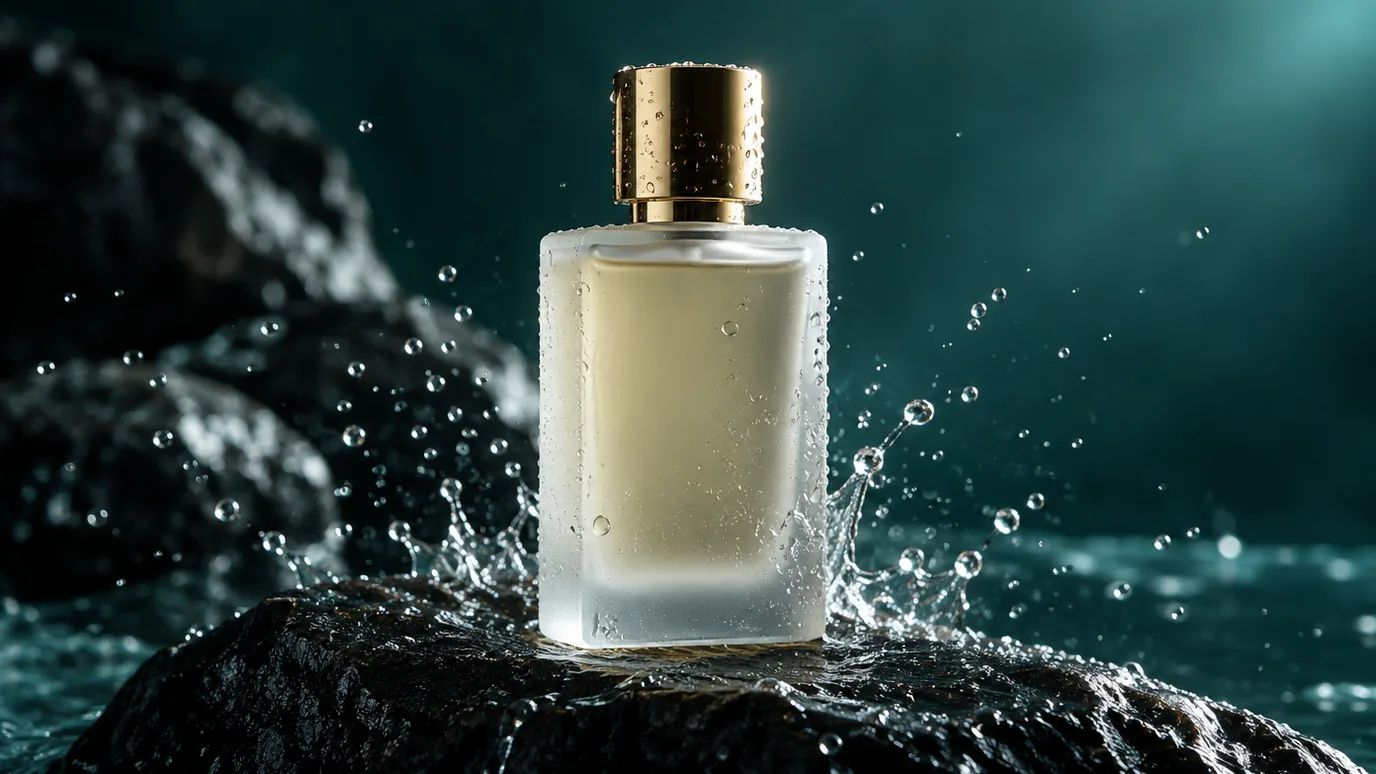
Ad-Ready Product Shots Without a Photo Shoot
Stage a product on stone, in water or on a studio set. Describe the product, the surface and the light, and get campaign-style images; once you have a real product photo, image to image keeps its exact shape.
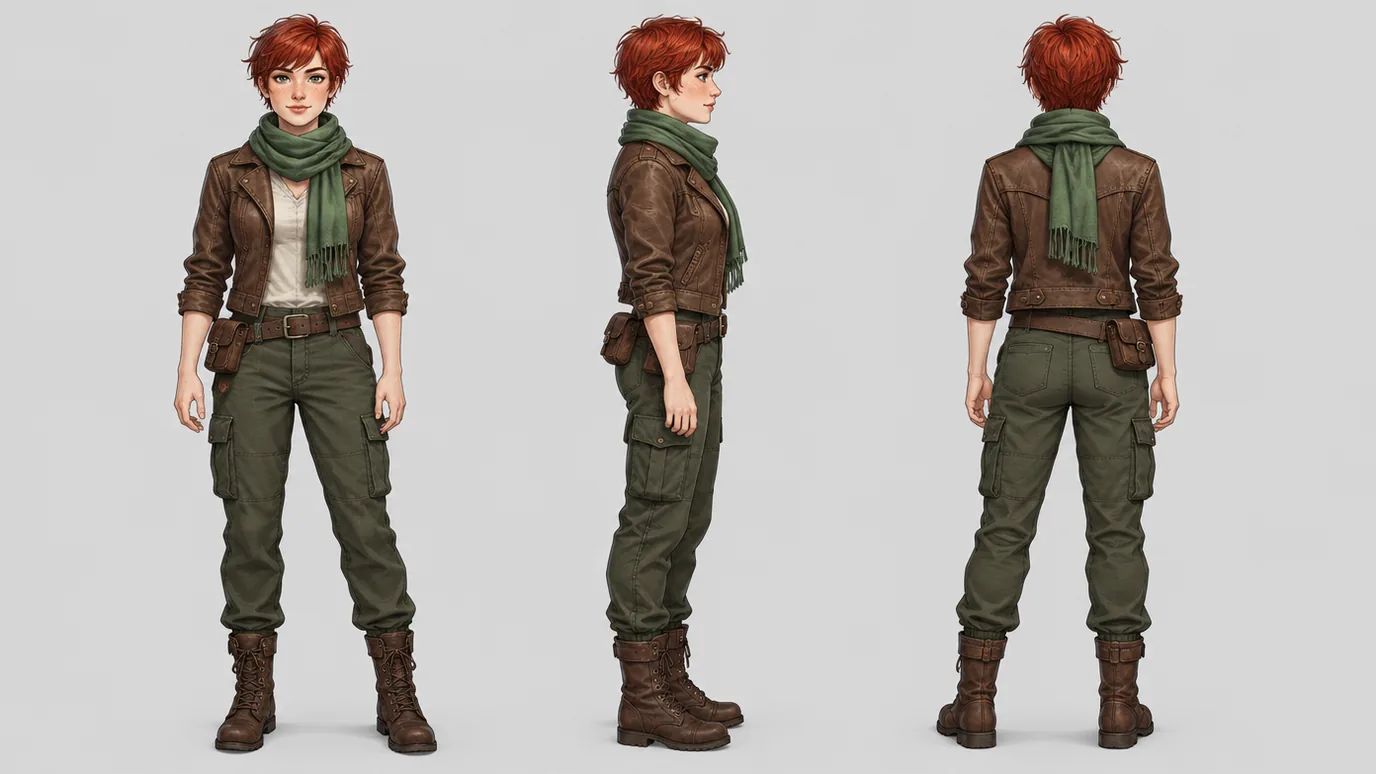
Consistent Characters Across Every View
Ask for a turnaround sheet or a series, and keep the same face, outfit and proportions from view to view — a starting point for comics, games and storyboards. To reuse a character you already have, upload it as a reference in image to image.
One Prompt, Any Art Style
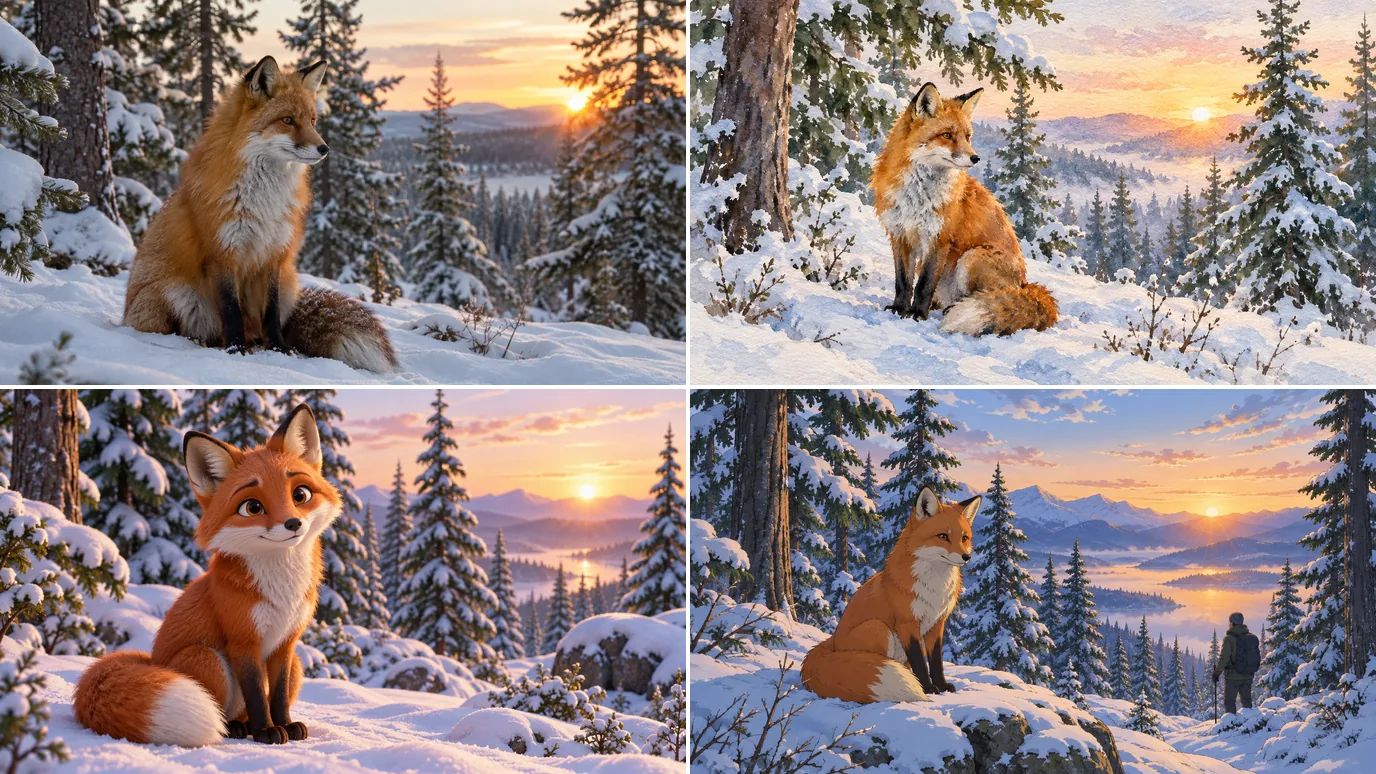
Photo, watercolor, 3D animation or anime: change one line of the prompt or pick a style preset, and the same idea comes out in a new look. Switch models for even more range, at up to 4K resolution.
Who Our AI Image Generator Is For
The same prompt box and the same models, whatever you make images for.
Online Influencers
Keep posting without a camera. Describe the shot, get four options in one run, and pull feed posts, story frames and thumbnails out of the same session.
Social Content Creators
Keep the calendar full. Turn one idea into a carousel, a quote card and a story frame in the same run, each already in the ratio its platform wants.
Advertisers
Test promo art before you book a shoot. Put a product into a lit scene, swap the background or the angle, and send the variant that wins to the channel it was made for.
Marketing Teams
Cover the rest of the funnel — blog headers, email banners, landing-page art and deck slides — in one visual language, without a ticket to the design queue.
E-commerce Sellers
Fill a storefront without a studio day. One clean on-white shot, one lifestyle scene, and the same framing across every SKU so the grid looks shot in a single session.
Educators & Course Creators
Illustrate a lesson the way you teach it. Slides, worksheets and module covers in one consistent style, instead of hunting stock that never quite matches the example.
Animators
Settle the look before the first frame. Style frames, character turnarounds and background plates that hold one palette, ready to hand straight to an image-to-video pass.
Game Creators
Concept the set before art gets expensive: heroes, props, tilesets and store-page key art, all iterated in one style at prototype speed.
Creative Artists
Get past the blank canvas. Put a rough idea into words, run it through GPT Image 2, Nano Banana 2 or FLUX 2 Pro, and use what comes back as reference for your own work.
What Our AI Image Generator Gets Used For
The jobs this page gets pulled into most — every one of them starts as a sentence in the prompt box above.
Social Posts
Feed-ready visuals in 1:1, 4:5 and 9:16, generated four at a time so there is something to choose between before you post.
Product & Ad Shots
A product in a styled scene with the lighting you asked for — no studio booking, and no reshoot when the brief changes.
Character Concepts
A description becomes a character sheet: poses, expressions and outfits that hold one face and one style across the whole set.
Thumbnails & Key Art
High-contrast art for videos, podcasts and playlists, framed with the space a title needs already left open.
Posters & Covers
Poster, flyer and book-cover layouts you can upscale once the composition is settled, instead of paying for stock you then have to crop.
Avatars & Mascots
Profile pictures, mascots and logo explorations generated as a set, so the whole family shares one look.
How to Turn Text into Images with AI
Type a prompt, pick a model, and download the image — no design skills needed.
Spell out the subject, then the style, the palette, the mood. Vague prompts give vague images; specific ones give you what you pictured.
Pick from GPT Image 2.5, Nano Banana 2, Seedream 5 and the rest, then dial in resolution and aspect ratio before you run it.
Generate, compare the results and download the one you like in full quality.
20+ AI Image Models, One Place to Use Them
From GPT Image 2.5 and Nano Banana 2 to Seedream 5 and FLUX 2, MaxH3 puts the models worth using side by side. Pick one for photorealism, another for crisp text, and compare the results in one view — one account, one pool of credits.
Explore More AI Image Tools
Need a different fix? Each of these tools does one job well.
Use a photo as the reference and generate it again in a new style, light or setting.
FAQs
Your Prompt Is Already an Image
Describe the picture. MaxH3 handles the rest.