
Text to Video AI
One prompt in, one finished video out. MaxH3 routes your text through MiniMax H3, Wan 3.0, Seedance 2.5, Veo 3.1 and the rest — switch models on the same prompt until one lands.
See what MaxH3's text to video generator makes from one prompt
Type the scene once and MaxH3 renders it — product demos, fashion films, social ads, title sequences. Keep the prompt, switch the model, and compare takes until one lands.
Direct the performance, not just the shot
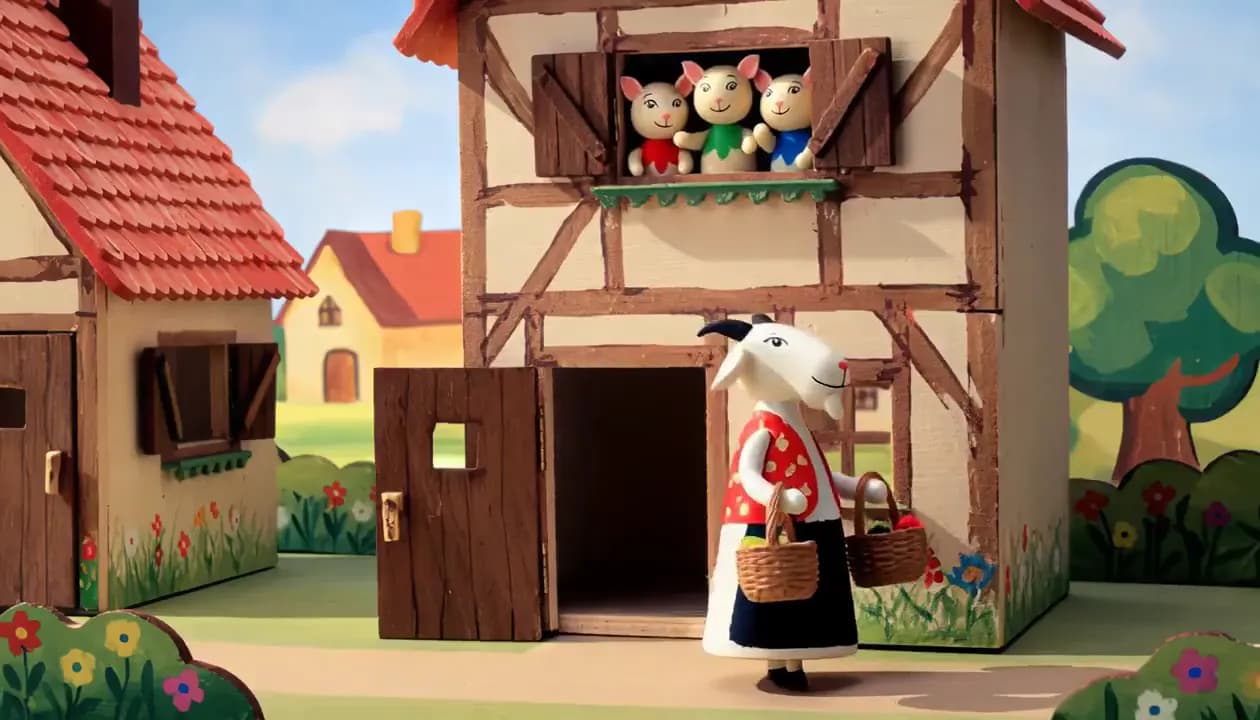
Write how a character should feel and the text to video model performs it — the look on their face, what their hands do, how the line is delivered. Take a scene from guarded to relieved, or flat to convinced, for testimonials, product ads and dialogue-driven stories.
Shots that hold up on a big screen
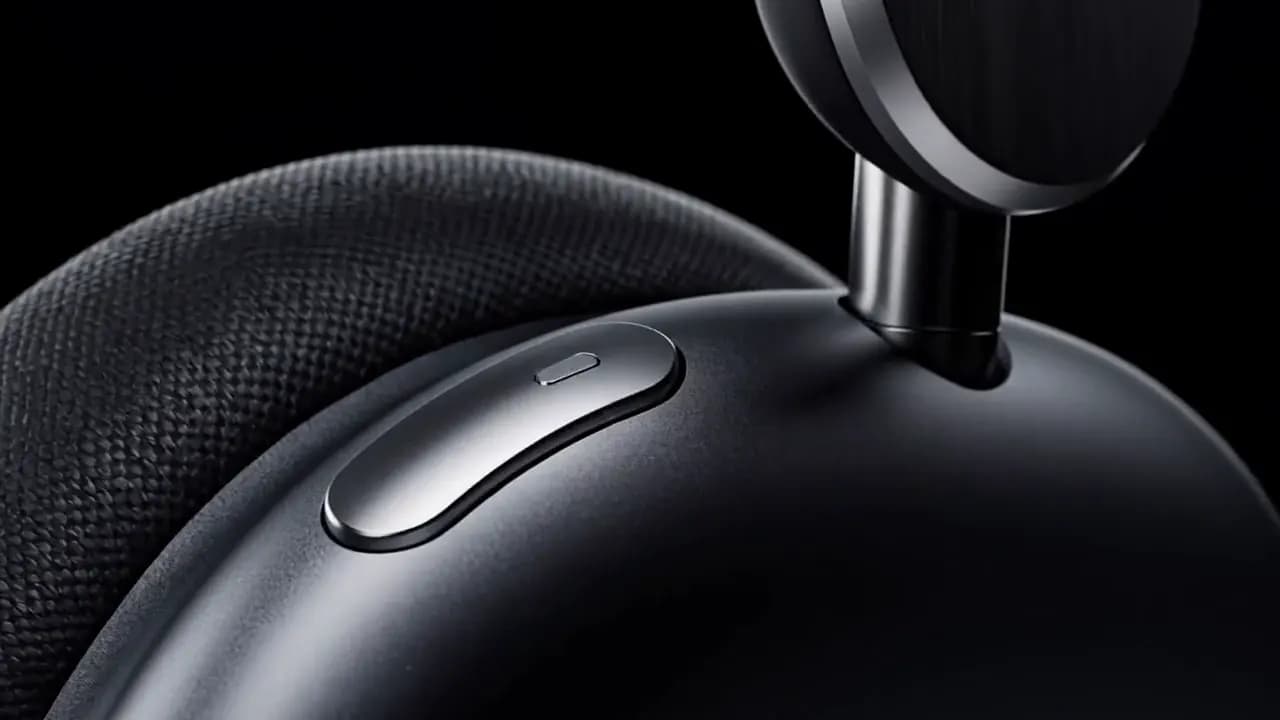
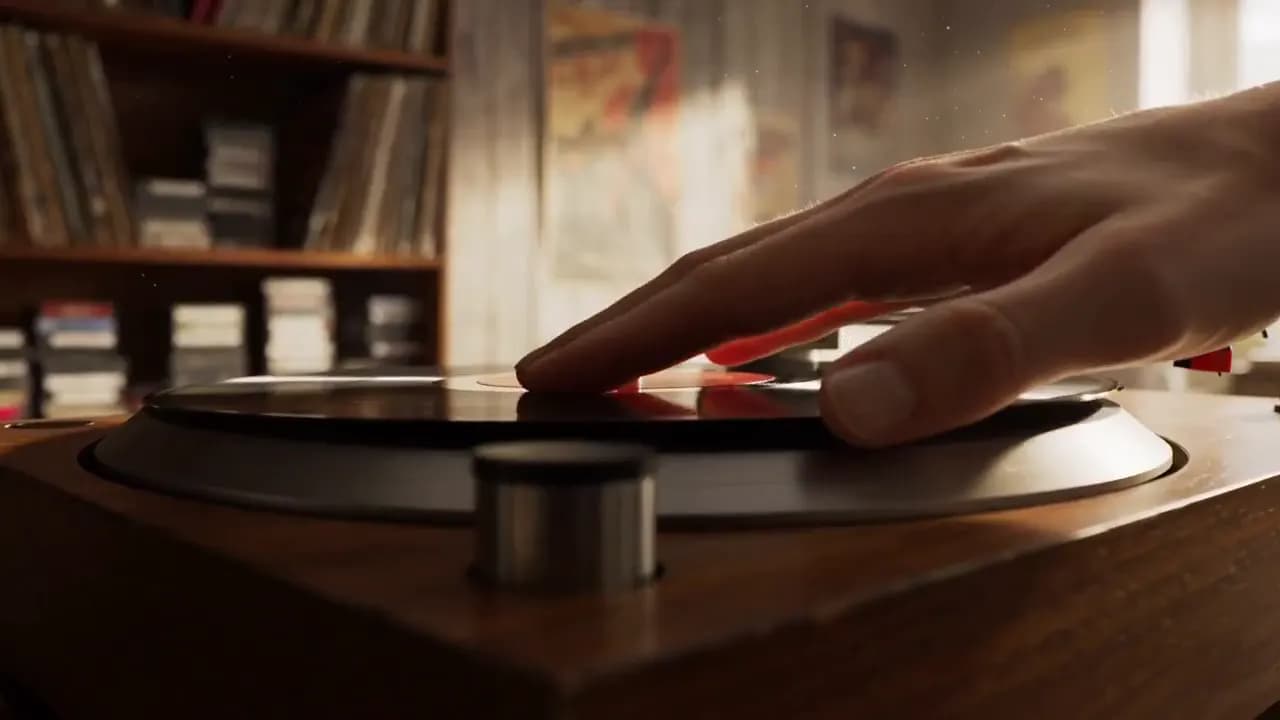
A plain prompt still comes back with real texture, believable light and depth you can feel — haze that sits between the camera and the horizon, focus that falls off where it should. Ask for the camera move you want, from a slow push to a tracking shot, and the scene keeps its footing through it.
Keep the prompt, switch the text to video model
MiniMax H3, Wan 3.0, Seedance 2.5, Veo 3.1, Kling and Sora all read the same prompt box. Run a take, change the engine, run it again — one credit balance, nothing to re-upload, no second subscription.
How to make a video from text, step by step
Say what is in frame, what moves, and where the camera goes. One line about the light or the lens changes the result more than another row of adjectives.
The box opens on MiniMax H3. Swap in Wan 3.0, Seedance 2.5, Veo 3.1, Kling or Sora on the same prompt — each reads it differently, and the credit cost shows before you run it.
One click starts the render. The take plays back on this page and downloads as an MP4, ready to post without a round trip through an editor.
Your first videos are on us — 20 credits, no card.
FAQs
Your First Video Is a Prompt Away
Write the scene. MaxH3 handles the rest.