Object Remover

Remove Unwanted Objects from Photos with One Brush
Paint over whatever doesn't belong — a parked van, a stranger, a power line, a stray cup — and MaxH3's object remover erases it and rebuilds the area from the pixels around it. There's no prompt to write and no clone stamp to fiddle with, and the photo keeps its original resolution.
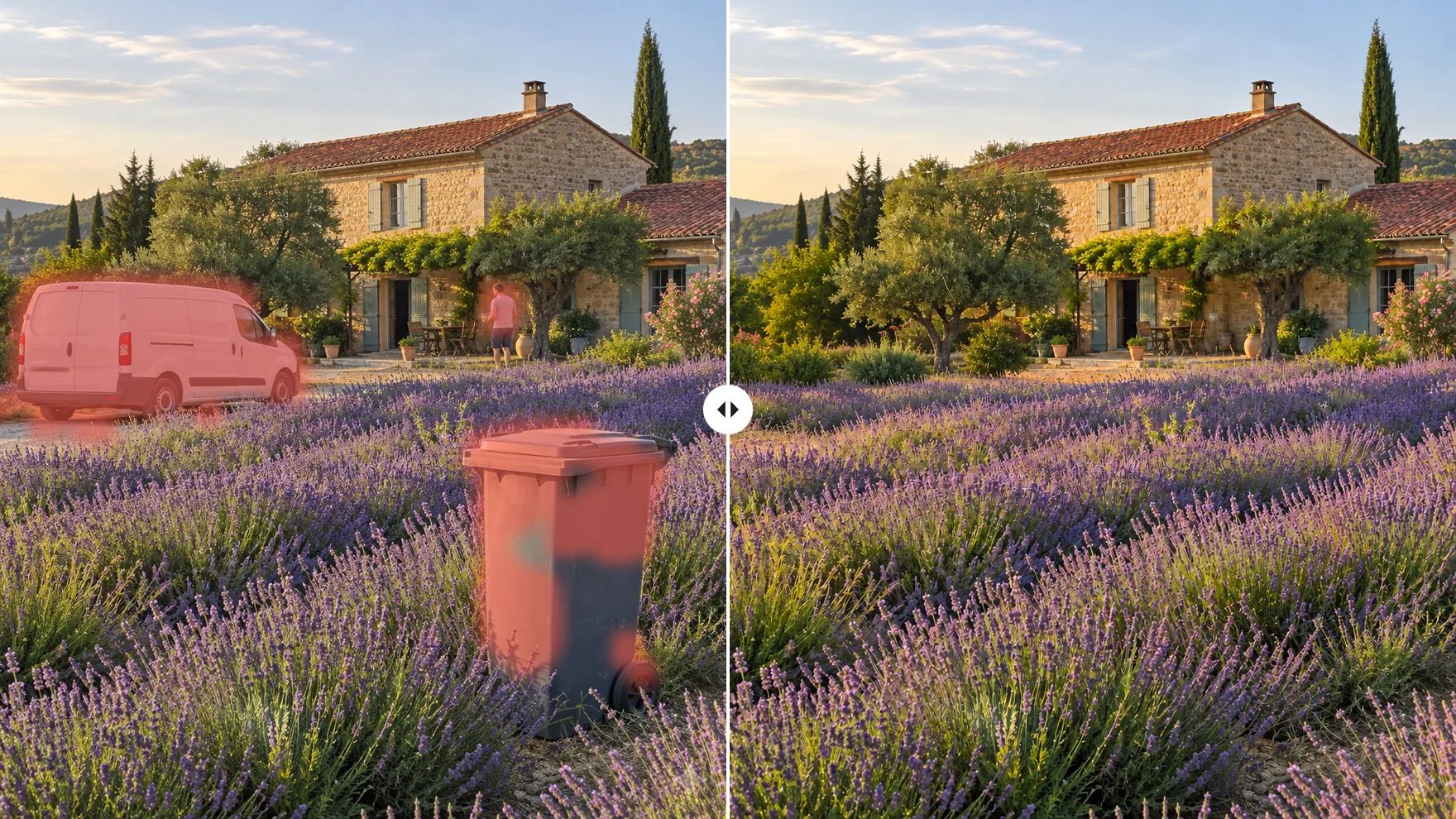
Erase Anything That Distracts from Your Photo
One brush, any object: people, wires, clutter or the cup someone left in your product shot.
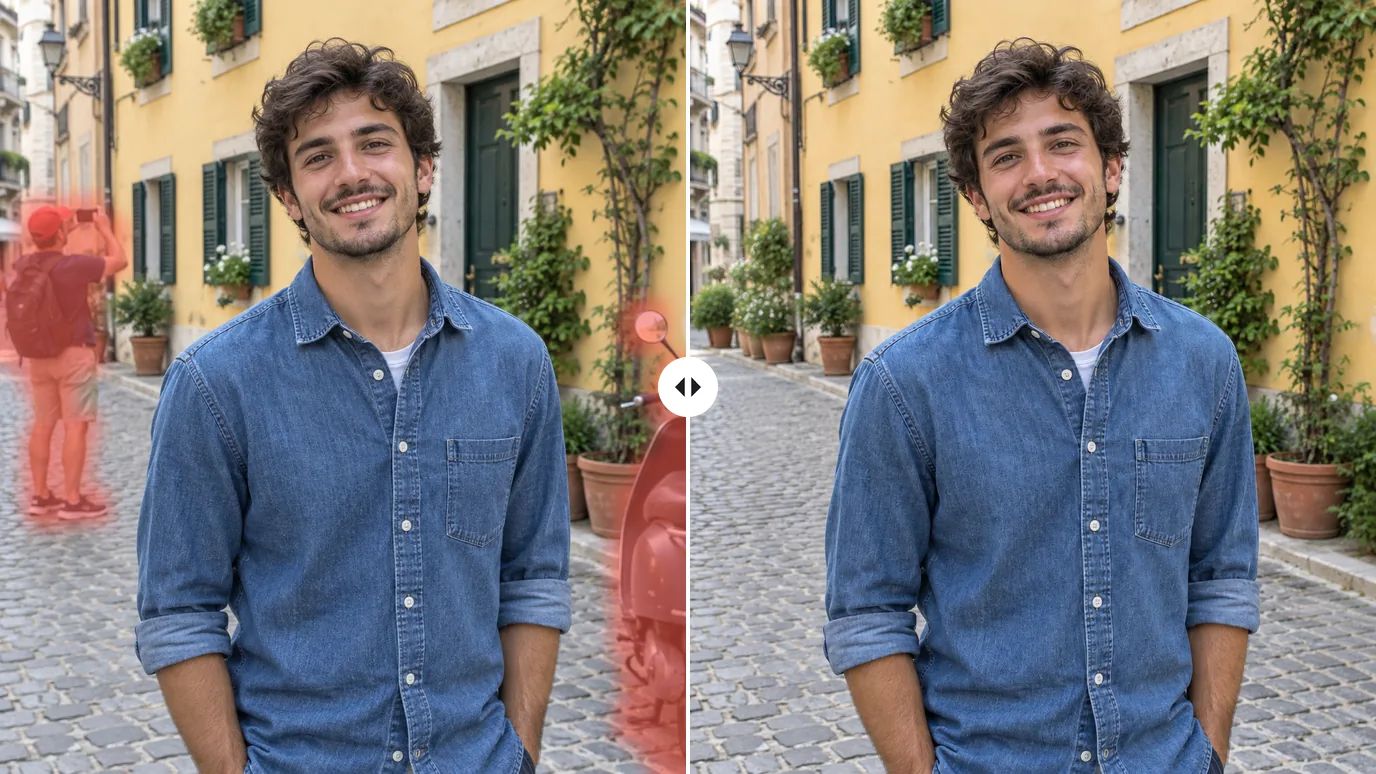
Erase Photobombers and Passers-By
Brush over a tourist walking through your shot or a scooter parked in the frame. The object remover fills the gap with the street, wall or sand that should have been there, so the scene looks like it was empty all along.
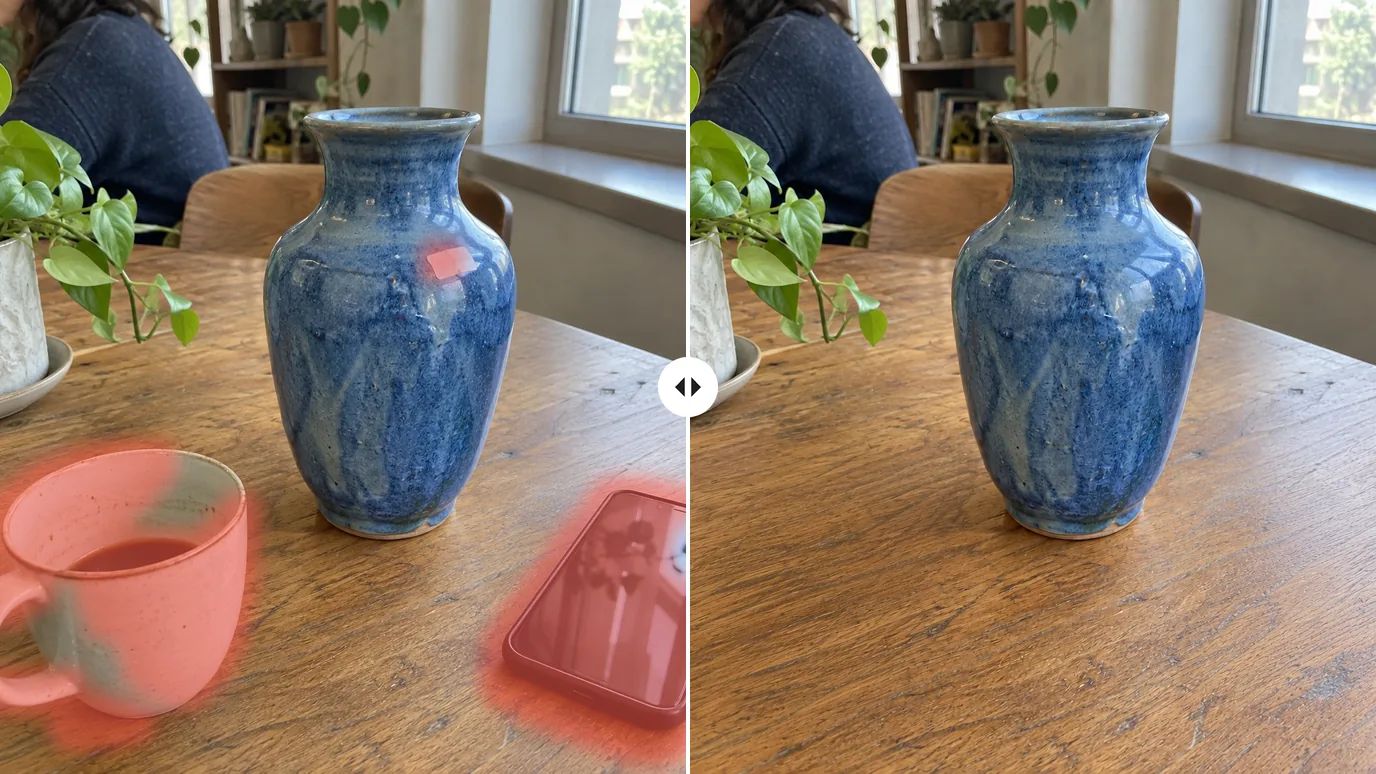
Clean Up Product Photos
Take cups, phones, stray props and dust out of product shots before they go to your store or marketplace. The product itself stays untouched, and the background remover can take it from there if you need a cutout.
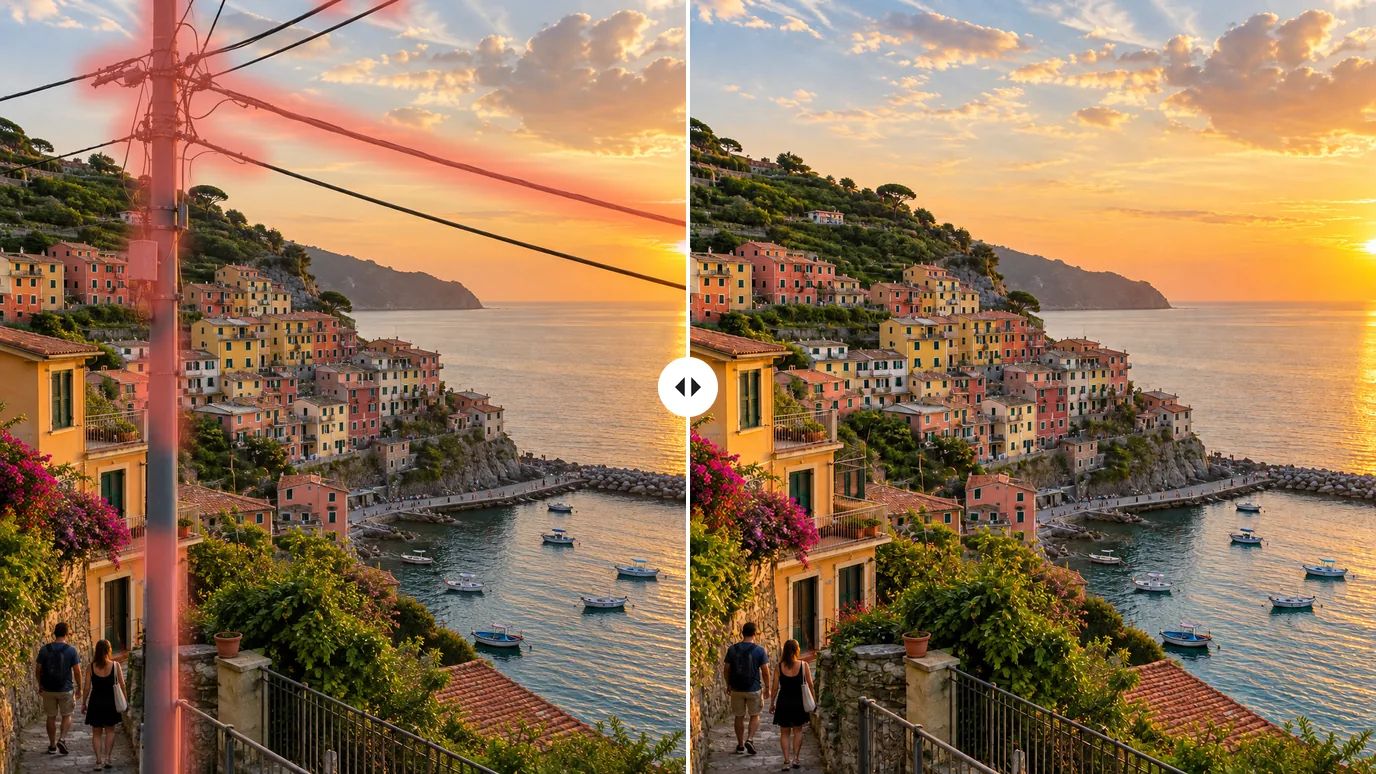
Remove Power Lines, Poles and Signs
Wires and poles cut through countless travel and landscape photos. Paint along them, and the sky, buildings and water behind are rebuilt so the view reads clean from edge to edge.
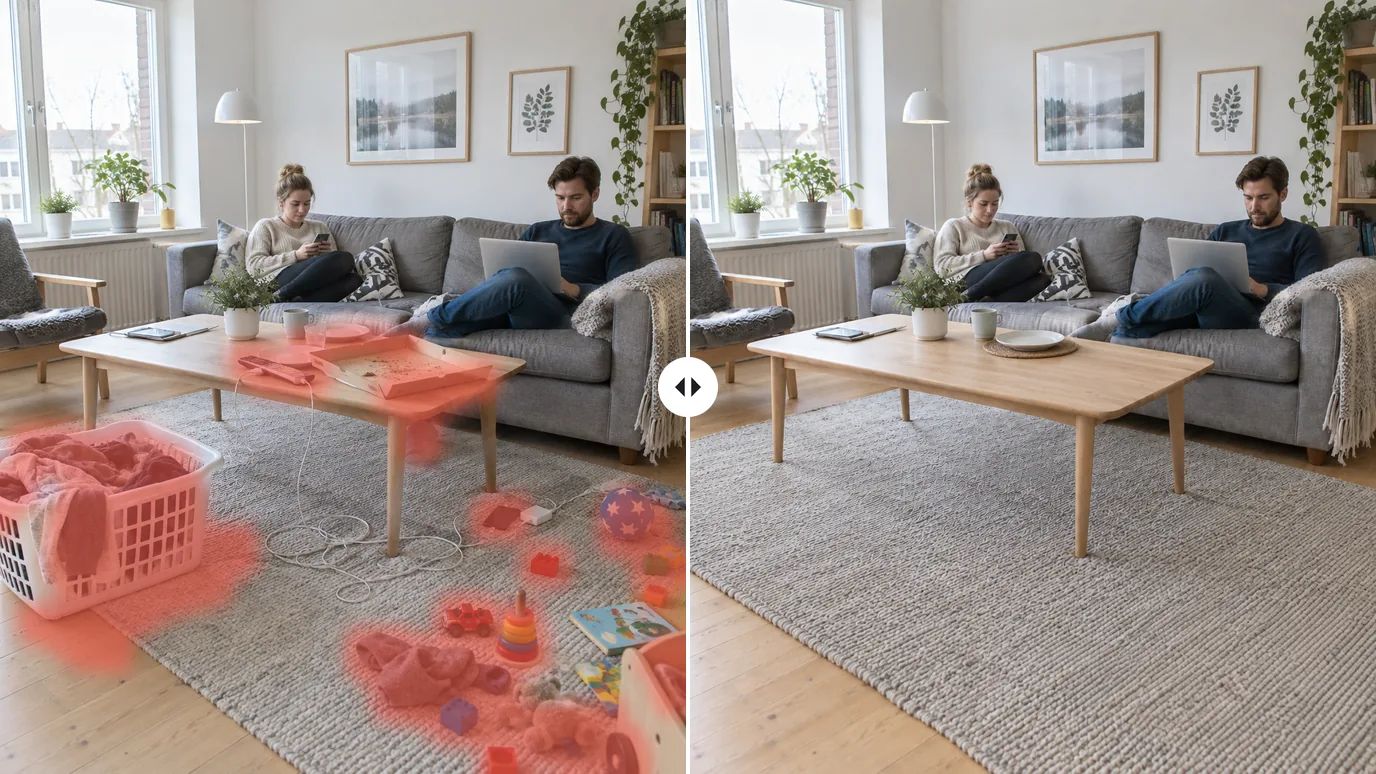
Declutter Rooms and Real-Estate Shots
Clear laundry, cables, toys and boxes out of interiors in one pass: brush everything you want gone, then generate once. The furniture and the room stay exactly where they were.
Who Uses an AI Object Remover
Anyone with a good photo and one thing in it they wish weren't there.
Online Sellers
Cleaner listings without a reshoot: remove props, tags and dust from product photos.
Travelers & Photographers
Keep the landmark and lose the crowd, the wires and the cars parked in front of it.
Real Estate & Interiors
Clear personal items and clutter so buyers see the room, not the mess.
Social Media Creators
Tidy up backgrounds before you post, without learning a photo editor.
How to Remove Objects from a Photo
Upload Your Photo
Sign in and upload a PNG, JPG or WEBP image up to 10 MB.
Brush Over the Object
Paint over everything you want removed. Change the brush size for fine details, and undo or redo any stroke.
Generate and Download
Click Create. The brushed area is erased and filled in from its surroundings; download the result when it's ready.
Explore More AI Image Tools
Need a different fix? Each of these tools does one job well.
Create images from a text prompt with GPT Image 2.5, Nano Banana, Seedream and more.
Use a photo as the reference and generate it again in a new style, light or setting.
FAQs
Make Your Photos Clean Again
Brush over what you don't want, and MaxH3 fills in the rest.