AI Image Enhancer
AI Image Enhancer

Enhance Photo Quality With an AI Image Enhancer
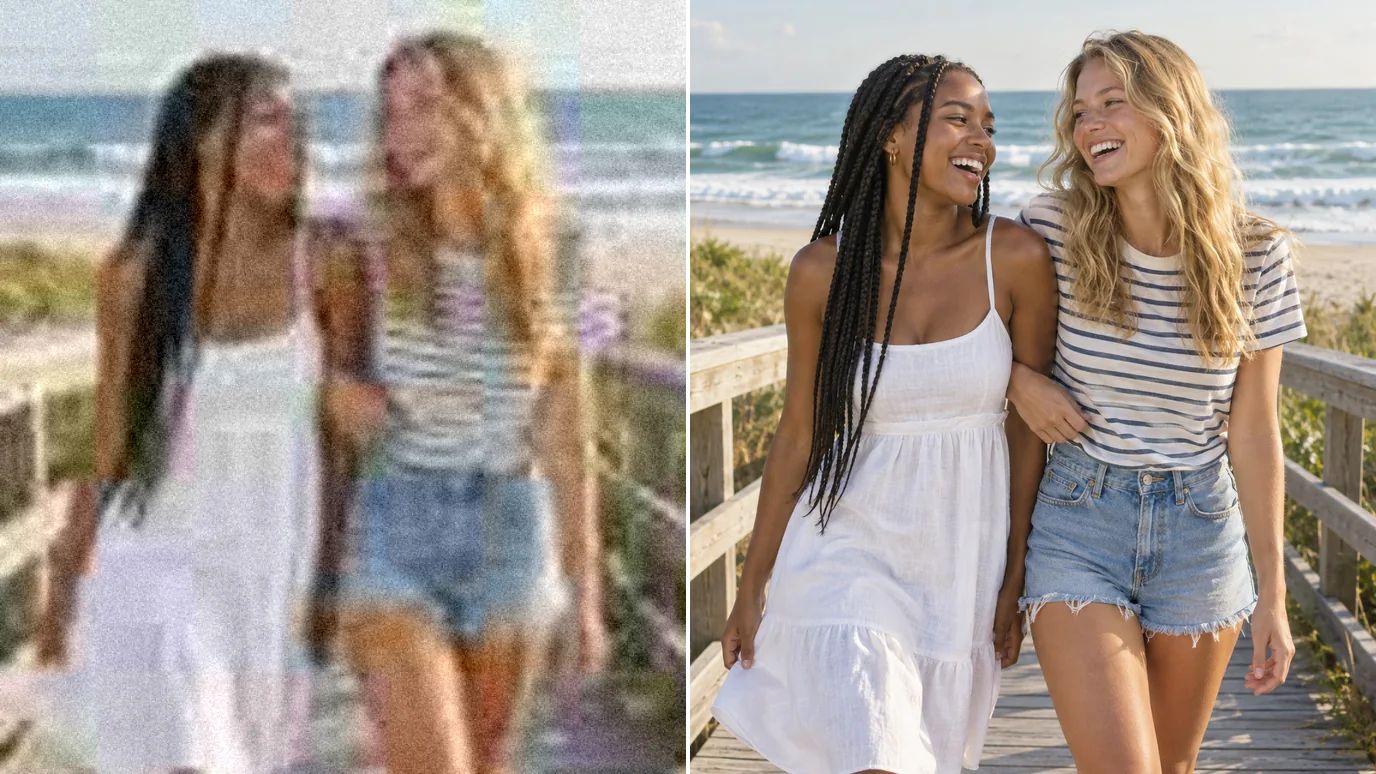
Upload a photo and our AI image enhancer sharpens soft detail, cleans up noise and compression blocks, and can enlarge the result up to 16×. Pick the mode that matches your picture, whether it's a portrait, a small low-res file, text or art, and download a clearer, higher-quality version.
One AI Image Enhancer for Every Kind of Photo
Fix softness, noise and compression, add resolution, and keep the picture looking like itself.
Boost Detail and Resolution
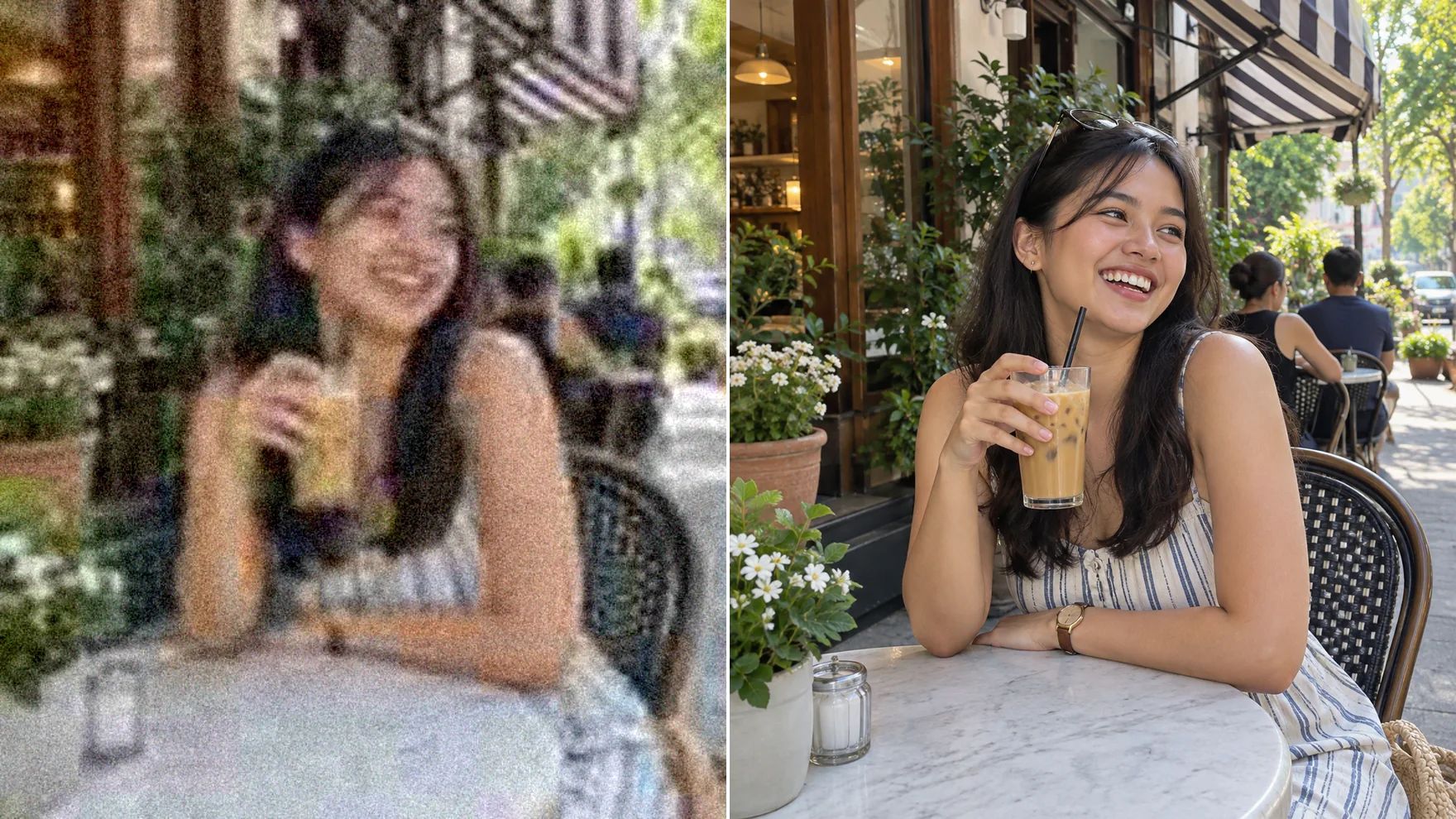
Most photos lose detail somewhere: a small file, a zoomed shot, a resave. The image enhancer rebuilds edges and texture and can enlarge up to 16×, so the result holds up on large screens and in print. Keep the Original scale when you only want a cleaner picture at the same size.
Cleaner, Truer Colors
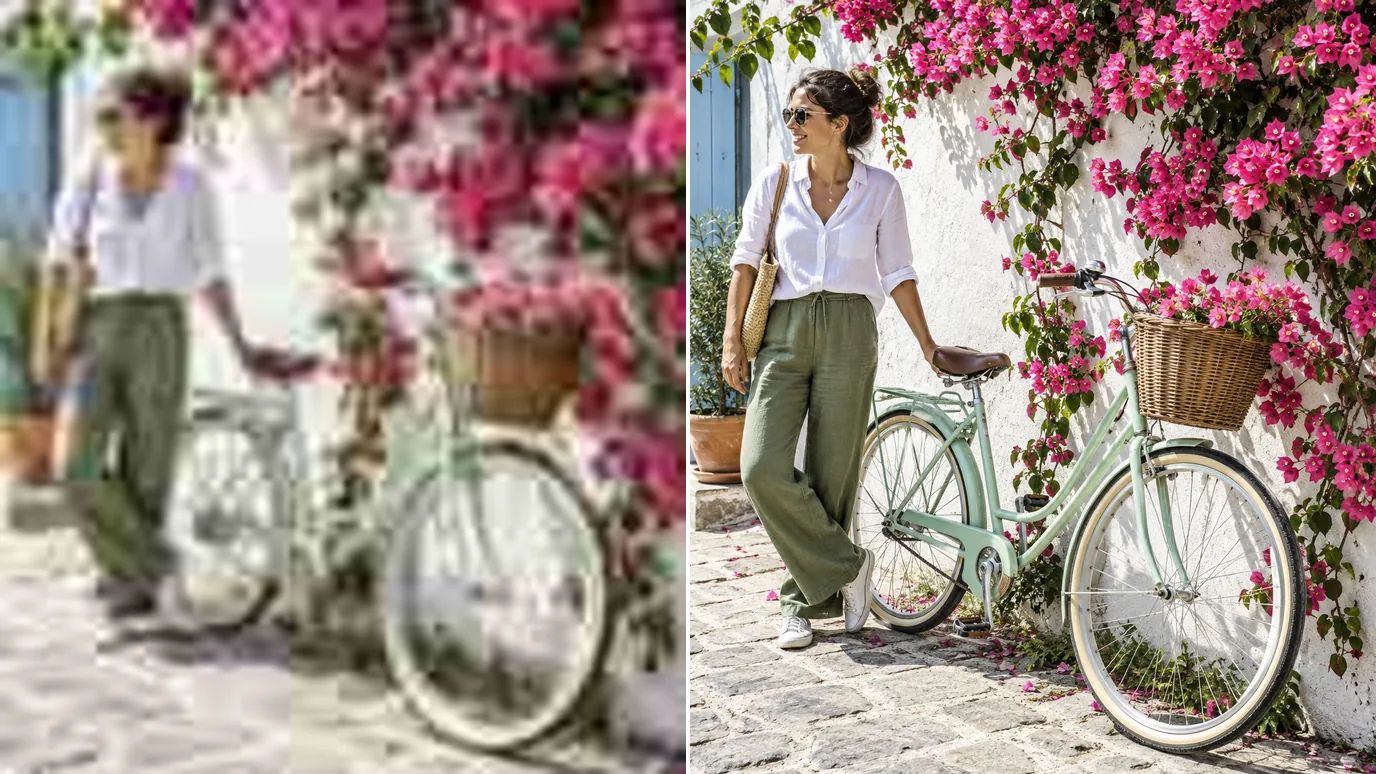
Noise speckles and JPEG blocks muddy the colors in a photo. This photo enhancer clears them away, so colors look cleaner and truer, with no blotches or banding. Raise Denoise for night shots and Fix Compression for images that were saved and shared many times.
Keep Faces Natural in Portraits
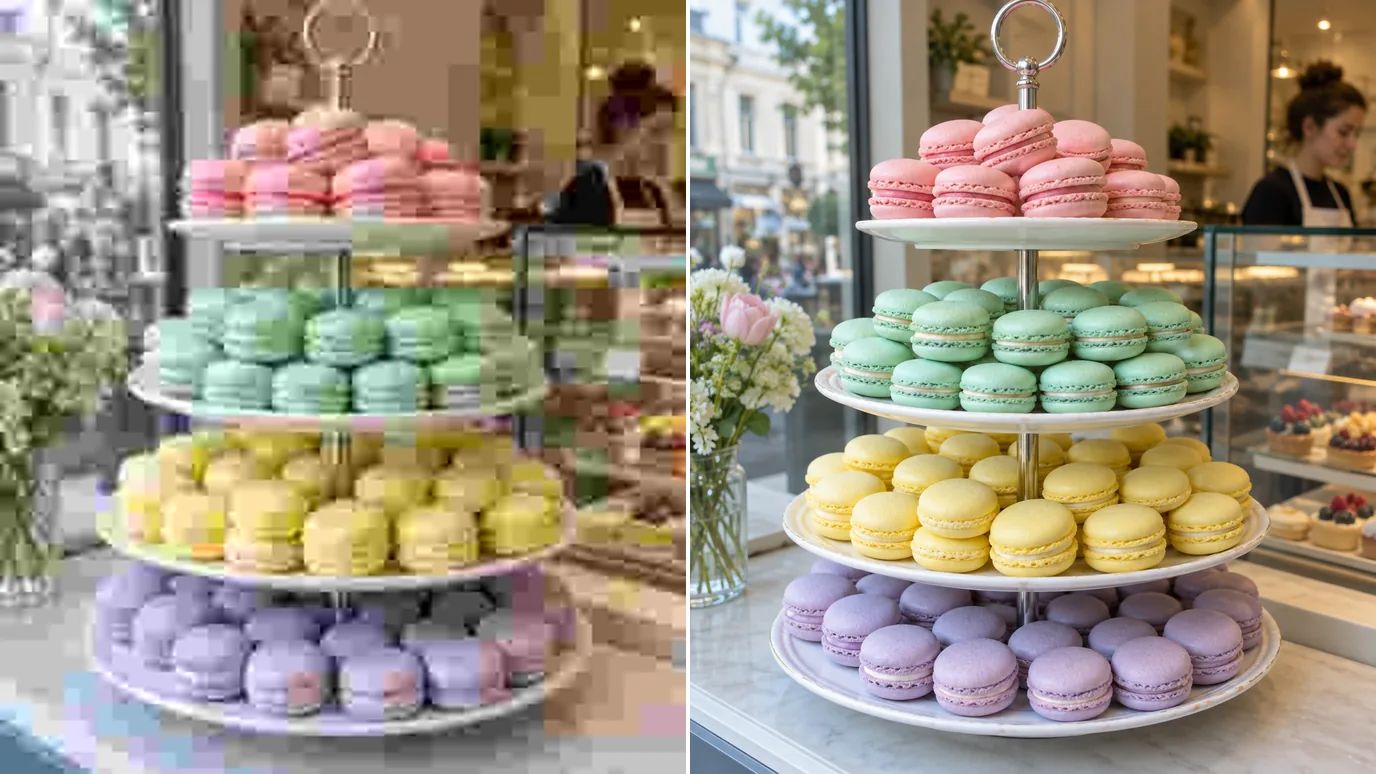
High Fidelity mode is tuned for faces and skin. It adds clarity to eyes, lashes and hair without the plastic look of heavy smoothing, which makes it the photo enhancer mode to pick for portraits, headshots and selfies.
Bring Old Photos Back to Life
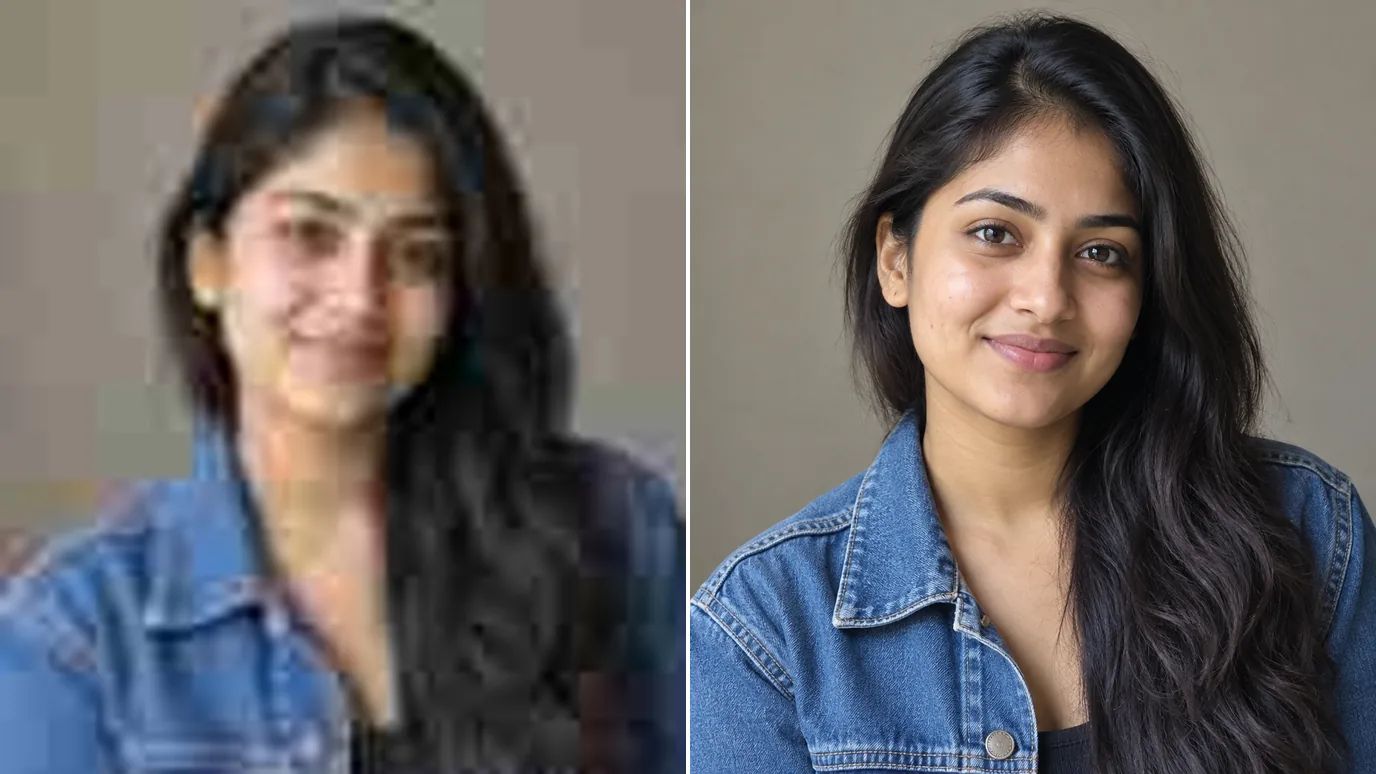
Scans of prints and early phone pictures are small and soft. The image enhancer's Low Res mode is made for them: it rebuilds lost detail while it enlarges, so family photos are ready to share, reprint or frame.
Who Uses an AI Image Enhancer
Anyone whose photos need to look sharper than the camera made them.
Marketing Teams
Crisp campaign and social visuals from the images you already have.
Online Sellers
Product photos that stay sharp when shoppers zoom in.
Poster & Print Designers
Clean, high-resolution art for posters, covers and prints.
Family Archives
Clearer versions of old snapshots and scans to share or reprint.
How Does the MaxH3 AI Image Enhancer Work?
Upload Your Photo
Sign in and upload a PNG, JPG or WEBP image up to 10 MB and 4096 pixels on each side.
Choose the Scale and Mode
Keep Original to enhance at the same size, or pick 2× to 16× to enlarge too. Choose the mode that fits your photo and open Settings to fine-tune Sharpen, Denoise and Fix Compression.
Create and Download
The price for your image appears on the Create button. Click it, then download the enhanced photo when it's ready.
Discover Other AI Image Editing Tools
 Image UpscalerUse This Tool
 Anime UpscalerUse This Tool
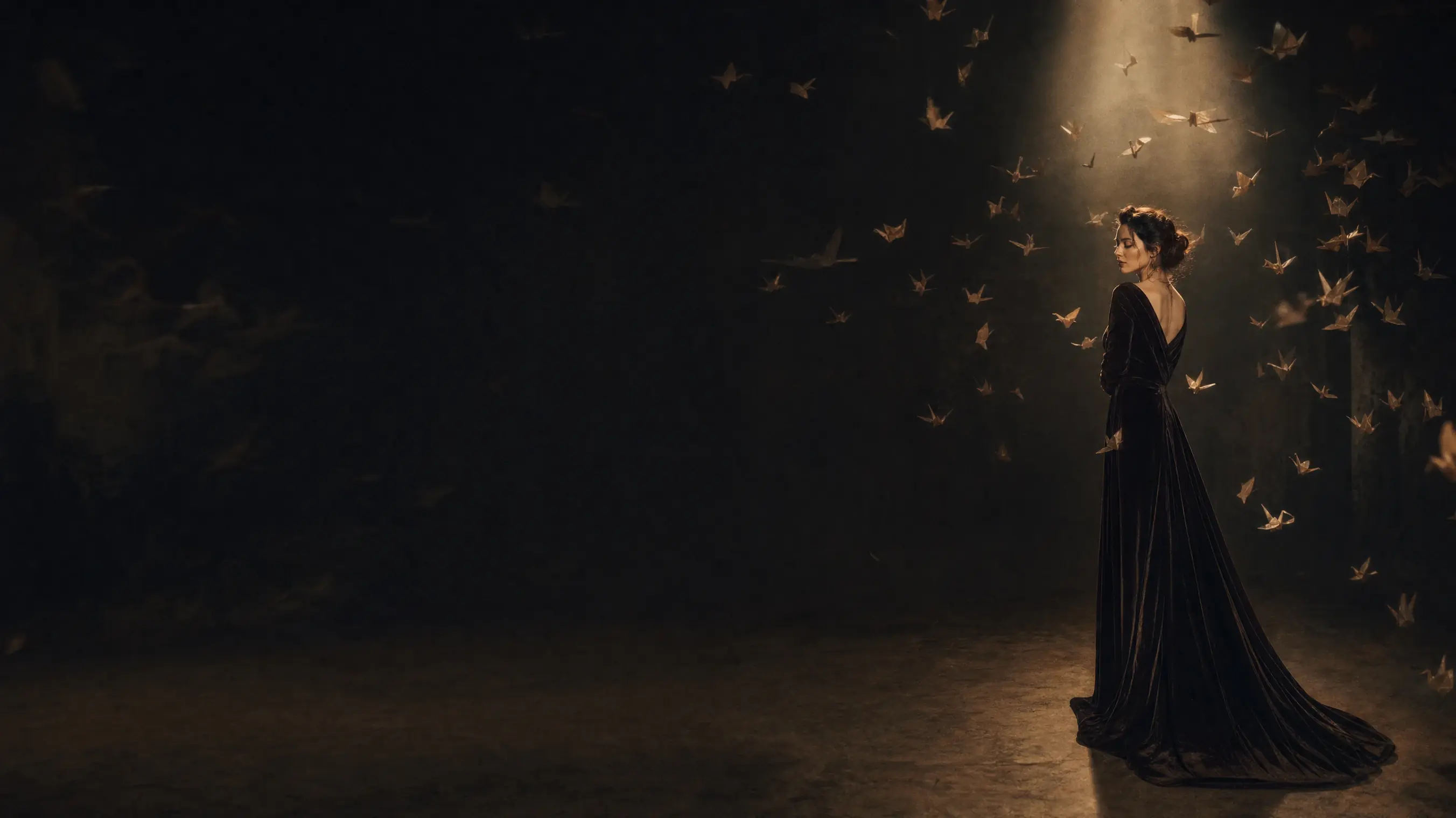 AI Image GeneratorUse This Tool
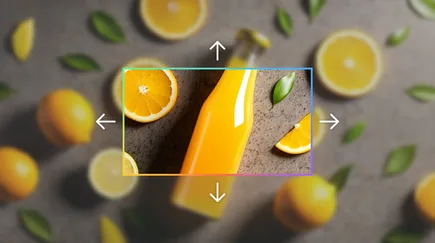 AI UncropUse This Tool
FAQs
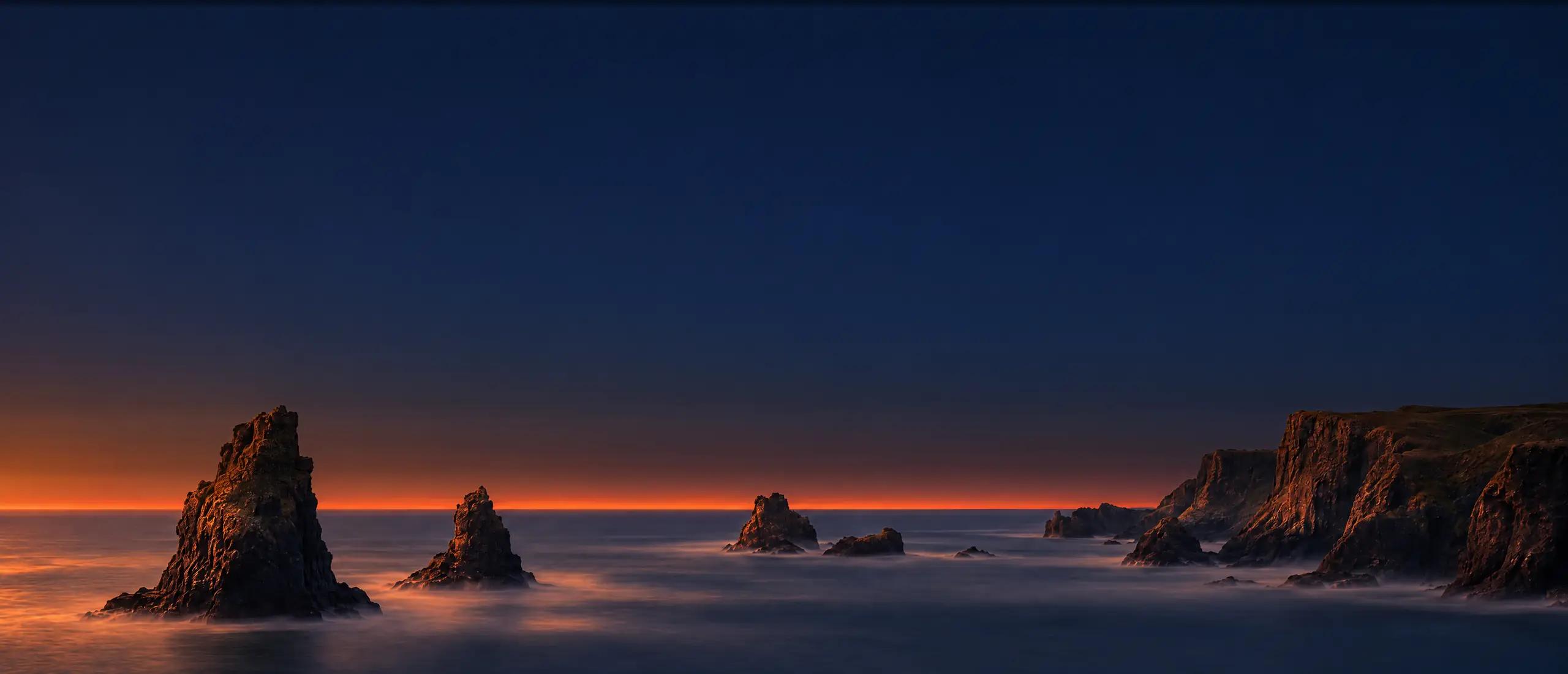
Upgrade Your Photos With the AI Image Enhancer
Upload a photo, pick a mode, and get a sharper, cleaner version in one step.