Kling 3.0 AI Video Generator
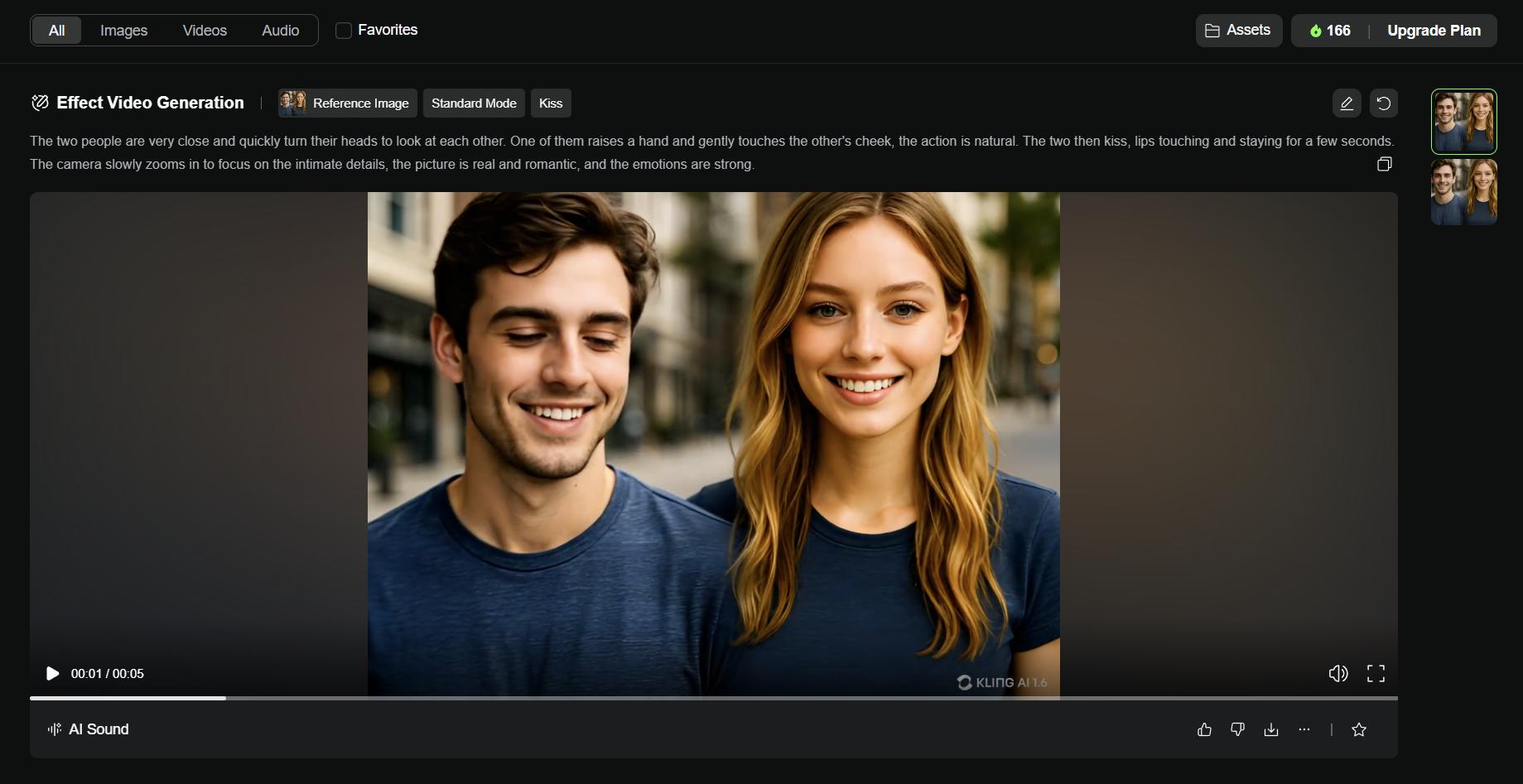
Kling 3.0 is Kuaishou's flagship AI video model—turn any prompt or image into cinematic 4K video with native audio, run clips up to 15 seconds, guide motion with first-and-last-frame control, and get smooth, physically believable movement with precise prompt adherence. Create Kling 3.0 video online with the MaxH3 video generator on maxh3.io.
What Sets Kling 3.0 Apart
- Native 4K Resolution: Render directly at 4K—not upscaled—so textures, skin, fabric, and fine detail stay sharp. Pick 720p, 1080p, or 4K per clip.
- Up to 15 Seconds: Generate clips from 3 to 15 seconds in a single pass, giving scenes room to breathe and stories time to land.
- Native Audio: Sound is generated in the same pass as the picture—ambience, effects, and speech arrive already in sync, with no separate audio step.
- Text to Video: Describe a scene and Kling 3.0 renders it with cinematic depth and strong prompt adherence, following your direction shot for shot.
- Image to Video & First-Last Frame: Animate a still image, or set a start and end frame and let Kling 3.0 interpolate the motion between them.
- Cinematic, Believable Motion: Smooth camera work and physically plausible movement—water, fabric, and anatomy behave the way the eye expects.
Cinematic Text to Video
Describe a scene in plain language and Kling 3.0 renders it with cinematic depth, native audio, and motion that holds up to a second look. The more specific your direction, the closer it follows.
Prompt:
Cinematic wide shot of a lone lighthouse on a rocky cliff at dusk, waves crashing and exploding into spray, seagulls circling, a warm beam sweeping through the misty air; slow dolly-in, volumetric golden light.
Kling 3.0 · text-to-video, sound on
Image to Video
Upload a still and Kling 3.0 brings it to life—deriving natural motion and framing from your source image while keeping the subject on-model.
Start image
Prompt:
She turns toward the camera and smiles as the wind lifts her hair and the lavender sways.
Output video
First & Last Frame
Give Kling 3.0 a first frame and a last frame and it interpolates every frame in between—so you set exactly where the shot opens and where it lands, and the model handles the motion that connects them.
First frame
Last frame
Prompt:
The peony blooms — petals unfurling smoothly from bud to full flower.
Output video
GETTING STARTED
How to Create with Kling 3.0
Open MaxH3 and select the Kling 3.0 model, then set aspect ratio, duration, and resolution for the shot you want. Or start from an image with MaxH3 image-to-video
Describe the scene, action, and mood, and turn on native audio if you want synchronized sound. The more specific your direction, the closer Kling 3.0 follows it.
Hit Generate to render your Kling 3.0 clip, preview it, refine, and download the final video with audio.
Ready to direct your first scene?
Kling 3.0 X Posts from Creators
Kling 3.0 Model is coming!
— Kling AI (@Kling_ai) January 31, 2026
Now in exclusive early access. Stay tuned for what’s next. 🚀 pic.twitter.com/XcyZBRQPCz
FAQs
Start Creating with Kling 3.0
Turn your next idea into a cinematic 4K clip with native audio—right in your browser.