AI Tattoo Generator

Design Your Next Tattoo With an AI Tattoo Generator
Not sure how your idea will look in ink? Describe it and our AI tattoo generator draws it for you, from a tiny fine-line flower to a full sleeve. Try different styles and placements in minutes, then take your favorite to your tattoo artist as a starting point.

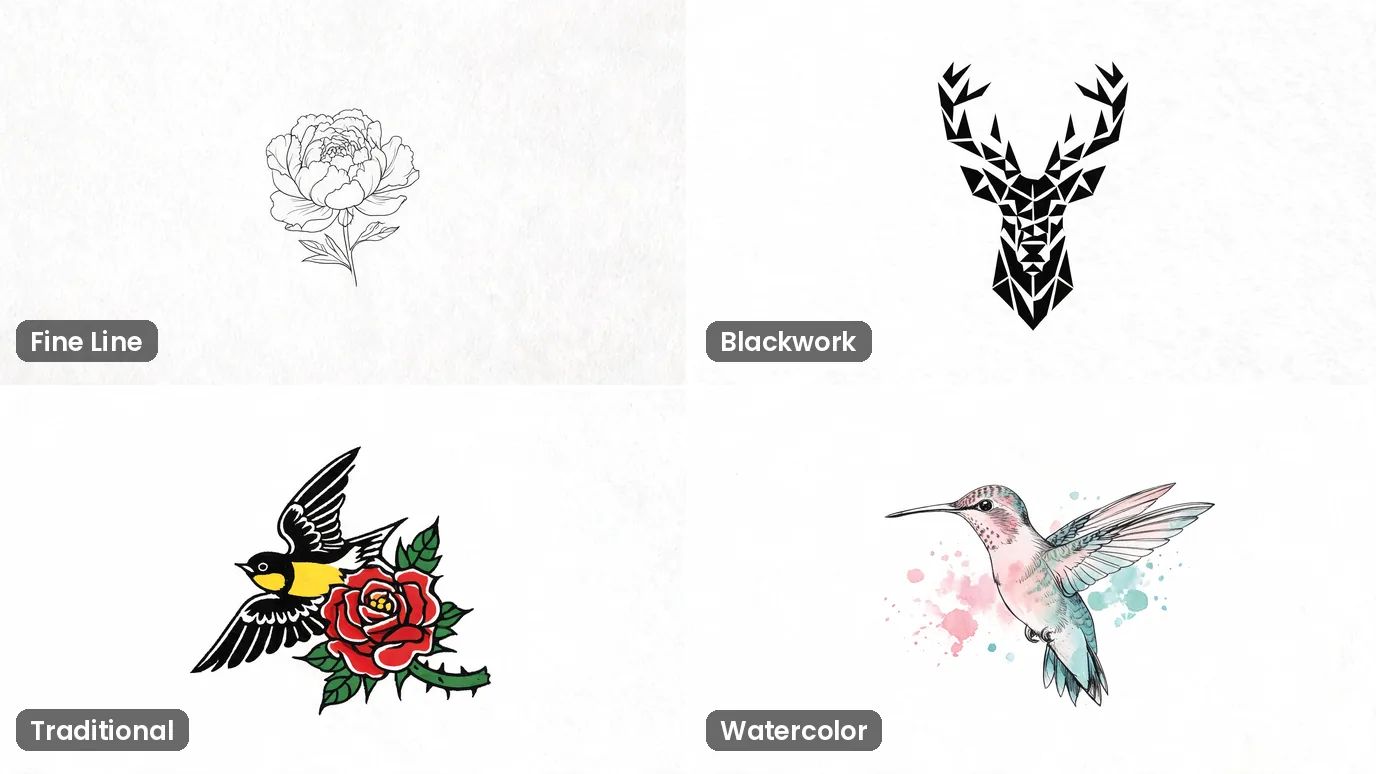
Explore Every Tattoo Style
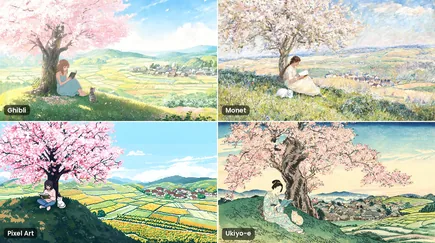
Fine line, blackwork, traditional, watercolor, dotwork or Japanese: name the style in your prompt and see your idea drawn that way. It's the quickest way to find out what suits you.
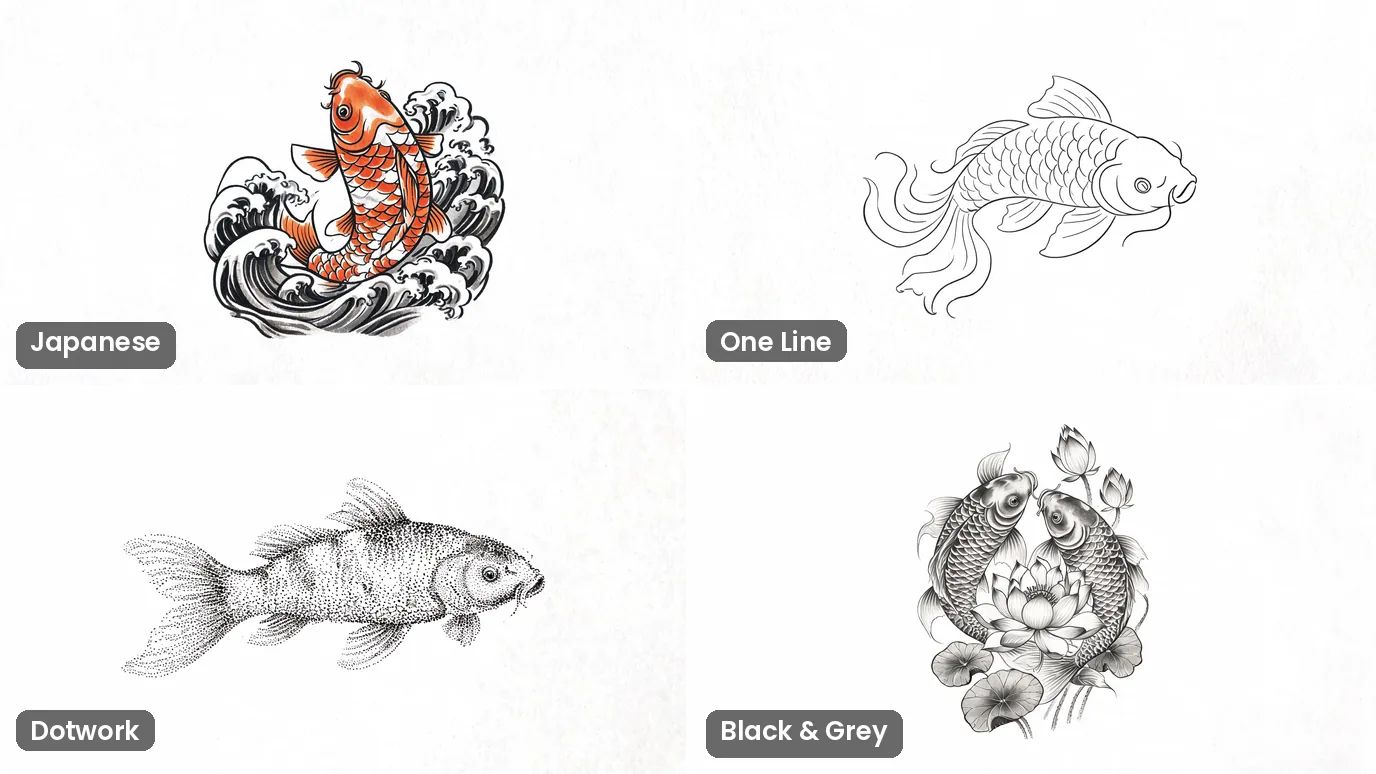
Try Many Versions of One Idea
Explore tattoo ideas fast: change a few words and get a new take on the same subject. Compare a bold version with a delicate one, or a single line with full shading, before you settle on a direction.
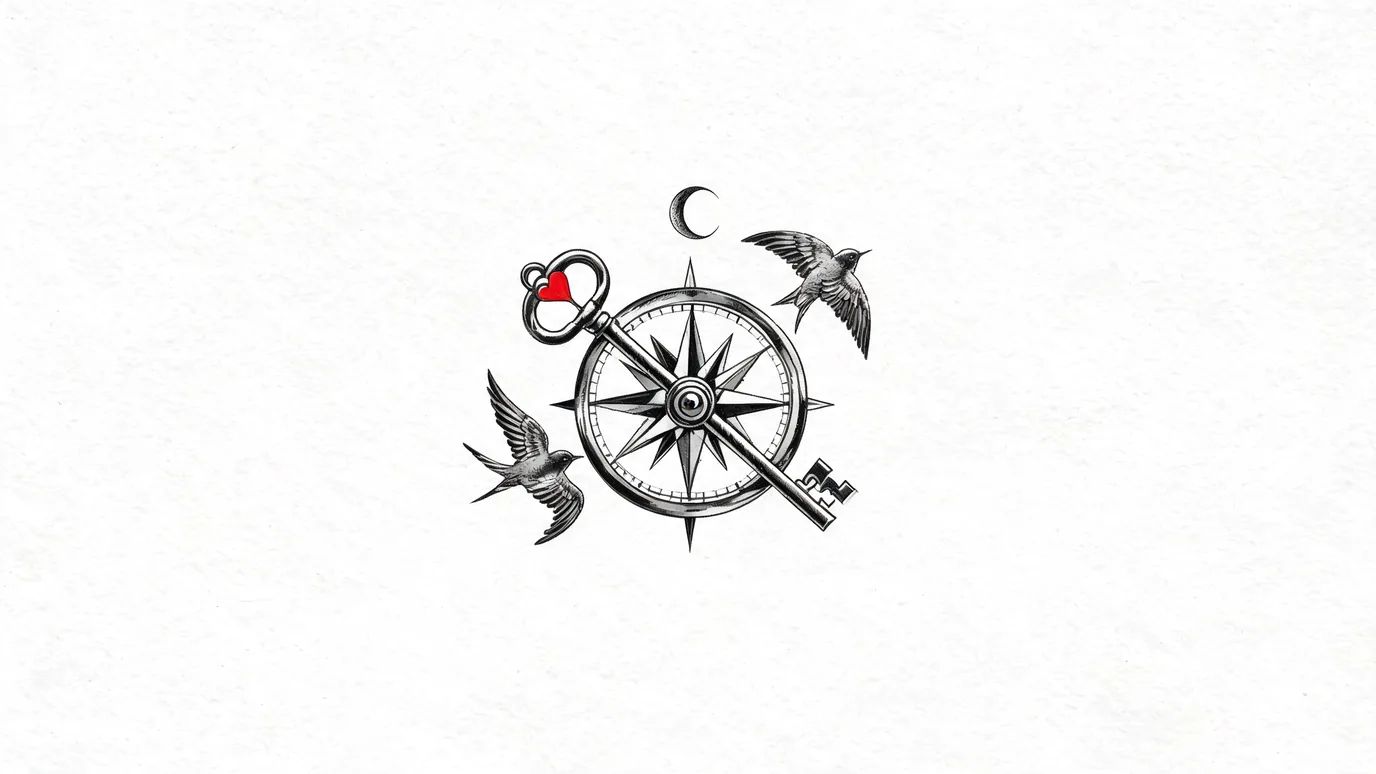
Describe Exactly What You Want
List the symbols, placement, colors and meaning you have in mind, and the design follows your words. It's an easy way to show your artist what you're imagining.
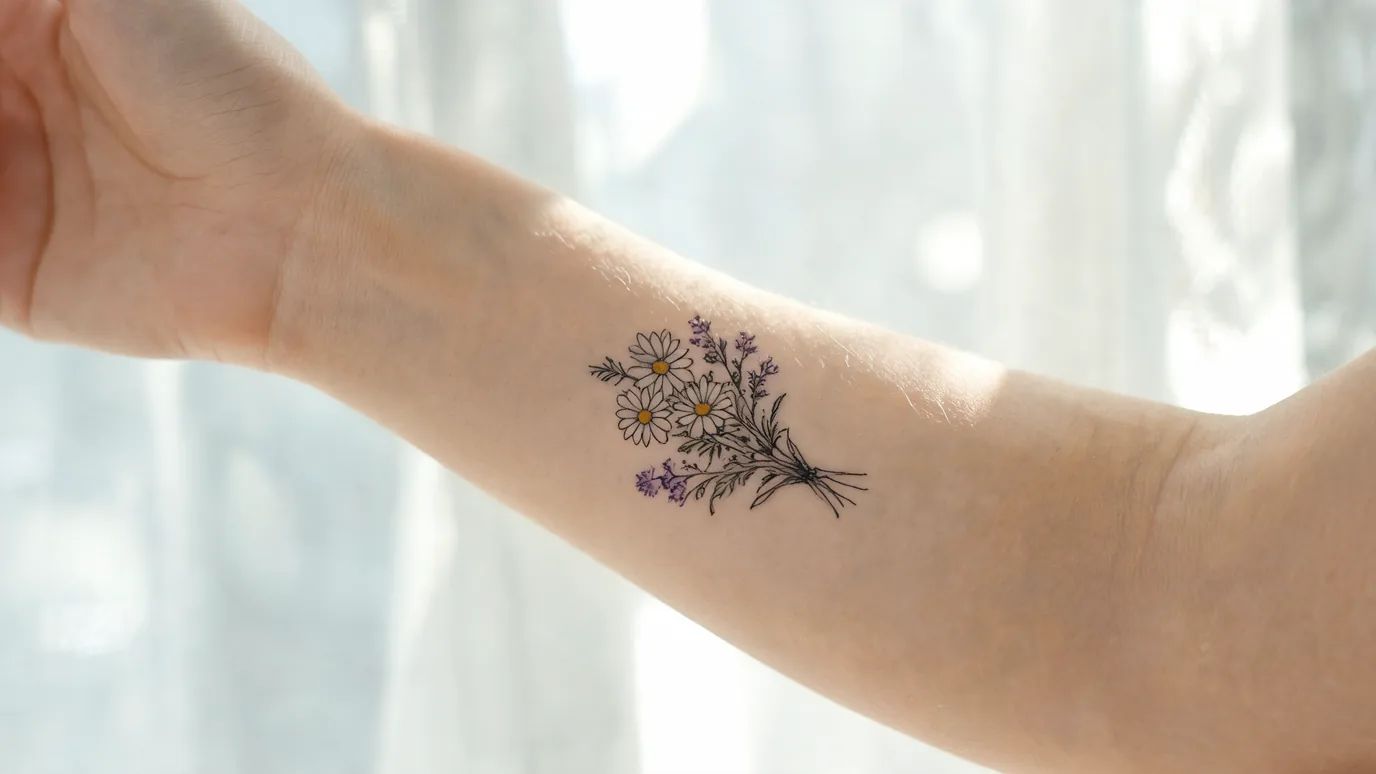
See It on Skin
Ask for the design on a forearm, shoulder or ankle to get a feel for its size and placement. It's a preview, not a stencil, and it helps you decide before anything is permanent.

How to Design a Tattoo With AI
Describe Your Tattoo
Write the subject, the tattoo style and where it goes, such as “fine-line peony on the forearm”. Add “on white paper” if you want a clean design.
Choose the Settings
Pick a model, a style and an aspect ratio. Leave Style on Auto to keep the look you described.
Create and Download
The price shows on the Create button. Click it, check the result and download your design.


FAQs

See Your Tattoo Before It's Permanent
Describe your idea and get a design to take to your artist.