MiniMax H3 AI Video Generator
Every top AI video model, one workspace.
What you can create
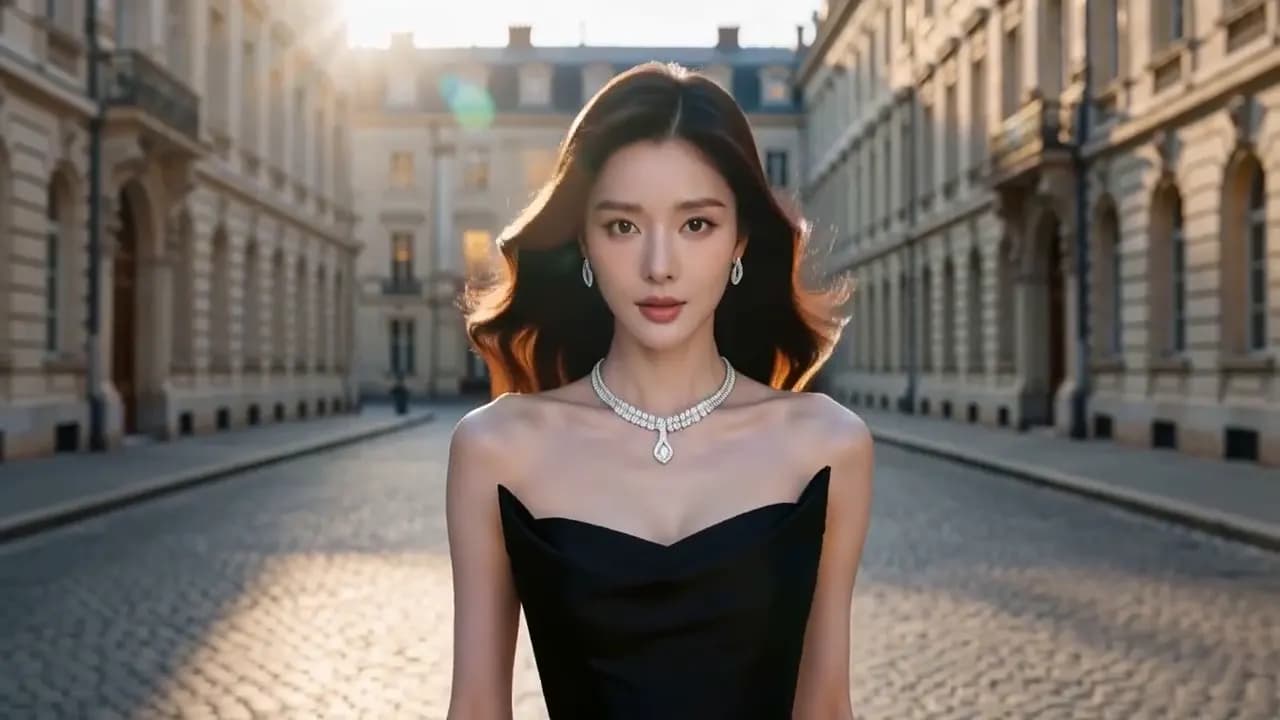
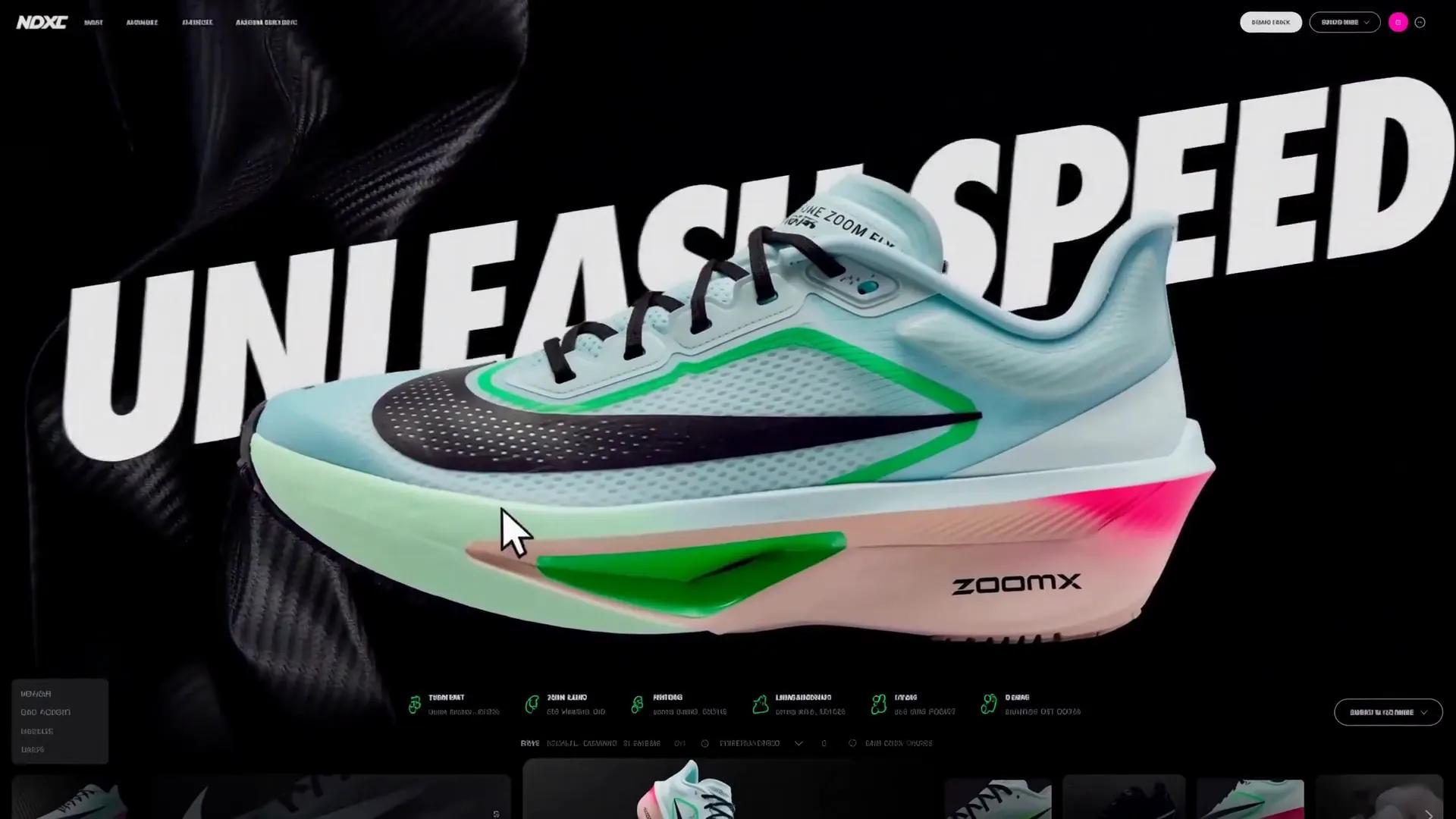

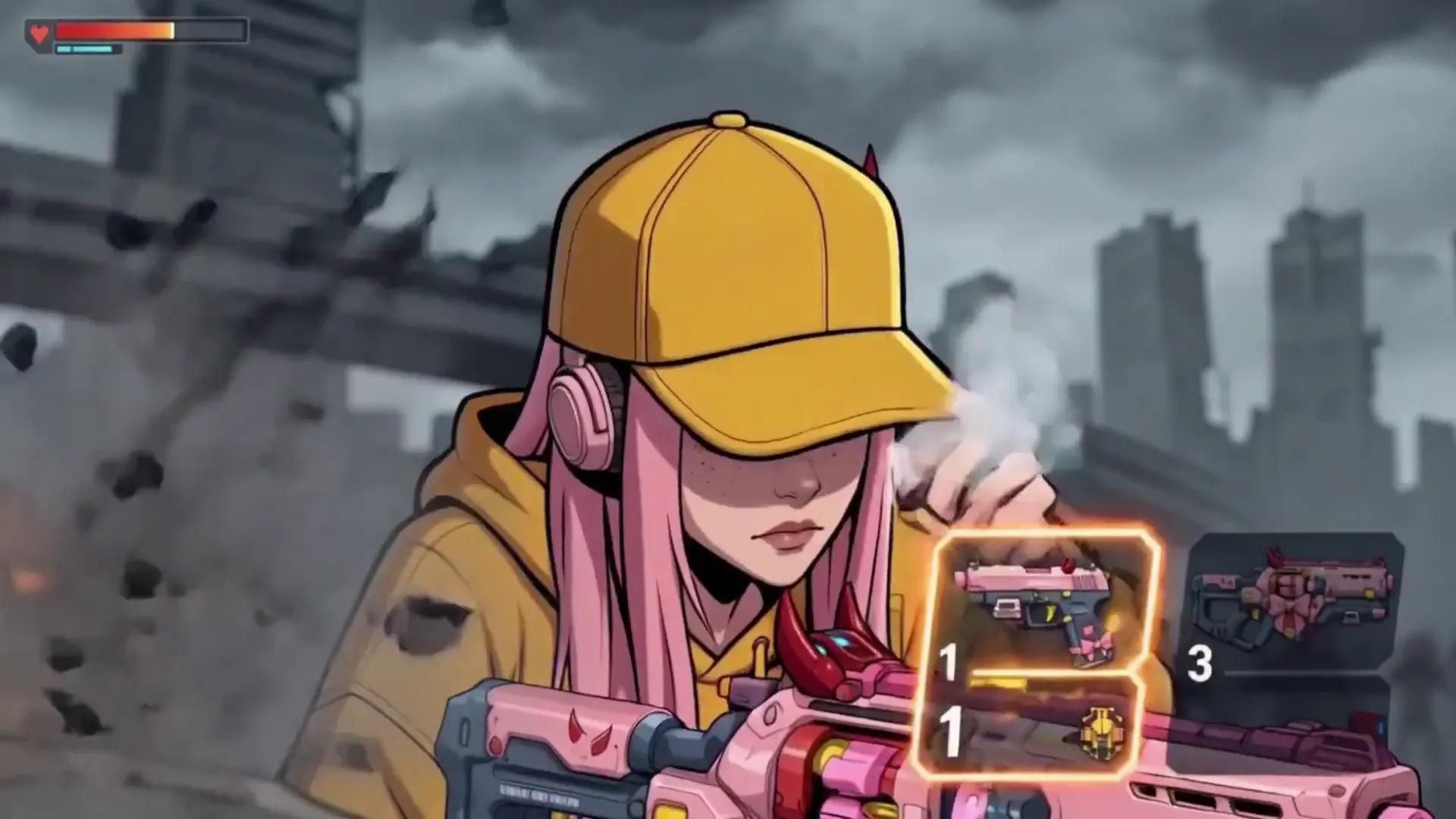
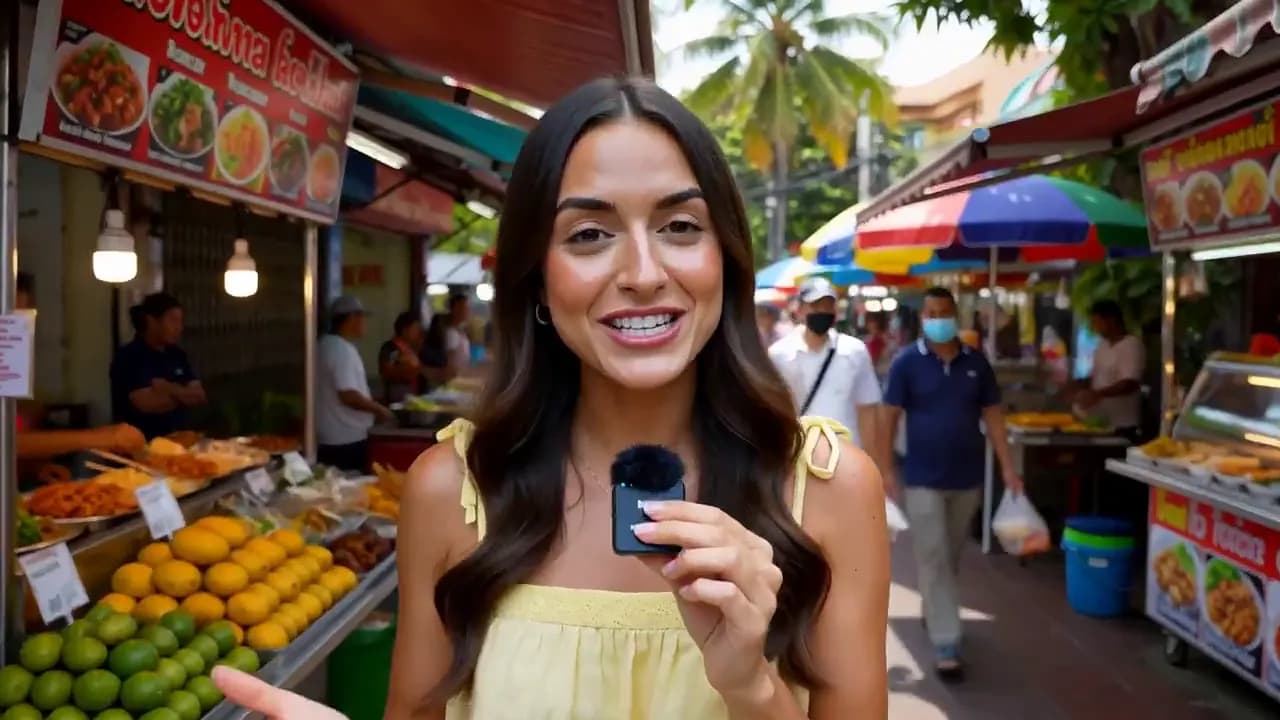
Under the hood
Key Features of the MiniMax H3 AI Video Generator
What the model brings to every clip you make here.
Multimodal Understanding, Not Just Text
A prompt, a photo, a clip and an audio file arrive as one brief, not four settings. H3 reads all four together and works out which file supplies the face, which the motion and which the sound.
- Text
- Image
- Video
- Audio
Omni Reference, Up to 12 Files
Combine references in one brief — up to 12 files — to steer identity, motion, framing, edit rhythm, atmosphere and sound.
- 9 images
- 3 videos
- 3 audio
Reference a Character, a Move, a Camera, a Voice
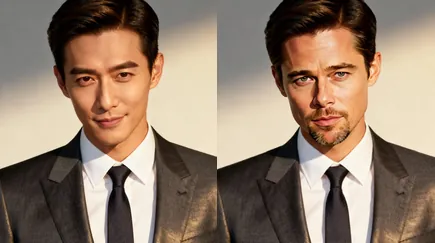
Point at a person for the look, at footage for the performance or the camera move, at a recording for the voice. The cue lands in a new scene and the rest of the shot holds together.
- Character
- Motion
- Camera
- Voice
Precise Video and Audio Editing
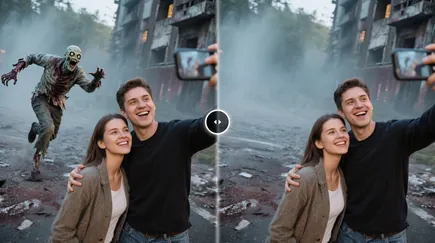
Swap a person or an object, change the background, the light or the line of dialogue — the rest of the shot stays where it was.
Up to 2K, Six Aspect Ratios
Four to fifteen seconds at 768P or 2K, in 21:9, 16:9, 4:3, 1:1, 3:4 or 9:16 — the ratio is a setting, not a crop you do afterwards.
Commercial-Grade Content Creation
Concept, storyboard and finished cut come out of the same pass — 2K frames with sound, in the ratio the placement asks for.
- Trailers
- TVCs
- Brand films
- E-commerce
- Game visuals
- Social
For creators
Pick an idea, make it yours.
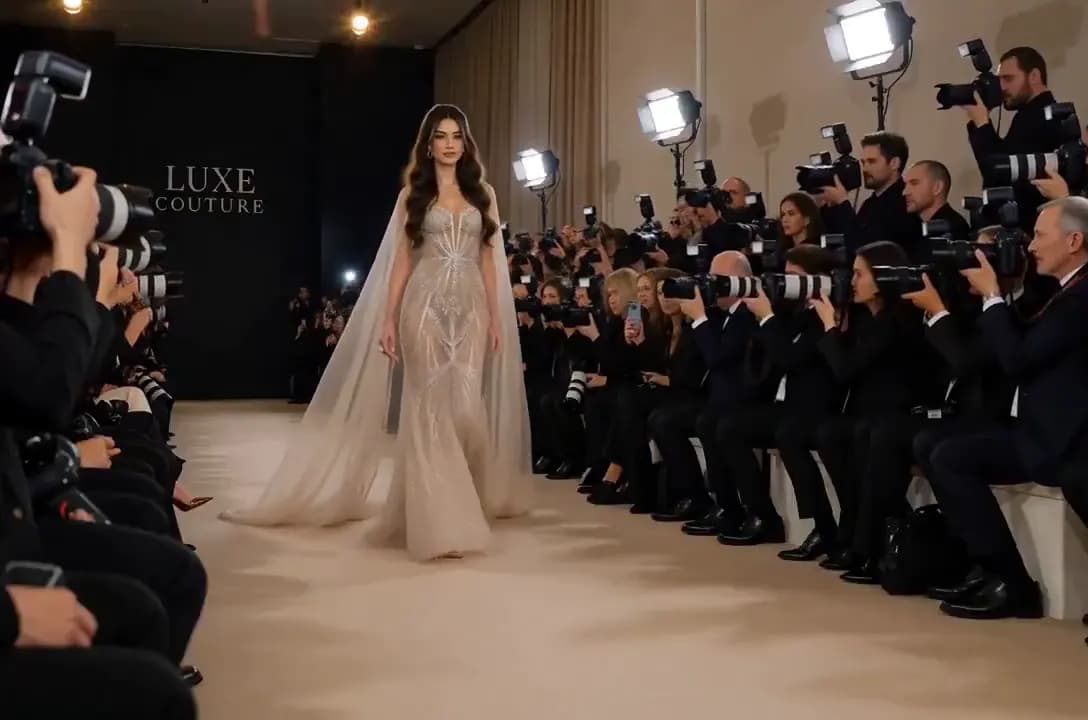
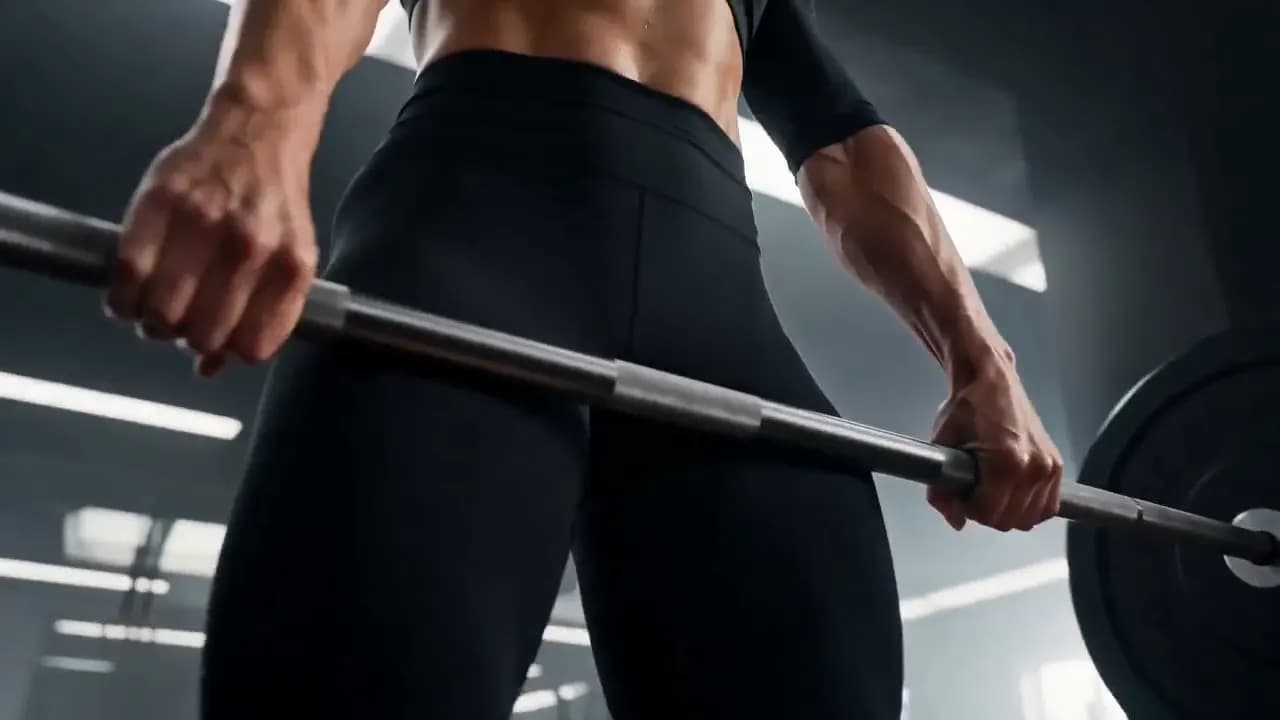
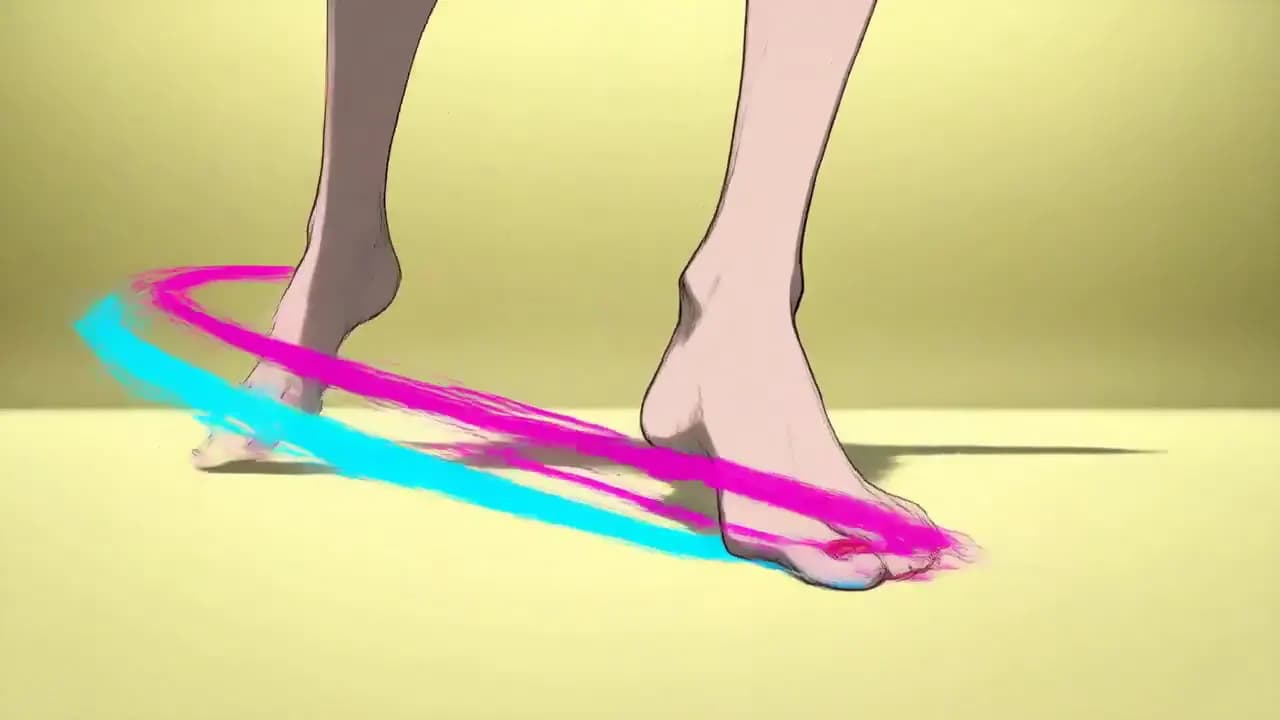
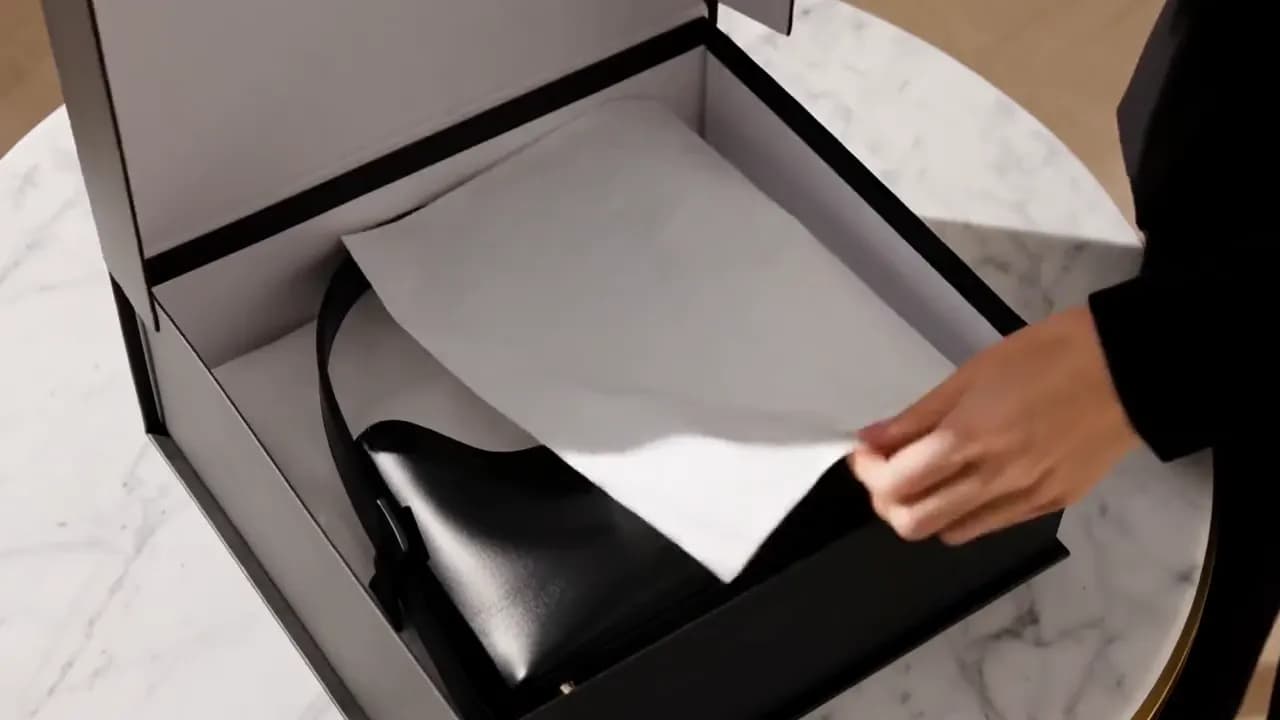
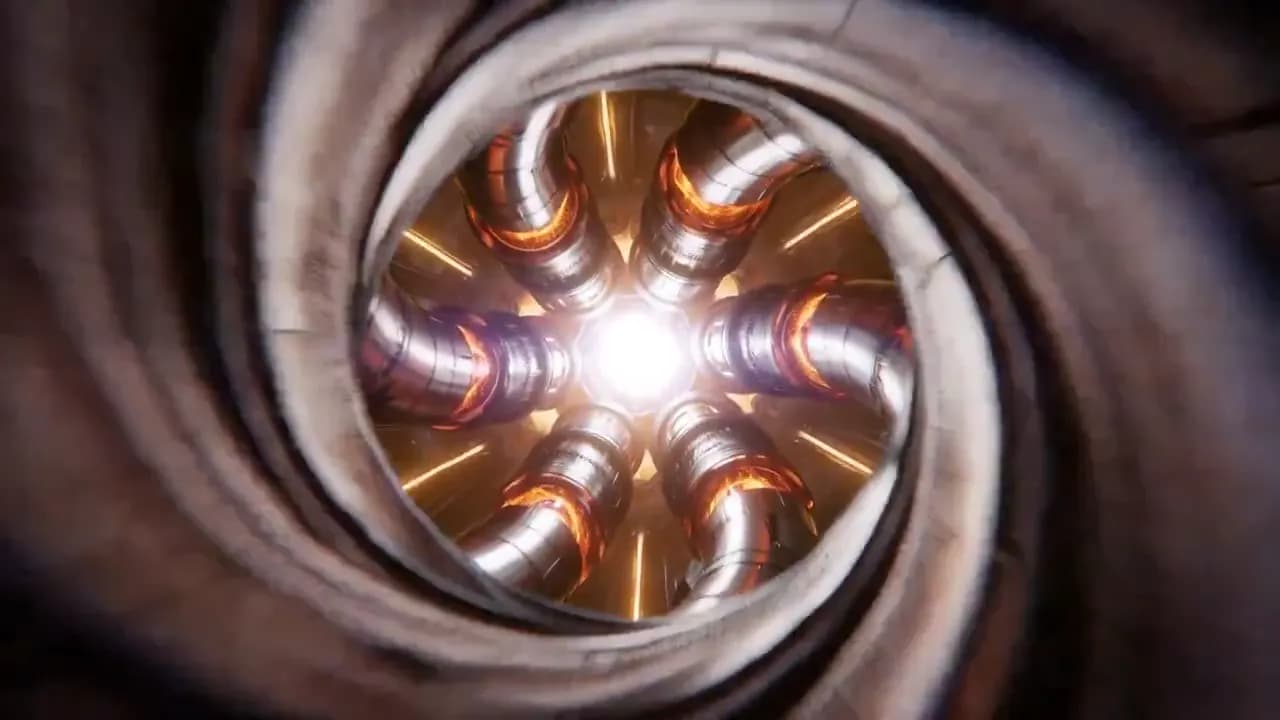
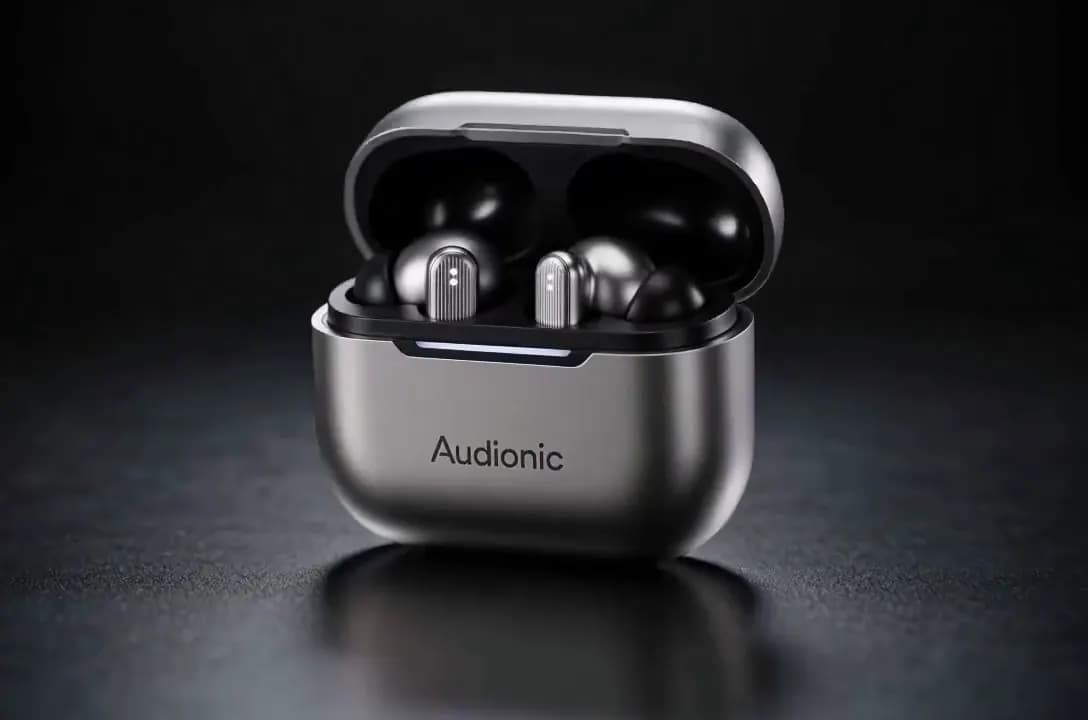
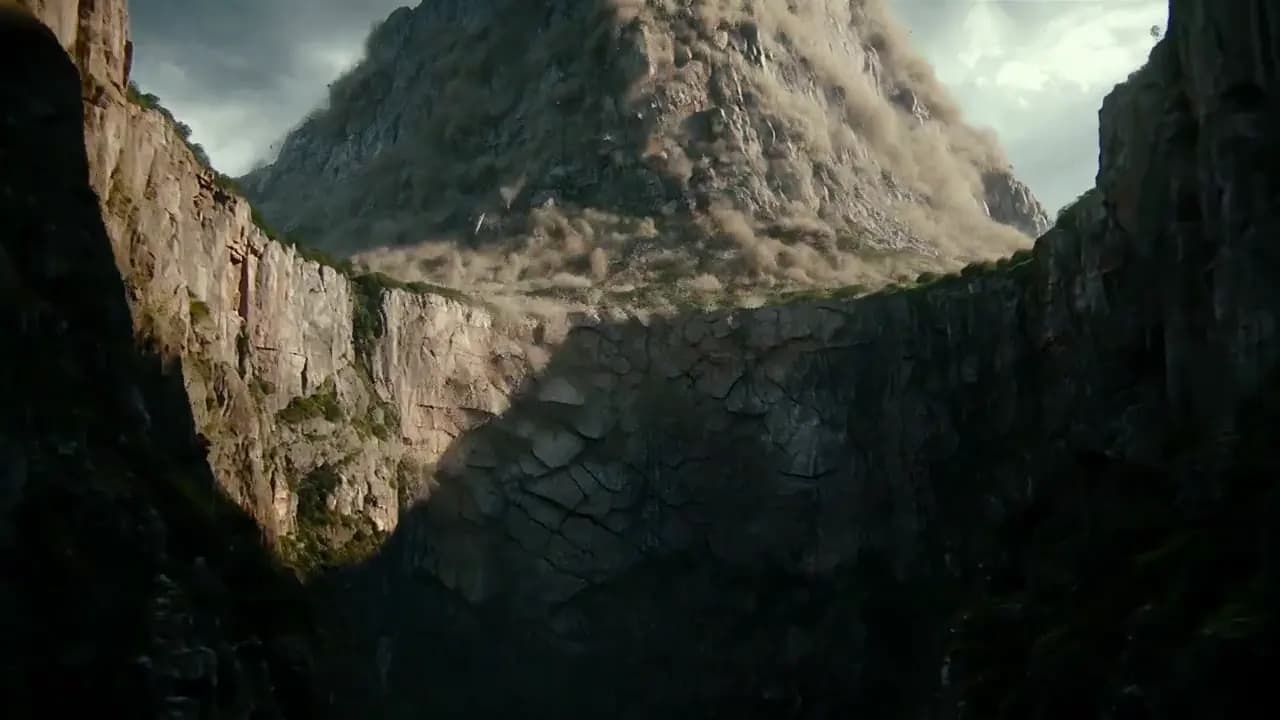
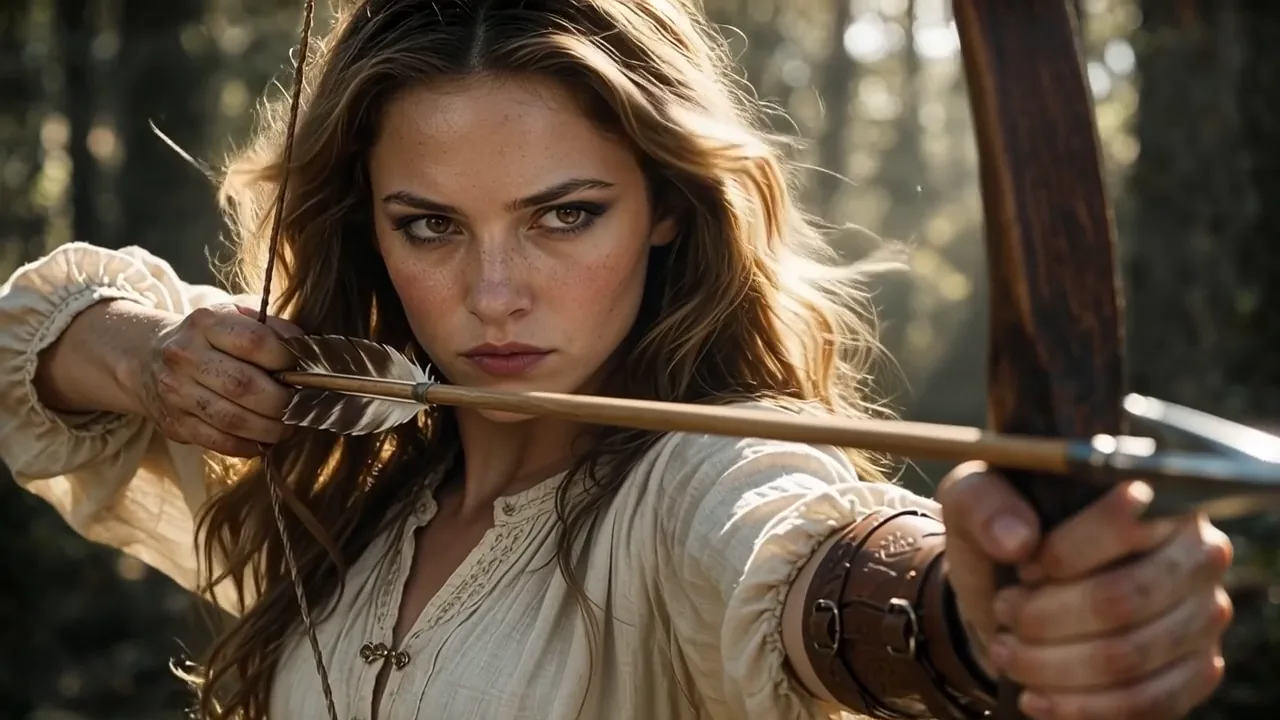
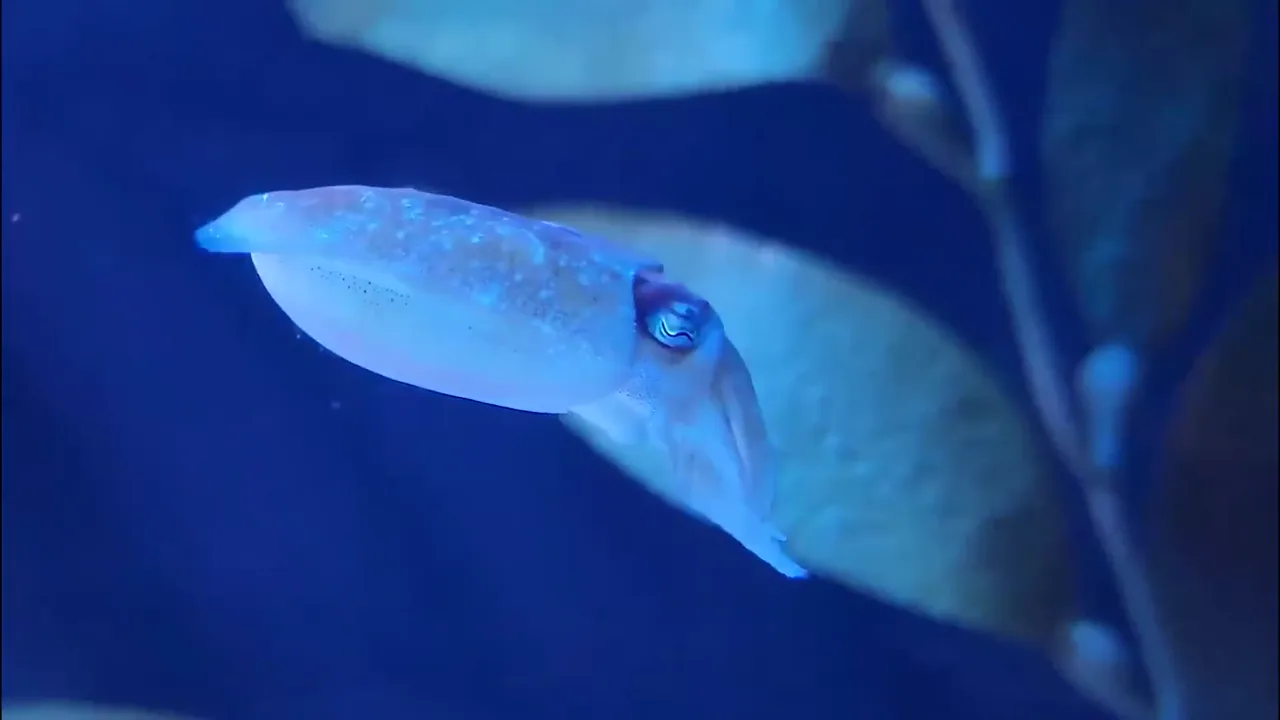
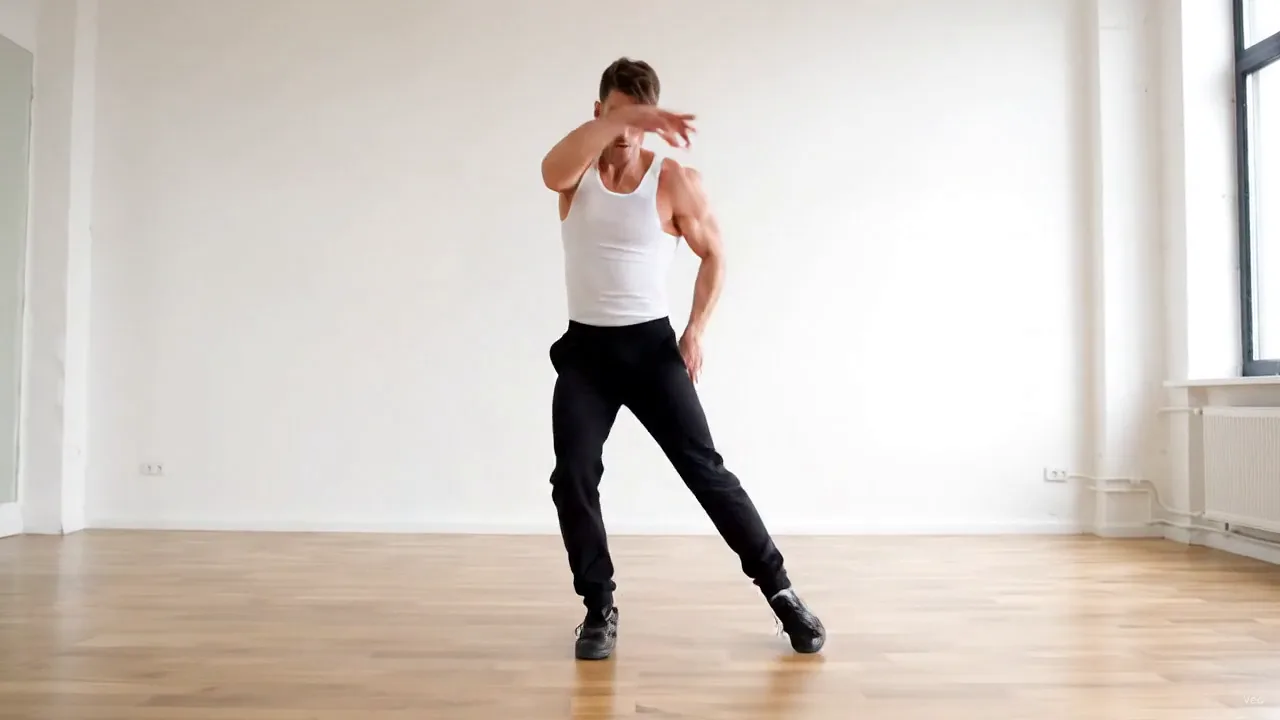
Short films, product clips, dance trends, character portraits and more — examples of what you can make from a prompt or a single photo.





One creative suite
Video and images, start to finish.Made in one place.
Start from a prompt, a photo or a set of references, then edit, upscale and re-frame without leaving.

Text to Video AI
Describe a scene and get a finished clip, camera, light and motion straight from the prompt.
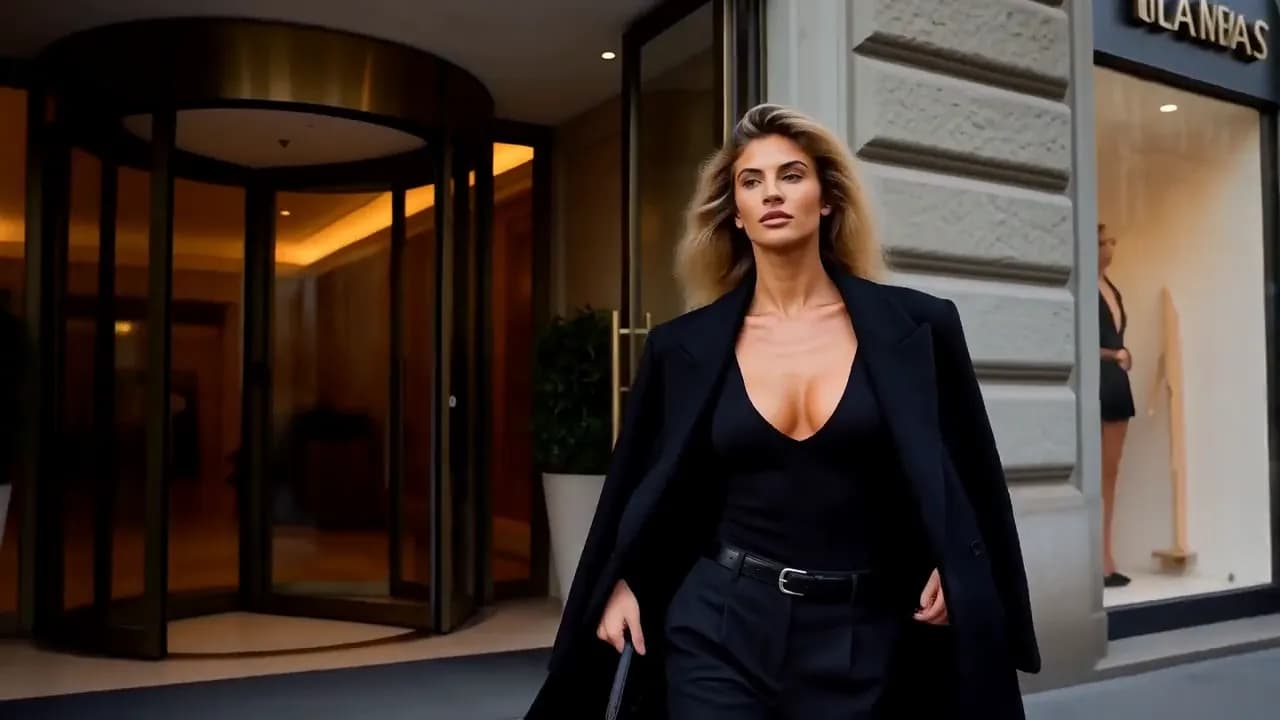
Image to Video AI
Bring a still to life, or set the first and last frame and let the model fill the middle.
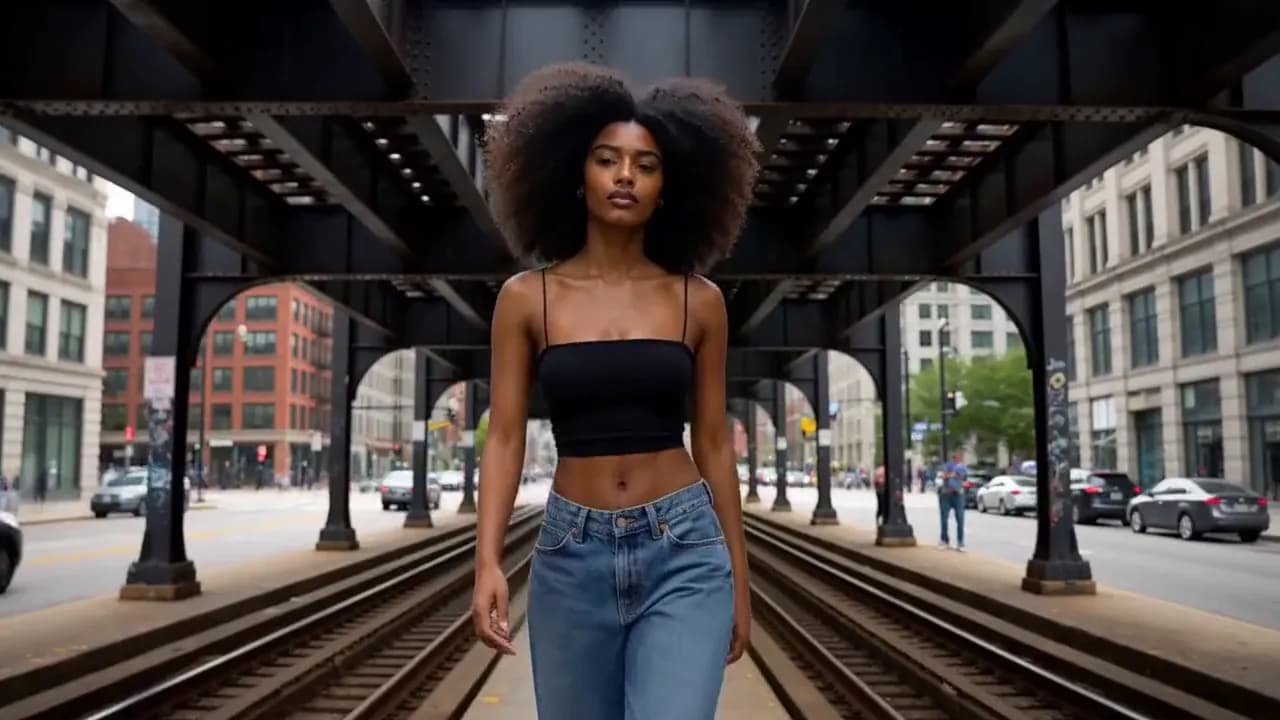
Reference to Video AI
Keep a face, product or style steady across shots with reference images and clips.

AI image generator
Product shots, posters and thumbnails from a prompt, in the model you choose.
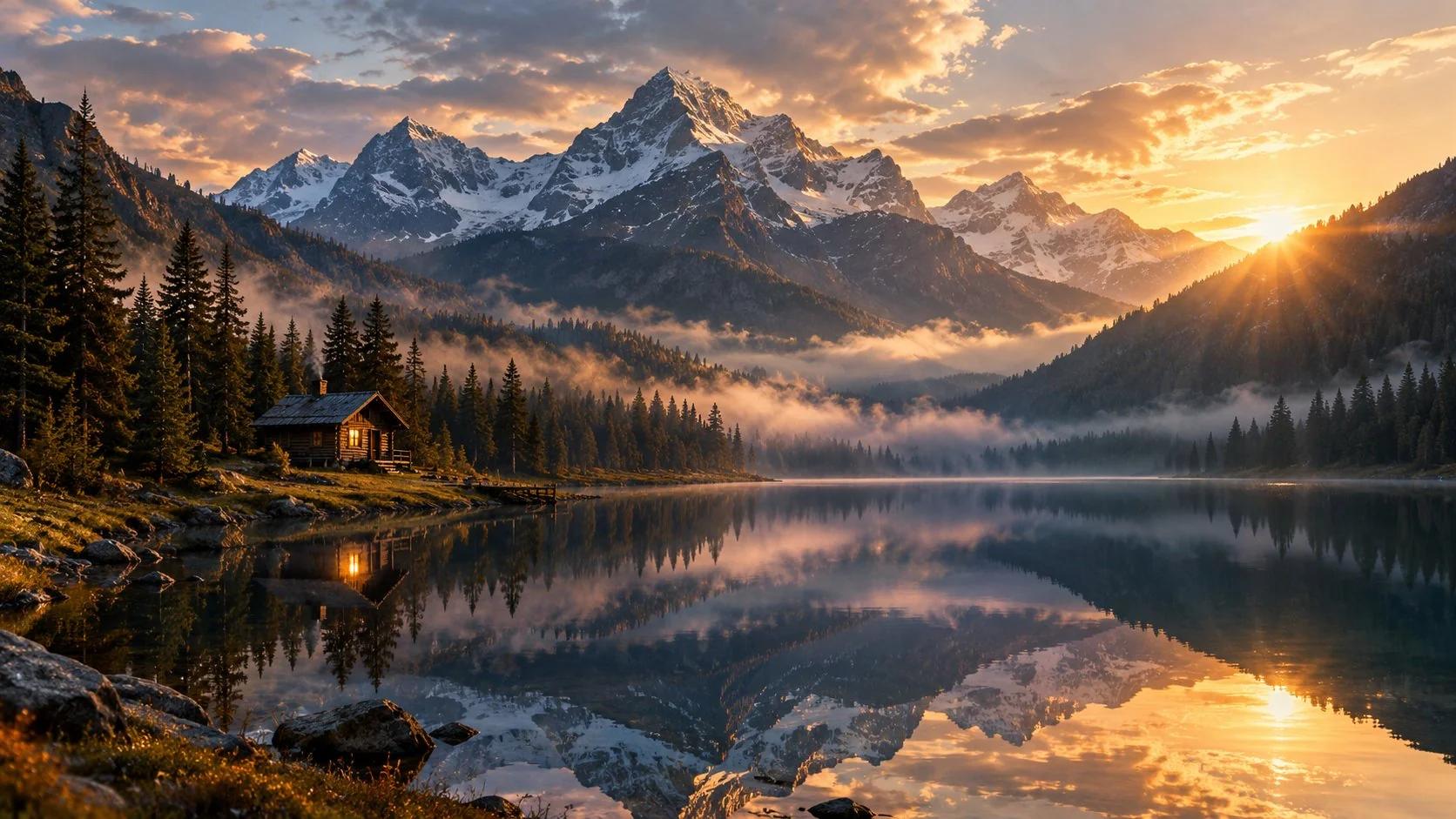
Image to Image AI
Restyle, recolour or reimagine an image you already have.

AI photo editor
Describe the change in plain words and edit a photo. No masks, no layers.
For every team
Who the MiniMax H3 AI Video Generator Is For
One prompt box and the same set of models, whatever the video is for.
Social Content Creators
Keep the calendar full without a shoot. One idea becomes a vertical hook, a longer cut and a thumbnail in the same session, each already in the ratio its platform wants.
Advertisers
Test the ad before you book the shoot. Put the product in a lit scene, swap the hook or the setting, and run the version that wins to the channel it was made for.
E-commerce Sellers
Fill a storefront without a studio day. One clean product still, then the same bottle on a kitchen counter, in a gym bag, on a gift table — recognisably the same product every time.
Marketing Teams
Cover the rest of the funnel — launch teasers, feature explainers, landing-page loops and deck openers — in one visual language, without a ticket to the design queue.
Agencies & Studios
Pitch with film, not a mood board. Cut a concept reel the client can watch before anyone signs off on a shoot budget — then reuse the same references when the real one gets made.
Indie Filmmakers
Settle the scene before the first shoot day. Fifteen seconds is a sequence here — wide, medium, close — with dialogue and score rendered in the same pass.
Game Creators
Cut a teaser before the build is finished: hero shots, world reveals and store-page loops, iterated in one style at prototype speed.
Educators & Course Creators
Show the step instead of describing it. Short explainers and module openers that hold one look across a whole course, narration included.
Product & Brand Teams
Keep the brand recognisable frame to frame. Feed the same references into every run so a season of posts looks like it came from one shoot.
Bring a clip or a photo.Pick the job and go.
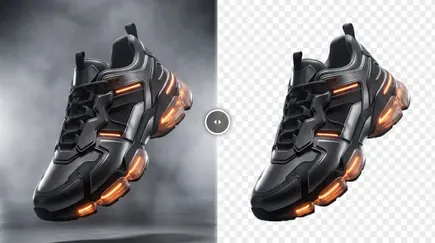
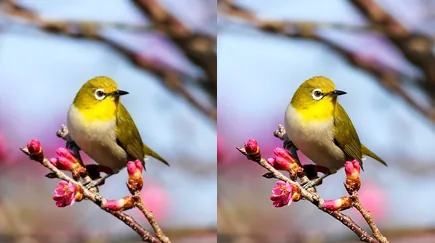
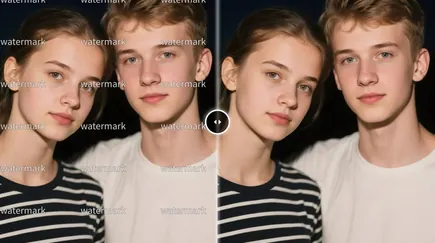
Ready-made tools for the footage and images you already have: erase objects, extend a shot, upscale, reframe, change the background. Most need no prompt at all.
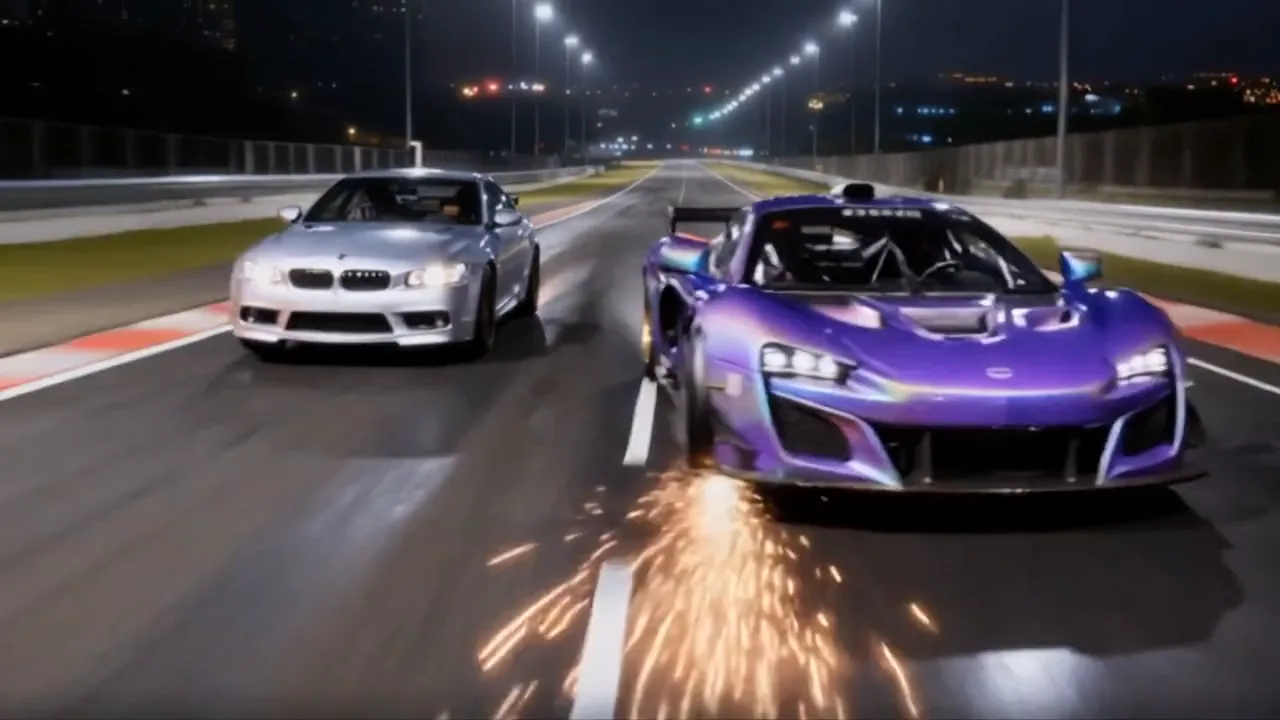
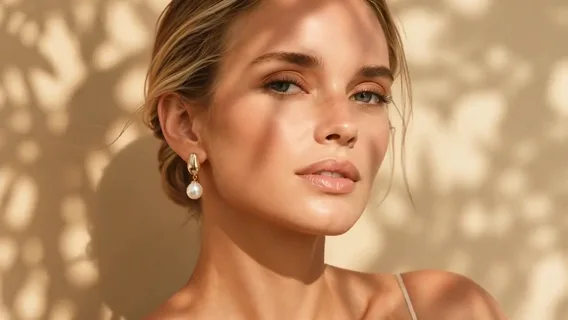
Start with MiniMax H3.Switch anytime.
Seedance 2.5, Veo 3.1, Wan 3.0, Sora 2 and Kling run on the same credit balance as H3, and new releases land in the same picker. Trying another one is a click, not another sign-up.